









 Text & Image to 3D models
 Free Credits Monthly
 High-Fidelity Detail Preservation
Upscaling Texture to High Resolution
Upscale 3D model textures to 8K with Tripo AI. HD texture generation with AI-powered upscaling preserves sharp edges, fine surface details, and PBR material accuracy. Free to start.
AI Image to 3D Model Showcases

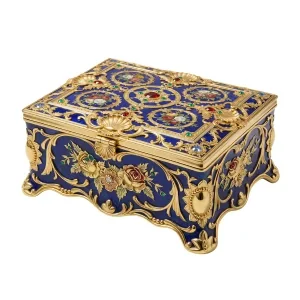

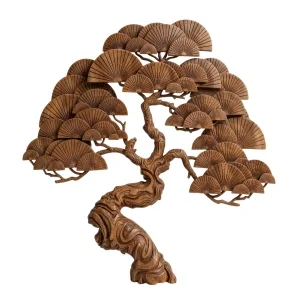

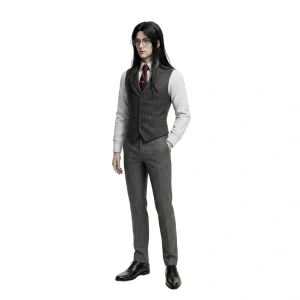




Why Using Tripo AI for Texture Upscaling
HD Textures with AI Upscaling
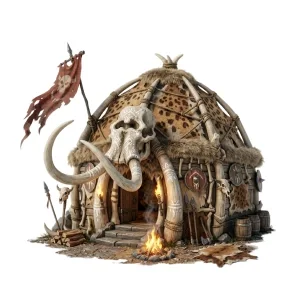
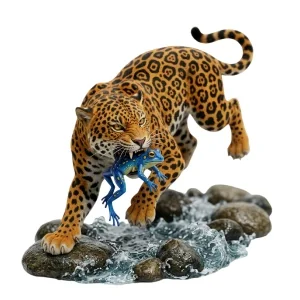
Generate ultra-high-resolution 3D textures with AI-powered upscaling. Tripo preserves sharp edges, fine surface details, and material accuracy for demanding production pipelines—whether you are building games, creating VFX, or rendering product visuals.

8K Resolution Output
Scale textures up to 8K resolution in a single pass. AI fills in missing detail at the sub-pixel level, producing textures that look natively created at high resolution—not stretched from a smaller source. From mobile-ready 1K to film-quality 8K.

PBR Channel Consistency
Upscale all PBR channels together—Base Color, Normal, Roughness, Metallic, AO. AI maintains physical relationships between channels: where roughness increases, normal detail increases too. No channel-by-channel manual processing.

How to Use Image to 3D Feature in Tripo
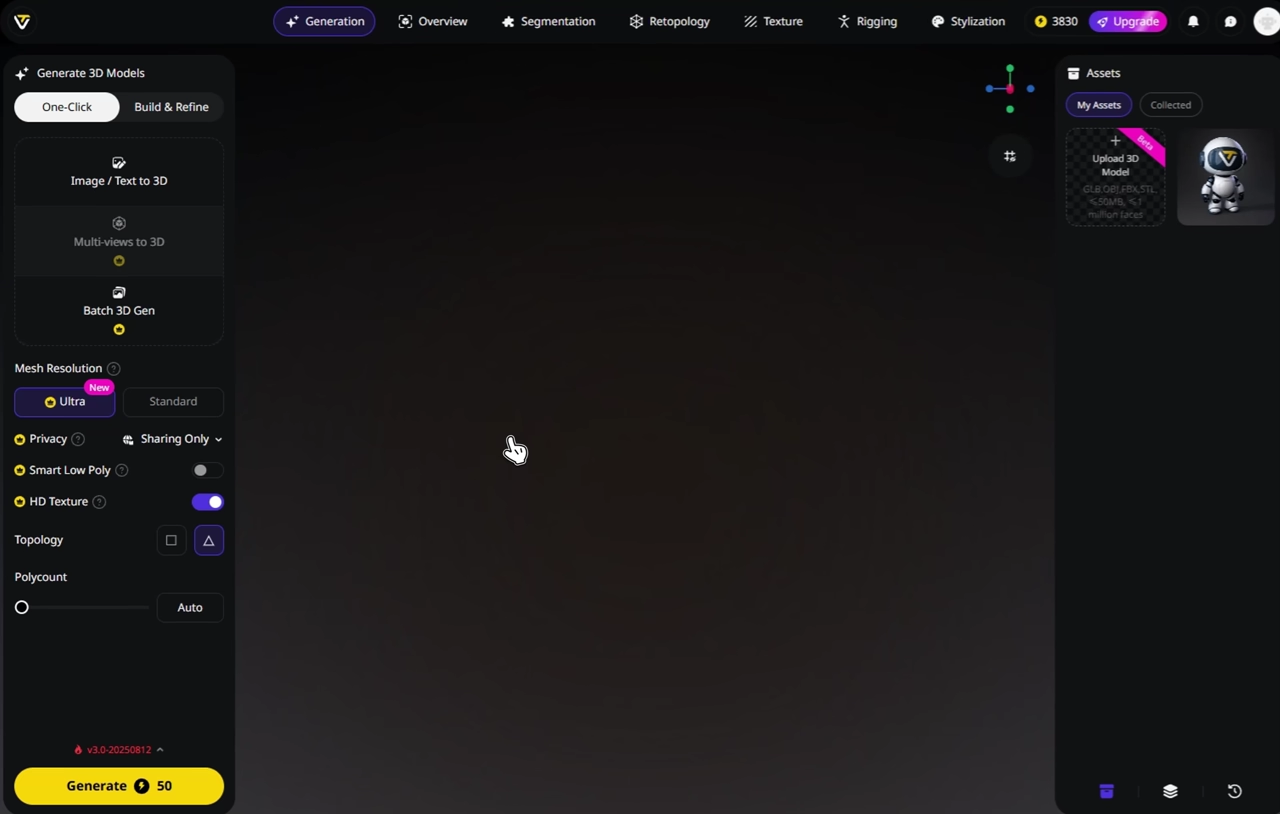
Upload Your Image
Start with one image or multiple views. Tripo supports common formats such as JPG, PNG, WEBP, and more.
Generate Your 3D Model
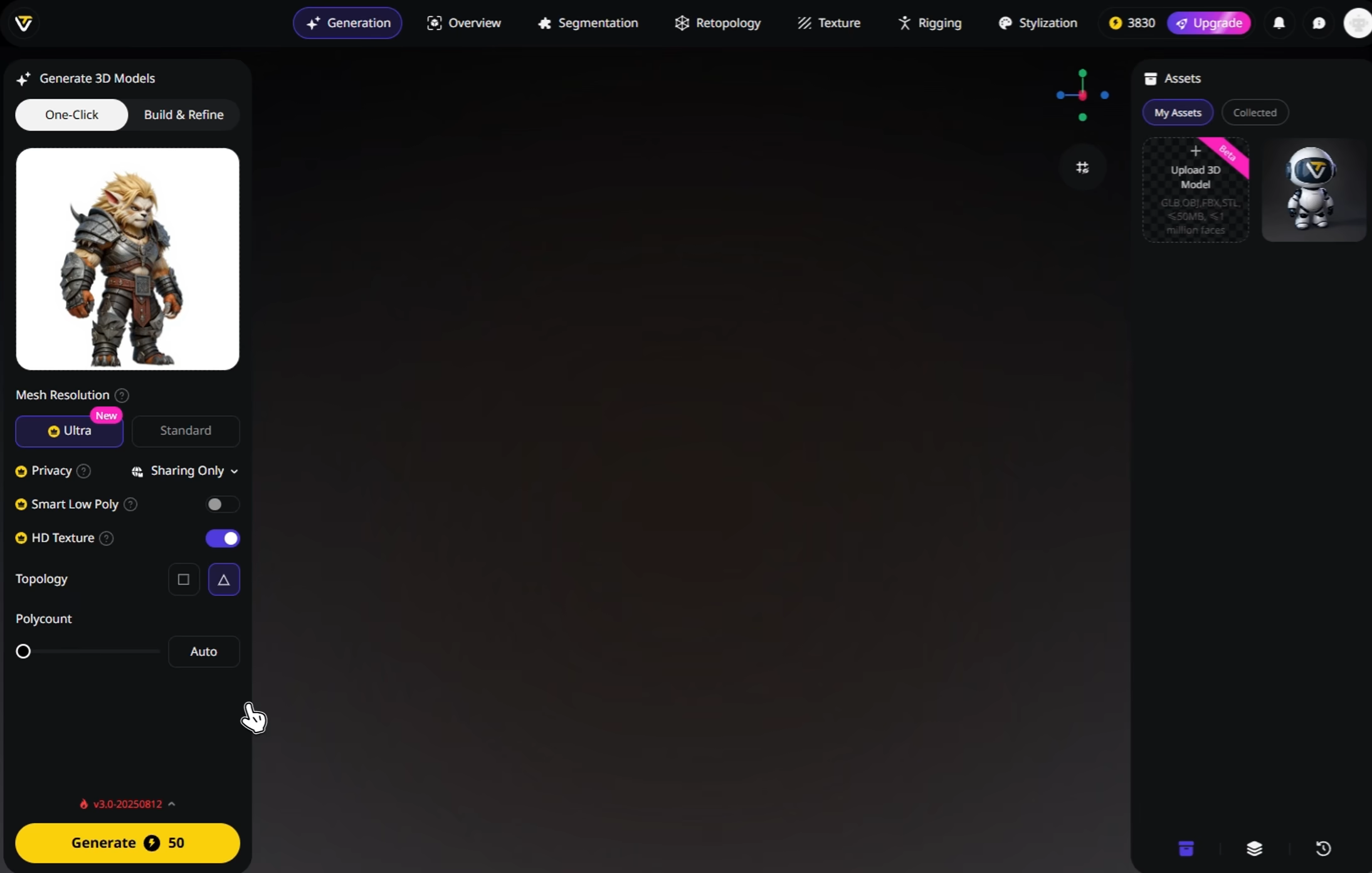
Tripo analyzes your image and creates a 3D model in seconds, fast enough for iteration and precise enough for real work.
(Optional) Enhance
Refine your result with textures, rigging, animation, or part separation depending on your workflow.
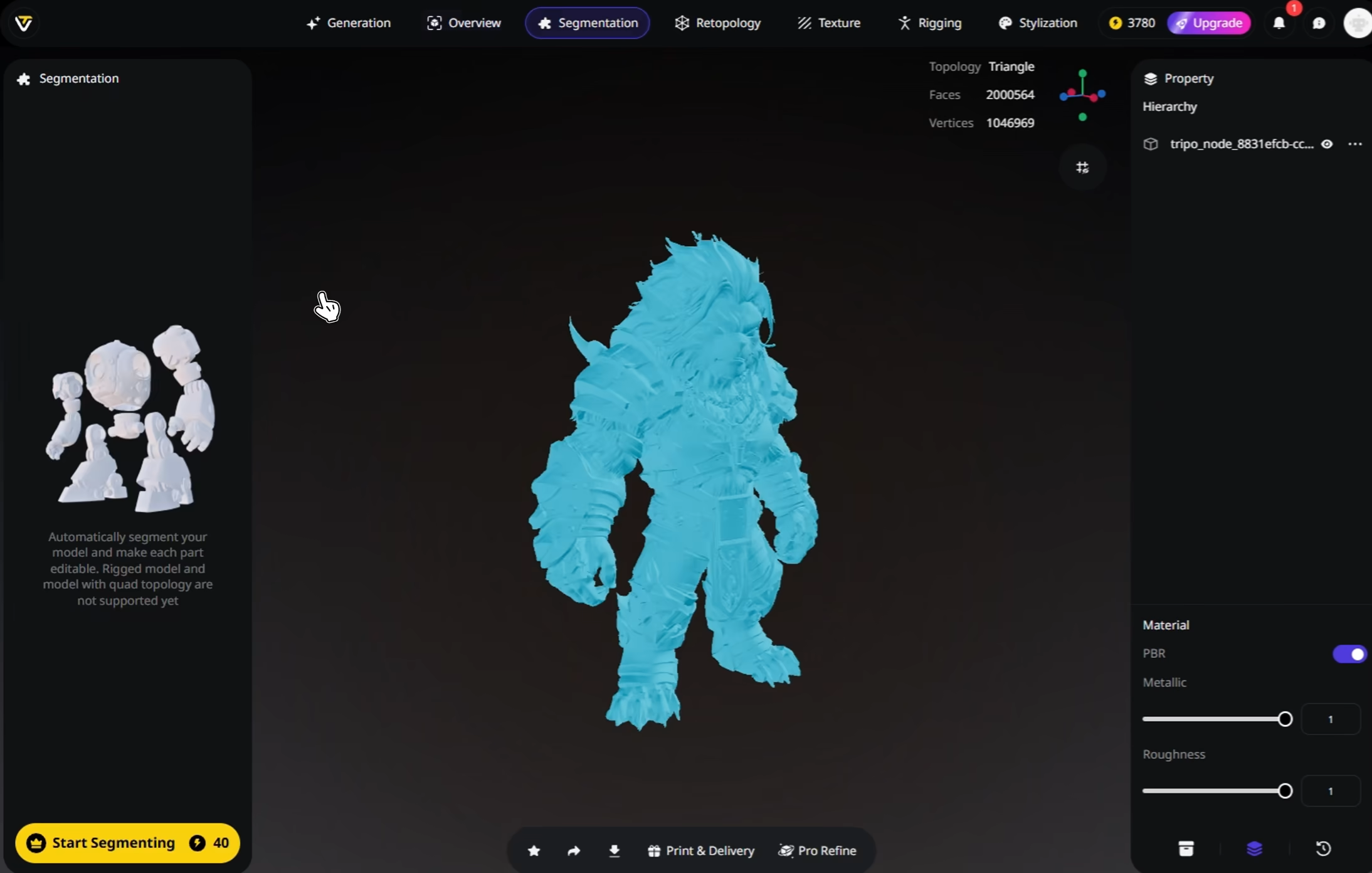
Download and Use Anywhere
Export your 3D model in formats like STL, OBJ, and FBX for use in design, games, prototyping, and more.
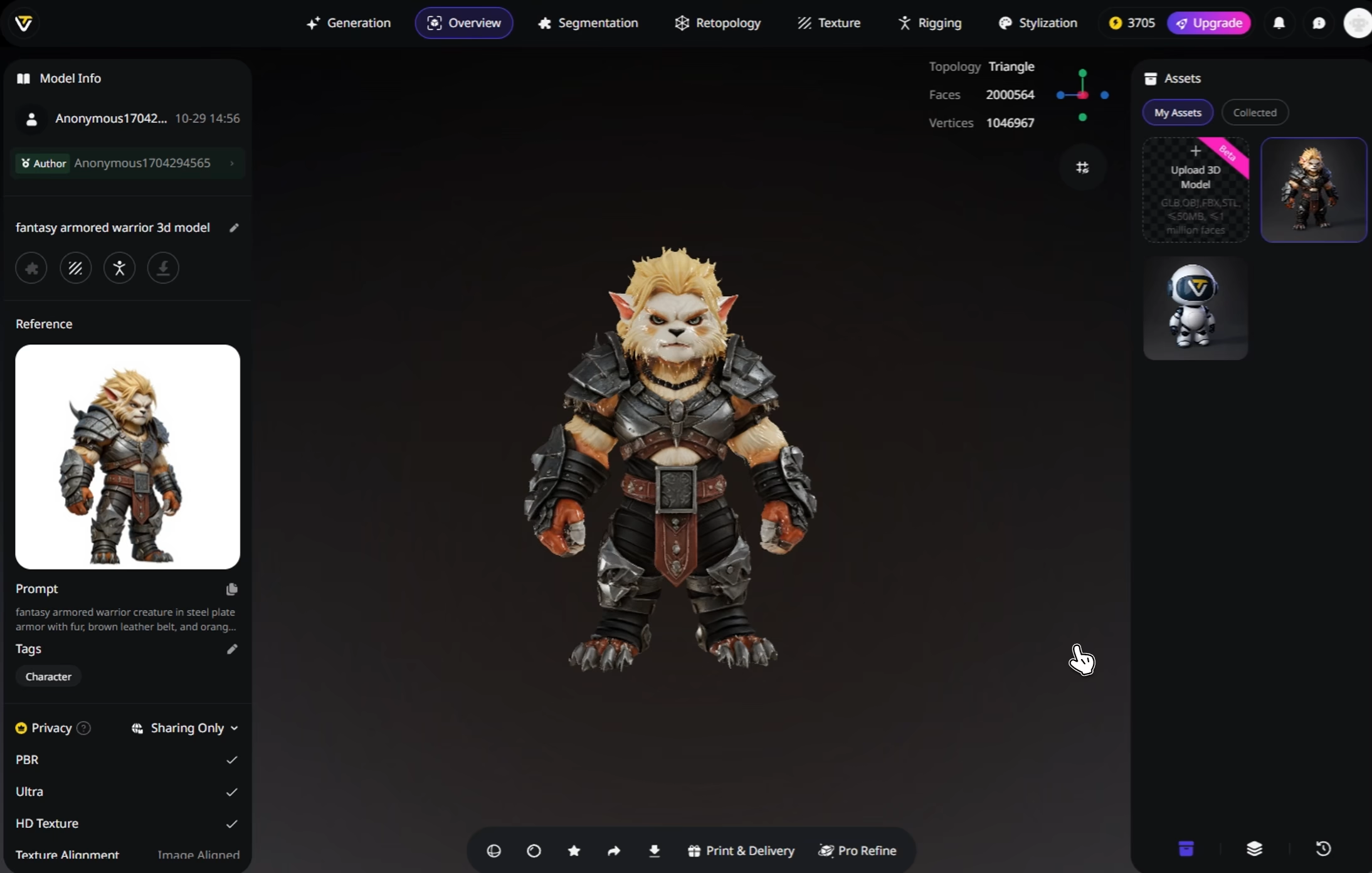


Loved by Creators Worldwide
Didn't expect one photo to work so well. My model looked ready in seconds.
Perfect for my design project. Everyone thought I spent days in Blender.
Multi-view mode takes longer but delivers details I can't get anywhere else.
UI is simple, nothing fancy, but the models export clean every time.
Jewelry prototype came out surprisingly crisp, even the tiny parts.
As an indie dev, I saved days of work. Assets dropped right into my game.
Rigging feature is smoother than I expected. Mixamo accepted my model fine.
First time trying AI for 3D. Honestly shocked at how fast it delivers.
FAQ
Stay Ahead with the Latest Trends
Explore trending topics in 3D modeling, AI tools, and the world of 3D creation.
Introducing Tripo H3.1: High Detail Model for Production-Ready Assets
Tripo H3.1 generates high-fidelity 3D models with dense geometry and production-level detail, ideal for hero assets, marketing visuals, rendering, and 3D printing.
Read moreImage-to-3D vs. Text-to-3D: When to Use Each in Your Workflow
This article compares image-to-3D and text-to-3D generation workflows, helping you choose the right method for faster, smarter 3D model creation using Tripo AI.
Read moreTripo 3D Tutorial Center
Systematically master end-to-end workflows of Tripo 3D from beginner to advanced, and learn how to create production-ready 3D assets with greater speed and control.
Read moreIntroducing Tripo Smart Mesh P1.0: Clean Low-Poly Topology in 2 Seconds
Generate clean, optimized topology meshes in seconds with Tripo Smart Mesh. Create lightweight, game-ready 3D models for engines, web, and real-time workflows.
Read moreRelated Features
Explore More on Tripo AI
Image to 3D Model
Upload any image and generate a high-quality 3D model in seconds with Tripo AI. Supports single-view and multi-view inputs.
Learn moreAuto Rigging
Rig any static 3D model into animation-ready in seconds. Tripo AI delivers clean skeletons and smooth skin weights automatically.
Learn moreModel Stylization
Apply artistic styles to 3D models with Tripo AI. Transform realistic meshes into stylized, cartoon, or low-poly aesthetics.
Learn moreImage Gen: GPT-4o
Generate high-quality reference images with GPT-4o integrated in Tripo AI. Create perfect input images for 3D generation.
Learn more