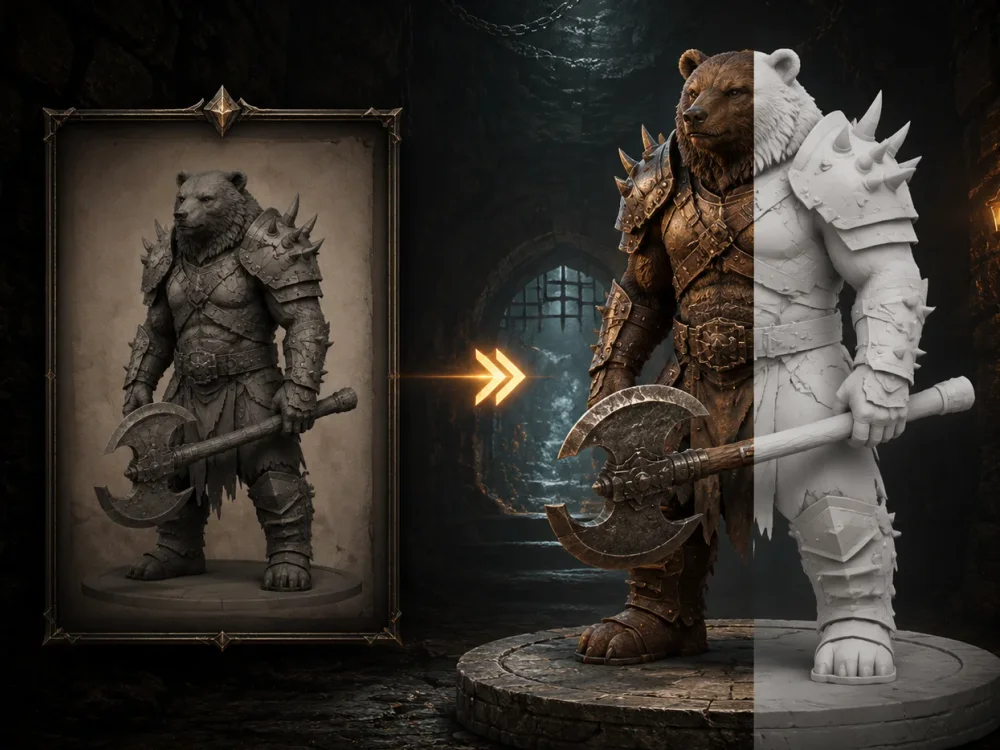
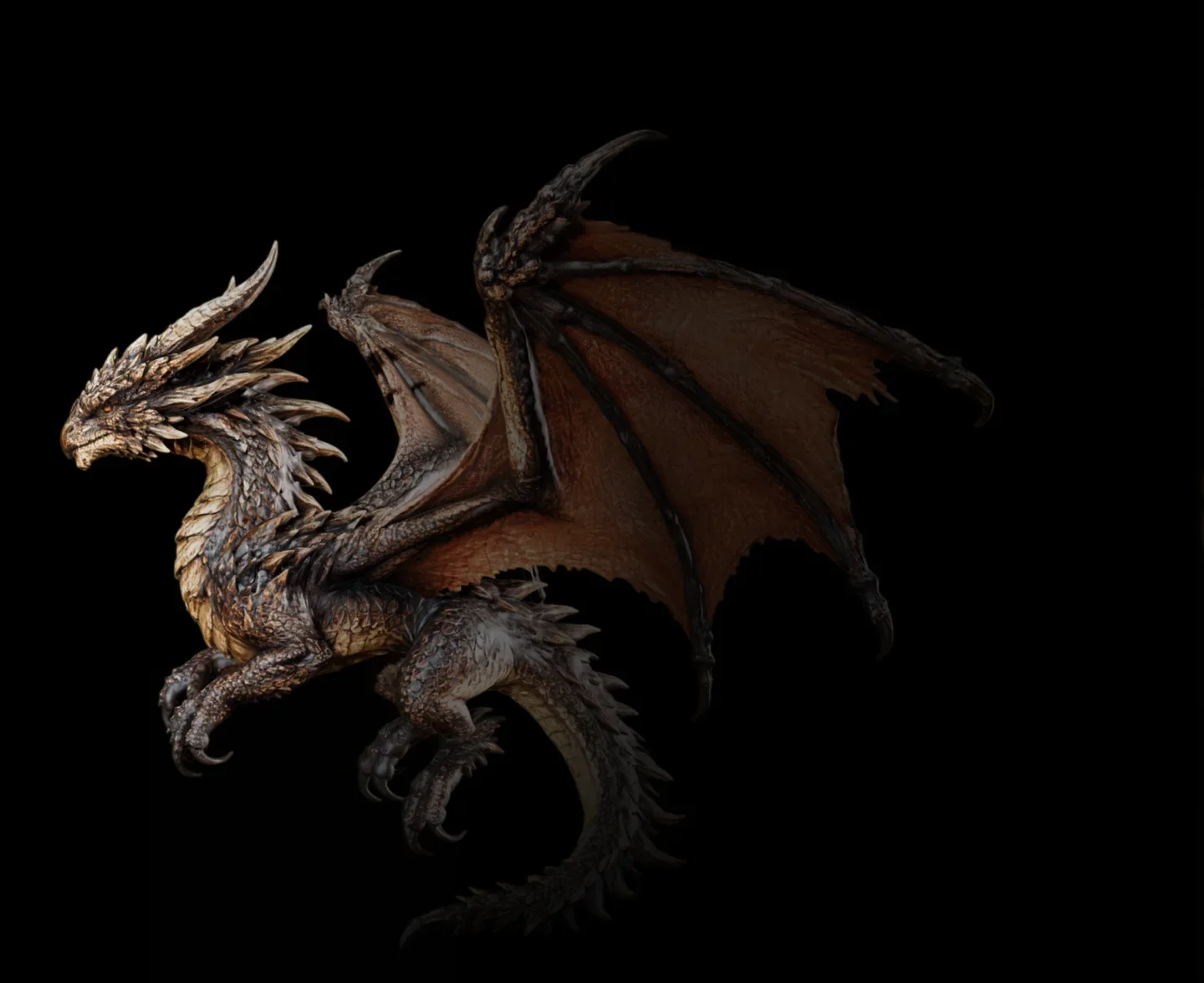

Tripo VS Hunyuan 3D
Beyond Generation —Building Professional 3D Assets
Choosing between Tripo and Hunyuan 3D? Both platforms can generate 3D models from text and images, but they serve different creative and production needs. While Hunyuan 3D focuses on accessible AI-powered generation, Tripo is built for creators, studios, and businesses that require higher model quality, cleaner topology, faster workflows, 3D-printing readiness, and professional-grade assets that fit seamlessly into real production pipelines.
📅May 25, 2026






TL;DR: Tripo Goes Beyond Generation to Build Professional 3D Assets
Tripo provides a comprehensive AI 3D creation platform that goes beyond model generation, combining image-to-3D, text-to-3D, intelligent mesh reconstruction, 8K texture generation, image preprocessing, automated 3D printing workflows, DCC integrations, and powerful post-generation editing tools into a unified production pipeline.

Choose Tripo for high-quality geometry, realistic textures, rapid asset generation, advanced topology optimization, and Smart Mesh workflows. Its production-ready models integrate seamlessly with Blender, Maya, Unity, Unreal Engine, Godot, Cocos, Bambu Studio, Cura, and other industry-standard tools.
✓
Smart Mesh creates optimized low-poly topology in seconds for real production workflows.
✓
HD Model H3.1 preserves sharper silhouettes, cleaner structures, and higher visual accuracy.
✓
8K texture workflows improve surface fidelity and keep assets closer to the original design.
✓
Built-in image preparation, segmentation, rigging, animation, and Pro Refine reduce manual cleanup.
✓
DCC bridges connect assets with Blender, Maya, Unity, Unreal Engine, Godot, Cocos, and more.
✓
STL/3MF export and AI-to-print workflows help move generated models into physical production.


Choose Hunyuan if you only need foundational AI 3D capabilities and prefer a lightweight workflow centered on basic needs rather than production-ready asset creation.
✕
Strong research-backed AI 3D foundation, but more focused on generation than full production workflows.
✕
Image-to-3D and text-to-3D are available, but complex structures may lose sharp edges and fine transitions.
✕
No equivalent Smart Mesh workflow for automated low-poly retopology and game-ready topology control.
✕
HD generation can produce softer shapes, blurred details, and less reliable geometry on complex assets.
✕
Rigging has polygon limits and mainly supports biped and quadruped models.
✕
Segmentation quality can be less precise, with edges that do not always follow structural contours.
✕
No built-in DCC plugin ecosystem, 3D printing service, or Pro Refine-style production optimization workflow.
Where each platform actually scores.
Fourteen capabilities, scored on a 0–5 scale by our team using a fixed benchmark prompt set. Higher = better.
FÄHIGKEITEN

SCORE

SCORE
Bild zu 3D
Advanced image-to-3D generation that preserves object structure, captures fine details, and supports image optimization workflows prior to 3D creation.
TOP5/5
Basic image-to-3D conversion is available, with accuracy lacking for intricate structures.
3/5
Text zu 3D
Text-to-3D generation with versatile style support and multiple workflow options for different types of projects.
4.5/5
Offers basic text-to-3D capabilities, mainly for preliminary concept design and prototyping.
3/5
Smart Mesh P1.0
Generate optimized low-poly topology for real-world production workflows in just 2 seconds with Smart Mesh P1.0.
TOP5/5
Lacks equivalent automated low-poly retopology tools.
HD-Modell H3.1
Advanced model generation capabilities ensure greater detail retention, more accurate form reconstruction, and superior overall visual quality.
TOP5/5
Blurred details, lost structural transitions and sharp edges. All turns are overly soft, and it struggles to infer structures, often producing faulty geometry.
2.5/5
Texturqualität
Supports high-resolution texturing with enhanced detail preservation and improved visual fidelity.
TOP5/5
Features rudimentary AI-driven automatic texturing for created assets.
3/5
Rigging
Comprehensive rigging support for a broad range of character assets, from humanoids and four-legged animals to complex creature models, across both high-poly and low-poly pipelines.
3/5
Rigging has polygon limits; only supports biped and quadruped.
3/5
Animation
Supports animation-ready character assets, including both biped and quadruped models.
3/5
For character animation only.
2.5/5
Bildoptimierung vor 3D
Features built-in AI image creation templates powered by leading generative models like GPT Image 2, Nano Banana 2, and more to streamline asset preparation.
TOP5/5
Equipped with templates for image creation, yet lacks image editing capabilities.
3/5
Segmentierung
Enables accurate mesh segmentation for easier editing, customization, and asset management.
TOP5/5
Edges do not fit the structural contours, with unreasonable component segmentation.
2.5/5
Generierungsgeschwindigkeit
Smart Mesh produces optimized topology in seconds, while HD generation balances quality and speed for efficient iteration.
TOP5/5
Delivers basic generation functions, while advanced pipelines entail longer processing time.
2/5
Plugin-Ökosystem
Designed to fit seamlessly into professional pipelines, with compatibility across major DCC tools and game engines across Blender, Maya, Unity, Unreal Engine, Godot, Cocos, and more.
TOP5/5
Nicht verfügbar.
3D-Druckservice
Create your 3D model on Tripo Studio, initiate print orders with a single click, and enjoy end-to-end delivery via our streamlined fulfillment system.
4.5/5
Nicht verfügbar.
Pro Refine
Professional troubleshooting and optimization support is offered.
TOP5/5
Nicht verfügbar.
Kosten pro Modell
Around $0.17 per model
Around $0.20 per model
Preise
PREISE
Tarifstruktur
Free / Pro / Max / Team / Enterprise
Basic / Plus / Advanced / Premium
Kostenloser Tarif
$0 / mo
$0 / mo
Einsteigertarif
Pro — $19.9 / mo · Up to 120 assets
Plus — $19.9 / mo · Up to 100 assets
Großvolumentarif
Max — $89.9 / mo · Up to 1,000 assets
Advanced — $39.9 / mo · Up to 200 assets
Premium — $99.9 / mo · Up to 500 assets
Teamtarif
Verfügbar
-
Gleichzeitige Aufgaben
Up to 200
-
Bildmodelle
Nano Banana, Nano Banana Pro, Nano Banana 2, GPT Image 2, Midjourney, more
-
Kommerzielle Lizenz
Free: CC BY 4.0
Paid: Private models with clear commercial-use rights
-
Bewertungen & Vertrauen
BEWERTUNGEN & VERTRAUEN
G2-Bewertung
4.8/5
—
Trustpilot-Bewertung
4.9/5
—
Product Hunt
#1 Product of the Day
—
Technischer Support
Backed by peer-reviewed research at CVPR, SIGGRAPH & ICCV
Backed by solid academic research: Hunyuan3D 2.0 (arXiv:2501.12202) & 2.1 are CVPR 2025 accepted works; technical reports published for Hunyuan3D 2.5 and HunyuanWorld 1.0, with models open-sourced on GitHub.
Vergleichsbenchmarks der 3D-Asset-Qualität

Unterstützungsrate
71.3%of professional 3D artists ranked Tripo as the leading solution.
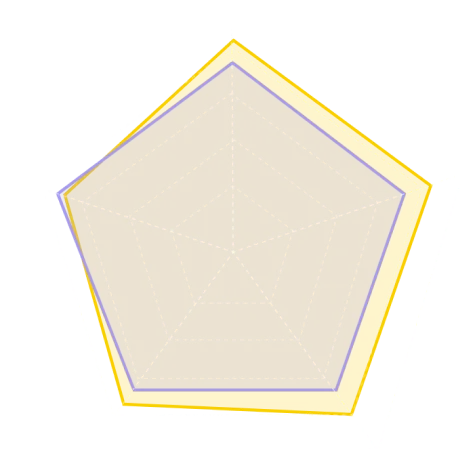
HD Mesh(4.1 vs 3.9)
Low-Poly Mesh(4.1 vs 3.9)
Texture(4.0 vs 3.7)
Texture PBR(3.8 vs 3.4)
Parts(3.6 vs 3.7)
TripoHunyuan
Data sourced from third-party reviews on top3d.ai, a professional 3D model assessment platform.↗
What Makes Creators Favor Tripo Instead of Hunyuan?
A basic model preview is just the beginning. Real-world 3D creation requires optimizing, rigging, animating, and exporting for engines or printing. Tripo is built to handle every step of this complete production pipeline.
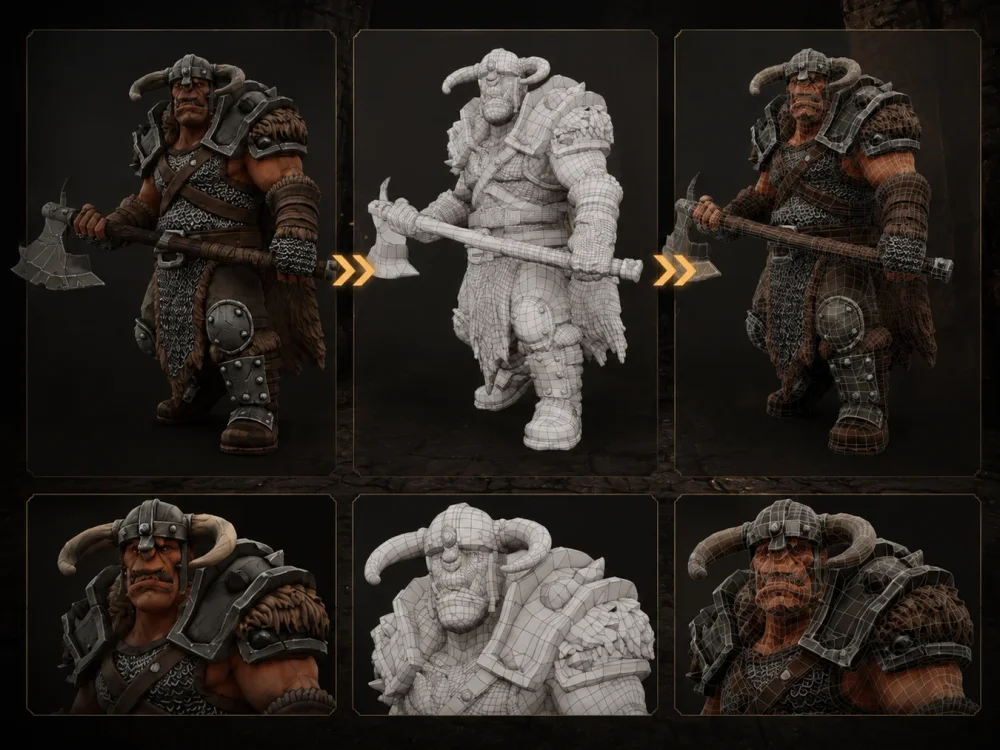
Smart Mesh P1.0
Create Crisp Low-Poly Models in Moments
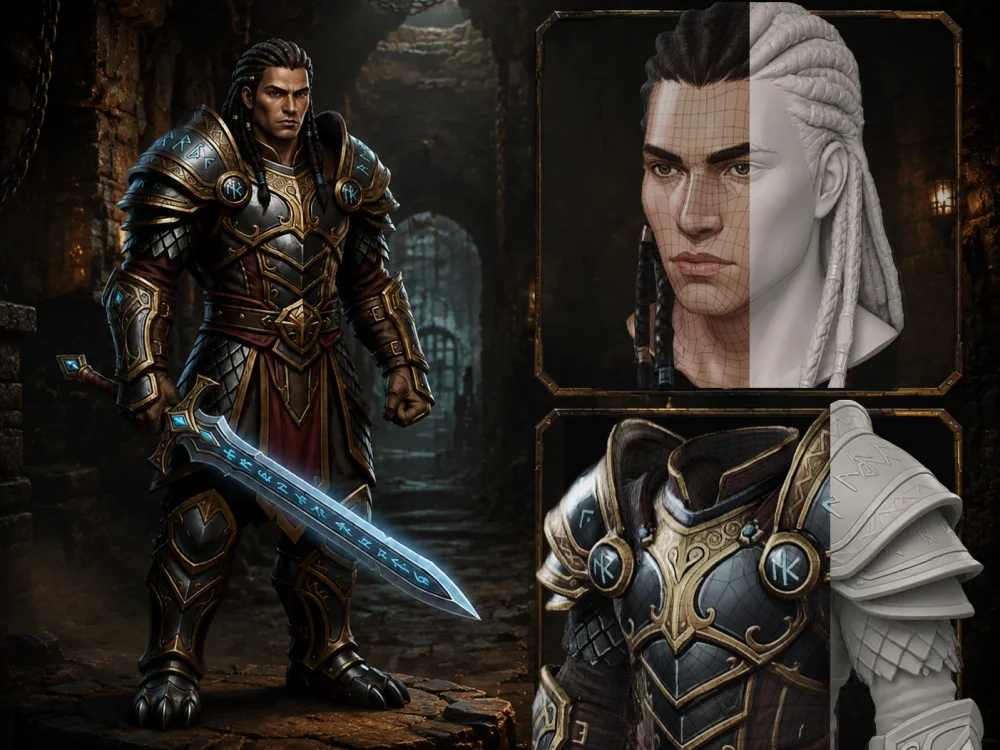
Tripo's Smart Mesh workflow is designed for creators who require production-ready topology, rather than dense AI artifacts. It generates cleaner low-poly meshes with logical structures, enabling faster iteration and seamless integration into editing, animation, game development, and real-time pipelines.
HD-Modell H3.1
Flawless Shapes Powered by High-Detail Generation
For projects demanding absolute accuracy, rely on Tripo's H3.1 HD model. It generates models with razor-sharp silhouettes, complex surface layouts, and correct scaling. Whether you're creating characters, collectibles, or product prototypes, get a highly convincing result right out of the box before moving to your editing pipeline.
Texturqualität
Ensure Production Fidelity with Detailed 8K Texture Generation
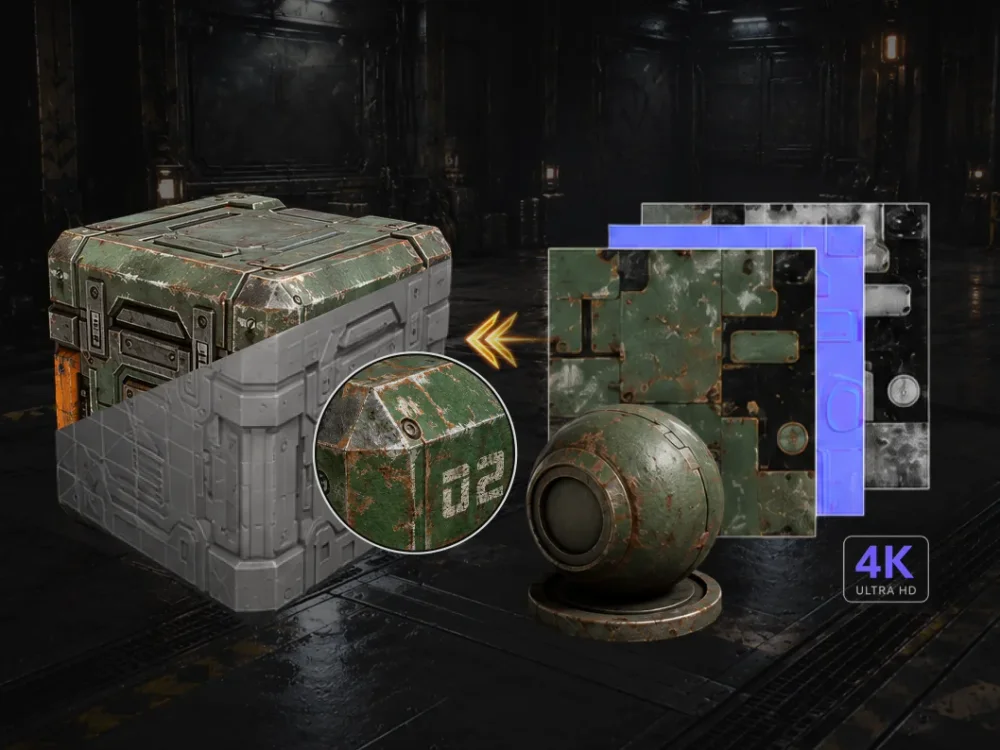
Tripo facilitates high-resolution texturing pipelines that enhance asset completeness, visual clarity, and conceptual fidelity. From stylized designs to complex objects, our platform effectively translates basic geometric meshes into visually functional 3D assets.
3D Printing
Streamline the Transition from AI Models to Printable Geometry
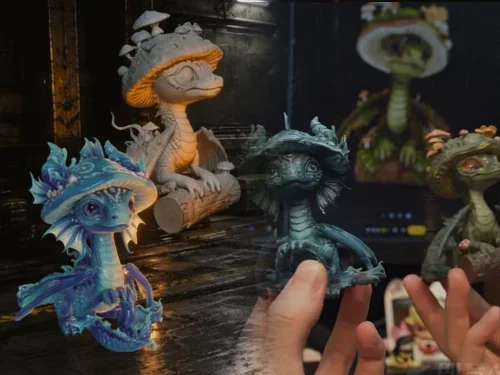
For 3D printing applications, geometric integrity is as critical as visual fidelity. Models must be watertight, continuous, and optimized for slicing software. Tripo addresses this by supporting STL/3MF exports and providing an AI-to-print pipeline designed to simplify the preparation and manufacturing of generated assets.
3D Asset Library
Dive into an Expansive Gallery of AI 3D Assets
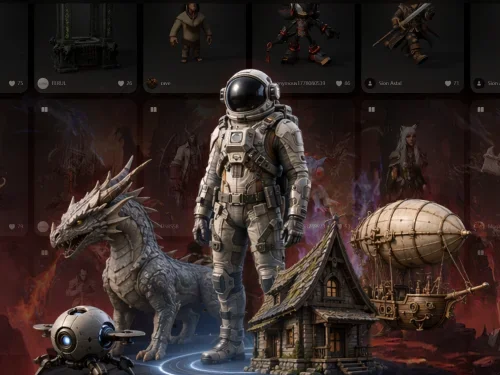
Explore a continuously growing library of AI 3D assets contributed by the Tripo community. Utilize this gallery for creative inspiration, workflow benchmarking, and style exploration, while evaluating the full potential of our image-to-3D, text-to-3D, Smart Mesh, and HD generation pipelines.
Bewertungen

ProductHunt1.4k followers
#1 Product of the Day

G2166 reviews
4.8/5

Trustpilot679 reviews
4.9/5

Top3d.ai62 ratings
4.1/5
Auszeichnungen




Nutzerbewertungen

Maya L.Freelance Designer | Small-Business
"I'm obsessed with Tripo Studio's AI-driven workflow! As a freelance designer juggling multiple clients, the tool's one-click 3D generation from my sketches is a game-changer. The free tier lets me test ideas risk-free, and the models have crisp details (even at high polygon counts). I used to rely on Meshy for quick drafts, but Tripo's outputs are way more polished—now it's my go-to for client presentations. Setup took 2 minutes, and the interface feels intuitive even for non-3D experts."

Sophia K.Architectural Visualizer | Small-Business
"As an arch-viz pro, Tripo Studio's ability to turn 2D floor plans into 3D spaces is mind-blowing. The AI previews let me tweak designs before committing to renders, saving days of back-and-forth with clients. Free Mode is a lifesaver for small firms—no budget? No problem. Models export seamlessly to Blender, and the detail level rivals paid tools. My workflow is 3x faster now!"

Mark D.Maker
"I use Tripo mainly for generating STL files for 3D printing. The mesh quality is solid—much better than what I was getting with Meshy previously. Sometimes the AI hallucinates a bit on complex shapes, but for organic forms like figurines or props, it's incredible. The fact that I can do this directly in the browser without installing heavy software is a huge plus."

David R.Hobbyist
"Simple, fast, and effective. I needed a 3D scan of a toy for a VR project and Tripo nailed it. Setup was instant. Will definitely subscribe once I need higher limits."
Verwandte Artikel
Unveiling Tripo Smart Mesh P1.0: Achieve Neat Low-Poly Structures in Just 2 Seconds
Use Tripo Smart Mesh to produce tidy, efficient topology meshes within moments. Build light, production-ready 3D assets suitable for game engines, websites, and real-time applications.
Setting Up the Tripo DCC Bridge for Blender
Set up the Tripo DCC Bridge for Blender (version 4.1 and above) to transfer designs from Tripo Studio directly to Blender with a single click. This process eliminates the need for manual downloading, importing, or any intermediate actions.
Tripo Merges with GPT Image 2 to Upgrade 3D Generation
By incorporating GPT Image 2 as its latest image generation core, Tripo establishes a more seamless pipeline—from text prompts to images and finally to 3D—making it easier to transform concepts into functional 3D resources.