From Clean 2D Visuals to Production-Ready 3D Assets: A Smarter Workflow with Cutout and Tripo
A good image-to-3D workflow usually starts before the 3D tool is even opened.
If the source image has a busy background, soft edges, low resolution, or distracting objects around the subject, the 3D result may carry those problems forward. The model might misread the shape, miss key details, or spend too much effort interpreting things that were never meant to be part of the asset.
That is why image preparation matters.
Cutout helps creators clean up 2D visuals before they move into a 3D workflow. Tripo then takes those prepared images and turns them into 3D assets through its image-to-3D generation tools. Used together, the two products create a practical path from a raw image to a usable 3D model, and eventually to polished visual content.
This is not about making one tool do everything. It is about putting each tool at the right point in the production process.
Preparing the Image Before 3D Generation
Most creators do not begin with a perfect reference image. They start with product photos, AI-generated concepts, sketches, catalog images, or quick visual ideas. Some are clean enough to use directly. Many are not.
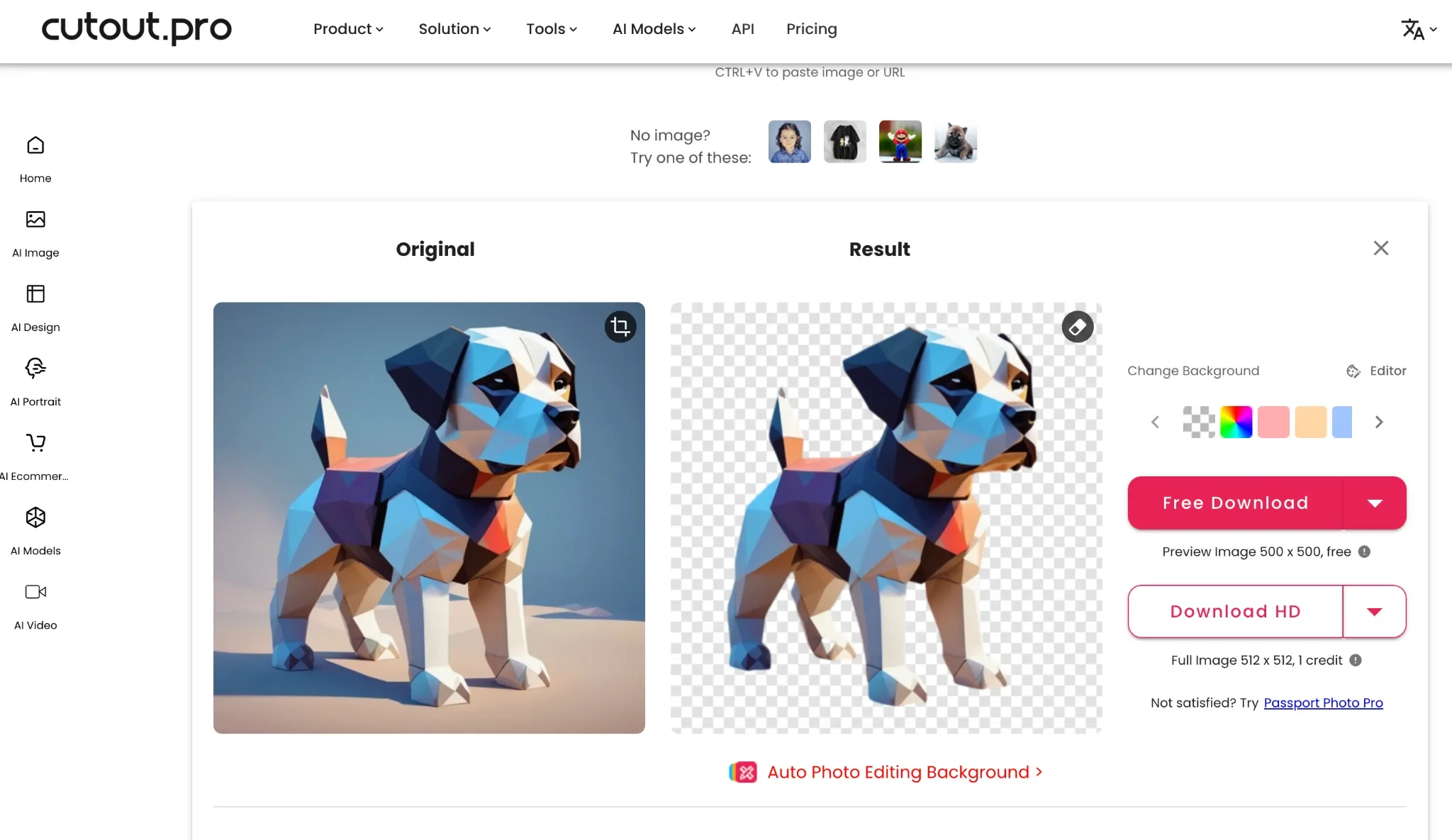
Before sending an image into Tripo, it helps to make the subject easier to read. That usually means background removal, cleaning up unwanted elements, improving resolution, and making sure the object’s silhouette is clear.
Cutout is useful in this first stage. A product photo can be separated from a cluttered background. A character image can be cleaned so its outline is easier to understand. A low-resolution reference can be enhanced before it becomes the basis for 3D generation.
For ecommerce teams, this could mean preparing a sneaker, bag, toy, accessory, or home product image before creating a 3D version. For designers, it could mean cleaning a concept image so the key shape and details stand out. For game or XR creators, it can help turn rough 2D references into better inputs for fast 3D prototyping.
Why the Input Image Matters
Image-to-3D tools work best when the input gives them a clear subject to interpret.
A clean silhouette helps define the model’s basic structure. Better image quality makes small details easier to preserve. Removing visual noise reduces the chance that background objects or shadows become part of the generated asset.
This step is easy to overlook because it feels like simple image editing. In practice, it can make the rest of the workflow smoother.
For example, a product image with a plain background and sharper edges is easier to use as a 3D reference than a photo taken in a messy environment. A character concept with fewer distractions gives the generation model a clearer idea of the pose, proportions, and accessories. Even small improvements at this stage can save time later.
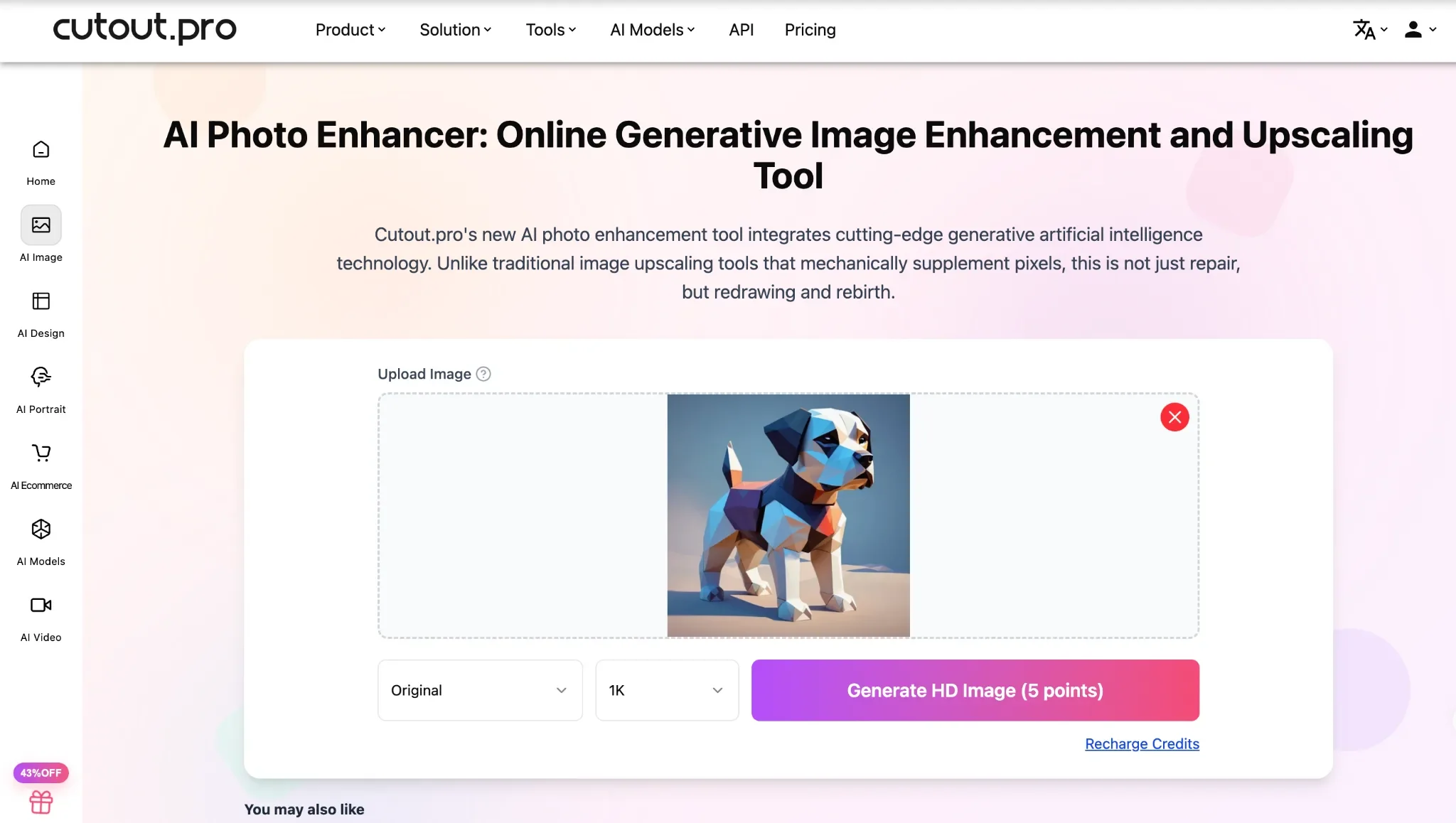
The goal is not to over-polish the image, but to refine visuals with a professional photo enhancer and deliver clean, crisp assets that work perfectly for the next tool in your workflow chain.
Turning a Clean Reference into 3D with Tripo
Once the image is ready, it can be brought into Tripo for 3D generation.
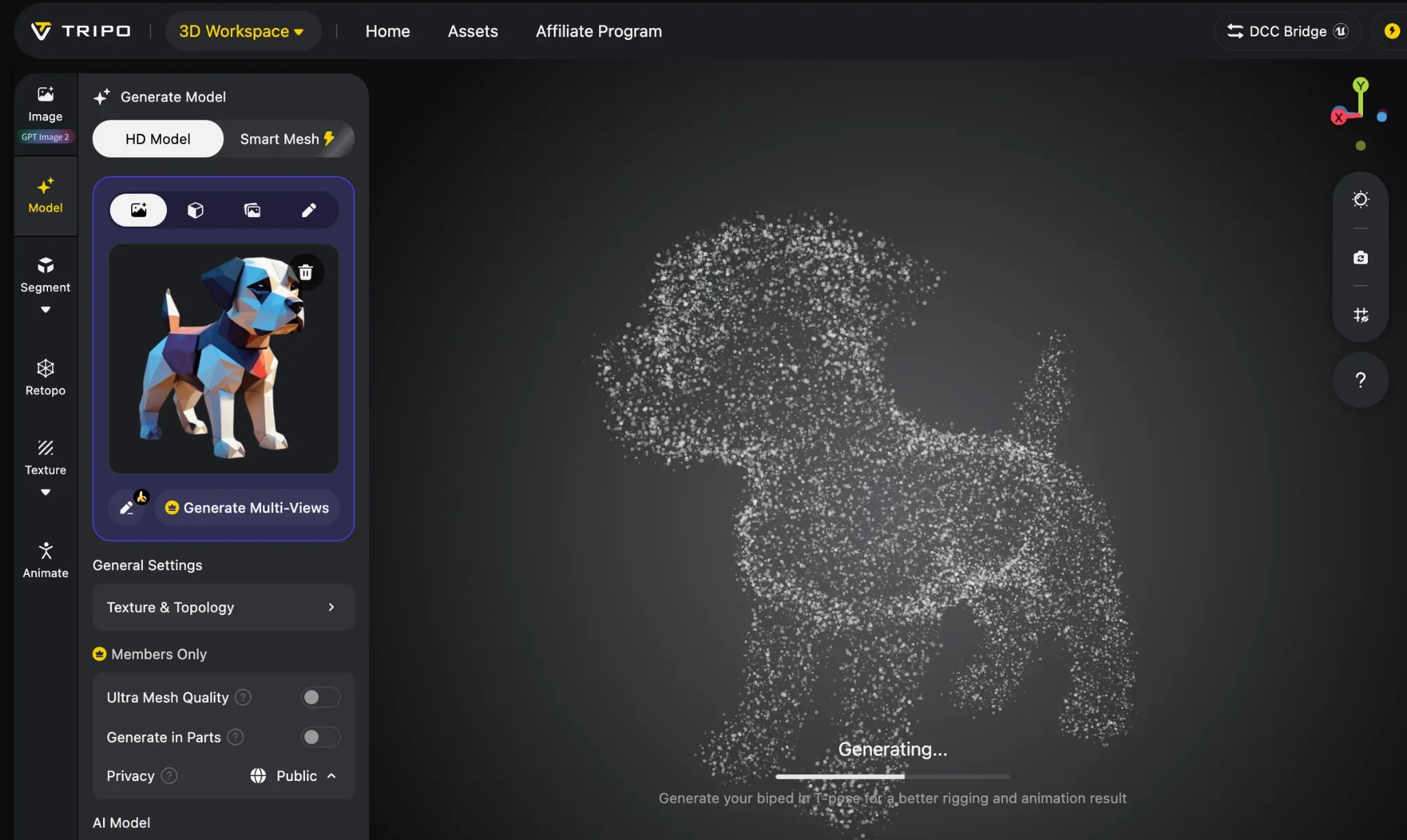
Tripo supports 3D asset creation from text, images, and sketches. In this workflow, the cleaned 2D image becomes the reference for generating a model. Instead of starting from a noisy or unclear input, creators can begin with a more focused visual direction.
This is useful when speed matters. A product team can test a 3D preview without waiting for a traditional modeling process. A game creator can turn concept art into an early asset for prototyping. A brand team can explore how a product or character might look from multiple angles.
The prepared image gives Tripo a better starting point. Tripo then handles the move from flat reference to 3D form.
A Practical Cutout X Tripo Workflow
A simple workflow might look like this:
- Start with a product image, character concept, sketch, or AI-generated visual.
- Remove the background and clean up distractions.
- Enhance or upscale the image if the details are too soft.
- Upload the prepared reference into Tripo.
- Generate a 3D model from the image.
- Review the model, adjust the result, and export the asset.
- Use rendered views of the model for ecommerce, ads, social content, or presentation materials.
This process keeps each stage focused. The image-prep step improves the input. Tripo creates the 3D asset. The final renders can then be used across marketing, product, or creative production.
Why This Combination Works
The connection between Cutout and Tripo feels natural because it follows how creative work already happens.
Most teams start with images. They clean them, compare versions, choose the strongest direction, and then move into the next production step. In a 3D workflow, that next step is often model generation.
Cutout supports the preparation stage. Tripo handles the 3D creation stage. Together, they help creators move from a rough visual idea to a 3D asset without adding unnecessary complexity.
It is a straightforward workflow: prepare the image, generate the model, then reuse the output in real content.
The Future of 2D-to-3D Creation
AI creative tools are becoming more useful when they connect well with each other. A single tool can solve one part of the process, but teams still need a workflow that carries an idea from the first image to the final asset.
That is where this combination is valuable.
A cleaned image gives the 3D generation process a stronger starting point. A generated 3D model gives teams more ways to present, test, and reuse a visual idea. Together, Cutout and Tripo make it easier to move from 2D references to 3D assets and then into publishable content.
For product visuals, game assets, XR concepts, ecommerce content, and brand campaigns, this kind of workflow can make production faster, clearer, and easier to repeat.