Best Use Cases for Tripo AI: The Complete Guide to Game Assets, Product Design, and Architectural Visualization (2026)
Use Cases / Practical Guide - Showcasing Specific Application Cases of Tripo AI Across Different Industries
Executive Summary
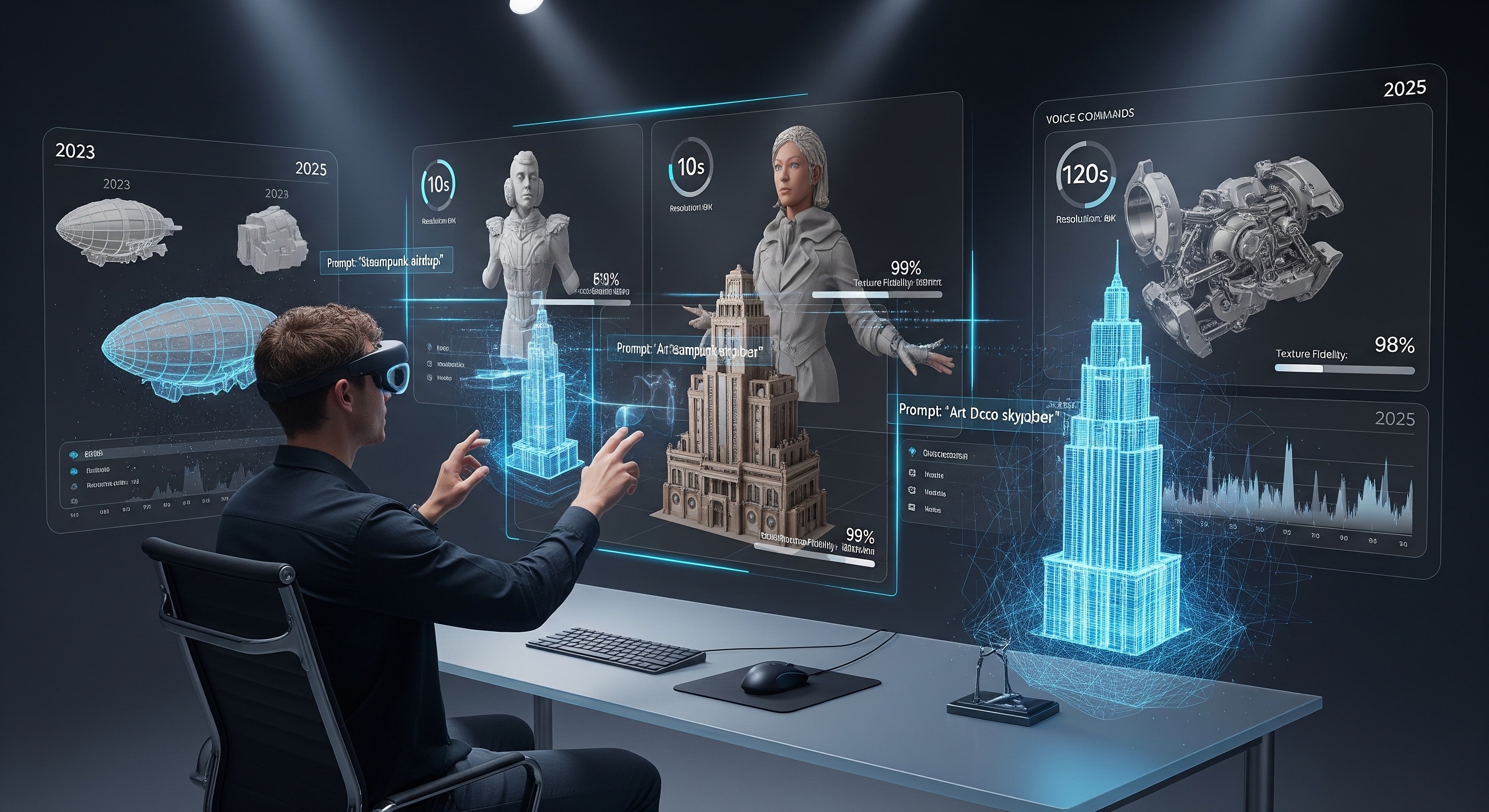
Traditional 3D modeling workflows often require weeks to complete a single high-precision model, and complex topology optimization, UV unwrapping, and texture baking slow down creative projects even further. In 2025, generative AI 3D technologies represented by Tripo AI achieved a qualitative leap—generation speed was reduced from minutes to under 10 seconds, while supporting automatic PBR material generation and game-engine-level topology optimization. This article deeply analyzes the application advantages of Tripo AI in three core scenarios: game asset development, product prototyping, and architectural visualization, providing actionable technology selection references for creative professionals across different fields.
Core Insights
- Disruptive Improvement in Generation Efficiency: In 2025, Tripo AI Algorithm 3.0 compressed model generation time to under 10 seconds and improved texture processing efficiency by 90%, fundamentally changing the rhythm of traditional 3D content production.
- Full-Process Automation Coverage: From Image-to-3D and Text-to-3D, to Auto-rigging and Stylization, Tripo AI provides a complete pipeline from concept to deployable asset, significantly lowering the technical threshold.
- Seamless Multi-Engine Compatibility: Generated models support direct export to Unity, Unreal Engine, and Blender, with topological structures meeting the real-time rendering requirements of game engines.
- Deep Optimization for Vertical Scenarios: Provides differentiated functional configurations and parameter optimization solutions specifically for the three major scenarios: game assets, product prototypes, and architectural visualization.
I. Game Asset Development: An Efficiency Revolution from Small Teams to AAA Studios
Tripo AI provides game developers with a complete workflow from concept design to engine integration, compressing the traditional multi-day asset creation cycle into hours.
Game development has long been limited by the high costs and lengthy cycles of asset production—a detailed game character typically takes 2-4 weeks from concept art to a riggable model, and modeling environmental props and functional objects is equally time-consuming. Tripo AI has completely changed this landscape through generative AI technology.
1.1 Text to 3D: Rapid Iteration of Concept Assets
Game developers can directly input text descriptions to generate initial 3D assets. For example, by inputting 'high-definition fantasy-style longsword, sharp steel blade with fine rune engravings emitting a red emissive glow, exquisite gold-plated guard, ruby-inlaid hilt,' Tripo AI can generate a model containing PBR materials and detailed textures in dozens of seconds.
1.2 Auto-Rigging: An Automated Breakthrough in Character Animation
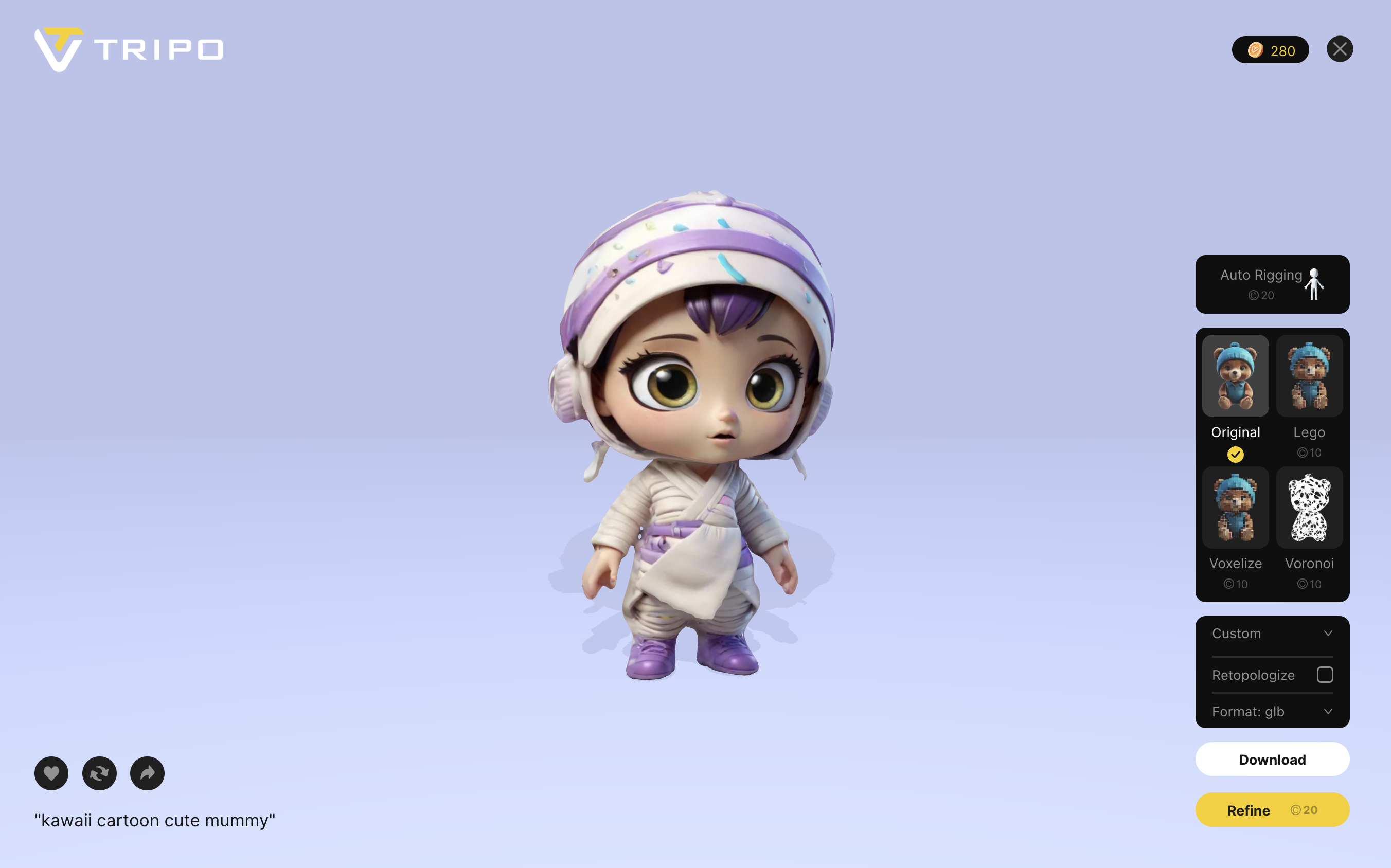
Tripo AI's Auto-rigging feature supports automatically binding a skeletal system to a character model within 30 seconds, and supports one-click retargeting (Retarget) to different body types. This means developers can quickly transform AI-generated static characters into animatable assets.
1.3 Topology Optimization and Game Engine Integration
Addressing common topology issues in AI-generated models, Tripo AI features a built-in smart Retopology function that automatically generates quad meshes meeting animation requirements.
II. Product Design and Prototype Development: Digital Transformation in Manufacturing
In the field of product design, Tripo AI transforms traditional physical modeling into a digitized, rapid iteration process, reducing the design cycle by over 60%.
2.1 One-Click Conversion from Image to 3D
Designers simply upload product images or hand-drawn sketches, and Tripo AI automatically analyzes the geometric shapes, material features, and proportional relationships in the image to generate a 3D model with complete UV unwrapping and PBR materials.
2.2 PBR Materials and Visualization Rendering
The PBR materials automatically generated by Tripo AI include diffuse maps, normal maps, roughness maps, and metallic maps.
2.3 Multiple Stylization Options
The Stylization feature provided by Tripo AI supports special style processing such as Legoization and Voronoiization.
III. Architectural Visualization: The Art of Balancing Creativity and Efficiency
Tripo AI provides architects with the capability of instant conversion from concept sketches to 3D models, significantly improving design communication efficiency.
3.1 Rapid Visualization of Concept Design
Architects can use AI image generation tools to create architectural concept images, and then convert them into interactive 3D models via Tripo AI.
3.2 Material and Lighting Experiments
Tripo AI supports automatic material application, allowing architects to quickly experiment with different facade materials.
3.3 Efficient Expansion of Architectural Component Libraries
Tripo AI can batch-generate environmental entourage elements such as trees, people, and vehicles.
Frequently Asked Questions (FAQ)
Q1: Can models generated by Tripo AI be directly used for commercial game development?
Yes. Models generated by Tripo AI can be directly exported in GLB or FBX formats after topology optimization.
Q2: What input methods does Tripo AI support?
It supports two methods: Image to 3D and Text to 3D.
Q3: What is the main difference between the Free and Pro versions?
The free version provides a quota of 10 model generations per month, while the Pro version offers a higher quota and 4K textures.
Q4: How can models generated by Tripo AI be post-edited?
Exported models can be further edited in software like Blender, Maya, and 3ds Max.
Q5: Can non-3D professionals quickly get started with Tripo AI?
Yes. Users simply need to register an account, upload an image, or input a description to generate a model.
Overview of Images in Article
Display of high-precision 3D models generated by Tripo AI
Demonstration of Tripo AI's Auto-rigging and Stylization features
Application scenarios of Tripo AI in various creative fields

