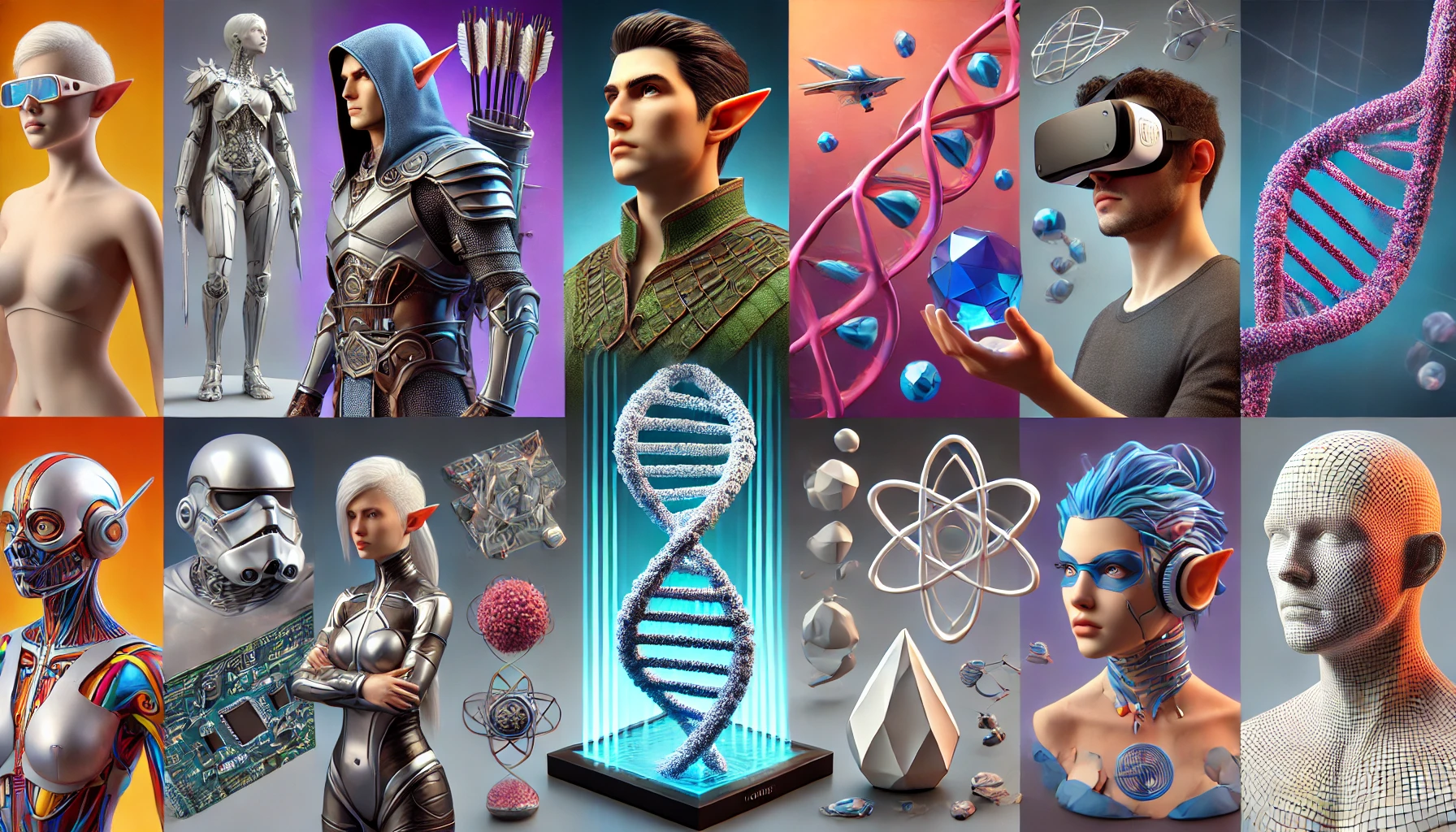
Tripo AI 3D Model Generation: The Ultimate Guide to the Best Image Types and Formats
Use Cases / Specification Requirements
Executive Summary
In today's rapidly evolving AI landscape, converting 2D images to 3D models has become a critical workflow for industries such as game development, product design, education, and virtual reality. Tripo AI, as a leading generative 3D platform, enables users to quickly create high-quality 3D assets via image or text prompts. This guide explores the key factors influencing generation quality, including format selection, file size limits, and image quality requirements. By optimizing input materials, users can significantly improve geometric accuracy and texture details.
Core Insights
- Format Compatibility: Tripo AI supports major formats such as JPEG, PNG, and TIFF. Due to its rich color data, TIFF is preferred for high-precision projects.
- File Size Thresholds: Images should be kept under 10MB to ensure stability and optimal processing quality.
- Multi-View Advantage: Providing multiple angles significantly enhances depth perception and reduces texture distortion.
- Lighting Requirements: Ensure uniform lighting to avoid strong shadows that interfere with contour recognition.
- Resolution: High-resolution inputs (preferably 2048×2048 pixels or higher) directly determine the level of detail in the generated mesh.
Supported Image Formats in Detail
Format Comparison and Use Cases
Tripo AI's image-to-3D feature supports three core image formats, each offering unique technical advantages:
- JPEG: The most versatile choice for everyday projects, providing efficient compression for rapid prototyping and concept design.
- PNG: The ideal choice for projects requiring sharp edges and clear outlines. Its lossless nature ensures the AI accurately recognizes boundaries without compression artifacts.
- TIFF: The professional standard for cinematic assets or museum digitization, offering the highest level of detail and color depth.
Image Quality Optimization
Resolution and Lighting
Resolution dictates geometric complexity. Low-resolution images can result in a "staircase effect" or jagged edges. It is recommended to use images of at least 2048×2048 pixels. Furthermore, ideal lighting should be neutral. Avoid strong direct light to prevent hard shadows, which can cause the AI to misinterpret volume, resulting in abnormal depressions or bumps in the mesh.
File Size and Efficiency
The 10MB limit ensures processing stability. Users can optimize file size by adjusting the resolution or converting to more efficient formats (e.g., BMP to JPEG) without sacrificing the crucial visual data required for reconstruction.
Single Image vs. Multi-Image Strategy
Single Image Workflow
This is Tripo AI's most streamlined workflow, perfect for rapid proof of concept. However, due to the lack of rear-view data, the AI performs "speculative" modeling, which may occasionally require manual adjustment for perfect symmetry.
Multi-Image Optimization
For high-precision reconstruction, multi-angle input is the superior path. Providing 4-6 photos covering the front, back, left, right, and top views allows the AI to construct precise depth maps. Industry tests show that multi-view input increases model integrity by about 40%.
Subscriptions and Commercial Use
- Free Plan: The Free plan provides 300 credits per month. Please note that 3D models generated under the Tripo Free plan do not support commercial use. For more details, please visit https://www.tripo3d.ai/pricing .
- Professional Plan: The Professional plan ($19.90/month) provides 3,000 credits per month. For more details, please visit https://www.tripo3d.ai/pricing .
- Original generated models can be further edited: Exported models can be further edited in software such as Blender, Maya, and 3ds Max.
Professional Features and API
Tripo AI Algorithm 3.0 is driven by over 200 billion parameters, ensuring industry-leading output quality. For developers, Tripo Studio (web-based generation tool) and Tripo API are two completely separate business lines. The API service has its own independent billing and access system.
Export Formats and Compatibility
To ensure seamless integration with engines like Unity, Unreal Engine, or Blender, Tripo AI supports a comprehensive range of export formats: USD, FBX, OBJ, STL, GLB, 3MF.
Overview of Images in the Article
Example showcase of converting an elf warrior concept art into a 3D model using Tripo

The complete process of generating a 3D model of a Christmas tree on the Tripo AI platform

Step-by-step operational workflow of 2D image to 3D model on the Tripo AI platform

