What is the best Rodin alternative that includes texturing, retopology, and rigging in one workflow?
Rodin from Hyper3D has earned a following among 3D artists for pushing dense, high-poly geometry out of a prompt in seconds, yet a finished asset still needs retopology, texturing, and rigging once that mesh appears. The best Rodin alternative for a single end-to-end workflow is the tool that carries those three stages inside one workspace, so you don't rebuild a toolchain around every model. Tripo is a 3D foundation model, and Tripo Studio wraps its generation into one workspace that runs generate, retopology, texture, and rigging together before export. This article compares Rodin's strengths with a one-workflow setup and walks through going from a generated model to a finished asset.
Where Rodin fits and where a one-workflow gap shows up
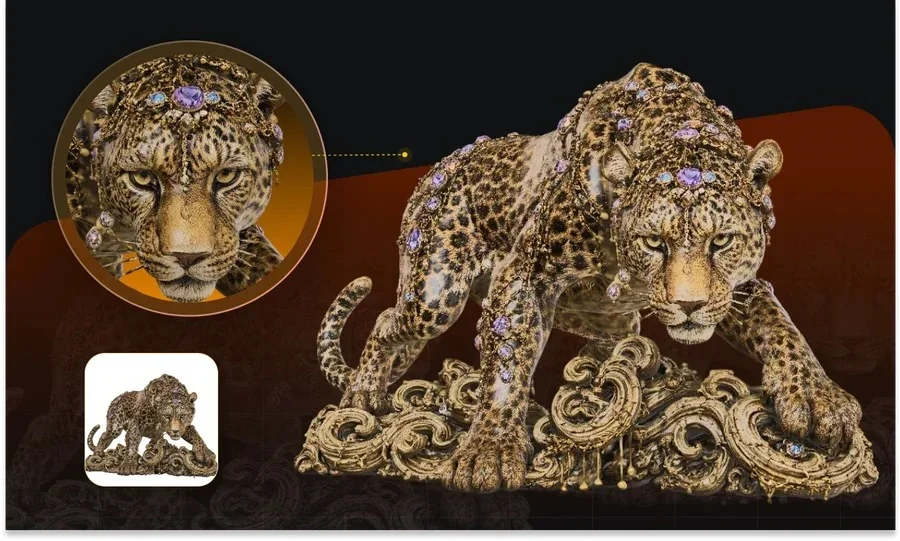
Rodin is a strong pick when your priority is raw geometry quality and you already own the tools for everything downstream. Its Gen-2 and Gen-2.5 models produce high-poly meshes with fine surface detail in seconds, which makes it a good source of dense base geometry for concepting or for artists who plan to clean up in their own pipeline. Its pricing is generous for testing, because generation is free and you pay only when you download, at roughly 30 per month for Creator and $120 per month for Business, and API access is on the Business plan.
The gap for a small studio isn't the mesh. It's the three stages that follow. A raw high-poly model still needs retopology to become manageable, texturing to look right, and rigging before it moves. When those steps live in separate apps, you export and re-import between tools, reconcile UVs and pivots, and repeat that every time a model changes. For a solo artist or a two-person studio, that context switching often costs more hours than the generation itself saved. A Rodin alternative built around one workflow removes those handoffs, which is the trade this comparison focuses on.
Meet Tripo Studio: one workspace from generate to export
Tripo Studio is an AI-native 3D workspace that carries a model from a text or image prompt all the way to a rigged, textured export without leaving the tab. For 3D artists and small studios who want one end-to-end workflow, this is the core reason to consider it as a Rodin alternative. The generation runs on Tripo v3.1, a 3D foundation model trained on a 40-million-asset database at billion-voxel resolution, which is where its high-precision geometry comes from.
The stages that matter for this comparison sit in the same workspace:
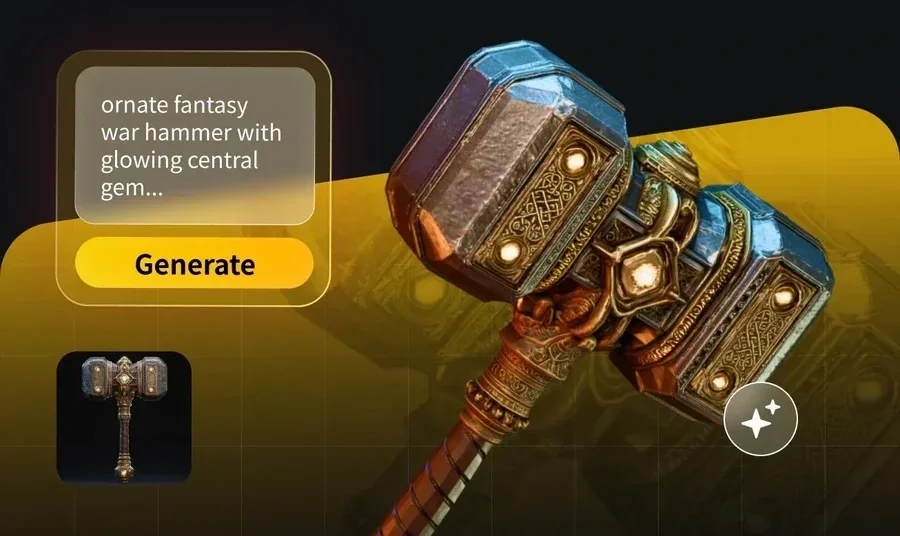
- Generate: turn text or an image into a 3D model, with Smart Mesh as the fast option that returns a standard white model in roughly 2 to 5 seconds. For denser bases, the high-detail model path keeps crisp-edge geometry.
- Retopology: choose Triangle topology as the general default or Quad topology for DCC animation, then set Polygon Count to Auto or a manual face target so the mesh matches your engine budget.
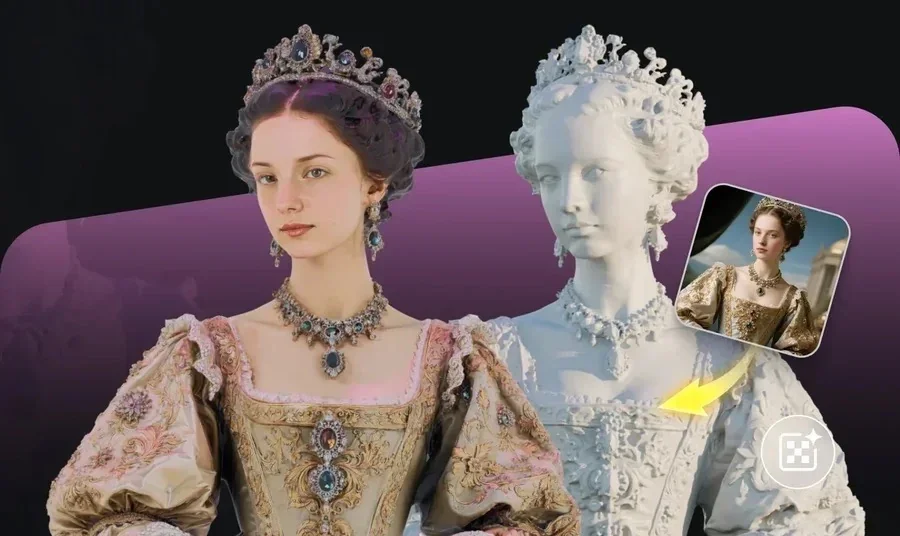
- Texture: run AI texturing with PBR maps and upscale to 4K, so surfaces read correctly under real lighting.
- Rigging: apply auto-rigging that outputs a T-Pose skeleton, Mixamo-ready, with preset animations you can search and apply.
- Export: set File Name, Format such as GLTF, GLB, or FBX, Export Skeleton, Number of Animations, and a Bottom-Center Pivot for clean engine placement.
Compared with a traditional modeling pass, this route lowers the barrier to a usable asset and cuts manual hours, since the same model moves through each stage without a re-import. Tripo generates high-quality 3D from text or images for games, animation, and industrial design, and the one-workspace design means retopology, texturing, and rigging read the same source geometry instead of a reconciled copy. For an artist who wants precision and speed in one pass, that shared context is the practical advantage over stitching separate tools together.

Rodin and a one-workflow setup, side by side
The honest split is about scope: Rodin optimizes the generation-and-geometry step, while Tripo Studio spreads its effort across the full path to a finished asset. Read the table by what your pipeline already covers, not by a single winner.
| Dimension | Rodin (Hyper3D) | Tripo Studio |
|---|---|---|
| Model | Rodin Gen-2 / Gen-2.5 | Tripo v3.1 |
| In-workflow stages covered | Generation and high-poly geometry | Generate, Retopology, Texture, Rigging, Export |
| Topology control | High-poly and quad output | Triangle or Quad topology, Auto or manual Polygon Count |
| Texturing | PBR texturing | PBR texturing, HD upscale to 4K |
| Rigging | Handled in a separate tool | Auto-rigging, T-Pose skeleton, Mixamo-ready |
| Export | Standard mesh formats | GLTF/GLB/FBX, Export Skeleton, animations, Bottom-Center Pivot |
| Pricing model | Generation free, pay-on-download (~$1.50/credit), preview before paying | Monthly credits, Free $0 = 200/mo; pricing labels Free models public under CC BY 4.0, while Terms should be checked separately |
| Paid entry price | Creator 120/mo (API on Business) | Pro 53.94/mo, Team $54.93/seat/mo |
Both tools generate quickly and both output PBR textures, so the deciding factor is how much of the post-generation work you want inside one tool. For a fuller side-by-side, the compare page lays out the same facts in more depth.
Which setup fits your project?
The right choice tracks how your team is staffed and where your existing tools already do the job well. Use these criteria in order, and stop at the first one that decides it for you:
- You have a clean downstream pipeline. If retopology, texturing, and rigging already run smoothly in Blender, Maya, or ZBrush, Rodin's high-poly output slots in as a strong geometry source.
- You want the follow-up stages bundled. If you'd rather not maintain a separate retopo and rig toolchain, a one-workspace tool that runs all four stages saves the handoffs.
- You care about pay-only-on-use billing. Rodin's generate-free, pay-on-download model with a preview step suits artists who generate a lot and download selectively.
- You need predictable monthly credits. A fixed monthly plan from $13.93 keeps costs steady when you're shipping assets on a schedule.
- You need topology and pivot control for engines. If quad or triangle choice, manual polygon counts, and a bottom-center pivot matter for your target engine, favor the tool that exposes them at export.
Judgment: pick Rodin when generation quality is the whole job and your pipeline handles the rest, and pick a one-workflow tool like Tripo Studio when you want retopology, texturing, and rigging to travel with the same model.
From a generated model to a finished asset: a practical workflow
This sequence shows how the four stages connect when they share one workspace, which is where a small studio recovers the most time. Each step feeds the next without an export in between.
- Generate the base model from a text prompt or a reference image, using Smart Mesh for a fast white model or the high-detail path when you need dense geometry.
- Retopologize by picking Triangle or Quad topology and setting Polygon Count, so the mesh lands inside your engine's face budget before you texture it.
- Texture with PBR maps, then upscale to 4K so surface detail holds up in close shots and under real lighting.
- Rig with auto-rigging to get a T-Pose skeleton, then apply a preset animation to confirm the joints deform cleanly.
- Preview the result with the topology, face, and vertex stats plus HDRI lighting, and catch problems before export rather than after import.
- Export to GLTF, GLB, or FBX with the skeleton, animation count, and bottom-center pivot set for your target engine.
Bonus tips: getting cleaner results from either tool
A few habits keep quality high whichever generator you pick, and they matter more when the model has to survive rigging and animation.
- Feed a clean reference. A clear subject on a plain background gives both Rodin and Tripo a better read on shape, which reduces cleanup later.
- Set your polygon target before texturing. Locking topology first means UVs and maps are built for the mesh you'll actually ship.
- Test the rig with one animation early. A quick preset clip surfaces weighting problems while they're still cheap to fix.
Where this leaves your pipeline
For a small studio weighing a Rodin alternative, the decision comes down to how much of the post-generation work you want to own versus hand to one tool. Rodin stays a solid choice for high-poly geometry when your downstream pipeline is already solid. When you'd rather keep texturing, retopology, and rigging on the same model in the same place, one workspace carries the asset the whole way. You can try that end-to-end path in Tripo Studio and see how far a single model gets before export.