
Bulk Generation of Low Poly Environmental Game Assets Using AI 3D Tools
Accelerating Real-Time Rendering with Advanced AI Workflows
The bulk generation of low poly environmental game assets using ai 3d tools represents a significant shift in real-time rendering and game development in 2026. By adopting Tripo AI, development studios can transition from manual sculpting to algorithmic creation, ensuring rapid environmental population and rapid prototyping. This comprehensive guide details how these advanced models deliver precise, engine-ready meshes without sacrificing performance. Ultimately, mastering this workflow guarantees significant reductions in production timelines while elevating the visual fidelity of digital worlds.
Key Insights
- The process drastically cuts production schedules by allowing batch uploads of up to ten reference images simultaneously.
- Driven by Algorithm 3.1 and over 200 billion parameters, it maintains strict topological accuracy across vast asset libraries.
- Smart retopology functions automatically produce optimized quad or triangle meshes for real-time performance, ready for export in USD, FBX, OBJ, STL, GLB, 3MF.
- Tripo Studio and the Tripo API serve as completely independent product lines.
- The Pro plan ($19.90/month) provides 3,000 credits per month and full commercial usage rights.
The Impact on Game Development
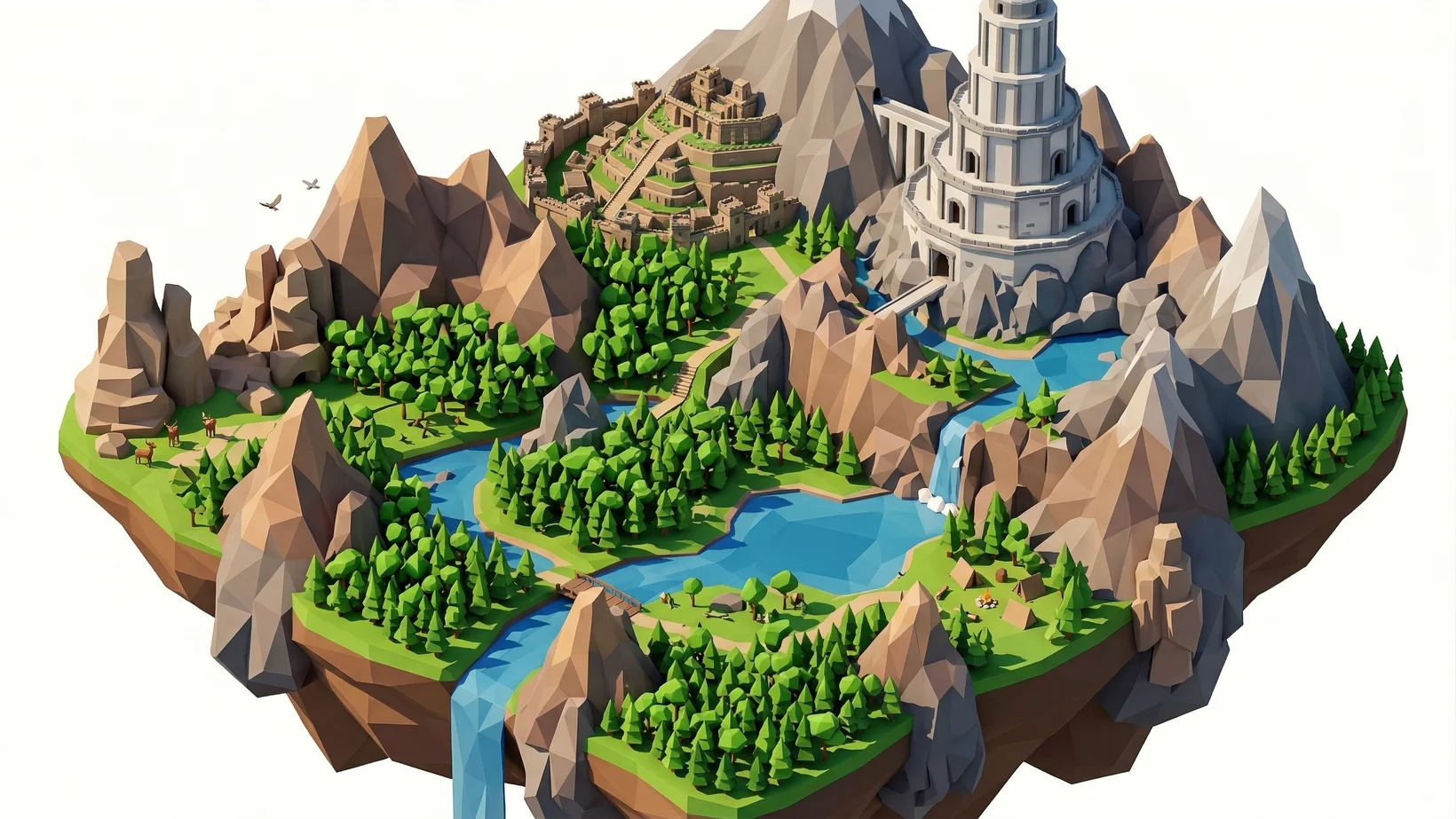
The bulk generation of low poly environmental game assets using ai 3d tools radically accelerates game development by producing thousands of optimized props, foliage, and structural elements through automated batch processing. In 2026, the demand for expansive, immersive virtual worlds requires unprecedented asset volume. Traditional modeling pipelines struggle to keep pace, often creating bottlenecks. This directly addresses the industry-wide challenge by replacing sequential manual workflows with parallel algorithmic generation. Using an AI 3D Model Generator, technical artists can orchestrate the simultaneous creation of diverse elements. It shifts the artist's role from a digital sculptor to an art director, guiding the algorithmic output and focusing on scene composition.
Technology and Algorithm 3.1
Algorithm 3.1 powers this transformation, utilizing over 200 billion parameters to convert textual descriptions and 2D reference images into fully textured, lightweight 3D models with physical rendering accuracy. This comprehensive neural network ensures high geometric precision. Unlike earlier iterations, Algorithm 3.1 possesses an advanced understanding of depth, occlusion, and structural logic. When studios rely on this 200 billion parameter architecture to resolve ambiguities in reference images, it correctly infers hidden geometry, producing watertight meshes free from non-manifold geometry or holes.
Retopology and Optimization
Built-in smart retopology features automatically apply strict polygon count constraints and generate clean quad or triangle meshes optimized for real-time engine performance. A critical hurdle in 3D production is ensuring that meshes are lightweight enough to maintain high frame rates. This workflow includes automated polygon reduction techniques that mimic hand-crafted precision. It supports selectable topology outputs, generating either quad-based or triangle-based meshes ready for immediate import in standard formats like USD, FBX, OBJ, STL, GLB, 3MF. This eliminates hours of manual mesh cleanup.
Structuring Efficient Workflows
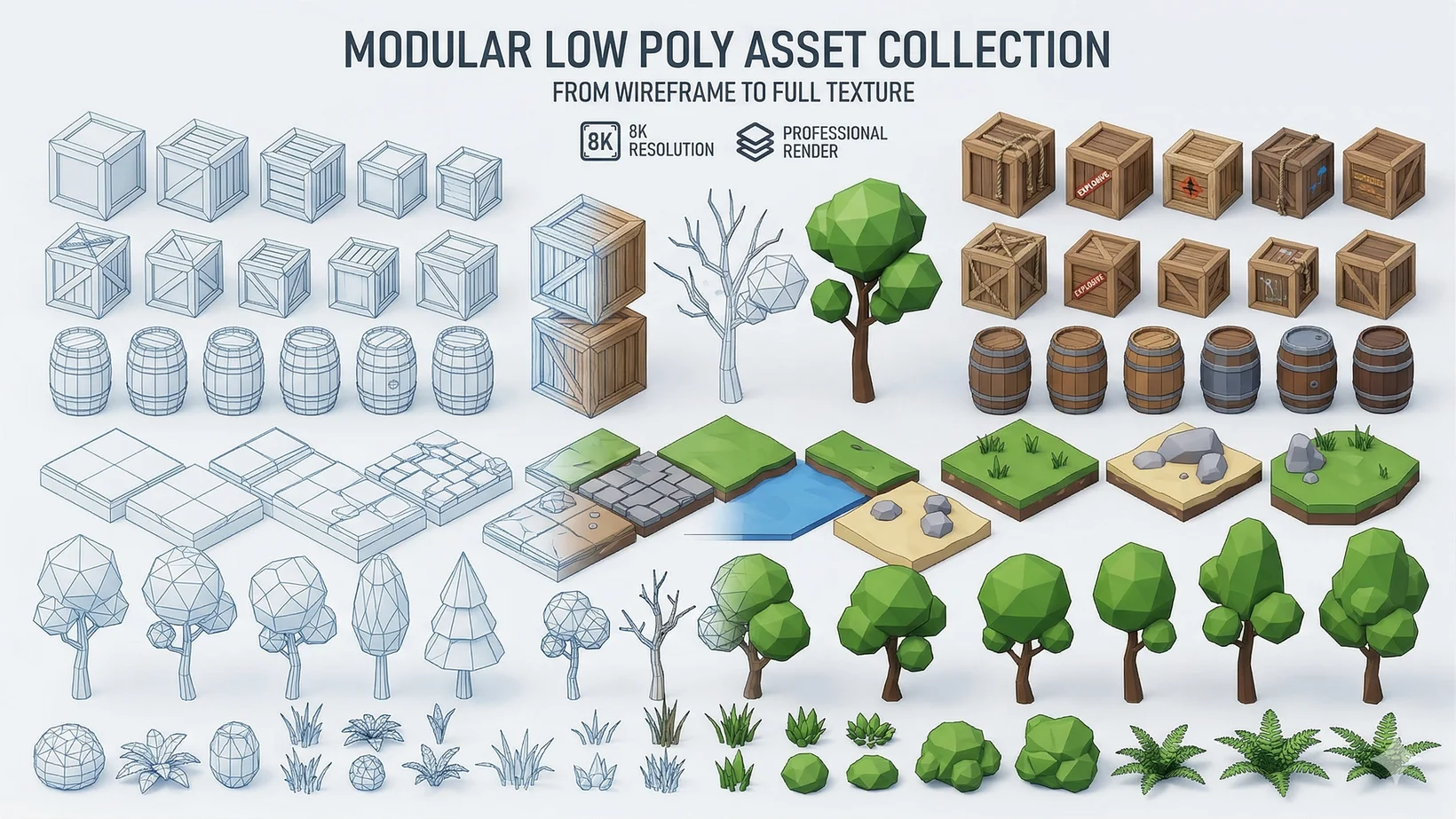
A successful workflow involves uploading batch image references for 2D to 3D conversion, applying smart low-poly constraints, and utilizing automatic segmentation to prepare modular environment pieces. The process begins with the Batch 3D Gen feature in Tripo Studio, rapidly transforming concept art into base 3D meshes. Automated segmentation breaks down complex environmental props into distinct, editable parts. This allows for isolated texture adjustments and modular combinations, yielding thousands of coherent assets that can be easily assembled into vast digital landscapes.
Texture Integration
The generation pipeline includes the automatic creation of 4K physically based rendering (PBR) textures through 4K Texture Generation. This ensures consistent lighting responses across all generated environment props. Outputs feature pre-configured PBR maps, including base color, roughness, and metallic channels. Additionally, tools like the Magic Brush allow for rapid, localized texture modification via text prompts, instantly repairing artifacts without external painting software.
FAQ
1. Are Tripo Studio and Tripo API the same platform?
A: No. Tripo Studio and Tripo API are completely independent product lines. API services have separate billing and integration systems. It must never be described as an add-on to Studio advanced plans.
2. How does the pricing and commercial usage work?
A: The Free plan provides 300 credits per month. However, 3D models generated under Tripo's Free plan do not support commercial use. For commercial rights, the Pro plan ($19.90/month) provides 3,000 credits per month. For more details, visit our Pricing page.
3. What export formats are supported?
A: You can use our 3D File Converter or directly export your generated models in industry-standard formats including USD, FBX, OBJ, STL, GLB, 3MF.
4. How can I improve the quality of generated assets?
A: If generated models lack detail, refine your Prompt to Mesh inputs by specifying materials, styles, and negative constraints to guide Algorithm 3.1 accurately. For Image to 3D Model workflows, ensure reference images have clear lighting and minimal background clutter.
