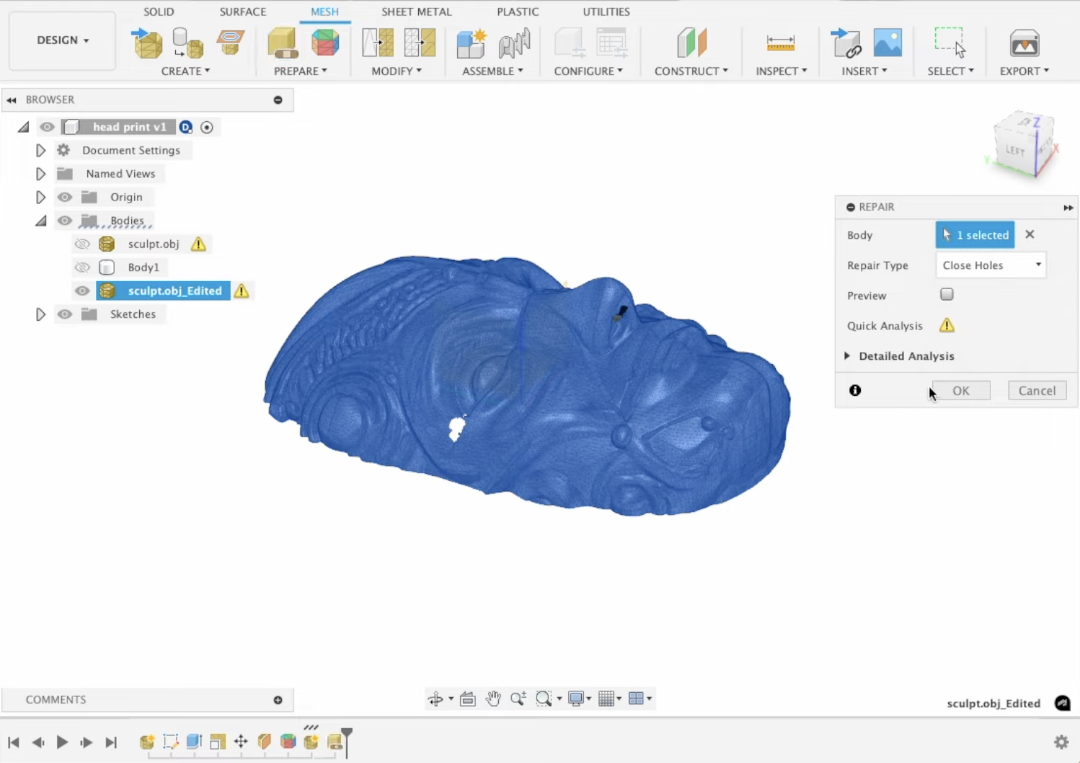
AI 3D Workspace: Automating STL Error Detection for Printing
Streamlining Additive Manufacturing with Intelligent Mesh Repair
The transition from digital concept to physical reality in 3D printing has historically been hindered by the technical complexity of mesh geometry. In 2026, the emergence of the integrated AI 3D workspace has fundamentally altered this landscape, replacing tedious manual repair with automated, intelligent systems. By leveraging advanced generative models, creators can now bypass the traditional pitfalls of non-manifold geometry and "leaky" STL files, ensuring a seamless bridge between imagination and manufacturing.
Key Insights
- Rapid Generation: Intelligent models now produce standard white molds in as little as 20 seconds using high-parameter architectures.
- Automated Error Mitigation: AI workspaces integrate real-time mesh repair, addressing inverted normals and internal overlaps during the generation phase.
- Production-Ready Output: Modern workflows prioritize "smart meshes" that are compatible with both real-time engines and additive manufacturing hardware.
- Standardized Economics: Flexible credit-based systems provide scalable access for both hobbyists and professional design studios.
The Evolution of the AI 3D Workspace in 2026
The modern AI 3D workspace represents a unified ecosystem where an AI 3D Model Generator manages automated topology correction and export optimization to eliminate the technical bottlenecks of traditional 3D modeling. In the current industrial context, the traditional siloed approach is being replaced by end-to-end platforms. Tripo AI serves as a primary example of this shift, offering a native Tripo Studio that manages the entire lifecycle of a 3D asset.
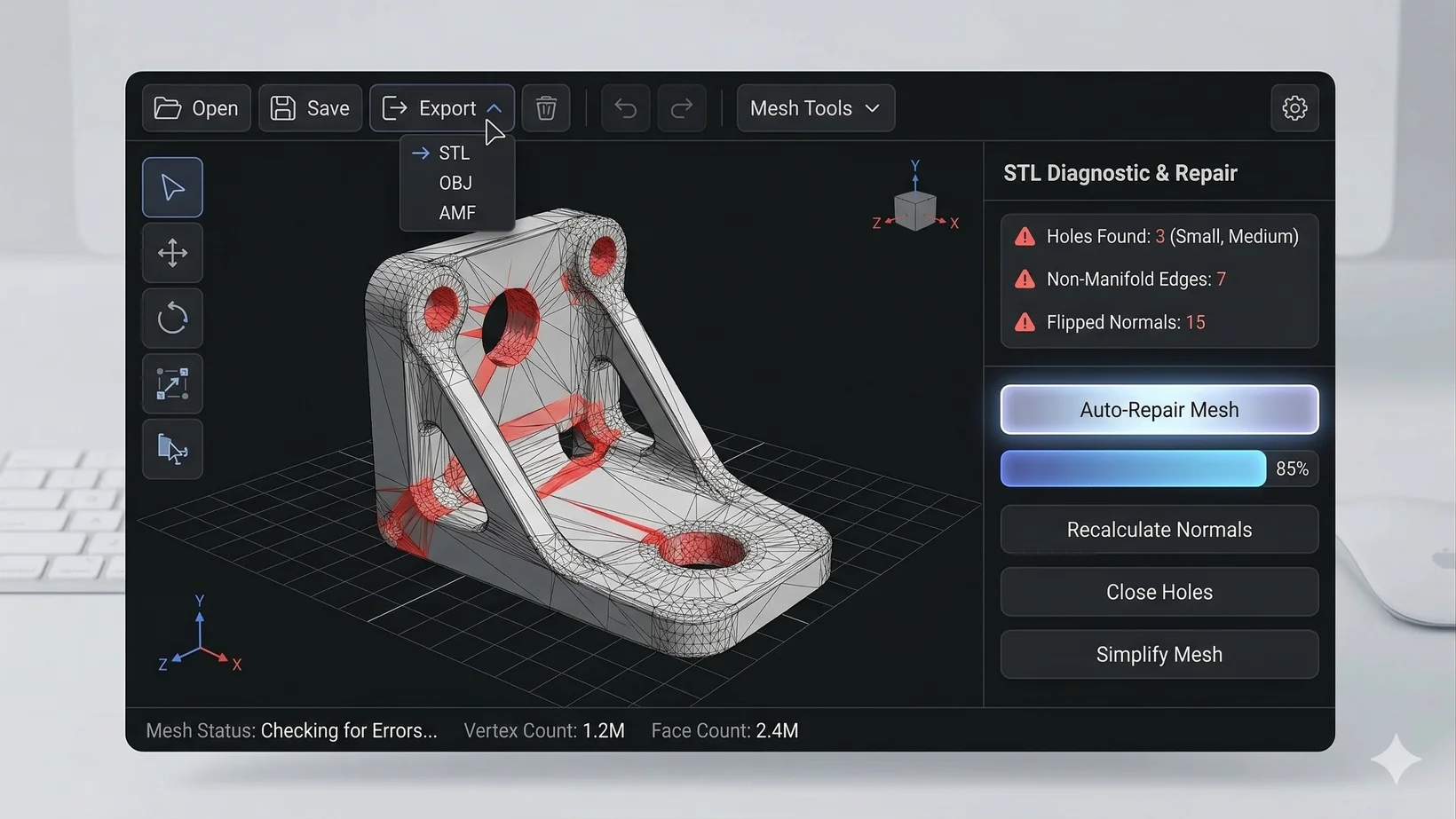
Automated STL Error Detection and Mesh Optimization
Automated STL error detection within an AI 3D workspace identifies and corrects geometric inconsistencies such as non-manifold edges, flipped normals, and self-intersections before the file ever reaches the slicer. One of the most significant challenges in 3D printing is the "unprintable" model—a mesh that looks perfect on a screen but fails during physical production. Common issues include "leaky" meshes, where the surface is not watertight, or internal overlaps that confuse slicing software. An advanced AI 3D workspace utilizes automated repair tools to visually and structurally resolve these discrepancies during the refinement stage, ensuring the final output is fully watertight. For instance, Tripo AI focuses on creating "smart meshes" that prioritize geometric precision. These tools can automatically correct normal directions and remove internal overlaps, tasks that previously required hours of manual labor. This ensures that the resulting USD, FBX, OBJ, STL, GLB, and 3MF files are structurally sound and ready for high-resolution output.
Algorithmic Precision: The Power of Algorithm 3.1
The deployment of Algorithm 3.1, built upon a massive framework of over 200 billion parameters, enables the generation of 3D assets with unprecedented geometric accuracy and texture clarity. The backbone of successful automated detection and generation lies in the scale of the neural network. By utilizing Algorithm 3.1, Tripo AI achieves high-quality results in both image-to-3D and text-to-3D workflows. With over 200 billion parameters, the model understands the physical nuances of objects, which translates to fewer errors in the generated mesh. High-poly generation and professional refinement features allow for the creation of intricate details that remain manifold—a crucial requirement for physical fabrication.
Seamless Workflow: From Text-to-3D to Physical Object
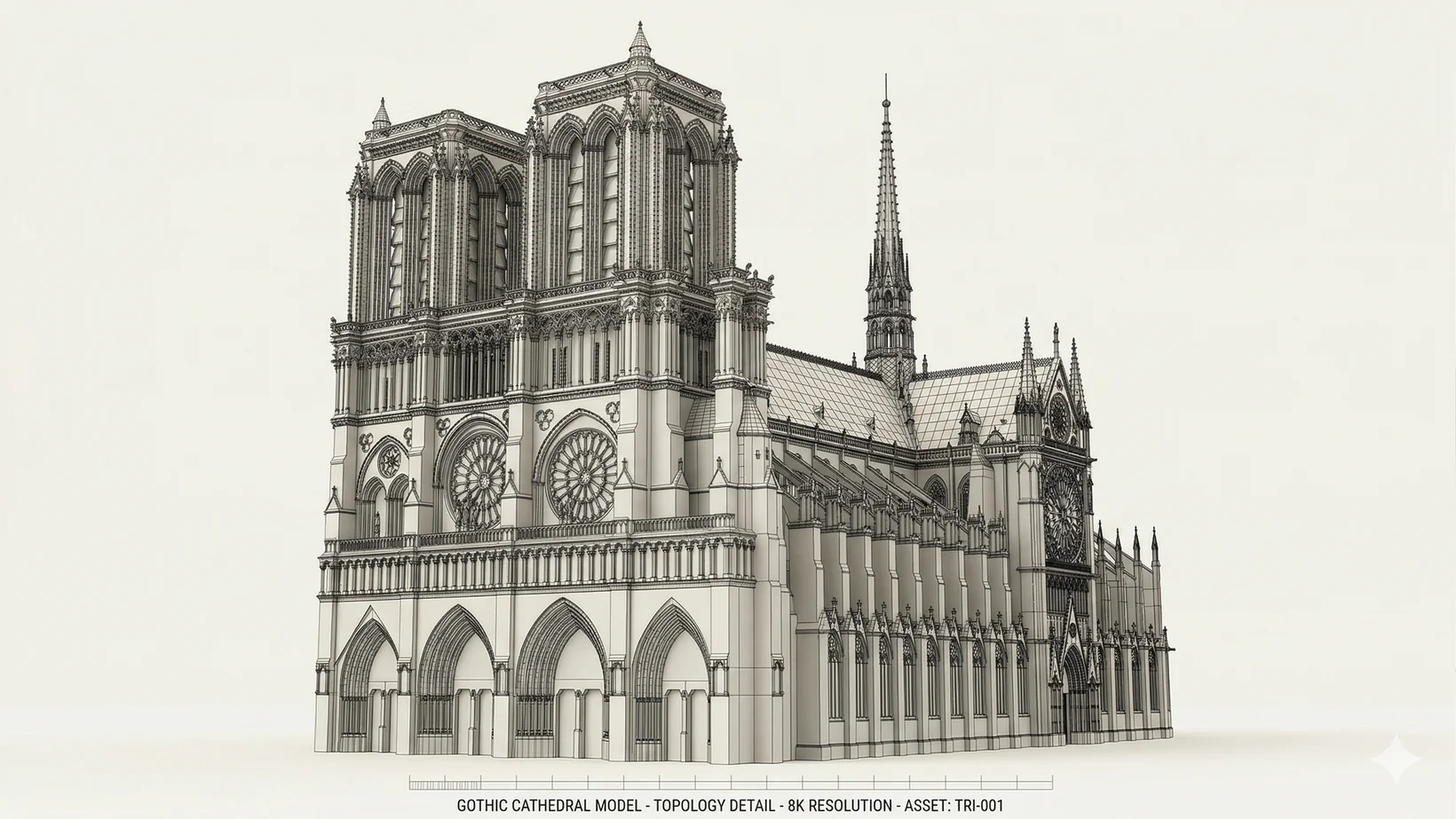
A streamlined AI 3D workflow allows users to generate models via simple prompt-to-mesh or 2D-to-3D conversion, followed by automated optimization and direct export to printing software. The process begins with the AI 3D Editor environment, where a user provides a prompt or a 2D image. For example, a detailed prompt guides the AI to produce a printable structure. Once the initial model is generated—often in as little as 20 seconds—the workspace allows for segmentation and AI texturing. If the user requires a professional-grade result, they can utilize the refine feature to enhance topology and apply auto-rigging. Following these steps, the model is exported as an STL or OBJ file.
Commercial Viability and Subscription Economics
Tripo AI operates on a credit-based system tailored to different user needs. The pricing structure is transparent: The Free plan provides 300 credits per month. However, 3D models generated under Tripo's Free plan do not support commercial use. For professional creators and studios, the Pro plan ($19.90/month) provides 3,000 credits per month and unlocks commercial rights. Furthermore, the Tripo API exists as a completely independent product line with its own billing system, catering to developers who wish to integrate these 3D generation capabilities into their own enterprise workflows.
Conclusion
The integration of automated STL error detection within an AI 3D workspace is a foundational shift in how humans interact with 3D space. By removing the technical barriers of mesh topology through Algorithm 3.1, Tripo AI empowers a new generation of creators. Whether for industrial prototyping or game development, the ability to generate print-ready, error-free 3D assets at scale is the defining characteristic of the 2026 creative economy.
FAQ
1. How many models can I generate with the Pro plan?
The subscription plans are based on credits rather than a fixed number of models. The Pro plan ($19.90/month) provides 3,000 credits per month. You can check the full details on the official pricing page.
2. Can I use models from the Free plan for my business?
No. 3D models generated under Tripo's Free plan do not support commercial use. To obtain commercial rights, you should upgrade to a paid subscription plan.
3. What are the technical specifications of the new algorithm?
Tripo AI now utilizes Algorithm 3.1, which features over 200 billion parameters to ensure high geometric precision and fewer mesh errors.
4. What file formats are supported for export?
The workspace supports a wide range of industry-standard formats, including USD, FBX, OBJ, STL, GLB, and 3MF, facilitating easy 3D format conversion.
5. Is the Tripo API included in my Pro plan subscription?
No. Tripo Studio and Tripo API are two completely independent product lines. The API service has its own separate billing and integration system.
