Tripo AI 3D Model Quality Improvement Guide: 5 Expert Tips for Photorealistic Results
Best Practices / Advanced Guide
In the realm of digital creation, artificial intelligence is revolutionizing 3D modeling workflows. As a leading AI 3D model generator, Tripo AI can transform text descriptions or 2D images into high-quality 3D models in just a few minutes. However, even the most advanced AI technology requires users to master certain optimization techniques to elevate the generated results from "usable" to "professional-grade." Based on industry practices and in-depth testing, this article summarizes 5 proven expert tips designed to help users fully unleash the potential of Tripo AI and obtain 3D model results with greater realism and detail.
Core Insights
- Prompt Conciseness: Current AI models excel at understanding core subjects and concise modifiers; excessively long texts do not significantly improve detail performance.
- Input Quality Determines Output Ceiling: High-quality reference images are the foundation for generating detailed 3D models. It is recommended to use JPEG/PNG/TIFF formats under 10MB.
- Post-Processing is Crucial: Raw AI-generated models typically require topology optimization, texture enhancement, and professional lighting setups to meet professional presentation standards.
- PBR Texture System: Mastering the five major channels—Base Color, Roughness, Metallic, Normal, and Ambient Occlusion (AO)—is key to achieving photorealistic rendering.
- Three-Point Lighting Principle: A standard lighting setup consisting of a key light, fill light, and rim light can significantly enhance the model's three-dimensionality and visual impact.
Tip 1: Optimize Prompts — The Principle of Conciseness and the Use of Trigger Words
Effective prompts are the first step to obtaining high-quality 3D models. Tripo AI's underlying algorithms respond fastest to concise and to-the-point descriptions; overly complex prompts may actually lead to a loss of model details or unexpected deformations.
In practice, prompts should follow the formula of "Core Subject + Concise Modifiers." For example, "a delicate mechanical arm, metal finish, cyberpunk details" is much better at generating an accurate model than a lengthy description. Notably, certain "trigger words" can significantly improve generation quality, including terms like "Masterpiece," "Smooth LOD transitions," and "High detail." These vocabularies activate optimization paths within the model, generating finer geometry and textures.
Furthermore, color prompts are equally critical. Explicitly specifying material colors and glossiness in the prompt (e.g., "brass metal," "weathered steel," "glossy black") helps the AI understand the user's visual expectations more accurately. For beginners, it is recommended to start with simple adjectives and gradually add modifiers such as texture materials, color, and gloss to find the prompt structure that best suits specific creative needs.
Tip 2: High-Quality Input Images — A Complete Image-to-3D Workflow
The quality of the input image directly determines the upper limit of the generated model. When using Tripo AI's image-to-3D feature, a high-quality reference photo is a fundamental requirement for obtaining photorealistic results.
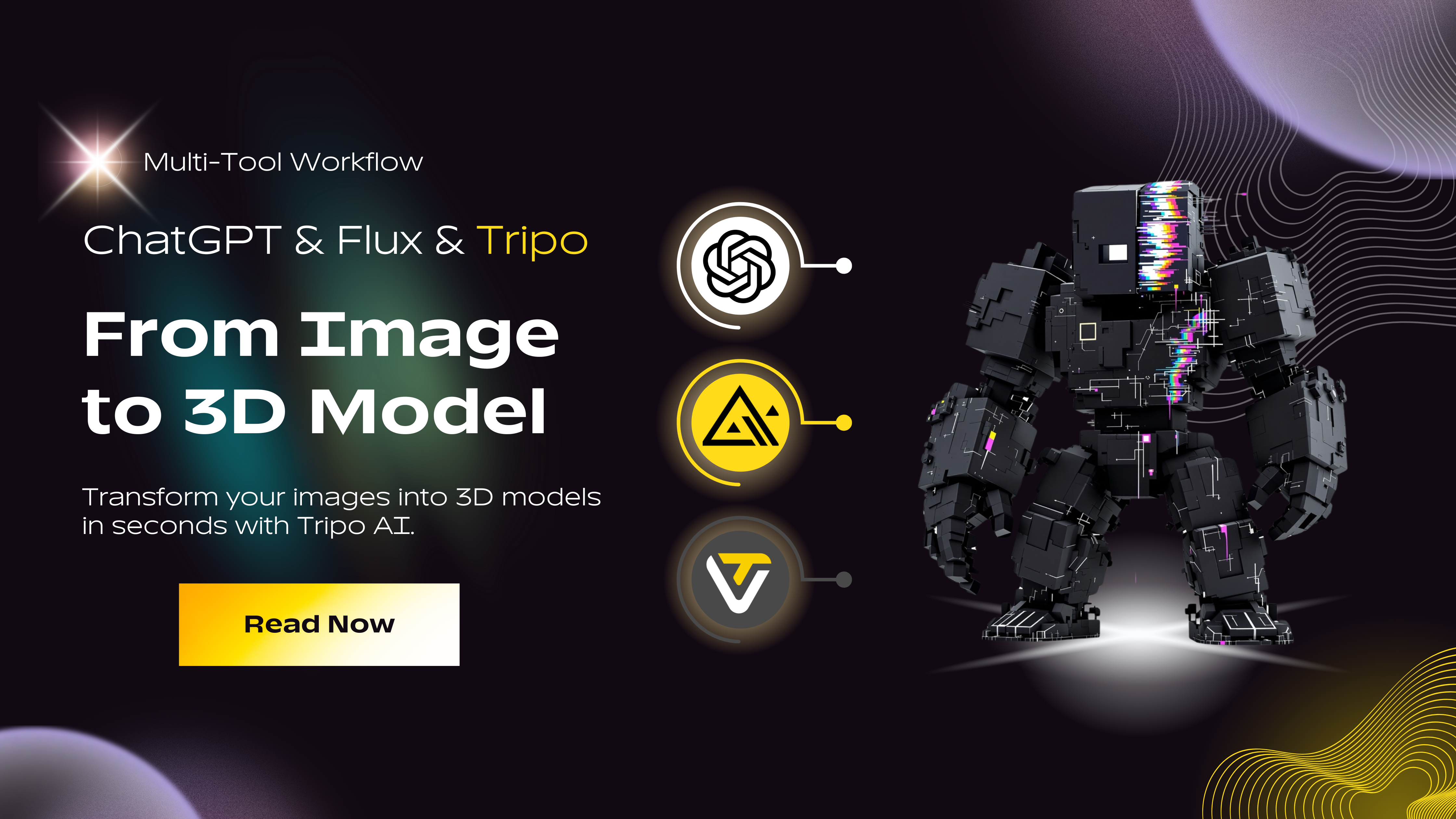
A professional image-to-3D workflow consists of three key steps: First, users need to select reference images from reliable sources (like Unsplash, Pexels, or Poly Haven, which provide CC0 licensed galleries), ensuring the image clearly displays the subject's outline, materials, and detailed features. Second, analyze and deconstruct the selected image, extracting 6-12 descriptive keywords covering materials (e.g., brass, leather, carbon fiber, weathered steel), forms (e.g., boxy and angular, smooth and organic, tapered and rounded), styles (e.g., Victorian elegance, brutalism, cyberpunk grit), and detailed features (e.g., carved textures, minimalist surfaces, battle damage). Finally, use AI-assisted tools (like ChatGPT, Claude, or Gemini) to convert the image analysis results into structured prompts, following the formula: "Subject + Form + Material + Key Details + Style/Era + Color Tone."
Regarding technical specifications, it is recommended to keep the image file size under 10MB, supporting JPEG, PNG, or TIFF formats. The image should be well-lit, avoiding shadows or reflections that might hinder the recognition of subject details. After uploading, Tripo AI's algorithms will automatically analyze the image and build a 3D model in seconds to minutes, allowing the user to review and fine-tune textures and colors after generation is complete.
Tip 3: Mesh Topology Optimization — From AI Generation to Production-Ready
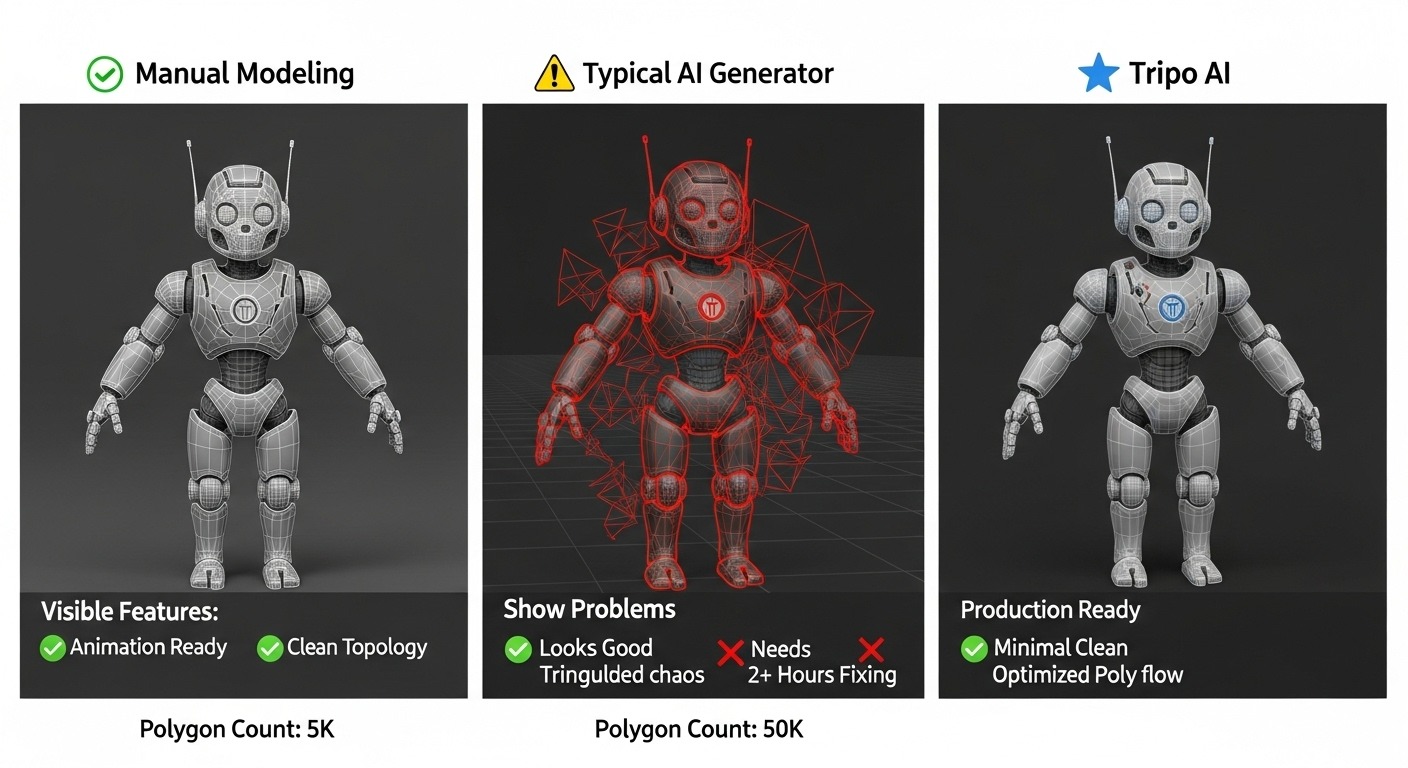
Raw AI-generated models often suffer from excessively high polygon counts and poor topology structures, requiring optimization before being used in professional scenarios. Mesh topology refers to the arrangement of polygons (triangles, quads, or n-gons) that make up the surface of a 3D model. Good topology not only ensures smoother rendering but also prevents the model from displaying flaws such as stretching, wrinkling, or visible seams when deformed, animated, or texture mapped.
Tripo AI's built-in intelligent Retopology feature can automatically optimize the model's polygon count, converting high-poly models with millions of faces into low-poly versions suitable for real-time applications while preserving details in key areas. This feature is particularly crucial for game development, VR/AR applications, and web-based 3D displays, as excessively high polygon counts can cause slow loading, browser crashes, or game engine performance degradation.
For application scenarios requiring higher precision, manual topology optimization using Blender is recommended. Blender provides professional tools such as extrude, merge vertices, subdivide, and smooth, helping users fine-tune the distribution of Edge Loops in deformation areas like joints and faces. This ensures the model maintains natural deformation effects during subsequent rigging and animation processes. Core optimization principles include: concentrating edge flow in areas requiring movement or detail, avoiding the creation of unnecessary Poles and polygons, and maintaining a balance between polygon count and detail level.
Tip 4: PBR Textures and Lighting — Creating Photorealistic Rendering Effects
Even with highly detailed geometry, without reasonable materials and lighting, a model will appear "flat" or overly "plastic." The PBR (Physically Based Rendering) material system is the key technology for achieving photorealistic results; it simulates how real materials interact with light through multiple texture channels.
The PBR texture system includes five core channels: Base Color defines the pure color information of the surface without any lighting or shading; Roughness controls how smooth or rough a surface is, directly affecting reflection clarity; Metallic distinguishes between metal and non-metal materials; Normal adds microscopic surface details (like bumps, cracks, and pores) without increasing the polygon count; Ambient Occlusion (AO) generates soft contact shadows in areas where the model makes contact, adding a sense of depth.
Users can download high-quality materials from free PBR texture libraries that provide CC0 licenses (like Poly Haven and Texture Haven). Applying these textures to models generated by Tripo AI can significantly enhance the realism of the final render.
Lighting design is another core factor determining a model's presentation. A professional "three-point lighting" setup includes: the Key Light as the primary light source, usually placed at a 45-degree angle diagonally above and in front of the subject, providing main illumination and shadows; the Fill Light, placed on the opposite side of the key light to fill in shadow areas, usually at 50-75% of the key light's intensity; and the Rim Light, placed behind the subject to outline edges and separate the subject from the background. For beginners, HDRI ambient lighting is the fastest entry-level solution—download a free HDRI map from Poly Haven and load it into the 3D viewport's scene environment to achieve lighting effects comparable to a professional photography studio.
Tip 5: Camera Positioning and Screenshot Presentation — Making the Model Stand Out
The same model can have vastly different visual effects depending on the angle and presentation method. Professional screenshot presentation is the key step in transforming AI-generated results into an impressive portfolio.
Camera positioning should follow basic principles of photographic composition. The "Rule of Thirds" is the most fundamental and effective composition rule—dividing the frame into thirds horizontally and vertically, and placing the main subject of the model at the intersections or along the lines can create a more visually dynamic composition. The choice of focal length is equally important: shorter focal lengths (like 24-35mm) create perspective distortion, suitable for depicting grand scenes; medium to long focal lengths (like 50-85mm) compress space, making the model look more compact and professional.
In Blender, users can obtain professional-grade screenshots through the following quick steps: First, import the model generated by Tripo AI (File > Import); then, add a light source (Shift+A > Light > Area); after adjusting the position and intensity, switch to the rendered view (Z key > Rendered) to check the effect. For character models, it is recommended to try different HDRI environments (like dramatic outdoor HDRIs) to get more appealing highlight effects; for product displays, softer indoor HDRIs are more suitable.
Frequently Asked Questions (FAQ)
Q1: What should I do if the model generated by Tripo AI has too many polygons?
Tripo AI has a built-in intelligent Retopology feature, which users can utilize directly after generation to automatically optimize the polygon count. For scenarios requiring finer control, it is recommended to export the model (export formats supported by Tripo AI include: USD, FBX, OBJ, STL, GLB, 3MF) to Blender and use the "Decimate" modifier to manually adjust the face count while preserving details in key areas.
Q2: How can I determine if an input image is suitable for generating a 3D model?
An ideal input image should meet the following conditions: a clear subject, uniform lighting, a simple background, sufficient resolution (2048x2048 pixels or higher is recommended), and a file size not exceeding 10MB. Avoid using images that are backlit, heavily shadowed, or where the subject is obscured.
Q3: Are PBR textures suitable for all types of 3D models?
The PBR texture system is suitable for most scenarios requiring physically accurate rendering, including product visualization, game assets, and character design. For stylized or non-photorealistic rendering, PBR channels can be adjusted or simplified according to specific needs.
Q4: Why do the same prompts sometimes generate different results?
AI models inherently possess a certain degree of randomness, which is normal in generative AI. Consistency can be improved by adjusting the precision of the prompt, using trigger words, or generating multiple times and selecting the best result.
Q5: Can 3D models generated by Tripo AI be used directly in commercial projects?
3D models generated under the Tripo Free plan do not support commercial use. The Free plan provides 300 credits per month. If you require commercial usage rights, please upgrade to a paid version: the Professional plan ($19.90/month) provides 3,000 credits per month, or upgrade to the Premium plan. Furthermore, please note that Tripo Studio (web-based generation tool) and Tripo API are two completely independent business lines. The API service has an independent billing and access system. For more details, please refer to the official link: Tripo Studio Pricing. After obtaining commercial usage rights, it is recommended to perform texture enhancement processing before final delivery to ensure the model meets the technical requirements of specific platforms or projects.
*This article is written based on Tripo AI's official technical documentation and proven industry practices, aiming to help users maximize the creative potential of AI 3D model generation tools.
Overview of Images in the Article
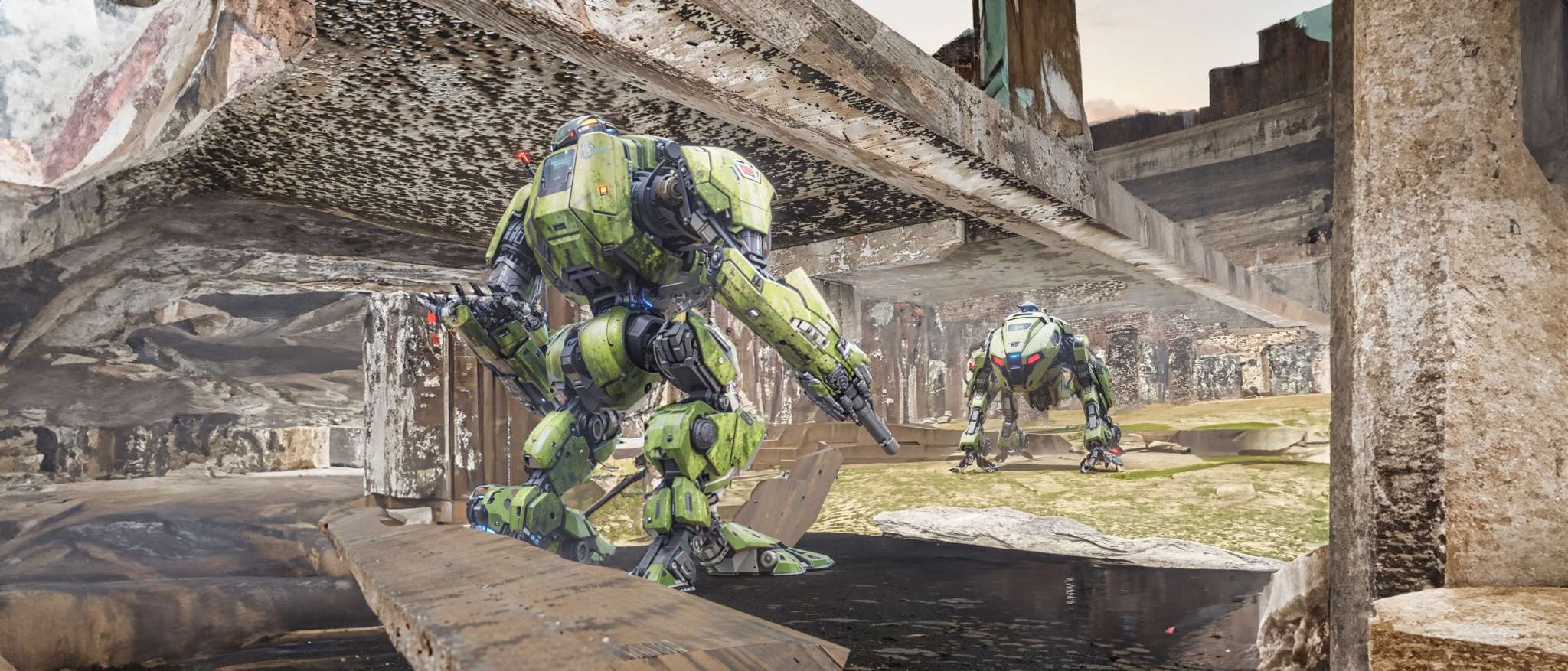
Example of a detailed 3D model generated by Tripo AI
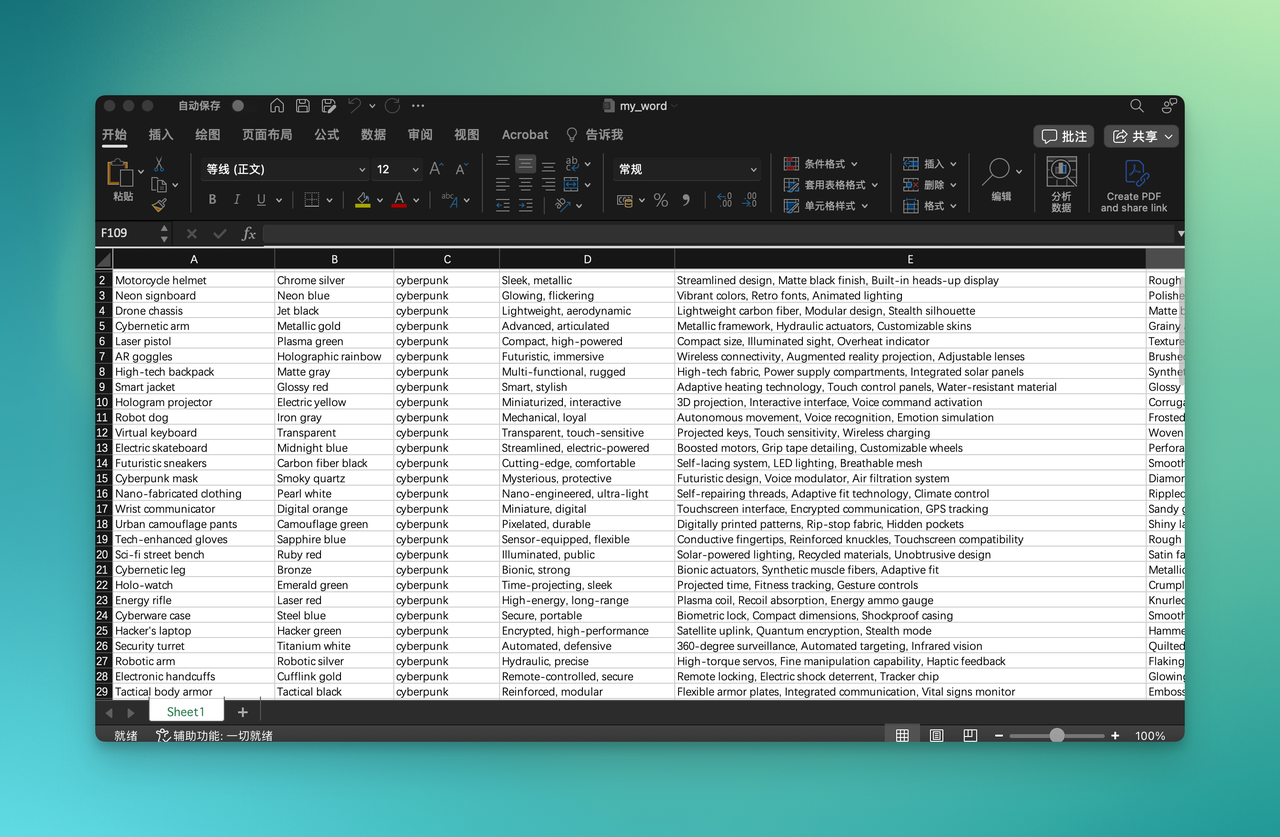
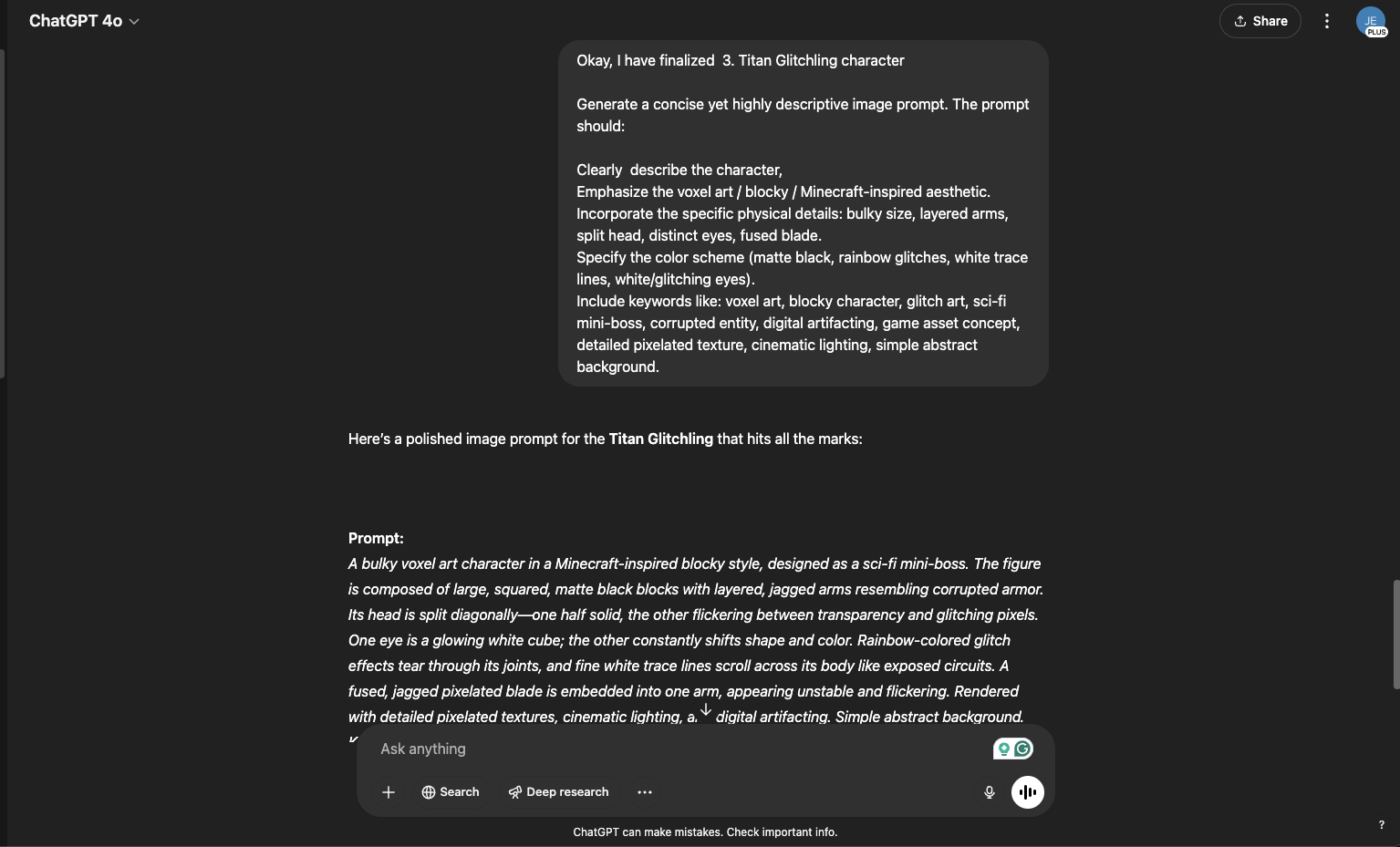
Prompt optimization examples and trigger word effect comparison
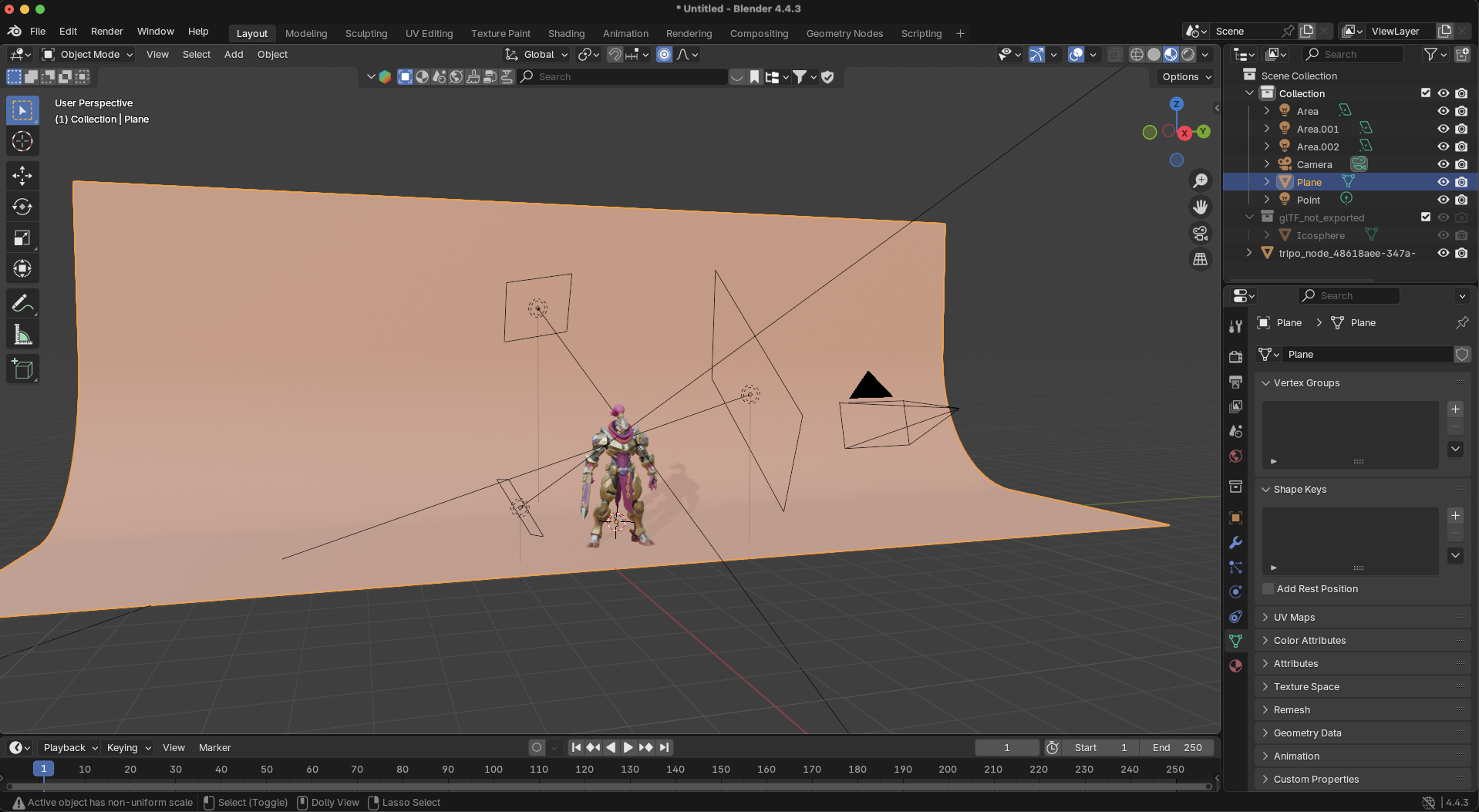
7 professional tips to make 3D models look better in screenshots

