How to Create a 3D Model From a Photo: A Practical Workflow Guide
Learn how to create a 3D model from a photo using AI and generative pipelines. Discover workflows, preparation tips, and top 2D to 3D conversion tools today!
Converting flat images into functional 3D assets used to require prolonged manual blocking and sculpting, or deploying multi-camera scanning arrays that monopolized studio space. Recent shifts in computer vision allow technical artists and developers to bypass these early production bottlenecks. For teams handling e-commerce product catalogs, rapid prototyping for games, or high-volume asset archiving, generating a 3D model from a photo directly shortens the iteration cycle and lowers the hardware overhead previously required for initial asset creation.
The following sections break down the mechanics of image-to-3D conversion, detailing the exact requirements for preparing reference photography and assessing the software tools currently used in production environments. Mastering the technical logic and the specific operational steps helps 3D artists and pipeline technical directors integrate these generation methods into established studio workflows without disrupting existing quality control standards.
Understanding Image-to-3D Transformation Technologies
To integrate automated modeling into a production pipeline, teams must grasp the fundamental differences between optical triangulation and predictive inference. This technical foundation dictates which method suits specific project parameters.
Using automated mesh generation requires knowing the specific computational methods that turn pixel data into spatial volume. Production environments currently rely on two primary approaches to achieve this: traditional photogrammetry processing and AI-native asset generation.
Traditional Photogrammetry vs. AI-Native Generation
Photogrammetry functions through optical triangulation. A technician captures an object using dozens or hundreds of overlapping photographs. The processing software calculates parallax shifts across these frames to determine depth values and compile a dense point cloud. This approach yields high millimeter precision for real-world scanning, but it forces operators to maintain strict lighting consistency and allocate heavy local computing power. Studios often deploy dedicated photogrammetry software to handle the prolonged processing of large image batches.
AI-native generation uses predictive multi-modal inference instead of optical calculation. By processing a single flat image, machine learning systems trained on large libraries of existing 3D assets estimate the hidden geometry and surface textures of the target object. This technique optimizes for output speed and rapid conceptual drafting, assembling complete polygonal meshes from scarce visual inputs.
| Feature | Traditional Photogrammetry | AI-Native Generation |
|---|---|---|
| Input Requirement | 50-200 overlapping photos | 1 to 4 reference photos |
| Processing Time | Several hours to days | Less than five minutes |
| Strengths | Exact dimensional accuracy, high-resolution source textures | Rapid base mesh production, handles non-physical concept designs |
| Weaknesses | Fails on specular or transparent materials, demands physical object access | Requires manual retopology for strict dimensional engineering |
Why Modern Pipelines Rely on Generative Workflows
Studio pipelines are incorporating generative AI processes to mitigate the heavy time costs of early asset stages. Standard manual modeling workflows force an artist to manually interpret 2D concept sheets, build a block-out mesh, sculpt high-poly details, retopologize for engine performance, manually layout UV islands, and bake texture maps. This sequence routinely takes several days of active labor just to finalize a single background prop.
Generative methods compress the blocking and initial texturing tasks into a tighter window. With inference models, art teams output multiple base mesh variations in sequence, testing volume and silhouette before assigning expensive manual engineering time. This transitions the primary role of the 3D artist from basic geometric construction to technical cleanup and art direction, increasing the volume of assets a single team can process.
Preparing Your Photo for Optimal 3D Conversion
The geometric accuracy of a generated mesh depends directly on the lighting, contrast, and clarity of the reference image. Controlling these variables prevents the algorithm from misinterpreting shadows as structural depth.
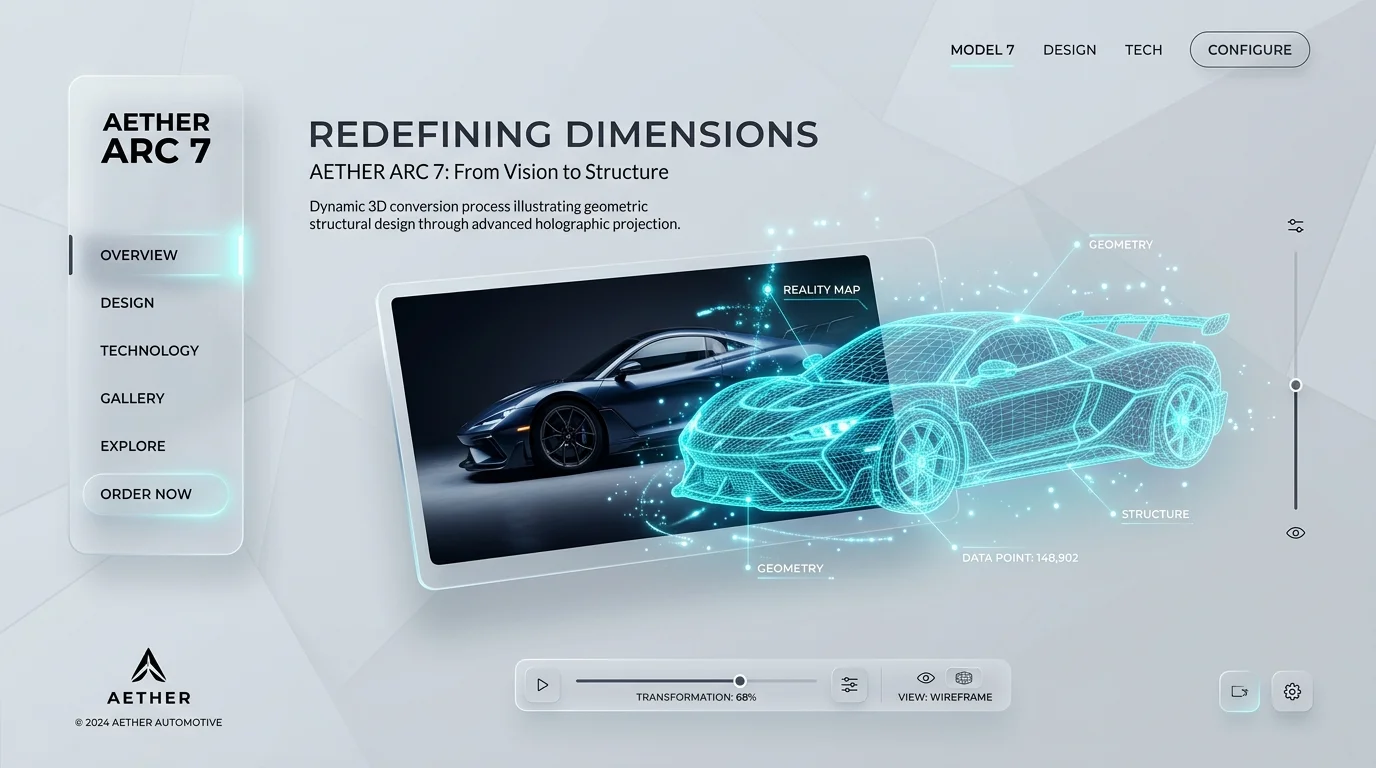
Image quality dictates the structural integrity of the resulting 3D model. Because machine learning models derive spatial coordinates from surface pixel values, properly formatting the reference photograph prevents topology errors down the pipeline.
Lighting, Contrast, and Composition Best Practices
Lighting must be flat and diffuse so the generation engine reads actual physical volume instead of baked-in surface shadows. Hard directional lighting creates high-contrast shadows, causing the algorithm to register dark patches as actual indentations or missing polygons in the final mesh.
- Diffuse Lighting: Use softboxes, flat overcast lighting, or ring setups to distribute illumination evenly across the subject.
- High Contrast Backgrounds: Position the target object against a solid, contrasting backdrop to ensure the software's automated background removal tools can cleanly detect the silhouette edges.
- Avoid Reflections: Specular highlights on chrome or glass confuse depth estimation. When capturing physical objects, coating them in standard dulling spray normalizes the surface for better geometric reading.
Choosing the Right Angles and Subject Matter
Using a single image for mesh generation requires selecting an angle that exposes the most structural data possible.
- The Three-Quarter View: A standard 45-degree isometric projection works best. This angle displays the front, side, and top profiles concurrently, giving the inference engine sufficient pixel data to estimate the occluded rear geometry.
- Subject Matter Constraints: Current generative models process organic forms, character block-outs, standard furniture, and discrete props reliably. Mechanical hard-surface parts featuring deep internal cavities often generate overlapping faces and require manual retopology passes.
Step-by-Step: Execution Sequence
Executing the conversion requires a methodical approach to image isolation, draft verification, and high-resolution refinement. Following this sequence minimizes geometry errors and ensures usable PBR textures.
Step 1: Uploading and Analyzing Your Reference Image
Load the prepared reference image into the primary generation software. Most enterprise systems process standard raster files like PNG or JPG. The software immediately applies an alpha mask to separate the object from its background. Operators must check this mask against the original image; if the masking tool clips structural details such as thin wiring or edge extensions, the user should manually correct the boundary using the platform's brush tools to retain the complete silhouette.
Step 2: Rapid Draft Generation for Concept Verification
With the background removed, the user initiates the initial drafting phase. The processing engine runs an inference pass to output a low-poly base mesh, commonly referred to as a block-out or white model. This computation phase generally resolves in under thirty seconds.
Step 3: Refining Meshes and Textures for High-Resolution Output
Upon approving the block-out mesh, the user executes the main refinement task. This heavier processing pass increases the polygon count to capture finer details and generates standard PBR (Physically Based Rendering) texture maps.
Post-Processing and Pipeline Integration
Generated meshes require strict formatting and skeletal data before integration into external engines. Understanding rigging and export constraints prevents data loss when transitioning assets.
Automated Rigging for Dynamic Character Animation
Character meshes produced from concept art remain static until they receive structural rigging. Current generation tools offer built-in rigging automation, scanning the generated geometry to locate anatomical joints and attach standard bipedal armatures.
Exporting to Industry-Standard Formats
- .FBX / .OBJ: Standard extensions utilized by real-time engines.
- .GLB / .STL / .3MF: Compressed GLB files for web, STL/3MF for printing.
- .USD: Essential for spatial computing and AR.
Evaluating the Best Tools
Tripo AI: Optimizing the 3D Production Pipeline
For teams requiring stable and scalable asset generation, Tripo AI offers a streamlined solution for generic 3D model production. Powered by Algorithm 3.1 and built upon an architecture of over 200 Billion parameters, Tripo AI functions as a precise image-to-3D transformation tool.
- Generation Latency: Eight seconds for a draft model.
- Mesh Refinement: Fully textured model within a five-minute window.
- Automated Rigging: Internal skeleton mapping included.
- Format Integration: USD, FBX, OBJ, STL, GLB, 3MF.
FAQ
1. Can I generate a highly detailed 3D model from a single 2D image?
Yes. Current generation engines calculate spatial data from single images. The software accurately maps the visible geometry while predicting the occluded rear faces.
2. What file formats are best for exporting image-generated models?
Output formatting aligns with the target engine. Operators use FBX or OBJ files for Blender, GLB for web, and USD for spatial computing.
3. Do I need a high-end GPU to run modern AI 3D generators?
No. Enterprise generation tools process the inference tasks on remote server clusters.
4. How accurate are auto-generated 3D models compared to manual sculpting?
Generated meshes provide reliable volume estimation and valid topology, effectively cutting down early hours of manual block-out work.
