How to Create a 3D Character Online Free: A Production Workflow Guide
Learn to master browser-based tools and AI generators to build 3D assets fast.
The demand for digital avatars persists across gaming, e-commerce, digital marketing, and virtual production. Historically, creating production-ready three-dimensional assets required complex local software configuration, version management, and extensive technical training. Currently, building a 3D character online utilizing an AI 3D model generator operates as an established, production-ready workflow rather than an experimental concept. This tutorial provides a linear, end-to-end guide on generating, refining, animating, and exporting digital characters using standard browser-based technologies without local rendering overhead.
Why Web-Based Generators Are Replacing Traditional 3D Workflows
Transitioning from local desktop applications to browser-based generation shifts the computational load from local hardware to remote servers, reducing iteration cycles and mitigating common pipeline bottlenecks in character prototyping.
The pipeline complexity and compute limits of desktop software
Traditional 3D character creation pipelines necessitate proficiency within a highly technical and fragmented software ecosystem. Industry-standard desktop applications require operators to navigate a strict sequential workflow: initial blockout, high-poly digital sculpting, manual retopology for optimized edge flow, UV unwrapping, and finally, baking diffuse, normal, and roughness maps. Each phase introduces distinct technical requirements that often stall production schedules and increase asset delivery times.
Furthermore, local 3D modeling software imposes specific local compute limits. High-polygon sculpting and real-time material rendering require local workstations equipped with multi-core processors, substantial RAM, and discrete GPUs with massive VRAM capacities. Attempting to execute these operations on standard consumer hardware typically results in software crashes, system thermal throttling, and extended render wait times.
How remote servers process the prototyping phase
Web-based generation platforms address these hardware limitations by distributing computational requirements to remote servers. By utilizing procedural generation and machine learning models, these platforms enable users to execute browser-based 3D modeling directly within a standard web browser without installing additional plugins.
This approach accelerates the prototyping phase significantly. Instead of allocating days to manipulate vertices and troubleshoot edge loops, creators define base concepts through text or image inputs. Advanced engines process these inputs using Algorithm 3.1, which operates on over 200 Billion parameters, translating 2D data or semantic text into native 3D geometry. This allows individual creators and technical artists to iterate on multiple character variations in the time it previously took to finalize a single base mesh.
Essential Preparation Before Building Your First Avatar

Defining strict art style parameters and preparing clean, neutral reference data are prerequisite steps to ensure the generation engine outputs geometry and textures that align with project specifications.
Defining your art style: Realistic, Voxel, or Stylized
Before initiating the generation process, explicitly define the target art style to maintain asset consistency across the project pipeline. The underlying models require specific stylistic direction to output coherent geometry and texture maps.
- Realistic: Requires high-resolution texture mapping, physically based rendering (PBR) materials, and precise anatomical proportions.
- Stylized: Features exaggerated proportions, simplified color palettes, and hand-painted texture approximations.
- Voxel and Lego-like: Utilizes block-based geometry to create retro aesthetics.
Gathering specific reference data and structuring text prompts
Generative systems rely on unambiguous data inputs to function correctly. When utilizing an image-to-3D workflow, the reference image must adhere to strict visual parameters. Ensure the subject is photographed or illustrated in an A-pose or T-pose to prevent the system from fusing limb geometry. When utilizing text-to-3D capabilities, structure the prompts using a hierarchical syntax: subject, specific details, art style, and texture/lighting instructions.
Step-by-Step Guide to Generate Your Character Model
The generation sequence involves inputting precise data, generating a rapid structural draft for spatial validation, and subsequently running a refinement pass to upscale topology and texture resolution.
Step 1: Specifying the input modality
Navigate to the selected generation platform and specify the input modality (Text or Image). Ensure the reference image meets resolution requirements and verify that advanced parameters are configured correctly.
Step 2: Generating the initial structural draft
Once submitted, the remote engine uses Algorithm 3.1 to process the request. Within approximately 8 seconds, the engine generates an initial textured white-box mesh. This stage is primarily for spatial validation of proportions and silhouette.
Step 3: Running the refinement pass
Initiate the refinement protocol to transition the basic geometric structure into a detailed, standard-compliant model. This phase reconstructs mesh topology and upscales textures using PBR, typically completing within 5 minutes.
Bringing Your Model to Life: Rigging and Animation
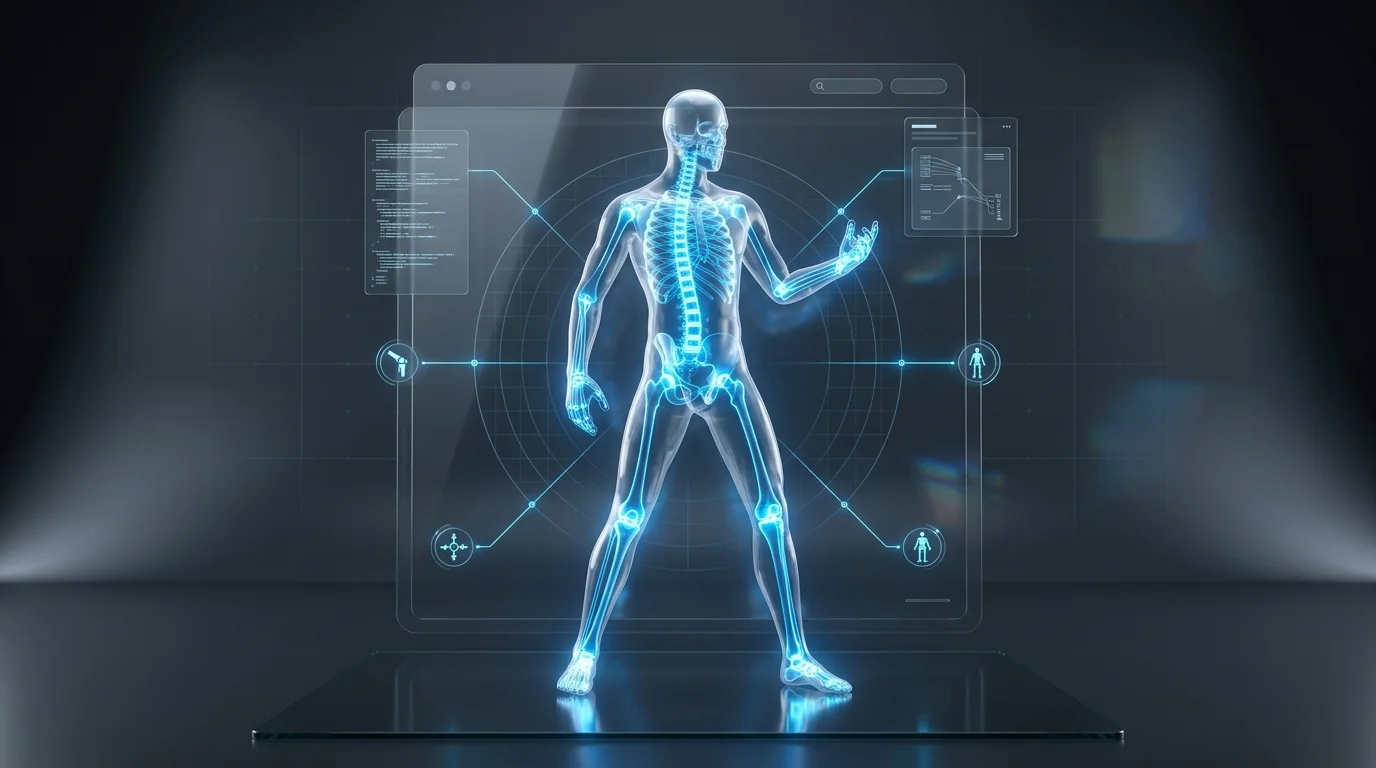
Automated skeletal rigging and motion targeting eliminate the need for manual weight painting.
Bypassing manual weight painting with automated rigging
Modern generation platforms automate skeletal rigging by analyzing the mesh, identifying pivot points, and programmatically calculating vertex weights. This results in a fully rigged character ready for animation.
Applying motion sets to the mesh
Apply animation sets—such as walk cycles or idle states—directly within the platform. The automated rig ensures inverse kinematics (IK) translate accurately across the geometry.
Exporting and Integrating into Your Creative Pipeline
Selecting the appropriate file format ensures structural and textural data translates correctly into external game engines.
Choosing the correct file format (FBX, USD, GLB)
- FBX: Standard for Unity, Unreal Engine, Maya, and Blender.
- GLB: Ideal for web-based 3D viewers and browser games.
- USD: Preferred for mobile AR and Apple spatial computing.
Importing data into engines and platforms
Download the file and import it into your engine. Ensure scale settings (e.g., 1 unit = 1 meter) align with the environment and verify that material properties recognize the assigned albedo, normal, and metallic maps.
FAQ
1. Can I use commercially free online 3D character generators?
Many platforms offer a Free tier for testing, but commercial usage usually requires a paid subscription (e.g., Tripo AI Pro) to grant explicit licensing rights.
2. Do I need a high-end PC for browser-based 3D modeling?
No. Processing is handled by remote servers. As long as your browser supports WebGL, you can generate 3D models on standard consumer hardware.
3. How long does it typically take to generate and animate an avatar?
The entire workflow—from text prompt to a fully animated character—completes in under 10 minutes.
4. What is the best file format for 3D printing my character?
STL or OBJ formats are standard for 3D printing, as they define the surface geometry required for slicing software.
