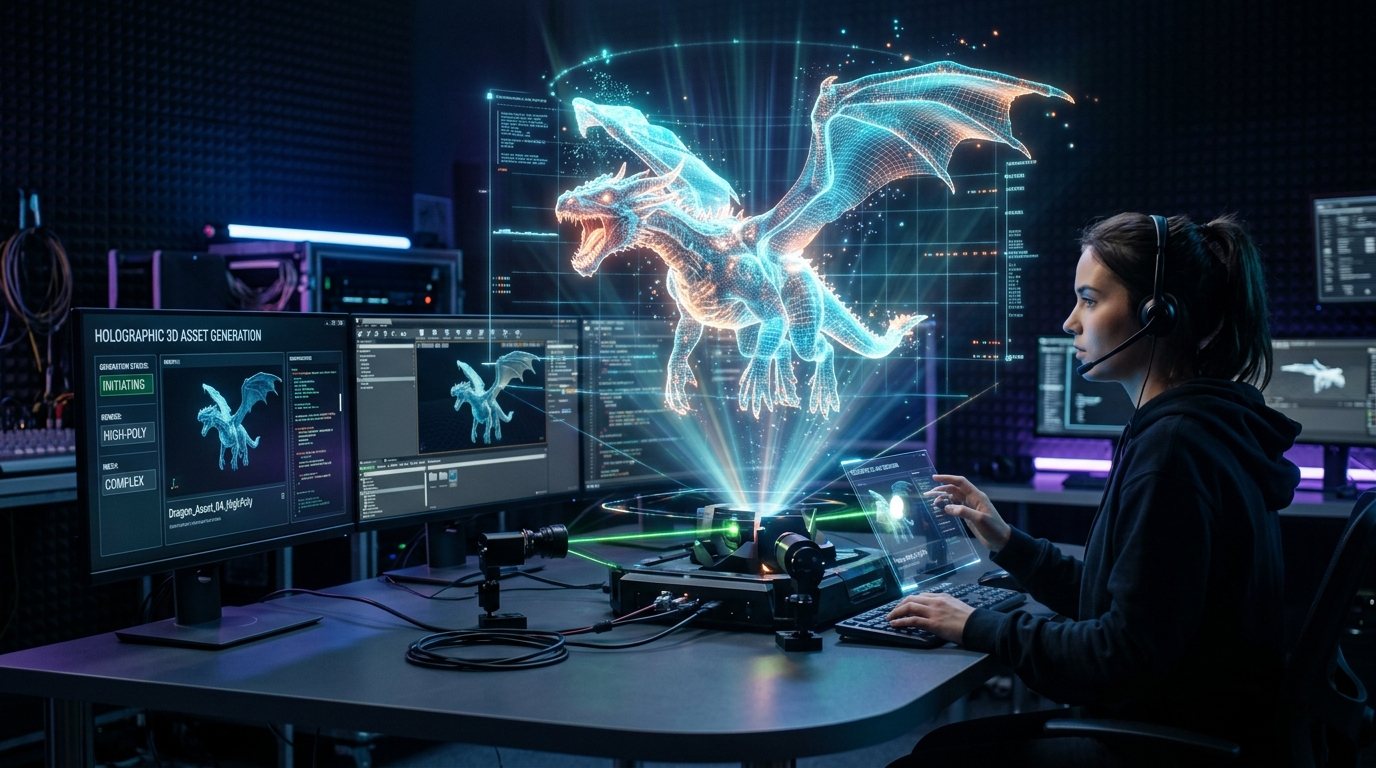
Match HDR Lighting to Tripo AI Props for Realism
Professional Techniques for Seamless VFX Integration and Realistic 3D Rendering
Integrating digital assets into live-action footage during media production often results in a visual disconnect that destroys the audience's suspension of disbelief. When artificial lighting seams persist, 3D elements look pasted into the frame rather than existing within the physical environment.
By matching high dynamic range environment maps to assets from an AI 3D model generator, visual effects artists can eliminate these lighting discrepancies and achieve true cinematic realism.
Key Insights
- Precise High Dynamic Range Imaging (HDRI) alignment synchronizes digital key lights with practical sets, ensuring mathematically accurate shadow casting.
- Industry-standard export formats preserve critical material data necessary for advanced rendering engine calculations and light absorption.
- Physically Based Rendering (PBR) calibration is mandatory for assets to reflect HDR environment data correctly without breaking energy conservation laws.
- Modern 3D pipelines utilizing AI-generated props can reduce production bottlenecks by up to fifty percent while maintaining photorealistic visual fidelity.
Why HDR Lighting is Critical for AI-Generated Movie Props
Achieving cinematic realism requires perfectly matching your set's HDR environment lighting to your Tripo AI-generated 3D props. This seamless integration eliminates artificial lighting seams, ensuring AI assets naturally absorb scene reflections and shadows for professional media production.
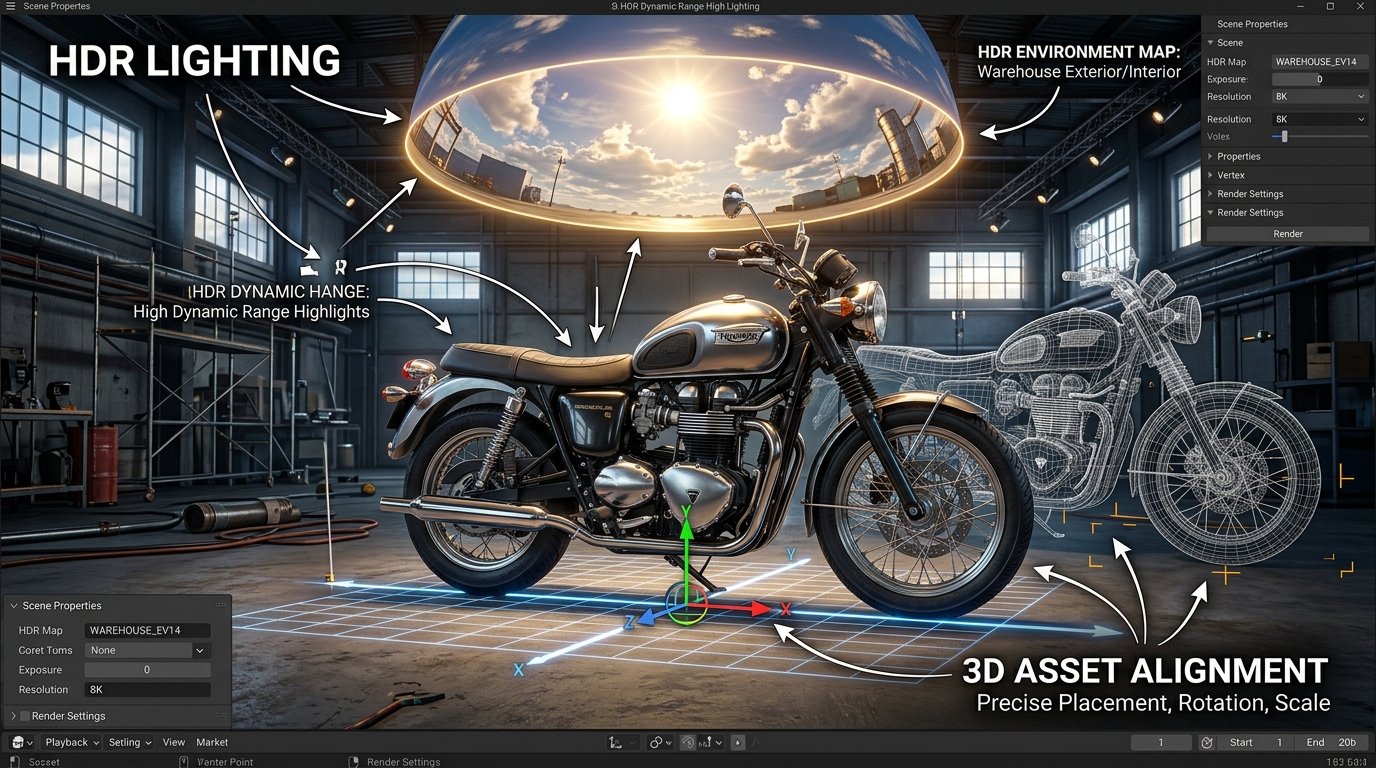
High Dynamic Range Imaging serves as the absolute foundation of modern visual effects lighting. Unlike standard 8-bit images, an HDR map captures the full luminance range of a physical location using 32-bit floating-point data, from the deepest shadows to the intense brightness of the sun or studio lamps. When digital props are introduced into a live-action plate, they must react to this exact lighting data to appear native to the environment.
The 3D rendering process relies heavily on this data, executing a complex series of calculations to simulate physical light behavior. The step-by-step rendering process begins with scene description, where data input includes 3D models, transform hierarchies, and material definitions. Next, visibility culling dictates which objects are within the camera's view to avoid unnecessary computational overhead. The engine then moves to shading and lighting, applying material properties and calculating illumination directly from the HDR sources. Rasterization or ray tracing then converts vector geometry to pixels. ly, post-processing applies final image effects like color grading, bloom, or depth of field to marry the prop with the raw camera footage.
Exporting Tripo AI Assets for Rendering Workflows
Before lighting setup, export your Tripo AI props in industry-standard formats like USD, FBX, or OBJ. These formats retain essential material data, allowing rendering engines to accurately calculate HDR light bounces and PBR textures.
The transition from asset generation to lighting setup requires meticulous data management. When preparing models for integration with a physical set's HDRI, artists must utilize robust file types that carry vertex data, normal maps, and UV coordinates without degradation. Tripo AI supports exporting in USD, FBX, OBJ, STL, GLB, and 3MF formats. For high-end visual effects pipelines, USD (Universal Scene Description) and FBX are heavily favored due to their ability to encapsulate complex material assignments and non-destructive hierarchies.
If pipeline constraints necessitate moving between different software ecosystems, utilizing a reliable 3D file converter can maintain the integrity of the PBR maps during the transfer, preventing the loss of crucial roughness or metallic data.
Aligning the HDR Environment Map (HDRI) with 3D Space
Capture a 360-degree HDRI on your physical set to replicate exact real-world lighting conditions. Aligning this environment map's dominant light source with your 3D scene ensures the Tripo AI props cast accurate shadows matching live-action elements.
An HDR map is essentially a spherical projection of captured light data, typically created by shooting multiple bracketed exposures on set and merging them into a single 32-bit image. For Tripo AI props to cast shadows that match the live-action actors and physical set pieces, the orientation of this digital sphere must perfectly mirror the physical world at the exact moment the camera rolled.
The primary objective for the lighting artist is to locate the brightest pixel within the HDRI—usually the sun or the primary studio key light—and rotate the environment map on the Y-axis until this digital light source hits the 3D prop from the identical angle as the physical light hit the actors.
Fine-Tuning PBR Materials for Accurate HDR Reactions
Even with perfect HDR lighting, AI 3D props require precise Physically Based Rendering (PBR) material adjustments. Fine-tuning roughness and metallic maps ensures the surface correctly reflects the HDR environment, bridging the gap between digital assets and real-world cinematography.
The relationship between an HDR environment map and a 3D surface is entirely mediated by the asset's PBR material properties, governed by the laws of energy conservation. A high-quality HDRI contains intricate reflection data, but this data will only manifest visibly if the prop's surface is calibrated to receive it. Roughness maps dictate the micro-surface detail of the object. A lower roughness value will produce sharp, distinct reflections of the HDRI, making the object appear wet, polished, or glossy.
When refining these assets, utilizing advanced AI texturing capabilities can expedite the creation of these specific PBR maps. However, technical artists must manually verify how the generated metallic and roughness values respond under the specific HDRI of the scene.
FAQ
1. How do I fix mismatched shadow directions on AI props?
A: Mismatched shadow directions occur when the digital light source does not align with the physical light source of the live-action plate. To resolve this, access the 3D software's environment or dome light settings and rotate the HDRI sphere to align the brightest pixel (the key light) with the angle of the practical lighting.
2. Why do my Tripo AI props look flat under HDR lighting?
A: This typically indicates an issue with PBR roughness maps. To correct this, adjust the roughness to increase specular reflections. Introducing contrast into the roughness map forces HDR reflections to break up across the surface, restoring the asset's dimensional appearance.
3. Can I use multiple HDR maps for a single scene?
A: Yes, it is standard practice to blend a primary lighting HDRI (high dynamic range for shadows) with a secondary reflection HDRI (high resolution for crisp reflections) for complex cinematic composites.
