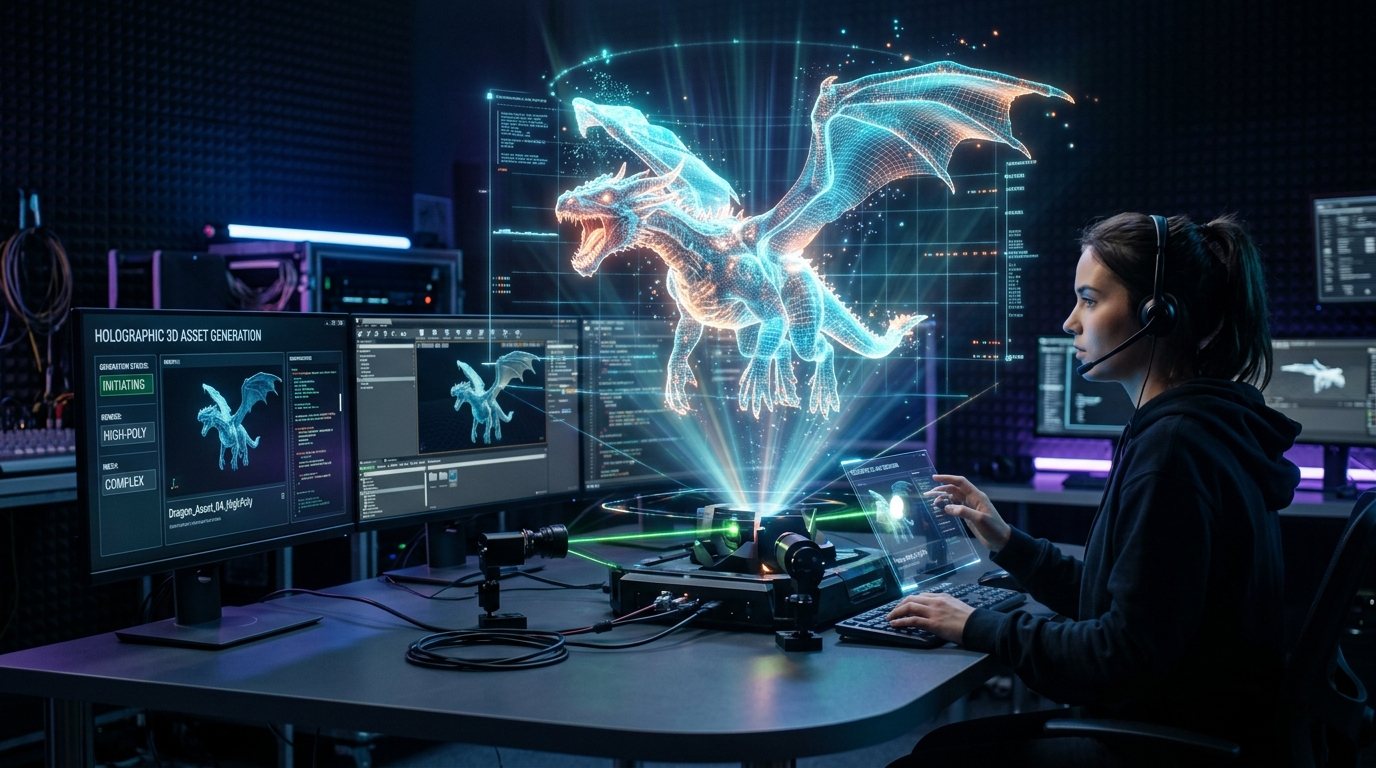
Master NPR Shading on AI 3D Models for 2D Lookdev
Professional Techniques for Stylizing High-Density Generative Topologies
Achieving authentic anime or comic aesthetics on 3D geometry is crucial in modern media production. It often requires meticulous manual topology adjustments, which becomes a severe bottleneck when integrating rapid generative assets into production pipelines.
Standard physically based rendering setups fail on these dense meshes, resulting in broken outlines, harsh shadow terminators, and inconsistent visual storytelling. By adapting Non-Photorealistic Rendering (NPR) workflows to accommodate high-density generative topologies, technical artists can seamlessly utilize 2D photo to 3D AI pipelines to convert rapid conceptual outputs into broadcast-ready stylized assets.
Key Insights
- Generative mesh topologies require specific normal smoothing and vertex merging techniques to support clean inverted-hull outlines.
- Exporting in designated formats ensures the preservation of critical vertex data necessary for complex cel-shading networks.
- Step-driven color ramps and strict dynamic shadow thresholds are essential to override default vertex colors for a flat, hand-drawn look.
- Advanced workflows leverage image reference prompts during the initial generation phase to establish a baseline color palette before DCC integration.
- Baking finalized NPR lighting down to emissive textures guarantees real-time performance across game engines without sacrificing the stylized aesthetic.
Introduction to NPR Shading on AI-Generated Geometry
Achieving a stylized 2D look on AI-generated models requires adapting Non-Photorealistic Rendering (NPR) techniques to handle specific mesh topologies effectively. This comprehensive section explains how to seamlessly bridge Tripo AI outputs with traditional cel-shading workflows for high-quality animation lookdev in your pipeline.
Understanding AI Mesh Topology for Stylization
Transitioning from standard physically based rendering to a stylized 2D look requires a fundamental understanding of how generative mesh topology differs from traditional hand-modeled quad geometry. AI-generated models often consist of dense, unstructured triangulations designed to capture intricate organic details rapidly. While this dense data is excellent for photorealism, it presents unique challenges for Non-Photorealistic Rendering. NPR shading, particularly cel-shading and outline generation, relies heavily on smooth, continuous surface normals to calculate precise light terminators. When a mesh contains highly faceted triangles, the resulting stylized shadows can appear jagged or visually noisy. To mitigate this, technical artists must establish a strong visual foundation before the asset even reaches the 3D workspace. Utilizing image prompts alongside text for style transfer provides explicit visual examples of desired color palettes, textures, and compositional lighting. By controlling stylistic intensity and adjusting how strongly particular styles or artists are referenced during the generation phase, creators can heavily influence the initial output. For professional 3D applications, these generated 2D images serve as precise style references for an AI 3D model generator to maintain visual consistency across 2D and 3D assets. Once the geometry is generated, understanding its dense triangulated nature dictates the necessary optimization steps, ensuring that the underlying mesh flow will not disrupt the strict mathematical calculations required for flat shading.
Exporting from Tripo (USD, FBX, OBJ, GLB) for DCC Integration
Once the base geometry and initial vertex colors are established, transitioning the asset into a Digital Content Creation (DCC) environment requires precise export configurations. Because modern animation pipelines involve complex software integration, exporting assets with the correct file types is non-negotiable. Depending on the target software, technical artists must utilize standardized formats including USD, FBX, OBJ, STL, GLB, and 3MF to ensure complete data transfer. For 2D-look animation lookdev, the FBX and USD formats are generally preferred. The FBX format securely retains crucial vertex color data, which often serves as the foundational albedo map in a cel-shaded node network. Furthermore, Tripo AI's FBX viewer natively supports animation playback, complex mesh rendering, and real-time shading. This provides immediate material and skeleton binding visualizations alongside camera views, all characterized by fast loading and smooth real-time performance for complex scenes. By exporting via FBX or USD, technical artists guarantee that when the model is imported into Maya, Blender, or Unreal Engine, the integrity of the normal data, vertex weights, and hierarchical structures remains completely intact, ready for the application of complex NPR shader networks.
Core Lookdev Techniques for 2D-Look Animation
Successful 2D-look animation lookdev relies heavily on custom normals, simplified albedo maps, and flat lighting models. Here, we cover the exact technical steps required to transform raw Tripo models into broadcast-ready stylized assets using step-driven color ramps and dynamic shadow thresholds.
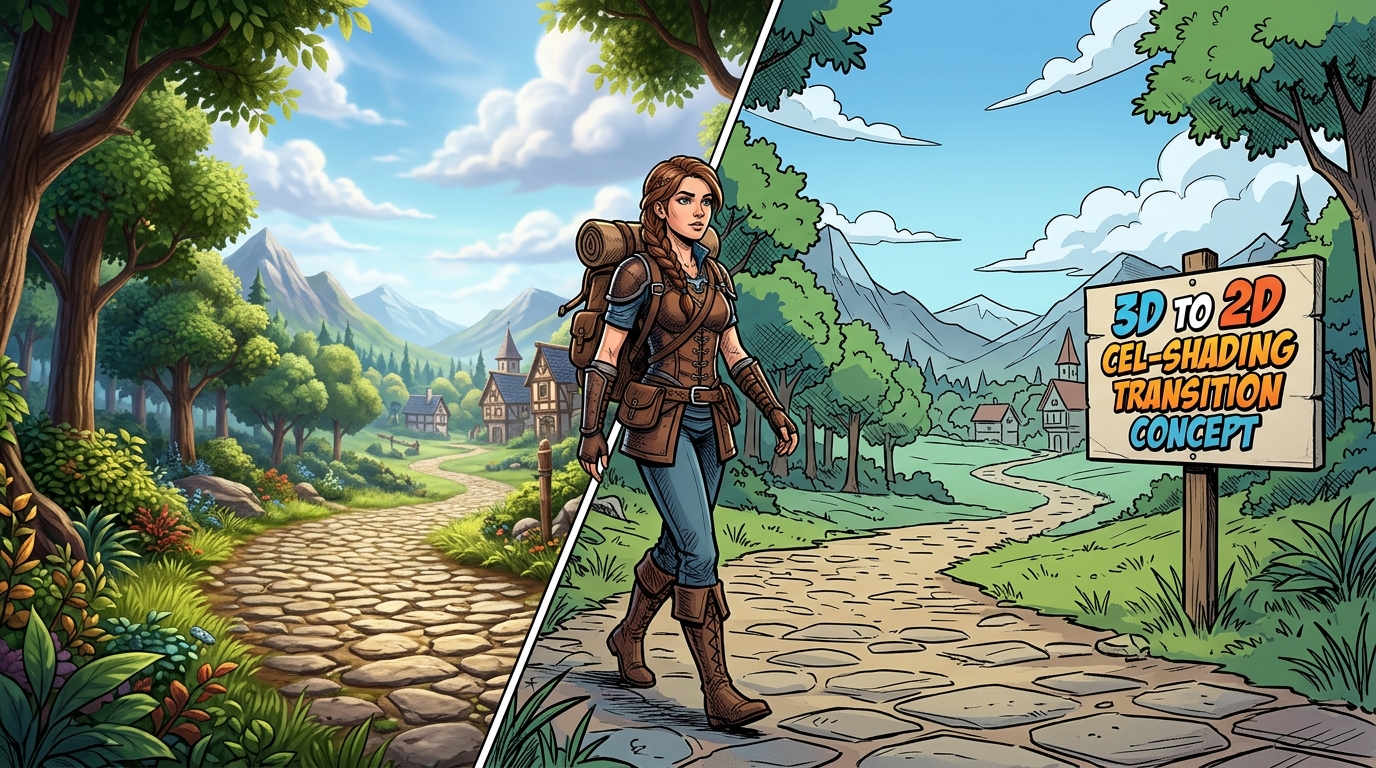
Normal Editing and Smoothing for Clean Outlines
The foundation of any successful 2D stylization lies in the manipulation of surface normals. In digital 3D space, a normal is an invisible vector that determines which direction a polygon is facing. Render engines use these vectors to calculate how light bounces off the surface. For NPR shading, and specifically for generating clean, continuous outlines, these normals must be highly smooth. If an AI-generated model possesses split normals or micro-gaps between vertices, the rendering engine will interpret these as hard edges, causing stylized outlines to break, bleed, or exhibit severe artifacting. To correct this, the raw mesh must undergo a strict normal editing process within the DCC. The first technical step involves welding the geometry. By executing a "Merge by Distance" command, artists can fuse any overlapping or disconnected vertices generated during the AI creation process. Once the mesh is unified, a normal smoothing operation must be applied. In software like Blender, this involves setting the object shading to smooth and utilizing an Auto Smooth function to dictate an angle threshold. For more complex topology, artists may employ a Data Transfer modifier, which projects smooth normal data from a simplified proxy mesh directly onto the dense generative geometry. This critical normal editing ensures that light wraps uniformly around the form, preventing the jagged shadow terminators that often plague unoptimized 3D models.
Setting Up Cel-Shading Ramps and Thresholds
With the topology optimized and normals smoothed, the next phase of lookdev requires completely overriding the rendering engine's default lighting calculations. Physically Based Rendering (PBR) aims to simulate real-world light attenuation, resulting in soft, gradual gradients between illuminated areas and shadows. To achieve a hand-drawn 2D aesthetic, these soft gradients must be mathematically crushed into distinct, solid blocks of color. This is achieved through the implementation of step-driven color ramps. In a node-based shader editor, the workflow begins by capturing the scene's lighting data. A standard Diffuse BSDF node is routed through a "Shader to RGB" conversion node. This specialized node intercepts the light calculation before it is drawn to the screen, converting the mathematical light intensity into raw color data. This data is then fed into a Color Ramp node set to "Constant" interpolation. Unlike linear interpolation, which blends colors, constant interpolation creates a hard mathematical threshold. Technical artists configure these color ramps with specific stops to mimic traditional animation painting: a core shadow, a mid-tone, and a bright highlight. By adjusting the position of these stops, artists define the dynamic shadow thresholds. As the 3D model rotates or the scene lighting shifts, the shadows do not fade smoothly; instead, they snap crisply from one color block to the next. This strict separation of light and dark values is the core of replicating traditional ink and paint techniques on dense generative meshes.
Advanced NPR Shading Workflows for Tripo AI Models
To elevate stylized shading, 3D artists must implement advanced edge detection, halftone texturing, and dynamic rim lighting. This section details complex nodes and material setups to give your Tripo AI 3D models an authentic, hand-drawn anime or comic book aesthetic.
Implementing Inverted Hull and Fresnel Outlines
While flat shading handles the interior forms of the model, achieving an authentic comic book or anime aesthetic requires a robust outlining system. A highly reliable method for generating dynamic, real-time outlines on dense 3D geometry is the inverted hull technique. This process relies on manipulating backface culling to create a dark silhouette that traces the outer boundary of the character or object. To implement the inverted hull, the optimized Tripo mesh is duplicated within the DCC. A modifier—typically a Solidify or Displace modifier—is applied to this duplicate, pushing its vertices outward slightly along their local normal vectors. Crucially, the normals of this expanded duplicate mesh are flipped inside out, and a pure black, unlit emission material is assigned to it. In the material properties, backface culling must be enabled. This renders the front-facing polygons of the duplicate completely invisible to the camera. However, the inside of the back-facing polygons remains visible, framing the original, slightly smaller mesh with a crisp, solid black line. Because this line is generated by actual geometry rather than post-processing edge detection, it scales well with camera proximity and reacts to complex animations. For internal line work and stylized rim lighting, artists utilize Fresnel nodes. A Fresnel node calculates the angle of incidence between the camera's viewing vector and the surface normal. By passing the Fresnel output through another strictly stepped color ramp, artists can isolate the extreme glancing angles of the mesh. This isolated rim data can be colored white for a stylized anime rim light, or mapped to a halftone pattern texture to simulate comic book crosshatching, adding immense depth to the flat-shaded forms.
Baking Stylized Textures for Real-Time Rendering
Node-based NPR shader networks are incredibly powerful within offline renderers or dedicated DCC software, but they can be computationally expensive when deployed in real-time game engines or mobile applications. Complex Shader-to-RGB conversions and inverted hull geometry double the draw calls and processing load. To maintain the intricate 2D look while ensuring high framerates, the complex lighting and shading logic must be baked down into static texture maps. Generating a high-quality base using AI texturing provides a rich, stylized albedo map that serves as an excellent foundation. However, to permanently lock in the dynamic shadow thresholds and cel-shaded color ramps, artists must utilize texture baking. This involves setting up a multi-light rig within the DCC to illuminate the model exactly as desired for the final static asset. The NPR shader is applied, and the rendering engine is instructed to bake the final screen output directly onto the model's UV layout as an Emission map. Once the stylized lighting, shadows, and internal Fresnel details are baked into this single emissive texture, the 3D model can be exported to Unity, Unreal Engine, or web-based viewers using a purely "Unlit" material shader. An unlit shader bypasses the game engine's dynamic lighting system entirely, drawing the baked texture exactly as it appears in the image file. This guarantees that the asset will maintain its meticulously crafted, flat-shaded 2D aesthetic regardless of the complex lighting environments it may encounter during gameplay, ensuring a cohesive and performant visual storytelling experience.
FAQ
1. How do I fix broken NPR outlines on AI 3D models?
A: To fix broken outlines on Tripo models, the root cause is typically disconnected geometry or split vertex normals. The inverted-hull technique relies entirely on continuous faces expanding outward smoothly. Within your 3D software, enter edit mode, select all geometry, and execute a "Merge by Distance" command to weld any loose or overlapping vertices. Following this, recalculate the normals to point outside and apply a normal smoothing modifier. Ensuring a unified, smooth mesh structure will immediately resolve bleeding lines, jagged strokes, or broken outline glitches.
2. Which export format is recommended for cel-shading lookdev?
A: For robust cel-shading lookdev, exporting as FBX or USD from Tripo is highly recommended. These specific formats securely retain the crucial vertex data, including vertex colors and normal information, which are strictly required for driving complex NPR shader networks. Furthermore, the FBX format fully supports animation playback and skeleton binding visualization, ensuring that the stylized outlines and custom normals deform correctly when the model is subjected to complex animation pipelines.
3. Can I apply 2D-look shaders directly to AI vertex colors?
A: Yes, applying 2D-look shaders directly to Tripo's generated vertex colors is a highly efficient workflow. To achieve this, route the vertex color attribute node directly into an unlit or emission shader node within your DCC's material editor. Before the final output is rendered, pass this raw color data through a step-driven color ramp set to constant interpolation. This technique preserves the rich, original generative color palette while completely overriding the natural gradients, enforcing the strict, flat-shaded aesthetic required for authentic 2D animation styles.
