Cloud Libraries for AI Film Models: Team Sharing Standards
Optimizing Collaborative Workflows for Distributed Visual Effects Teams
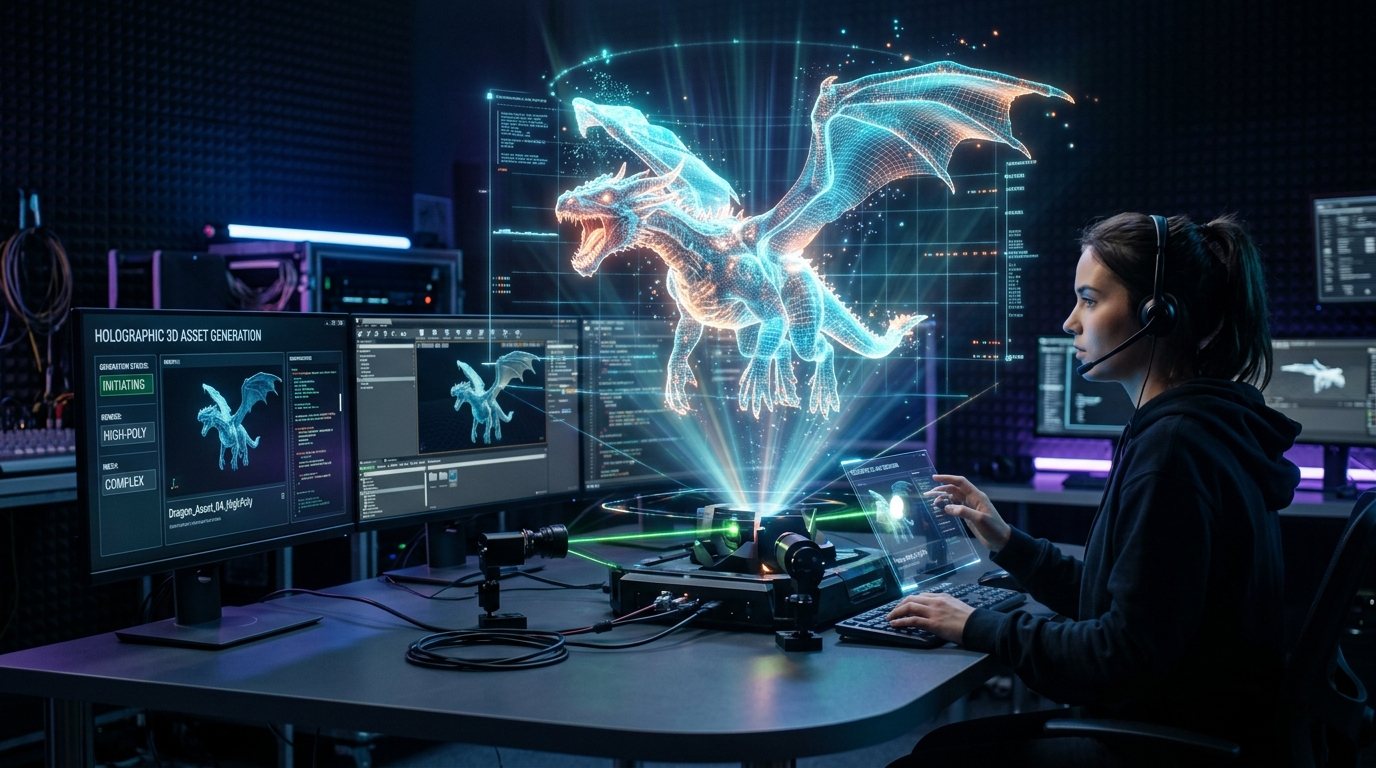
When modern film production pipelines utilize an advanced AI 3D model generator across distributed teams, the rapid influx of digital assets often causes severe organizational friction.
Without strict protocols, scattered local drives and inconsistent file iterations lead to rendering bottlenecks and misaligned creative direction.
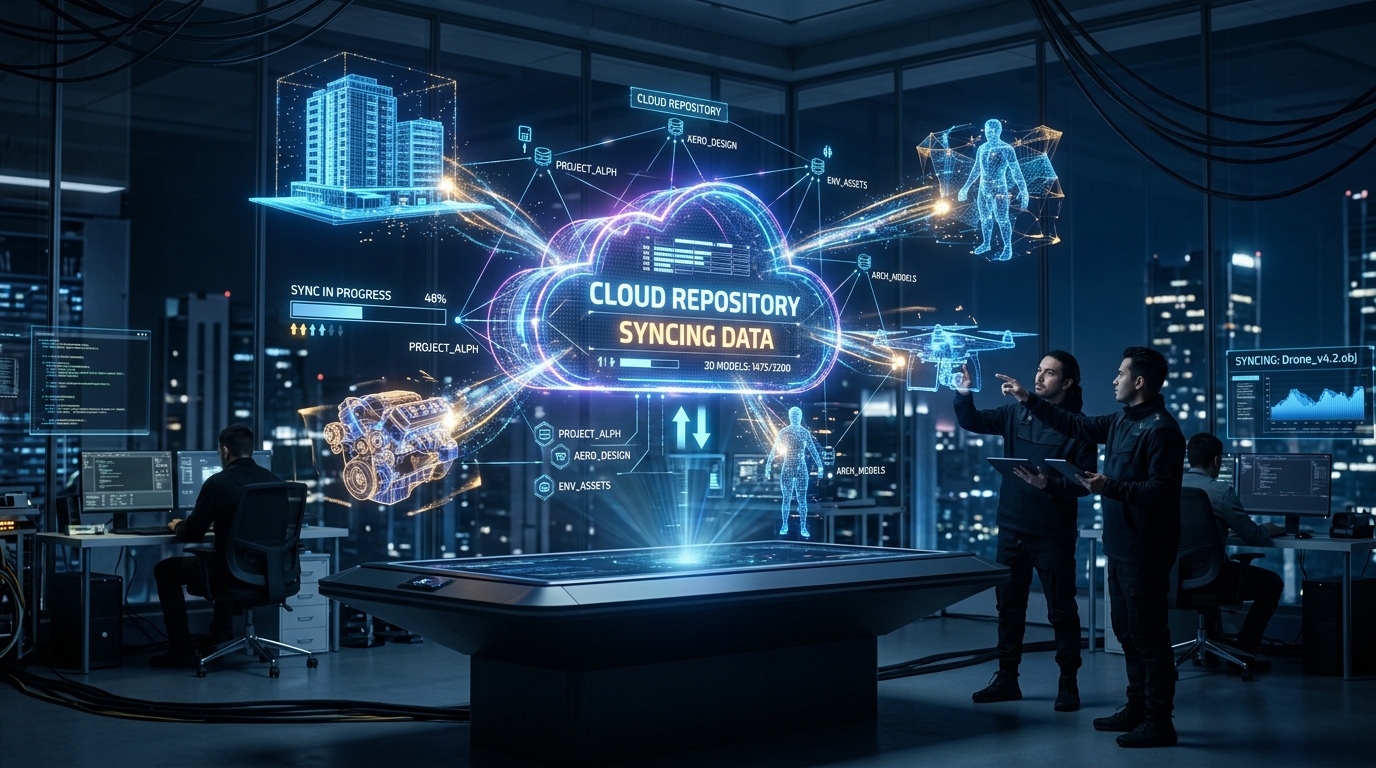
Implementing centralized cloud libraries with rigorous team sharing standards provides a robust solution, ensuring every visual effects artist, animator, and technical director works from a unified, synchronized repository.
Key Insights
- Centralized cloud repositories eliminate version conflicts by establishing a single source of truth for high-volume, iterative asset generation.
- Standardized folder structures categorized by industry-standard file formats guarantee seamless import pipelines across all visual effects software.
- Rigorous naming conventions and metadata tagging are critical for tracking procedural iterations and maintaining an effective prompt library.
- Implementing strict quality assurance staging environments ensures all shared assets meet required topology and scale parameters prior to final rendering.
The Role of Cloud Libraries in AI-Assisted Film Production
Centralized cloud libraries are essential for modern film production, acting as the backbone for distributing Tripo AI-generated 3D assets. By establishing a unified repository, distributed VFX and animation teams can ensure everyone accesses the updated, standardized models, significantly reducing rendering bottlenecks and creative misalignments.
Establishing a Single Source of Truth for 3D Assets
Modern cinematic creation involves highly distributed teams, with modeling, texturing, rigging, and lighting departments often spread across different global time zones. Relying on local storage for project files introduces severe synchronization issues, especially when procedural generation tools can produce dozens of asset variations in minutes. A centralized cloud library resolves this by acting as the definitive single source of truth.
Version Control for Iterative AI Model Generation
Tripo AI enables creators to accelerate the entire 3D pipeline—including modeling, texturing, retopology, and rigging—by up to 50%, bypassing the need to constantly switch between multiple disparate tools. While this velocity is highly beneficial for production schedules, it places immense pressure on version control systems. Traditional linear versioning is replaced by rapid bursts of parallel generation.
Organizing Tripo AI Models for Seamless Software Integration
To guarantee seamless pipeline integration, teams must rigorously organize their Tripo AI outputs by industry-standard file types. Categorizing assets into dedicated directories for USD, FBX, OBJ, STL, GLB, and 3MF formats ensures environmental artists and animators can instantly import models into their preferred software.
Naming Conventions and Metadata Tagging
Professional production environments require standardized nomenclature that identifies the project, sequence, scene, asset category, specific asset name, and version number. Beyond the filename, metadata tagging is critical for organizing generative outputs. Teams must maintain a library of effective prompts directly linked to the resulting models.
Structuring Folders by Format and Scene Requirements
Creating organized folders for different project types and isolating assets by format is mandatory for operational efficiency. Sometimes production workflows require immediate 3D format conversion to adapt a web-optimized asset into a dense mesh suitable for high-end cinematic rendering.
Defining Team-Wide Quality Standards and Asset Sharing
Maintaining visual consistency requires strict team-wide quality standards before any Tripo AI model enters the shared library. Implementing a standardized review process ensures all assets meet required polygon counts, texture resolutions, and scale parameters.
Review and Approval Workflows for 3D Meshes
Technical supervisors often utilize an online 3D studio interface to inspect geometry, evaluate color management profiles, and verify that texture resolutions meet cinematic standards. This staging area acts as a quarantine zone; assets remain here until they are officially verified against the production's technical manual.
Access Control and Permission Management for VFX Teams
Collaboration in a distributed environment necessitates complex permission management. Cloud libraries must implement role-based access control (RBAC) to dictate who can view, edit, or delete specific assets. This ensures that automated processes cannot inadvertently overwrite meticulously refined hero assets.
FAQ
Q: How should we version control Tripo AI models in our shared cloud? A: Production teams should utilize strict incremental naming conventions (such as v001, v002) appended to the end of every file name. Because generative workflows produce rapid iterations, teams must also implement metadata tagging to track the specific text prompts, image inputs, and generation seeds used for each iteration.
Q: What is the optimal folder structure for exporting Tripo models to VFX pipelines? A:The optimal folder structure follows a hierarchical top-down approach: Project > Sequence > Scene > Asset Category > Asset Name. Inside the specific Asset folder, data must be separated by department needs (geometry, textures, and rigs).
Q: How do we maintain scale and topology standards across a distributed team? A: Technical directors must enforce a Quality Assurance (QA) staging folder. All newly generated assets must be exported to this staging area first for technical review of polygon counts, topology, and scale parameters before migrating to production-ready directories.
