AI 3D Environment Kits for Episodic Animation Efficiency
3d environment kitsepisodic animationai 3d model generatortripo ai

AI 3D Environment Kits for Episodic Animation Efficiency

Accelerating Episodic Animation Production with AI-Driven Modular Environments

Tripo Team
2024-05-20
6 min

In modern media production, episodic animation studios face immense pressure to deliver high-volume content within tightening production schedules, often bottlenecked by the manual creation of background assets. The friction between maintaining a distinct art direction and meeting rapid turnaround times forces teams into exhaustive modeling cycles that drain resources. Integrating a 3D Generative AI platform to build modular environment kits provides a scalable solution, allowing artists to rapidly produce reusable assets and redirect focus toward high-value character animation.

Key Insights:

  • Modular 3D environment kits drastically reduce modeling redundancies, enabling the rapid assembly of complex background scenes.
  • Advanced generative tools allow for the near-instant creation of stylized architectural elements and foliage from basic inputs.
  • Standardized export formats ensure seamless ingestion into real-time engines and major digital content creation software.
  • Strategic resource allocation through automated asset generation maximizes studio budgets and accelerates director approvals.

The Shift Towards Modular 3D Environments in Episodic Animation

Episodic animation demands modularity for rapid turnaround times. By utilizing AI, studios can drastically accelerate the creation of reusable environment assets. This approach eliminates traditional modeling bottlenecks, allowing teams to meet tight production schedules while maintaining visual consistency across multiple episodes and seasons .

Overcoming Traditional Asset Bottlenecks

The 3D creation pipeline is continuously evolving to meet the demands of modern television and streaming platforms. Historically, creating detailed environments for an episodic series required a massive initial time investment. Environment artists spent weeks manually modeling, UV unwrapping, and applying basic textures to individual background props. This traditional early-stage workflow created severe bottlenecks, particularly when a script required an entirely new location for a single episode. When a production is constrained by tight delivery dates, spending days on a background element that appears on screen for merely a few seconds is an inefficient use of highly skilled labor. Newer, integrated platforms are emerging that combine assisted generation, optimization, and rendering preparation into cohesive workflows. These tools effectively compress the traditional early-stage workflow. By bypassing the steep learning curve of from-scratch modeling for secondary assets, studios allow artists to begin projects closer to the lighting and rendering stage. This fundamental shift means that creative energy is focused on high-value artistic decisions, such as composition and mood, rather than the manual technical construction of base meshes.

Core Components of a Reusable Modular Kit

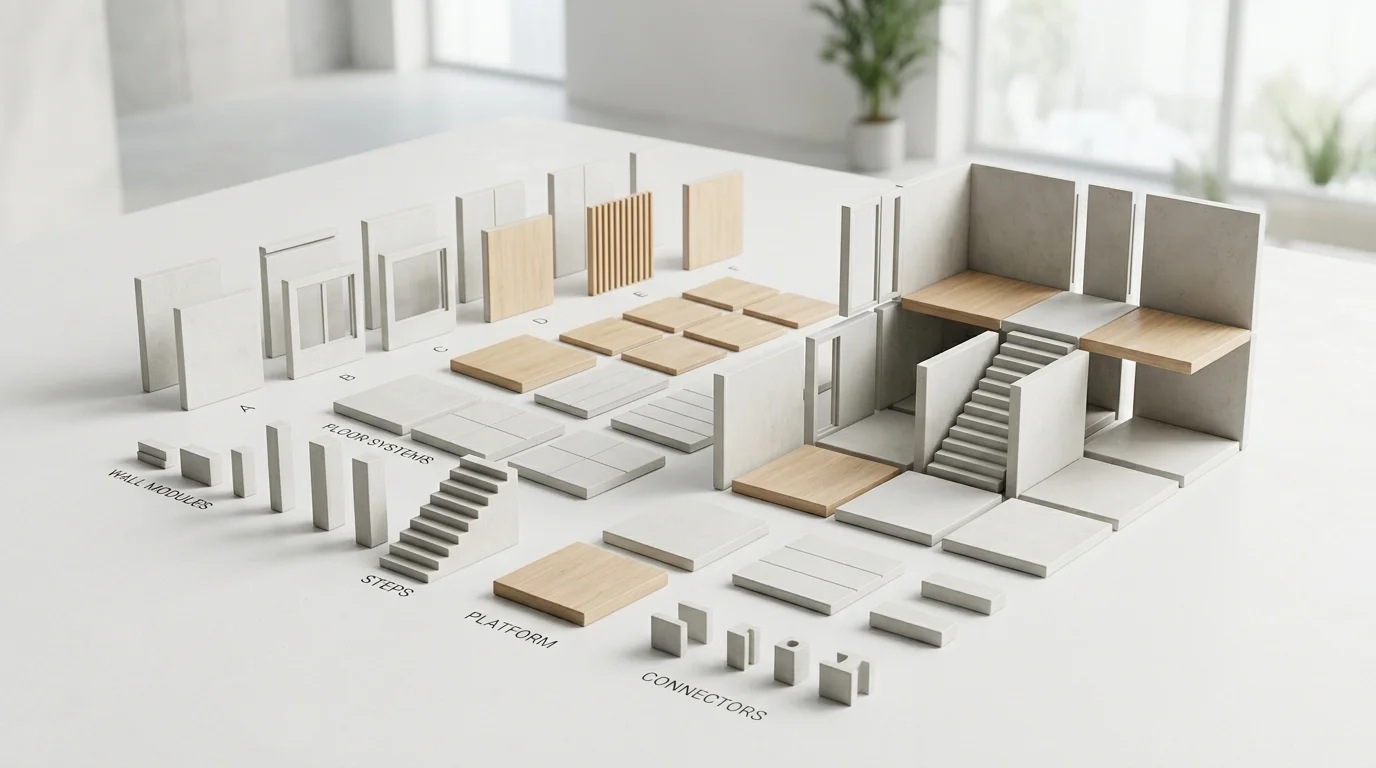
A successful modular environment kit relies on standardization. Rather than building a complete, unified room, artists create separate, interchangeable components—such as wall panels, floor tiles, structural pillars, door frames, and background foliage. These components are designed to snap together perfectly on a predefined grid within a digital content creation tool. The core philosophy of kitbashing is reusability. A well-constructed kit allows layout artists to assemble diverse sets rapidly, reusing the same base elements in different configurations to create entirely new locations. For episodic animation, where characters might visit a marketplace in episode two and return to a different section of that same marketplace in episode eight, a robust modular kit ensures visual continuity while saving thousands of hours of redundant modeling. Establishing this foundational library is a fundamental and critical step in optimizing a long-running episodic pipeline.

Minimalist 3D modular environment kit

Leveraging Tripo AI for Rapid Kit Generation

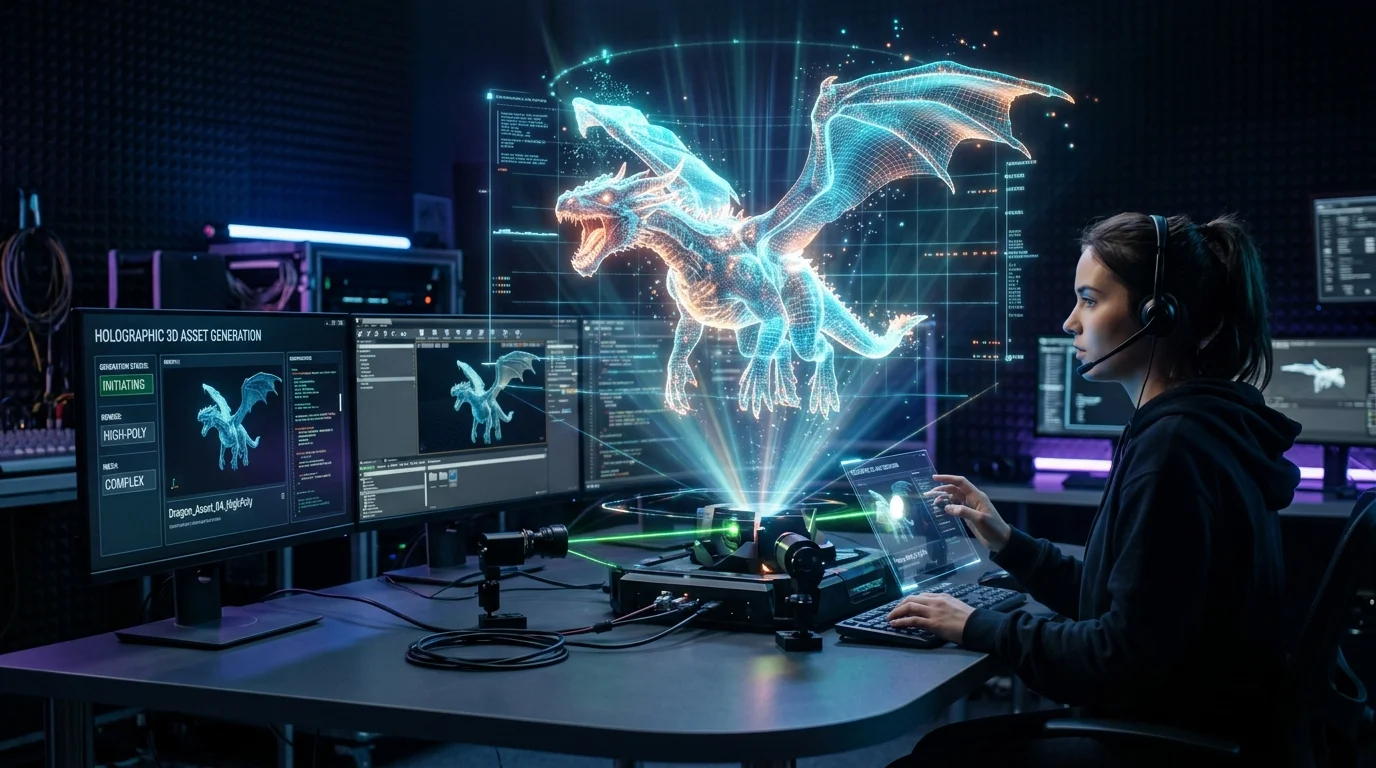
Tripo AI enables environment artists to rapidly generate diverse, stylized modular pieces—such as walls, structural pillars, and background foliage—in seconds. By utilizing advanced prompts, creators can quickly establish a vast library of foundational kitbashing elements tailored to the show's specific art direction.

Text-to-3D Workflows for Background Props

Implementing a prompt to mesh workflow significantly alters how studios populate their scenes with secondary objects. Beginners and seasoned professionals alike can use text prompts to generate foundational 3D models or concept art block-outs. For example, describing a "fantasy crystal on a stone pedestal" can yield a starting mesh in mere seconds. This generated asset can then be imported into the chosen animation software for final refinement. This immediate generation is particularly useful for set dressing. Episodic environments require clutter—crates, barrels, alien flora, or futuristic control panels—to feel lived-in and believable. Instead of assigning a junior artist to model twenty different variations of a background crate, an art director can generate these variations through text prompts. The resulting production-ready assets come with optimized topology and basic materials, allowing the team to populate the environment kit rapidly and move forward to scene assembly.

Image-to-3D Customization for Hero Architecture

While text prompts are excellent for generic set dressing, episodic animation often requires specific architectural elements that adhere strictly to the production designer's vision. In these instances, image-based generation bridges the gap between 2D concept art and 3D execution. An advanced workflow involves taking approved concept sketches of hero architecture—such as an ornate throne room pillar or a stylized storefront—and processing them through the generation platform. The platform creates fully textured, segmented 3D models directly from the 2D input. In recent industry applications, Tripo AI has demonstrated the ability to increase the speed of the entire 3D pipeline—encompassing modeling, texturing, retopology, and initial rigging prep—by up to 50 percent. This eliminates the need to bounce the asset through multiple specialized tools. The generated hero piece is delivered with clean topology and UVs, ready to be integrated into the broader modular kit. This process transforms what was once days of meticulous modeling work into a task completed in minutes.

Pipeline Integration and Interoperability

Seamless pipeline integration is crucial for episodic workflows. Tripo ensures interoperability by allowing artists to export generated modular assets in industry-standard formats, including USD, FBX, OBJ, STL, GLB, and 3MF. This flexibility enables immediate ingestion and assembly within major tools like Unreal Engine, Blender, or Maya .

Exporting USD and FBX for Unreal Engine Assembly

The modern episodic animation pipeline increasingly relies on real-time engines to handle layout, lighting, and final rendering. For these engines to function efficiently, assets must be imported in formats that preserve complex data hierarchies, material assignments, and geometric integrity. Exporting environments as USD (Universal Scene Description) or FBX files ensures that the modular pieces retain their intended scale and pivot data upon import. When moving massive volumes of kit parts between different studio departments, occasional format discrepancies arise. Utilizing a reliable 3D format conversion protocol ensures that a GLB file generated for a quick web review can be perfectly adapted into an OBJ or FBX for the final Unreal Engine layout. This interoperability is vital; without a frictionless transfer of data, the time saved during the generation phase would be lost to technical troubleshooting during scene assembly.

Maintaining Consistent Art Direction Across Episodes

A primary concern when utilizing automated generation is maintaining a unified visual style. Episodic animation requires that an asset generated in season one looks entirely consistent with an asset generated in season three. To achieve this, studios establish strict guidelines for input prompts and reference images, ensuring that the AI interprets the art style consistently. Furthermore, while the generated assets include basic materials, studios typically run these models through a standardized material pipeline upon ingestion. By applying universal shaders and stylized procedural materials within their primary 3D software, technical artists ensure that every modular wall, floor, and prop reacts to the show's lighting setup uniformly. This hybrid approach leverages the speed of automated mesh generation while relying on traditional shading techniques to lock in the final art direction.

Maximizing Production Efficiency and Budgets

Implementing automated generation significantly reduces the hours spent on tedious background modeling, allowing studios to reallocate budgets toward complex character animation and lighting. Using the Tripo Pro tier, teams can generate thousands of assets monthly within their limits, scaling environment libraries efficiently for long-running series.

Iteration Speed and Rapid Director Approvals

In episodic television, iteration speed directly impacts the final quality of the episode. Directors need to see rough block-outs of environments to plan camera angles, character blocking, and sequence timing. Traditionally, waiting for the environment department to provide these block-outs caused scheduling delays. By integrating rapid generation tools, layout artists can populate an animatic or pre-visualization scene with highly accurate proxy models almost instantly. This rapid turnaround allows directors to review, critique, and approve set designs days or even weeks earlier than traditional schedules permit. If a director requests a layout change—such as swapping a modern cityscape background for a ruined industrial zone—the environment team can generate the new required modular assets on the fly, keeping the production moving forward without friction .

Scaling Asset Libraries for Multiple Seasons

As an episodic series progresses, the demand for diverse locations grows exponentially. A studio's internal asset library is a highly valuable resource. By utilizing efficient generation platforms, studios can continuously expand this library without linearly increasing their modeling budgets. The ability to generate thousands of assets monthly means that the background library grows richer and more detailed with every episode. Elements generated for a specific scene can be archived, re-textured, and utilized as background filler in subsequent seasons. This compounding value ensures that the studio can deliver increasingly complex and visually stunning environments as the series matures, all while operating within strict financial and temporal constraints.


FAQ

1. How do I ensure AI-generated modular pieces snap together perfectly in my 3D software?

A: To ensure flawless assembly, import the generated OBJ or FBX files into your primary digital content creation (DCC) tool, such as Maya or Blender. Immediately adjust the pivot points of each mesh to a standardized location, typically the bottom corner or absolute center of the object. Next, establish strict grid snapping settings based on the project's predetermined scale (for instance, utilizing 1-meter or 10-centimeter increments). By aligning the modified pivot points to this rigid grid, walls, floors, and structural pillars will snap together seamlessly without gaps or overlapping geometry during the layout phase.

2. Can Tripo generate consistent stylized textures for an entire episodic series kit?

A: Achieving texture consistency across an entire series kit relies on standardizing your inputs. By utilizing unified image prompts and consistently referencing the exact same concept art styles, the platform will produce a cohesive baseline look. Once the base PBR (Physically Based Rendering) textures are generated, it is highly recommended to batch-process these assets in your DCC tool. Applying universal shaders or standardized material overlays will unify the lighting response and texture output, ensuring all generated assets perfectly match the show's established art direction.

3. What is the optimal format to export Tripo assets for a real-time episodic animation pipeline?

A: For a real-time episodic animation pipeline, exporting assets as USD (Universal Scene Description) or FBX is highly recommended. These formats are industry standards because they reliably preserve complex material data, clean geometric hierarchy, and accurate scale metadata. Utilizing USD or FBX ensures a frictionless, seamless ingestion process into real-time layout and rendering environments like Unreal Engine, preventing technical delays and allowing layout artists to begin assembling the modular kits immediately.

Ready to optimize your episodic production?