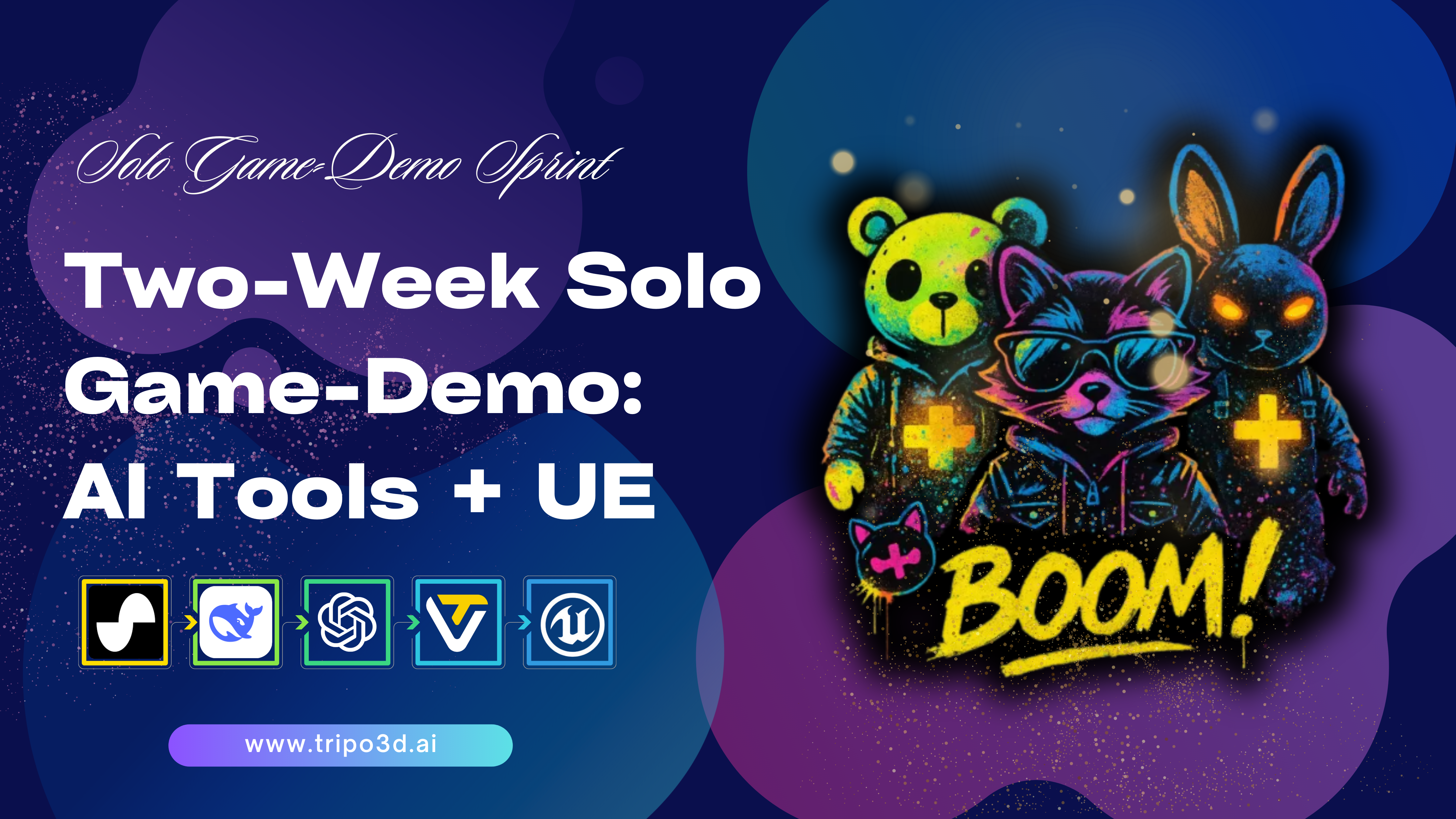
3D Game Development Beginner's Guide: Rapid Asset Creation with Tripo AI in 2026
A professional tutorial on leveraging generative AI to overcome traditional 3D modeling barriers and accelerate indie game prototyping.
For junior developers, 3D game development is often accompanied by a steep learning curve and high barriers to art asset production. Traditional manual modeling and material painting workflows severely slow down the iteration speed in the early stages of a project. To thoroughly solve this long-standing industry friction, AI 3D Model Generator reshapes the asset construction logic with its cutting-edge generative underlying architecture.
Key Insights
- Rapid prototyping: Compresses the multi-week art asset development cycle to minutes, greatly accelerating core gameplay validation.
- Significantly reduce art costs: Eliminates high outsourcing fees, enabling solo developers to build 3D environments with commercial-grade expressiveness.
- Core technical advantages: Relies on an underlying model with over 200 billion parameters and Algorithm 3.1, providing excellent generation quality and engine format compatibility.
- Standardized Workflows: Supports industry-standard exports including USD, FBX, OBJ, STL, GLB, and 3MF for seamless engine integration.
What are the Core Elements of a 3D Game Development Beginner's Guide?
The core of 3D game development lies in the seamless integration of core gameplay logic and high-quality 3D assets. For novices in 2026, mastering basic engine operations while utilizing advanced generative AI tools can significantly shorten the production cycle of art assets. According to latest industry data, independent developers can shorten the initial 3D asset production time by an average of about 75% by introducing automated auxiliary workflows.
Game Engine Selection and Basic Workflows
Before starting any 3D game project, establishing a reliable development benchmark is crucial. Mainstream game engines in 2026 already possess highly mature rendering pipelines. Developers should focus on scene construction, lighting systems, and asset import specifications. Prioritizing the construction of white-box scenes to test core mechanics is a recognized standard operation, making highly efficient asset generation tools of decisive significance at this stage.
Traditional Pain Points of Art Assets and AI Breakthroughs
The production of traditional 3D art assets usually requires multiple tedious steps: concept design, high-poly sculpting, low-poly retopology, UV unwrapping, and material baking. Through advanced Text to 3D Model technology, developers only need to input natural language descriptions to directly bypass these tedious manual steps, eliminating technical barriers and making the concretization process of ideas more efficient.
Comprehensive Comparison Between Traditional Workflow and Tripo Workflow
| Evaluation Dimension | Tripo AI Workflow | Traditional 3D Modeling Workflow |
|---|---|---|
| Time | Completes generation and export within seconds to minutes | Days to weeks (covering retopology, UV, texture painting) |
| Cost | Consumes monthly credits, resulting in highly optimized costs | High professional software subscription fees and outsourcing |
| Learning Curve | Minimal (driven by natural language or images) | Steep (requires mastering multiple complex DCC software) |
| Scalability | Highly adaptable (supports batch generation) | Relatively weak (requires large-scale rework) |
How to Create 3D Game Assets with Tripo AI from Scratch?
Using Tripo AI to create assets is highly intuitive. Developers simply input prompts in the standalone Tripo Studio, relying on the latest Algorithm 3.1 to rapidly generate high-precision models, and then export them with one click in formats that comply with mainstream engine specifications.
Step 1: Rapidly Generate High-Precision Models Using Algorithm 3.1
Developers log into the Tripo Studio platform. Its driving core, Algorithm 3.1, accurately parses complex semantic instructions. For example, submitting "a cyberpunk style robot with rusty armor and a glowing core" results in a high-precision 3D robot model with complete geometric structure and PBR materials in seconds. The built-in topology optimization ensures the generated mesh is ready for skeletal rigging and animation.
Step 2: Export Standard Formats Compatible with Engines
Tripo AI supports exporting USD, FBX, OBJ, STL, GLB, and 3MF. For most modern game engines, FBX and GLB are recommended; they contain precise vertex data and perfectly encapsulate material information, avoiding common errors such as normal inversion or missing materials.
Economic Models and Commercial Strategies
Reasonable planning of credits is key to controlling development costs. Tripo provides a clear monthly credit mechanism and strictly independent product lines for different development needs.
Credit Quota Analysis
- Free Tier (300 credits/mo): Sufficient for basic testing and proof of concept during the learning and early prototyping stages.
- Pro Tier (3000 credits/mo): Designed for studios in full mass production, saving an average of over $5000 in monthly outsourcing costs.
Commercial Compliance and Product Architecture
Models generated by the Free tier cannot be used for commercial purposes. To sell your game or monetize through ads, upgrading to the Pro tier is required. Furthermore, Tripo Studio and Tripo API are completely independently operated; purchasing a Studio plan does not include enterprise-level API access permissions.
FAQ
1. Can models generated for free on Tripo be used for commercial games?
A: No. Models generated on the Free tier cannot be used commercially. You must subscribe to the Pro tier or higher for full commercial authorization.
2. What 3D model formats does Tripo support exporting?
A: Tripo supports exporting six standard formats: USD, FBX, OBJ, STL, GLB, and 3MF.
3. Are Tripo Studio and Tripo API bundled together?
A: No. They are independent products serving different scenarios. A Pro subscription to Tripo Studio does not include Tripo API call permissions.
4. Does Tripo give away login credits every day?
A: No. The platform uses a strict monthly credit system (300/mo for Free, 3000/mo for Pro) without daily login bonuses.
