From 3D Model to AI Video: A Creative Workflow with Tripo × A2E
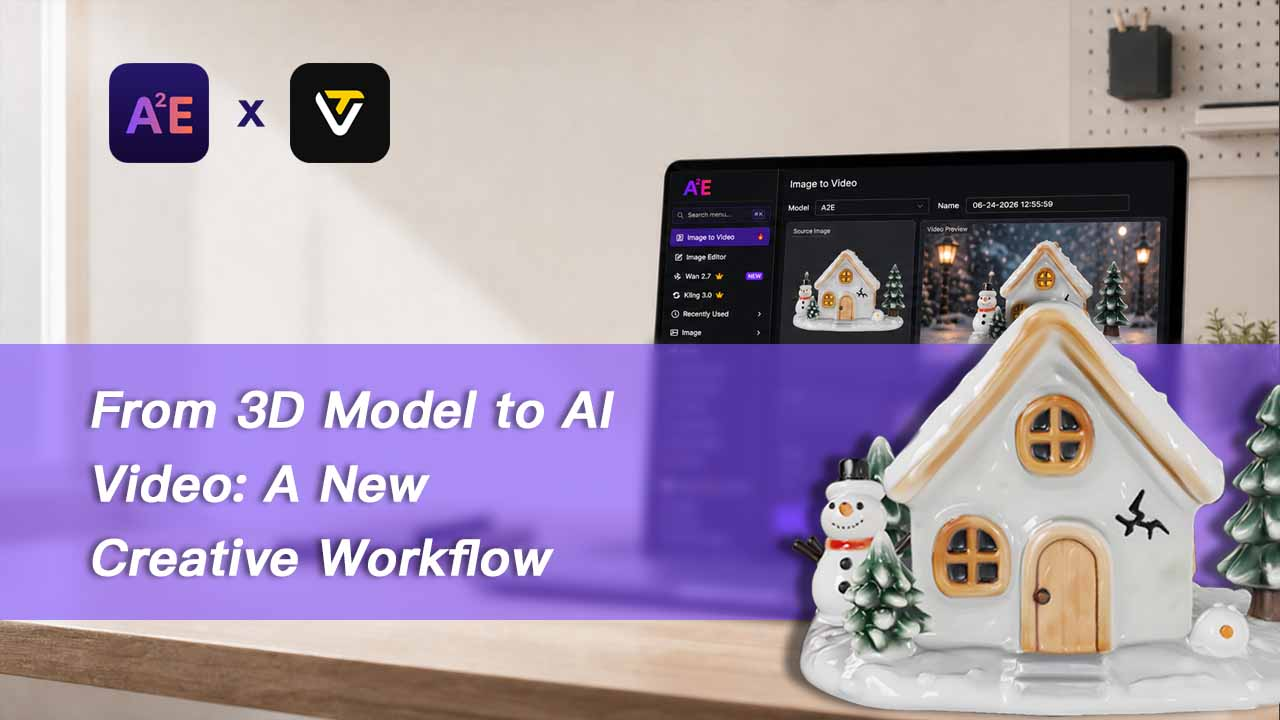
A creative idea can move through many stages before it becomes finished content: concept design, 3D modeling, rendering, animation, editing, and post-production. For creators and small teams, that process can be slow, expensive, and difficult to repeat when they need to test different directions quickly.
A Tripo × A2E workflow makes this process lighter. Creators can start with an idea, generate a 3D model in Tripo, capture a clean model preview, and then use A2E to turn that preview image into an AI-generated video.
This does not replace creative direction. It gives teams a faster way to visualize, test, and share an idea before investing in a full production workflow.
Start with Tripo and Turn an Idea into 3D
Tripo helps creators generate 3D models from text prompts, images, or references. Whether the idea is a product, character, game prop, or imaginative object, Tripo provides a fast way to turn it into a visual 3D asset.
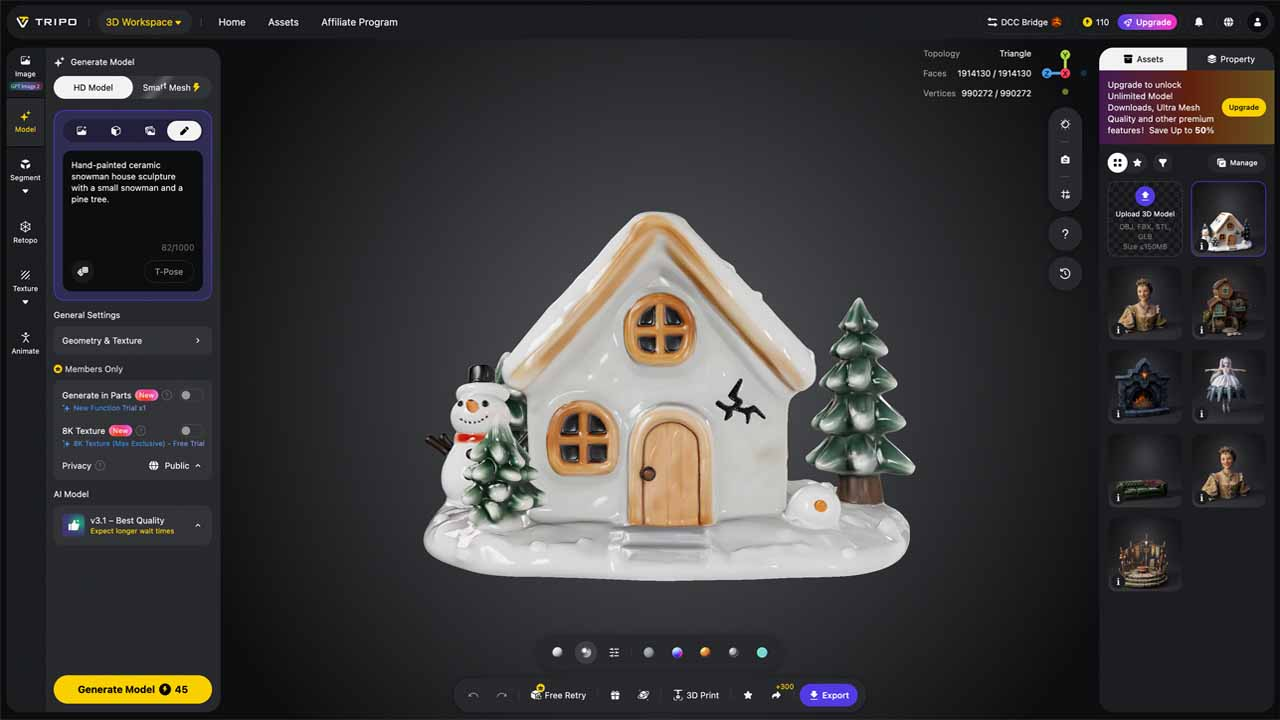
For example, creators can use text-to-3D generation when they only have a written idea, or an image-to-3D workflow when they already have a concept image or reference visual. After generation, the model can be previewed in Tripo Studio and prepared for the next step.
For this article, the example asset is a ceramic winter cottage. It starts as a 3D model in Tripo and becomes the visual foundation for a short AI video.
Use A2E to Bring the Model Preview to Life
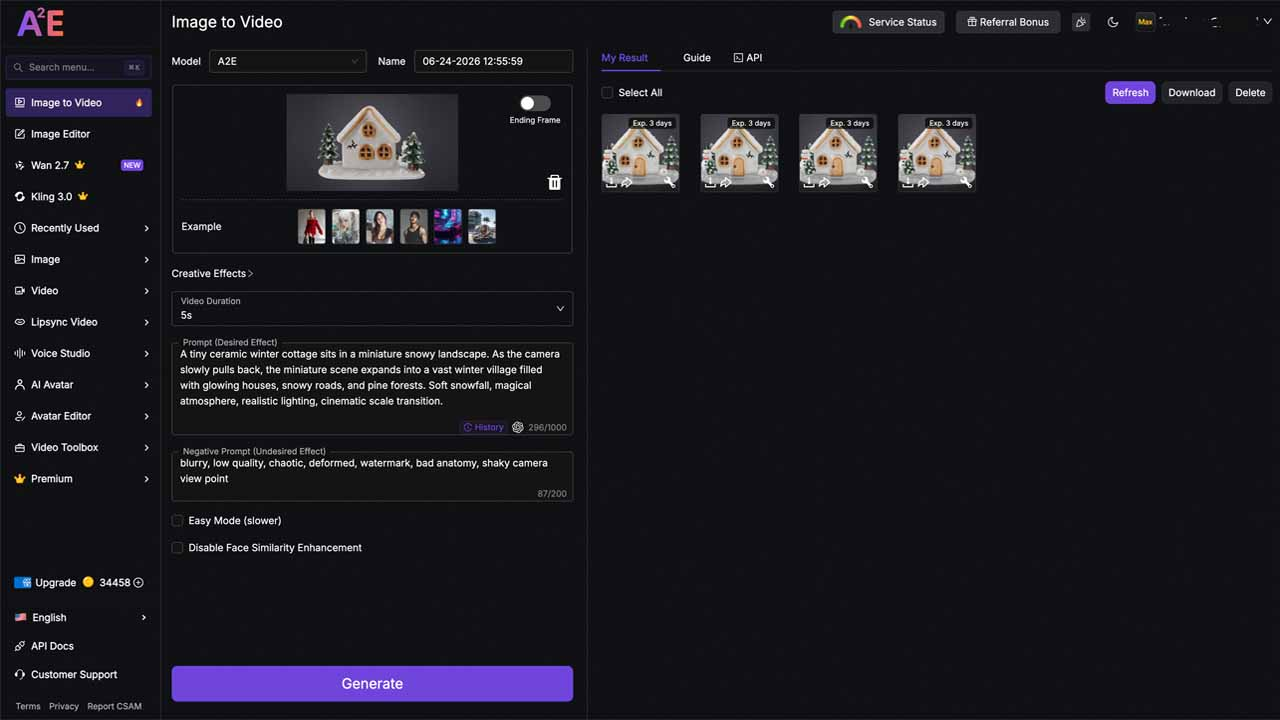
A2E is an AI content creation platform that helps creators turn static images into videos. In this workflow, A2E does not process the 3D model file directly. Instead, creators capture or export a clean preview image of the model from Tripo and upload that image to A2E's image-to-video tool.
A2E can add motion, camera movement, atmosphere, lighting, and presentation style to the model preview. This makes it possible to turn a static product, character, or creative object into a more engaging video for social media, product showcases, websites, or marketing content.
Once the 3D model is ready in Tripo, choose a clear angle and capture or export a clean preview image. For best results, keep the model fully visible, use a simple background, and avoid any crop that hides important parts of the asset. Then upload the preview image to A2E and choose the motion or visual style you want to create.
A Simple Creative Workflow
The workflow can stay simple:
- Start with an idea.
- Generate a 3D model with Tripo.
- Capture or export a clean model preview.
- Upload the preview image to A2E.
- Create an AI video.
- Publish it on your website, social media, or marketing channels.
With this approach, creators do not need to make a perfect final piece right away. They can quickly create an initial version, see how the visuals feel, test the video style, gather feedback, and continue refining from there.
It makes ideas easier to try, easier to adjust, and easier to share.
Example A2E Prompt
A tiny ceramic winter cottage sits in a miniature snowy landscape. As the camera slowly pulls back, the miniature scene expands into a vast winter village filled with glowing houses, snowy roads, and pine forests. Soft snowfall, magical atmosphere, realistic lighting, cinematic scale transition.
This kind of prompt gives A2E a clear direction for motion, scene expansion, mood, and camera behavior while keeping the Tripo model preview as the visual starting point.
Where Can This Workflow Be Used?
- Product visualization and concept videos
- Social media content creation
- Game asset previews and trailers
- E-commerce product showcases
- Marketing and advertising creative exploration
- Early-stage design presentations
Helping Ideas Be Seen Faster
The combination of Tripo and A2E is not about skipping the creative process. It is about helping ideas move faster into a form that can be seen, shared, and explored.
Tripo turns an idea into a 3D model. A2E turns a clean model preview into video content. Together, they help a spark of inspiration become something creators can present, share, and test much sooner.
For anyone experimenting with AI creation, this is a lightweight path forward: no complex production setup, no full studio team, and no long waiting time. Starting from a single idea, creators can generate a 3D model and then turn it into an AI video. That is the real value of an AI-powered creative workflow: helping more ideas be seen, faster.
Ready to Bring Your 3D Model to Life?
Turn your idea into a 3D model with Tripo, capture a clean preview image, and use A2E to transform that image into an engaging AI video.
