Creating and Using Subnautica 3D Models: Expert Workflow
Creating Subnautica-inspired 3D models is a highly rewarding process for game developers, XR creators, and digital artists. Over the years, I’ve refined a workflow that leverages AI-driven tools for rapid model generation, while ensuring the assets are optimized, textured, and animated to meet production standards. This article details my step-by-step approach—from generating concept models to exporting for real-time engines—highlighting practical tips and pitfalls to avoid. Whether you’re building immersive underwater worlds or prototyping creatures for interactive experiences, the following insights will help you achieve authentic, production-ready results efficiently.
Key takeaways
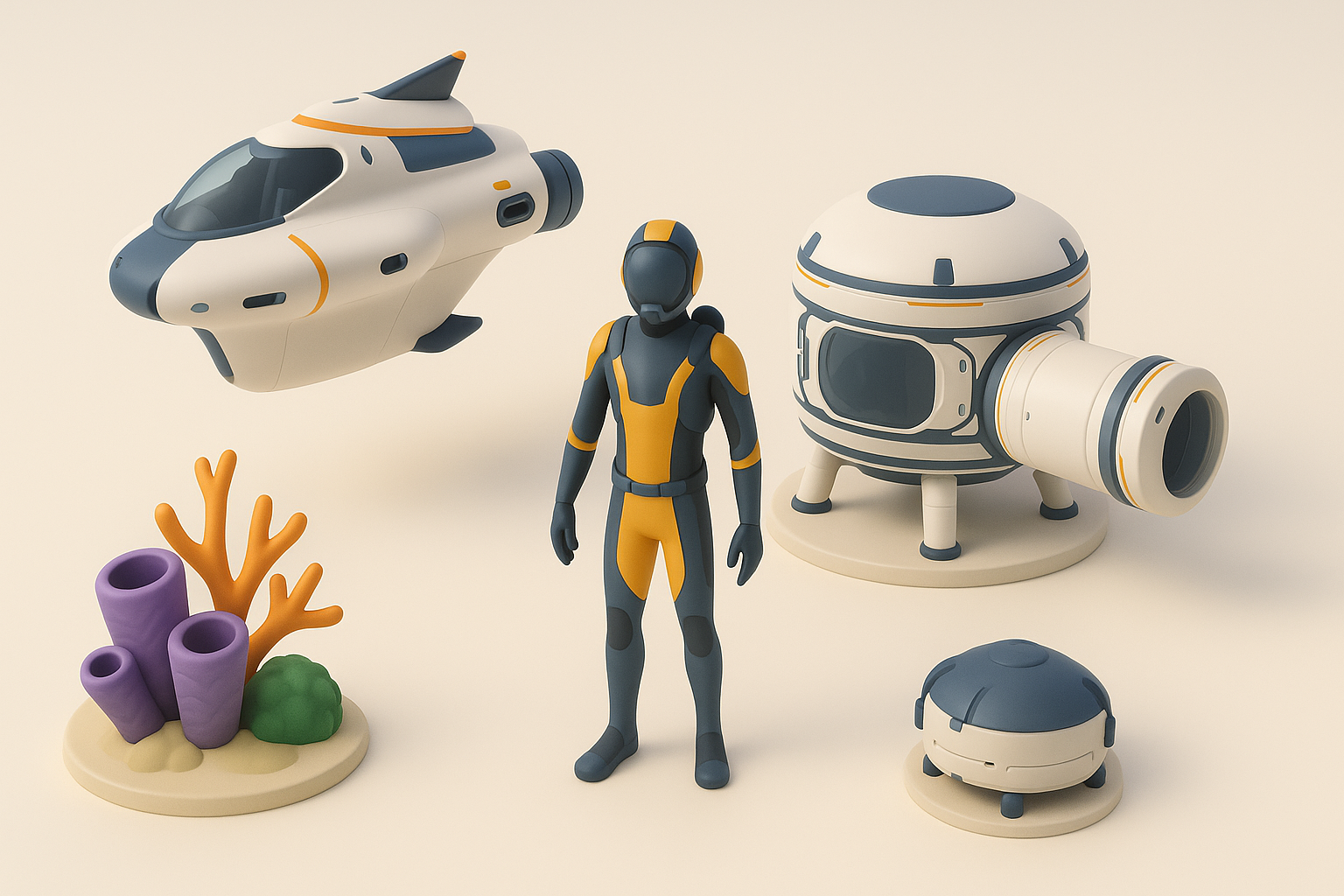
- AI-powered 3D tools dramatically reduce concept-to-asset turnaround times for Subnautica-style models.
- Authenticity hinges on careful style references, texturing, and underwater animation techniques.
- Clean retopology and UVs are essential for real-time performance and quality.
- Rigging and animation require special attention to fluid, underwater movement.
- Export settings must match your target engine’s requirements to avoid integration headaches.
Overview of Subnautica 3D Models
What Makes Subnautica Models Unique
Subnautica models stand out due to their vibrant colors, organic shapes, and bioluminescent accents. In my experience, the blend of alien marine biology with stylized realism is key—think exaggerated fins, glowing textures, and unusual anatomy. Models often feature smooth silhouettes and minimal hard edges, which makes them both visually striking and performance-friendly.
Common Use Cases in Games and XR
I’ve used Subnautica-style models in various contexts:
- Game assets: Creatures, plants, and props for underwater levels.
- XR/VR experiences: Immersive exploration and educational simulations.
- Concept art: Rapid prototyping for pitch decks or creative brainstorming.
The genre’s aesthetic is especially well-suited for environments where discovery and atmosphere are central.
My Workflow for Generating Subnautica-Inspired 3D Models
Text-to-3D Model Creation: Step-by-Step
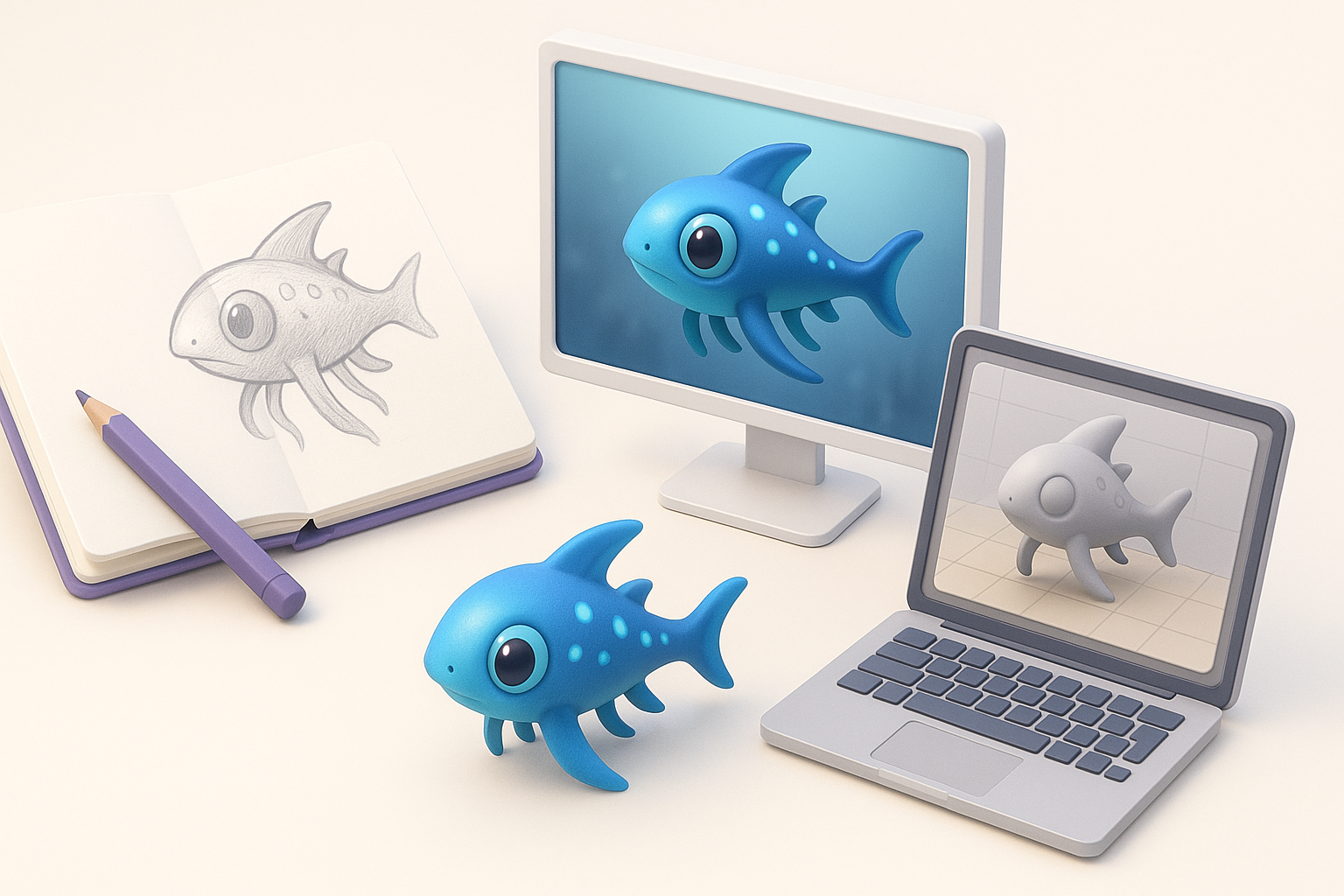
AI-powered tools like Tripo have transformed my process. Here’s how I typically approach model generation:
- Prompt crafting: I start with a detailed text prompt—e.g., "bioluminescent reef fish with translucent fins and glowing blue patterns."
- Reference image upload: If needed, I supplement with sketches or mood boards.
- Model generation: Tripo quickly outputs a base mesh, which I review for silhouette and proportions.
- Iterate: I refine the prompt or tweak parameters until the model matches my vision.
Checklist:
- Use descriptive, style-focused prompts.
- Provide visual references for complex shapes.
- Review topology early to avoid downstream fixes.
Tips for Achieving Authentic Subnautica Style
To nail the Subnautica look:
- Reference in-game screenshots for color palettes and patterns.
- Prioritize smooth, organic forms over mechanical details.
- Use exaggerated proportions—oversized eyes, elongated fins.
- Add subtle emissive textures for that signature glow.
Pitfall: Avoid overly realistic textures; stylized, painterly maps work best.
Optimizing and Texturing Subnautica 3D Assets
Best Practices for Retopology and UV Mapping
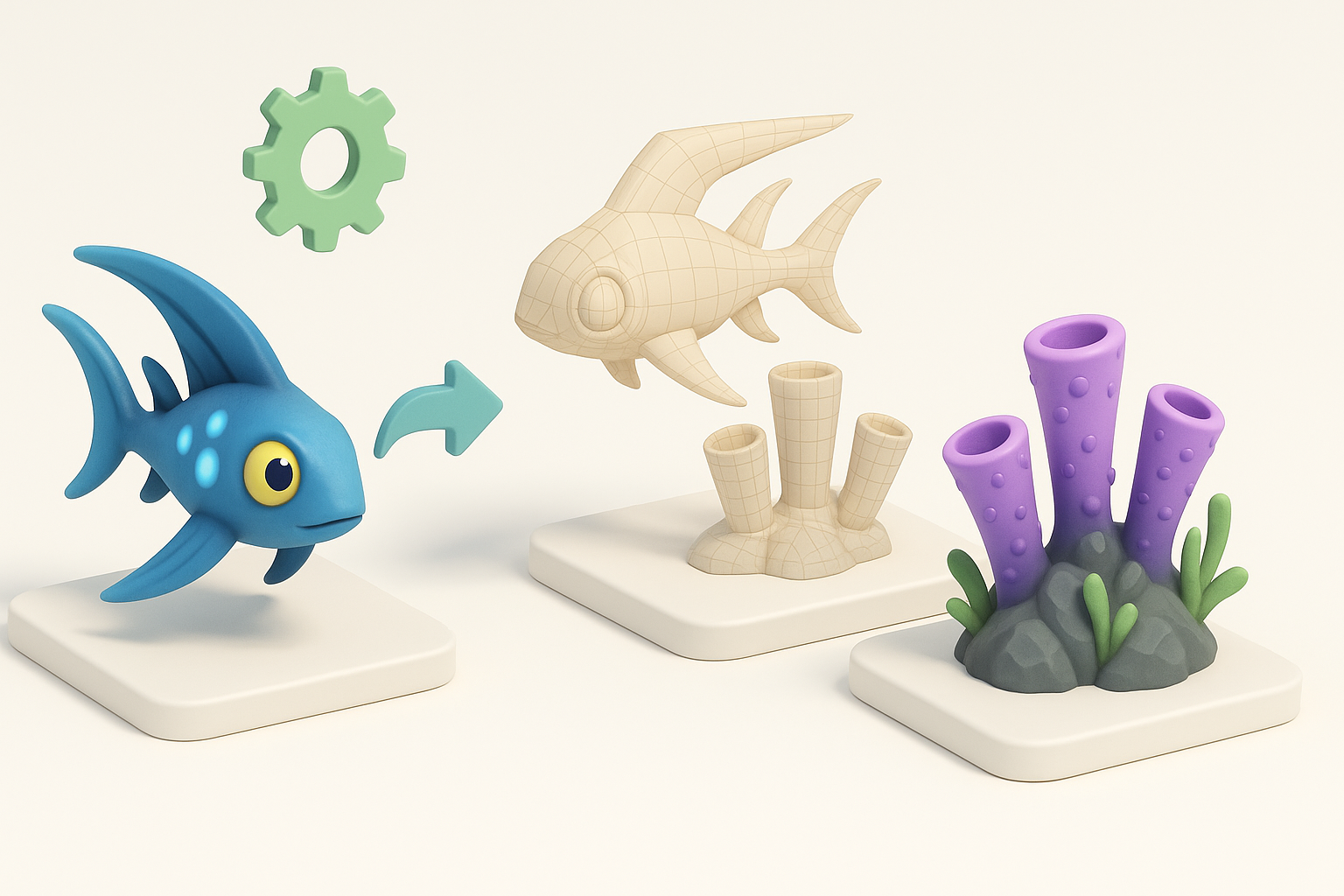
Even with good AI-generated meshes, I always check and clean up:
- Retopology: Ensure all faces are quads, with even edge flow for deformation.
- UV mapping: Lay out UVs with minimal seams, prioritizing visible areas.
Steps:
- Auto-retopologize, then manually adjust problem areas.
- Pack UVs efficiently to maximize texture resolution.
Applying Realistic Textures and Materials
For texturing, I:
- Bake normal and ambient occlusion maps for added depth.
- Hand-paint or procedurally generate base color, emphasizing gradients and bioluminescence.
- Layer subtle roughness and emissive maps to mimic underwater lighting.
Tip: Test textures under different lighting scenarios to ensure consistency.
Rigging and Animating Subnautica Creatures

Efficient Rigging Techniques
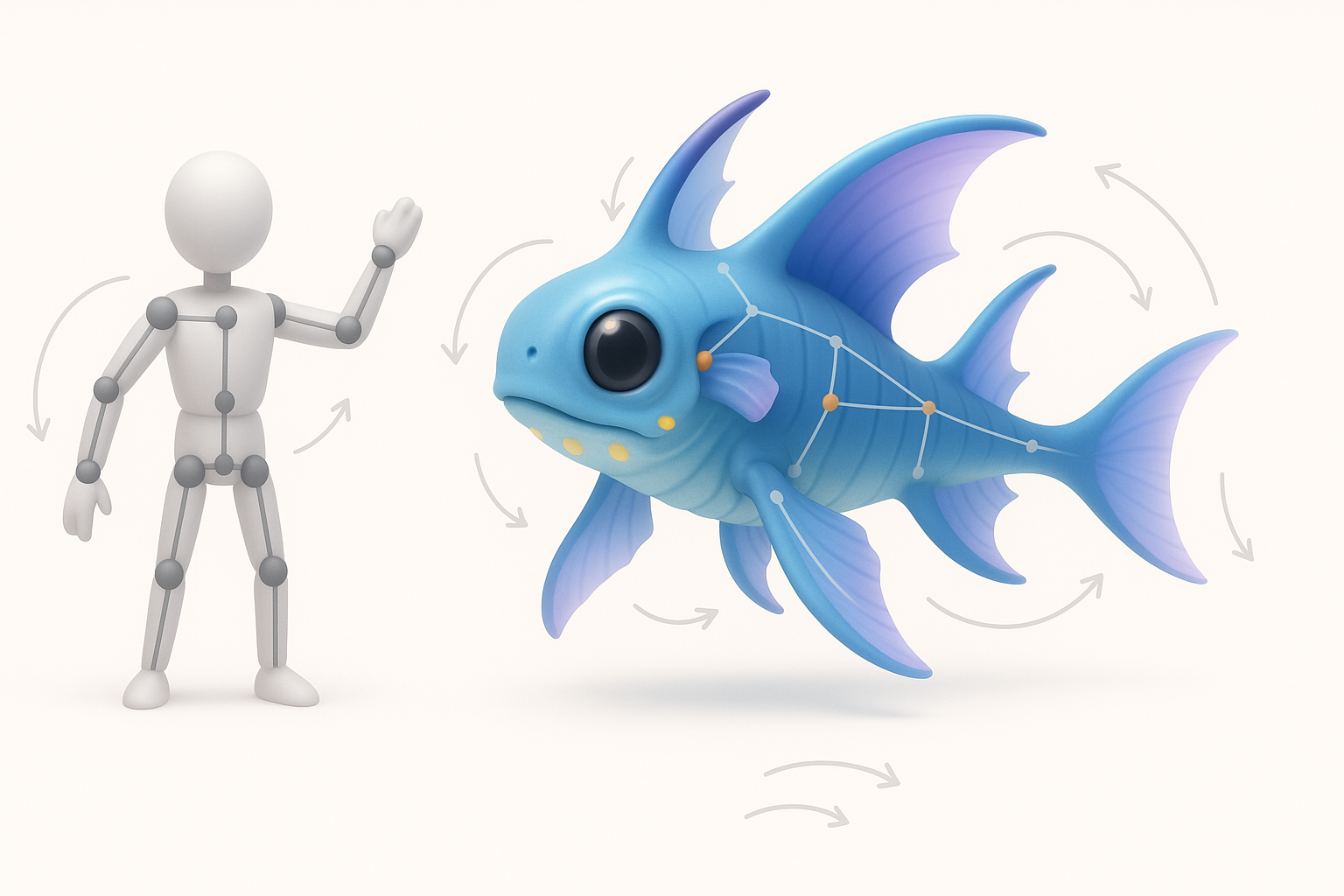
Organic creatures benefit from simple, flexible rigs:
- Use spline IK chains for tails and fins.
- Add extra joints for secondary motion (e.g., wobbly tentacles).
Checklist:
- Weight paint carefully to avoid deformation artifacts.
- Test extreme poses early.
Animation Tips for Underwater Movement
Animating underwater life requires:
- Slow, smooth cycles—think gentle sways and delayed follow-through.
- Looping swim animations with subtle randomness.
Pitfall: Overly snappy or robotic movements break immersion; always preview in context.
Exporting and Integrating Models into Projects

Export Settings for Popular Engines
I typically use these export settings:
- Format: FBX or glTF for most engines.
- Scale: Match your engine’s unit system (e.g., 1 unit = 1 meter).
- Textures: Embed or export separately as PNG/TGA.
Tip: Include animation clips and test imports in a blank scene first.
Troubleshooting Common Integration Issues
Common issues I’ve encountered:
- Normals flipped: Recalculate before export.
- Animation glitches: Check for non-uniform scaling or unbaked transforms.
- Material mismatches: Verify shader compatibility.
Checklist:
- Test each asset in-engine before final handoff.
- Keep a versioned backup of all exports.
Comparing AI Tools and Alternative Methods
When to Use AI-Powered Platforms
AI-driven tools excel when:
- You need fast iterations or a large volume of concepts.
- Technical 3D skills are limited, but creative vision is clear.
- Prototyping for pitches or early-stage development.
I use them to jumpstart projects, then refine manually as needed.
Manual vs. Automated 3D Creation: My Experience
Manual modeling offers ultimate control, but is time-consuming. I find the best results come from blending both approaches:
- AI for base mesh and broad strokes.
- Manual tweaks for details, optimization, and polish.
Pitfall: Relying solely on automation can lead to generic or unusable assets; always review and refine.
By combining AI-powered workflows with classic 3D fundamentals, I consistently deliver Subnautica-style models that are both visually compelling and technically robust. This hybrid approach saves time while maintaining creative flexibility—essential for modern game and XR production.


