Creating PUBG Mobile 3D Models: Expert Workflow & Tips
Creating 3D models for PUBG Mobile requires a blend of technical precision and creative efficiency. Over multiple real-world projects, I’ve learned that success hinges on optimizing assets for performance, leveraging AI-powered tools for speed, and keeping workflows flexible for iteration. This article is for 3D artists, game developers, and technical directors aiming to streamline mobile game asset creation—especially those looking to harness AI-driven platforms like Tripo for rapid, production-ready results.
Key takeaways:
- Always optimize models for mobile performance (polygon count, texture size, LODs)
- Use AI-powered tools to accelerate modeling, segmentation, and texturing
- Rigging and animation need to be lightweight and game-engine friendly
- Test assets in-game early and often to catch issues before final integration
- Export settings must match PUBG Mobile’s requirements for seamless import
Executive Summary: Key Takeaways for PUBG Mobile 3D Modeling
What I’ve learned from real-world projects
When building assets for PUBG Mobile, every triangle and texture byte counts. I’ve seen projects stall due to over-detailed models or inefficient workflows. Leveraging AI-driven tools has enabled me to iterate faster, particularly during concept-to-model phases, without sacrificing quality.
Essential tools and workflows
My go-to workflow combines AI-based generators (like Tripo) for initial model creation, followed by manual refinements in traditional DCC software. This hybrid approach balances speed and control, ensuring assets meet both creative and technical requirements.
Quick checklist:
- Define asset specs upfront (polycount, texture, rig)
- Use AI tools for rapid prototyping and base mesh generation
- Refine topology and UVs before texturing
- Validate every step with in-engine previews
Understanding PUBG Mobile 3D Model Requirements
Game asset specifications and optimization
PUBG Mobile enforces strict guidelines for asset complexity to ensure smooth gameplay across devices. Typical requirements include:
- Low to mid polycounts (often under 5k for props, 10k–15k for characters)
- 512x512 to 2048x2048 texture maps, depending on asset importance
- Efficient UV layouts and minimal material slots
What I’ve found most helpful is setting up asset templates that match these specs, so every model starts with the right constraints.
Common challenges and solutions
The biggest challenge is balancing detail with performance. Overly complex models can tank frame rates, while oversimplified assets look out of place.
Solutions I use:
- Aggressive LOD (Level of Detail) setup for distant objects
- Baking normal maps from high-poly sculpts onto low-poly meshes
- Using AI-based retopology to quickly reduce polycount without losing silhouette
Step-by-Step Workflow: From Concept to Production-Ready Model

Text/image/sketch-based model generation
AI-powered platforms like Tripo let me generate base meshes directly from text prompts, reference images, or sketches. For PUBG Mobile, I typically:
- Gather references or create a quick sketch
- Input into Tripo, tuning prompt details for the desired style
- Review generated model, ensuring it matches the concept and scale
This approach reduces the blockout phase from hours to minutes.
Intelligent segmentation, retopology, and texturing
After generating a base model, I rely on built-in segmentation and retopology tools to prep the asset for mobile optimization.
- Auto-segmentation helps split complex props into logical parts (e.g., gun barrel, grip, scope)
- AI-driven retopology ensures clean, game-ready meshes
- Texturing tools allow for quick material assignment and texture baking
Pitfall: Always check UVs and texture seams—AI tools are fast, but manual cleanup is often needed for UV islands and edge padding.
Rigging and Animation for PUBG Mobile Assets
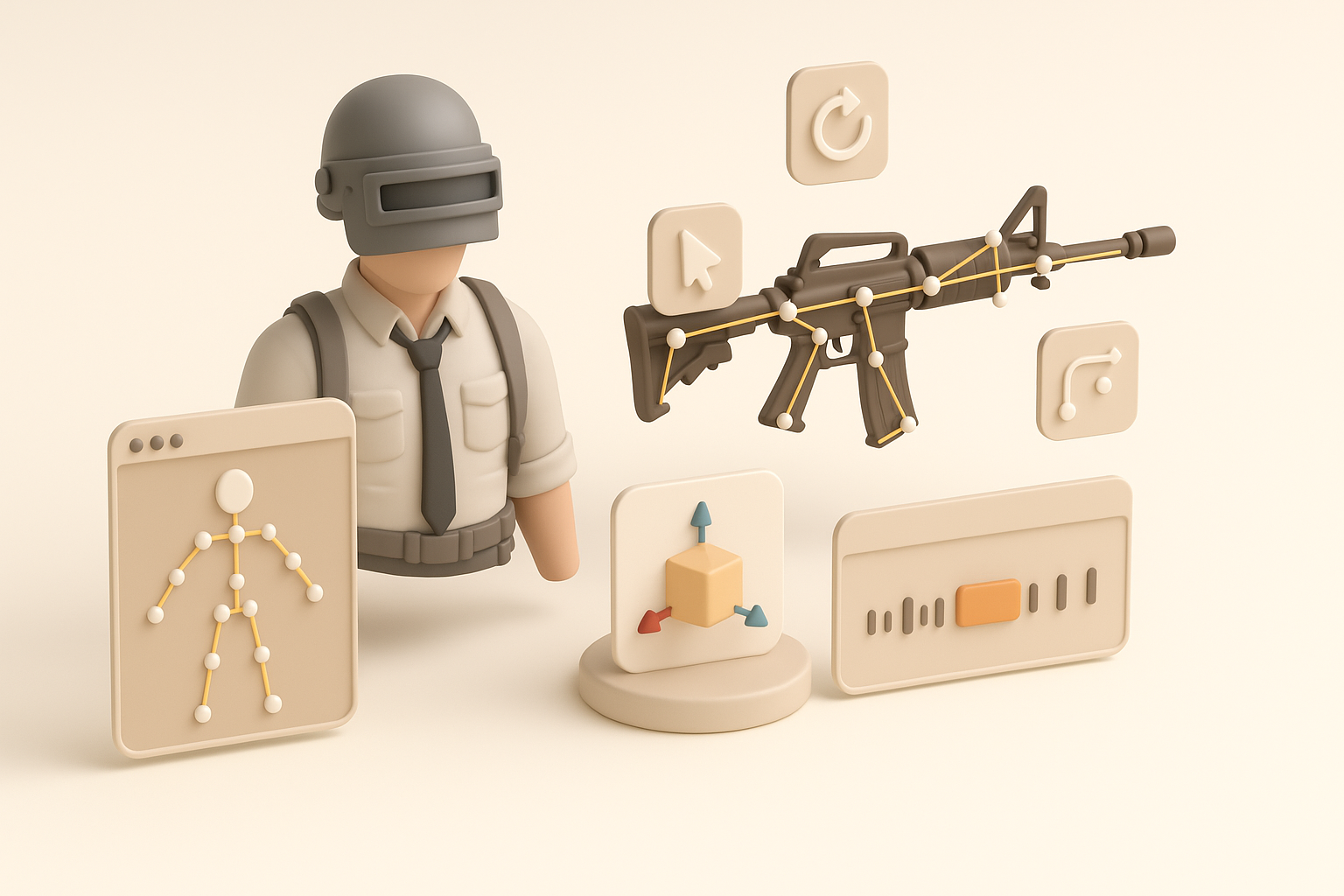
Best practices for mobile game rigging
Mobile games demand lightweight rigs. In my workflow:
- I keep bone counts minimal (especially for props and NPCs)
- Use simple IK/FK setups for characters
- Bake animations directly when possible to reduce runtime overhead
I also test rigs in a mobile engine preview to catch any deformation or export issues early.
Streamlining animation with AI-powered tools
AI-driven animation tools can auto-rig and generate basic animations from reference poses or motion clips. With Tripo, I can:
- Generate a standard biped rig with a few clicks
- Apply walk/run/jump cycles for quick previews
- Export animation-ready FBX files for engine integration
Tip: Always optimize animation curves and remove unnecessary keyframes before export.
Comparing AI-Powered and Traditional 3D Creation Methods
My experience with AI platforms vs. manual workflows
AI tools have transformed my workflow—especially for rapid prototyping and bulk asset creation. I still rely on traditional modeling for hero assets or when fine control is needed, but for background props and iterative concepts, AI is a clear time-saver.
When I use AI:
- Early-stage concepts and placeholder assets
- Bulk generation of variants (e.g., weapon skins, environment props)
When I go manual:
- Main characters and highly detailed props
- Custom topology or advanced shader setups
When to use alternative methods
Not every asset suits AI generation. For stylized or highly customized models, I switch to manual sculpting and texturing, ensuring the result matches the game’s visual identity.
Tips for Exporting and Integrating Models into PUBG Mobile
Export settings and compatibility
Exporting for PUBG Mobile requires specific settings:
- Use FBX or OBJ formats (FBX preferred for animated assets)
- Triangulate meshes before export
- Apply scale transforms (usually 1 unit = 1 cm)
- Bake all textures (diffuse, normal, roughness) into appropriate resolution
Quick export checklist:
- Freeze transforms and clean up history
- Check for non-manifold geometry and stray vertices
- Name materials and meshes clearly
Testing and iteration in game environments
I always import test assets into a mobile engine (e.g., Unreal Engine mobile preview) before final integration. This helps catch:
- Incorrect scale or pivot points
- Animation glitches or rig errors
- Texture compression artifacts
Best practice: Iterate with the dev team—test in context, gather feedback, and tweak until the asset fits seamlessly in PUBG Mobile’s world.
By combining AI-powered workflows with traditional 3D techniques, I’ve been able to create high-quality, optimized PUBG Mobile assets faster and with fewer headaches. Adapting your pipeline to leverage these tools is the key to keeping up with modern mobile game production demands.


