Transformers 3D Models: Creation, Workflow, and Best Practices
Creating production-ready Transformers 3D models is faster and more accessible than ever thanks to advanced AI-powered tools and streamlined workflows. In my experience, the right approach combines creative vision with practical steps—from concept to final asset—ensuring models are optimized for games, film, or XR. This article walks through my end-to-end process, highlights best practices, and shares how I troubleshoot common challenges. Whether you’re a designer, developer, or studio lead, you’ll find actionable insights to elevate your 3D modeling pipeline.
Key takeaways:
- AI-powered platforms dramatically speed up Transformers 3D model creation.
- Clear workflows minimize errors and maximize production-readiness.
- Optimization and texturing are crucial for high-quality, usable assets.
- Choosing the right tool depends on project scope and industry needs.
- Troubleshooting and workflow efficiency are essential for scaling output.
Understanding Transformers 3D Models
What Are Transformers 3D Models?
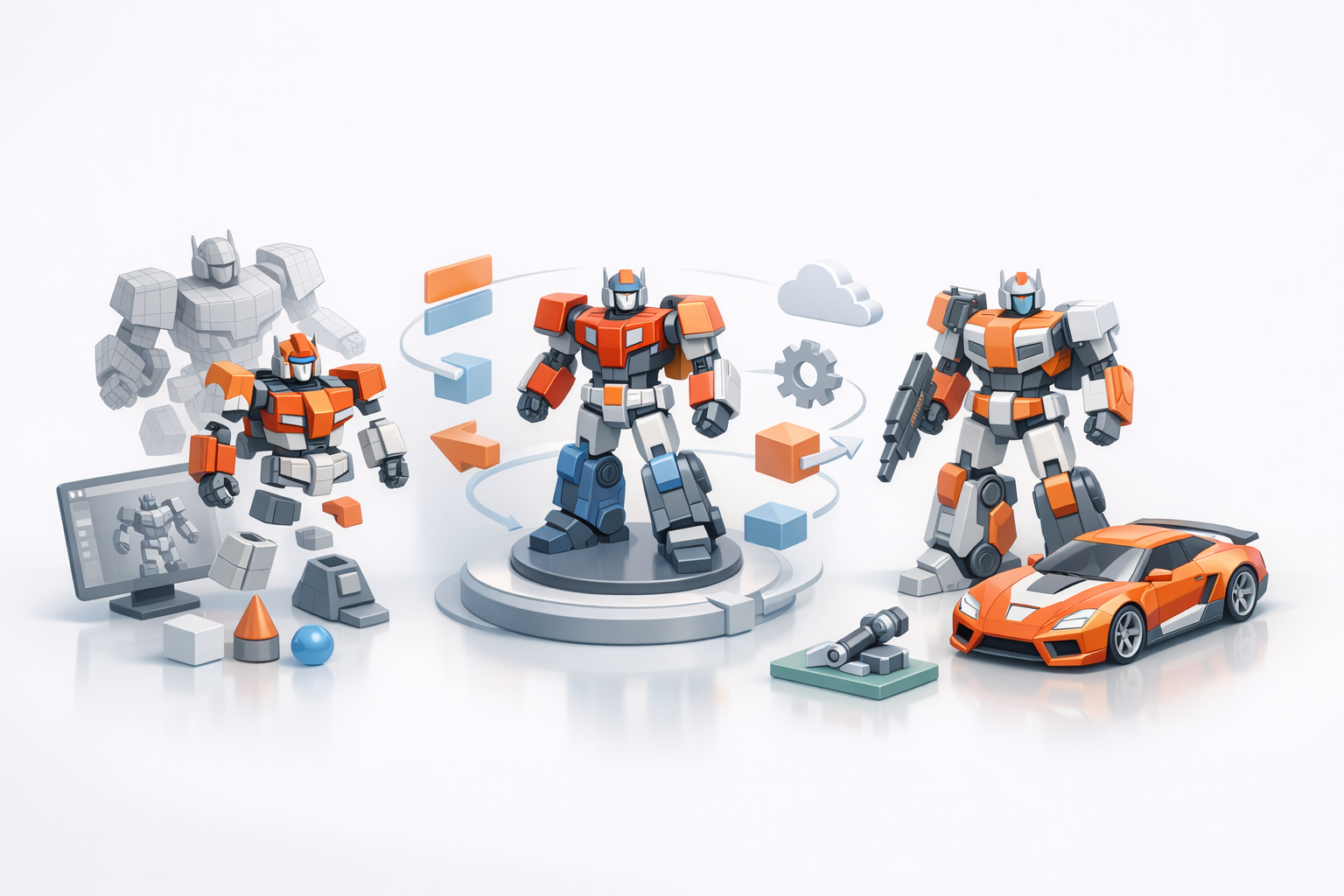
Transformers 3D models are digital representations of the iconic robotic characters, typically designed for use in games, animation, or XR. These models require complex geometry, articulated parts, and detailed textures to capture their mechanical nature and dynamic poses. In my projects, I focus on balancing visual fidelity with technical constraints, ensuring each model is both striking and functional.
Popular Use Cases Across Industries
Transformers models are widely used in:
- Gaming: As playable characters or NPCs, requiring rigging and animation.
- Film/TV: For VFX and animated sequences, demanding high detail and realism.
- XR/AR/VR: Interactive experiences, where optimization is crucial for performance.
- Product visualization: Marketing assets or collectibles.
I tailor my workflow based on the industry, prioritizing either detail or efficiency as needed.
My Workflow for Creating Transformers 3D Models
Concept to Completion: Step-by-Step Process
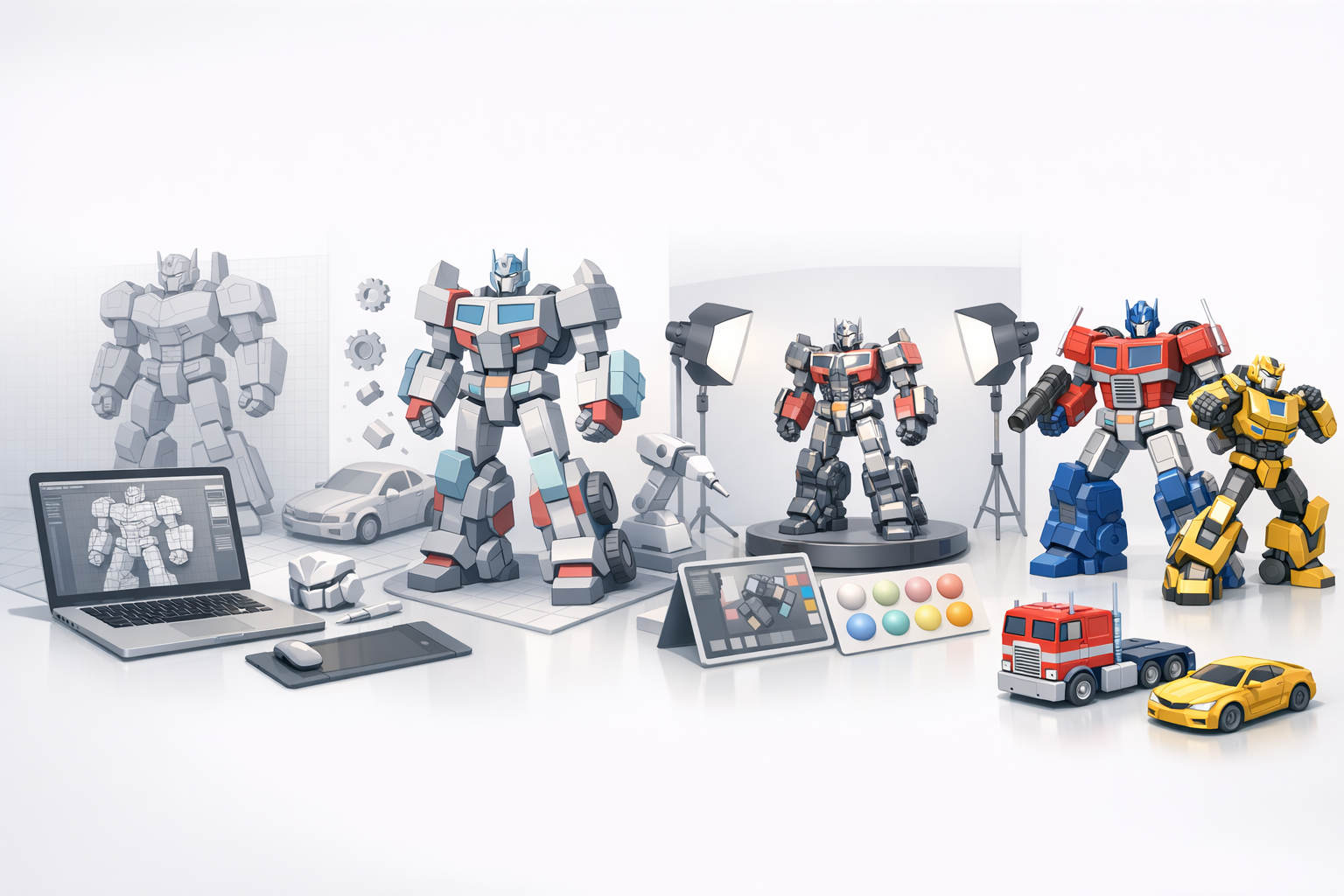
Here’s my typical workflow:
- Reference Gathering: Collect concept art, sketches, and style guides.
- Blocking Out Forms: Rough shapes in 3D, focusing on silhouette and proportions.
- Detailed Modeling: Add mechanical joints, panels, and intricate features.
- Segmentation: Separate parts for rigging and animation.
- Retopology: Optimize mesh for performance and animation.
- Texturing: Apply materials and decals for realism.
- Rigging & Animation: Set up skeletons and test poses.
- Export & QA: Ensure formats and assets meet production standards.
I rely on AI-powered platforms like Tripo for segmentation, retopology, and texturing—these steps are significantly accelerated compared to manual methods.
Tools and Platforms I Rely On
- Tripo AI: For fast segmentation, retopology, and texture generation.
- Traditional 3D software: For detailed sculpting and manual tweaks.
- Other tools: For animation, rendering, and pipeline integration.
I often combine AI-driven tools with manual touch-ups, especially for hero assets or when precise control is needed.
Best Practices for High-Quality Transformers 3D Models
Modeling, Texturing, and Optimization Tips
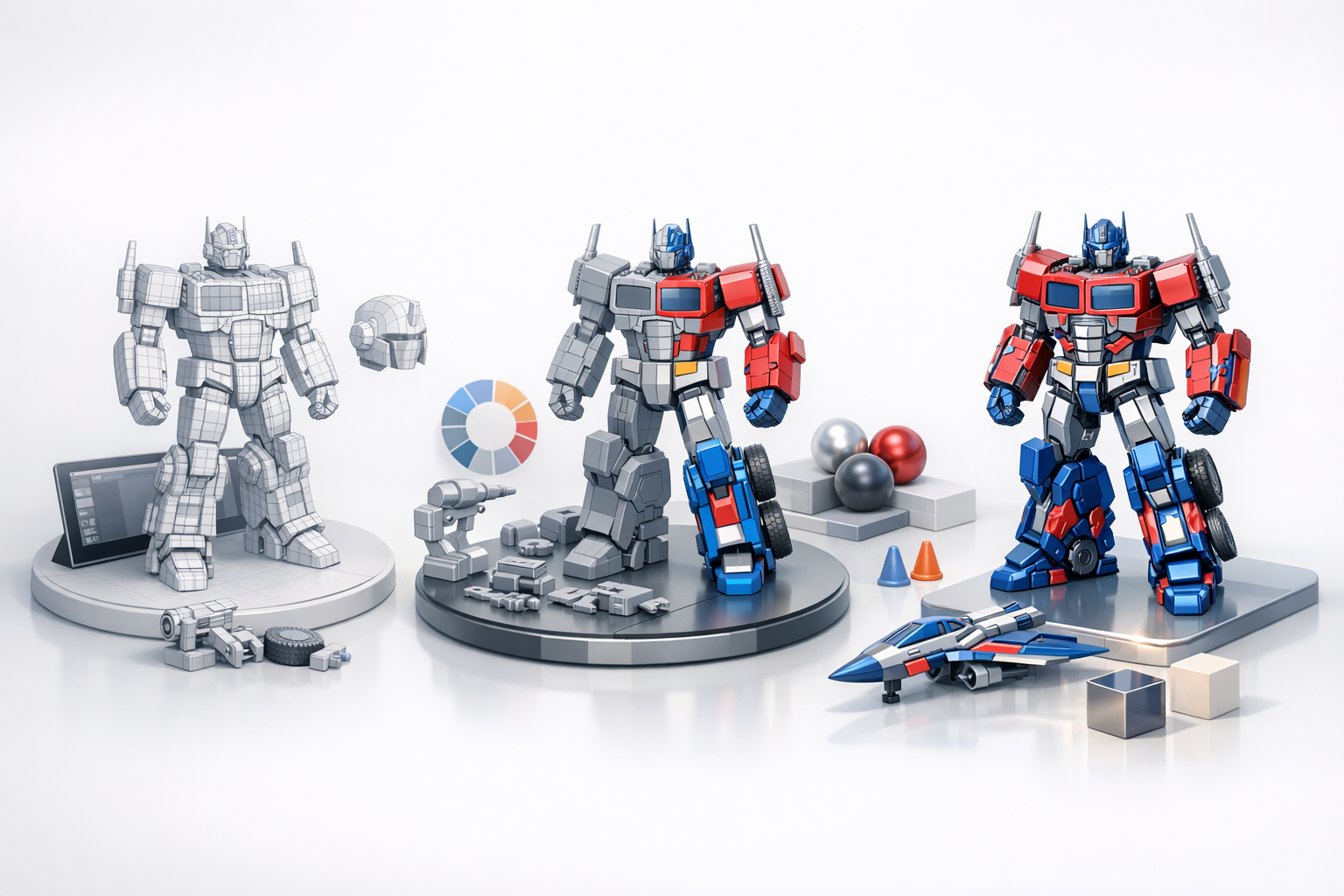
- Modeling: Start with clean topology; avoid unnecessary complexity. Use modular parts for easier rigging.
- Texturing: Leverage procedural materials and decals for detail. Check UVs for stretching or overlaps.
- Optimization: Keep poly counts reasonable; bake normals and details where possible.
Mini-checklist for quality:
- Consistent scale and proportions
- Clean mesh with no non-manifold geometry
- Proper UV layout and texture resolution
- Logical segmentation for animation
Ensuring Production-Readiness
Before final export, I always:
- Run QA checks (mesh integrity, UVs, rigging)
- Test in target engine or renderer
- Validate file formats and naming conventions
Production-ready means the asset is plug-and-play for downstream use, minimizing surprises for developers or animators.
Comparing AI-Powered and Traditional 3D Creation Methods
Advantages of AI-Driven Workflows
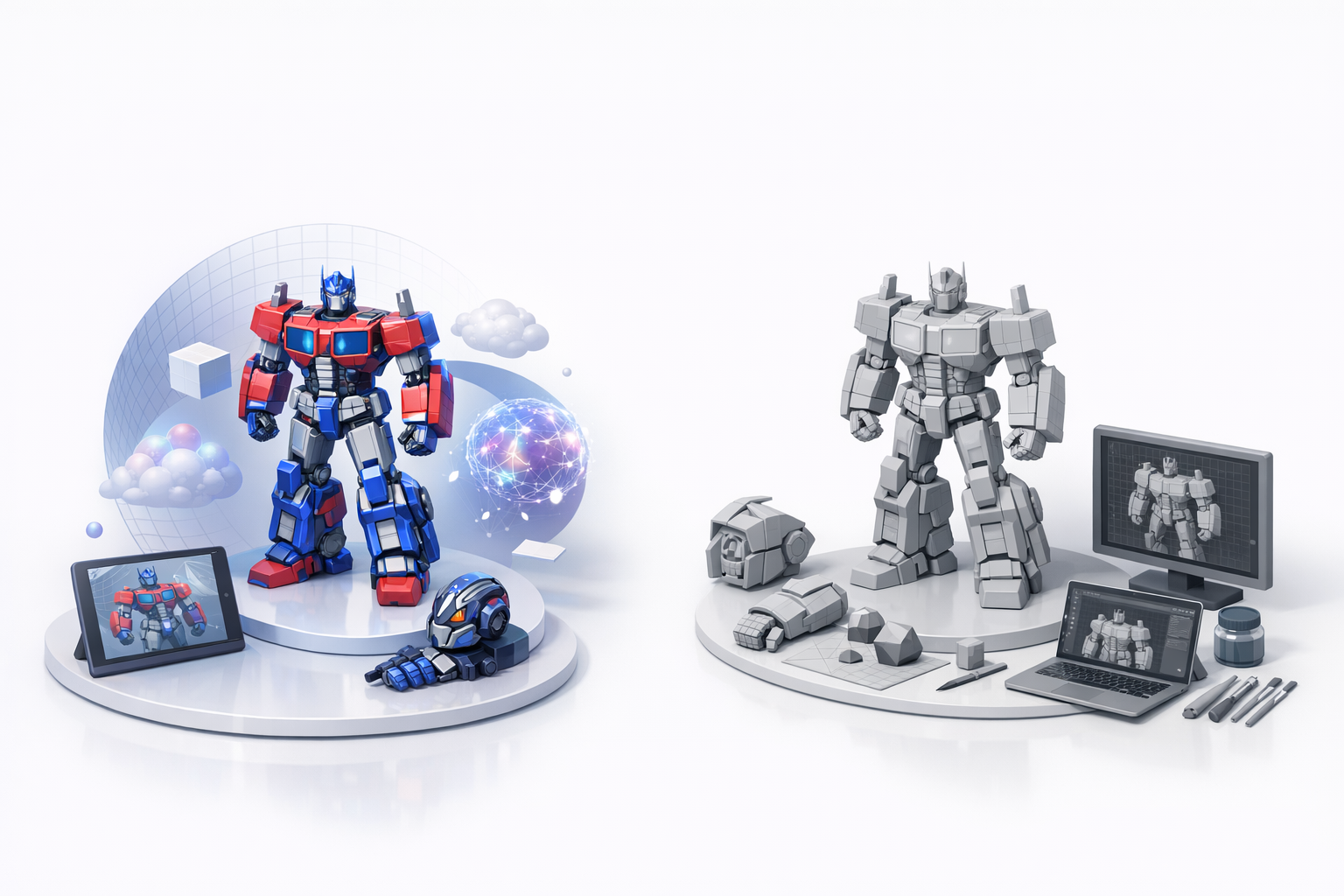
AI-powered platforms like Tripo drastically cut down modeling and texturing time. In my workflow, I’ve seen:
- Speed: Models ready in minutes vs. days.
- Consistency: Automated segmentation and retopology reduce errors.
- Accessibility: Non-technical users can contribute to asset creation.
This is ideal for rapid prototyping, iterative design, or projects with tight deadlines.
When to Use Alternative Methods
Traditional workflows are still valuable when:
- Ultra-high detail or custom topology is required
- Unique art direction demands manual sculpting
- Integration with complex pipelines or legacy tools
I mix both approaches depending on asset importance and project requirements.
Common Challenges and How I Overcome Them
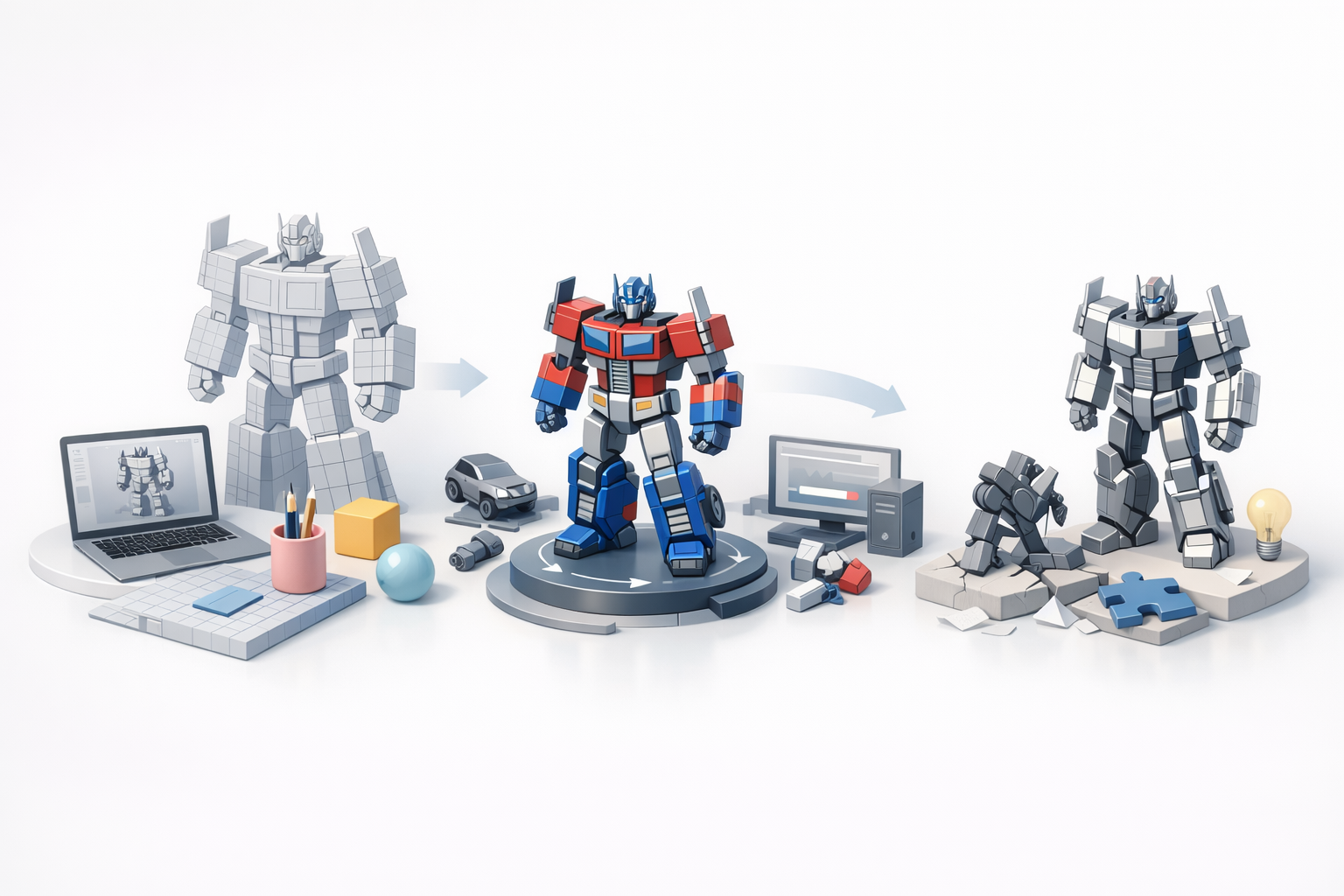
Troubleshooting Modeling Issues
Typical problems include:
- Geometry errors: Non-manifold edges, overlapping faces
- Texture artifacts: UV stretching, misaligned decals
- Rigging failures: Incorrect joint placement, weight painting issues
My fix strategy:
- Use automated mesh analysis tools
- Revisit UV mapping and texture baking
- Test rigs with simple animations before full deployment
Streamlining the Workflow for Efficiency
To stay efficient, I:
- Automate repetitive tasks with AI tools
- Set up batch processing for common steps
- Maintain a library of reusable parts and templates
Pitfalls to avoid:
- Over-reliance on automation—always review outputs
- Skipping QA checks—small errors can escalate in production
Conclusion:
Combining AI-powered platforms with proven best practices enables me to create production-ready Transformers 3D models quickly and reliably. By optimizing workflow, staying vigilant about quality, and choosing the right tools for each stage, I deliver assets that meet the demands of gaming, film, and XR projects.


