Creating and Using 3D Models in Spanish: Expert Insights
As a 3D artist working on Spanish-language projects, I’ve learned that efficient workflows and the right tools can make or break a project. In this article, I’ll break down how I create, texture, rig, and animate 3D models—specifically for Spanish-speaking clients and audiences. I’ll share my step-by-step process, highlight practical tips for integrating AI-powered platforms like Tripo, and compare these with traditional methods. Whether you’re a designer, game developer, or educator, these insights will help you streamline your 3D pipeline and avoid common pitfalls.
Key Takeaways
- Understanding the cultural and technical context is crucial for Spanish 3D projects.
- AI-powered tools like Tripo can drastically speed up model creation and iteration.
- Efficient workflows rely on smart tool selection and best practices.
- Export formats and compatibility must be considered for Spanish-language platforms.
- Combining AI and traditional methods offers flexibility for complex requirements.
What Is a 3D Model? Core Concepts Explained
Defining 3D Models in the Spanish Context
A 3D model is a digital representation of any object, character, or environment in three dimensions. When working with Spanish-speaking clients or teams, I make sure to clarify terminology—terms like “malla” (mesh), “textura” (texture), and “rigging” are standard, but regional differences sometimes require extra communication.
In my experience, providing clear visual references alongside Spanish annotations helps bridge any language gaps, especially when collaborating with teams in Spain or Latin America. This ensures everyone is aligned on the technical and creative vision.
Common Applications and Industries
Spanish-language 3D projects span a wide range of industries: gaming, advertising, architecture, education, and film. I often see increased demand for 3D content in e-learning platforms, product visualization, and XR experiences tailored for Spanish-speaking audiences.
Typical use cases include:
- Game characters and props for local studios
- Architectural visualizations for Spanish real estate
- Educational content for schools and museums
Understanding the application informs my modeling approach, from polygon count to texturing style.
How I Create 3D Models: My Step-by-Step Workflow
Choosing the Right Tools and Platforms
Selecting the right platform is the foundation of my workflow. For rapid prototyping or when time is tight, I rely on AI-powered creation tools like Tripo. These allow me to generate base meshes from text prompts, sketches, or reference images in seconds—ideal for early-stage ideation or when clients need quick iterations.
For more complex or custom requirements, I supplement AI-generated models with manual editing in traditional 3D software. My checklist:
- Start with a clear brief (in Spanish, if needed)
- Gather reference images and sketches
- Choose AI or traditional tools based on deadlines and complexity
Best Practices for Efficient 3D Model Creation
Efficiency comes from preparation and iteration. Here’s what I focus on:
- Block out shapes first, then refine details
- Use AI-generated base meshes to save time, but always inspect topology and geometry
- Regularly check scale and proportions, especially for assets intended for real-world integration
Pitfall: Relying solely on AI outputs without cleanup can lead to issues with mesh quality or UV mapping. I always review and adjust as needed.
Texturing, Rigging, and Animating 3D Models
My Approach to Texturing and Materials
Texturing is where models come alive. I use Tripo’s built-in texturing tools for quick, consistent results, especially when matching a specific style or palette requested by Spanish clients. When custom materials are needed, I export UV maps and paint them in external apps.
Checklist for texturing:
- Unwrap UVs cleanly to avoid stretching
- Use high-resolution textures for close-up renders
- Name and organize material slots in Spanish for easier team collaboration
Rigging and Animation Tips for Spanish Projects
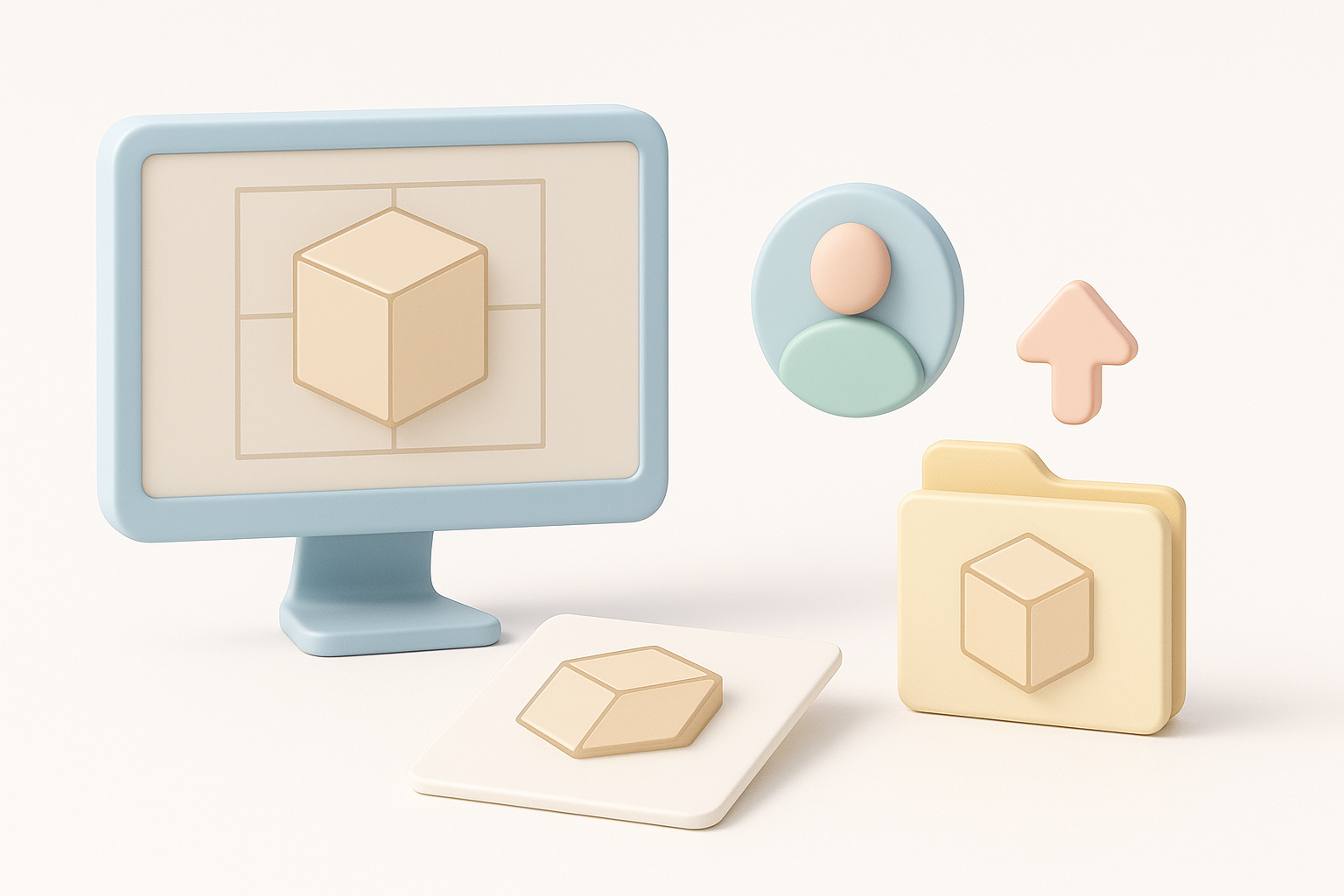
Rigging and animation can be time-consuming, but AI-assisted tools speed up the process. For Spanish projects, I pay special attention to naming conventions (“hueso” for bones, “animación” for animation clips) to keep files organized for local teams.
Tips:
- Use auto-rigging for humanoid or standard characters
- Test basic animations (walk, idle) early to catch deformations
- Export rig and animation data in commonly used formats (FBX, GLTF) for compatibility
Exporting, Sharing, and Using 3D Models
Export Formats and Compatibility Considerations
Exporting is a critical step. I choose formats based on the target platform—GLTF for web and XR, FBX for games and animation, OBJ for static assets. Tripo and similar tools support these, but I always double-check export settings (scale, axis orientation, texture embedding).
Pitfall: Forgetting to embed textures or mismatching axis conventions can cause issues in downstream applications. I run quick import tests in the target software before final delivery.
Integrating 3D Models into Spanish Workflows
When delivering to Spanish-speaking teams, I:
- Localize file and layer names
- Provide documentation in Spanish
- Share models via cloud platforms with clear folder structures
This reduces friction and speeds up feedback cycles, especially in collaborative environments.
Comparing AI-Powered and Traditional 3D Modeling Methods
Advantages of AI-Driven Workflows
AI-powered modeling platforms like Tripo offer significant time savings and lower the technical barrier for non-experts. In my workflow, I use AI tools for:
- Fast prototyping from sketches or prompts
- Generating variations for client review
- Automating repetitive tasks like retopology or basic texturing
This lets me focus on creative decisions rather than manual labor.
When to Use Alternative Methods
While AI tools are powerful, I switch to traditional methods when:
- High-detail sculpting or custom topology is required
- Models need to match strict technical specs (e.g., for AAA games)
- The project demands unique, hand-crafted assets
Combining both approaches gives me flexibility—AI for speed, traditional tools for precision.
By tailoring my workflow to the needs of Spanish-language projects and leveraging both AI-powered and traditional tools, I consistently deliver high-quality 3D models on time and with fewer headaches.


