Creating and Using World of Warcraft 3D Models: Expert Workflow
As a 3D practitioner working with stylized assets for games and XR, I’ve developed a streamlined approach to creating World of Warcraft (WoW)-style 3D models. My workflow leverages AI tools for rapid prototyping, followed by manual detailing for authenticity and polish. This article covers sourcing references, legal considerations, creation techniques, texturing, rigging, and integration, with practical advice for both newcomers and experienced artists. If you’re aiming to build production-ready WoW assets efficiently, these insights will help you sidestep common pitfalls and maximize creative output.
Key takeaways:
- WoW 3D models require stylized, optimized art for real-time engines.
- AI tools dramatically speed up model creation, but manual refinement is essential.
- Sourcing references and respecting IP rights is crucial.
- Efficient texturing, rigging, and animation are key for game and XR integration.
- Exporting in the right formats ensures smooth pipeline compatibility.
Overview of World of Warcraft 3D Models
What Makes WoW 3D Models Unique
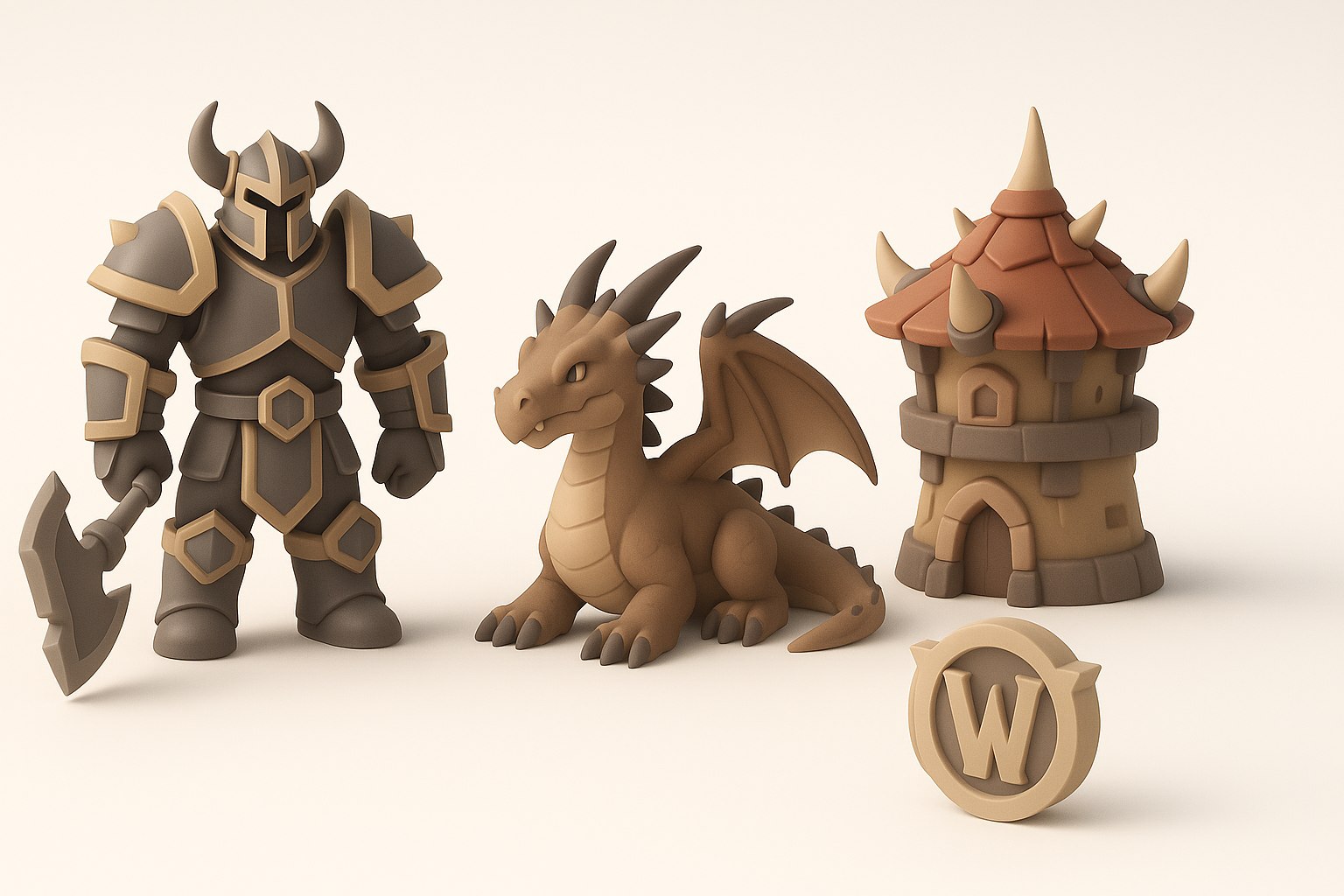
World of Warcraft models are defined by exaggerated proportions, vibrant colors, and hand-painted textures. In my experience, their stylized look is optimized for performance, making them ideal for real-time applications. The models typically use low to mid-poly counts, with detail achieved through clever texturing rather than geometry.
Practical tips:
- Focus on silhouette and readable shapes.
- Use strong color contrast and simplified materials.
- Avoid hyper-realistic details; stick to painterly, iconic forms.
Common Use Cases in Games and XR
I often see WoW-style models used in fan projects, mods, XR experiences, and stylized game environments. Their recognizable aesthetic helps with immersion and performance, especially in mobile and VR contexts.
Checklist:
- Choose WoW models for stylized worlds, mobile apps, and XR demos.
- Ensure compatibility with game engines (Unity, Unreal, etc.).
- Adapt models for avatars, props, or environments.
How I Source and Prepare WoW 3D Models
Finding High-Quality Model References
I start by gathering concept art, in-game screenshots, and official assets where permitted. Artbooks, fan sites, and community forums are rich sources for visual reference. For accuracy, I cross-reference multiple angles and details.
Steps:
- Collect reference images from reputable sources.
- Analyze proportions, color palettes, and material styles.
- Build a mood board for consistency.
Legal and Ethical Considerations
Using WoW assets requires careful attention to copyright and IP laws. I always check the usage rights of any reference or model, especially for commercial projects. When in doubt, I create original assets inspired by WoW rather than direct copies.
Pitfalls to avoid:
- Don’t use ripped game assets for commercial work.
- Credit original creators when using fan art or mods.
- Consult legal guidelines for fair use and derivative works.
My Workflow: Creating WoW-Style 3D Models
Using AI Tools for Rapid Model Generation
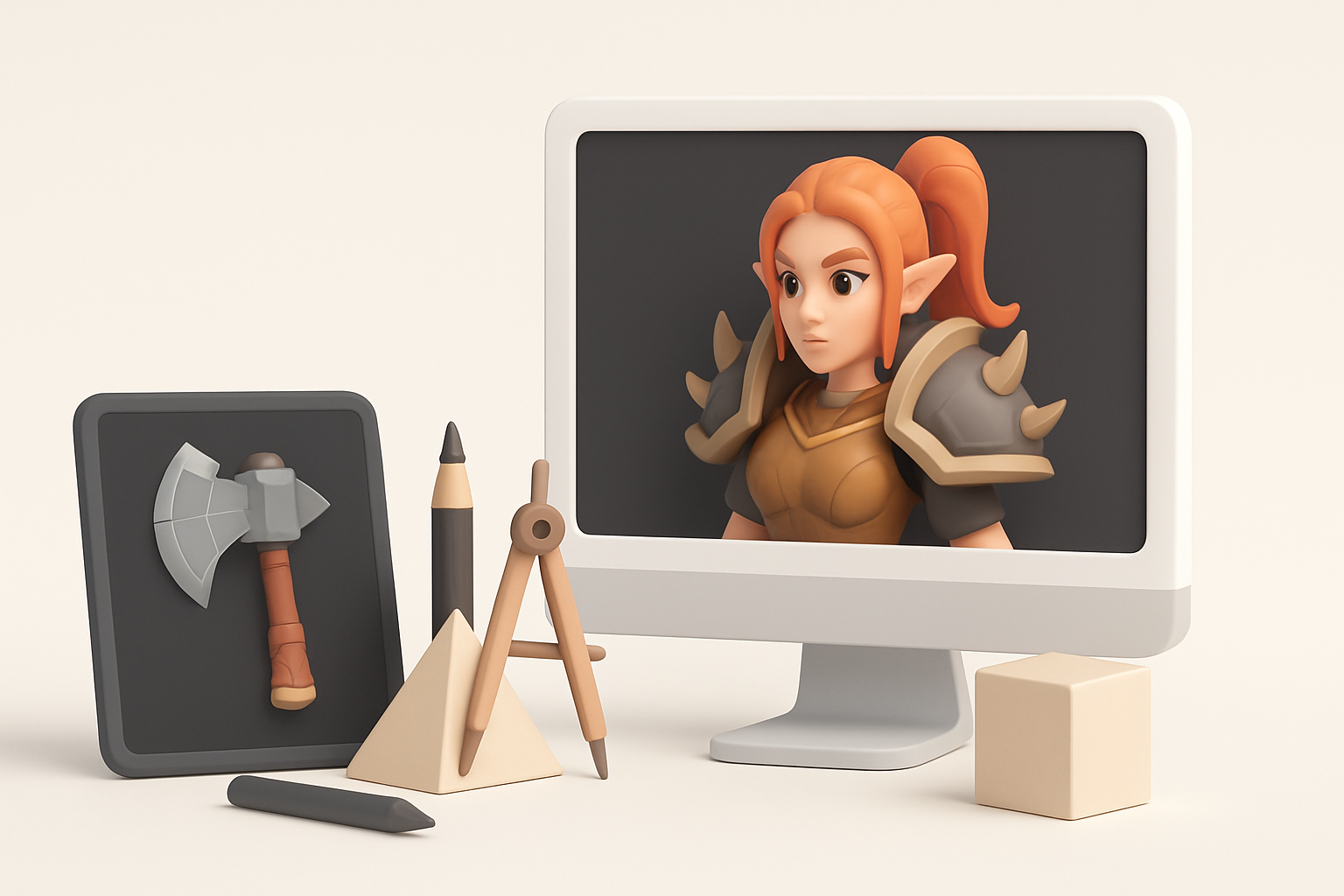
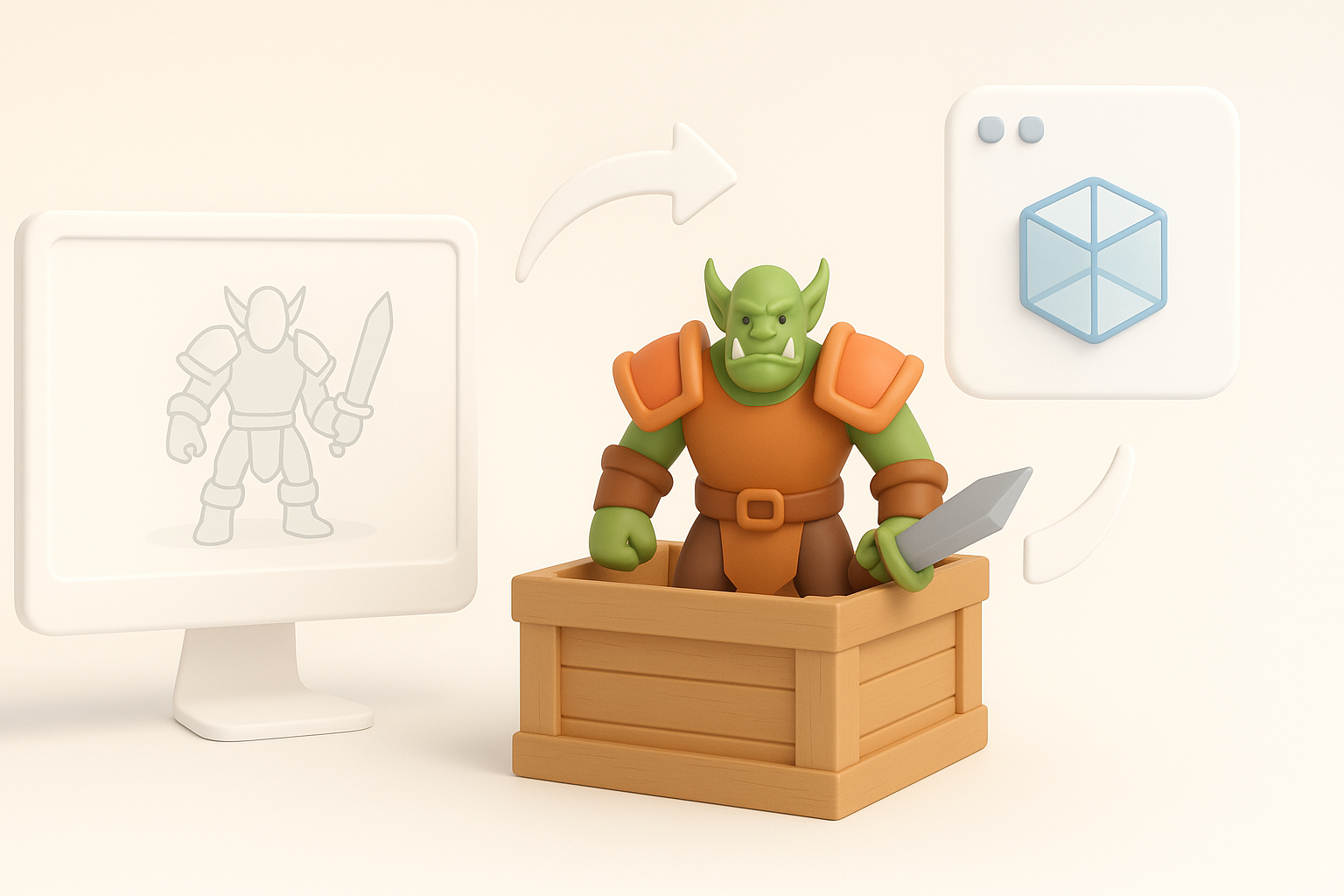
AI platforms like Tripo are invaluable for generating base meshes from text prompts or sketches. I input detailed descriptions—e.g., “stylized orc warrior with oversized axe”—and iterate until the silhouette and topology are right. This accelerates the blockout phase, letting me focus on creative decisions.
My process:
- Write clear, descriptive prompts for AI generation.
- Review and select the best base mesh.
- Use built-in segmentation and retopology for clean geometry.
Manual Touch-Ups and Artistic Detailing
Once the AI generates a base model, I manually refine shapes, add hand-painted textures, and sculpt unique features. This step is crucial for authenticity—AI outputs often need tweaks to match WoW’s iconic style.
Tips:
- Adjust proportions for exaggeration.
- Sculpt facial features and armor details by hand.
- Layer textures for depth and wear.
Best Practices for Texturing, Rigging, and Animation
Optimizing Textures for Stylized Looks
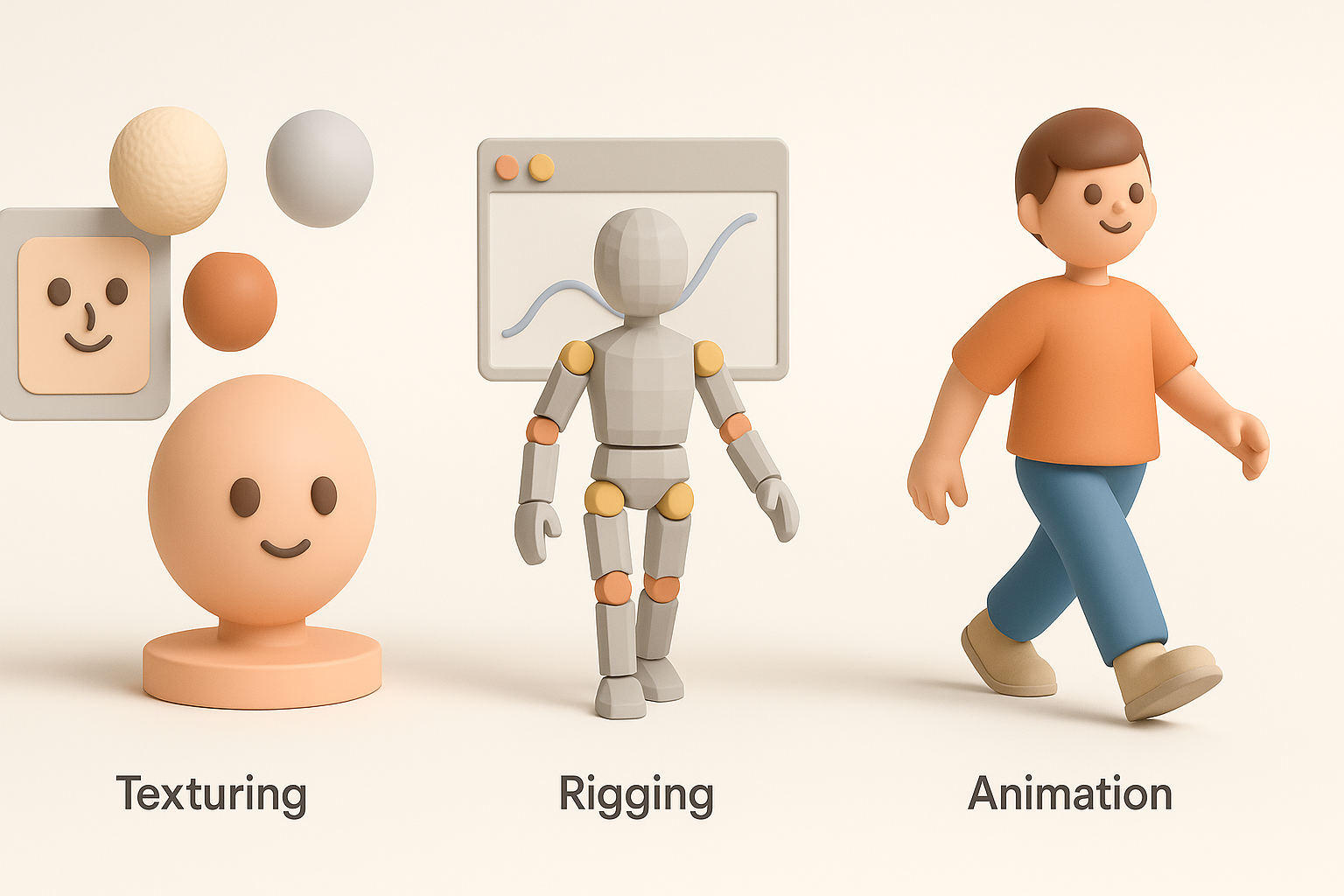
WoW textures rely on hand-painted techniques, using strong highlights and shadows. I usually paint diffuse maps in Photoshop or Substance Painter, avoiding photo-based textures. Keeping maps compact (1K–2K) ensures performance.
Checklist:
- Use flat, bold colors and avoid gradients.
- Paint highlights and shadows directly onto the diffuse map.
- Test textures in-engine for lighting consistency.
Efficient Rigging and Animation Techniques
Rigging WoW-style models is straightforward due to their simple anatomy. I use auto-rigging tools for speed, then manually adjust weights for expressive poses. For animation, I focus on exaggerated motions and clear silhouettes.
Pitfalls:
- Don’t overcomplicate rigs; keep bone counts low.
- Test animations in real-time for snappy, readable movement.
- Use reference from WoW cinematics for timing.
Comparing AI-Powered and Traditional 3D Workflows
Speed and Quality: What I’ve Learned
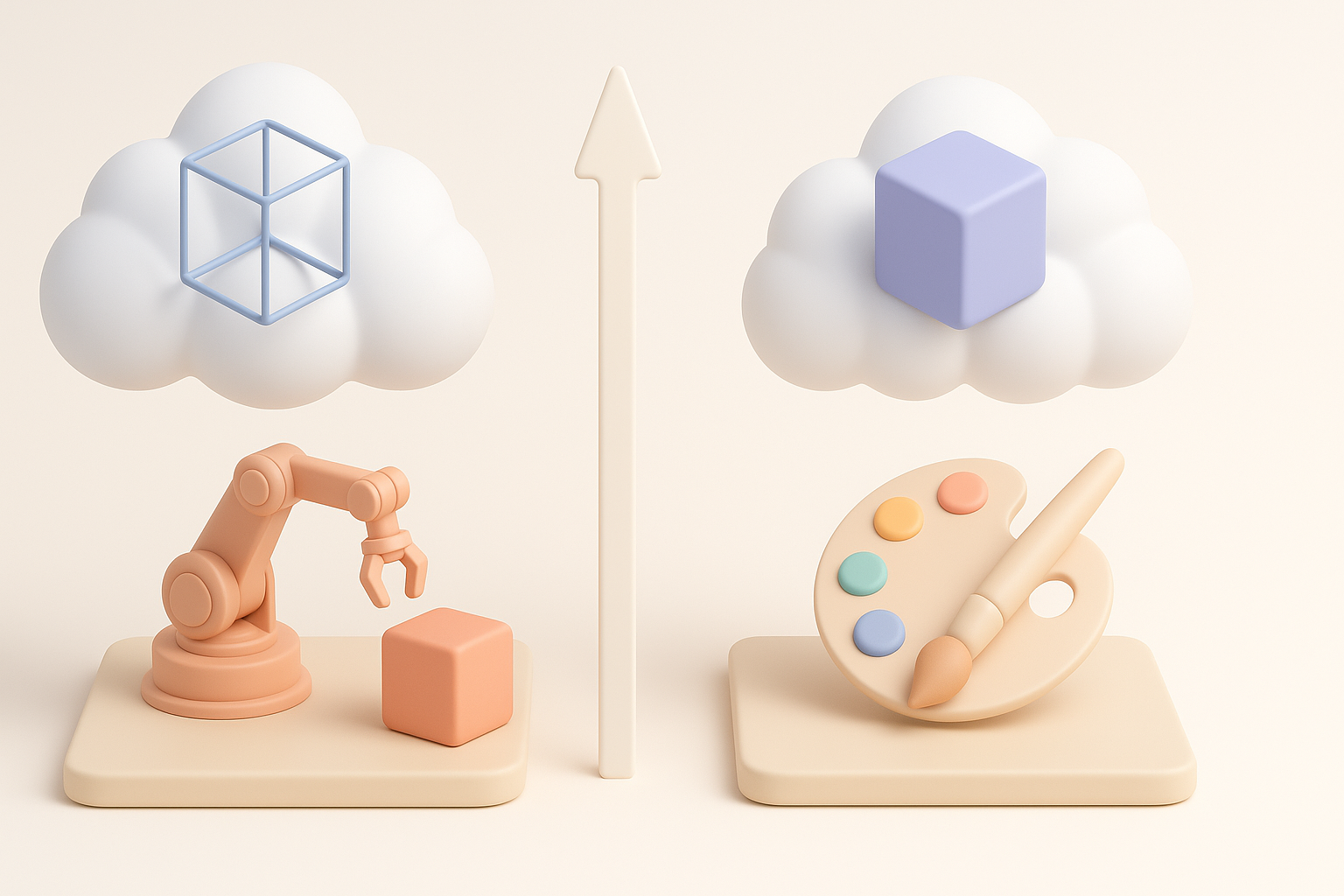
AI tools cut model creation time from hours to minutes, especially for base meshes. However, quality still depends on manual detailing. In my experience, the best results come from blending AI speed with human artistry.
Summary:
- AI excels at prototyping and blockouts.
- Manual work is essential for stylized polish.
- Combine both for optimal efficiency.
When to Use AI vs. Manual Methods
I use AI for initial concepts, quick iterations, and asset variants. Manual modeling is best for hero assets, complex shapes, and when high fidelity is needed.
Decision guide:
- Use AI for background props and fast prototyping.
- Switch to manual for main characters and unique items.
- Always review AI outputs for style consistency.
Exporting and Integrating WoW 3D Models
Supported File Formats and Pipelines
I export models in FBX or OBJ for broad compatibility. Textures go as PNG or TGA. Tripo’s export features streamline this, ensuring models are ready for Unity, Unreal, or custom XR pipelines.
Steps:
- Export mesh and textures in standard formats.
- Check scale and orientation before import.
- Validate materials in target engine.
Tips for Game and XR Engine Integration
Integration often requires tweaking materials and optimizing meshes. I test models in-engine, adjust shaders for stylized rendering, and optimize LODs for performance.
Checklist:
- Use engine-native shaders for stylized looks.
- Set up collision meshes and animation controllers.
- Profile assets for real-time performance.
Conclusion:
Creating WoW-style 3D models is faster and more accessible than ever with AI tools like Tripo. By combining rapid generation with careful manual detailing and following best practices for texturing, rigging, and integration, I consistently deliver production-ready assets for games and XR projects.


