Creating and Using Posed Whale Shark 3D Models: Expert Insights
As a 3D specialist, I’ve worked extensively with posed whale shark models across gaming, film, and XR projects. The rapid evolution of AI-powered tools has transformed how I generate, pose, and animate these assets—speeding up workflows and improving accessibility. In this article, I’ll share my proven process for creating production-ready whale shark models, covering everything from initial generation to animation and integration. Whether you’re a designer, developer, or technical artist, you’ll find actionable tips for maximizing realism and efficiency.
Key takeaways:
- AI-driven platforms can generate high-quality whale shark models in minutes.
- Posing and animation require careful rigging and attention to natural movement.
- Efficient retopology and UV mapping are critical for performance and realism.
- Texturing must capture the whale shark’s unique skin patterns and subtle details.
- Exporting and integration depend on choosing the right formats and troubleshooting common issues.
Why Posed Whale Shark 3D Models Matter
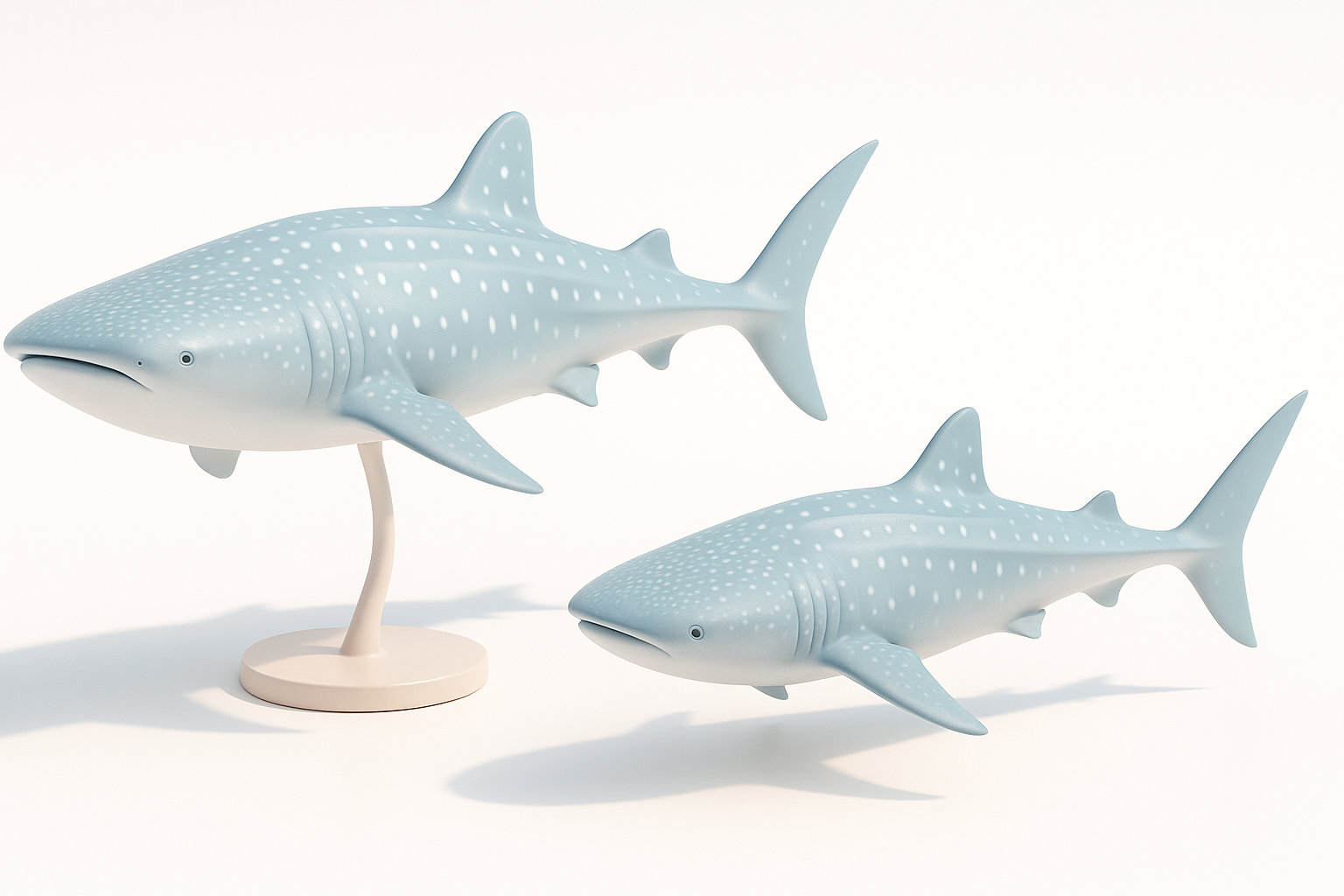
Applications in Games, Film, and XR
Posed whale shark models are essential for immersive storytelling and interactive experiences. In my work, I’ve used them for:
- Cinematic shots in underwater films
- Real-time simulations in educational XR apps
- Dynamic assets in marine-themed games
A well-posed model enhances believability, letting viewers connect emotionally with the creature. The right pose conveys motion, intent, and scale—crucial in both static renders and animated sequences.
Key Features to Look For
When evaluating whale shark models, I focus on:
- Anatomical accuracy: Proper proportions and distinctive features (mouth shape, fin placement)
- Clean topology: Optimized mesh for deformation and performance
- Realistic textures: Detailed skin patterns, subtle gradients, and specular highlights
- Rigging readiness: Skeleton setup for believable movement
Checklist:
- Reference real-world whale shark anatomy
- Ensure mesh is suitable for animation
- Verify texture resolution and UV layout
My Workflow for Generating Whale Shark 3D Models
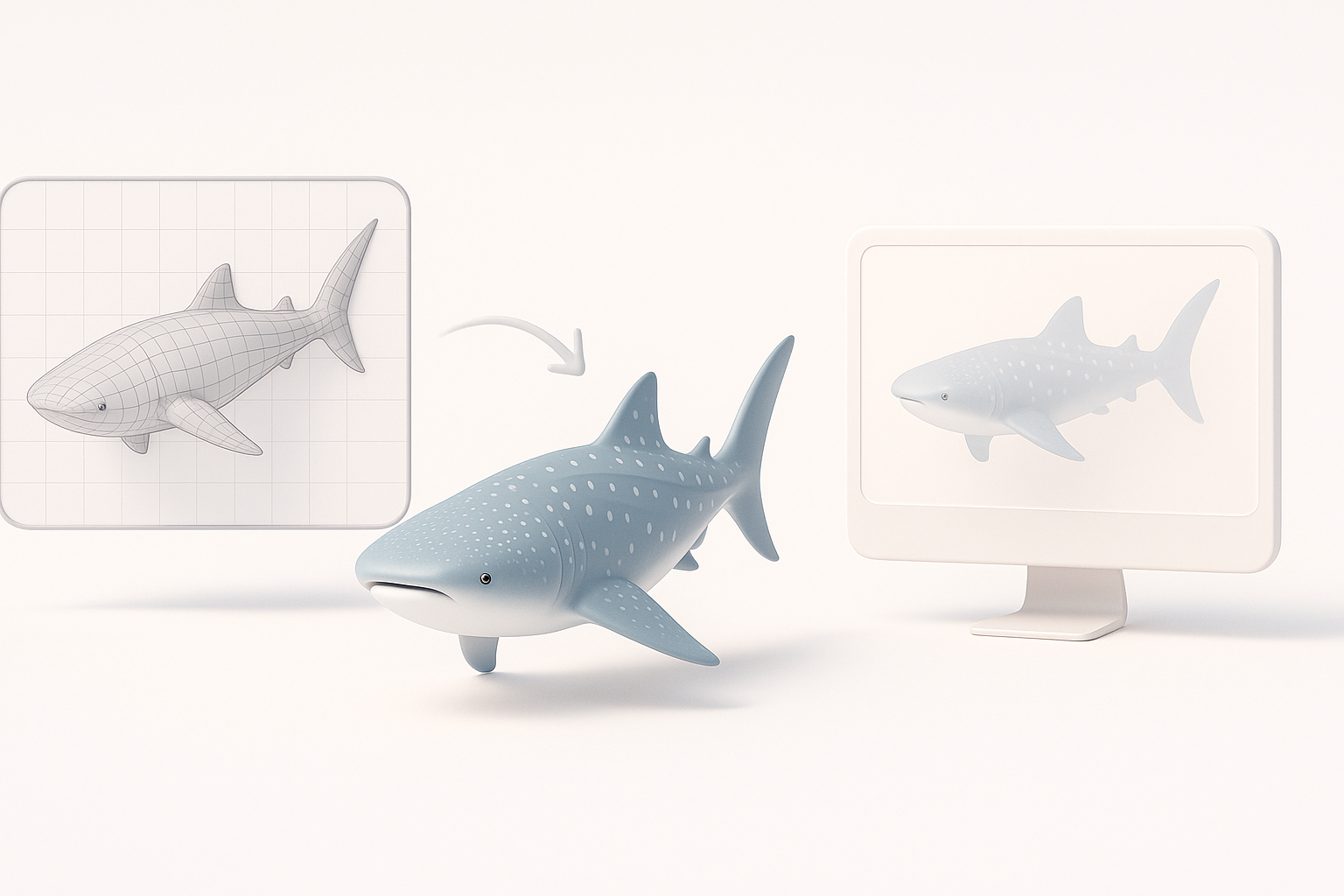
Text, Image, and Sketch-Based Generation
AI-powered platforms like Tripo have streamlined my workflow. I typically start with:
- Text prompts: Describing pose, mood, and environment (“whale shark swimming, mouth open, sunlight filtering”)
- Image references: Uploading photos or sketches for shape and pattern guidance
The platform generates a base model, which I review for anatomical fidelity and pose correctness. I often iterate—adjusting prompts or refining sketches—to match project needs.
Pitfalls:
- Overly generic prompts can yield inaccurate models.
- Low-res images may miss key details.
Best Practices for Realistic Posing
For lifelike poses, I:
- Study real whale shark movement (video references help)
- Use AI tools to quickly block out basic poses, then manually tweak fin angles, tail curvature, and body arch
- Avoid extreme bends that break mesh deformation
Tips:
- Keep the pose natural and dynamic, not static
- Check silhouette from multiple angles
- Test pose with preliminary rig to ensure deformation
Optimizing Models: Retopology, Texturing, and Animation
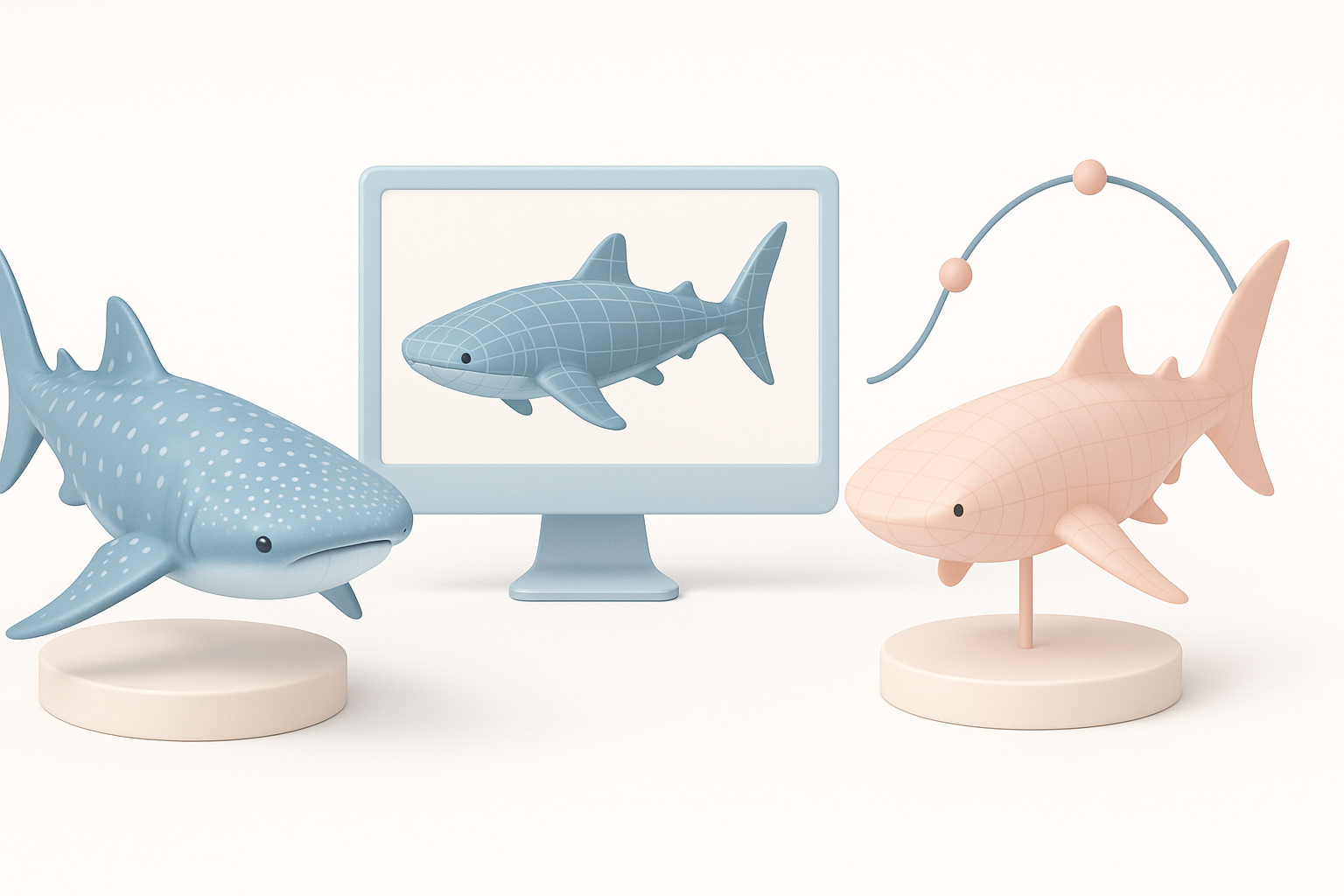
Efficient Retopology and UV Mapping
After initial generation, I focus on mesh optimization:
- Run automated retopology for clean, animation-ready geometry
- Use UV mapping tools to ensure even texture distribution
Steps:
- Inspect mesh for density and edge flow
- Apply retopology for reduced poly count and improved deformation
- Unwrap UVs, minimizing stretching—especially around fins and mouth
Texturing and Adding Natural Details
Texturing is where realism shines. I:
- Layer procedural and hand-painted textures to capture the whale shark’s spots and gradients
- Use high-res reference images for accuracy
- Add subtle bump and specular maps to mimic skin texture
Mini-checklist:
- Match color palette to real whale sharks
- Blend patterns seamlessly across UV seams
- Test textures under varied lighting
Rigging and Animating Whale Shark Models
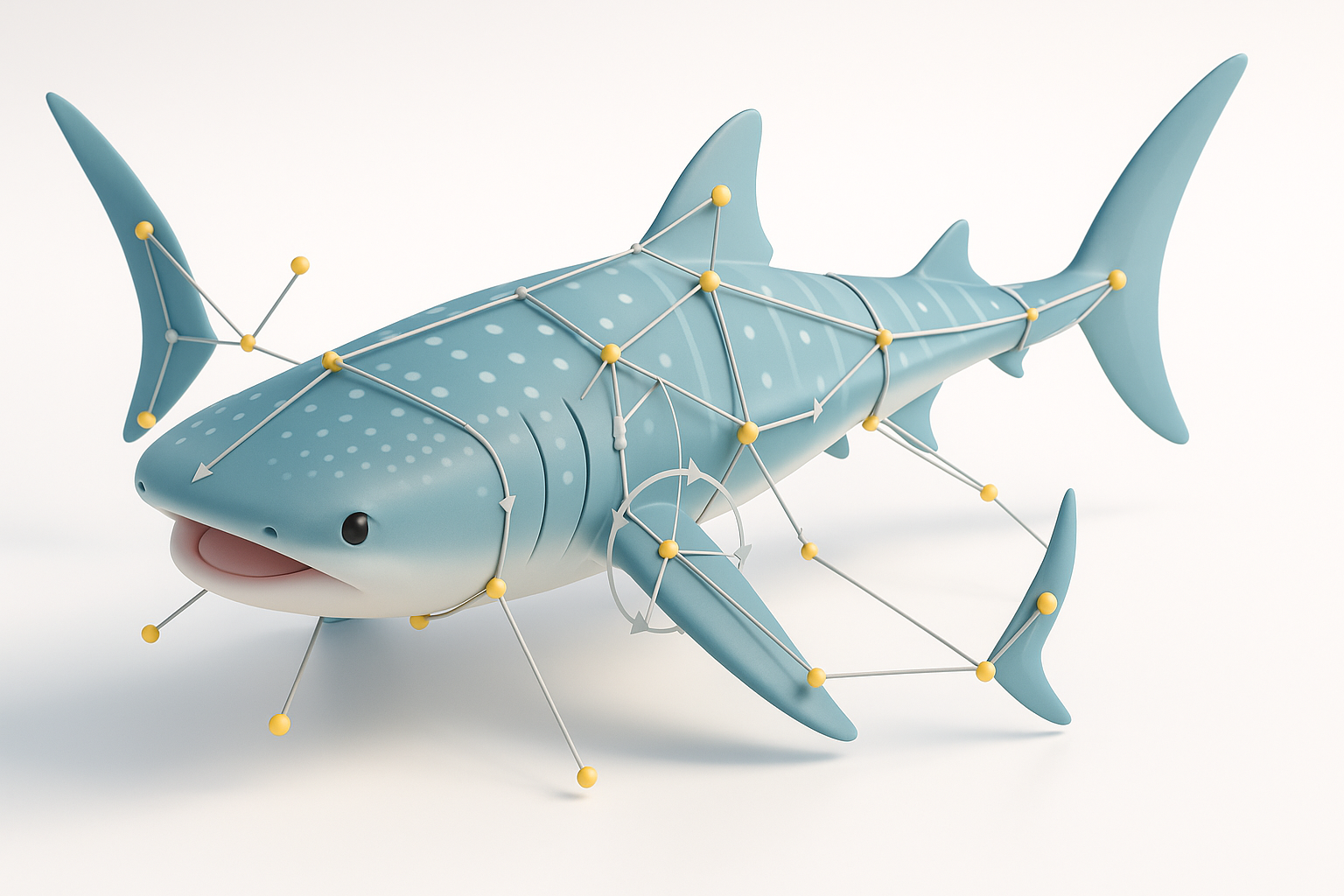
Setting Up Rigs for Natural Movement
Rigging whale sharks requires custom bone setups:
- Place bones along the spine, fins, and tail for fluid motion
- Use IK (Inverse Kinematics) for tail and fin controls
I prioritize weight painting to avoid mesh distortion, especially around the mouth and pectoral fins.
Pitfalls:
- Overly rigid rigs produce unnatural movement
- Neglecting secondary motion reduces realism
Tips for Smooth Animation Loops
For animation, I:
- Create swimming cycles with subtle body undulations
- Add secondary fin and tail movement for believability
- Test loops in-engine to catch artifacts early
Tips:
- Keep animation cycles seamless for real-time use
- Use reference footage for timing and amplitude
- Bake animations for performance if needed
Comparing AI-Driven and Manual 3D Creation Methods
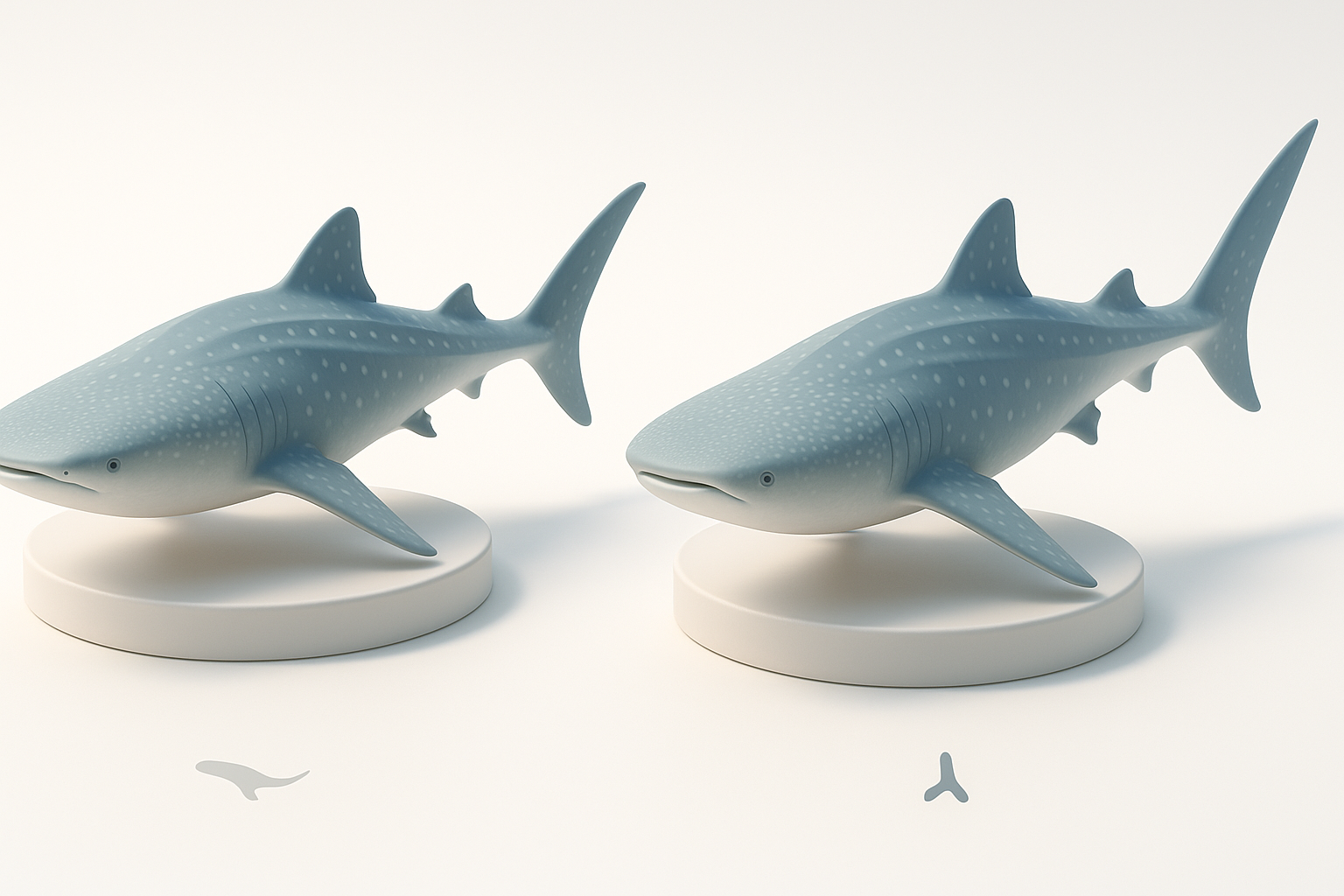
Speed and Quality Considerations
AI tools have dramatically reduced my turnaround time:
- Quick generation and posing, ideal for concept and iteration
- Quality is often production-ready, though manual tweaks may be needed for hero assets
Manual workflows offer full control but are time-intensive. I recommend AI for rapid prototyping and manual methods for high-detail or stylized projects.
When to Use AI Tools vs. Traditional Workflows
I choose AI when:
- Deadlines are tight
- Projects require multiple variations or quick iterations
I switch to manual modeling for:
- Unique stylization
- Ultra-high realism and custom rigging
Decision guide:
- Use AI for speed, manual for precision
- Combine both for optimal results
Exporting and Integrating Whale Shark Models
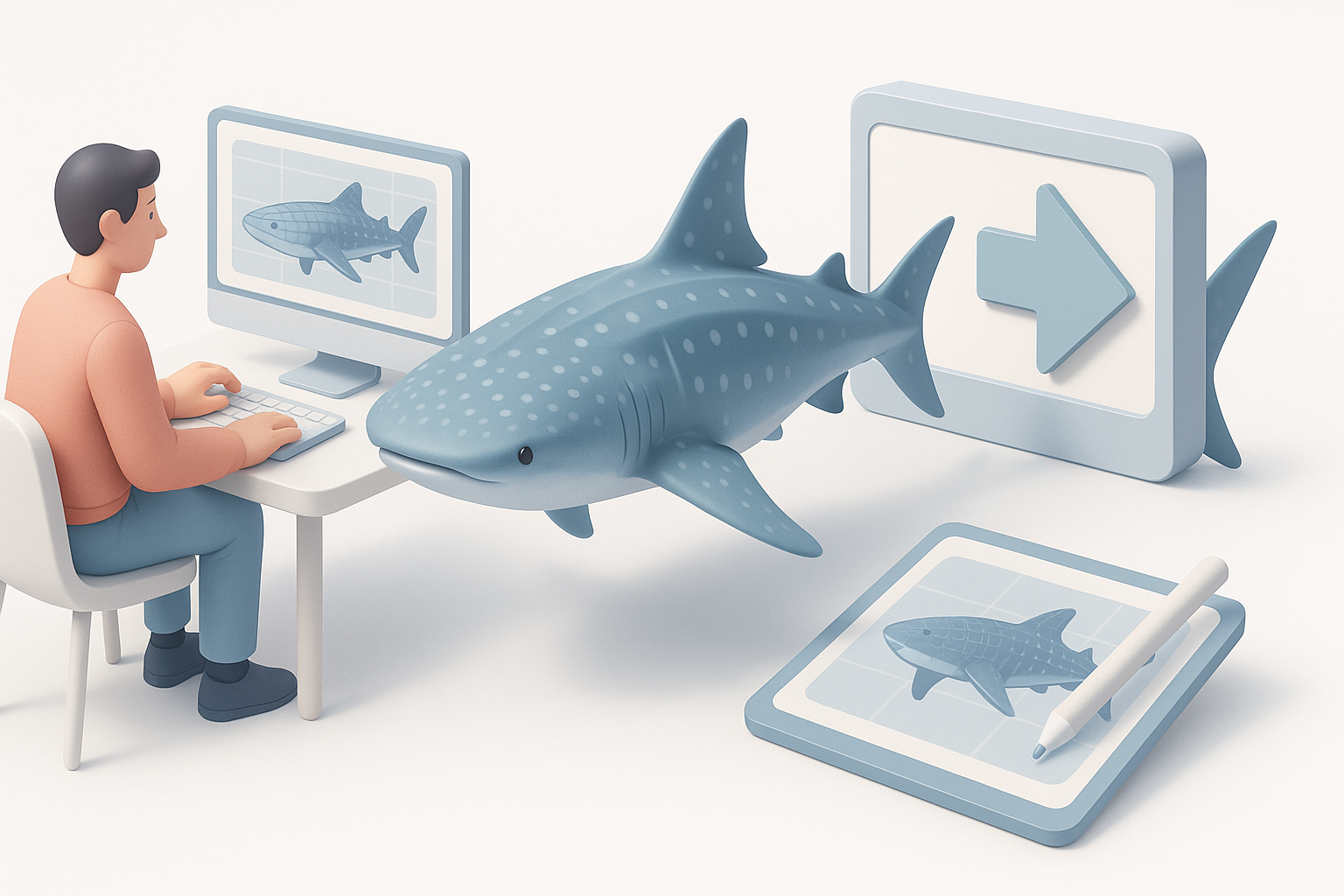
Supported Formats and Pipelines
Exporting is straightforward with most platforms:
- Common formats: FBX, OBJ, GLTF
- I ensure compatibility with target engines (Unity, Unreal, custom XR platforms)
Steps:
- Export with baked textures and animations
- Test import in target environment
- Adjust scale and orientation as needed
Troubleshooting Common Issues
Common integration issues I’ve faced:
- Texture misalignment (check UVs)
- Rigging errors (verify bone hierarchy)
- Animation glitches (re-export or bake animations)
Tips:
- Double-check export settings
- Preview in-engine before final submission
- Keep backup versions for rollback
By leveraging AI-powered workflows and focusing on anatomical accuracy, posing, and animation, I consistently deliver whale shark 3D models that meet production standards. With careful optimization and integration, these assets enhance visual storytelling across game, film, and XR projects.


