Creating High-Quality Watch Dogs 3D Models: My Workflow & Tips
Creating production-ready 3D models for Watch Dogs-style projects demands a balance of artistic vision and technical efficiency. Over the years, I’ve refined a workflow that leverages both traditional modeling skills and AI-powered platforms to deliver detailed, optimized assets quickly. Whether you’re a game developer, concept artist, or hobbyist, the right process can save hours and boost quality. Below, I'll share my end-to-end approach, including practical tips, pitfalls to avoid, and how I integrate AI tools like Tripo to streamline the pipeline.
Key takeaways:
- Start with strong references and clear requirements to guide your modeling.
- Block out forms before diving into details—this avoids wasted effort.
- AI tools like Tripo can accelerate segmentation, retopology, and texturing.
- Always optimize models for your target engine or platform.
- Manual and AI-assisted workflows each have strengths; use them strategically.
- Troubleshooting early prevents costly fixes later.
Understanding Watch Dogs 3D Model Requirements
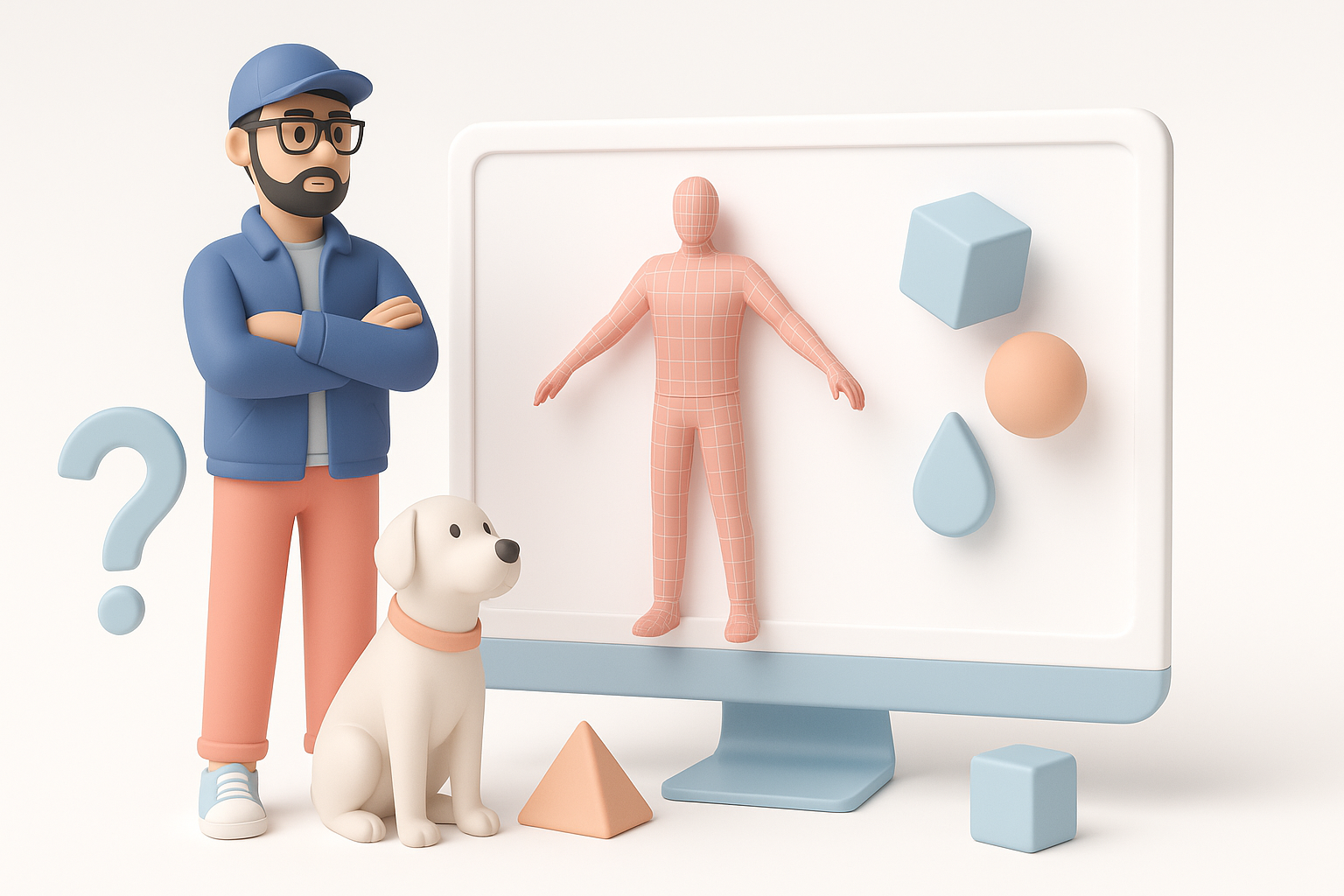
Key features and details to capture
When modeling for a Watch Dogs-inspired project, I focus on realism, urban grit, and tech details. Key elements include layered clothing, electronic gadgets, and subtle wear-and-tear. Stylized accessories—like masks, hoods, and hacking devices—are also essential.
Checklist:
- Distinctive silhouettes (e.g., trench coats, backpacks)
- Tech props (phones, drones, hacking tools)
- Realistic folds and fabric textures
- Layered clothing and accessories
- Subtle asymmetry for authenticity
Reference gathering and planning
I always begin by collecting high-quality references: game screenshots, concept art, and real-world urban fashion. I organize these by category (clothing, gear, props) and annotate details that stand out. This upfront work ensures consistency and saves time during modeling.
Tips:
- Use image boards or tools like PureRef for reference management
- Annotate must-have features before starting
- Plan topology based on animation needs (e.g., joint bends, facial expressions)
My Step-by-Step Workflow for Watch Dogs 3D Models
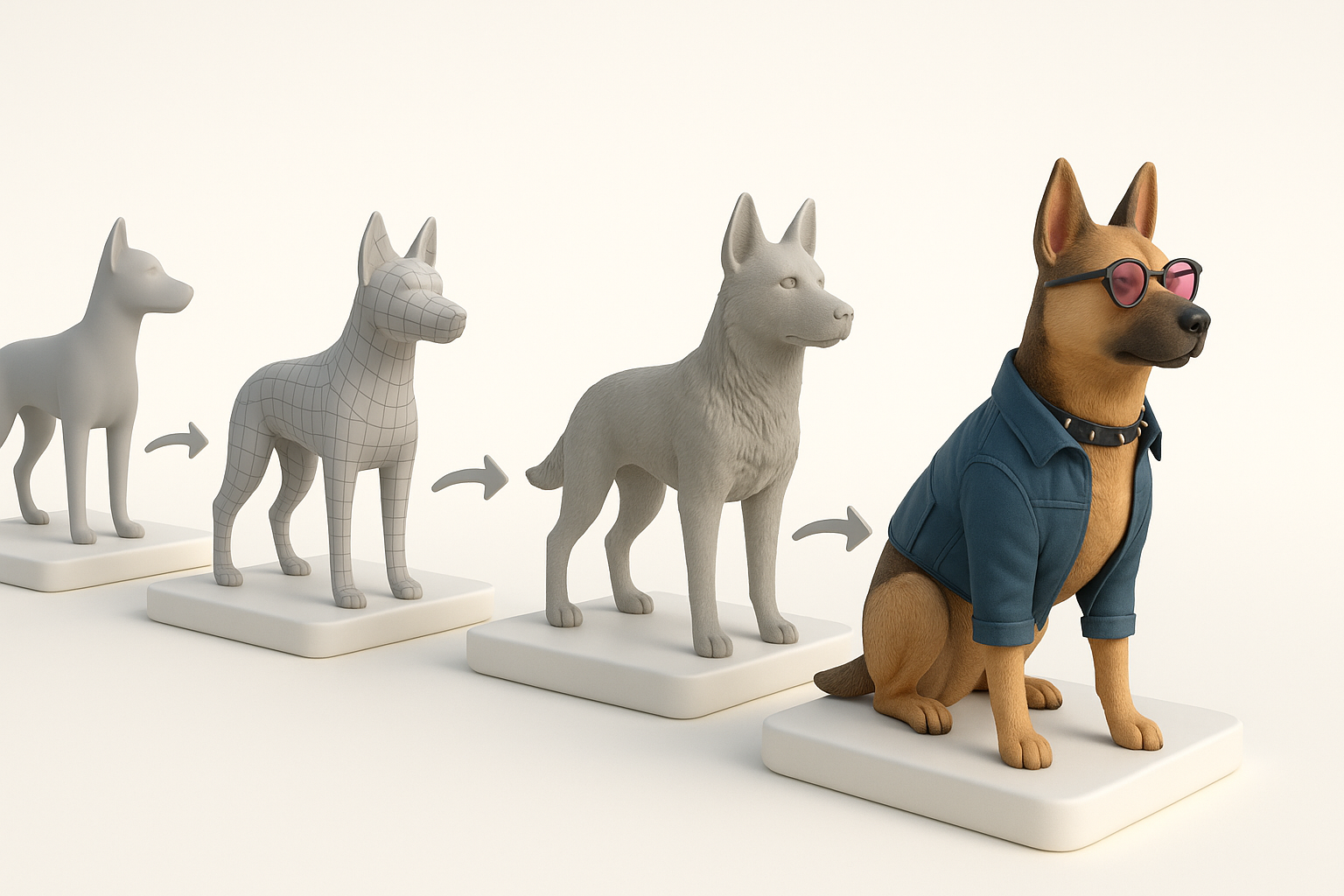
Concepting and blocking out the model
I start with rough blockouts to establish proportions and silhouette. This phase is about speed and iteration—no details yet, just basic shapes. I use simple geometry in my modeling app, sometimes sketching over blockouts to refine ideas.
Steps:
- Import references into the scene.
- Block out main forms (torso, limbs, accessories).
- Adjust proportions to match character style.
- Iterate quickly—don’t get bogged down in details.
Refining, retopology, and texturing techniques
Once the blockout looks right, I move to secondary forms and details. At this stage, I often use AI-powered tools like Tripo for segmentation and retopology, which saves hours. For texturing, I bake high-to-low poly maps and use smart materials for fabrics and metals.
Best practices:
- Retopologize early if you plan to animate or rig
- Use AI-assisted UV unwrapping and texturing to speed up repetitive tasks
- Layer dirt and wear for realism, but avoid overdoing it
Using AI Tools for Efficient 3D Model Creation

Integrating AI-powered platforms into my process
AI tools have become core to my workflow for Watch Dogs assets. I typically use Tripo to generate base meshes from sketches or photos, then refine them manually. Tripo’s segmentation and texturing features are especially helpful for complex clothing and props.
How I use AI tools:
- Generate initial mesh from concept art or photos
- Apply automated segmentation for clothing layers
- Use AI retopology to prep for animation
- Export textured models for final tweaks
Best practices for leveraging automation
Automation is powerful, but it’s not foolproof. I always check AI outputs for errors—especially in topology and UVs. It’s best to use AI for repetitive or tedious steps, then apply manual polish where needed.
Pitfalls to avoid:
- Blindly trusting AI-generated geometry—always review
- Overusing procedural textures, which can look generic
- Ignoring edge flow, which matters for deformation
Exporting, Rigging, and Animating Watch Dogs Models
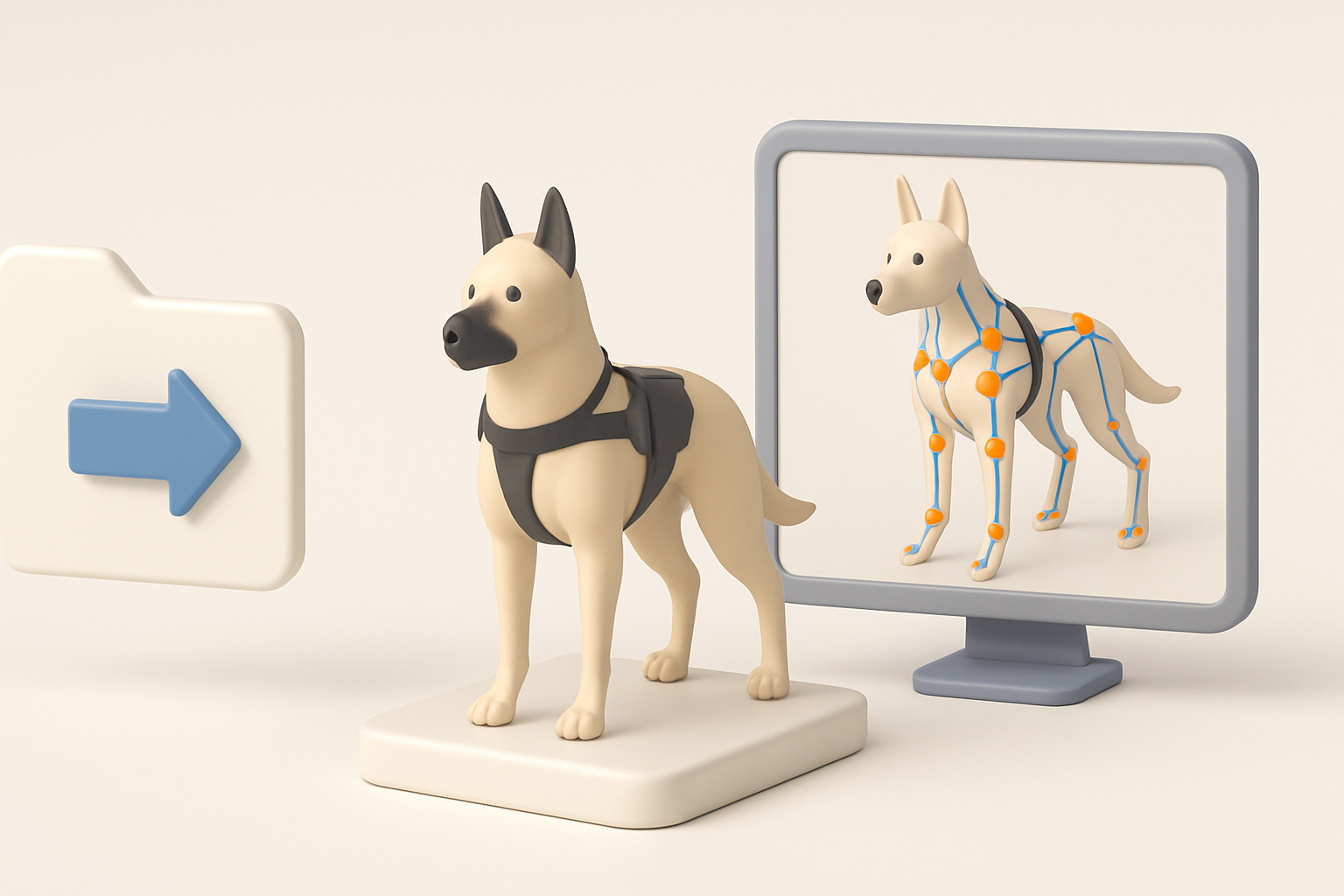
Preparing models for different engines
Export settings matter. I tailor my exports for the target engine (Unity, Unreal, etc.), ensuring correct scale, orientation, and file format. Clean naming conventions and organized hierarchy save headaches later.
Checklist:
- Freeze transforms and clean up history
- Apply consistent scale (e.g., 1 unit = 1 meter)
- Export in engine-friendly formats (FBX, OBJ)
- Include separate meshes for modularity
Tips for rigging and basic animation
For Watch Dogs characters, I rig for both body and facial animation. I use auto-rigging tools for efficiency, then manually weight paint tricky areas (like jacket collars). Simple idle animations can be blocked out quickly for previews.
Tips:
- Test deformations with quick pose animations
- Add extra bones for accessories (backpacks, hoods)
- Keep skeletons compatible with engine animation systems
Comparing Manual and AI-Assisted 3D Modeling Approaches

Pros and cons from my experience
Manual modeling gives me full control over detail and style, but it’s time-consuming. AI-assisted workflows, especially with tools like Tripo, speed up repetitive tasks and let me focus on creative decisions. However, AI outputs often need manual cleanup.
Summary table:
| Approach | Pros | Cons |
|---|---|---|
| Manual | Full control, custom detail | Time-intensive, repetitive |
| AI-Assisted | Fast, efficient, scalable | Needs review, less precision |
When to choose each workflow
I choose manual modeling for hero assets or unique characters. For background NPCs, props, or quick iterations, AI-assisted workflows are ideal. The best results often come from combining both: let AI handle the grunt work, then refine manually.
Decision guide:
- Use AI for speed and batch assets
- Go manual for signature pieces or when quality is paramount
Troubleshooting and Optimization Tips

Common challenges and how I solve them
Common issues include messy topology, texture seams, and animation glitches. I’ve learned to spot and fix these early:
- Messy topology: Run auto-retopology, then manually clean loops around joints.
- Texture seams: Use 3D painting tools to blend edges.
- Animation glitches: Test with basic rigs and fix weights before final export.
Optimizing models for performance
Game engines require efficient assets. I optimize by reducing polycount, baking normal maps, and using LODs (levels of detail). Tripo’s built-in optimization tools help, but I always double-check in the engine.
Optimization checklist:
- Target polycount based on asset importance
- Bake details into normal/occlusion maps
- Generate LODs for distant rendering
- Profile assets in-engine to catch performance issues
Creating Watch Dogs-style 3D models is both an art and a science. By blending manual skill with AI-powered efficiency, I deliver assets that look great and perform well—without burning out on repetitive tasks. With the right workflow, you can do the same.


