Creating and Optimizing Warzone 3D Models: Expert Workflow
скачать 3d модели для chicken gun
As a 3D specialist, I’ve developed and refined my workflow for creating warzone-themed models for games, film, and XR. My focus is on speed, quality, and production-readiness, leveraging both traditional and AI-powered tools to streamline the process. If you’re a game developer, digital artist, or XR designer aiming to produce complex environments or assets efficiently, this article covers practical steps, best practices, and lessons learned from my hands-on experience.
Key takeaways
- Efficient warzone 3D modeling requires a mix of creative planning and technical optimization.
- AI-powered tools like Tripo AI accelerate segmentation, retopology, and texturing.
- Export settings and rigging must be tailored for real-time engines and animation.
- Manual workflows offer control; AI workflows boost speed—choose based on project needs.
- Common pitfalls include poor UV mapping and inefficient mesh topology.
Overview of Warzone 3D Models and Their Applications
What defines a warzone 3D model
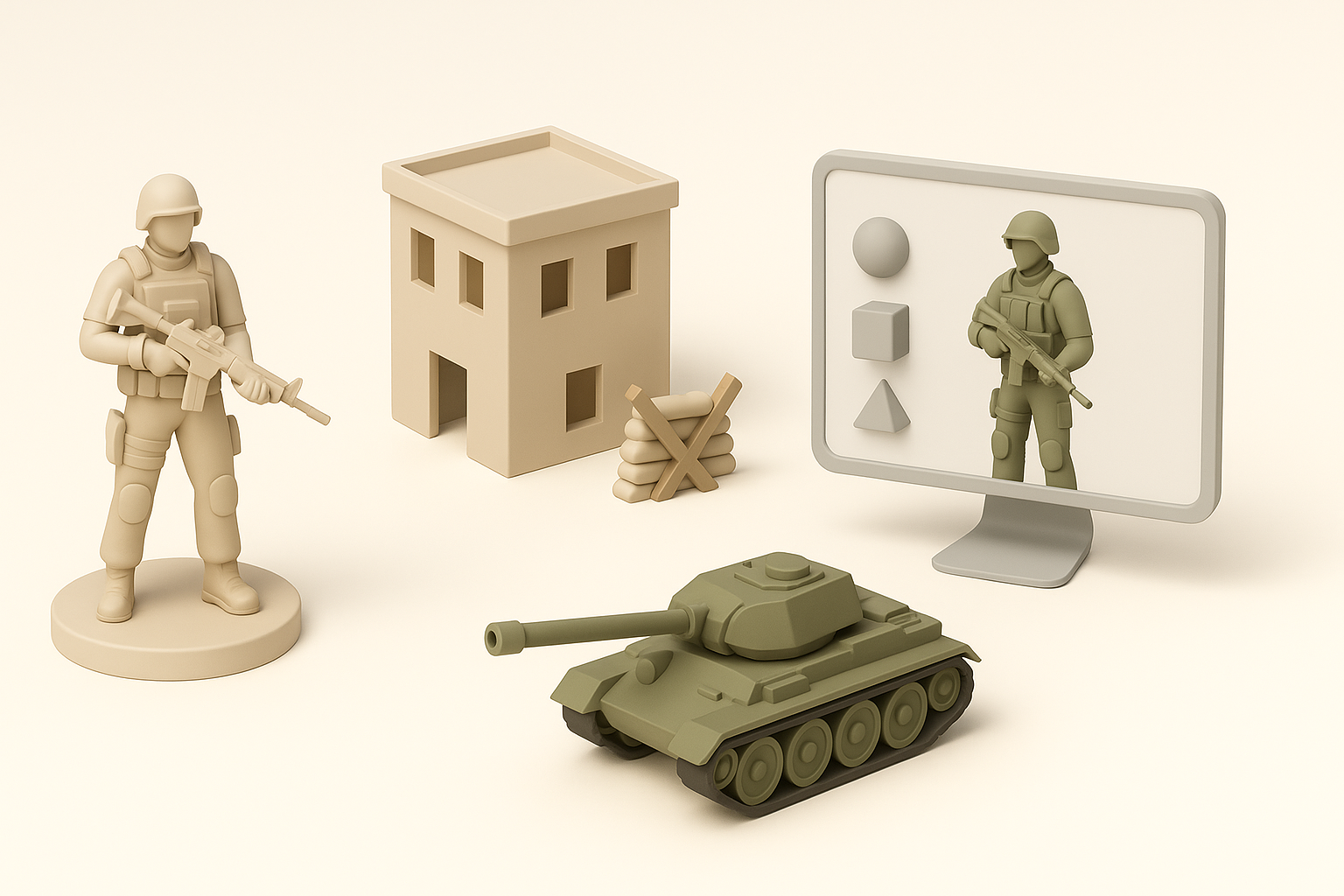
Warzone 3D models typically represent environments or assets associated with conflict zones: ruined buildings, debris, military vehicles, and tactical props. Key characteristics include realistic destruction, varied materials, and complex geometry. I prioritize detail and modularity, ensuring assets can be reused and combined for different scenes.
Common use cases in games, film, and XR
In my projects, warzone models are used for:
- Level design in FPS and strategy games
- Cinematic set pieces in films and trailers
- Immersive environments for VR/AR training simulations
The demand for realism and optimization is high—assets must look convincing but run smoothly on target platforms.
My Step-by-Step Workflow for Warzone 3D Model Creation

Conceptualizing and gathering references
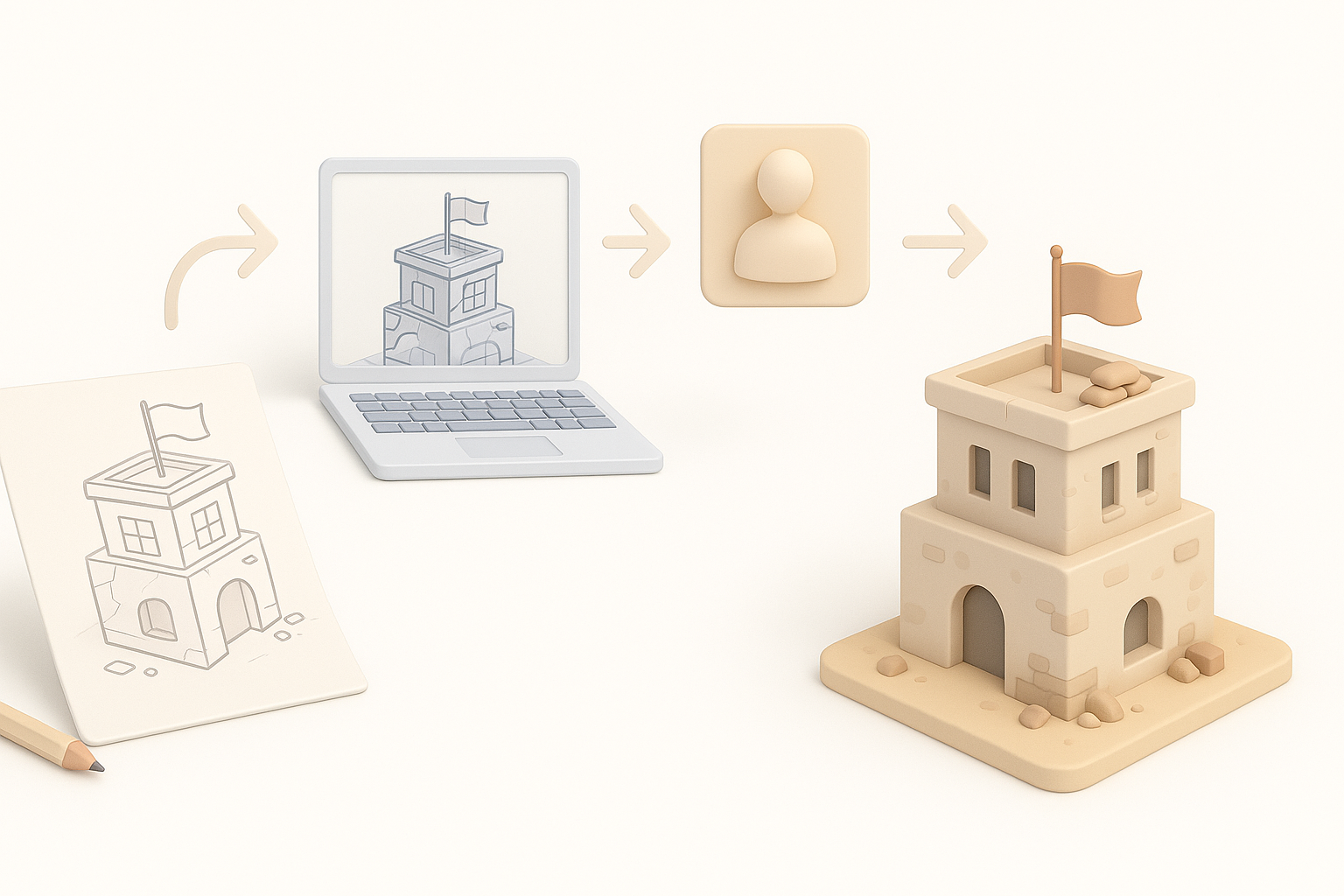
I start by collecting visual references: photos, concept art, and sketches. Mood boards help define the scale, materials, and atmosphere. For warzone assets, I focus on structural damage patterns and authentic military details.
Checklist:
- Gather at least 10 high-quality references
- Identify key features (e.g., blast marks, rubble types)
- Sketch basic blockouts for layout
Choosing the right tools and platforms
I select tools based on project requirements. Tripo AI is my go-to for rapid prototyping and segmentation, especially when time is tight. For manual modeling, I use industry-standard software for sculpting and mesh editing.
Tips:
- Use AI tools for quick iterations and base meshes
- Switch to manual tools for fine detailing or custom topology
Best Practices for Modeling, Texturing, and Optimization
Efficient modeling techniques for complex environments
I break down scenes into modular assets—walls, props, debris—so they’re reusable and easy to optimize. I keep poly counts low for real-time use, relying on normal maps for surface detail.
Steps:
- Block out major forms before detailing
- Use instancing for repeating elements
- Merge meshes where possible to reduce draw calls
Texturing, UV mapping, and material setup
Good UV mapping is essential. I unwrap meshes with minimal distortion, then use AI-powered texturing tools for quick base textures. For realism, I layer dirt, grime, and damage using procedural masks.
Tips:
- Pack UVs tightly to maximize texture resolution
- Use material IDs for easy swapping in engines
- Test textures early in engine for correct scale and tiling
Streamlining the Process with AI-Powered Tools
How I leverage AI for segmentation and retopology
AI tools like Tripo AI handle segmentation and automatic retopology, saving hours of manual work. I feed in sketches or references, then refine the generated meshes as needed.
Workflow:
- Input concept art or rough sketches
- Use AI to generate segmented, production-ready meshes
- Review and tweak topology for animation or physics
Integrating AI-generated assets into my pipeline
I integrate AI assets by importing them into my main modeling software for further refinement. This hybrid approach lets me maintain quality while accelerating the early stages.
Pitfalls:
- Always check mesh quality; AI outputs may need cleanup
- Ensure compatibility with target engine formats
Exporting, Rigging, and Preparing for Real-Time Engines
Export settings and formats for game engines
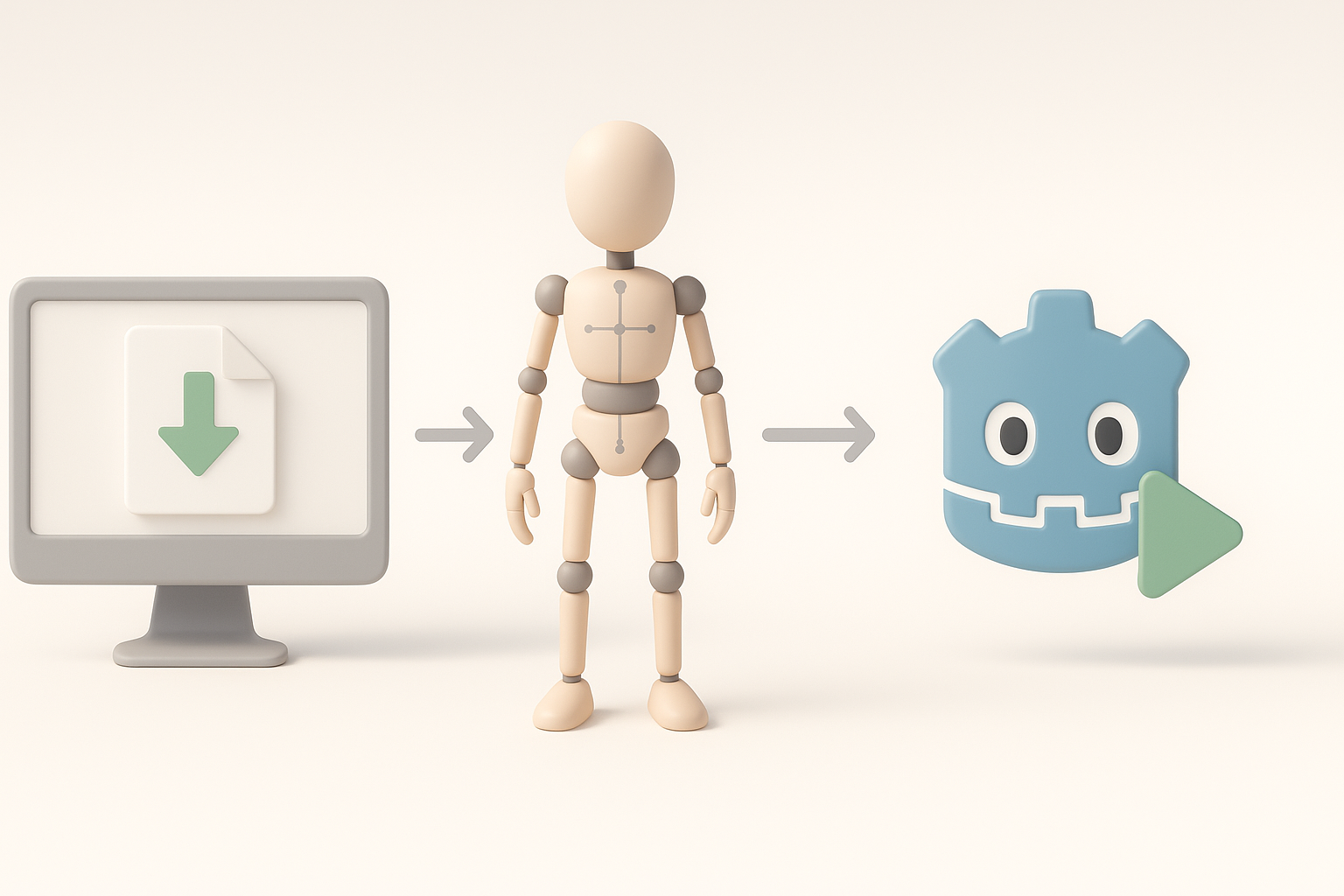
I export models in optimized formats—usually FBX or GLTF—with clean hierarchy and naming conventions. I check scale and orientation to match engine requirements.
Checklist:
- Remove unused vertices and materials
- Apply transforms before export
- Test import in engine for errors
Rigging and animation considerations
For animated assets (e.g., destructible props or vehicles), I rig using simple skeletons and test animations in-engine. AI tools can assist with basic rigging, but manual adjustment is often needed for complex setups.
Tips:
- Use minimal bones for performance
- Bake animations if possible for real-time use
Comparing Manual and AI-Accelerated Workflows

Pros and cons from my experience
Manual workflows offer full control and precision, but are time-consuming. AI-accelerated workflows are faster and ideal for iterative prototyping, though they may require post-processing.
Comparison:
- Manual: Best for custom, high-detail assets
- AI: Best for quick base meshes and large asset libraries
When to choose each approach
I choose manual methods for hero assets and AI for background props or when speed is critical. Hybrid workflows often yield the best results.
Tips, Lessons Learned, and Common Pitfalls
What I wish I knew starting out
Early on, I underestimated the importance of clean topology and UVs. Over time, I learned to prioritize these for easier texturing and engine integration.
Advice:
- Plan asset modularity from the start
- Test assets in-engine frequently
Troubleshooting and optimization advice
Common pitfalls include overlapping UVs, excessive poly counts, and inconsistent scaling. I recommend frequent checks and automated tools for optimization.
Checklist:
- Run mesh analysis tools for errors
- Optimize textures for target platform
- Profile performance in-engine before final delivery
By following these workflows and best practices, I consistently deliver production-ready warzone 3D models that balance speed, quality, and engine compatibility. Whether you’re working solo or in a studio, leveraging AI tools like Tripo AI can transform your pipeline and let you focus on creativity.


