Creating and Optimizing 3D Models for VRChat
Creating 3D models for VRChat can be fast and efficient with the right approach. In my experience, combining manual skills with AI-powered tools like Tripo AI allows me to generate avatars and props that meet VRChat’s requirements, look great, and perform well in real-time environments. This guide covers the key technical standards, step-by-step workflows, optimization strategies, and practical comparisons between manual and AI-assisted methods. Whether you’re a beginner or a seasoned creator, you’ll find actionable advice to streamline your VRChat modeling pipeline.
Key takeaways
- VRChat requires specific file formats, polygon limits, and optimized textures for smooth performance.
- Concepting and reference gathering are essential before modeling.
- AI tools can rapidly prototype models, but manual tweaks are often needed for VRChat compatibility.
- Optimization (polygon count, texture size) is critical for avatars and props.
- Testing in VRChat is necessary to catch issues early.
- Both manual and AI-assisted workflows have pros and cons—choose based on project needs.
Understanding VRChat 3D Model Requirements
Supported file formats and technical limitations
VRChat primarily supports FBX and VRM file formats for avatars and props. Models must be compatible with Unity, which is the engine VRChat uses for imports. Key technical constraints include:
- Polygon count: Avatars should ideally stay below 20,000 triangles for optimal performance.
- Texture limits: Use 1024x1024 or lower for most textures; avoid uncompressed formats.
- Rigging: Humanoid rigs are required for avatars; props don’t need rigging unless animated.
- Shader compatibility: Stick to Unity’s standard shaders or VRChat-specific shaders.
Pitfalls:
I’ve seen issues arise from using unsupported formats, overly complex rigs, or large textures that cause lag.
Best practices for avatar and prop design
Design for VRChat means balancing aesthetics with performance. What I’ve found works best:
- Keep geometry simple: Avoid unnecessary detail; use normal maps for surface texture.
- Optimize UV layouts: Minimize wasted space for better texture efficiency.
- Test scale and proportions: VRChat avatars and props need to match real-world sizes.
Checklist:
- Use FBX/VRM format
- Humanoid rig for avatars
- Textures ≤1024x1024
- Polygon count ≤20k
- Unity-compatible shaders
Step-by-Step Workflow: Making a VRChat 3D Model
Concepting and reference gathering
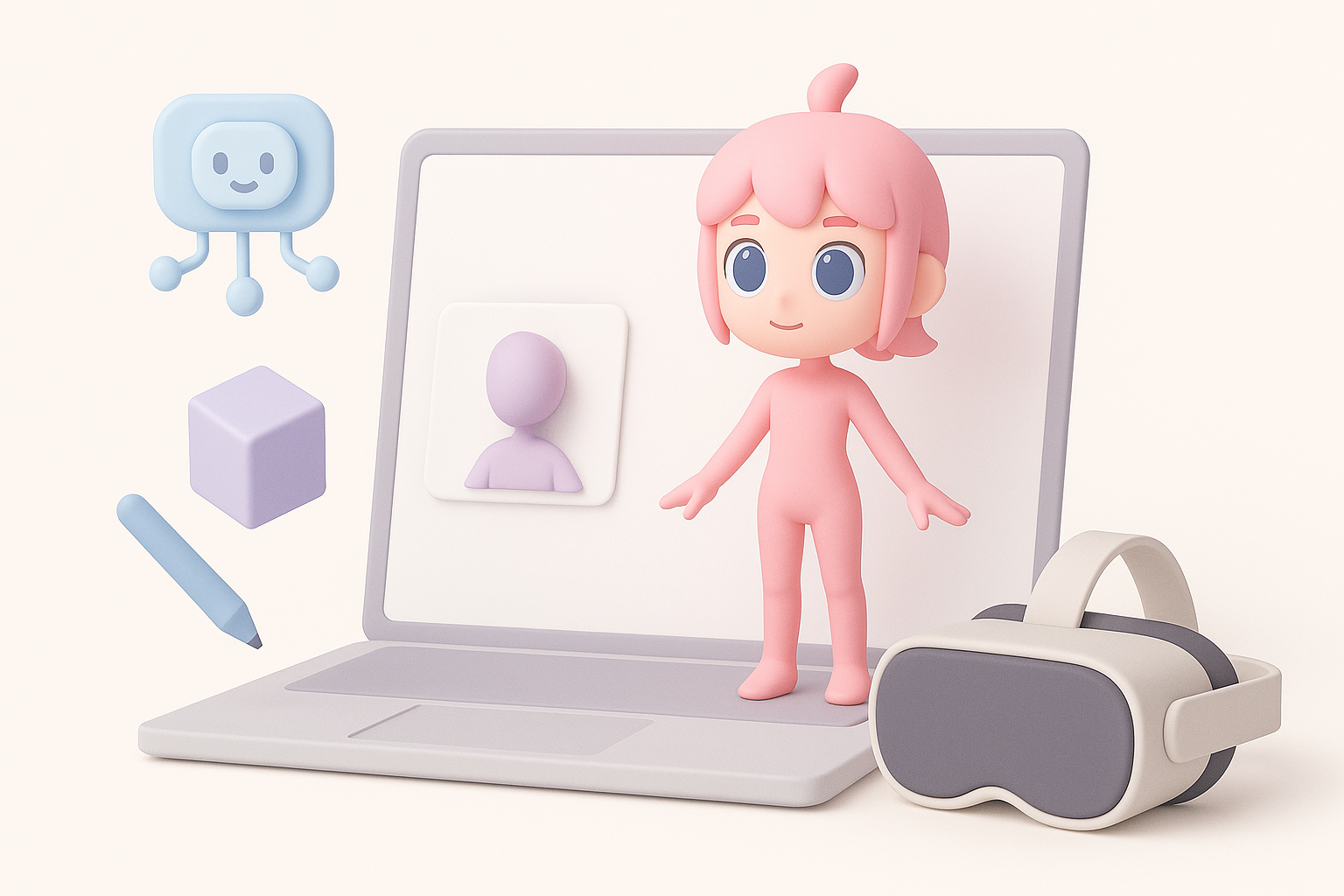
Every project starts with a clear concept. I gather references—images, sketches, or mood boards—to define the look and function of the avatar or prop. This helps set boundaries for style, complexity, and technical requirements.
Tips:
- Use VRChat’s avatar guidelines as reference.
- Collect both front and side views for modeling.
Modeling, texturing, and preparing for import
Once the concept is set, I move to modeling. Tripo AI allows me to generate a base mesh quickly from text or sketches, which I then refine in Blender or similar software. Texturing is handled with baked maps and efficient UVs.
Workflow steps:
- Generate base mesh (AI or manual)
- Refine topology and proportions
- UV unwrap and bake textures
- Rig (for avatars)
- Export as FBX/VRM
- Import into Unity for VRChat setup
Pitfalls:
- Forgetting to check scale in Unity
- Skipping rig validation for avatars
Using AI Tools to Accelerate VRChat Model Creation

How I leverage AI platforms for rapid prototyping
AI tools like Tripo AI have changed my workflow. I can generate production-ready meshes from text prompts or sketches, which saves hours on initial modeling. For VRChat, I use AI to create base avatars or props, then manually optimize for performance.
Benefits:
- Fast prototyping
- Automatic segmentation and retopology
- Built-in texturing and rigging
Integrating AI-generated assets into VRChat workflows
After generating assets with Tripo AI, I review them in Blender or Unity, checking for VRChat compatibility. I usually need to adjust topology, rigging, or textures to meet VRChat’s requirements.
Mini-checklist:
- Validate rig structure
- Reduce polygon count if needed
- Optimize textures
- Test in Unity before uploading to VRChat
Pitfalls:
- AI models sometimes have excess detail or incompatible rigs—manual cleanup is essential.
Optimization and Performance Tips
Reducing polygon count and texture sizes
Optimization is crucial for VRChat. I always:
- Decimate meshes to reduce polygons without sacrificing silhouette.
- Compress textures and use efficient UV layouts.
- Merge meshes where possible to reduce draw calls.
Quick tips:
- Use normal maps for detail instead of geometry
- Limit texture resolution to what’s needed
- Remove hidden faces and unused bones
Testing and troubleshooting in VRChat
Before final upload, I test models in Unity and VRChat. This helps catch issues like clipping, scale problems, or performance bottlenecks.
Testing steps:
- Import model to Unity
- Check avatar descriptor and rig
- Preview in VRChat SDK
- Upload and test in-game
Common pitfalls:
- Overlooked scale mismatches
- Shader incompatibility
- Rigging errors causing animation glitches
Comparing Manual and AI-Assisted Workflows
Pros and cons from my hands-on experience
Manual workflow:
- Pros: Full control, precise optimization, tailored rigs
- Cons: Time-consuming, requires advanced skills
AI-assisted workflow (e.g. Tripo AI):
- Pros: Rapid prototyping, streamlined segmentation/retopology, easier for beginners
- Cons: May require manual cleanup, less control over fine details
When to choose each approach
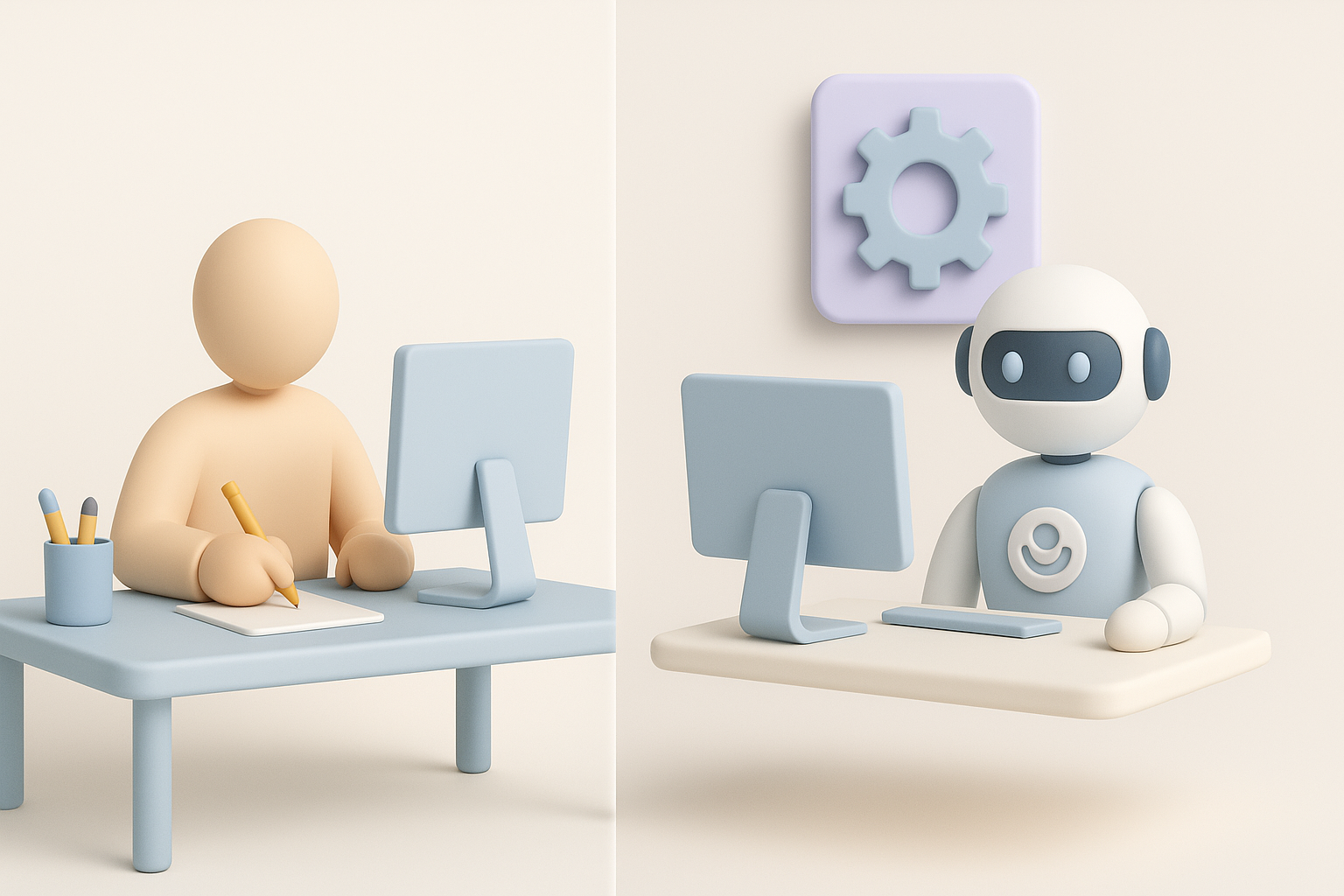
I choose manual modeling for highly customized avatars or when VRChat’s requirements are strict. For quick props or base avatars, AI tools save time and effort. Most often, I combine both: AI for base generation, manual for final optimization.
Decision checklist:
- Tight deadlines? Use AI for prototyping.
- Need custom animation or rig? Go manual.
- Large volume of assets? AI-assisted workflow is efficient.
- VRChat-specific requirements? Always manually validate before upload.
Conclusion:
Combining AI tools like Tripo AI with manual skills is the most efficient way to create VRChat-ready 3D models. Focus on VRChat’s technical requirements, optimize for performance, and always test in-game for best results.


