Creating a Twin Towers 3D Model: Workflow and Best Practices
Creating a detailed 3D model of the Twin Towers requires a careful blend of research, technical skill, and the right tools. In my experience, the most successful projects balance accuracy with efficiency—leveraging both manual techniques and AI-powered tools where appropriate. Whether you’re building for games, film, or visualization, a solid workflow and attention to detail are essential. Below, I break down my process, share practical tips, and highlight common pitfalls to help you achieve production-ready results.
Key takeaways:
- Accurate reference gathering is crucial for architectural fidelity.
- Block out main forms before adding details to maintain proportions.
- Use AI-powered tools like Tripo to speed up repetitive or technical steps.
- Realistic texturing hinges on high-quality materials and UV mapping.
- Optimize geometry for your target platform to balance performance and visual quality.
- Troubleshoot scale and structure issues early to avoid downstream problems.
Executive Summary and Key Takeaways
Why Accurate Twin Towers Models Matter
Accurate 3D models of the Twin Towers serve a range of purposes: historical visualization, educational content, games, and architectural studies. In my work, getting the proportions, facade details, and textures right has always been essential for credibility and immersion. Even minor inaccuracies can break the illusion and undermine the project’s goals.
Summary of Workflow Steps
My workflow typically follows these stages:
- Gather and organize references.
- Block out the main structure in 3D.
- Add architectural details and refine proportions.
- Apply materials and textures.
- Optimize geometry and export for the target platform.
- Use AI tools for speed and consistency where possible.
Planning and Reference Gathering for Twin Towers Models
Sourcing Accurate Reference Images
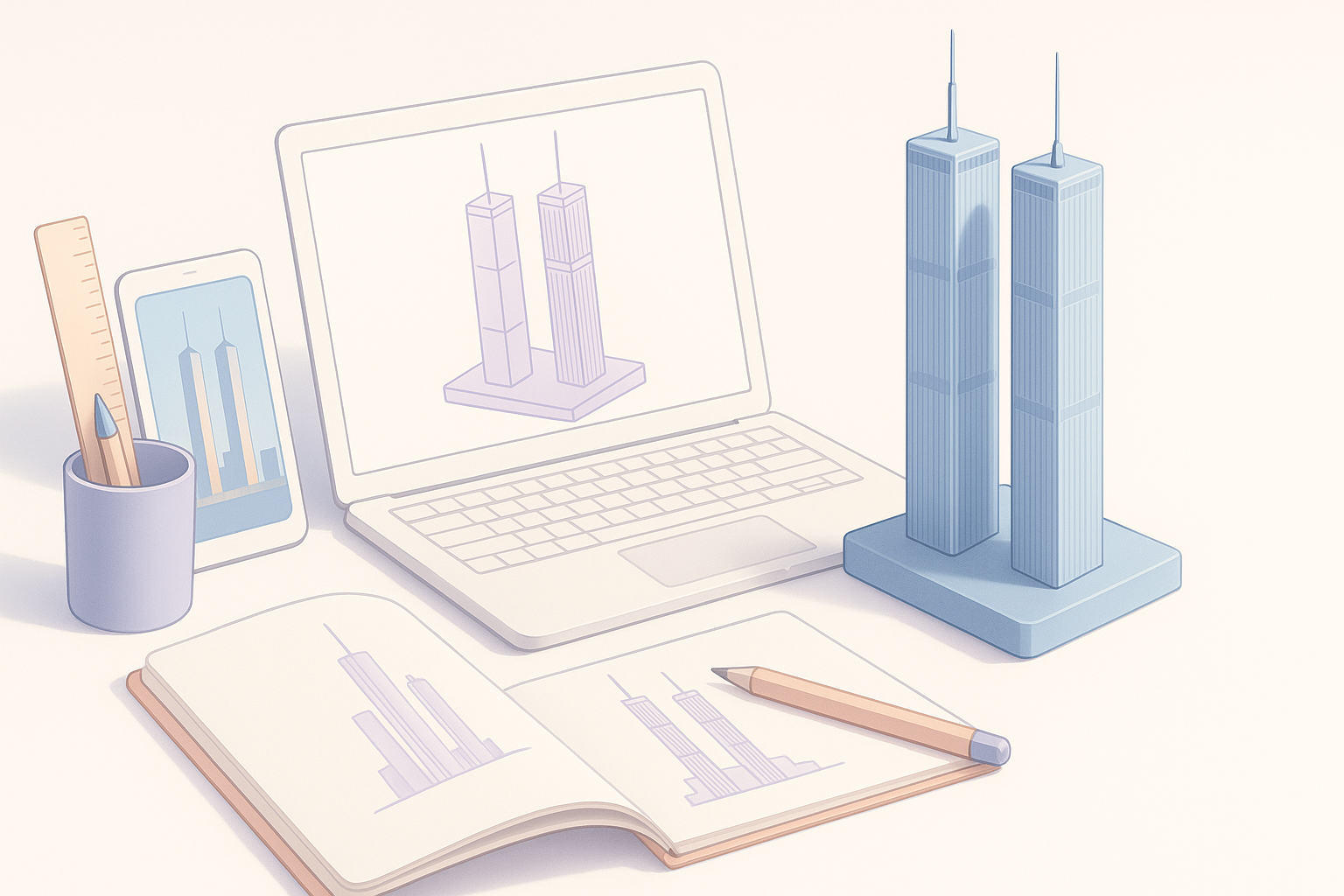
I always start by collecting as many high-quality images as possible—historical photos, architectural plans, satellite imagery, and even tourist snapshots. For the Twin Towers, reliable blueprints and elevation drawings are particularly valuable. I organize these references in folders by angle and detail (e.g., facade, rooftop, plaza).
Checklist:
- Architectural blueprints or elevation drawings
- High-res facade and window close-ups
- Aerial and street-level views
- Contextual images (surroundings, plaza, skyline)
Understanding Architectural Details
Before modeling, I study the towers’ unique features: the facade’s aluminum cladding, window spacing, rooftop antenna, and plaza layout. I note key dimensions—height, floor count, and base footprint. This helps avoid scale issues later and ensures that details like the vertical columns and window modules are consistent.
Tip: I sketch or annotate over reference images to clarify repeating patterns and structural logic before moving to 3D.
3D Modeling Workflow: From Concept to Completion
Blocking Out the Main Structure
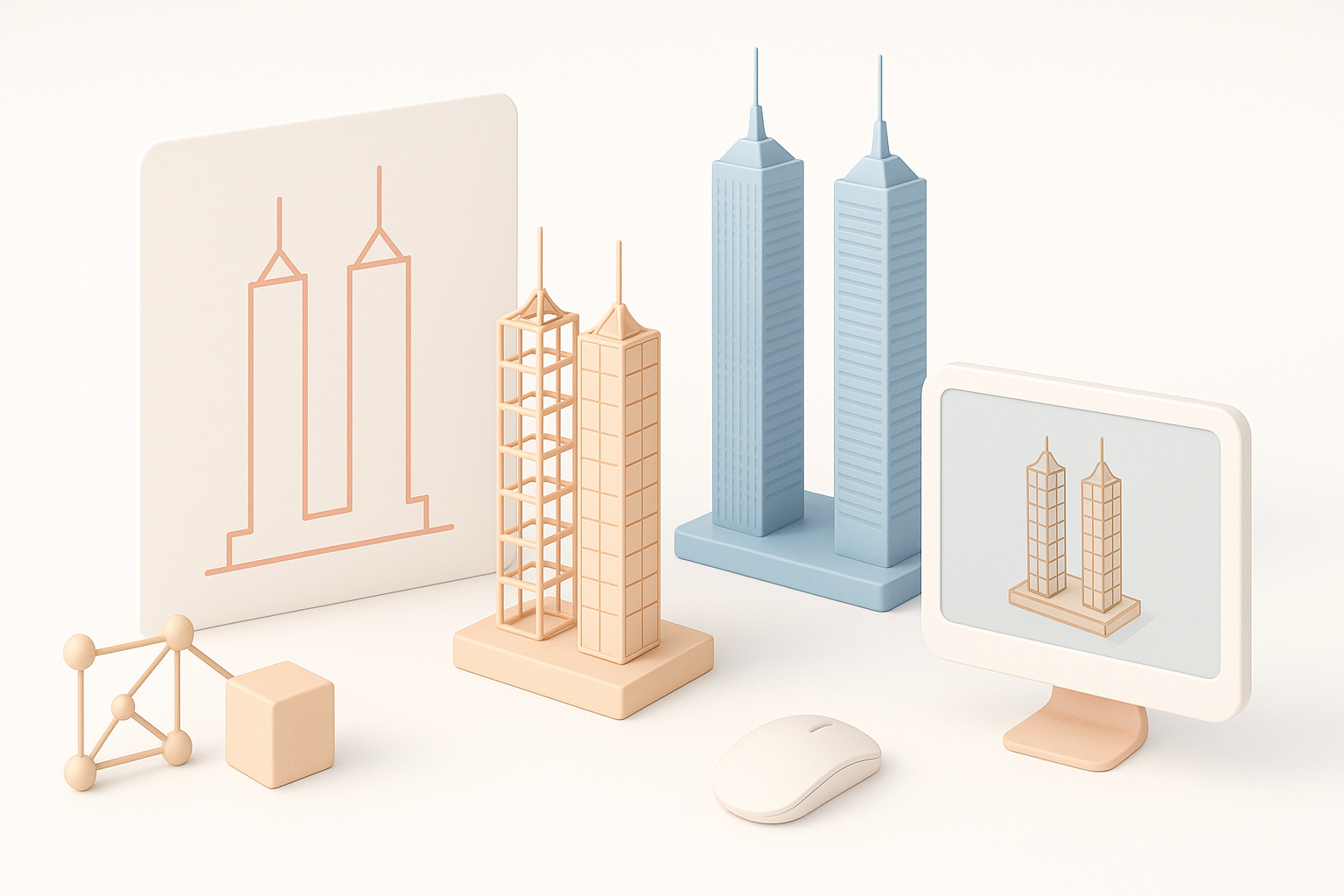
I begin with simple primitives—usually boxes for the towers and plaza. Getting the proportions right at this stage is critical. I block out both towers together to maintain correct spacing and scale relative to the overall site.
Steps:
- Set up the scene with real-world units.
- Model the main tower volumes.
- Establish the plaza and base structures.
Adding Architectural Details and Proportions
Once the main forms are set, I add facade elements: vertical columns, window bands, and rooftop details. For repetitive features, I use array or instancing modifiers to save time and maintain consistency. I constantly cross-check with references to avoid drift in proportions.
Pitfall: Don’t rush into details before the base forms are locked in. Small misalignments compound as you add complexity.
Texturing and Materials: Achieving Realism
Selecting and Applying Materials
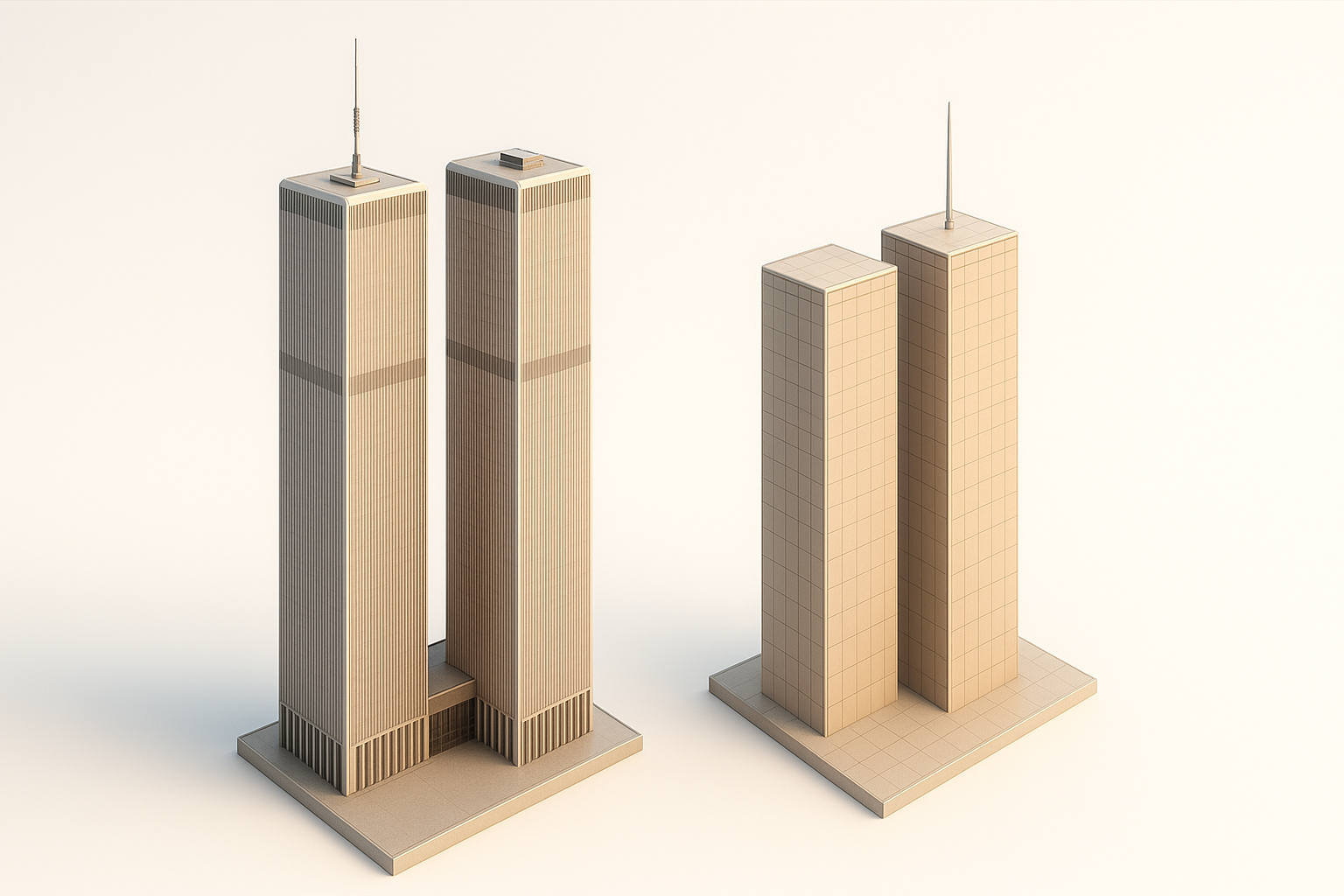
I source or create high-resolution textures for aluminum panels, glass, and concrete. For the Twin Towers, subtle variations in the metal facade and window reflections are key. I apply materials using UV mapping, ensuring seams are hidden and tiling is minimized.
Checklist:
- Seamless aluminum and glass textures
- Rooftop and plaza surface maps
- Reference-based color correction
Tips for Realistic Texturing
What I’ve learned: avoid flat, uniform materials. I introduce slight roughness and color variation, even if it’s subtle, to break up repetition. Adding grime, weathering, or AO (ambient occlusion) maps increases realism, especially at larger scales.
Tip: Preview materials under various lighting conditions to catch issues early.
Optimizing, Exporting, and Using the Model
Retopology and Model Optimization
For real-time applications, I retopologize dense geometry and merge repeating elements. I use decimation or manual retopo tools to keep polycounts manageable. For static renders, I focus more on silhouette and detail retention.
Checklist:
- Remove hidden faces and internal geometry
- Combine repeating elements where possible
- Check for non-manifold edges and fix normals
Export Settings for Various Platforms
Export settings depend on the target platform. For games, I use FBX or glTF, ensuring texture paths are relative and naming conventions are clean. For film or offline render, OBJ or Alembic may be preferable. I always test imports in the target engine or software to catch issues.
Tip: Keep a master file and export copies for each platform to avoid overwriting or losing detail.
AI-Powered Tools and Alternative Methods
How I Use Tripo AI for Fast Model Generation
Tripo AI has become a valuable part of my workflow for generating base meshes or quickly iterating on concepts. I input reference images or sketches, then refine the auto-generated geometry as needed. This saves hours on repetitive tasks like facade segmentation or basic retopology.
Practical uses:
- Rapid prototyping of building blocks
- Auto-segmentation for facade details
- Quick retopology and UV unwrapping
Comparing Manual and AI-Assisted Workflows
Manual modeling offers full control and is essential for unique or highly detailed elements. AI tools excel at speeding up predictable or repetitive tasks. In my experience, the best results come from combining both: use AI for the heavy lifting, then manually refine or add complex details.
Pitfall: Relying solely on AI outputs can lead to generic or inaccurate results—always validate and adjust.
Common Challenges and Expert Tips
Troubleshooting Geometry and Scale Issues
Frequent issues I encounter:
- Misaligned or off-scale elements (often from inconsistent references)
- Geometry errors like flipped normals or non-manifold edges
- Overly dense meshes that slow down exports or imports
Solutions:
- Regularly check scale against real-world measurements
- Use mesh analysis tools to catch geometry errors early
- Optimize as you go, not just at the end
What I’ve Learned from Real-World Projects
Every project brings new challenges. My biggest lesson: invest time upfront in planning and reference gathering—it pays off later. Embrace AI tools to handle the tedious parts, but never skip manual inspection. And always test your model in the actual target environment before calling it done.
Final tip: Keep backups at each milestone so you can revert if something goes wrong during optimization or export.
By following these best practices and leveraging both manual skill and AI-powered acceleration, you can create a detailed, accurate, and production-ready Twin Towers 3D model suitable for any professional application.


