How I Create a Tung Tung Tung Sahur 3D Model: Workflow & Tips
Creating a Tung Tung Tung Sahur 3D model is both a creative and technical challenge, especially if you want to capture its unique cultural character. Over the years, I’ve refined a workflow that leverages AI-powered tools for rapid prototyping, followed by hands-on refinement for production quality. In this article, I’ll walk you through my full process—from gathering references to exporting the final model—highlighting practical tips, common pitfalls, and where AI fits best. If you’re a 3D artist, game developer, or designer aiming for both speed and authenticity, this guide is for you.
Key takeaways:
- Start with strong cultural and visual references to guide accuracy
- Use AI-driven tools for fast base model generation, then refine manually
- Prioritize clean topology, authentic textures, and proper rigging
- Optimize exports for your target platform (game engine, XR, etc.)
- Know when to rely on AI and when manual control is essential
- Avoid common workflow pitfalls with mini-checklists and shortcuts
Understanding the Tung Tung Tung Sahur Concept

Cultural and Visual References
Before modeling, I make sure I understand the cultural context of Tung Tung Tung Sahur. This tradition, often associated with Ramadan, features drummers who wake communities for pre-dawn meals. The visual cues—costumes, drums, and street ambiance—are critical for authenticity. I study photos, videos, and even audio clips to internalize these details.
Key Elements to Capture in 3D
For a convincing model, I focus on:
- The drummer’s attire: traditional clothing, headgear, and accessories
- The drum: shape, size, and wear patterns
- Expressive pose: mid-drum strike, conveying motion
- Environmental details if needed (street, lanterns)
Tip: Make a checklist of must-have elements before starting your model.
Planning and Gathering References
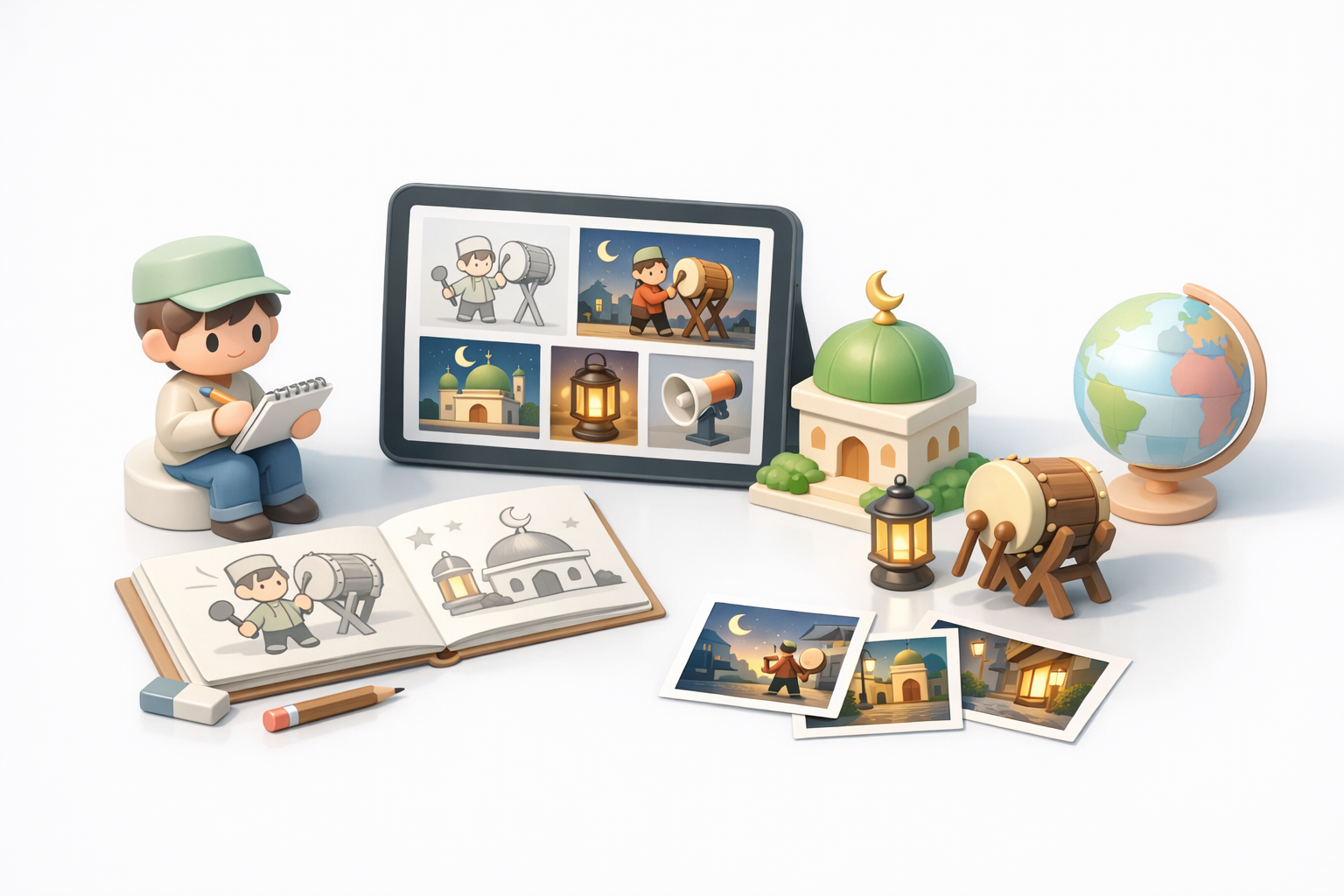
Collecting Images, Audio, and Sketches
I never skip the reference phase. I gather:
- High-resolution images from various angles
- Audio clips to inform animation timing
- Quick sketches or thumbnails to block out poses and proportions
Checklist:
- At least three front/side/back references
- Close-ups of materials and textures
- Action references for animation
Defining the Model’s Purpose and Use Case
Knowing where the model will be used (game, film, XR) informs every decision. For games, I keep polygon count and texture sizes in mind. For XR, I prioritize lightweight assets and compatibility.
Pitfall: Skipping this step often leads to wasted time reworking models for different uses.
My Step-by-Step 3D Modeling Workflow
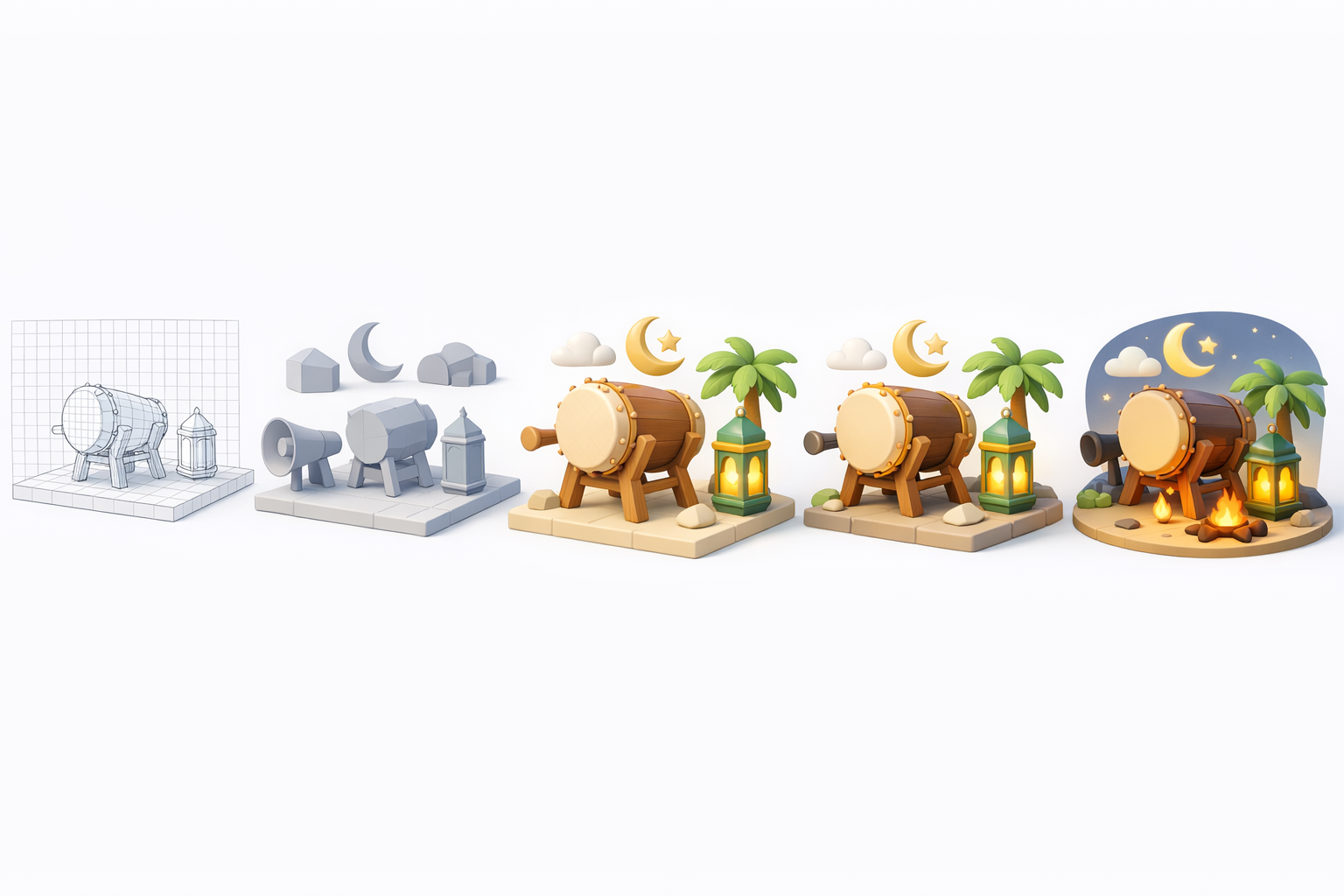
Using AI-Powered Tools for Fast Prototyping
I start with a text prompt or reference image in Tripo AI to generate a base mesh. This drastically cuts down initial sculpting time and gives me a solid foundation.
Steps:
- Input prompt/image/sketch into Tripo AI
- Review generated mesh for overall proportions
- Export base mesh for manual refinement
Tip: Use clear, descriptive prompts for better AI results.
Manual Refinement: Retopology, Segmentation, and Detailing
Once I have the base, I bring it into my preferred DCC (Digital Content Creation) tool for:
- Retopology: Ensuring clean, animation-friendly geometry
- Segmentation: Separating parts for easier texturing and rigging
- Detailing: Adding folds, drum details, and facial expression
Pitfall: Relying solely on AI output often results in messy topology—always check and clean up manually.
Texturing, Rigging, and Animation Best Practices
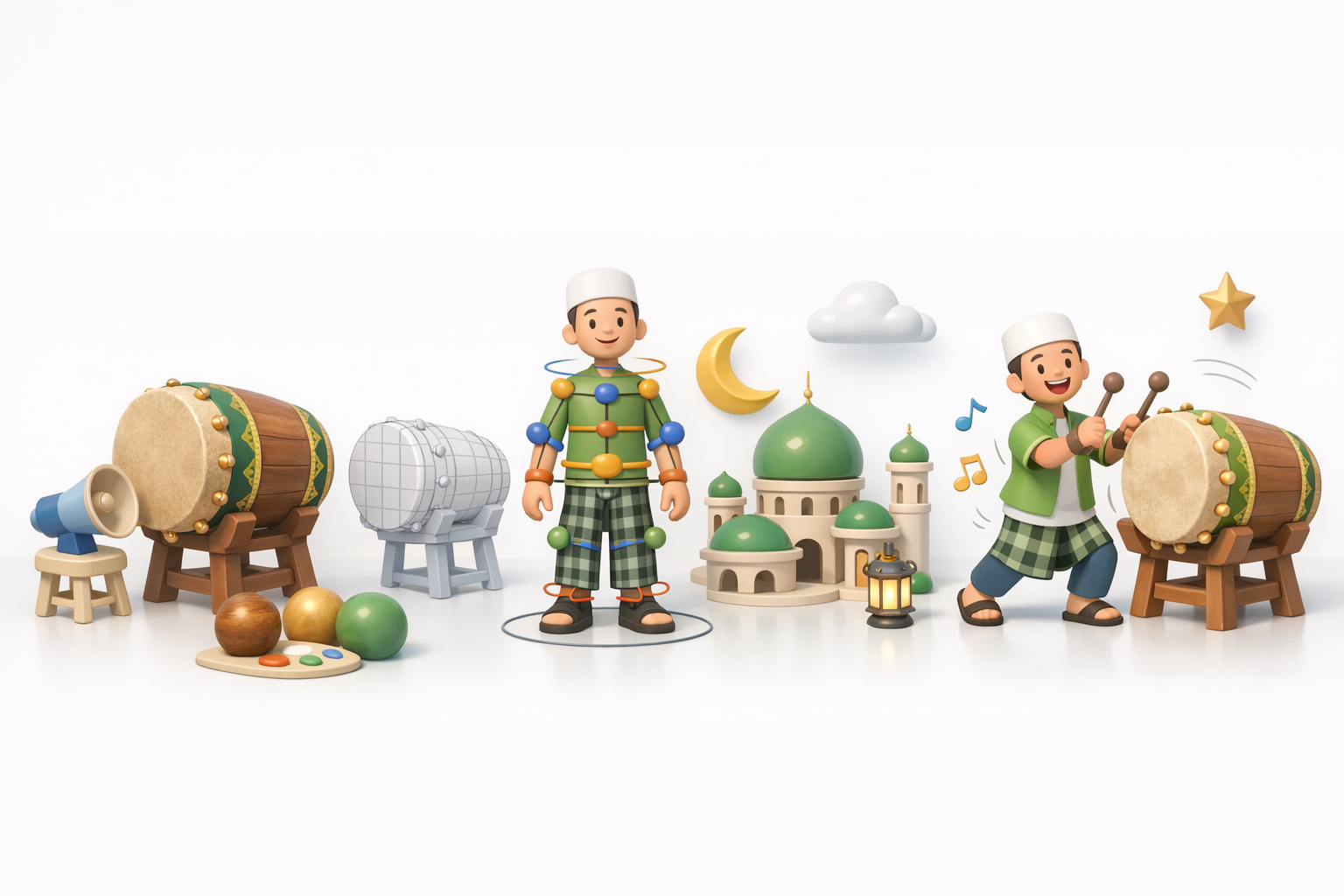
Applying Authentic Textures and Materials
I use high-res photos and procedural textures to match real-world materials. Tripo AI’s texturing tools help, but I often hand-paint or adjust in a 2D editor for accuracy.
Checklist:
- Color and roughness maps for clothing and drum
- Subtle wear and dirt for realism
- Normal maps for fabric and skin detail
Rigging and Animating for Realistic Results
For rigging, I ensure proper joint placement—especially for dynamic poses. I use auto-rigging tools to save time, but always test and tweak weights manually. For animation, I reference actual drumming videos to get timing and movement right.
Tip: Short looping animations (2–3 seconds) work well for game and XR previews.
Exporting and Integrating the Model
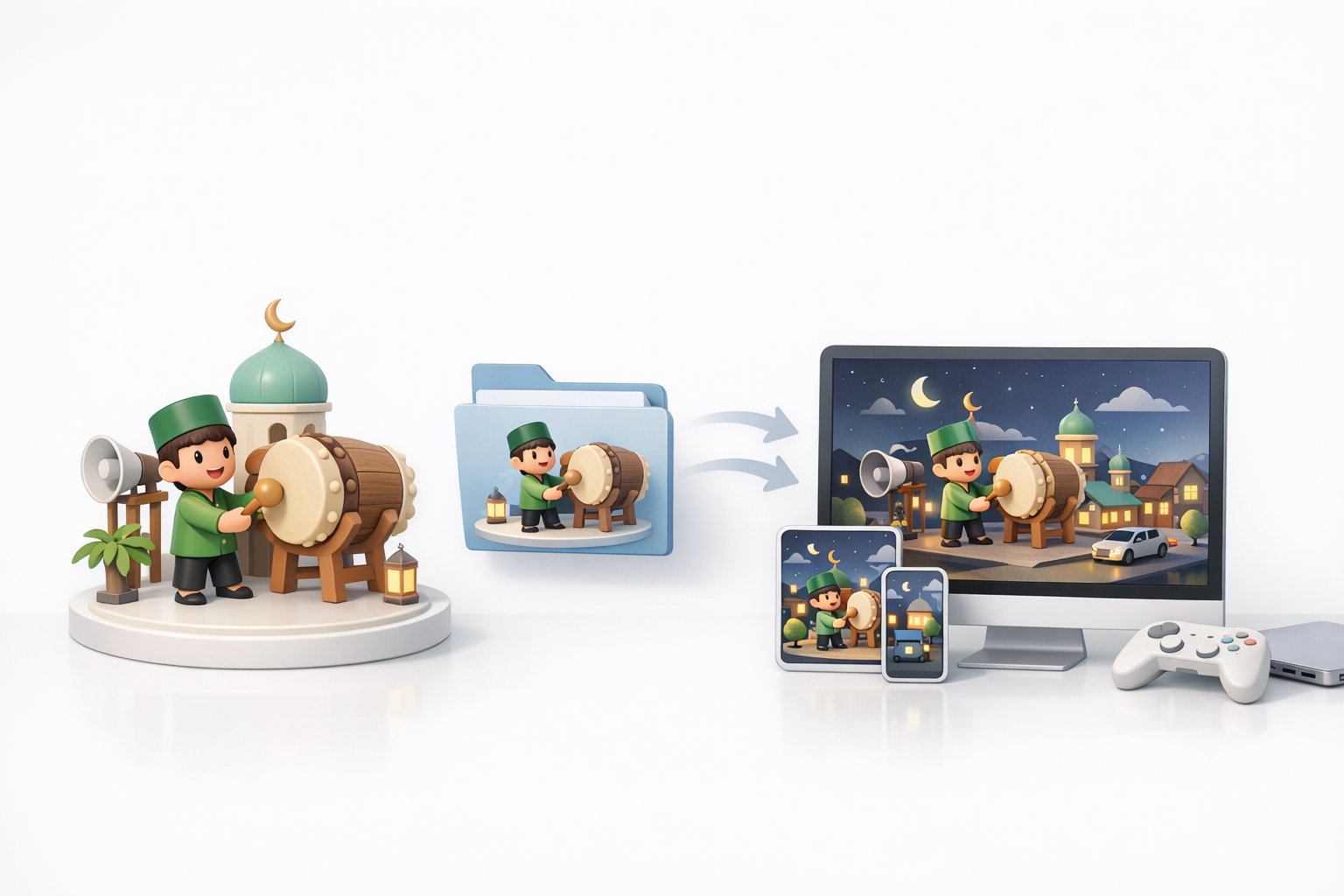
Optimizing for Game Engines and XR
I always check polygon count and texture sizes before export. For game engines, I keep assets under 50k tris and use 2k textures where possible. For XR, I go even lighter.
File Formats and Compatibility Tips
I export in FBX or GLB for broad compatibility. Always test imports in your target engine (Unity, Unreal, etc.) to catch any issues early.
Checklist:
- Triangulate meshes before export
- Embed textures in GLB/GLTF
- Test animation playback post-import
Comparing AI and Traditional 3D Modeling Approaches
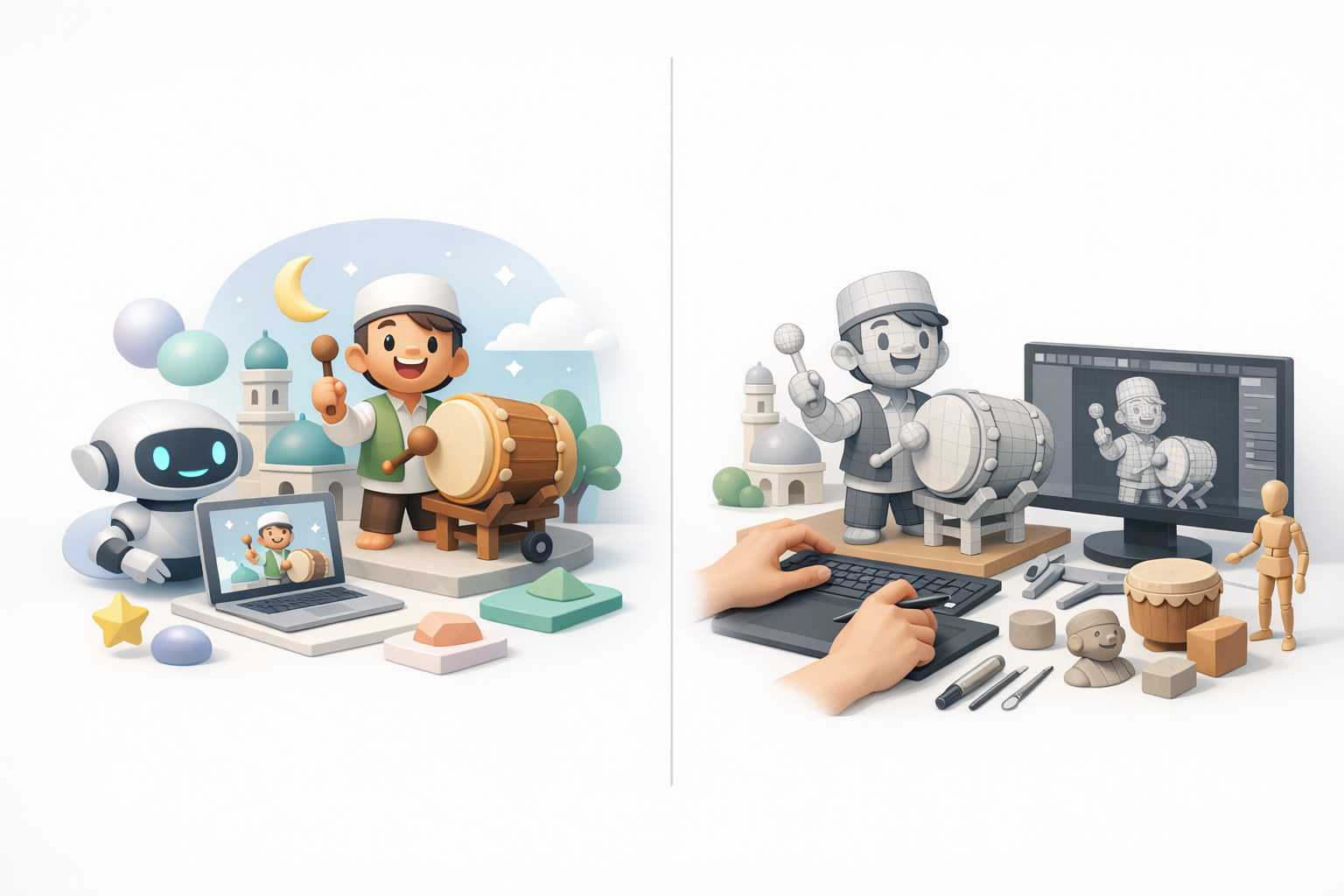
Speed, Quality, and Creative Control
In my experience, AI tools speed up the early stages—blocking out shapes and proportions. Manual modeling still wins for fine control, unique details, and clean topology. The best results often come from a hybrid approach.
When to Use AI vs. Manual Techniques
I use AI for:
- Quick prototyping
- Generating variations
- Jump-starting creative blocks
I rely on manual methods for:
- Production-quality assets
- Animation-ready topology
- Artistic nuance
What I’ve Learned: Tips for Success

Common Pitfalls and How to Avoid Them
- Over-reliance on AI: Always check topology and UVs
- Ignoring references: Leads to generic, inauthentic models
- Skipping optimization: Causes performance issues in games/XR
My Favorite Shortcuts and Workflow Enhancements
- Use batch processing in Tripo AI for rapid iteration
- Create reusable material presets for clothing and drums
- Automate repetitive tasks (e.g., retopology scripts)
Final tip: Iterate fast, but always make time for polish—small details make a big difference in cultural models like Tung Tung Tung Sahur.


