Creating and Using Star Wars 3D Models: Expert Insights
As a 3D artist with deep experience in both manual and AI-assisted workflows, I’ve worked extensively with Star Wars-themed assets for games, film, and XR. Creating production-ready Star Wars 3D models means balancing accuracy, efficiency, and legal considerations. In this guide, I’ll walk through my end-to-end process—from concept to integration—highlighting practical tips, common pitfalls, and how to leverage AI-powered tools like Tripo to accelerate your workflow. Whether you’re a hobbyist or a studio professional, these insights will help you deliver high-quality Star Wars models quickly and reliably.
Key takeaways

- Reference accuracy and legal compliance are essential when working with Star Wars IP.
- AI-powered tools can dramatically speed up modeling, texturing, and rigging.
- Manual refinement is still crucial for authenticity and detail.
- Export settings and optimization must be tailored for your target platform (game, film, XR).
- Common pitfalls include mesh errors, texture mismatches, and rigging issues—always check before final export.
Overview of Star Wars 3D Models
Popular Star Wars Assets and Their Uses
Star Wars 3D assets range from iconic ships (e.g., X-Wing, Millennium Falcon) to characters, droids, and environments. In my experience, these models are most commonly used for:
- Game assets (real-time, optimized meshes)
- Cinematic sequences (high-poly, detailed textures)
- XR/VR experiences (lightweight, efficient geometry)
When starting a project, I always clarify the intended use case, as this dictates the level of detail, polycount, and texture resolution required.
Licensing and Legal Considerations
Star Wars is a highly protected IP. Before creating or distributing any models, I ensure:
- The project’s scope allows for fan art, educational, or non-commercial use (if not officially licensed).
- I avoid distributing models for commercial use unless I have explicit permission.
- I always credit original designs and avoid using trademarked logos in public-facing work.
Pitfall: Uploading or selling unlicensed Star Wars models can result in takedowns or legal action. Always double-check the legal framework.
How I Create Star Wars 3D Models
My Workflow: From Concept to Completion
Here’s how I typically approach a Star Wars 3D asset:
- Reference gathering: I collect high-quality images, blueprints, and movie stills.
- Blocking out: I start with rough shapes in my modeling tool, focusing on proportions.
- Detailing: I incrementally add details, either manually or with AI-assisted segmentation and retopology (Tripo is especially useful here).
- Texturing: I apply base materials and weathering effects, referencing the original source.
- Rigging/animation (if needed): I add bones and controls for movement.
Checklist:
- Accurate reference images
- Clear polycount targets
- Correct scale and orientation
Best Practices for Accuracy and Detail
- Always cross-check proportions with multiple references.
- Use symmetry and modular components for ships and droids.
- Don’t over-detail for real-time assets—focus on silhouette and key features.
- For AI-generated models, I review and manually tweak topology and UVs for animation readiness.
Tip: I often use AI tools for initial segmentation and retopology, then refine critical features by hand.
Texturing, Rigging, and Animating Star Wars Models
Efficient Texturing Techniques
Texturing Star Wars models is all about realism—think battle damage, grime, and wear.
- I use high-res photo textures and custom brushes for weathering.
- Tripo’s automated texturing can quickly generate base materials, which I then tweak for authenticity.
- For PBR workflows, I ensure all maps (albedo, normal, metallic, roughness) are exported at the required resolution.
Pitfall: Automated texturing sometimes misses subtle details—manual passes are often necessary for hero assets.
Rigging and Animation Tips
For characters and droids:
- I use auto-rigging tools for humanoids, but always adjust joint placement for unique Star Wars anatomy.
- For ships, I rig moving parts (wings, turrets) with simple bone setups.
- I test rigs with basic animations (walk cycles, landing gear deployment) to catch deformation issues early.
Checklist:
- Clean, logical bone hierarchy
- Weight painting checked for all moving parts
- Animation loops tested in-engine
Tools and Platforms for Star Wars 3D Modeling
AI-Powered Solutions and Their Advantages
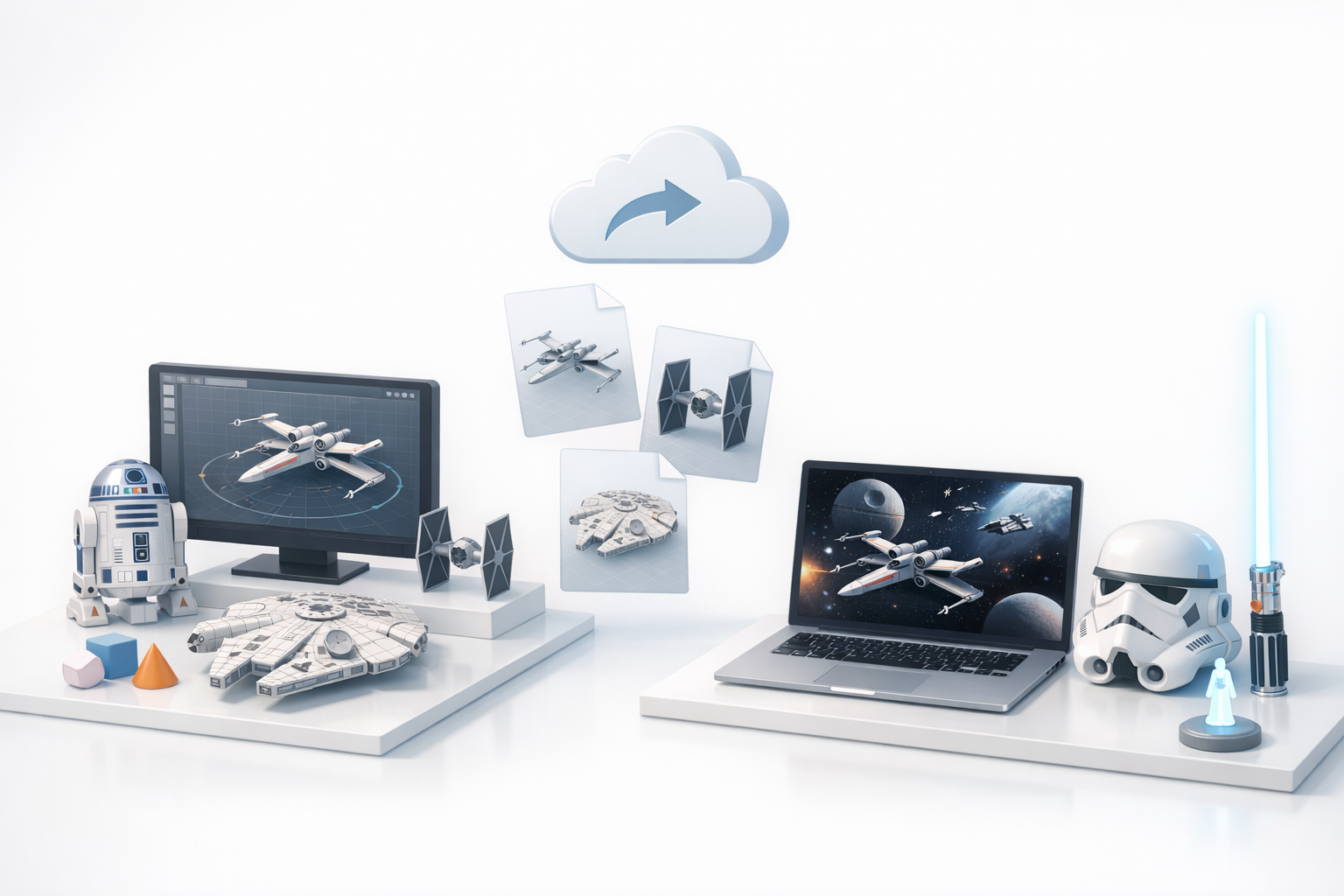
AI-driven platforms like Tripo have changed my workflow:
- Faster prototyping: Generate base meshes from text, images, or sketches in seconds.
- Automated retopology and UVs: Saves hours on technical setup.
- Integrated texturing and rigging: Jump straight from concept to animation-ready models.
I use AI tools to quickly iterate on ideas, then refine the output for production.
Alternative Methods and Manual Approaches
For full control or custom requirements, I still turn to manual modeling:
- Traditional DCCs (3ds Max, Blender, Maya) for bespoke topology and sculpting.
- Hand-painted textures or Substance workflows for unique looks.
- Manual rigging for complex or stylized characters.
Tip: Combining AI-generated bases with manual detailing gives the best of both worlds—speed and quality.
Exporting and Integrating Star Wars 3D Models
Optimizing Models for Games, Film, and XR
Each platform has its own requirements:
- Games: Low-poly meshes, efficient UVs, and texture atlases.
- Film: High-res details and displacement maps.
- XR: Aggressive optimization—LOD models, minimal draw calls.
Before export, I:
- Check scale and orientation (usually Y-up, meters).
- Bake normal and ambient occlusion maps.
- Test in the target engine (Unity, Unreal, proprietary XR platforms).
Checklist:
- Clean, triangulated meshes
- Consistent naming conventions
- All textures packed and named logically
Troubleshooting Common Issues
Common export problems I’ve encountered:
- Mesh errors: Non-manifold geometry or flipped normals—always run cleanup tools.
- Texture mismatches: Check UVs and texture paths before final export.
- Rigging issues: Test animations in the target engine to catch skinning errors.
Pitfall: Skipping final checks can lead to hours of rework—always validate your model in its final context.
By following these workflows and best practices, I consistently deliver Star Wars 3D models that are accurate, optimized, and ready for any application—while minimizing technical headaches and legal risks.


