Creating a Squirrel Girl 3D Model: Workflow and Best Practices
Creating a production-ready 3D model of Squirrel Girl involves a streamlined blend of creative and technical steps. In this guide, I’ll walk through my end-to-end workflow, from gathering references and blocking out the mesh to texturing, rigging, and exporting for games or XR. I’ll focus on practical techniques, pitfalls to avoid, and how I leverage AI-powered tools like Tripo to accelerate and simplify the process. Whether you’re a character artist, game developer, or XR designer, these insights will help you create a high-quality, optimized Squirrel Girl model efficiently.
Key takeaways:
- Reference gathering and clear concept art are critical for success.
- Blocking out the base mesh quickly sets the foundation for proportions and pose.
- AI tools can dramatically reduce time spent on segmentation, retopology, and texturing.
- Rigging and animation require careful attention to topology and joint placement.
- Optimizing for games/XR means balancing detail with performance.
- Export settings and compatibility are essential for a smooth pipeline.
Overview: Squirrel Girl 3D Model Creation Process
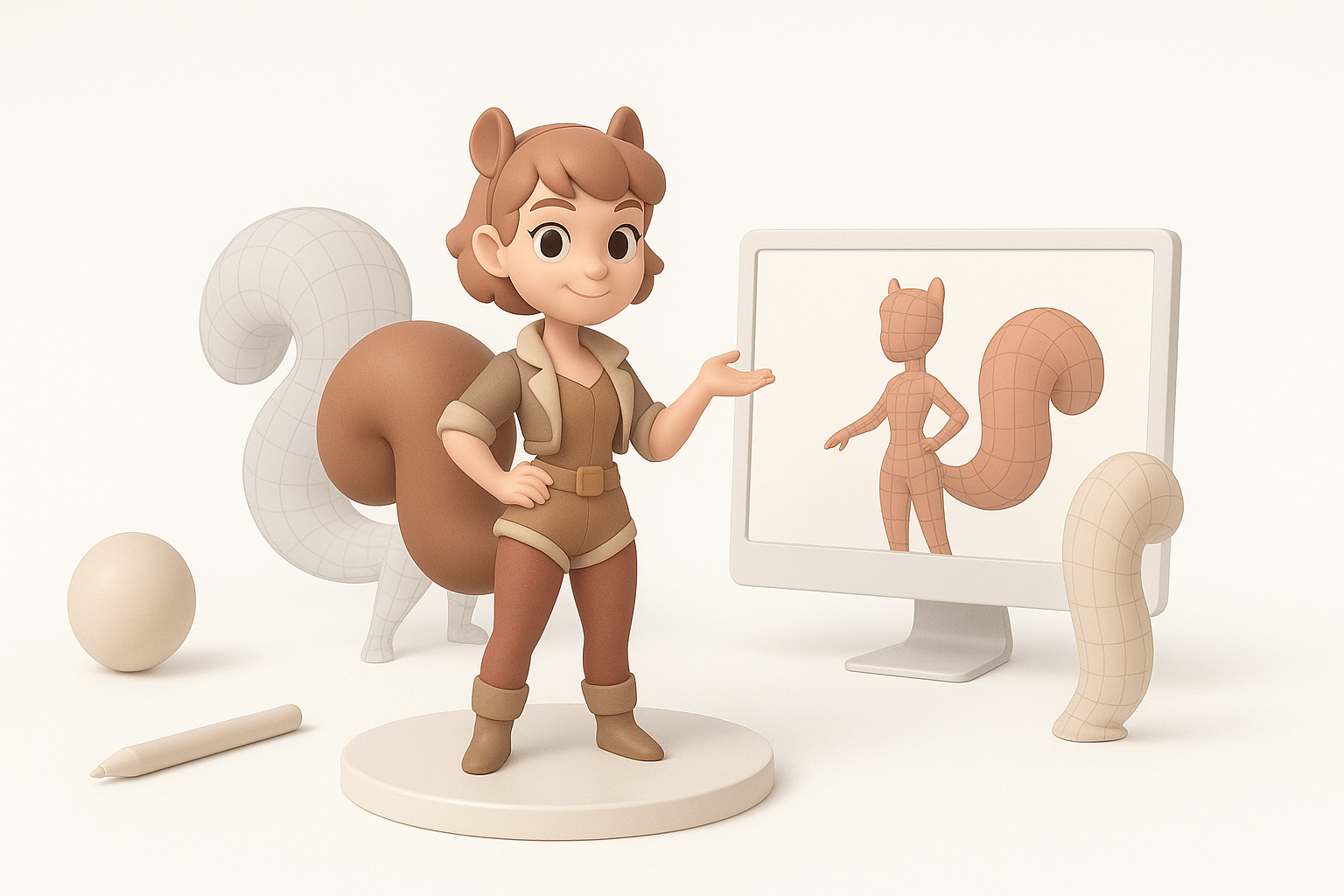
Executive Summary and Key Takeaways
When creating a 3D Squirrel Girl, I always start by clarifying the project goals—whether for a game, animation, or XR experience. My workflow is iterative: concept, blockout, detail, texture, rig, animate, and optimize. Using AI-powered platforms like Tripo, I can focus on creativity and decision-making, while the tool handles technical bottlenecks.
Why Squirrel Girl? Inspiration and Use Cases
Squirrel Girl is a unique character with distinctive features—her bushy tail, playful pose, and expressive face. She’s a great subject for learning stylized character workflows, and her design translates well across games, animation, and AR/VR. I often use her as a teaching example because she combines organic forms (fur, face) with practical accessories (costume, acorns).
Common use cases:
- Game-ready character for stylized action games
- Animated short films or cutscenes
- XR mascots or interactive experiences
Step-by-Step Guide: Modeling Squirrel Girl in 3D
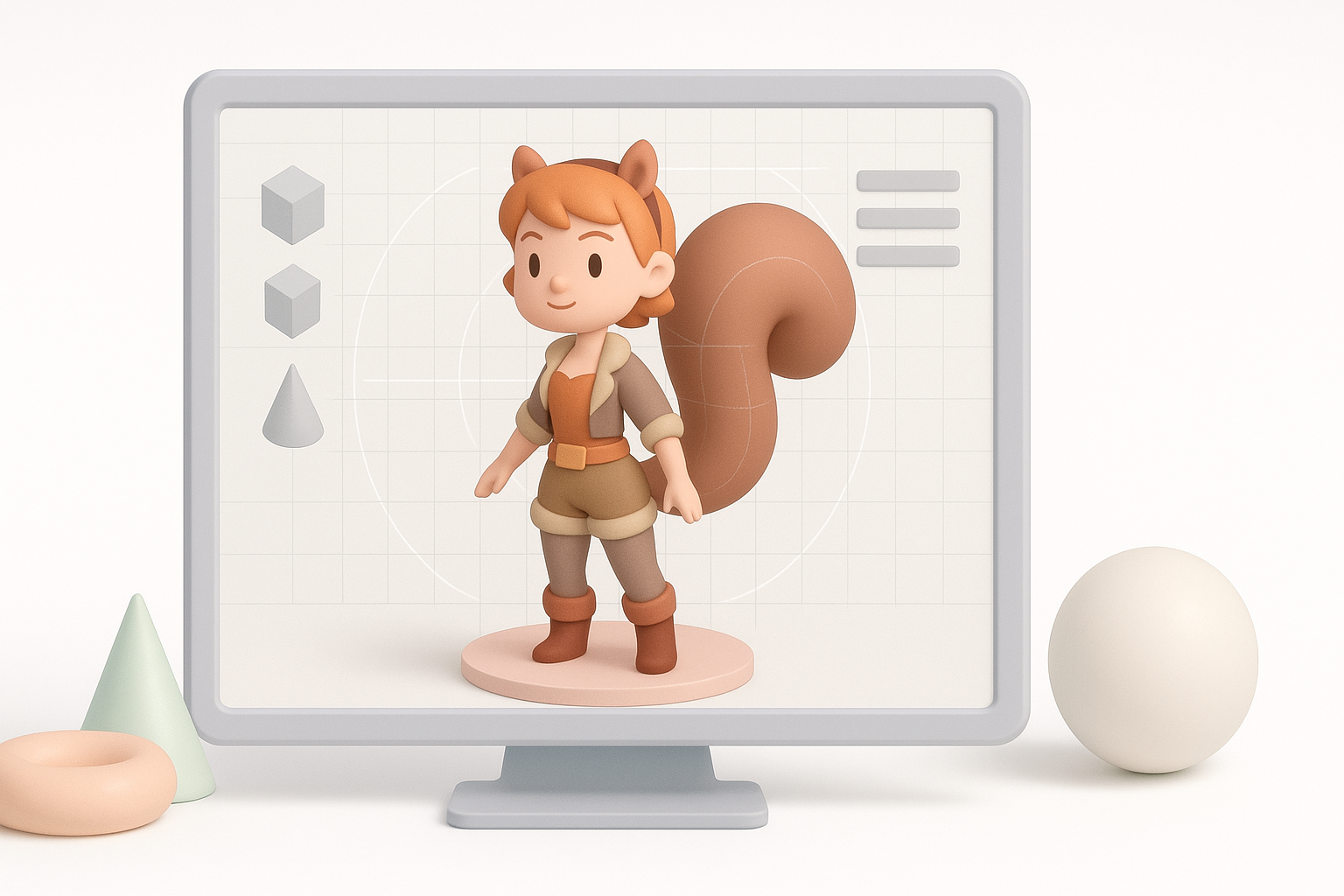
Concept Art and Reference Gathering
I never skip the reference phase. I gather images of Squirrel Girl from comics, fan art, and official sources, plus real squirrel anatomy for authenticity. I also sketch or collect pose references to capture her energy.
My checklist:
- Front, side, and 3/4 views
- Key accessories (tail, gloves, boots, acorns)
- Color palettes and material references
Blocking Out the Base Mesh
I start with a simple base mesh, focusing on silhouette and proportions. In Tripo, I can generate a rough base from sketches or text prompts, which saves time compared to manual box modeling.
My workflow:
- Block out major forms (head, torso, limbs, tail)
- Adjust proportions early—don’t get stuck in details
- Use symmetry until the pose requires asymmetry
Pitfalls:
- Over-detailing too soon; always nail the silhouette first
- Ignoring anatomy, especially in stylized characters
Texturing, Rigging, and Animation Tips
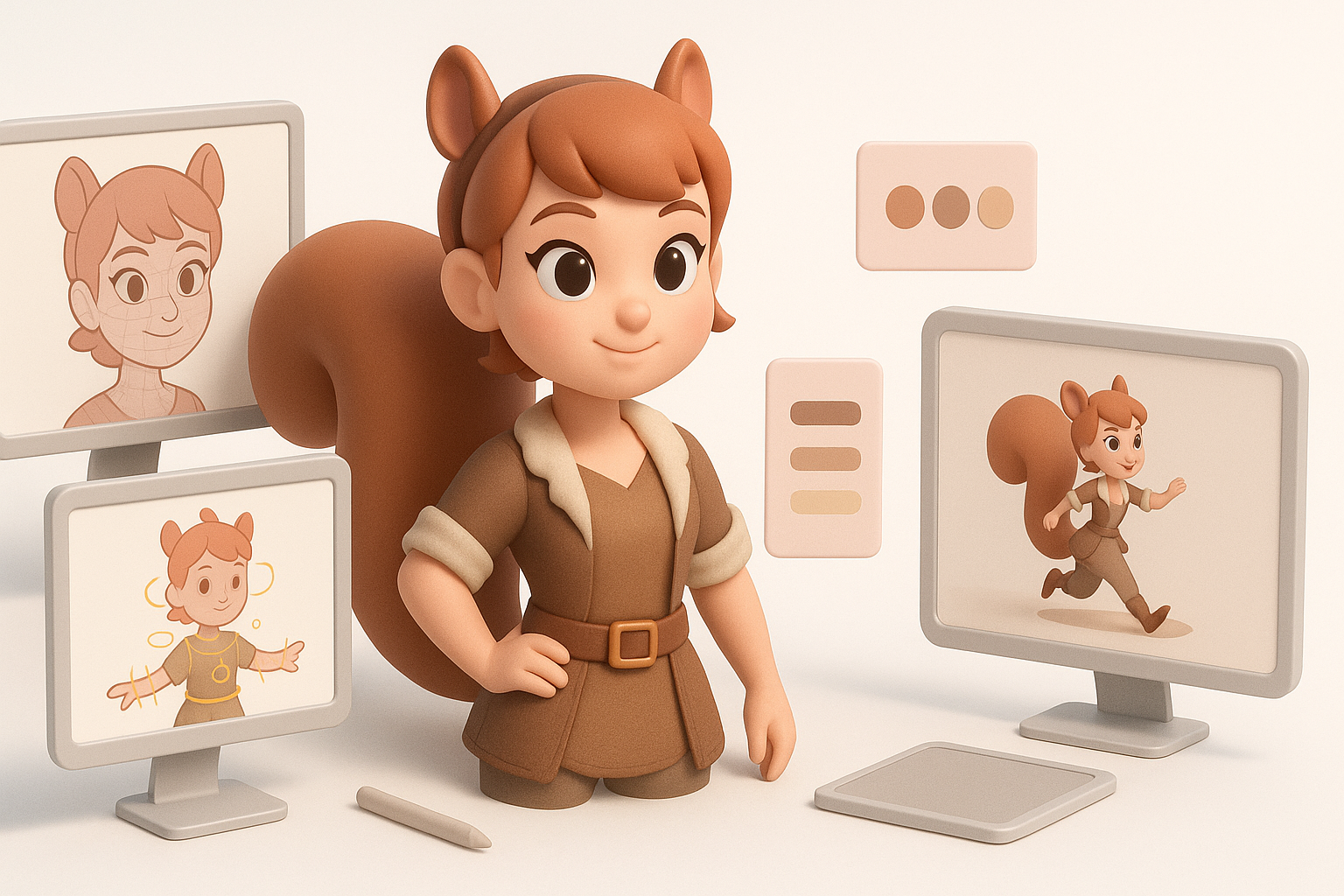
Efficient Texturing Workflows
For texturing, I rely on AI-assisted UV unwrapping and smart material suggestions. Tripo’s segmentation helps isolate costume parts for targeted texturing. I paint base colors, then layer in roughness, metallic, and normal details.
Tips:
- Use ID maps or material masks for clean separation
- Keep texture resolution consistent (usually 2K–4K for games)
- Preview in real-time renderers to catch issues early
Rigging and Basic Animation for Squirrel Girl
Rigging Squirrel Girl means paying attention to her expressive face and dynamic tail. I use auto-rigging tools for the base skeleton, then manually tweak weights and add facial blendshapes.
Key steps:
- Place joints carefully in the tail for smooth curls
- Test deformations with simple poses before animating
- Add basic idle and action loops for game integration
Pitfalls:
- Overcomplicating the rig; keep it as simple as the animation demands
- Neglecting facial rigging for a character known for expressions
Optimizing and Exporting for Games and XR
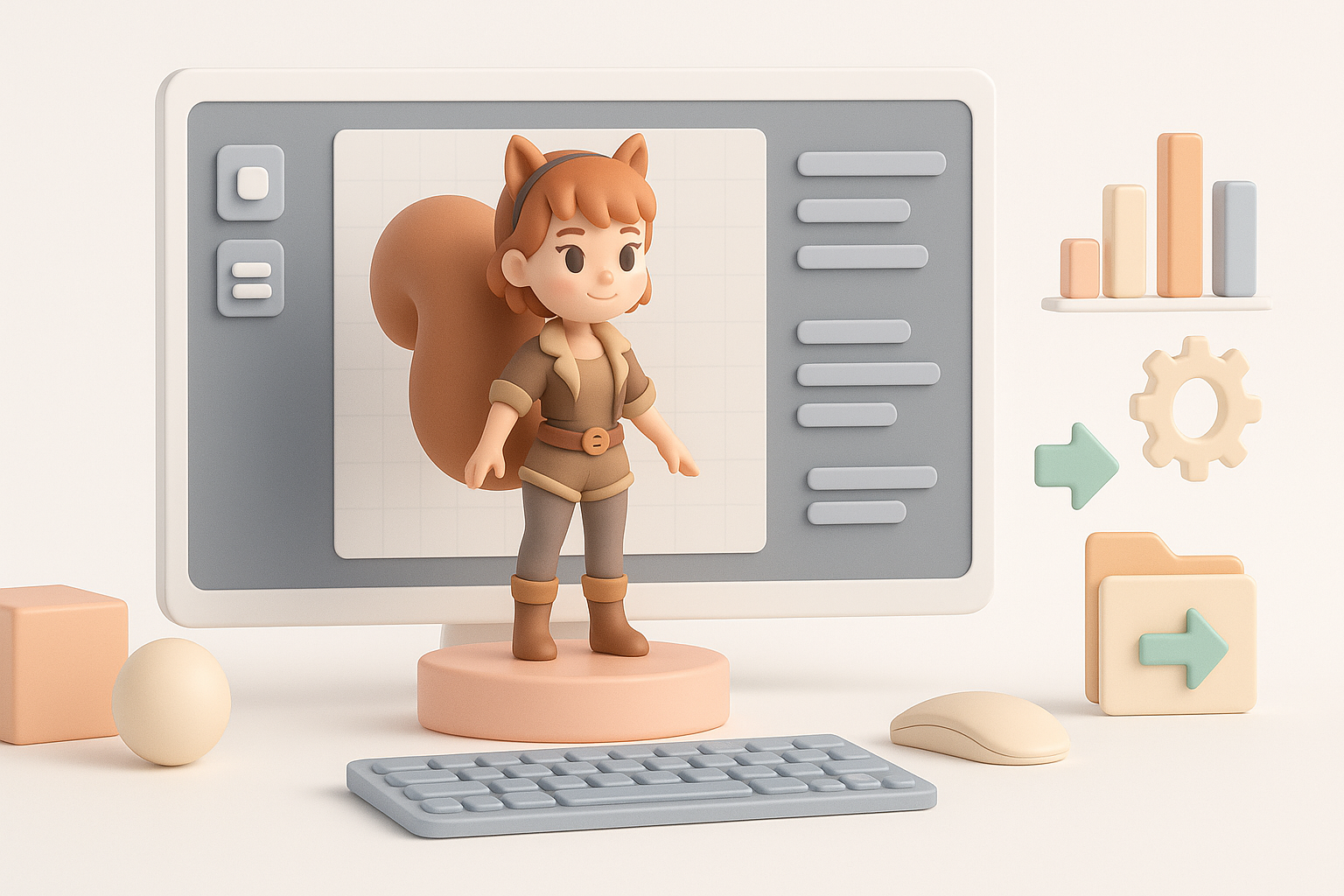
Retopology and Polycount Management
Retopology is critical for performance. I use automated retopology in Tripo, then manually clean up edge flow around joints and facial features. My target is under 20k tris for games, higher for cinematics.
Checklist:
- Evenly distributed quads, denser in deforming areas
- Remove hidden or unnecessary geometry (inside boots, under hair)
- Test mesh with subdivision if needed
Export Settings and Compatibility Considerations
Exporting requires attention to file formats, scale, and naming conventions. I typically export as FBX or GLTF for engine compatibility, ensuring textures are embedded or properly referenced.
My best practices:
- Freeze transforms and reset pivots
- Apply consistent scale (usually 1 unit = 1 meter)
- Test import in the target engine before finalizing
Comparison: AI-Powered Tools vs. Traditional Methods
Speed and Quality: What I’ve Learned
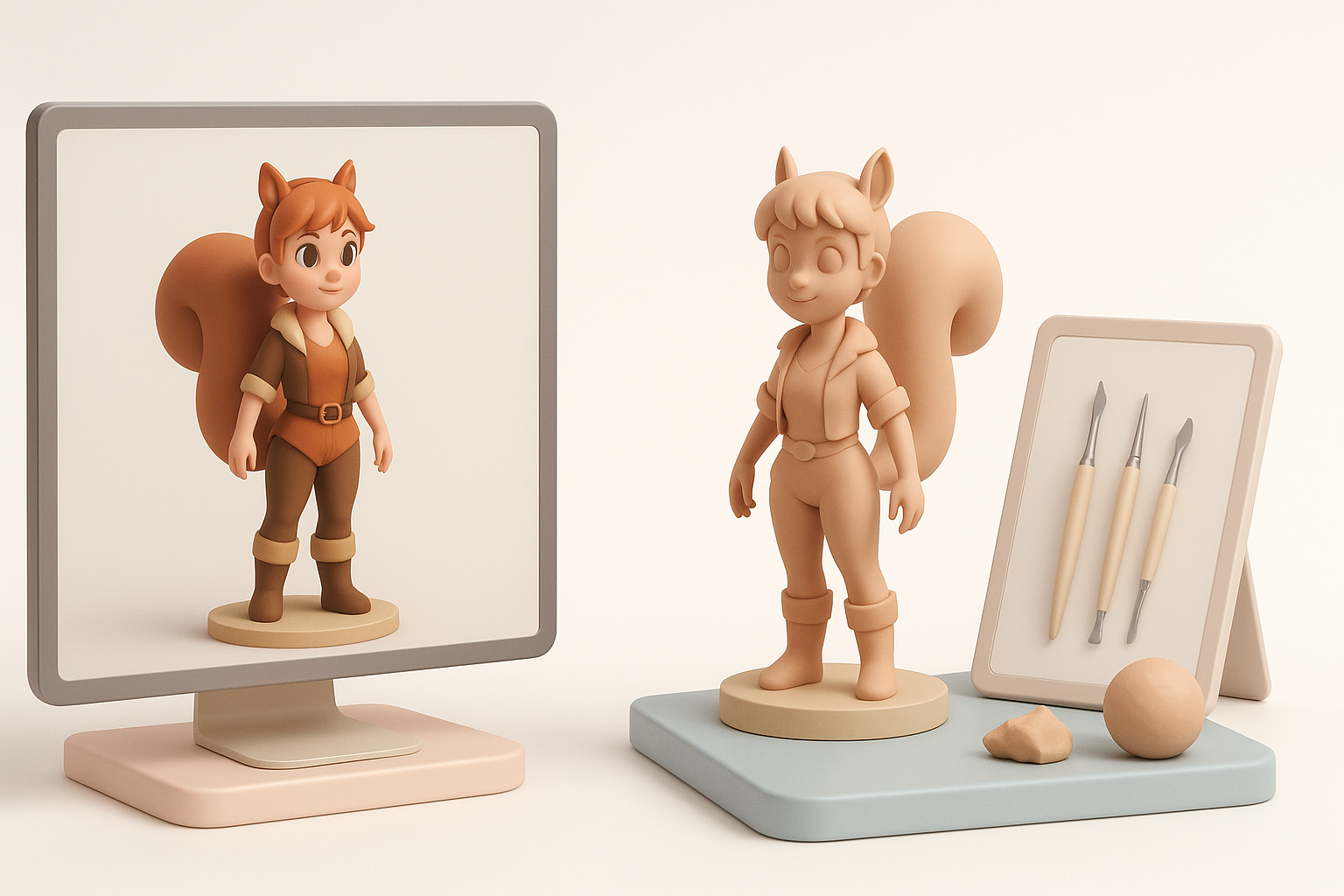
Traditional 3D modeling is flexible but time-consuming—especially for repetitive tasks like retopology and texturing. With AI tools like Tripo, I’ve cut production time by more than half, without sacrificing quality.
What stands out:
- Faster iteration on concepts and variants
- More time for creative decisions, less on technical cleanup
- Consistent results, especially for stylized characters
Integrating AI Tools Like Tripo into My Workflow
I use Tripo at key stages: generating base meshes from sketches, automating UVs and retopology, and batch texturing. I always review and tweak outputs for artistic control, but the time savings are substantial.
Integration tips:
- Pair AI outputs with manual polish for best results
- Use AI for repetitive or technical steps, not creative choices
- Always validate exports in the final engine or renderer
Best Practices and Troubleshooting
Common Challenges and How I Solve Them
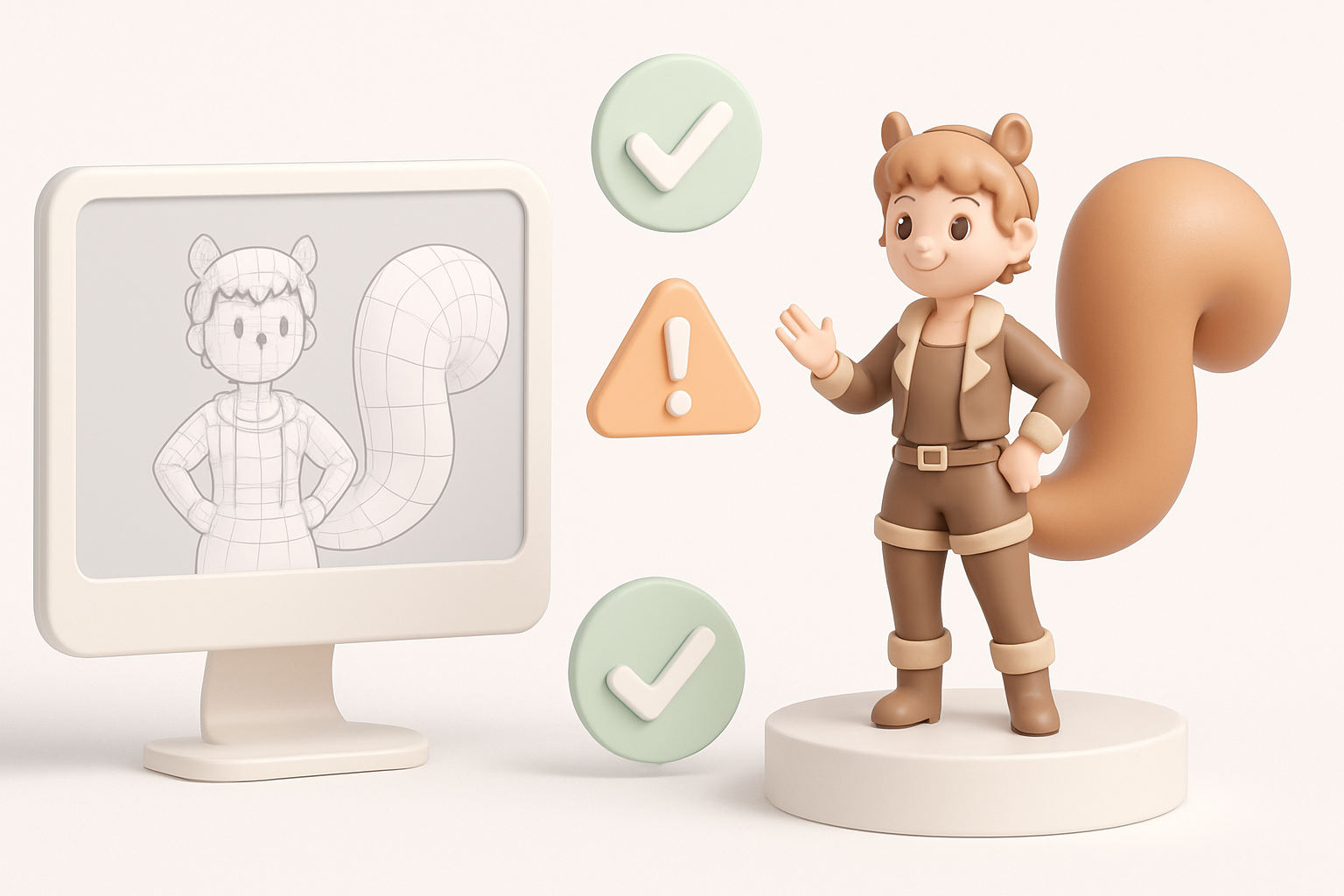
Frequent issues:
- Mesh artifacts after auto-retopology
- Texture seams or stretching
- Rigging errors causing bad deformations
My solutions:
- Inspect and manually fix topology in problem areas
- Use projection painting or clone tools to fix texture seams
- Re-weight or reposition joints for cleaner skinning
Tips for Achieving a Production-Ready Model
- Always validate your model in the target environment (game engine, XR viewer)
- Keep a clean, organized file structure and naming convention
- Use version control for iterative changes
- Solicit feedback early from peers or testers
By following these steps and leveraging AI-powered tools like Tripo, I consistently deliver production-ready 3D character models—like Squirrel Girl—faster and with fewer technical headaches. The key is blending automation with artistic oversight to achieve both speed and quality.


