Creating Splatoon 3 3D Models: Expert Workflow & Tips
Creating 3D models for Splatoon 3 is both an art and a technical challenge, especially if you want to capture the game’s signature style. In my experience, the key is blending stylized modeling with efficient workflows and leveraging AI-powered platforms like Tripo to speed up production. Whether you’re building original characters, custom gear, or environmental assets, a clear plan and the right tools will save countless hours. This guide walks through my full process for designing, modeling, texturing, rigging, and exporting Splatoon 3-style assets—ideal for game developers, fan artists, and XR creators aiming for production-ready results.
Key takeaways
- Start with strong references and a clear style guide to match Splatoon’s look.
- Use AI-driven tools like Tripo to accelerate modeling, segmentation, and texturing.
- Focus on clean topology and UVs for animation and game performance.
- Adapt texturing and shading for the bold, toon-inspired Splatoon aesthetic.
- Rig and animate with dynamic, exaggerated movement in mind.
- Choose export settings based on your target platform (game engine, XR, portfolio).
Overview of Splatoon 3 3D Model Creation
Key features of Splatoon 3 character and asset design
Splatoon 3’s visual style is instantly recognizable: bold silhouettes, exaggerated proportions, and vibrant, cel-shaded textures. Characters often have oversized limbs, expressive faces, and unique gear. When modeling for this universe, I pay close attention to:
- Proportional exaggeration (big heads, chunky shoes)
- Clean, readable shapes
- Simplified, high-contrast color palettes
Environmental assets follow similar rules: minimal realism, maximum personality. Props and weapons are playful but functional, with clear silhouettes and stylized details.
Common use cases for custom 3D models
In my work, custom Splatoon 3 models serve several purposes:
- Fan art and animations: Custom characters, weapons, or scenes for personal projects.
- Game mods: Swapping or adding assets in Splatoon-inspired games.
- XR/VR experiences: Bringing Splatoon assets into VRChat or similar platforms.
- Portfolio pieces: Showcasing stylized modeling and texturing skills.
Each use case may have different technical requirements, especially regarding polycount, rigging, and export formats.
My Step-by-Step Workflow for Splatoon 3 3D Models
Gathering references and planning the model
I always begin with reference gathering—this sets the foundation for accuracy and style. My process:
- Collect official Splatoon 3 art, in-game screenshots, and concept sheets.
- Study character turnarounds and key poses.
- Break down assets into primary forms and secondary details.
Planning ahead saves time. I sketch out proportions and silhouette thumbnails, noting areas that need extra attention (e.g., tentacle hair, gear attachments).
Checklist:
- Reference folder with high-res images
- Style notes (palette, shapes, key features)
- Rough sketches or blockouts
Choosing the right tools and AI platforms
For Splatoon 3 models, I combine traditional modeling tools with AI-driven solutions like Tripo. Here’s how I decide:
- Tripo: Rapid prototyping from sketches or text prompts, especially for base meshes or props. It’s excellent for quickly generating stylized forms and handling segmentation and retopology.
- Traditional DCCs (e.g., Blender, Maya): For manual sculpting, fine-tuning, and animation.
- Texturing tools: I often use Tripo’s built-in texturing, then refine in a paint tool if needed.
Tip: Use AI tools for repetitive or technical steps, but always review and tweak outputs for style consistency.
Best Practices for Modeling, Texturing, and Optimization
Efficient topology and UV mapping techniques
Clean topology is critical for animation and game performance. In my workflow:
- I keep edge loops flowing with anatomy and gear seams.
- Minimize triangles in deforming areas (like elbows, knees).
- Use Tripo’s retopology features for quick, game-ready meshes, then manually adjust if necessary.
For UVs:
- I lay out islands to minimize seams on visible areas.
- Prioritize straight, even texel density for toon shading.
Pitfalls to avoid:
- Overly dense meshes (hurts performance)
- Messy UVs (causes texturing headaches)
Texturing styles that match the Splatoon aesthetic
Splatoon’s textures are bold, flat, and stylized. My approach:
- Start with flat color fills, then add hand-painted gradients and highlights.
- Use minimal noise or detail—focus on strong color blocking.
- Leverage Tripo’s AI texturing for base passes, then tweak saturation and edge definition.
Mini-checklist:
- Flat, saturated base colors
- Sharp highlights and shadow shapes
- Painted edges for “toon” look
Rigging and Animating Splatoon 3 Characters
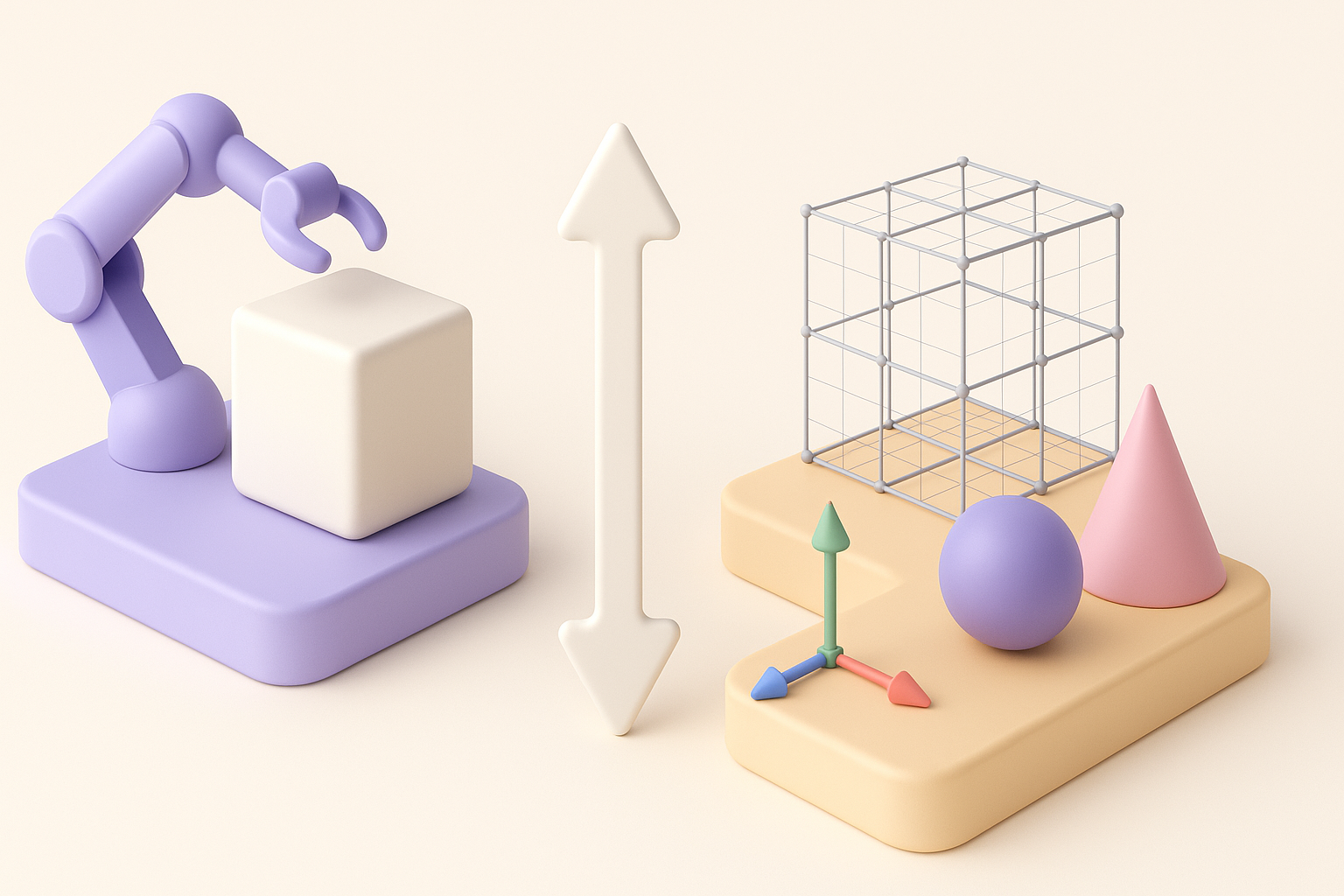
Setting up rigs for stylized characters
Rigging stylized Splatoon characters requires flexible skeletons:
- Add extra controls for tentacle hair or accessories.
- Use Tripo’s auto-rigging to get a fast base, then add custom bones for unique features.
- Weight paint carefully to preserve volume in exaggerated limbs.
Animation tips for dynamic Splatoon movements
Splatoon animations are snappy and exaggerated. What I’ve found effective:
- Use pose-to-pose blocking for energetic, readable motion.
- Emphasize smear frames and stretch/squash on jumps or attacks.
- Reference in-game animations for timing and attitude.
Tips:
- Keep keyframes clean—avoid over-tweening.
- Test deformations early with quick walk/run cycles.
Exporting, Sharing, and Using Your 3D Models
Export settings for games and XR projects
Exporting correctly is crucial for game engines and XR platforms:
- Use FBX or GLTF formats for best compatibility.
- Check scale and axis orientation (Y-up vs. Z-up).
- Bake animations and textures as needed.
With Tripo, I export directly in engine-ready formats, ensuring textures and rigs are preserved.
Showcasing and collaborating with your models
For sharing and collaboration:
- Create clean renders and turntables for portfolios.
- Use cloud platforms or version control for team projects.
- Annotate models with notes on rig controls or texture maps.
Pitfall: Don’t skip documentation—clear notes save headaches in multi-person workflows.
Comparing AI-Powered and Traditional 3D Workflows
When to use AI-driven tools for Splatoon 3 models
AI tools like Tripo shine when:
- You need rapid prototyping or concept iterations.
- The project requires bulk asset creation (props, variations).
- Retopology or segmentation is time-consuming.
For hero assets or highly unique designs, I often start with an AI base and finish details by hand.
Balancing automation with creative control
The best results come from blending automation and manual tweaks:
- Let AI handle repetitive, technical steps.
- Always review outputs for style and accuracy.
- Reserve full manual control for key assets or animation passes.
What I’ve learned: AI streamlines the workflow, but the final polish—and true Splatoon style—comes from a human touch.
