Creating a Realistic 3D Solar System Model: Expert Workflow
Building a realistic 3D solar system model is easier and faster than ever, thanks to AI-powered tools and streamlined workflows. In my experience, combining careful planning, accurate references, and intelligent automation yields production-ready results suitable for animation, XR, and educational visuals. This article is for 3D artists, developers, and educators who want to create visually compelling and scientifically accurate solar system models without getting bogged down by technical hurdles. I’ll walk you through my proven workflow, highlight practical tips, and share how I leverage AI tools like Tripo for rapid prototyping and refinement.
Key takeaways:
- Start with clear references and project goals for accuracy and efficiency
- Use AI-powered platforms to accelerate model creation and segmentation
- Manual refinement remains essential for realism and detail
- Optimize for animation and XR from the outset
- Export settings matter—tailor them for your intended platform
- Know when to use AI automation vs. traditional modeling techniques
Executive Summary and Key Takeaways
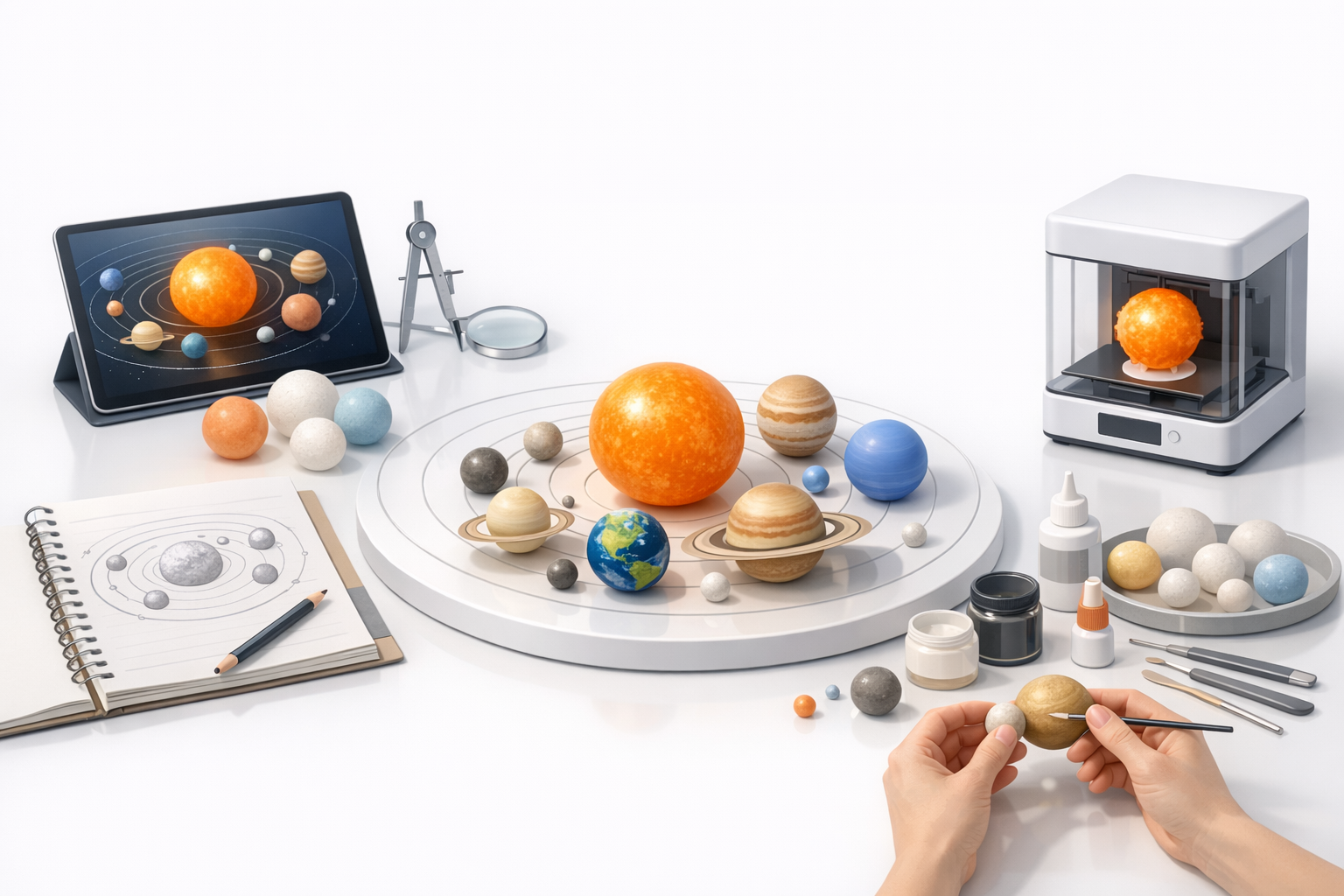
Why 3D Solar System Models Matter
A well-crafted 3D solar system model is invaluable for education, entertainment, and interactive experiences. Whether for games, VR, or scientific visualization, realism and accuracy drive engagement and credibility. I’ve seen how a visually striking model can elevate a project and make complex concepts accessible.
What You’ll Learn from My Workflow
I’ll break down my step-by-step process—from planning and reference gathering to AI-assisted modeling and manual detailing. You’ll get actionable advice for achieving realistic textures, lighting, and accurate proportions, plus tips on optimizing for animation and XR.
Planning Your 3D Solar System Model
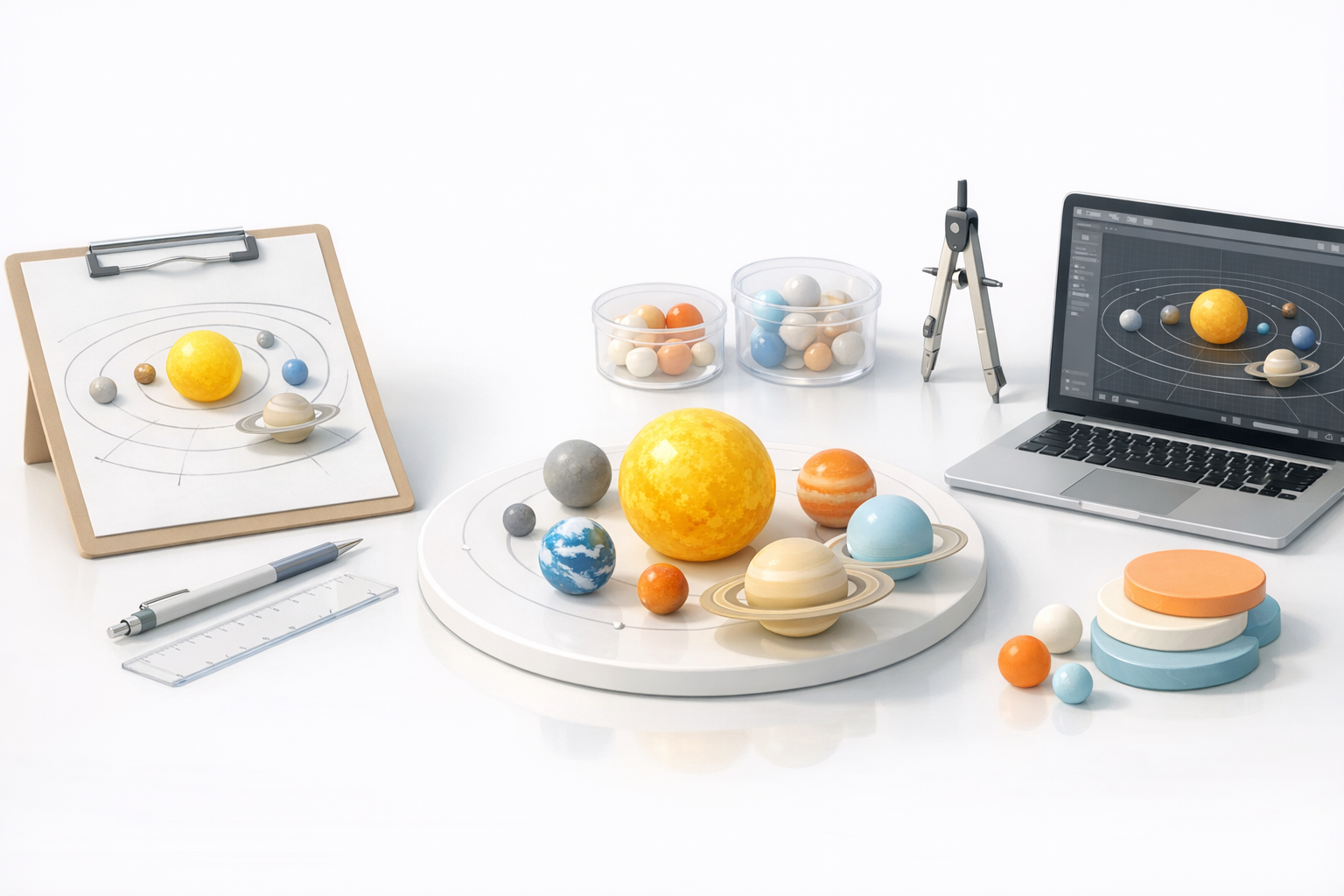
Choosing Reference Materials and Scale
I always start with reputable astronomical sources—NASA imagery, scientific databases, and high-res textures. For scale, I decide early whether to use true astronomical proportions or a stylized, compressed layout (especially important for educational and interactive projects). This avoids later rework and keeps the model consistent.
Checklist:
- Gather planet textures and orbital data
- Decide on scale: real vs. stylized
- List required celestial bodies (Sun, planets, moons, etc.)
Defining Project Scope and Output Goals
Before modeling, I define the end use: animation, XR, print, or web. This shapes my polygon budget, texture resolution, and rigging needs. I’ve learned that clear scope prevents feature creep and ensures the model fits its intended platform.
Pitfalls to avoid:
- Overcomplicating details for simple outputs
- Neglecting platform constraints (file size, polygon count)
- Forgetting animation needs (rigging, orbit paths)
Step-by-Step 3D Modeling Process
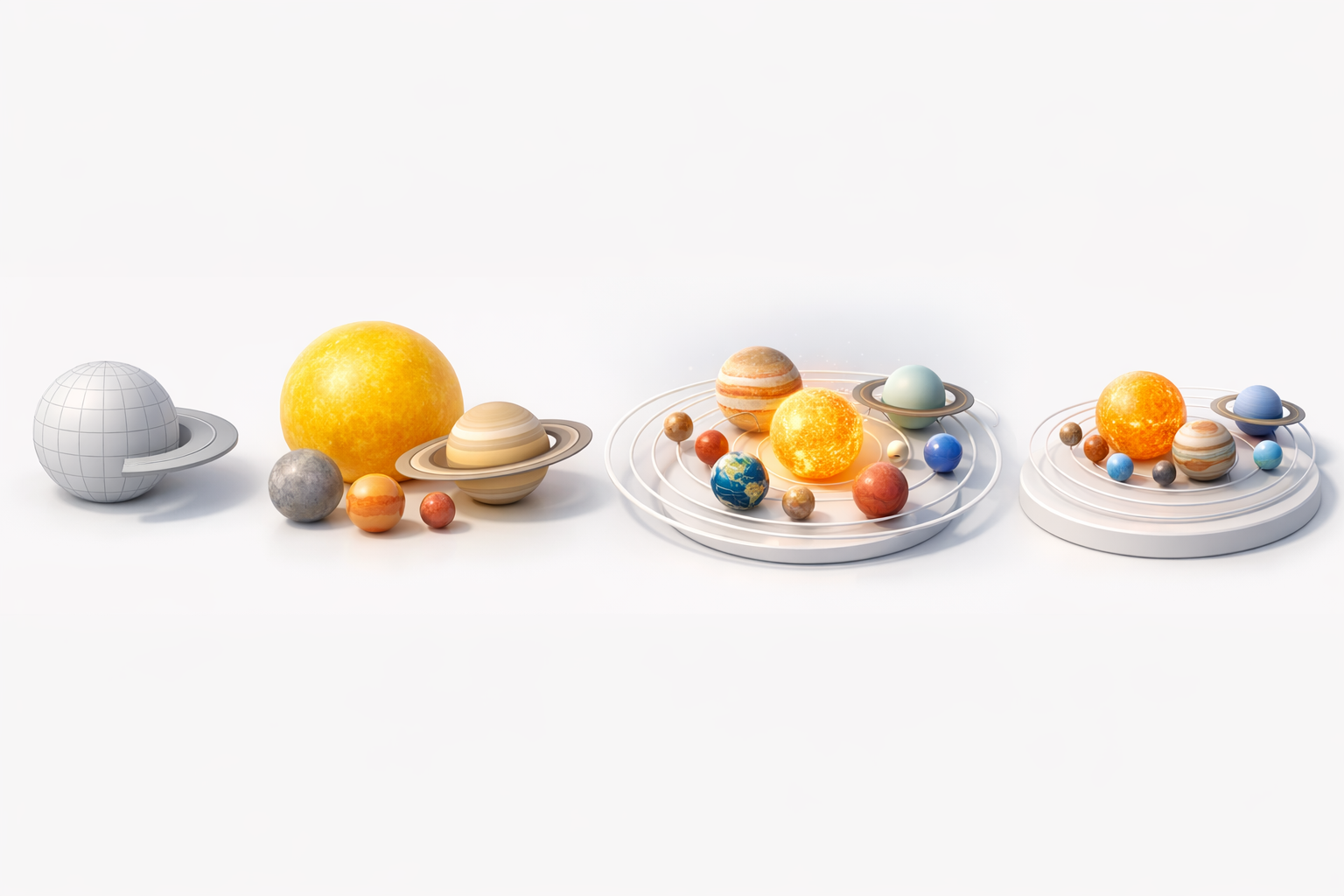
Blocking Out Planets and Orbits
I start by creating basic spheres for each planet and the sun, positioning them according to chosen scale. Orbit paths are usually simple curves or rings; I use reference data to set distances and sizes. This blocking stage is quick and lets me spot proportion errors early.
Steps:
- Create spheres for each planet and sun
- Position according to chosen scale
- Add orbit rings or curves
Detailing, Texturing, and Lighting Techniques
For realism, I apply high-res textures to each planet, using UV mapping for accuracy. I rely on AI tools to generate base textures and then manually tweak for authenticity. Lighting is crucial—placing a single directional light as the sun and adjusting ambient settings creates dramatic, believable shadows.
Tips:
- Use AI-generated textures as a starting point
- Hand-paint or adjust details for uniqueness
- Set up physically accurate lighting for realism
Leveraging AI Tools for Faster Creation
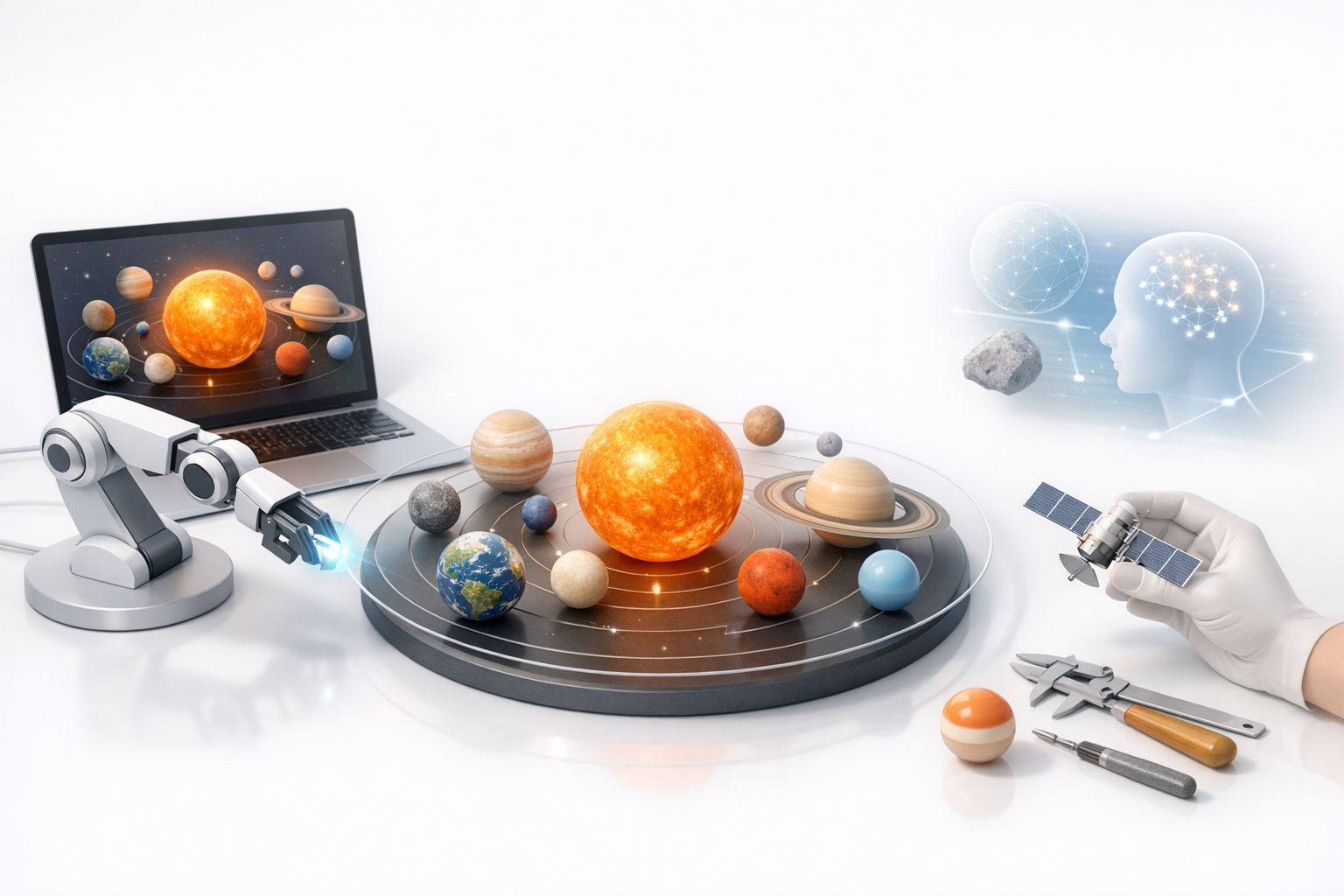
How I Use Tripo for Model Generation
Tripo streamlines the initial creation—generating segmented planet meshes, applying base textures, and even handling retopology. I input reference images or text prompts, then let Tripo handle the heavy lifting. This saves hours compared to manual modeling.
My workflow:
- Input planet references (images or text)
- Use Tripo’s segmentation and retopology tools
- Export base meshes for manual refinement
Integrating AI Outputs with Manual Refinement
AI-generated models are a solid foundation, but I always refine geometry and textures. I adjust UVs, tweak mesh details, and add custom touches. This hybrid approach balances speed with artistic control and ensures scientific accuracy.
Pitfalls:
- Relying solely on AI without checking details
- Skipping manual tweaks, resulting in generic visuals
Best Practices for Realism and Accuracy
Tips for Accurate Scale and Proportions
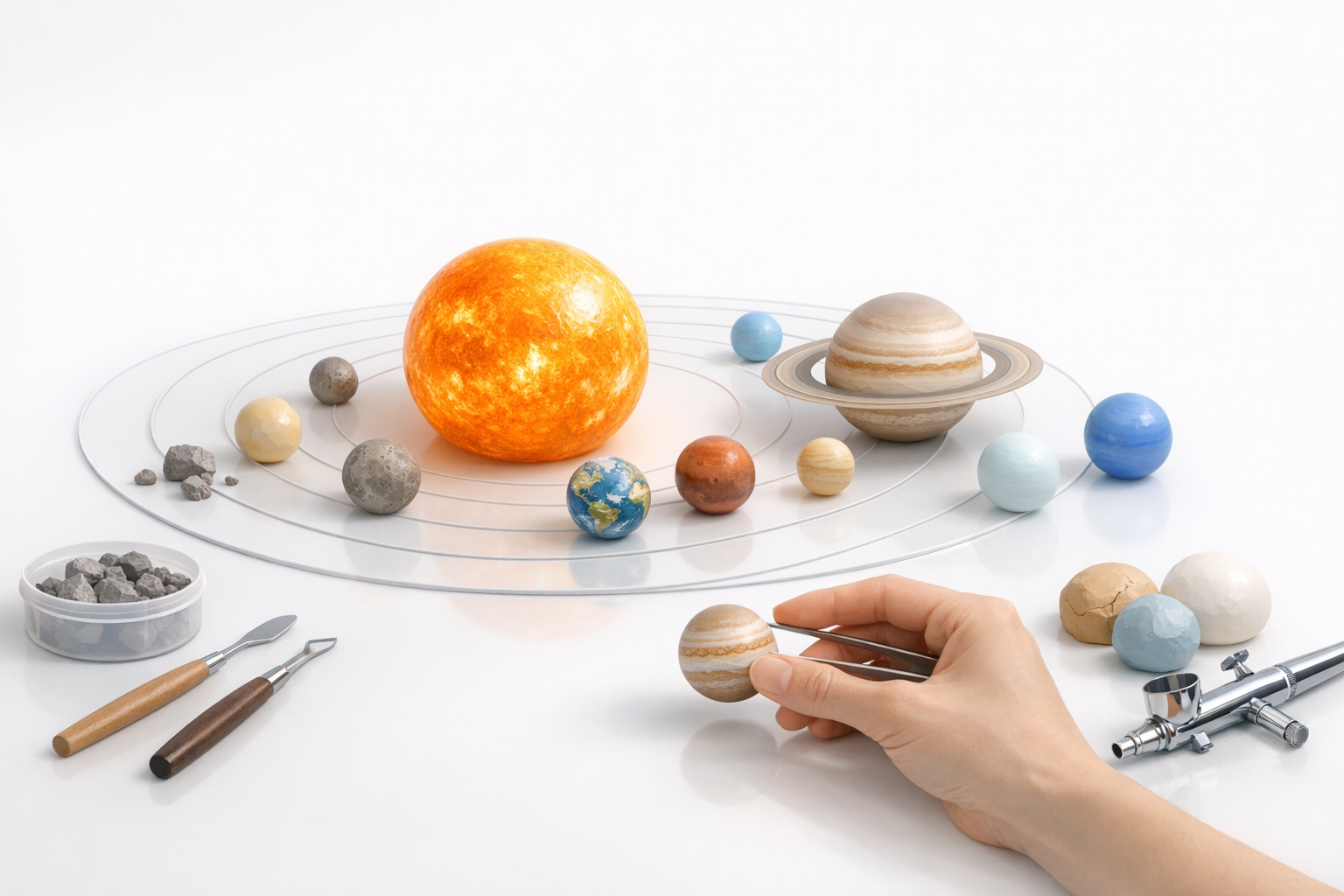
I double-check planet diameters and orbital distances against reference data. For stylized models, I maintain relative proportions to preserve realism. It’s easy to overlook small moons or rings—always cross-reference with scientific sources.
Checklist:
- Verify planet sizes and orbits
- Include key moons and rings
- Maintain relative scale for visual coherence
Optimizing Models for Animation and XR
For animation, I rig planets and set up orbit paths. I keep meshes lightweight for XR, using efficient geometry and texture compression. Testing in target platforms early helps catch performance issues.
Tips:
- Use low-poly meshes for XR
- Compress textures for real-time use
- Set up simple rigs for orbit animation
Exporting, Sharing, and Presenting Your Model
Export Settings for Different Platforms
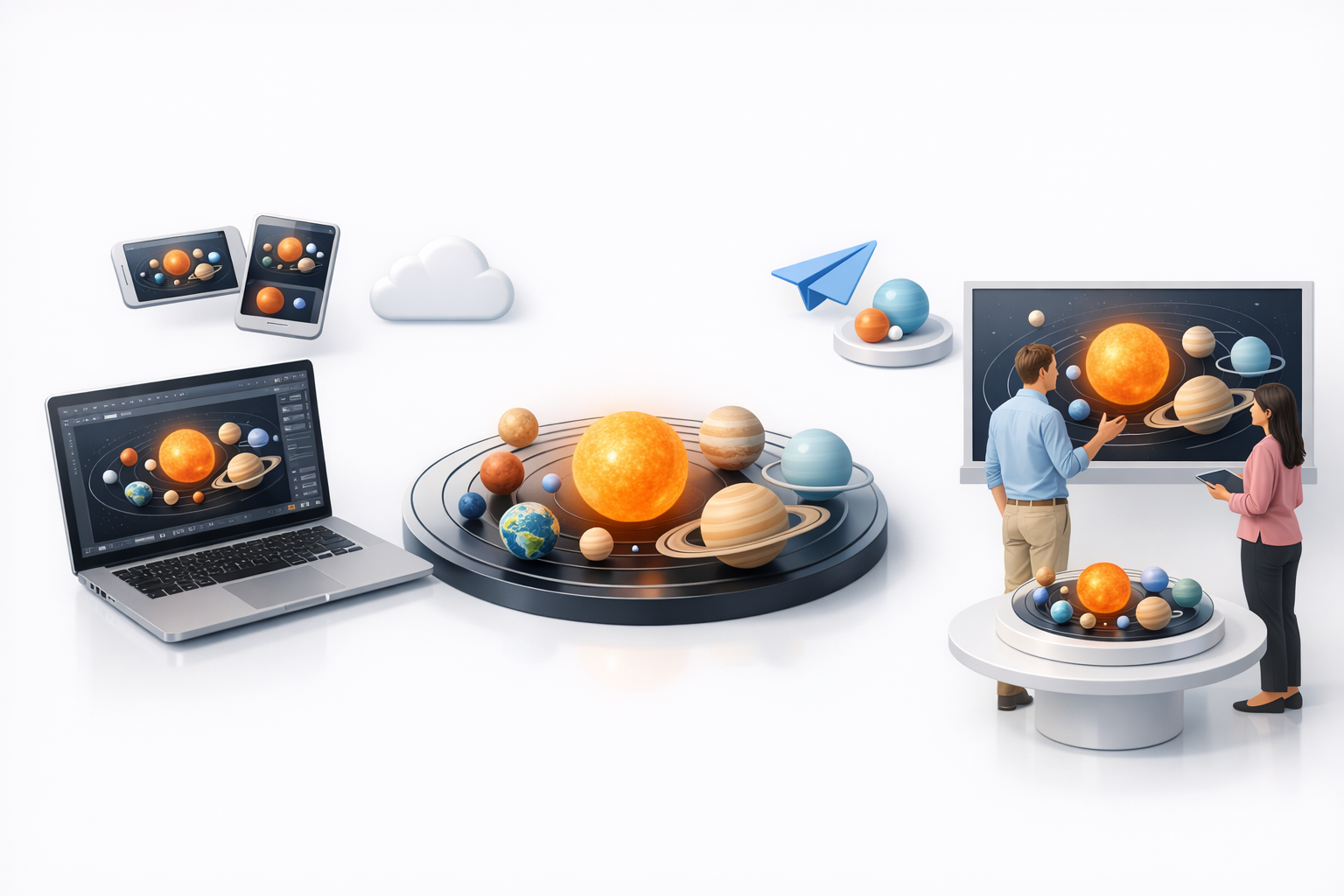
I tailor export settings—GLTF for web/XR, FBX for animation, OBJ for static renders. I ensure textures are embedded or properly linked. Tripo’s export tools simplify this, but I always double-check compatibility.
Checklist:
- Choose format based on platform
- Optimize mesh and texture settings
- Test exports in target applications
Showcasing and Collaborating with Others
For sharing, I use online viewers or collaborative platforms. I document model structure and provide reference notes. Clear labeling and organized files make collaboration smoother.
Tips:
- Use online viewers for quick previews
- Share reference materials alongside models
- Keep file structure tidy for team projects
Comparing AI and Traditional 3D Workflows
Pros and Cons from My Experience
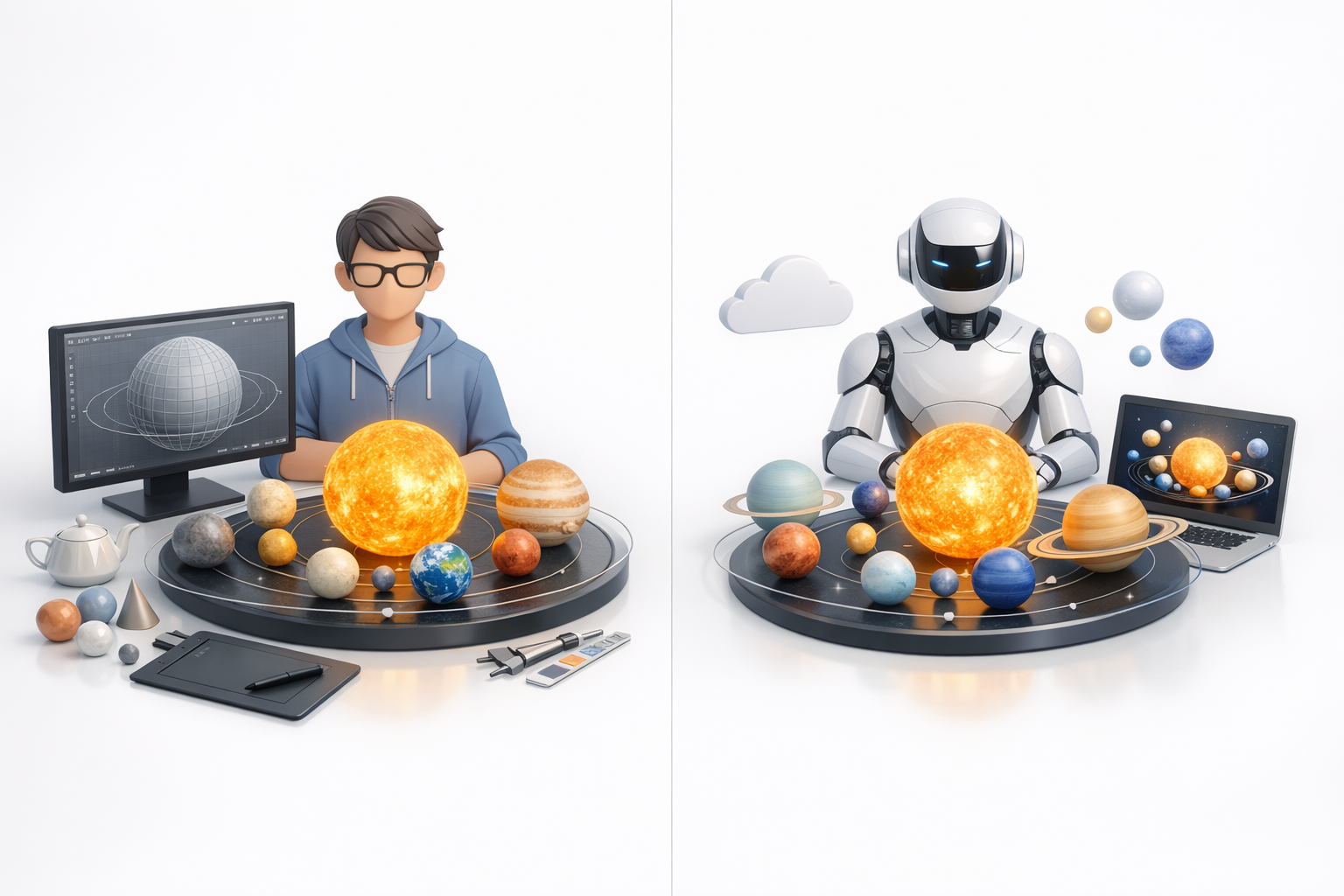
AI tools like Tripo accelerate the initial modeling and texturing, freeing up time for creative refinement. Traditional workflows offer more control but are slower and more labor-intensive. I’ve found that combining both yields the best results.
Pros of AI tools:
- Rapid prototyping
- Automated segmentation and texturing
- Lower technical barrier
Cons:
- Less control over fine details
- Risk of generic outputs
When to Use AI vs. Manual Techniques
I use AI for early-stage modeling, repetitive tasks, and quick iterations. Manual techniques are best for final detailing, custom features, and scientific accuracy. Knowing when to switch is key to an efficient workflow.
Pitfalls:
- Over-reliance on automation
- Underestimating the need for manual polish
Conclusion:
A realistic 3D solar system model is achievable with the right workflow and tools. By planning carefully, leveraging AI for speed, and refining manually for detail, I consistently deliver models that are both visually compelling and scientifically accurate.


