Creating Rainbow Friends 3D Models: Expert Workflow & Tips
Creating production-ready Rainbow Friends 3D models is faster and more accessible than ever, thanks to AI-powered tools and streamlined workflows. In my experience, the combination of smart concepting, efficient geometry management, and intelligent automation is key to achieving both speed and quality. Whether you’re a game developer, animator, or digital artist, understanding the unique character features and leveraging AI-driven segmentation, retopology, and texturing can save hours and reduce technical headaches. This guide covers my step-by-step process, best practices, and lessons learned for making Rainbow Friends models that stand out and integrate smoothly in real-world pipelines.
Key takeaways:
- Rainbow Friends models require careful attention to stylized proportions and expressive features.
- Reference gathering and concepting are essential for accuracy and creativity.
- AI-powered workflows accelerate modeling, texturing, and rigging without sacrificing quality.
- Optimizing topology and materials ensures models are game- and animation-ready.
- Common pitfalls include overcomplicated geometry and mismatched textures—address these early.
- My tips focus on practical steps, speed, and avoiding technical bottlenecks.
Overview of Rainbow Friends 3D Model Creation
What Makes Rainbow Friends Unique in 3D
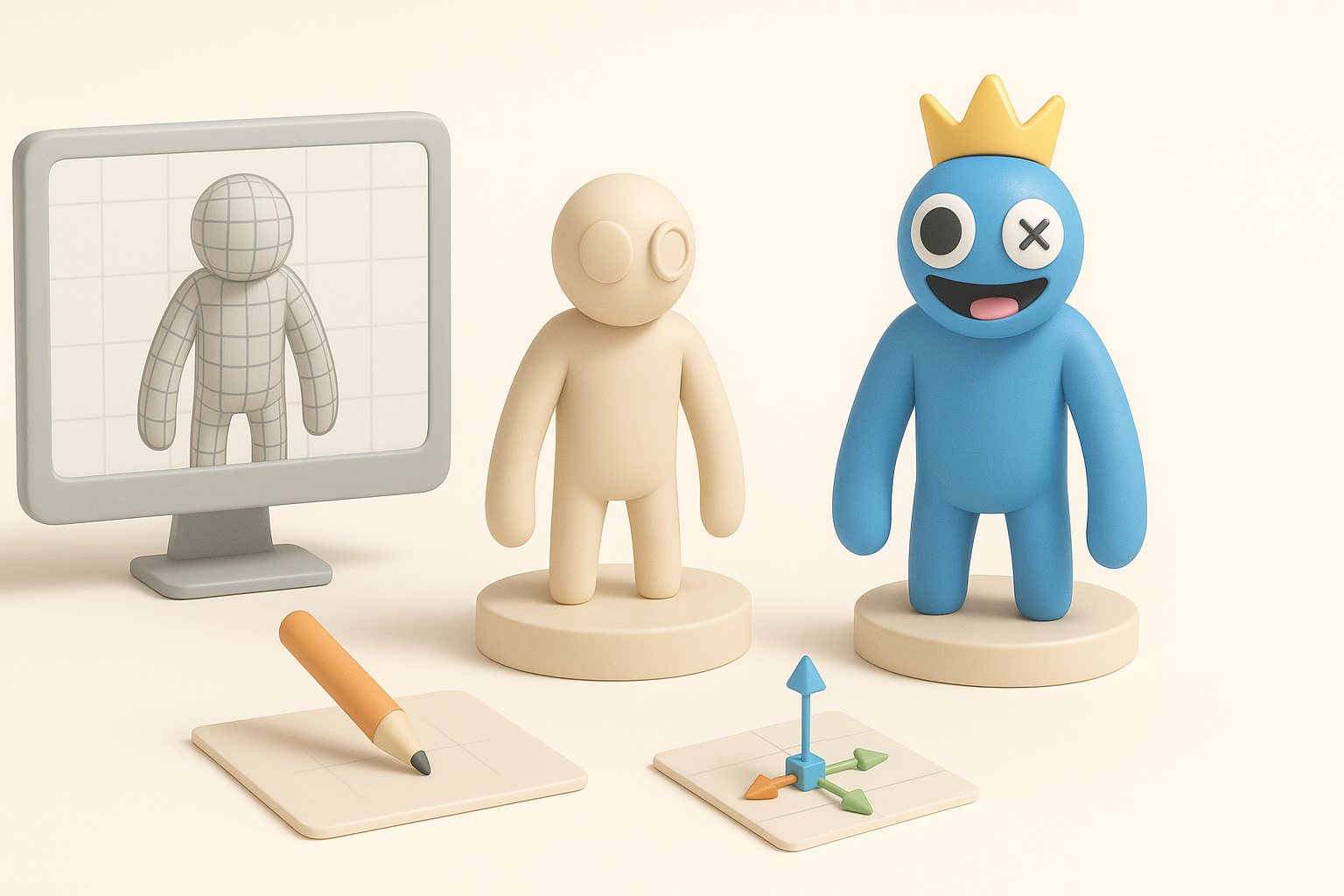
Rainbow Friends characters stand out due to their exaggerated shapes, bold colors, and simple yet expressive faces. In 3D, these features translate to stylized geometry and vibrant, clean textures. I focus on capturing their cartoon-like charm while maintaining proportions that work in both game and animation contexts. The challenge is balancing simplicity with enough detail for personality.
Key Considerations Before Starting
Before I begin, I clarify the intended use: real-time applications (games/XR) or offline rendering (film/design). This affects polycount, rigging complexity, and texture resolution. I always gather clear reference images, noting character poses, key color palettes, and signature details. Knowing the target platform helps avoid costly rework later.
Checklist:
- Gather high-quality references (front, side, action poses)
- Decide on polycount and texture limits based on platform
- Identify unique character traits to prioritize
Step-by-Step Workflow for Building Rainbow Friends Models
Concepting and Reference Gathering
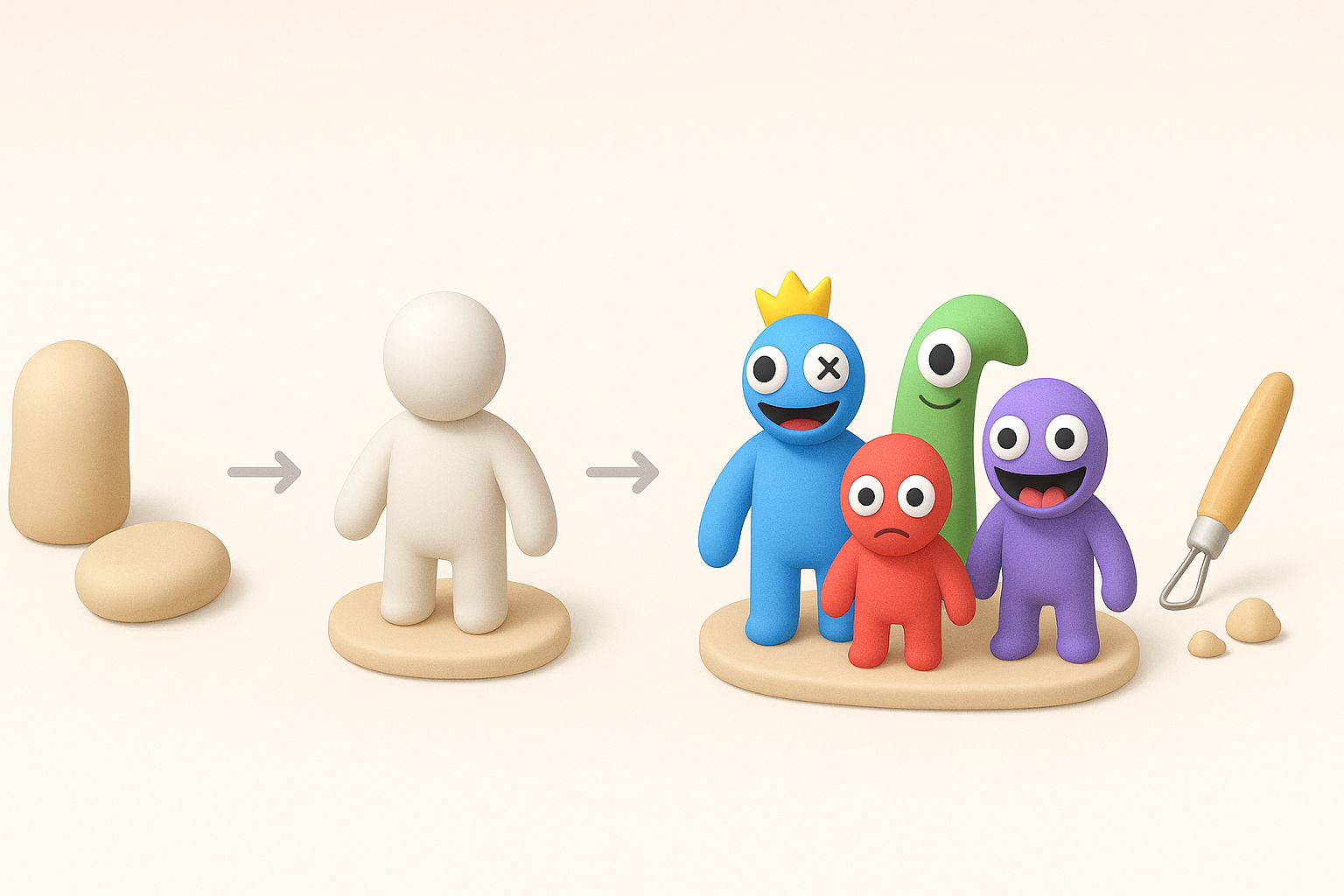
I start by sketching quick thumbnails or collecting images that highlight the character’s silhouette and main features. For Rainbow Friends, I pay special attention to body shape, facial expressions, and color blocking. Using Tripo AI, I can input sketches or text prompts to generate base meshes, which often jumpstart the creative process and save time.
Steps:
- Create or gather reference sketches/images
- Use AI tools to generate initial mesh (if available)
- Refine concept for clarity and uniqueness
Modeling, Texturing, and Rigging Techniques
Once I have a base mesh, I clean up geometry for stylized forms. I use automated retopology to ensure even edge flow, which is crucial for smooth rigging and animation. For texturing, I rely on AI-assisted UV unwrapping and smart material assignment to quickly achieve vibrant, consistent surfaces. Rigging is simplified with auto-weighting and intelligent bone placement, letting me focus on expressive poses.
Tips:
- Use segmentation tools to isolate key parts (head, limbs)
- Apply smart retopology for animation-ready topology
- Leverage auto-rigging for fast character setup
Best Practices for Production-Ready 3D Models
Optimizing Geometry and Topology
Keeping geometry clean and lightweight is essential for performance. I avoid unnecessary subdivisions and focus on edge loops around joints and facial features. Automated tools help, but I always inspect the mesh manually for problem areas like overlapping vertices or non-manifold edges.
Pitfalls to avoid:
- Overly dense meshes—stick to target polycount
- Poor edge flow around deforming areas (knees, elbows)
- Ignoring mesh cleanup after automation
Efficient Texturing and Material Setup
I use procedural materials and AI-assisted texturing to maintain color accuracy and minimize seams. For Rainbow Friends, flat colors and simple gradients work best. I check UV layouts for stretching and ensure textures are sized appropriately for the platform (usually 1K–2K for games).
Best practices:
- Keep textures simple and readable
- Use material presets for consistency
- Test materials in target engine/viewer early
Comparing AI-Powered and Traditional 3D Creation Methods
Advantages of AI-Driven Workflows
AI-powered platforms like Tripo streamline the entire process, from mesh generation to texturing and rigging. I’ve found these tools reduce manual labor, speed up iterations, and allow me to focus on creative decisions. Automated segmentation and retopology mean fewer technical bottlenecks, especially for stylized characters.
Benefits:
- Rapid prototyping from text/sketch/image
- Automated cleanup and optimization
- Faster rigging and material assignment
When to Use Alternative Tools or Manual Approaches
Despite the advantages, there are times when manual work or other tools are necessary—especially for highly customized features or complex animation setups. I switch to manual sculpting or traditional software if the AI-generated base needs significant refinement or if I need ultra-precise control.
When to go manual:
- Highly detailed or unique character requirements
- Custom animation rigs or advanced controls
- Specific style or technical constraints
Personal Insights and Lessons Learned

Common Challenges and How I Overcome Them
The biggest hurdles I’ve faced are mismatched proportions and texture artifacts. To overcome these, I always double-check references and test models in context (engine or renderer). Automated tools sometimes miss subtle details, so I manually tweak mesh and textures as needed.
My fixes:
- Use iterative checks between concept and 3D model
- Test rigs and textures early in the pipeline
- Adjust mesh manually for stylization
Tips for Faster, Higher-Quality Results
Speed and quality are all about planning and leveraging automation wisely. I batch process similar characters, use presets for materials, and keep a library of reusable rigs. AI tools handle the heavy lifting, but I always review outputs for polish.
My workflow tips:
- Start with clear references and goals
- Use AI for base generation, manual tweaks for polish
- Keep geometry and textures optimized for target platform
- Test often, iterate quickly
Slug suggestion: rainbow-friends-3d-model-workflow-tips
Meta description: Explore expert workflows, best practices, and AI-powered methods for creating production-ready Rainbow Friends 3D models. Learn key steps and personal insights.
Keywords: rainbow friends 3d, 3d modeling workflow, ai 3d tools, production-ready models, texturing tips, rigging techniques


