How I Create PUBG 3D Models: Expert Workflow & Tips
Creating production-ready PUBG 3D models is all about precision, efficiency, and adapting to the unique demands of game assets. From my hands-on experience, the best results come from leveraging AI-powered workflows to streamline segmentation, retopology, and texturing—while staying vigilant about game optimization and export settings. This guide is for artists and developers aiming to produce PUBG-quality assets quickly, without sacrificing detail or compatibility. Below, I’ll walk through my full workflow, practical tips, and troubleshooting strategies for anyone serious about professional game asset creation.
Key takeaways:
- Use AI-powered tools to accelerate model generation and reduce manual bottlenecks.
- Always align asset specs to PUBG’s performance and style requirements.
- Rigging and animation must be game-ready and optimized for real-time playback.
- Quality control and final review are essential before export.
- Troubleshoot mesh, texture, and engine compatibility early to avoid rework.
Executive Summary: Key Takeaways for PUBG 3D Model Creation
What Makes a PUBG 3D Model Stand Out
PUBG assets need to balance realism, stylization, and performance. Distinct silhouettes, readable details, and optimized polycounts are crucial. In my experience, it’s the subtle touches—like believable wear on weapons or authentic character proportions—that set exceptional models apart.
Summary of My Recommended Workflow
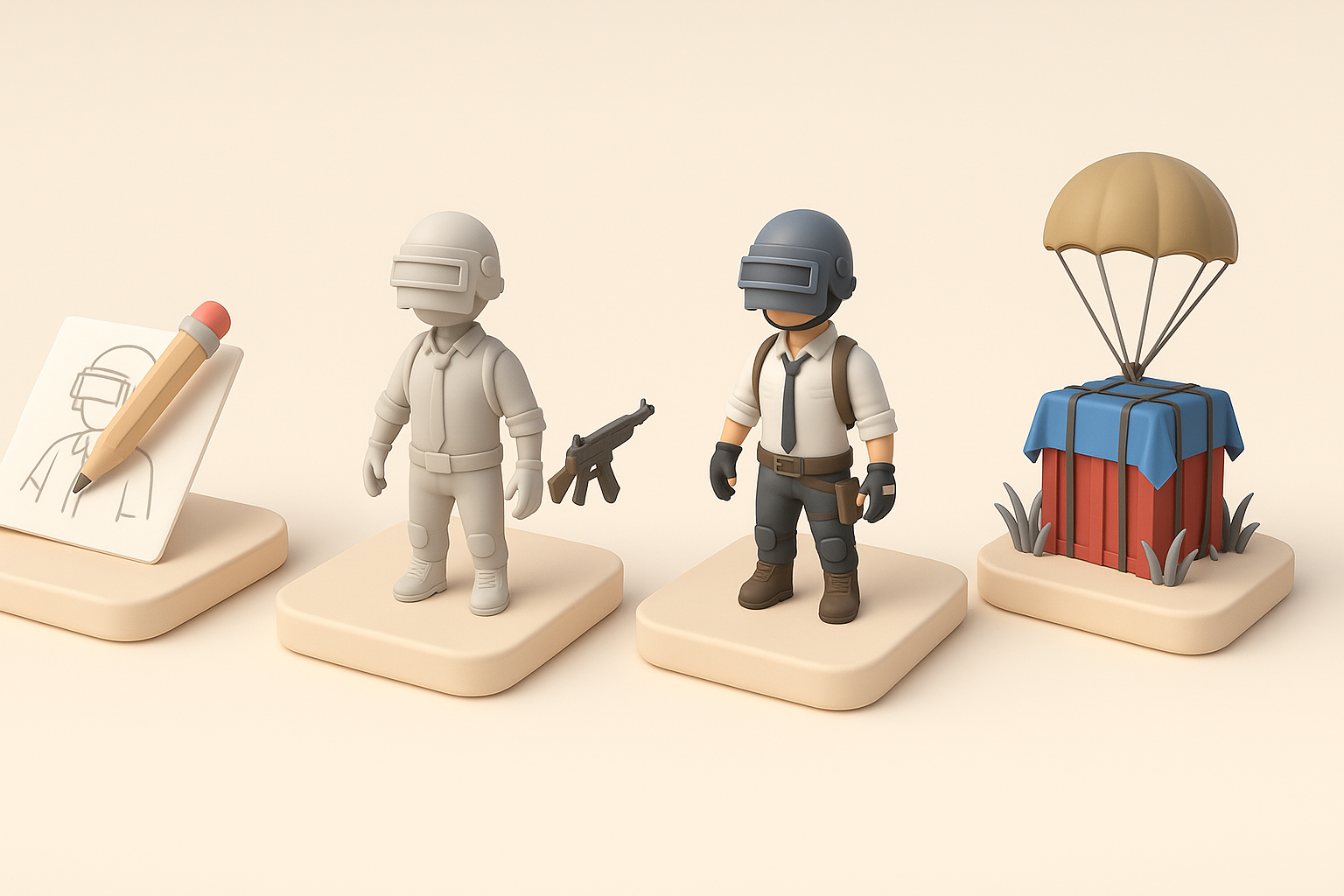
My workflow starts with reference gathering and moves quickly into AI-assisted model generation, followed by segmentation, retopology, texturing, and rigging. I finish with optimization, export, and thorough quality checks. This approach minimizes technical friction and maximizes creative output.
Understanding PUBG 3D Model Requirements
Game Asset Standards and Specifications
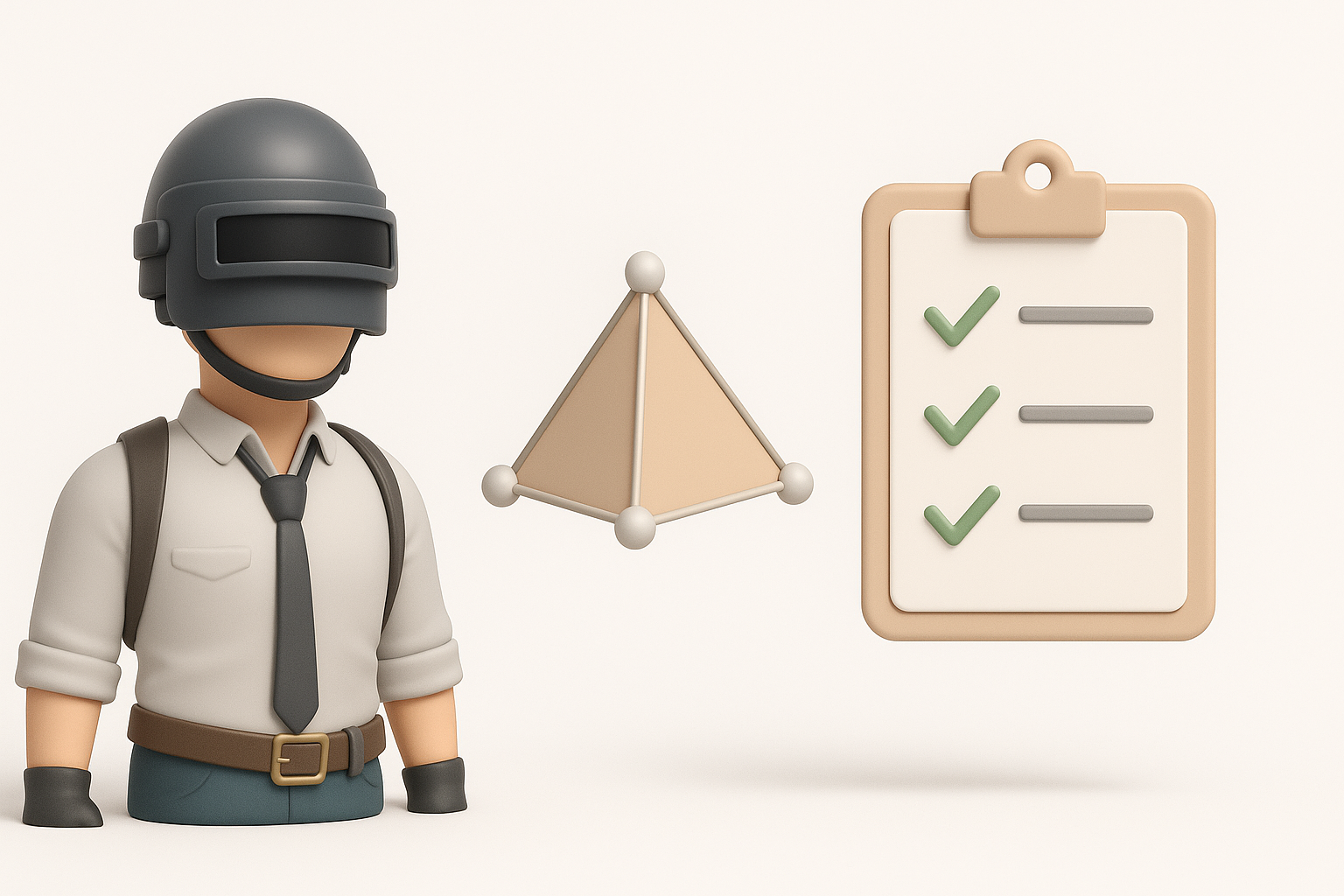
PUBG assets must adhere to strict polycount limits, texture resolutions, and material setups. I always check the latest asset guidelines and engine requirements before starting. Typical specs include:
- Characters: 10–20k polys
- Weapons: 2–5k polys
- Textures: 2K or 4K, with efficient UV layouts
Pitfalls:
- Overly dense meshes slow gameplay.
- Incorrect texture formats cause rendering artifacts.
Analyzing Reference Materials and Concept Art
I start by collecting official PUBG references and concept art. This ensures accuracy in proportions, style, and detail. My checklist:
- Gather multiple angles and close-ups.
- Identify key features (e.g., weapon attachments, character gear).
- Note material types and color palettes.
My Step-by-Step Workflow for Creating PUBG 3D Models
Text-Based and Image-Based Model Generation
Using platforms like Tripo AI, I input text prompts or reference images to kickstart model creation. This saves hours versus manual sculpting.
Steps:
- Input detailed text or upload concept art.
- Review generated mesh for accuracy and completeness.
- Make quick edits before moving to segmentation.
Tips:
- Be specific with prompts (e.g., “tactical helmet with night vision”).
- Use high-res images for better fidelity.
Segmentation, Retopology, and Texturing Techniques
After initial generation, I segment the model into logical parts (e.g., body, gear, weapon). Tripo’s built-in segmentation and retopology tools help maintain clean, game-ready topology.
Workflow:
- Segment complex assets for easier rigging.
- Use auto-retopology to optimize mesh density.
- Apply texture maps (diffuse, normal, roughness) with smart baking.
Pitfalls:
- Skipping retopology leads to messy UVs.
- Neglecting texture optimization bloats asset size.
Rigging and Animation for PUBG Characters and Assets
Best Practices for Game-Ready Rigging
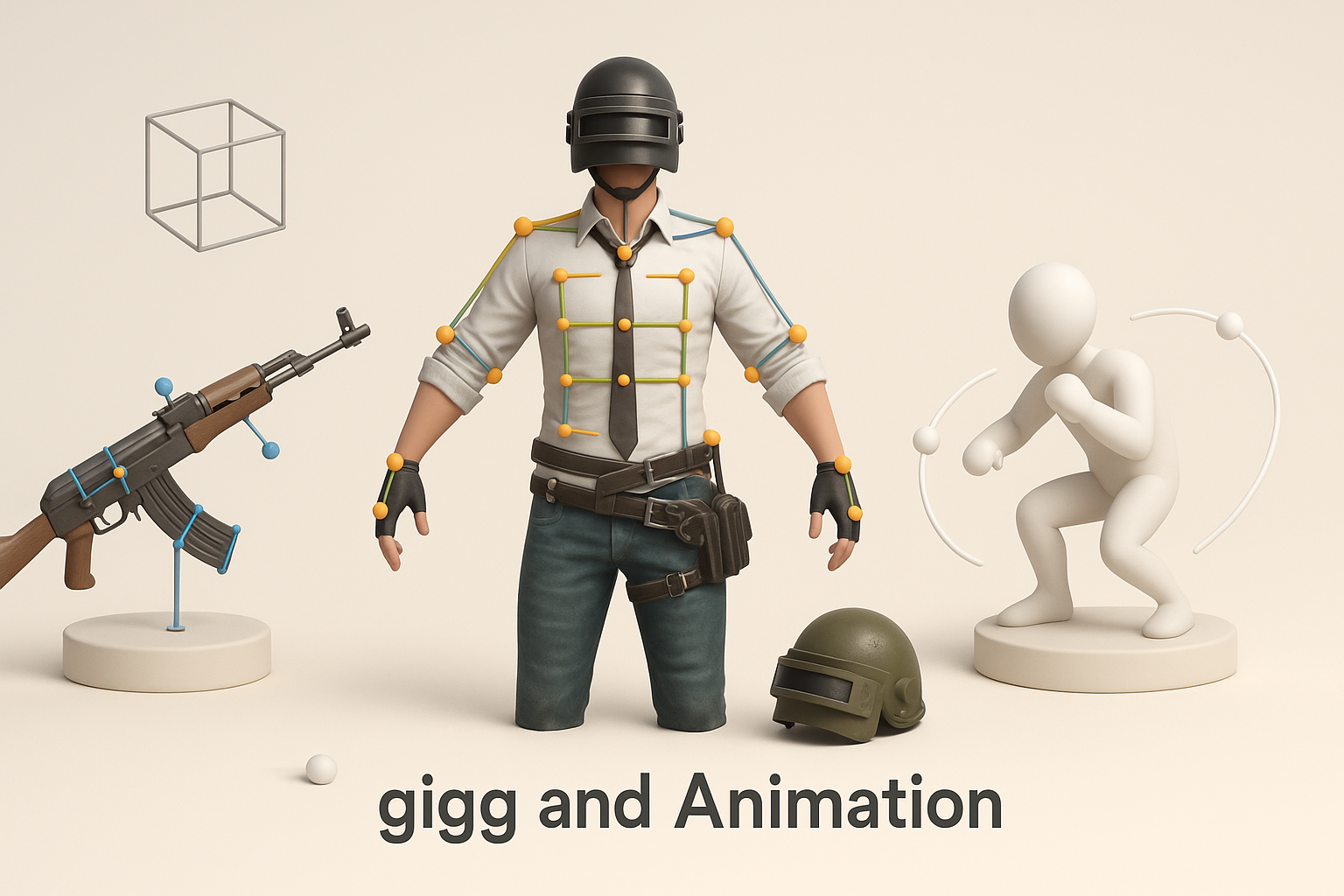
I rig characters and assets with standard joint hierarchies and clean skin weights. Automated rigging tools can speed this up, but I always review bone placement manually.
Checklist:
- Use consistent naming conventions.
- Test rig with basic poses before animation.
- Ensure weapon rigs allow for attachment and detachment.
Animating Models for Realistic Gameplay
For PUBG, animations must be fluid and responsive. I use AI-assisted animation tools for base cycles, then refine manually for realism.
Tips:
- Reference in-game movement for timing and weight.
- Keep animation loops tight for performance.
- Preview in engine to check for glitches.
Optimizing and Exporting PUBG 3D Models
Performance Optimization and Polycount Management
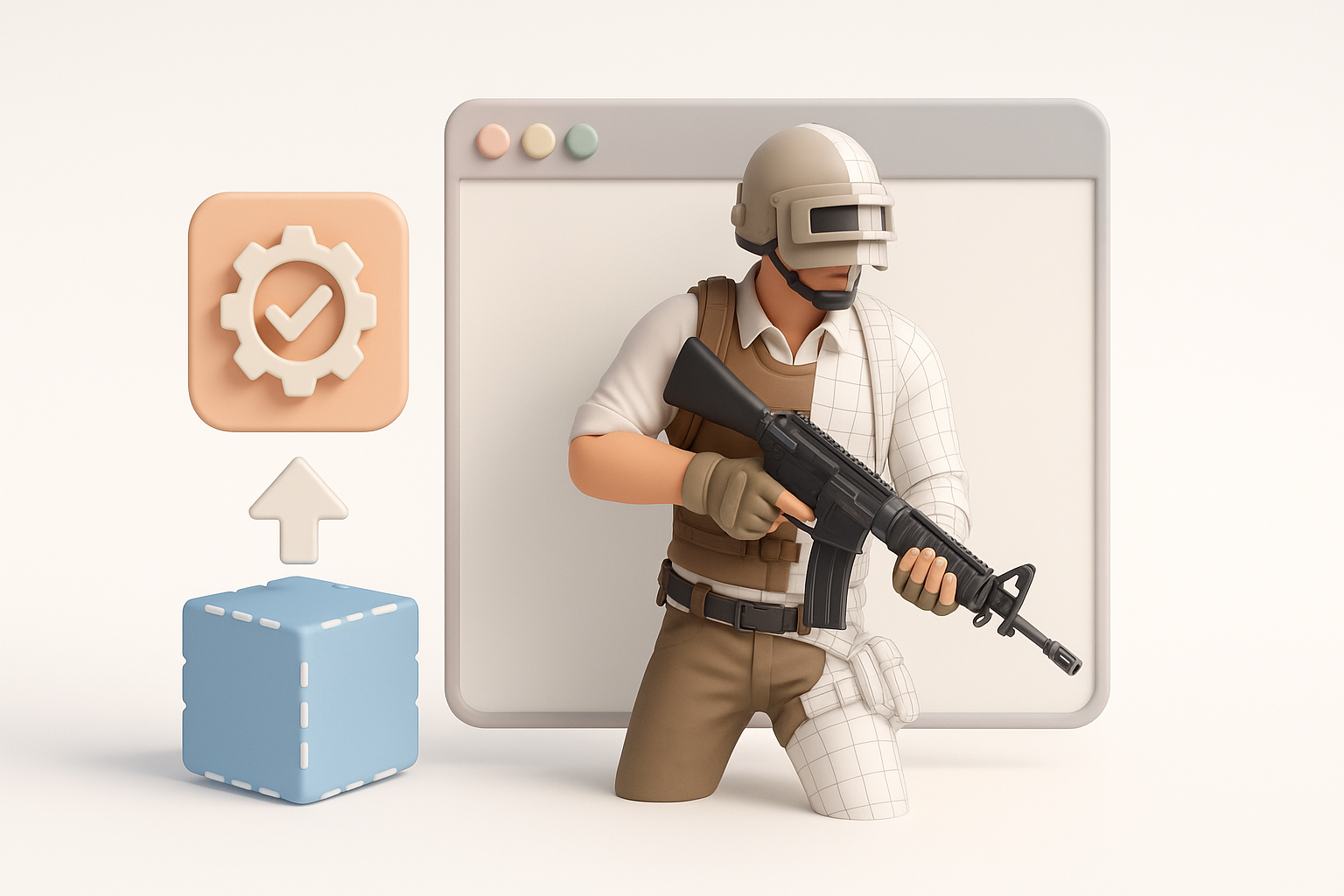
Optimizing assets is critical for multiplayer games like PUBG. I decimate unnecessary polygons and streamline UVs without sacrificing silhouette.
Steps:
- Run automated polycount checks.
- Compress textures without losing key details.
- Test assets in engine for real-time performance.
Pitfalls:
- Over-optimizing can ruin detail.
- Ignoring mipmaps leads to blurry textures.
Export Settings for Game Engine Integration
I export models in preferred formats (FBX, OBJ) with correct scale and pivot alignment. Tripo’s export presets simplify this step.
Checklist:
- Verify material assignments.
- Include LODs if required.
- Check for engine compatibility (e.g., Unreal Engine settings).
Comparing AI-Powered Tools and Traditional Methods
My Experience with AI-Driven Workflows
AI tools have transformed my workflow, especially for quick prototyping and bulk asset generation. They reduce repetitive tasks and let me focus on creative decisions.
Benefits:
- Rapid iteration.
- Automated segmentation and retopology.
- Consistent texture generation.
When to Use Alternative Methods
I switch to manual modeling for highly custom or hero assets where AI outputs need extra polish. Traditional sculpting and hand-painting are still invaluable for unique details.
Pitfalls:
- AI tools can struggle with complex or stylized shapes.
- Manual methods are slower but offer more control.
Troubleshooting Common Issues in PUBG 3D Model Creation
Fixing Texture and Mesh Problems
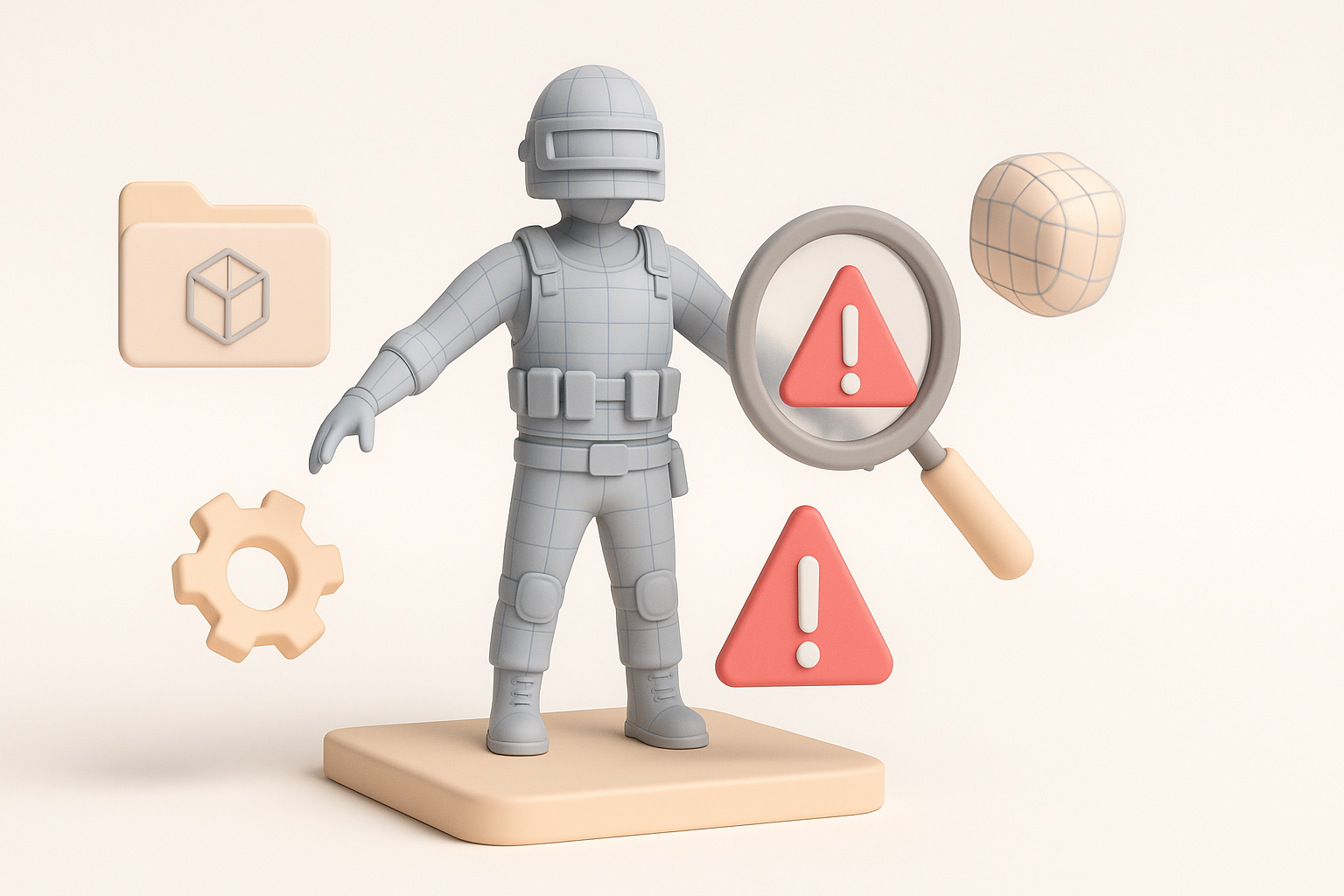
Common issues include stretched UVs, misaligned normals, or texture artifacts. I use automated mesh checks and manual tweaks to fix these.
Troubleshooting steps:
- Run UV validation tools.
- Re-bake normals if artifacts appear.
- Adjust texture packing for engine compatibility.
Ensuring Compatibility with Game Engines
Models must import cleanly into Unreal Engine. I double-check scale, pivot, and material assignments.
Tips:
- Test import early in the process.
- Use engine-specific export presets.
- Fix warnings before final submission.
My Pro Tips for Efficient PUBG 3D Model Production
Time-Saving Strategies and Automation
Automation is key. I batch process similar assets and use AI for repetitive tasks. Templates and presets speed up rigging and export.
Checklist:
- Use batch export for multiple assets.
- Automate texture baking and LOD generation.
- Keep reusable asset libraries.
Quality Control and Final Review
Before final export, I run a thorough review:
- Check mesh integrity and topology.
- Validate textures and materials.
- Test animations in engine.
Pitfalls:
- Rushing QC leads to missed errors.
- Skipping engine tests can cause late-stage issues.
Conclusion
Creating PUBG 3D models efficiently requires a blend of AI-driven automation and hands-on artistry. By following a structured workflow and prioritizing quality control, I consistently deliver assets that meet game standards and integrate seamlessly into production pipelines.


