Creating Accurate Ocean Depth 3D Models: My Workflow & Insights
Building precise 3D models of ocean depths is a specialized but increasingly accessible task, thanks to modern AI-powered tools. In my experience, the key to success lies in sourcing reliable bathymetric data, streamlining the modeling workflow, and optimizing for both realism and performance. This article covers my full process—from data acquisition and mesh generation to texturing, troubleshooting, and leveraging AI for efficiency. Whether you’re in gaming, simulation, or scientific visualization, these insights will help you create production-ready ocean depth models with confidence.
Key takeaways
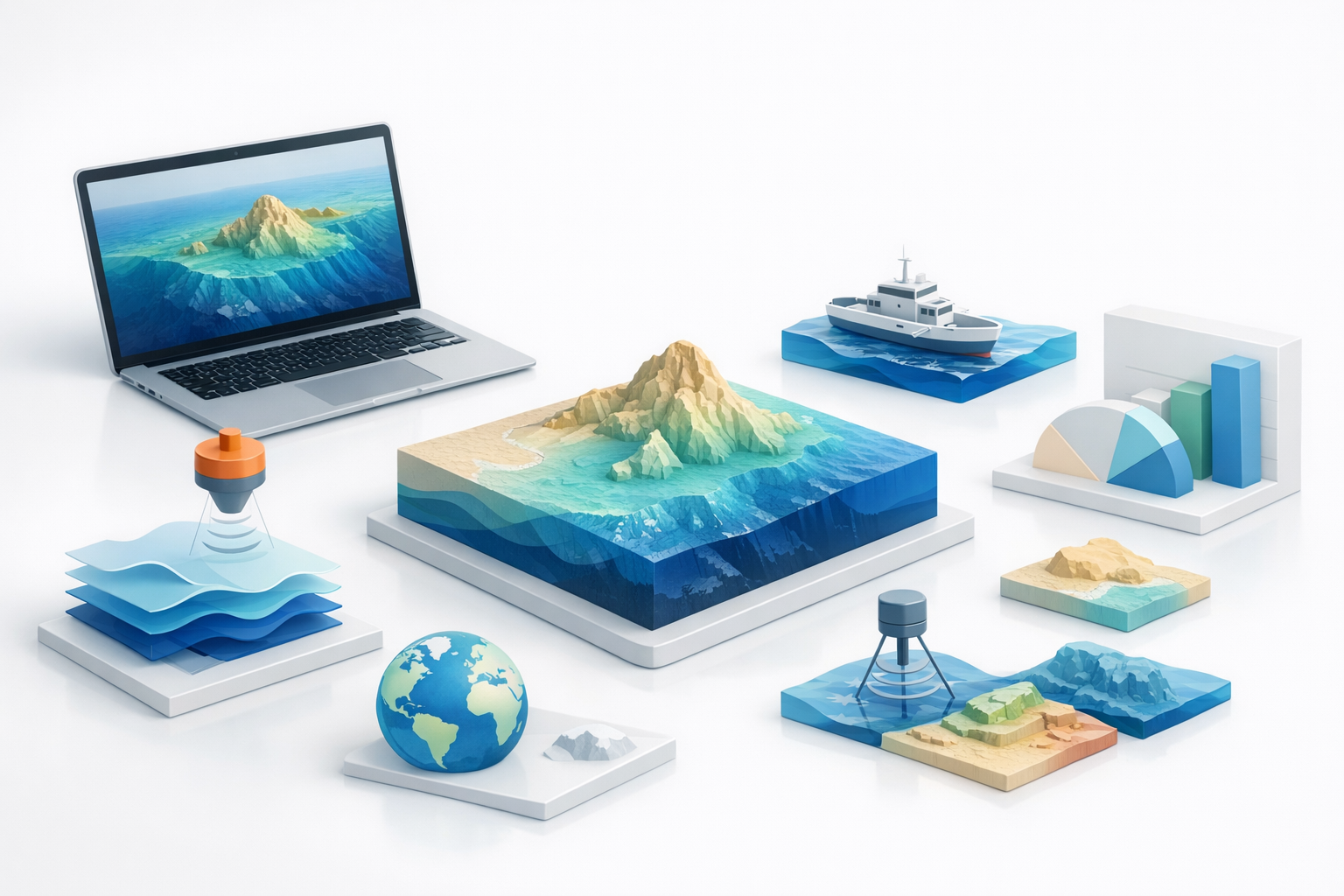
- Reliable bathymetric data is the foundation of accurate ocean depth models.
- Clean data preparation and mesh topology are critical for realistic results.
- High-quality textures and thoughtful lighting elevate visual clarity.
- AI-powered tools can dramatically reduce manual workload and speed up iteration.
- Optimizing for performance and troubleshooting data gaps are ongoing necessities.
- Choose between manual and automated methods based on project needs and data quality.
Understanding Ocean Depth Data for 3D Modeling
Sources of bathymetric data
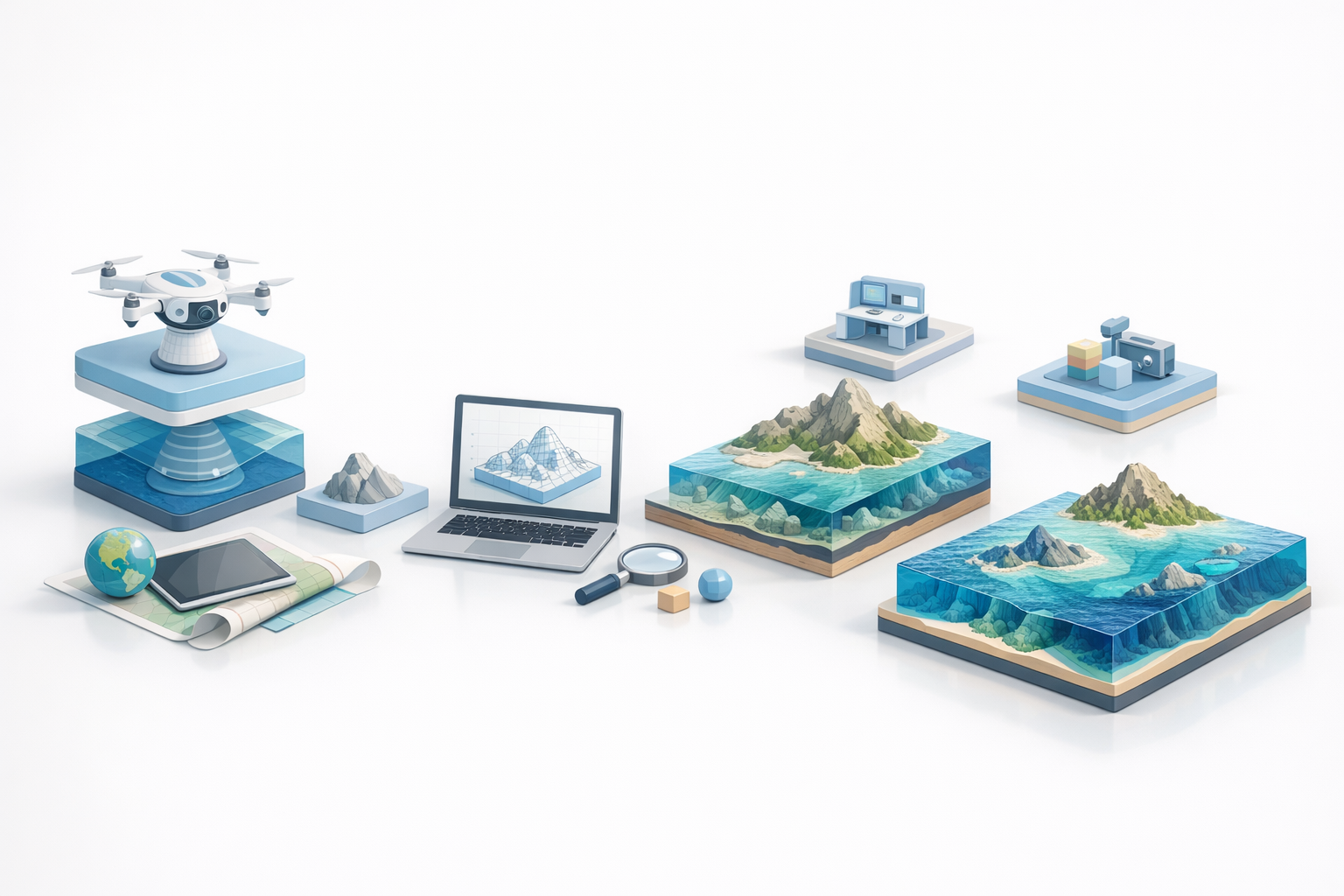
In my workflow, everything starts with sourcing trustworthy bathymetric data. The most common sources I use include:
- Government and scientific repositories: NOAA, GEBCO, and EMODnet are reliable for global and regional datasets.
- Academic datasets: Universities sometimes provide high-resolution, project-specific data.
- Commercial providers: For specialized needs, paid datasets might offer higher resolution or up-to-date scans.
Before downloading, I always check the licensing to ensure the data can be used for my intended project.
Key considerations for data accuracy
Accuracy is non-negotiable for credible models. Here’s what I focus on:
- Resolution: Higher resolution (smaller grid size) gives more detail but increases file size and processing time.
- Data currency: Recent datasets better reflect current seabed conditions.
- Format compatibility: I prefer formats like GeoTIFF, ASCII grid, or XYZ, which import cleanly into most 3D tools.
- Coverage: Ensure the dataset fully covers your area of interest.
Pitfall: Mismatched coordinate systems or units can introduce major errors—always double-check and reproject if needed.
My Step-by-Step Process for Building Ocean Depth 3D Models
Preparing and importing data
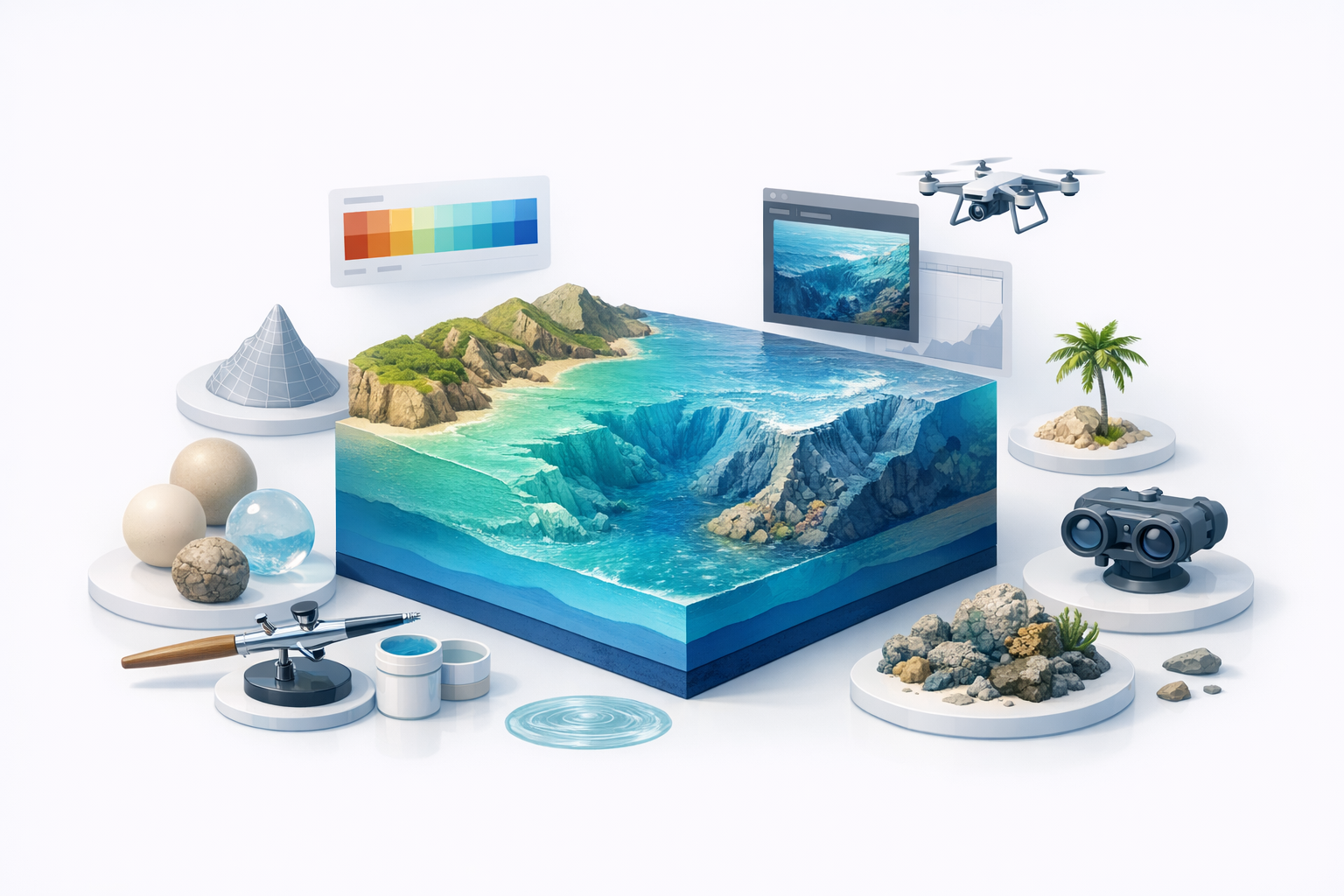
Preparation is where many projects succeed or fail. My steps:
- Clean the data: Remove obvious outliers or fill missing values using interpolation tools.
- Reproject if needed: Align the dataset to your project’s coordinate system.
- Normalize depth values: Standardize the range for consistent mesh generation.
- Import into 3D software: I use tools that handle geospatial data natively or offer robust import plugins.
Tip: For large datasets, crop to just the needed region to keep things manageable.
Generating the base mesh and topology
Once imported, I generate the 3D mesh:
- Convert raster to mesh: Use displacement or height map tools to turn data into geometry.
- Retopology: I often run automatic retopology to optimize for polygon count and flow.
- Segment as needed: For complex coastlines or features, intelligent segmentation tools (like those in Tripo AI) help maintain detail without bloating the model.
Checklist:
- Check for holes or spikes in the mesh.
- Ensure edge flow supports later texturing.
- Simplify where possible for performance.
Texturing and Enhancing Realism in Ocean Depth Models
Applying realistic textures and color maps
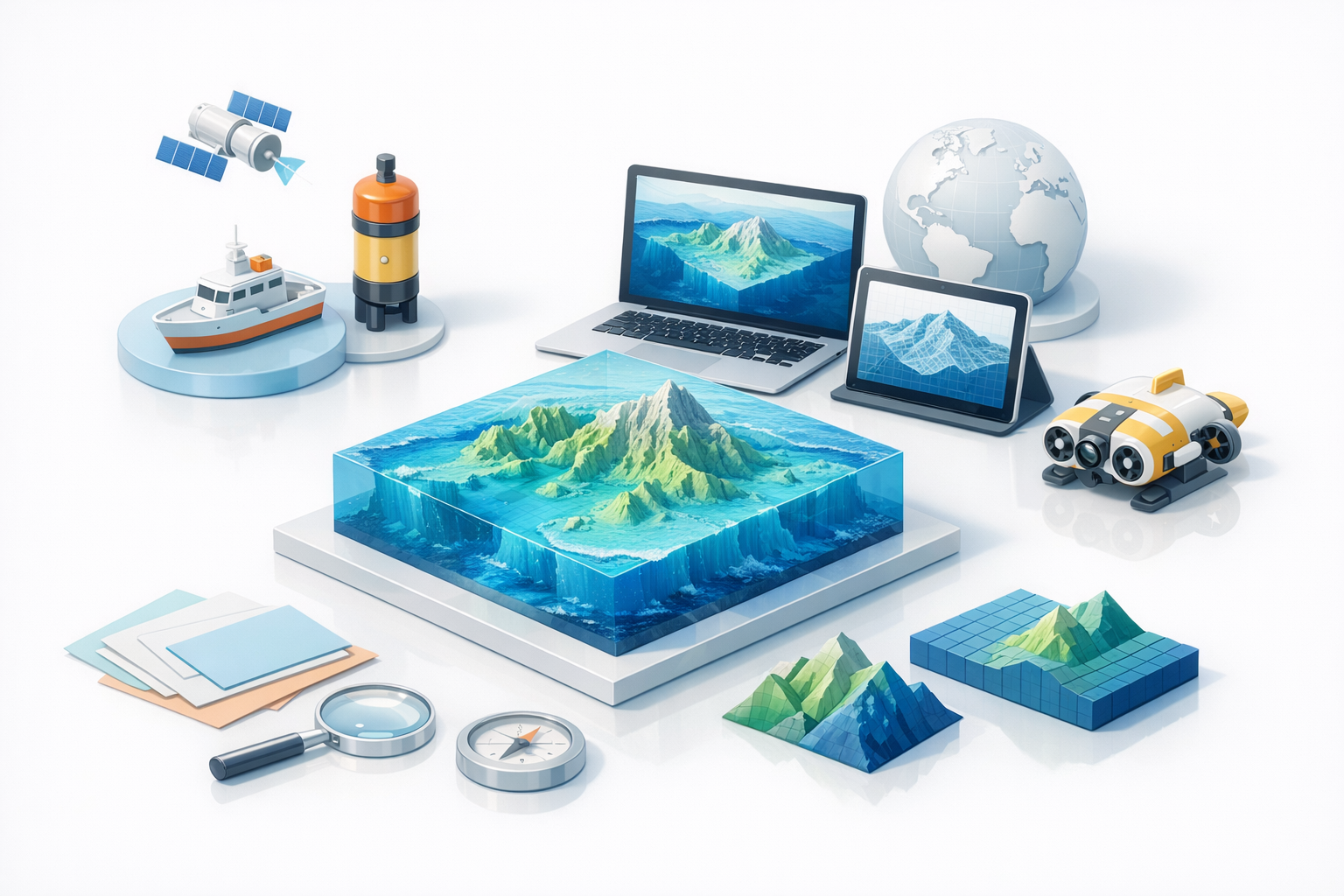
Texture work brings the model to life. My approach:
- Base color maps: Apply bathymetric color gradients (e.g., blue for deep, tan for shallow).
- Satellite overlays: For shallow waters or coastal areas, blend in satellite imagery for realism.
- Normal and bump maps: Generate from the depth data to enhance fine detail without extra geometry.
Tip: Use high-resolution textures but optimize for your target platform. Tripo AI’s built-in texturing tools can automate much of this, saving manual effort.
Tips for lighting and visual clarity
Good lighting clarifies depth and structure:
- Directional light: Mimics sunlight and casts shadows that reveal relief.
- Ambient occlusion: Adds subtle shading to accentuate features.
- Fog or volumetric effects: Suggests depth and underwater atmosphere.
Pitfall: Overly dramatic lighting can obscure subtle features—aim for balance.
Best Practices and Common Challenges in Ocean Depth Modeling
Optimizing models for performance
Performance is always a concern, especially for interactive applications. I recommend:
- Decimate mesh: Reduce polygon count where detail isn’t needed.
- Use LODs (Levels of Detail): Swap in lower-res meshes at distance.
- Texture atlasing: Combine textures to minimize draw calls.
Checklist:
- Test in your target engine early.
- Profile performance and iterate.
Troubleshooting data gaps and artifacts
Data gaps and artifacts are inevitable. My fixes:
- Manual patching: Sculpt missing areas by hand if small.
- Interpolation: Use software tools to fill larger gaps.
- Artifact cleanup: Smooth or retopologize jagged edges.
Tip: Keep a backup of your raw data—sometimes it’s faster to re-import and fix upstream errors.
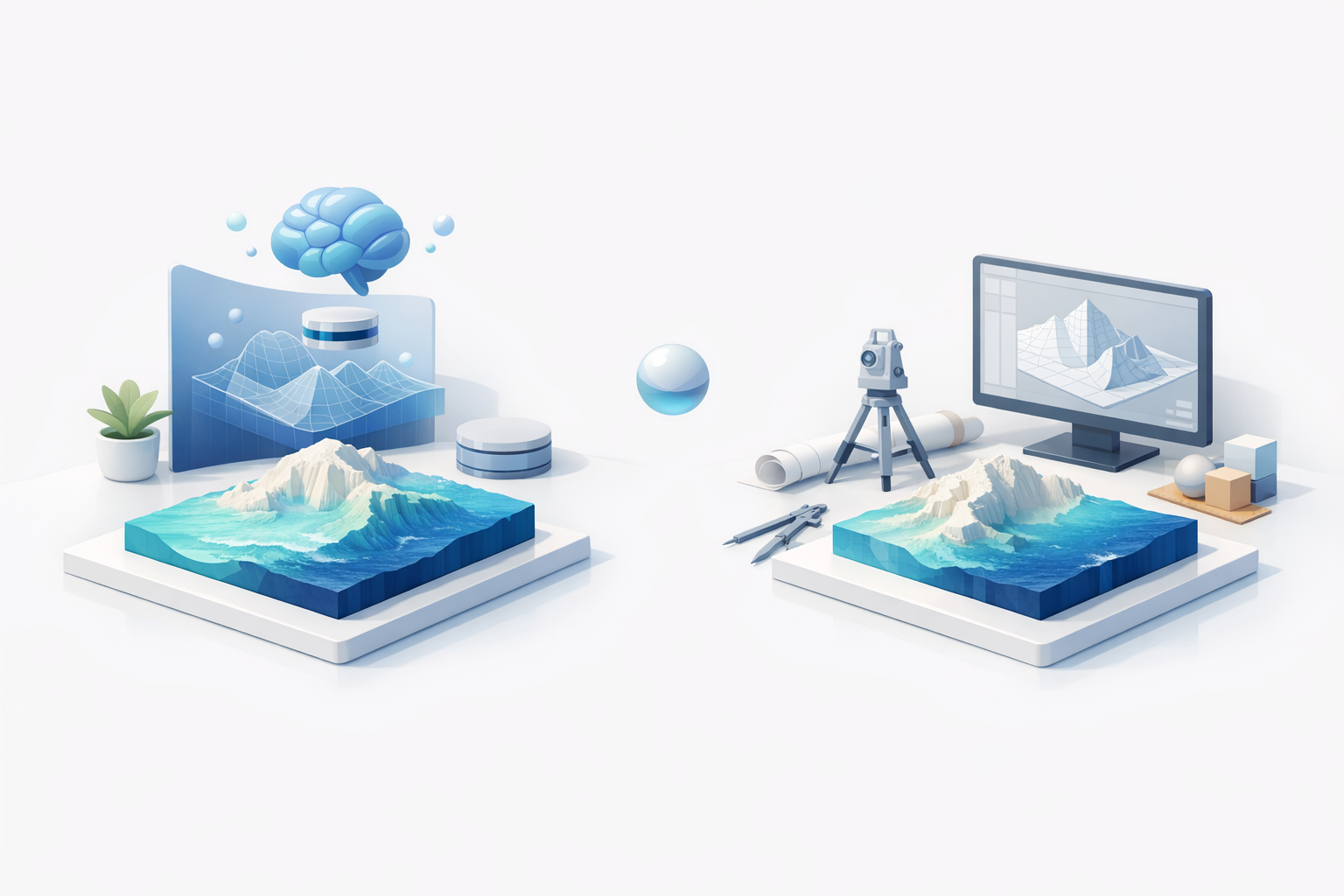
Comparing AI-Powered and Traditional 3D Modeling Workflows
Speed and efficiency gains with AI tools
In my experience, AI-powered tools have transformed the workflow:
- Faster segmentation and retopology: What used to take hours can now be done in minutes.
- Automated texturing: AI can generate plausible textures from reference images or data, reducing manual painting.
- Batch processing: Multiple regions or datasets can be processed simultaneously.
For ocean depth models, these gains mean quicker iteration and more time for creative refinement.
When to use manual vs. automated methods
AI isn’t always the answer—here’s my rule of thumb:
- Use AI: For large-scale models, initial mesh generation, and when speed is crucial.
- Go manual: For fine-tuning, correcting artifacts, or when working with unusual data.
I often start with AI-powered tools (like those in Tripo AI) for the heavy lifting, then refine manually for final polish.
In summary: Accurate ocean depth modeling hinges on reliable data, clean workflows, and smart use of both AI and manual techniques. With the right tools and attention to detail, it’s possible to create models that are both beautiful and technically robust.


