Creating and Optimizing an N54 3D Model: Expert Workflow
Creating a production-ready 3D model of the N54 engine requires a blend of technical precision and creative workflow. In my experience, the right mix of reference gathering, modeling discipline, and smart use of AI-powered tools can drastically cut down time while boosting quality. This article breaks down my proven process—from reference collection to final export—highlighting practical tips, common pitfalls, and optimization strategies. Whether you’re building assets for games, visualization, or XR, these insights will help you deliver a high-fidelity, efficient engine model.
Key takeaways
- Accurate references and topology planning are essential for engine modeling.
- AI-powered tools can accelerate segmentation, retopology, and texturing.
- Optimization and export settings must match your target platform’s requirements.
- Efficient workflows reduce errors and rework, especially with complex parts like the N54.
- Rigging and animation considerations are crucial for interactive or real-time use.
- Common pitfalls include poor reference use and skipping retopology—avoid these for best results.
Understanding the N54 Engine for 3D Modeling
Key features and reference sources
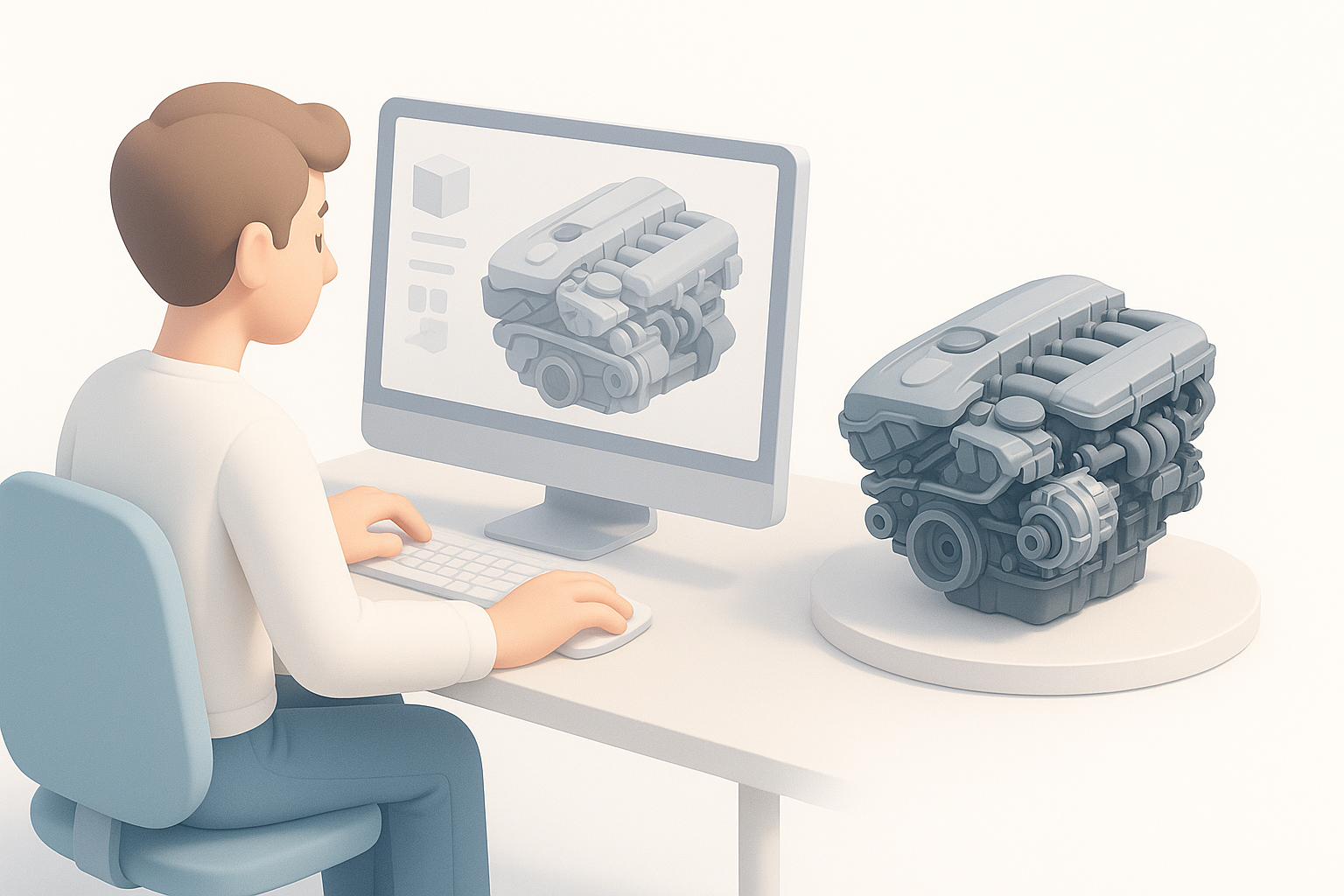
The BMW N54 engine is packed with intricate geometry—twin turbochargers, complex manifolds, and distinctive covers. Capturing these details requires high-quality references. I typically source:
- Manufacturer blueprints and cutaways
- Detailed photo sets (engine bays, teardown images)
- Community forums and enthusiast videos
Having multiple angles and clear technical drawings is critical; I keep a reference board open in my modeling environment for quick checks.
Why accurate modeling matters
Precision is non-negotiable with engine models. Inaccuracies can break immersion in games or cause problems in AR/VR applications. I’ve found that investing extra time upfront in reference gathering pays dividends later—reducing revision cycles and making downstream tasks like rigging or texturing more predictable.
My Step-by-Step Process for Building an N54 3D Model
Gathering references and planning topology
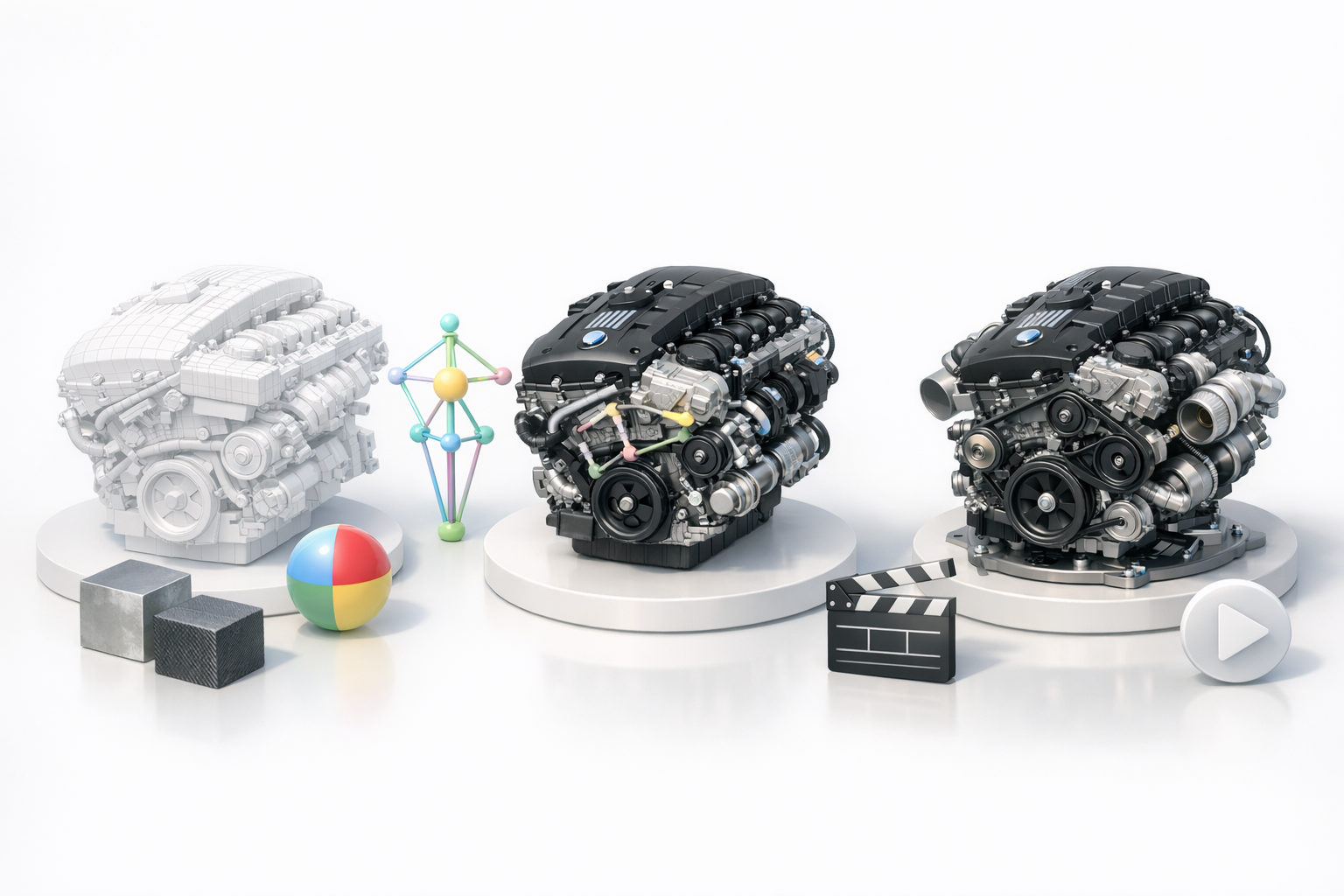
Before touching any modeling tools, I lay out my references and sketch a basic topology plan. My checklist:
- Collect orthographic and perspective images
- Identify key silhouette shapes and functional parts
- Plan edge flow for major components (e.g., cylinder head, turbos)
This preplanning helps avoid topology headaches, especially around curved surfaces and mechanical interfaces.
Modeling techniques and best practices
I usually start with blockouts, focusing on major forms before adding detail. My go-to best practices:
- Use symmetry and instancing for repeated parts (e.g., turbo assemblies)
- Keep geometry clean—avoid unnecessary subdivisions early on
- Leverage AI-powered segmentation to quickly isolate engine components
For intricate details, I switch between manual modeling and AI-based suggestions, balancing speed and precision.
Texturing, Rigging, and Animation: Bringing the N54 Model to Life
Texturing workflows and material choices
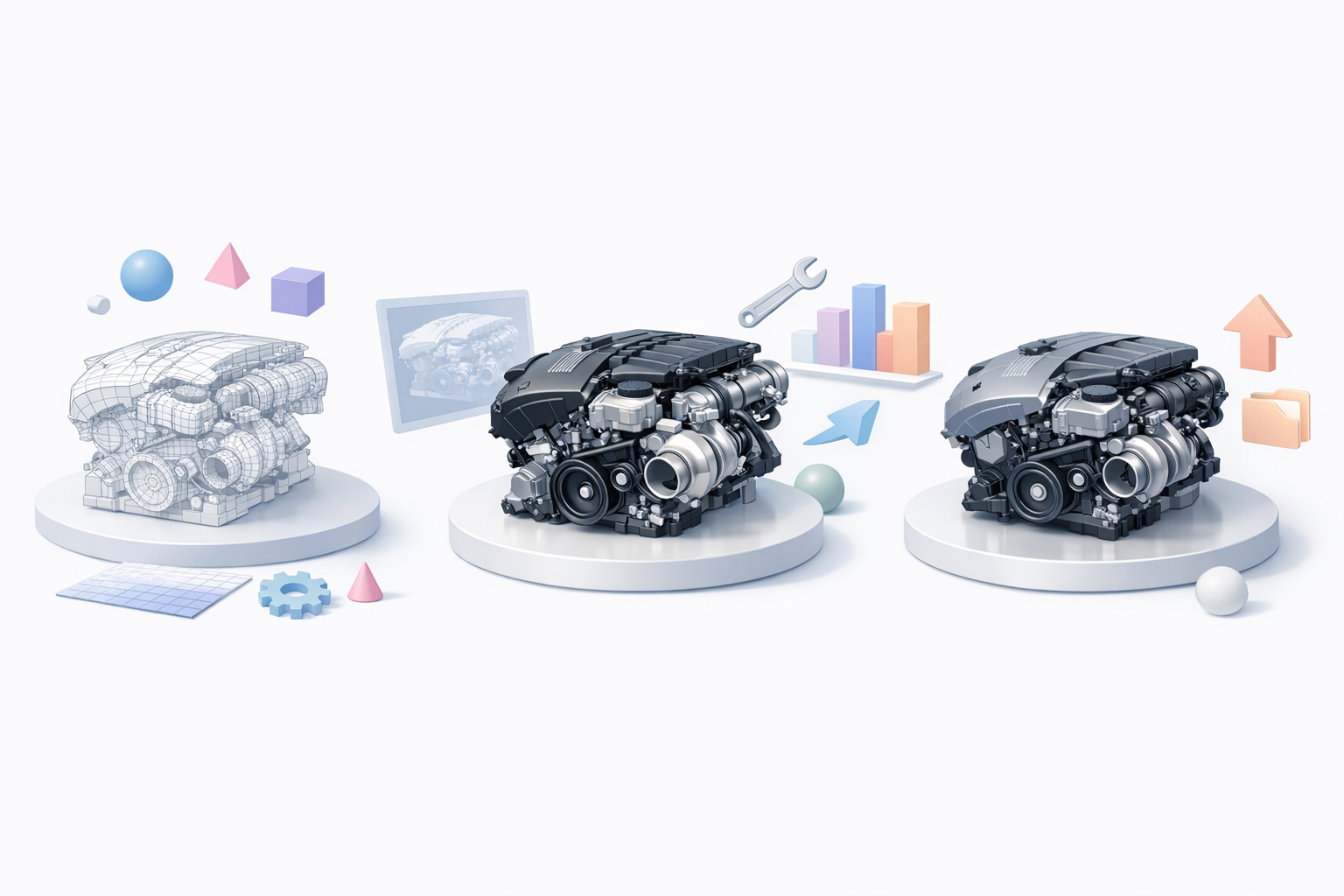
Texturing an engine demands a mix of procedural and photo-based techniques. My workflow:
- Bake normal and ambient occlusion maps for depth
- Use high-res photo textures for metal, plastic, and rubber
- Rely on AI-driven texture generation for base layers, then refine manually
I pay special attention to wear, grime, and heat staining—these add realism but must be subtle.
Rigging and animating for interactive use
If the engine will be animated (e.g., pistons moving, turbos spinning), I:
- Rig key components with simple constraints or bones
- Use naming conventions to keep parts organized
- Test animations in the target engine or viewer early
AI-powered auto-rigging can speed up this stage, but I always review joint placement and hierarchy to avoid surprises.
Production-Ready Optimization and Export
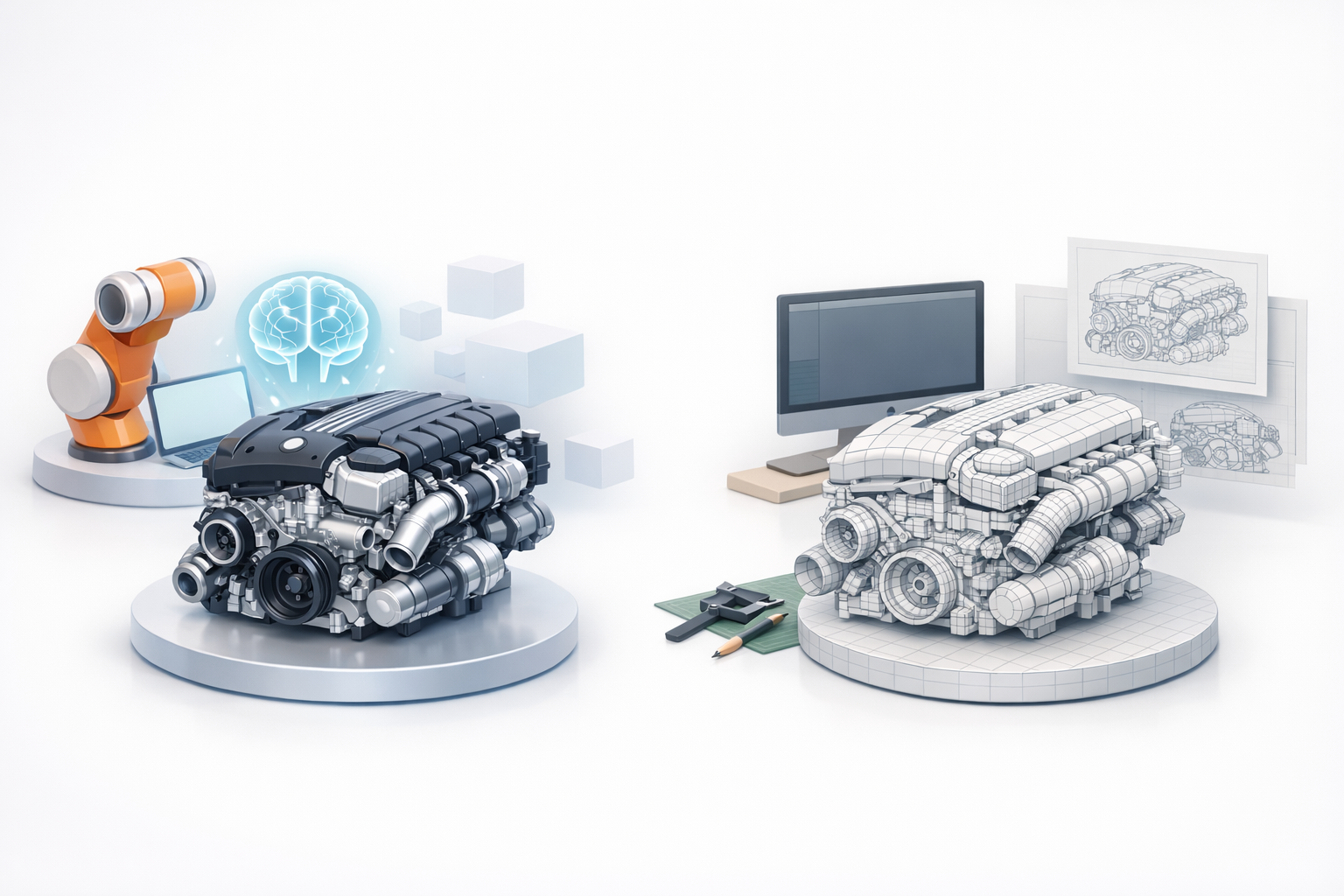
Retopology and segmentation tips
Clean topology is crucial for performance and UV mapping. My approach:
- Use AI-assisted retopology to reduce polycount while preserving silhouette
- Segment the model into logical parts (block, head, accessories)
- Check for non-manifold edges and fix before UV unwrapping
This ensures the model is both efficient and easy to texture or animate.
Export settings for various platforms
Exporting correctly is often overlooked. My checklist:
- Match file format to target (FBX for games, OBJ/GLB for web/XR)
- Apply scale and axis corrections
- Embed or pack textures as needed
I always validate exports in the final platform to catch any issues with normals, materials, or rigging.
Comparing AI-Powered and Traditional 3D Modeling Tools
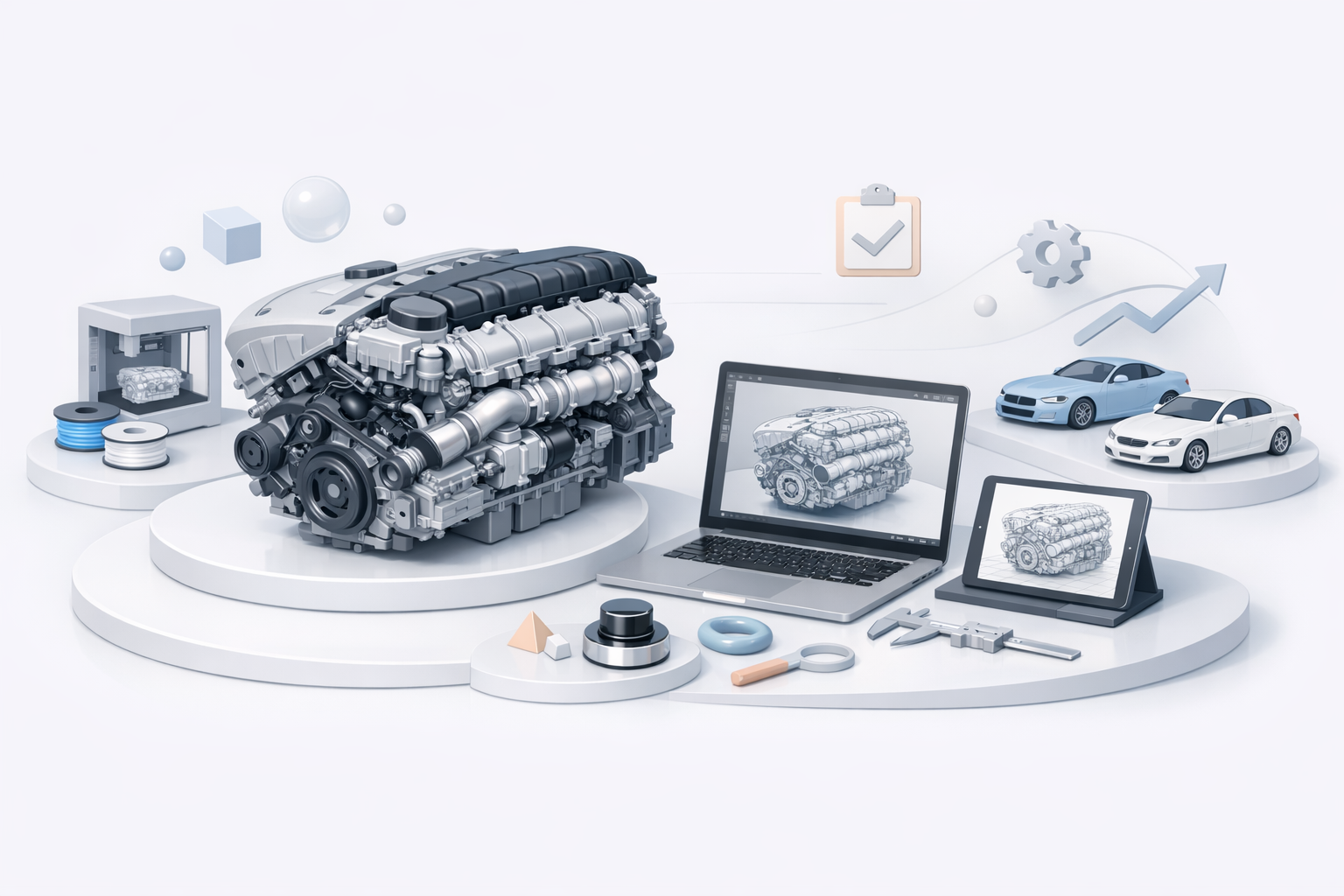
Where AI tools streamline the workflow
AI-powered tools have transformed my workflow, especially for:
- Rapid segmentation and retopology
- Generating base textures and procedural materials
- Auto-rigging repetitive or mechanical parts
This lets me focus on creative decisions, not tedious technical steps.
When to use alternative methods
However, I still rely on traditional modeling for:
- Unique, highly detailed components where AI might oversimplify
- Manual UV unwrapping for precise texture placement
- Custom animation rigs for complex mechanical motion
Choosing the right tool for each stage is key to balancing speed and quality.
Lessons Learned and Expert Recommendations
Common pitfalls and how I avoid them
Some mistakes I see (and have made):
- Skipping reference checks: Leads to inaccuracies and rework
- Neglecting retopology: Causes performance and texturing issues
- Forgetting export requirements: Results in broken models or missing textures
I always run a final checklist before calling a model done.
Tips for efficient, high-quality results
- Gather references before modeling—never after
- Use AI-powered tools for repetitive or bulk tasks, but review outputs manually
- Keep your scene organized: name parts, use layers/groups
- Test in the target platform early and often
By following this workflow, I consistently deliver N54 engine models that are both visually impressive and technically robust—ready for any production environment.


