Creating and Optimizing Molecule 3D Models: Expert Workflow
скачать 3d модели для chicken gun
As someone who regularly builds 3D molecule models for scientific visualization and XR projects, I’ve streamlined my process to maximize accuracy and efficiency. The latest AI-powered platforms, such as Tripo, have transformed how I approach molecule modeling—making it faster to generate, optimize, and export models for a range of applications. This article breaks down my full workflow, from input selection to animation and export, with hands-on tips for both scientific and creative use cases. If you need precise, production-ready molecule models without getting bogged down in technical details, this guide is for you.
Key takeaways
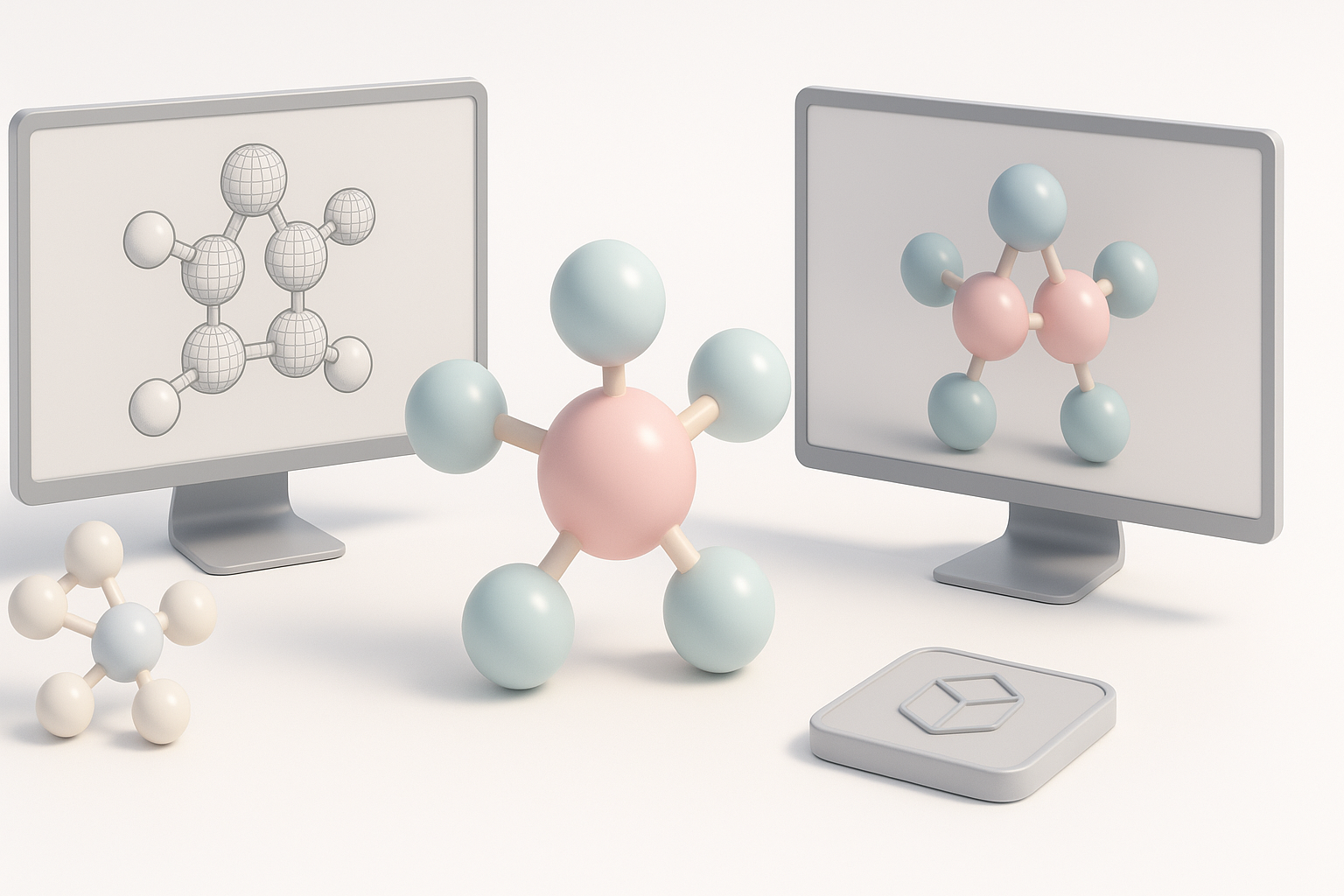
- AI-powered tools dramatically speed up molecule 3D modeling and reduce manual errors.
- Precise input sources and careful geometry optimization are critical for scientific accuracy.
- Automated texturing, rigging, and animation features save hours, especially for complex molecules.
- Export settings and file format choices impact integration with games, XR, and visualization platforms.
- Always verify scientific fidelity before using models in research or education.
Understanding Molecule 3D Modeling
What Makes Molecule Models Unique
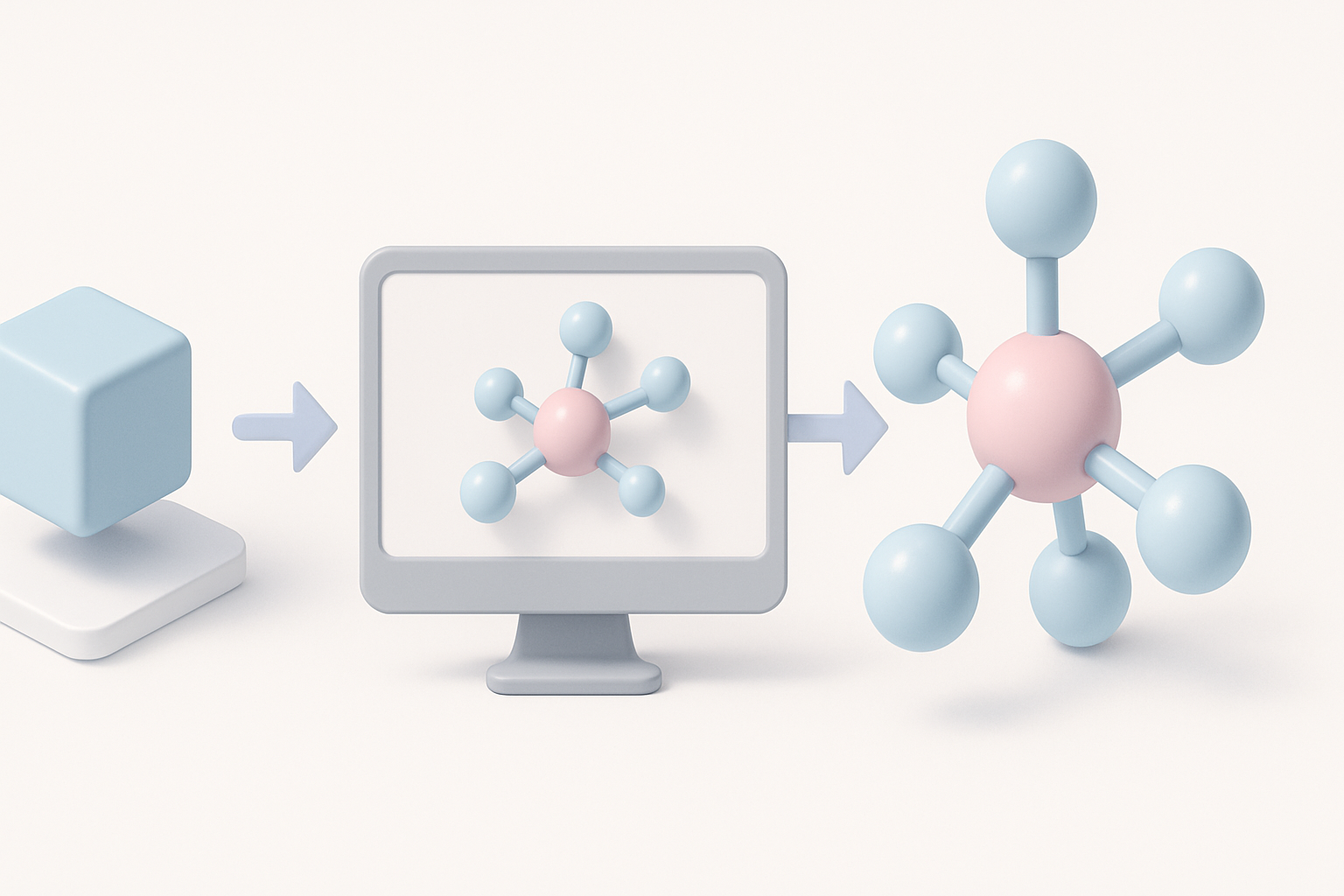
Molecule 3D models are distinct because they must represent atomic structures, bonds, and spatial arrangements with high fidelity. Unlike generic 3D assets, molecular models often require precise measurements and adherence to scientific conventions—such as correct bond angles and atom radii. I’ve found that even small inaccuracies can undermine their value in research or education.
Common Applications in Science and Design
I use molecule models for a variety of projects:
- Scientific visualization: Chemistry education, molecular dynamics, and research presentations.
- XR/AR/VR experiences: Interactive exploration of molecules in immersive environments.
- Design and media: Artistic representations, medical animations, and product visualization.
In all these cases, clarity and precision are essential. For educational content, I sometimes stylize models, but I always start with a scientifically accurate base.
My Workflow for Generating Molecule 3D Models
Choosing Input Sources: Text, Images, or Sketches
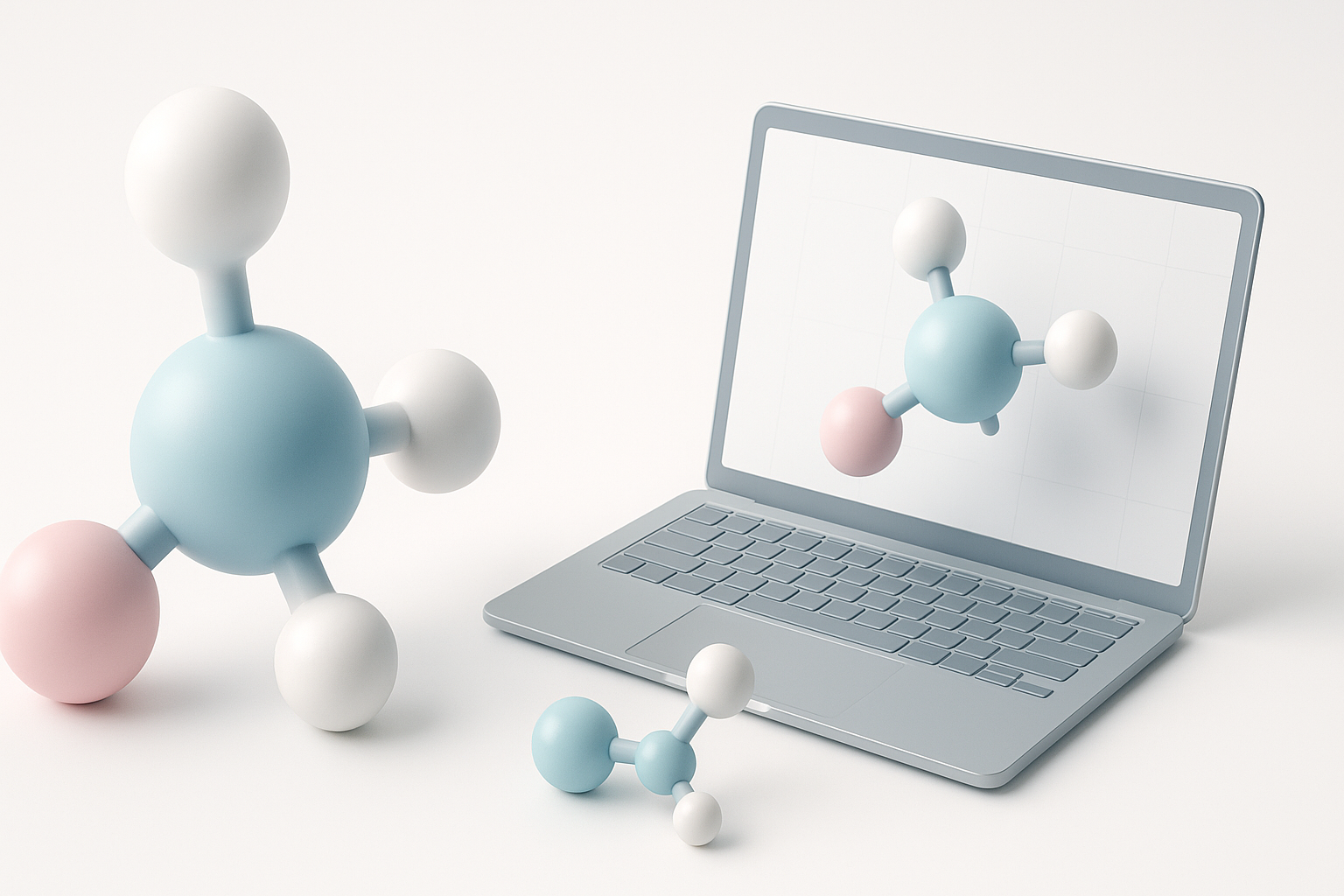
Depending on the project, I start with one of three input types:
- Text (e.g., SMILES or InChI): Best for precise, data-driven models.
- Images: Useful when referencing published diagrams or hand-drawn chemistry notes.
- Sketches: Quick for conceptual layouts or when collaborating with non-technical stakeholders.
With Tripo, I can upload any of these and let the platform handle initial segmentation and structure recognition. For scientific work, I prefer text-based inputs for accuracy.
Step-by-Step Creation Process
Here’s my typical molecule modeling workflow:
- Prepare input: Clean up text strings or images for clarity.
- Upload to Tripo: Use the platform’s import tools and select molecule-specific options.
- Review auto-generated geometry: Check atom placement, bond angles, and overall topology.
- Refine model: Edit or correct any automated mistakes—especially with complex molecules.
- Validate structure: Cross-reference with published data or molecular databases.
Pitfalls to avoid:
- Over-relying on auto-generation; always double-check for structural errors.
- Using low-quality images, which can confuse segmentation algorithms.
Best Practices for Molecule Model Accuracy
Ensuring Scientific Precision
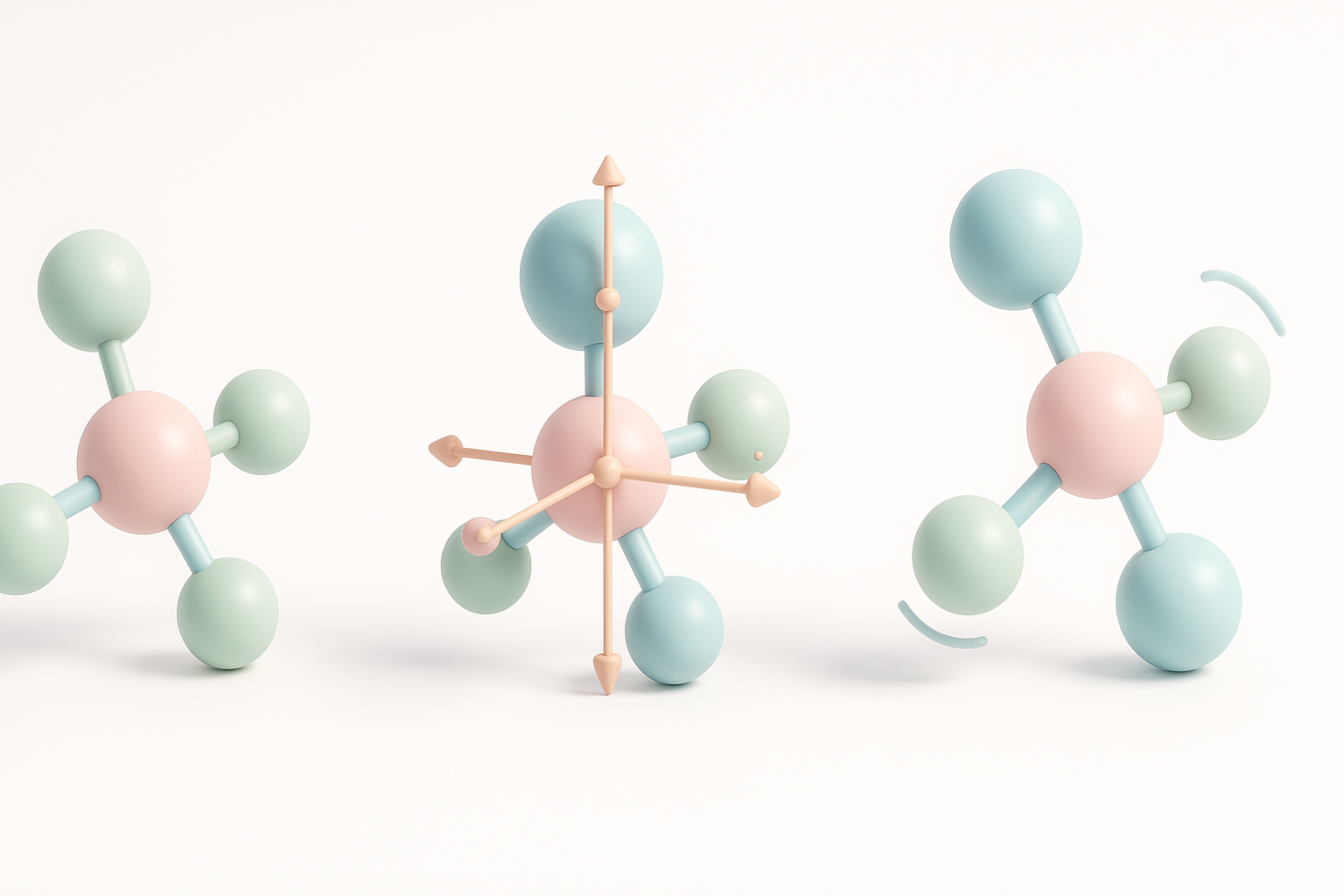
Accuracy is non-negotiable in molecule modeling. I always:
- Use authoritative databases (like PubChem or PDB) as references.
- Double-check atom types, bond counts, and stereochemistry.
- Validate the model visually and, if possible, with chemistry software.
Mini-checklist:
- Are all atoms present and correctly labeled?
- Are bond types (single, double, aromatic) accurate?
- Does the spatial arrangement match literature values?
Optimizing Geometry and Topology
Efficient geometry makes models easier to animate and export. I use Tripo’s retopology features to:
- Reduce unnecessary polygons while preserving structure.
- Ensure clean, non-overlapping meshes for each atom and bond.
- Merge or separate components as needed for downstream use.
Tip: Avoid “over-optimizing”—excessive simplification can distort molecular geometry.
Texturing, Rigging, and Animation for Molecule Models
Applying Realistic Materials and Textures
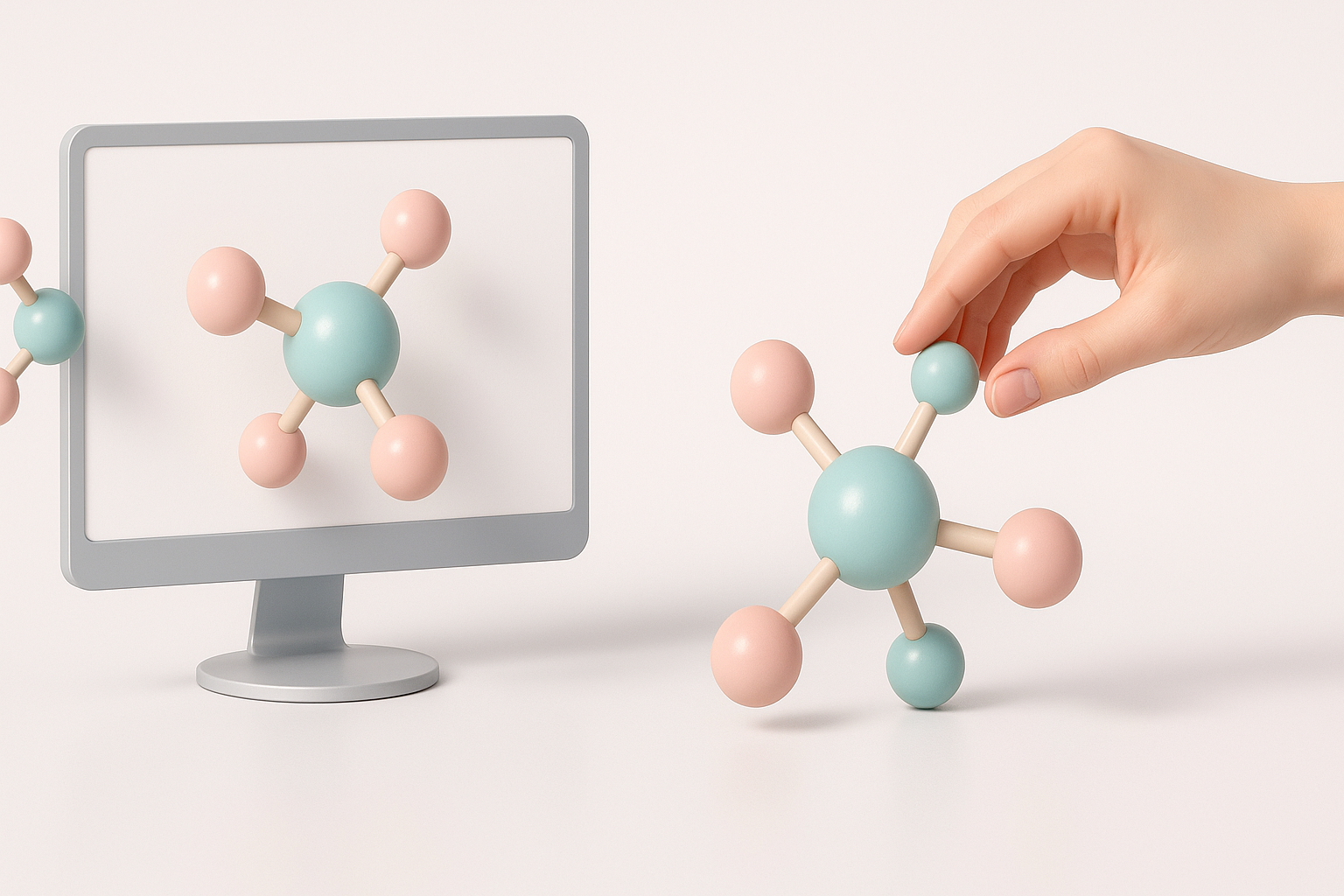
For clarity and visual appeal, I assign standardized colors (e.g., CPK coloring) to atoms and use simple, non-reflective materials. Tripo’s auto-texturing tools speed this up, but I sometimes tweak materials for better contrast or to highlight specific features.
Practical steps:
- Apply color codes for element types.
- Use subtle gloss or transparency to differentiate bonds.
- Avoid overly complex shaders that obscure structure.
Animating Molecular Structures
Animating molecules—like showing vibrations or reactions—adds value in teaching and presentations. I use built-in rigging tools to:
- Define pivot points at bonds or atoms.
- Set up basic keyframe or procedural animations (e.g., rotation, vibration).
- Export animation data along with the model for use in XR or video.
Pitfall: Overly complex rigs can make real-time playback sluggish, especially in XR.
Comparing AI-Powered and Traditional Modeling Methods
Advantages of AI-Driven Workflows
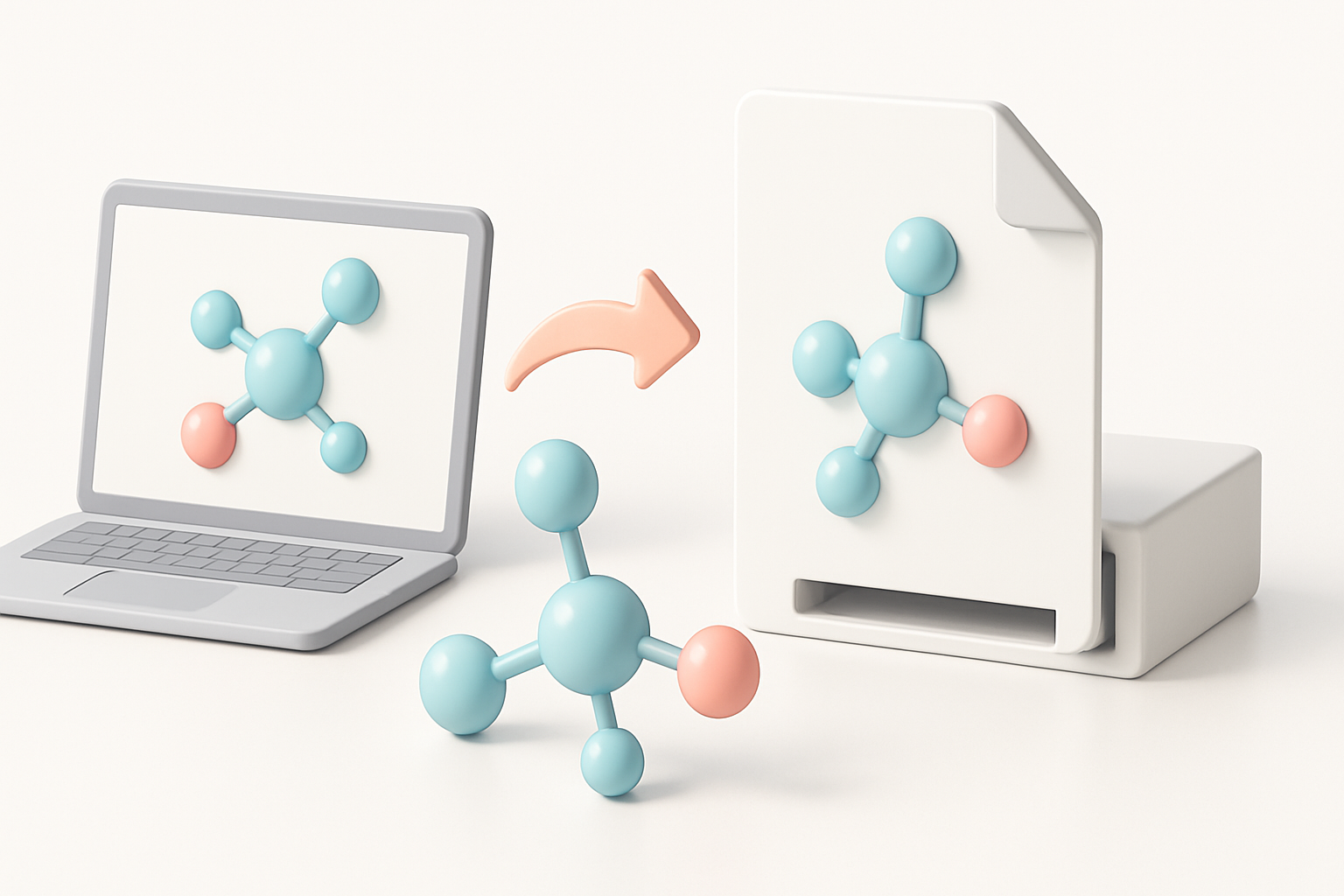
AI-powered platforms like Tripo have shifted my workflow by:
- Automating tedious steps (segmentation, retopology, texturing).
- Reducing human error in initial model generation.
- Allowing rapid iteration from different input types.
For most molecule modeling tasks, this approach saves hours and delivers consistent results.
When to Use Alternative Approaches
Traditional modeling tools still have a place:
- When custom, stylized, or highly detailed models are needed.
- For specialized simulations or when integrating with legacy software.
- If the AI tool struggles with very unusual or ambiguous molecules.
Tip: Start with AI for rapid prototyping, then refine in traditional software if necessary.
Exporting and Integrating Molecule Models
Preparing Models for Games, XR, and Visualization
I always check export settings to match the target platform:
- Choose appropriate file formats (FBX, OBJ, GLB, etc.).
- Bake textures and animations into the model when needed.
- Optimize mesh density for real-time use in XR or games.
Checklist:
- Model scale matches platform requirements.
- Naming conventions are clear for easy asset management.
- Animations are properly linked and tested.
Tips for Seamless Integration
- Test imports in your target engine (Unity, Unreal, WebXR) before finalizing.
- Use standardized coordinate systems to avoid flipping or scaling issues.
- Document any customizations for collaborators or future edits.
By following this workflow, I consistently produce molecule 3D models that are both scientifically accurate and ready for integration into a wide range of applications. AI-powered tools like Tripo have made the process faster and more accessible, but attention to detail remains essential for quality results.


