How I Create Marvel Rivals 3D Models: Workflow & Tips
Creating high-quality 3D models for Marvel Rivals requires a blend of artistic vision, technical know-how, and efficient tools. In my workflow, I combine traditional modeling techniques with AI-powered solutions to deliver game-ready assets quickly and reliably. This article breaks down my process—from understanding art direction to final export—so artists, game devs, and technical directors can streamline their own pipelines and avoid common pitfalls.
Key takeaways
- Define style and requirements up front to avoid rework
- Use AI tools like Tripo to accelerate prototyping and iteration
- Maintain a tight workflow for sculpting, retopology, and texturing
- Optimize models for real-time performance and engine compatibility
- Blend AI and manual techniques for best results
Understanding Marvel Rivals 3D Model Requirements
Key features and style considerations
Before I open any 3D software, I clarify the visual and technical requirements. Marvel Rivals models are heavily stylized, with exaggerated proportions, clean silhouettes, and readable details. I pay close attention to:
- Polycount budgets (usually mid to high for hero assets)
- Texture resolution (typically 2K–4K for main characters)
- Distinctive features (iconic costumes, accessories, and color palettes)
- Animation needs (joint placement, facial topology)
Mini-checklist:
- Gather style guides and art bibles
- List technical specs from the game team
- Identify must-have visual cues (emblems, weapons, etc.)
Reference gathering and planning
I start every project with a reference board. This includes official concept art, comic panels, and screenshots from Marvel Rivals itself. I also pull anatomy references and pose sheets.
What works for me:
- Organize references by category (costume, anatomy, materials)
- Annotate key design elements (e.g., “glowing eyes,” “metallic arm”)
- Sketch rough silhouettes to plan proportions
My Step-by-Step Workflow for Marvel Rivals 3D Models
Concepting and blocking out the model
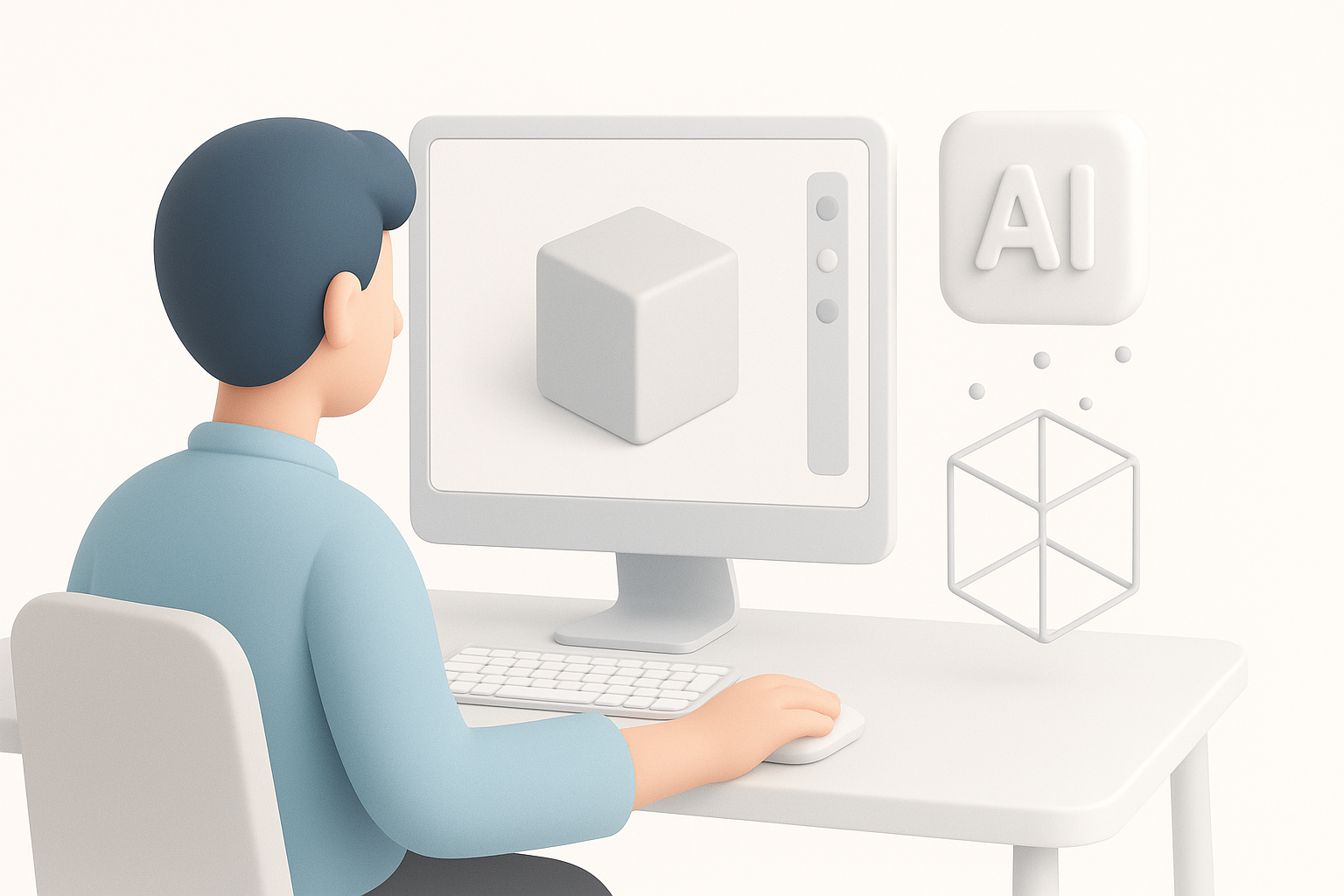
I always begin with a blockout phase, either in 3D or with quick sketches. This helps me nail proportions and pose before investing time in details.
My typical steps:
- Block basic shapes in a 3D app or use Tripo for quick AI-generated blockouts.
- Adjust silhouette for strong readability from a distance.
- Share blockout for early feedback—saves time later.
Tips:
- Don’t get bogged down in details at this stage.
- Use simple colors to separate materials and parts.
Sculpting, retopology, and texturing best practices
Once the blockout is approved, I move to high-res sculpting. I focus on primary and secondary forms, then add tertiary details like fabric folds and surface damage.
What I’ve found effective:
- Keep a non-destructive workflow (layers, separate meshes for accessories)
- Use AI-powered segmentation tools for faster mesh separation
- Retopologize early if the model will be animated
Texturing tips:
- Bake normals and AO maps from high to low poly
- Use smart materials for metals, leathers, and skin
- Hand-paint stylized details to match the Marvel Rivals aesthetic
Using AI-Powered Tools for Efficient 3D Creation
How I leverage Tripo for rapid prototyping
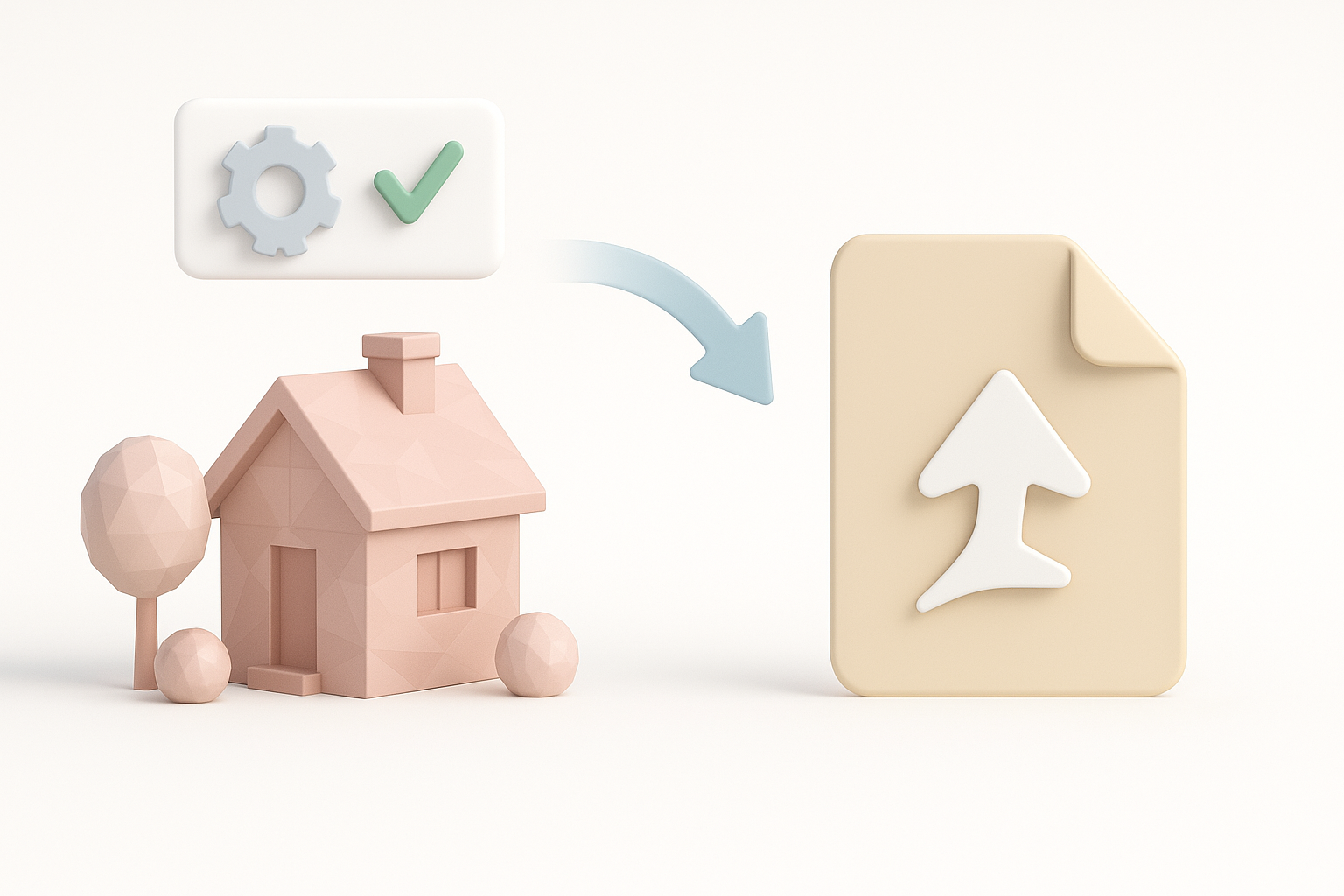
Tripo’s AI-driven generation lets me create base meshes from text prompts, sketches, or image inputs. For Marvel Rivals, I often:
- Input a brief description (“armored hero with energy gauntlets”)
- Use the output as a starting point for blockouts or quick concept passes
- Refine the geometry before moving to detailed sculpting
Practical tip: The initial AI mesh is rarely final—think of it as a time-saving foundation, not a finished product.
Integrating AI outputs with traditional workflows
AI-generated models integrate smoothly with my manual pipeline. After generating a base mesh:
- I clean up topology and separate parts as needed
- Use traditional sculpting tools for refinement and detail
- Apply custom UVs and baking workflows for consistent texturing
Checklist for integration:
- Check mesh for ngons and non-manifold geometry
- Ensure UVs match texture painting needs
- Align AI output with project naming conventions
Optimizing and Exporting Models for Game Engines

Rigging, animation, and LOD considerations
Rigging starts with clean topology and logical mesh separation. For Marvel Rivals, expressive facial rigs and flexible body rigs are essential.
My process:
- Place edge loops for joint deformation
- Test basic poses to catch problem areas early
- Create LODs (Levels of Detail) for performance
Pitfall: Overly dense meshes slow down animation and game performance—optimize before rigging.
Export settings and compatibility tips
Exporting for game engines means matching file formats and coordinate systems. I usually:
- Export in FBX or GLTF, depending on engine requirements
- Apply consistent scale (usually 1 unit = 1 meter)
- Freeze transforms and apply clean pivot points
Quick export checklist:
- Delete history and unused nodes
- Check texture paths and naming
- Test import in engine before final delivery
Lessons Learned and Expert Tips
Common pitfalls and how I avoid them
- Ignoring style guides: Leads to rework—always double-check references.
- Skipping blockout feedback: Early feedback saves time.
- Over-reliance on AI: AI speeds up work but always needs manual cleanup.
- Poor topology: Fixing after texturing is painful—get it right early.
My favorite resources and ongoing learning strategies
- Artstation and official Marvel Rivals assets for reference
- YouTube breakdowns from other character artists
- Discord and forum communities for feedback
- Regularly testing new AI features and traditional tools
Comparing AI and Manual 3D Modeling Approaches
Strengths and limitations of each method
AI modeling:
- Fast for blockouts and ideation
- Great for generating variations
- Needs manual cleanup for production
Manual modeling:
- Full control over style and topology
- Slower, but critical for final polish
When to choose AI, manual, or hybrid workflows
- AI: Early prototyping, rapid iterations, non-critical assets
- Manual: Hero characters, animation-ready models, stylized work
- Hybrid: Most efficient for game assets—AI for base, manual for refinement
My advice: Use AI where it accelerates your process but always finish with a human touch to meet quality standards.
In summary: Combining AI tools like Tripo with classic 3D skills lets me deliver Marvel Rivals models faster and at higher quality. Understanding requirements, planning ahead, and knowing when to automate or go manual are key to a smooth workflow.


