AI 3D Video Guide: Easy Steps to Creation
Welcome to your ultimate guide on AI 3D video creation. It's here to make creating stunning 3D animations easy. We'll show you how to use modern AI tools to make 3D videos. You'll learn practical tips for both personal and professional projects.
AI has changed 3D model creation a lot. Now, making animations is much faster than before. Tools like DeepMotion, Vmotionize, and Vidnoz AI let you track people or create virtual avatars. This guide will help you use these tools to make your ideas come to life.
Key Takeaways
- AI technology simplifies 3D video creation with just a few clicks.
- Platforms like DeepMotion and Vmotionize offer unique features for animating easily.
- Available free trials allow you to explore various AI tools without upfront costs.
- Customization options for 3D models are extensive and user-friendly.
- Editing and refining animations can significantly enhance the final product.
- Export options give flexibility for sharing across different platforms.
Understanding AI in 3D Video Creation
AI has changed video making by adding new ways to do 3D animation. This change makes videos more fun and interactive. With AI tools, making stunning animations is easier and faster.
AI also makes 3D work more flexible. This means you can make things your own way and work more efficiently.
Overview of AI Technology and 3D Animation
AI has made 3D animation easier. Before, making 3D models was hard and needed a lot of skill and strong computers. Now, AI tools can make models cheaper and faster.
These tools, like Alpha3D and Move.ai, use smart algorithms. They turn 2D images and videos into detailed 3D models quickly. This lets people without special skills make 3D creations easily.
Benefits of Using AI for 3D Videos
Using AI for videos has many advantages. It makes making models faster. This lets artists focus on their ideas, not just the technical parts.
Businesses can also use AI to make more models without losing quality. This is great for projects in gaming, e-commerce, and movies.
AI tools help make 3D animations more creative and easy to make. This makes it simpler to come up with and make beautiful 3D videos.
| Aspect | Traditional Methods | AI Technology |
|---|---|---|
| Cost per Model | High | Up to 100 times cheaper |
| Modeling Speed | Slow | Significantly faster |
| Learning Curve | Steep and time-consuming | Accessible to all skill levels |
| Hardware Requirements | Resource-intensive | Lower requirements |
| Post-production Needs | High | Variable, but often reduced |
In conclusion, AI in 3D video making makes things easier and opens up new creative possibilities. It leads to more engaging and interactive media.
Click Here to Watch Video Tutorial.
Getting Started with AI Tools for 3D Video
Starting your journey in AI-driven 3D video creation is exciting. You'll find many tools to choose from. Deepmotion is a great choice for beginners and experts alike. It has an easy-to-use interface that makes animation simple.
Choosing the Right AI Platforms: Deepmotion and More
Choosing an AI platform can be hard with so many choices. Deepmotion is popular for its features. It has motion tracking and supports personalized avatars. This makes creating animations easy.
Other platforms like Masterpiece X and Rokoko Vision also offer great tools. But, their prices and features differ. Here's a quick look at some options:
| Platform | Price per Month | Key Features | Free Trial |
|---|---|---|---|
| Deepmotion | $15 | Up to 180 credits/month, motion tracking | Yes |
| Masterpiece X | $10.99 | Library of 100+ models, versatile outputs | No |
| Rokoko Vision | $25 | Real-time motion capture | Yes (Single-cam) |
| Spline | $9 | Real-time collaboration | Yes |
Creating Your Account and Navigating the Dashboard
To start with Deepmotion, create an account first. It's easy; just visit their website and follow the setup. After signing up, you'll see a dashboard that's easy to use.
The dashboard lets you quickly find what you need. This makes your work flow better. As you get to know the dashboard, you'll find many ways to be creative with 3D video.
Choosing Your 3D Model
Users have many choices when creating a 3D model. This section looks at the options for making models. It highlights the flexibility and creativity found in different platforms.
Creating a Custom 3D Model vs. Uploading Existing Models
Deciding between making a custom model or using an existing one depends on your goals. Sites like Meshy.AI and 3D AI Studio let you create unique avatars or upload your own. Meshy.AI is fast, making models in under a minute.
Free accounts get 200 credits monthly. This is great for testing without spending money. On the other hand, uploading your own models lets you keep specific design features. This ensures your vision is perfectly captured.
Personalizing Your Avatar and Design Options
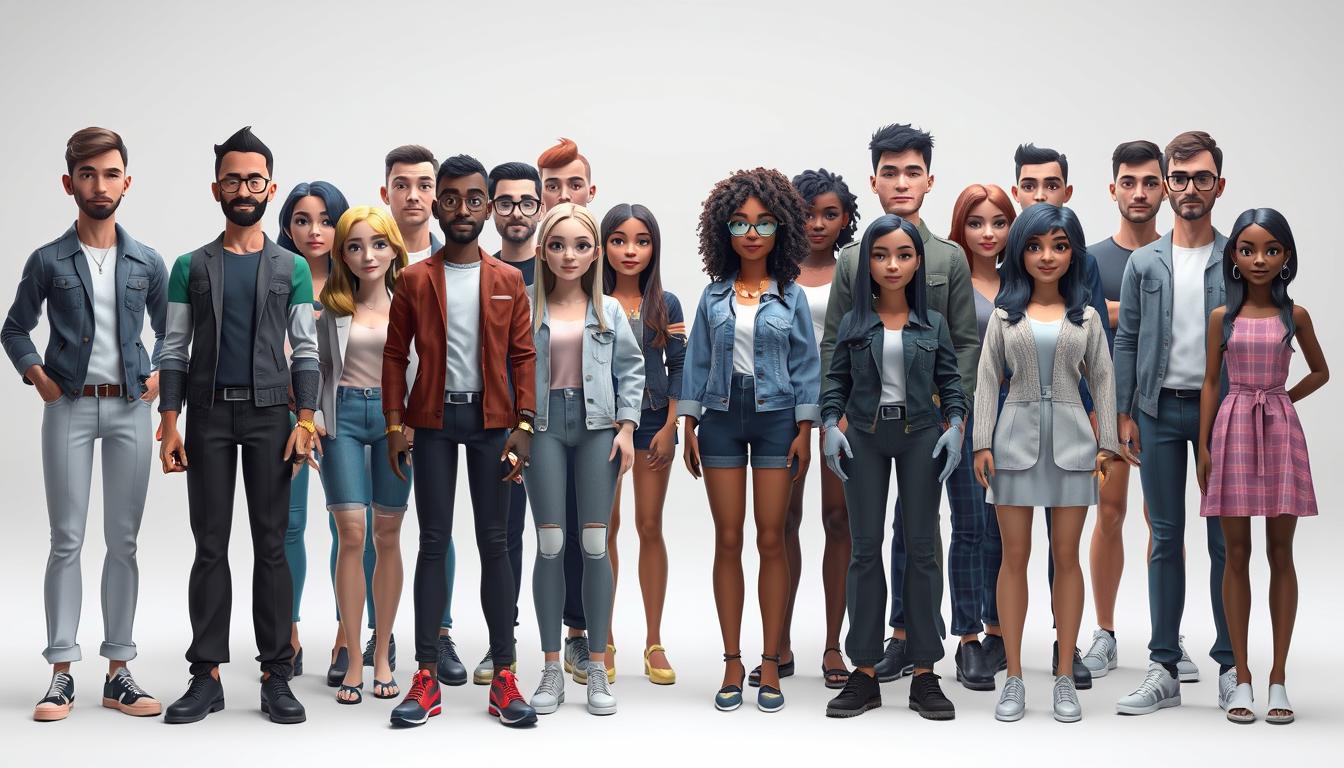
Personalizing your avatar makes it unique and appealing. You can change hairstyles, clothes, and expressions. This lets users create avatars that show off their style or meet project needs.
Customizing avatars adds to the 3D creation fun. It lets you express your individuality. Whether using templates or personalizing, the goal is to make your avatar stand out.
How to Make AI Create a 3D Video
Making AI create a 3D video is easy with tools like Deepmotion. It makes animating 3D models better with cool tech like motion capture. This lets anyone make their characters come to life, adding more fun and interaction to projects.
Using Deepmotion for AI Animation
Deepmotion is a top choice for AI animation. It has cool features that help users make great animations fast. It can track up to eight people from one video, making it great for many uses.
Users can export their work in formats like FBX, BVH, GLB, and MP4. This makes it easy to use with different systems and workflows.
Step-by-Step Process to Animate Your Model
Here's how to animate 3D models with Deepmotion:
- Upload Movement Clips: First, upload videos of the movements you want. This helps the AI get what you need.
- Analyze Footage: Deepmotion then looks at your videos. The Rotoscope Pose Editor makes this step better, leading to better results.
- Generate Animation: After analyzing, Deepmotion makes 3D animations that look real. This shows how Deepmotion works its magic.
- Customize Avatars: Next, use tools like Ready Player Me and Avaturn to make your avatars unique.
- Export Your Work: Once your animation is ready, export it in the right format for your project.
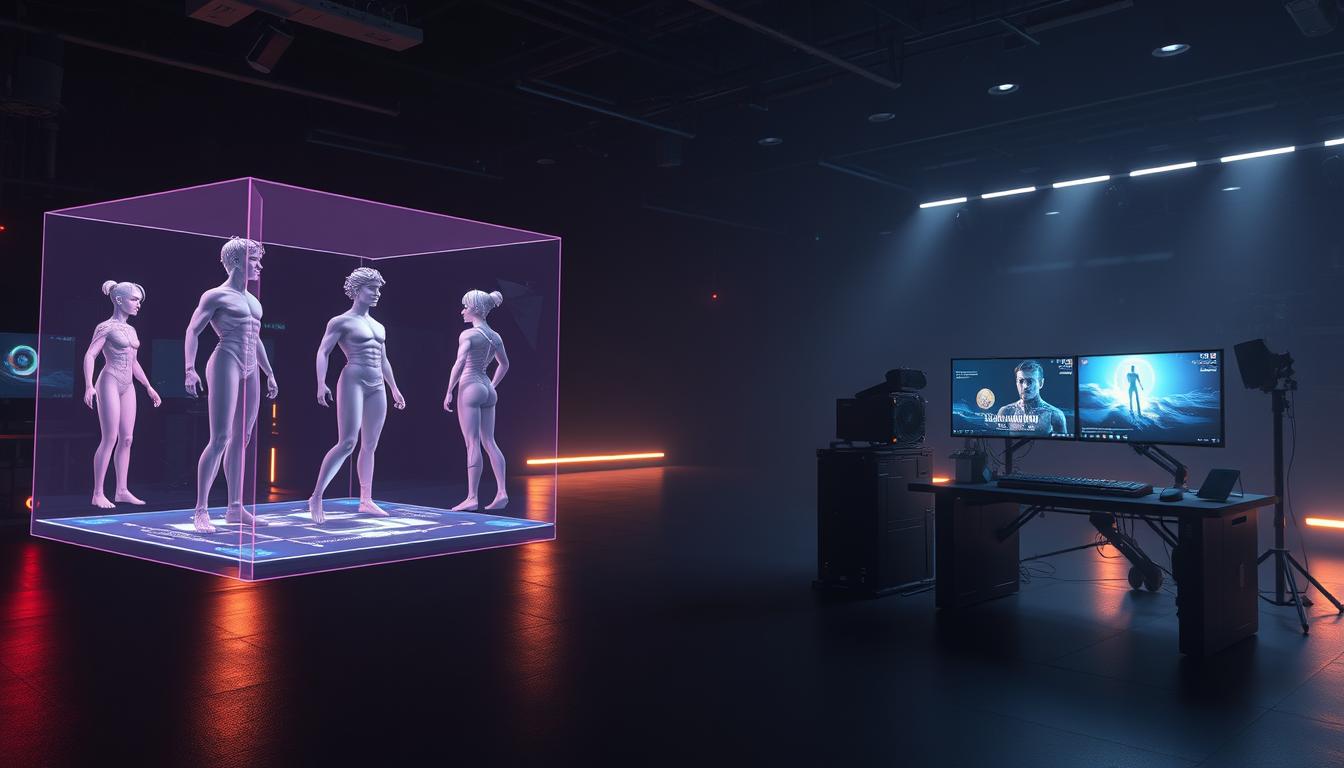
Users love how Deepmotion makes motion capture easy for indie creators. It speeds up and improves animation quality. This shows how new tech changes animation, helping both newbies and pros use AI.
Editing and Enhancing Your 3D Video
After making your 3D video, it's time to make it perfect. Use video editing tools to cut out parts you don't need. This makes your animations look better and keeps your story flowing smoothly.
Trimming and Customizing Animations
Trimming clips helps keep your video at the right speed. Customizing animations makes your video unique. This is key for telling your story well.
Adjusting the timing of your animations makes your video more exciting. Editing software can help you do this without losing quality.
Adding Visual Effects and Backgrounds
Adding custom visual effects makes your video look more professional. Sites like Canva have lots of tools for this. They help you create stunning backgrounds and animations.
Think of visual effects as a way to tell your story. They can show emotions and themes. Great animations and backgrounds keep your viewers interested.
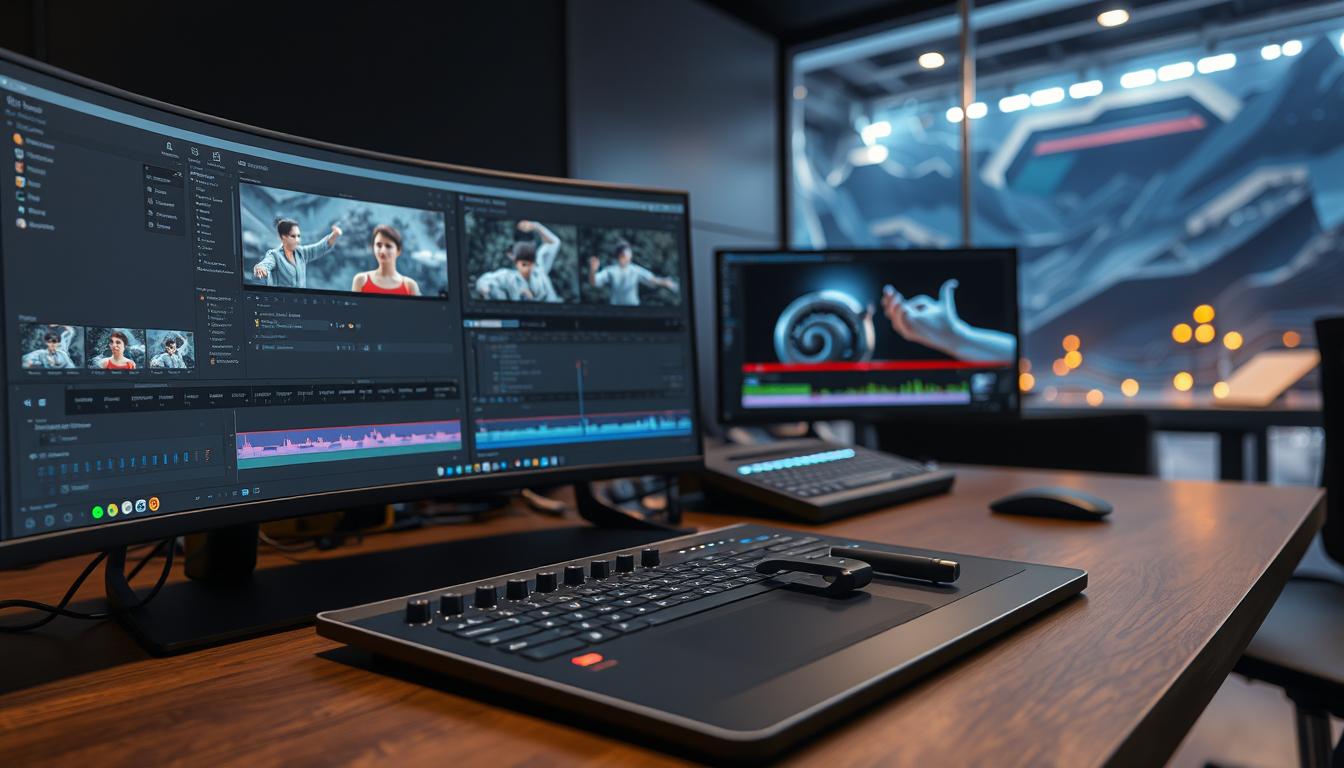
Integrating Music and Audio into Your Project
Sound design is key to a great 3D video experience. Good audio integration adds depth and emotion. It makes the visuals more engaging.
Choosing the right music for your video is important. It should match the story and mood. The music should also fit well with the visuals.
Choosing the Right Soundtracks for Your 3D Video
Here are some tips for picking soundtracks:
- Match the tone of the music with the video's message.
- Use royalty-free music sources to avoid copyright issues.
- Experiment with different genres to find the best fit.
- Utilize AI tools that help streamline the selection process.
Tools like Krikey AI make music video production faster. They help create animations and add soundtracks quickly. This is a big improvement over traditional methods that take weeks.
With music video generators, teams can test audio combinations faster. This speeds up the creative process.
Using AI Voiceover Tools for Enhanced Narration
Adding narration can make your video better. AI voiceover tools are a smart way to do this. Platforms like Vidnoz use AI to create voiceovers that match your animation's tone and pace.
This saves time and helps tell your story clearly. Some AI tools even support many languages. For example, Krikey AI works with over 20 languages. This makes it easier to reach more people.
Exporting Your Final Creation
Exporting your final 3D video is a key step. It ensures your video looks great on different platforms. Knowing the right formats is crucial for keeping your project's quality high.
Using the right tools and settings makes your video look amazing. It shows off all your hard work.
Selecting the Appropriate Formats for Sharing
Choosing the right formats for your videos is very important. Formats like MP4 and GIF are popular for sharing online. They are good for different things.
MP4 is great for sharing videos on social media because it's high quality. GIFs are perfect for short, looping videos. Knowing what each platform likes helps you share better.
Best Practices for Exporting High-Quality Videos
Keeping your video quality high is important. Here are some tips:
- Resolution: Make sure your video's resolution is high enough for the platform. Higher resolutions mean clearer pictures, even on big screens.
- Bitrate: A higher bitrate means better quality but bigger files. Try to find a balance that keeps quality without making the file too big.
- Compression: Use compression to make files smaller without losing quality. Try different settings to find the best one.
By following these tips, your videos will look professional and sharp when you share them.
Common Mistakes to Avoid in AI 3D Video Creation
Making great AI 3D videos is rewarding, but you must avoid some common mistakes. Knowing these mistakes helps you make a top-notch video. Many people forget that AI tools have limits, which can make their videos boring. Knowing these limits helps creators use tools better.
Understanding the Limitations of AI Tools
AI tools are very powerful, but they're not perfect. Users might rely too much on AI and forget to add their own special touch. This can make videos seem unoriginal and not connect with viewers. It's important to know AI's limits and use its strengths to make videos better.
Tips for Improving Your 3D Video Quality
To make your 3D videos better, follow these tips:
- Plan your storyboard carefully. A good story is key to a great video.
- Synchronize audio effectively. Clear audio makes your video better.
- Embrace post-editing techniques. Editing can make your video much better.
- Utilize animation tools like Krikey AI. These tools help you make animations fast.
- Create videos within the recommended length. Keep videos short to keep viewers interested.
By knowing common mistakes and focusing on quality, creators can make videos that grab people's attention. This helps them stand out in a crowded field.
Conclusion
In this AI 3D video guide conclusion, we look back at what we've learned. We see how technology and creativity come together. This makes it easier for creators to make amazing digital stories quickly.
This 3D video creation recap shows how AI helps with 3D modeling. It cuts down manual work and speeds up projects by up to 99%. Teams can now go from idea to visual in 60% less time.
Platforms like uMake help over 30,000 designers and businesses worldwide. They can make designs four times faster than before. AI helps both new and experienced creators bring their ideas to life.
AI tools are making 3D content creation even better. We're excited to see what the future holds. Whether it's for story development, making images, or improving videos, there's a lot to explore.
We encourage all creators to try out these new tools. With the right tools and knowledge, anyone can tell amazing digital stories. It's a chance to mix fantasy with reality.
FAQ
What tools do I need to create AI-driven 3D videos?
To make AI-driven 3D videos, you need DeepMotion for animation. Also, use Canva for video editing. Vidnoz is great for AI voiceovers.
How can I choose the right AI platform for my 3D animation projects?
Choosing the right AI platform means looking at features and ease of use. DeepMotion is good for all levels. It has tools for making unique avatars.
Is it better to create custom 3D models or upload existing ones?
It depends on your project. Custom models offer personal touch. Uploading existing models saves time. DeepMotion lets you choose what fits your vision.
What is the typical process for animating a model using DeepMotion?
First, upload movement footage as a reference in DeepMotion. Then, it analyzes and creates a 3D animation. This animation looks real and interactive.
How can I ensure the quality of my exported 3D videos?
For quality exports, pick the right formats like MP4 or GIF. Optimize for resolution, bitrate, and compression. Knowing how to export well keeps your video looking good everywhere.
What common mistakes should I avoid when creating AI 3D videos?
Avoid relying too much on AI and forget about creativity. Know AI limits and plan well. This improves your video's quality.
Can I add soundtracks and voiceovers to my 3D videos?
Yes, adding soundtracks and voiceovers makes your videos more emotional. Pick good soundtracks. Use AI voiceover tools like Vidnoz for a better story.
What are the benefits of using AI technology in 3D video creation?
AI makes videos faster and more creative. It can make animations more dynamic. This makes creating videos smoother and more efficient.
Advancing 3D generation to new heights
moving at the speed of creativity, achieving the depths of imagination.
 Text & Image to 3D models
 Free Credits Monthly
 High-Fidelity Detail Preservation