Creating a Hatsune Miku 3D Model: Expert Workflow & Tips
скачать 3d модель для chicken gun
As someone who works daily with AI 3D tools and production pipelines, I’ve created and optimized Hatsune Miku 3D models for games, XR, and animation. This guide walks you through my expert workflow—from concept to production-ready asset—using AI-powered platforms like Tripo alongside traditional methods. Whether you’re a hobbyist or a professional, you’ll find practical steps, tool comparisons, and tips to avoid common pitfalls.
Key takeaways:
- Start with strong references and clear concept goals before modeling.
- AI-powered tools like Tripo can dramatically speed up model generation and cleanup.
- Intelligent segmentation, retopology, and texturing are essential for production-readiness.
- Rigging and animation require careful attention for game and XR compatibility.
- Optimize for your target platform early to avoid rework.
Overview: Hatsune Miku 3D Model Creation
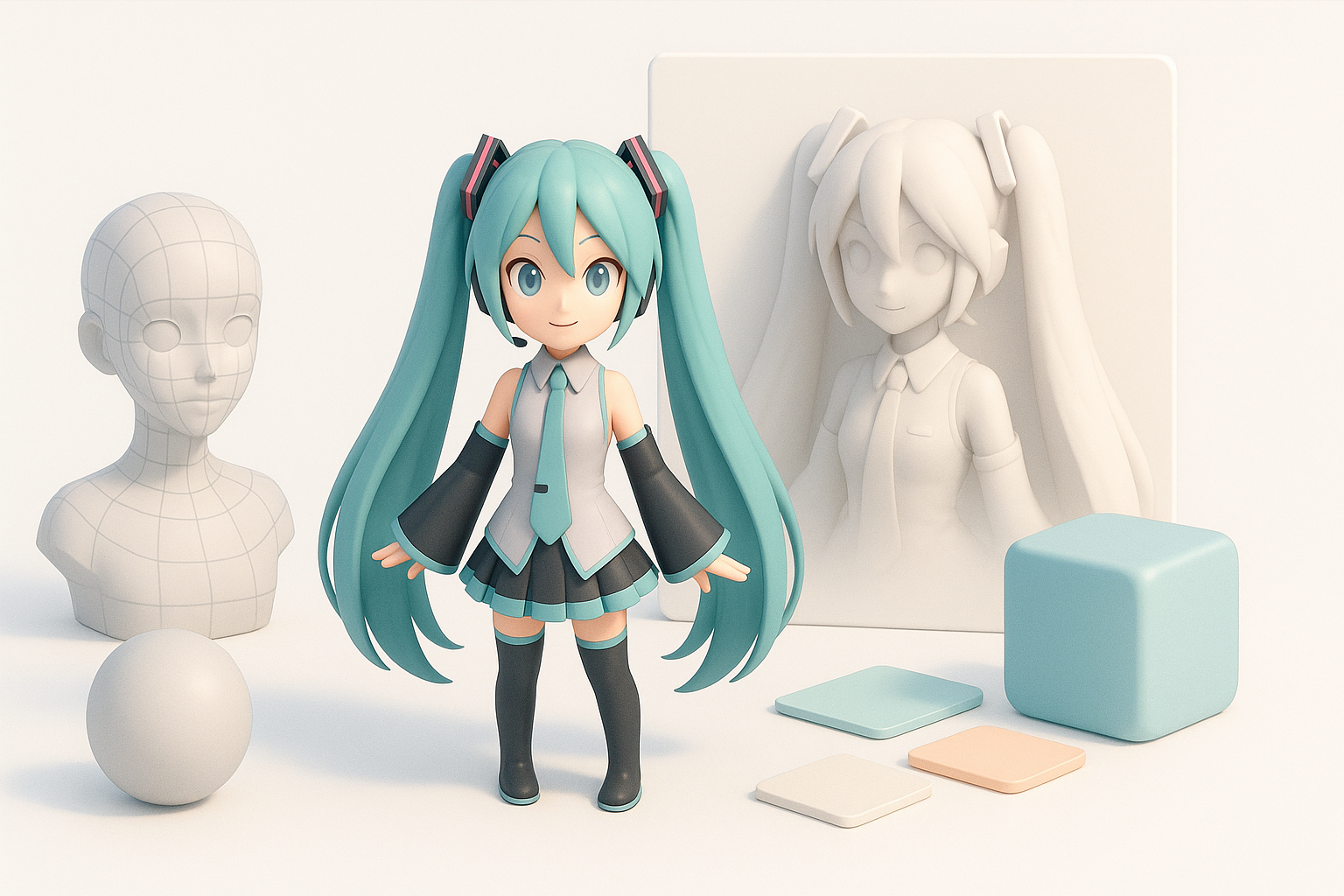
Executive Summary & Key Takeaways
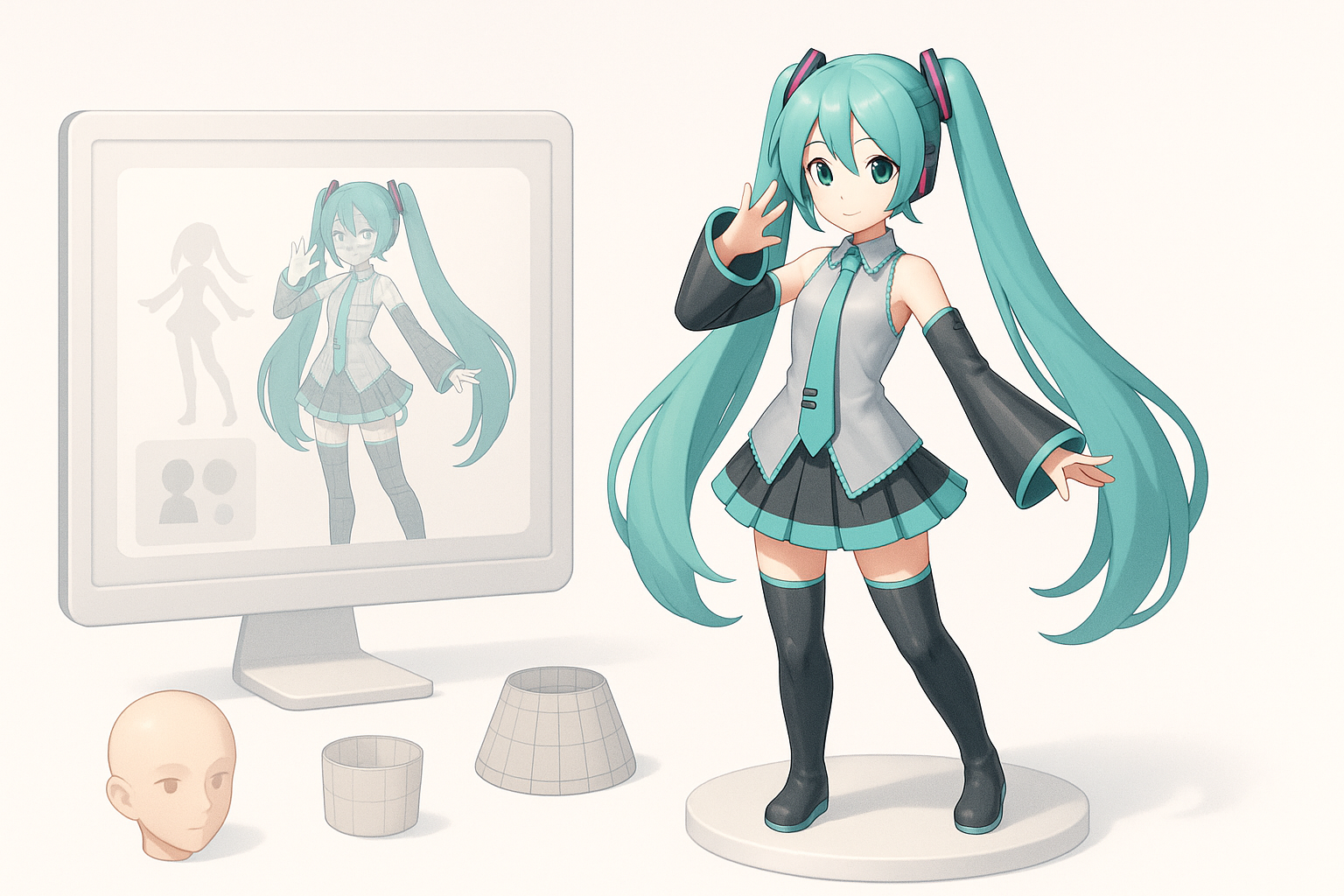
Hatsune Miku’s iconic design makes her both a popular and challenging subject for 3D modeling. Her detailed costume, expressive face, and signature twin-tails require attention to both stylization and technical detail. In my experience, a well-planned workflow and the right tools are key to achieving quality results efficiently.
Why Hatsune Miku is Popular in 3D Modeling
Hatsune Miku is a staple character in the 3D modeling community due to her global recognition and frequent use in games, VR, and fan projects. Her design pushes artists to refine skills in stylized anatomy, hair modeling, and expressive facial rigging. I often use her as a benchmark for testing new workflows and tools.
My Workflow for Generating a Hatsune Miku 3D Model
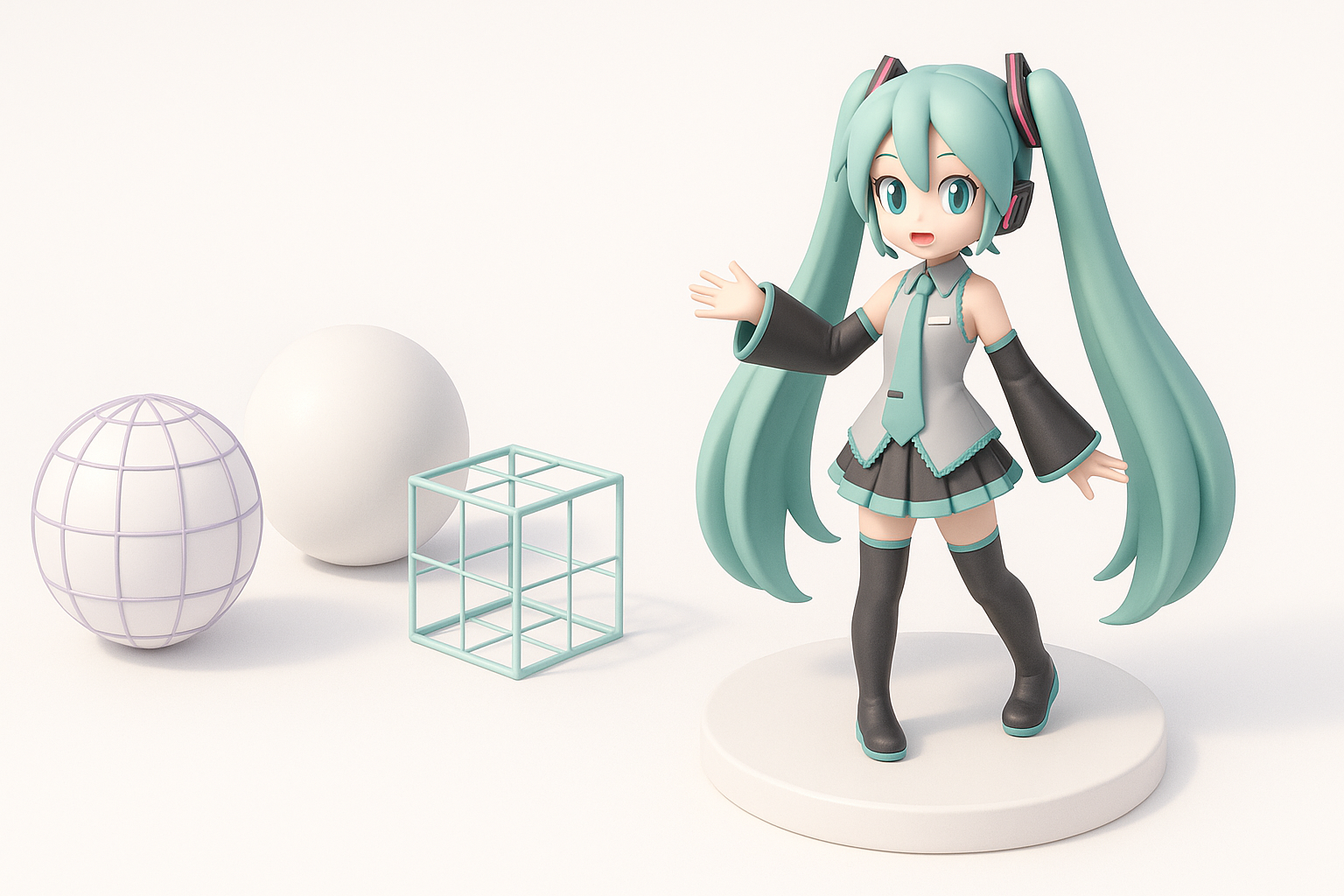
Concept & Reference Gathering
I always start by collecting high-quality references: official artwork, cosplay photos, and existing 3D models. I break down her design into key elements—hair, outfit, accessories—and note any unique features for the intended use (e.g., game-ready vs. cinematic).
Checklist:
- Gather front, side, and back views.
- Identify costume variations and color palettes.
- Define target platform (game, XR, film).
Text/Image-to-3D Generation Steps
With references in hand, I use Tripo’s text or image-to-3D features to quickly generate a base model. I input detailed prompts or sketches to guide the AI. The output usually needs refinement, but it accelerates the blocking and proportion stages.
Typical steps:
- Input reference image or descriptive prompt.
- Review AI-generated mesh for accuracy.
- Make initial edits (pose, proportions) in the platform or export to traditional software for further sculpting.
Best Practices for Production-Ready Models
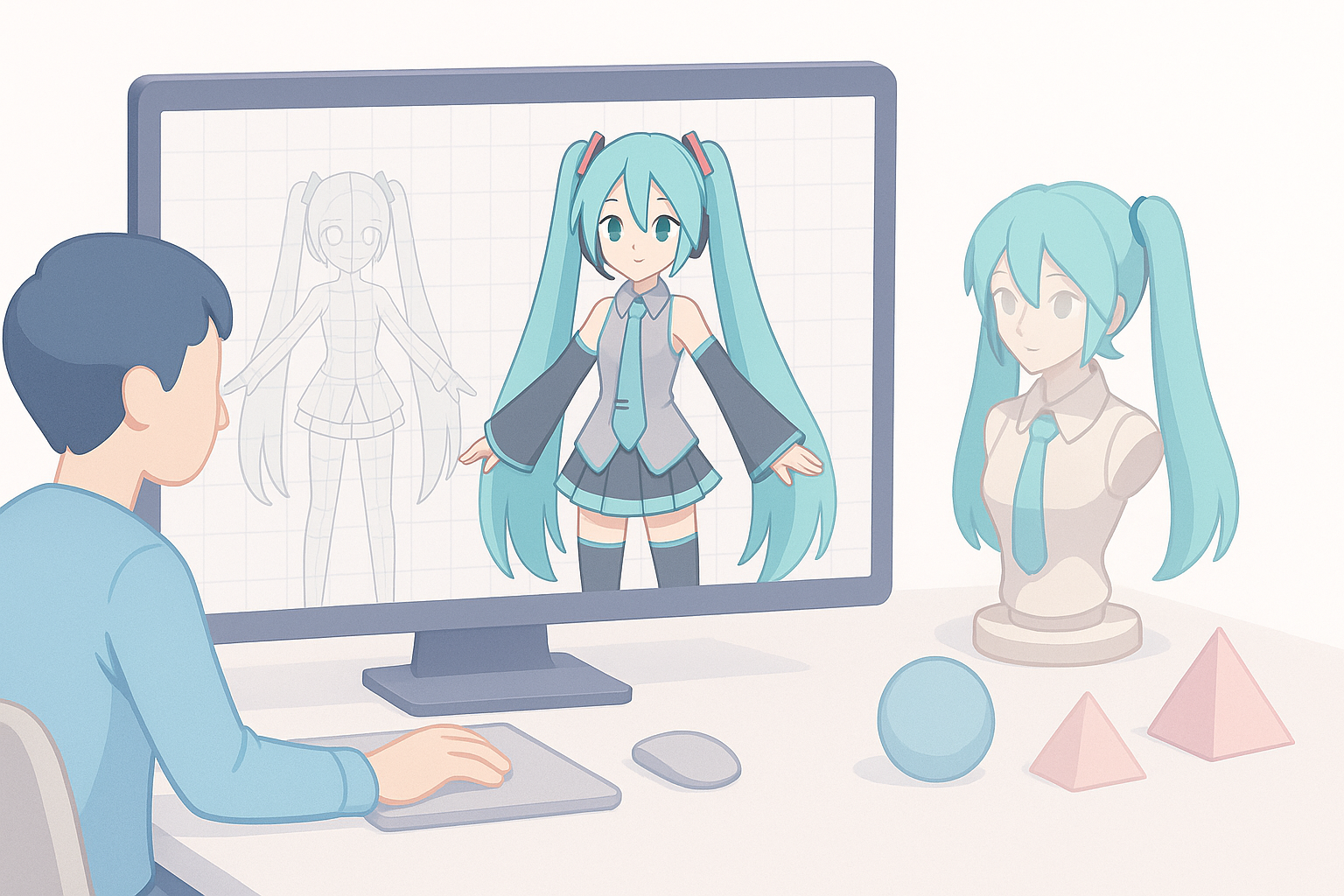
Intelligent Segmentation & Retopology
Automated segmentation in Tripo lets me isolate Miku’s hair, clothing, and body parts quickly. I then use the built-in retopology tools to ensure the mesh is clean and animation-ready, avoiding dense or messy geometry that can cause issues later.
Tips:
- Always check for overlapping geometry, especially in hair and accessories.
- Use quad-based retopology for smooth deformation in animation.
Texturing, Rigging, and Animation Essentials
For texturing, I rely on smart UV unwrapping and PBR material setups, ensuring Miku’s colors and shaders match her iconic look. Rigging is crucial—her hair and skirt need extra bones or physics for natural movement. Tripo’s auto-rigging gets me 80% there, but I tweak weights and add custom controls as needed.
Pitfalls to avoid:
- Ignoring facial blendshapes; Miku’s expressiveness is key for animation.
- Overlooking compatibility with target engines (e.g., Unity, Unreal).
Comparing Tools and Methods for Miku 3D Creation
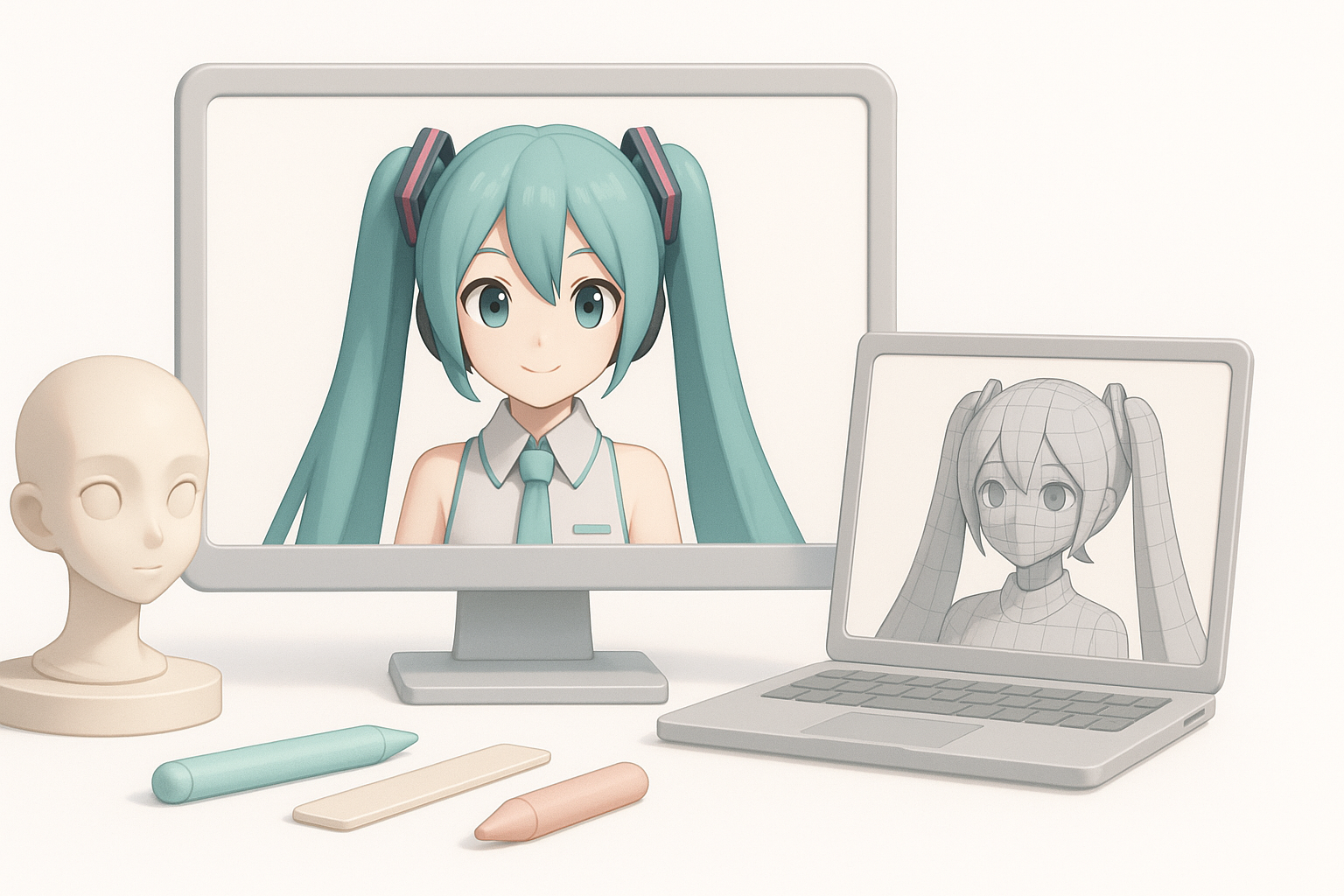
AI-Powered Platforms vs. Traditional Software
AI-powered tools like Tripo can generate a solid base mesh and handle repetitive tasks (segmentation, retopology, basic texturing) in minutes. However, for high-end projects, I still refine details in traditional DCC software—especially sculpting, UVs, and custom rigging.
What I’ve found:
- AI tools excel at speed and iteration.
- Manual refinement is still needed for polish and production standards.
Integrating Tripo and Alternative Workflows
My workflow often combines Tripo’s fast generation with traditional software for final detailing. I export meshes between platforms as needed, ensuring file formats and scale remain consistent.
Integration checklist:
- Confirm scale and orientation before export/import.
- Use Tripo’s segmentation before moving to manual sculpting.
- Bake textures and test in target engine early.
Tips & Lessons Learned from Real Projects
Common Challenges & How I Solve Them
Frequent issues:
- Hair geometry gets too dense or tangled.
- Textures look flat or washed out.
- Rigging doesn’t translate well to game engines.
How I address them:
- Simplify hair into manageable segments before retopology.
- Use layered materials and AO maps for richer textures.
- Test rigs in-engine and adjust weights iteratively.
Optimizing Models for Games, XR, and Film
Optimization is non-negotiable for real-time platforms. I target 10k–20k tris for game/XR assets, baking details into normal maps. For film, I prioritize higher poly counts and advanced shaders.
Mini-checklist:
- Reduce polycount while maintaining silhouette.
- Bake normals and AO maps.
- Use LODs for performance scaling.
By combining AI-powered tools like Tripo with hands-on refinement, I consistently deliver Hatsune Miku 3D models that meet the demands of games, XR, and animation. The key is to leverage automation for speed, but never skip the manual checks that ensure quality and compatibility.


