Creating and Using Hades 2 3D Models: Expert Workflow Guide
As someone who works daily with 3D pipelines for games and XR, I’ve found that creating Hades 2-inspired 3D models requires a blend of artistic intent and technical precision. Leveraging AI-powered tools alongside traditional skills can streamline asset creation, especially for production-ready models. In this guide, I’ll walk through my end-to-end workflow—from generating initial models (using text, images, or sketches) to texturing, retopology, animation, and final integration. Whether you’re a game developer, XR designer, or 3D artist, you’ll find practical steps and pitfalls to avoid for efficient, high-quality results.
Key takeaways:
- Hades 2 models stand out due to stylized details and strong silhouettes—capturing these is crucial.
- AI-powered generation (e.g., Tripo) accelerates concept-to-asset workflows without sacrificing quality.
- Effective texturing, retopology, and animation are critical for game-ready assets.
- Know when to use AI tools versus manual modeling for best results.
- Exporting and collaborating efficiently prevents integration headaches down the line.
Overview of Hades 2 3D Models
What Makes Hades 2 Models Unique
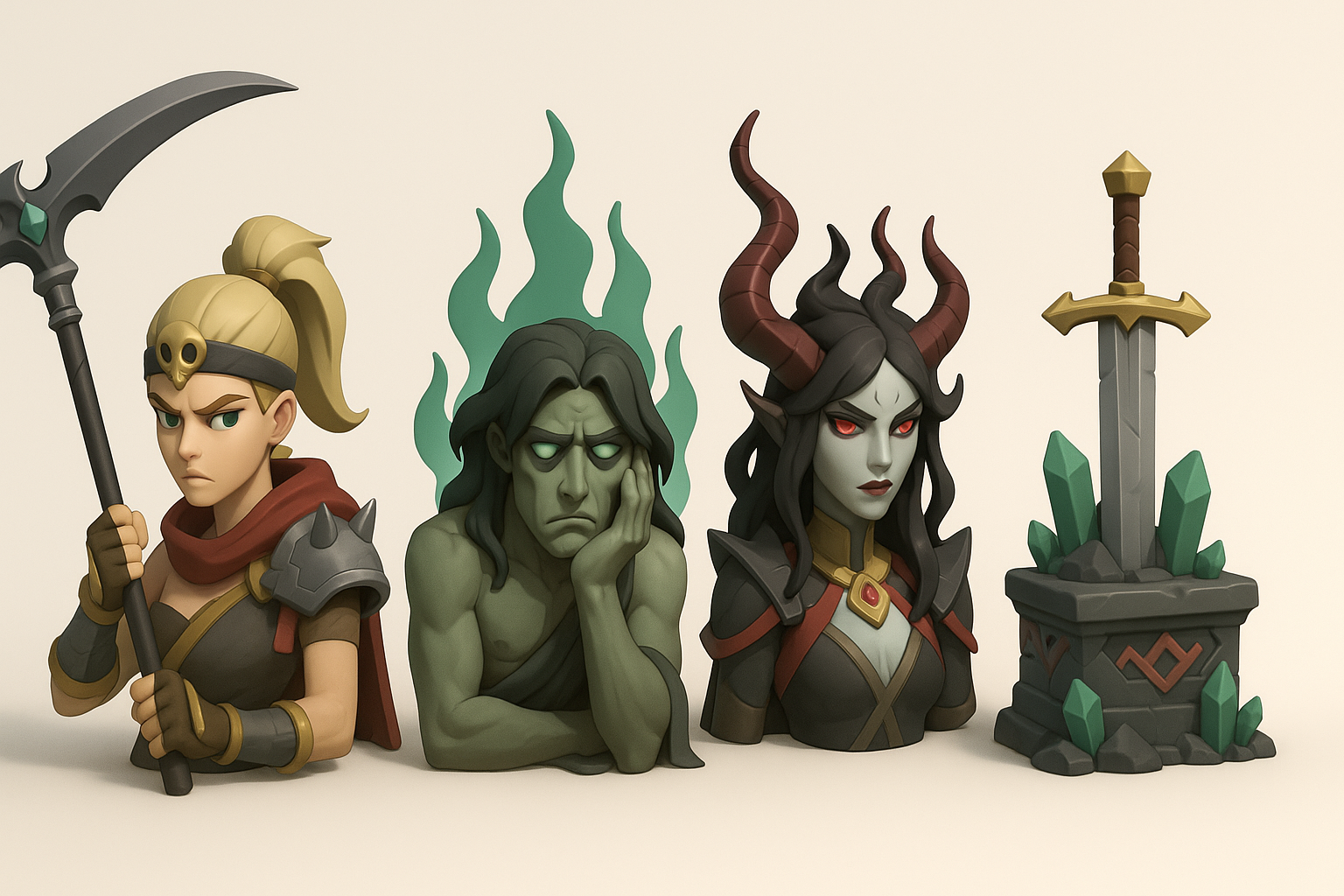
Hades 2 models are characterized by bold shapes, stylized proportions, and painterly textures. The strong silhouettes and expressive features are key to the game’s visual identity. In my experience, focusing on these aspects during modeling and texturing is essential to capture the spirit of the source material.
Pitfalls to avoid:
- Overcomplicating geometry—keep forms readable.
- Losing stylization in pursuit of photorealism.
Common Use Cases in Games and XR
These models are often used for:
- Real-time characters and environments in games.
- XR experiences requiring optimized, interactive assets.
- Cinematic cutscenes or promotional renders.
I typically prioritize low to mid-poly counts and efficient UV layouts for these applications, ensuring fast load times and smooth performance.
My Workflow for Generating Hades 2 3D Models
Text, Image, and Sketch-Based Generation
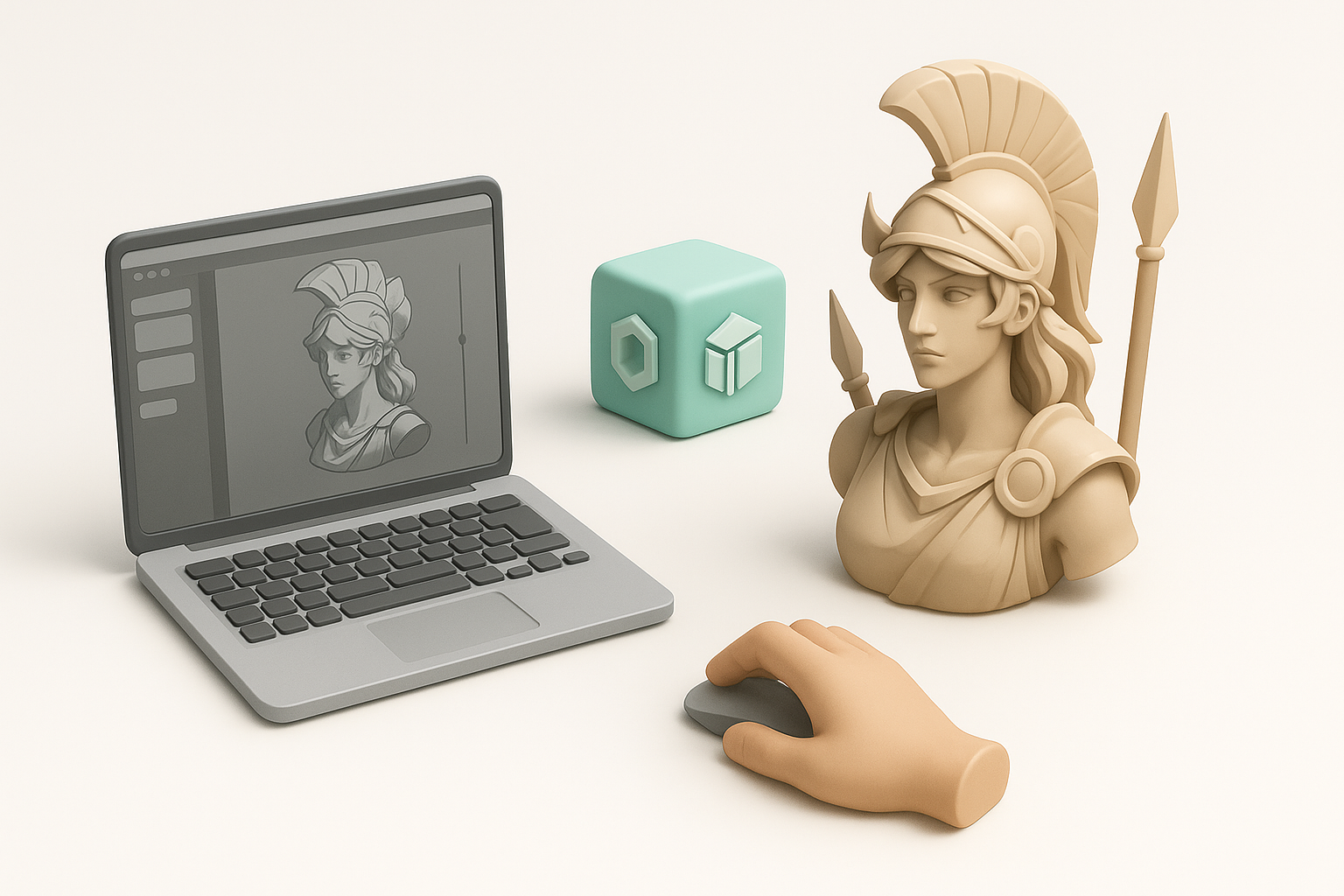
I start with a clear concept—either a text prompt, reference image, or hand-drawn sketch. Using Tripo, I can rapidly generate a base mesh that reflects the desired style and proportions. Here’s my typical process:
- Input: Upload a sketch, reference art, or describe the model in detail.
- Review: Inspect the generated mesh for silhouette and pose accuracy.
- Refine: Make quick edits to correct anatomy or proportions before moving forward.
What I’ve found:
- Text prompts work best for generic props or creatures.
- For main characters, sketches or detailed images yield more accurate results.
Optimizing for Production-Ready Assets
Once I have a base mesh, I always:
- Check for clean topology and manageable polycount.
- Use built-in retopology tools to ensure the model is animation-ready.
- Verify UVs are unwrapped logically for texturing.
Checklist:
- Correct scale and orientation
- No non-manifold geometry
- Ready for rigging and texture baking
Best Practices for Texturing, Retopology, and Animation

Efficient Texturing Techniques
For Hades 2-style assets, I focus on hand-painted textures and stylized shading. My workflow:
- Bake ambient occlusion and curvature maps for painting guides.
- Use layer-based painting tools for color, highlights, and edge accents.
- Test textures in-engine to ensure they hold up under real-time lighting.
Tips:
- Don’t rely solely on procedural textures—manual touchups are essential.
- Use a limited, cohesive color palette.
Rigging and Animation Tips
I use auto-rigging features for standard bipeds and creatures, but always check joint placement manually. For animation:
- Keep rigs lightweight for real-time use.
- Export test animations (walk, idle) to check for skinning issues.
Pitfalls:
- Overcomplicating rigs for secondary characters.
- Ignoring deformation on exaggerated proportions—test extreme poses early.
Comparing AI-Powered and Traditional 3D Creation Methods
Speed and Quality Differences
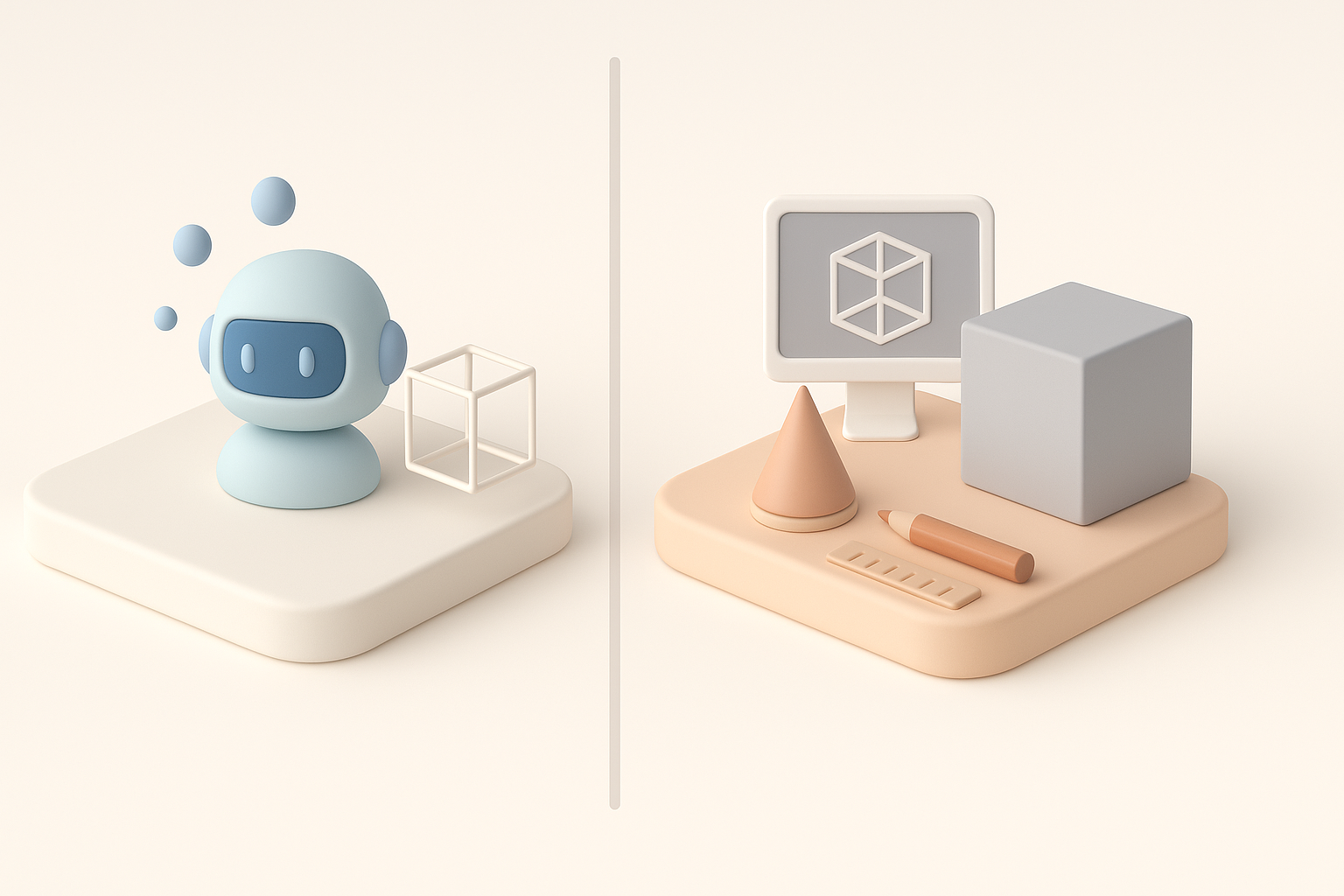
AI-powered modeling (like Tripo) drastically reduces concept-to-model time, especially for initial drafts or variations. In my experience:
- AI excels at blocking out forms and generating UVs/retopology.
- Manual modeling is still superior for highly custom or complex assets.
Benchmarks:
- AI: Minutes for a usable base model.
- Traditional: Hours to days for equivalent output.
When to Use AI Tools vs. Manual Modeling
Use AI tools when:
- Rapid iteration or prototyping is needed.
- You have strong concept art or references.
- Time-to-market is critical.
Stick to manual modeling for:
- Hero assets with unique topology requirements.
- Highly technical or non-standard rigs.
Exporting, Integrating, and Sharing Hades 2 3D Models
Supported Formats and Pipelines
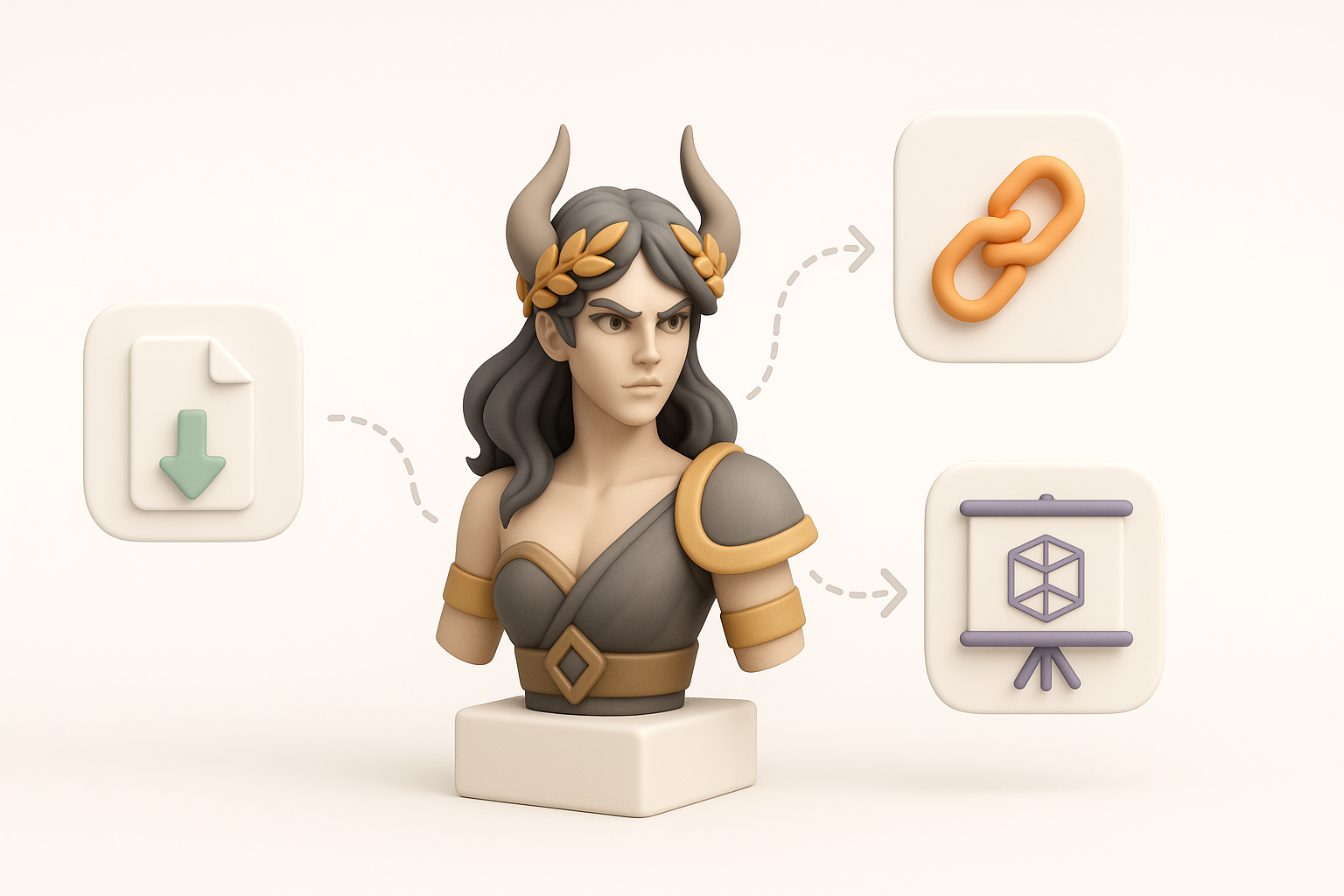
I generally export models in .FBX or .GLTF for real-time engines, ensuring compatibility with Unity, Unreal, and most XR platforms. My pipeline:
- Export with embedded textures and animations.
- Use naming conventions for easy asset tracking.
Checklist:
- Confirm scale matches engine requirements.
- Test import in target engine before finalizing.
Tips for Collaboration and Asset Management
Efficient collaboration is crucial. What works for me:
- Organize assets with clear versioning and metadata.
- Use cloud-based repositories for sharing and feedback.
- Document changes and keep a changelog for each asset.
Pitfalls:
- Overwriting files without backups.
- Losing track of asset dependencies (textures, rigs).
By following this workflow, I consistently deliver Hades 2-inspired 3D models that are both visually striking and technically robust, ready for integration across games and XR projects.


