Creating and Using Grand Theft Auto 5 3D Models: Expert Workflow
скачать 3d модели для chicken gun
When building or customizing 3D assets for Grand Theft Auto 5 (GTA 5), I rely on a streamlined workflow that blends AI-powered tools with traditional modeling best practices. The unique style and technical requirements of GTA 5 demand careful attention to detail, optimization, and legal considerations. In this article, I’ll outline how I source, create, and refine GTA 5-style 3D models for use in games, mods, and design projects—sharing practical steps, tips, and pitfalls to avoid. This guide is ideal for artists, developers, and hobbyists aiming to produce production-ready assets efficiently.
Key takeaways
- GTA 5 3D models have a distinct visual and technical style that requires careful reference and adaptation.
- Combining AI-driven generation with manual refinement speeds up asset creation without sacrificing quality.
- Legal and ethical sourcing is essential—always verify model origins and permissions.
- Retopology, texturing, and optimization are critical for game-ready performance.
- AI tools like Tripo can accelerate workflows, but manual polish ensures compatibility and realism.
Overview of Grand Theft Auto 5 3D Models
What Makes GTA 5 3D Models Unique
GTA 5 models stand out for their balance between realism and stylization. They’re optimized for open-world performance, featuring efficient polygon counts, clean topology, and distinctive texturing. In my experience, the models often use exaggerated proportions and slightly saturated colors to maintain visual clarity in diverse lighting and gameplay scenarios.
Common Uses in Games and Design
I commonly see GTA 5 models used in:
- Game mods and custom content
- Cinematic machinima and fan films
- Rapid prototyping for urban environment design
- XR and virtual production for cityscapes
For each use, I tailor the level of detail and optimization to the target platform—lower poly for real-time, higher fidelity for renders.
How I Source and Prepare GTA 5 3D Models
Finding Quality Model References
When I need authentic GTA 5 references, I:
- Capture in-game screenshots from multiple angles
- Search for official artwork and concept sheets
- Use map and asset viewers to study proportions and details
For new creations, I sometimes use AI tools like Tripo to generate base meshes from text prompts, sketches, or photos, which I then refine to match the GTA 5 aesthetic.
Legal and Ethical Considerations
Always:
- Check the licensing of any downloaded or shared assets
- Avoid redistributing copyrighted content without permission
- Create original work or use assets with clear, open licenses
Pitfall: Using ripped models from the game without modification or rights can lead to takedowns or legal issues. I recommend creating derivative works or original assets inspired by the style, not direct copies.
Step-by-Step Workflow: Creating GTA 5 Style 3D Models
Text, Image, and Sketch-Based Generation
My typical workflow:
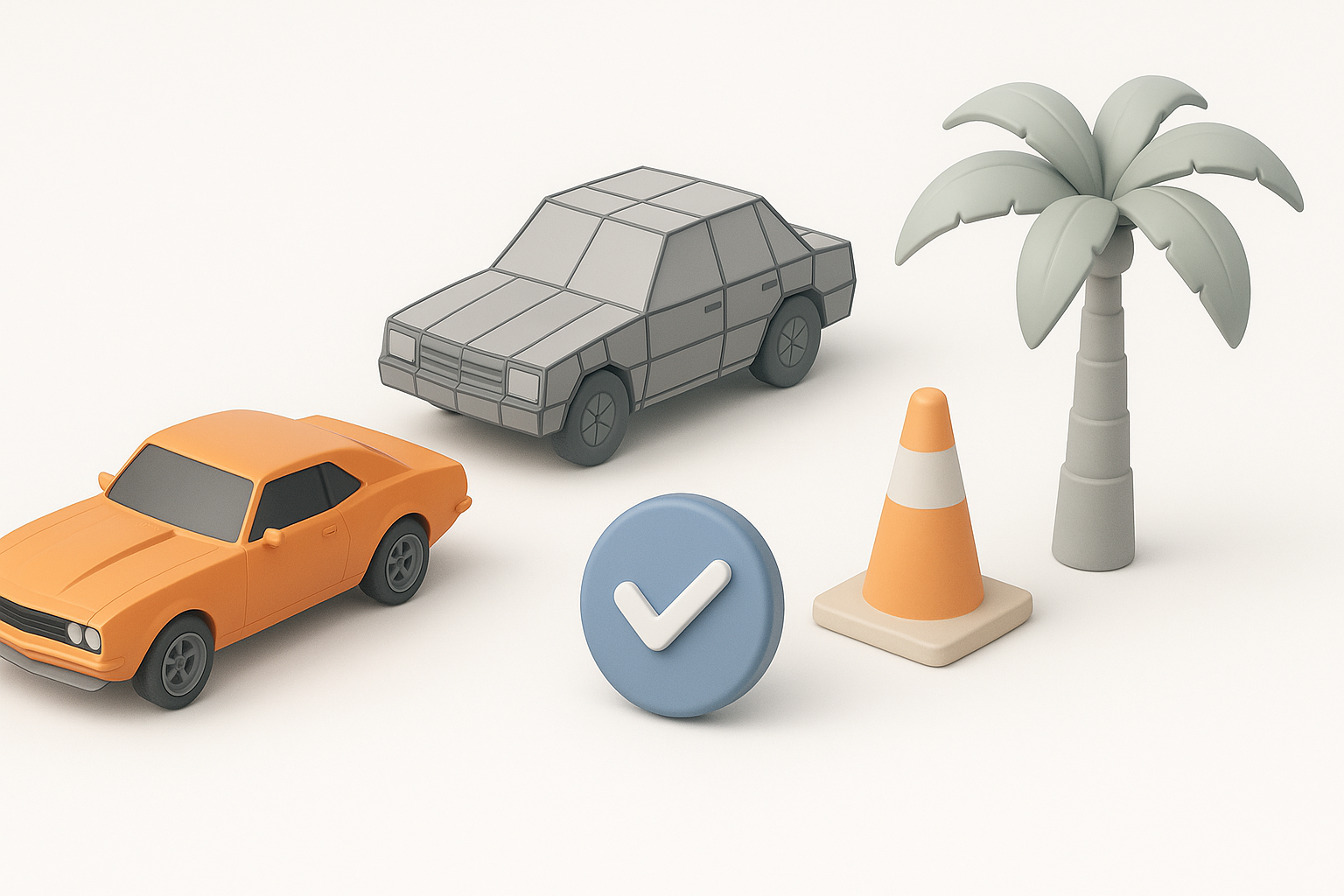
- Idea generation: Start with a concept sketch, photo, or text description.
- AI model creation: Use Tripo to quickly generate a 3D base mesh from the input.
- Reference matching: Compare the AI output to GTA 5 references, adjusting proportions and silhouette.
Checklist:
- Does the model’s scale match GTA 5 standards?
- Are features stylized yet believable?
Retopology, Texturing, and Optimization
After generating the base:
- Retopology: I use built-in or external retopology tools to ensure clean, game-ready topology.
- UV mapping: Unwrap for efficient texturing.
- Texturing: Apply stylized, hand-painted textures or use AI-assisted texturing to match GTA 5’s look.
- Optimization: Reduce poly count, bake normal and ambient occlusion maps, and check for engine compatibility.
Pitfall: Overly dense meshes or poor UVs can cause performance issues in-game. I always test assets in a real-time engine before finalizing.
Best Practices for Production-Ready GTA 5 3D Assets

Ensuring Compatibility and Performance
To avoid headaches down the line, I:
- Stick to polygon budgets (typically under 20k for vehicles, much less for props)
- Use standard texture sizes (e.g., 1024x1024 or 2048x2048 for hero assets)
- Test imports in the target engine (e.g., FiveM, OpenIV) for scale and shading issues
Checklist:
- All normals facing outward
- No overlapping UVs (unless intended for mirroring)
- LODs created for complex assets
Tips for Realistic Texturing and Animation
For a convincing GTA 5 look:
- Use slightly exaggerated wear and grime to add realism
- Stick to the game’s color palette and material conventions
- For rigged models, match GTA 5’s bone hierarchy for compatibility
Pro tip: I often use Tripo’s intelligent segmentation and rigging features to save time, then manually tweak weights and animations for smooth in-game performance.
Comparing AI-Powered and Manual 3D Modeling Methods
When to Use AI Tools Like Tripo
I turn to AI-powered tools when:
- I need a quick base mesh from concept art or a photo
- Prototyping new ideas where speed matters more than perfection
- Handling repetitive or batch asset creation
AI shines in early stages, freeing me to focus on creative refinement.
Advantages and Limitations of Each Approach
AI benefits:
- Rapid iteration and ideation
- Automatic retopology and texturing save hours
Manual modeling advantages:
- Full control over topology, detail, and style
- Easier to match specific technical or artistic requirements
Limitations:
- AI outputs often need manual cleanup for production use
- Manual modeling is time-intensive, especially for large asset libraries
In my workflow, the best results come from blending both—using AI to accelerate the basics, then applying my expertise for polish and final integration.
By leveraging a combination of AI-driven tools and hands-on techniques, I can create GTA 5-style 3D models that are both efficient to produce and ready for demanding real-time applications.


