Creating and Optimizing Girls' Frontline 2 3D Models: Expert Workflow
скачать 3d модель для chicken gun
As someone who’s worked extensively with stylized game assets, I know that creating production-ready 3D models for titles like Girls' Frontline 2 demands both technical efficiency and a keen eye for visual fidelity. In this article, I break down my full workflow—from generating initial models using text or image prompts, to optimizing for real-time engines. Whether you’re an artist, technical director, or indie developer, you’ll find actionable steps and practical advice to streamline your 3D character creation process, maintain art consistency, and avoid common pitfalls.
Key takeaways
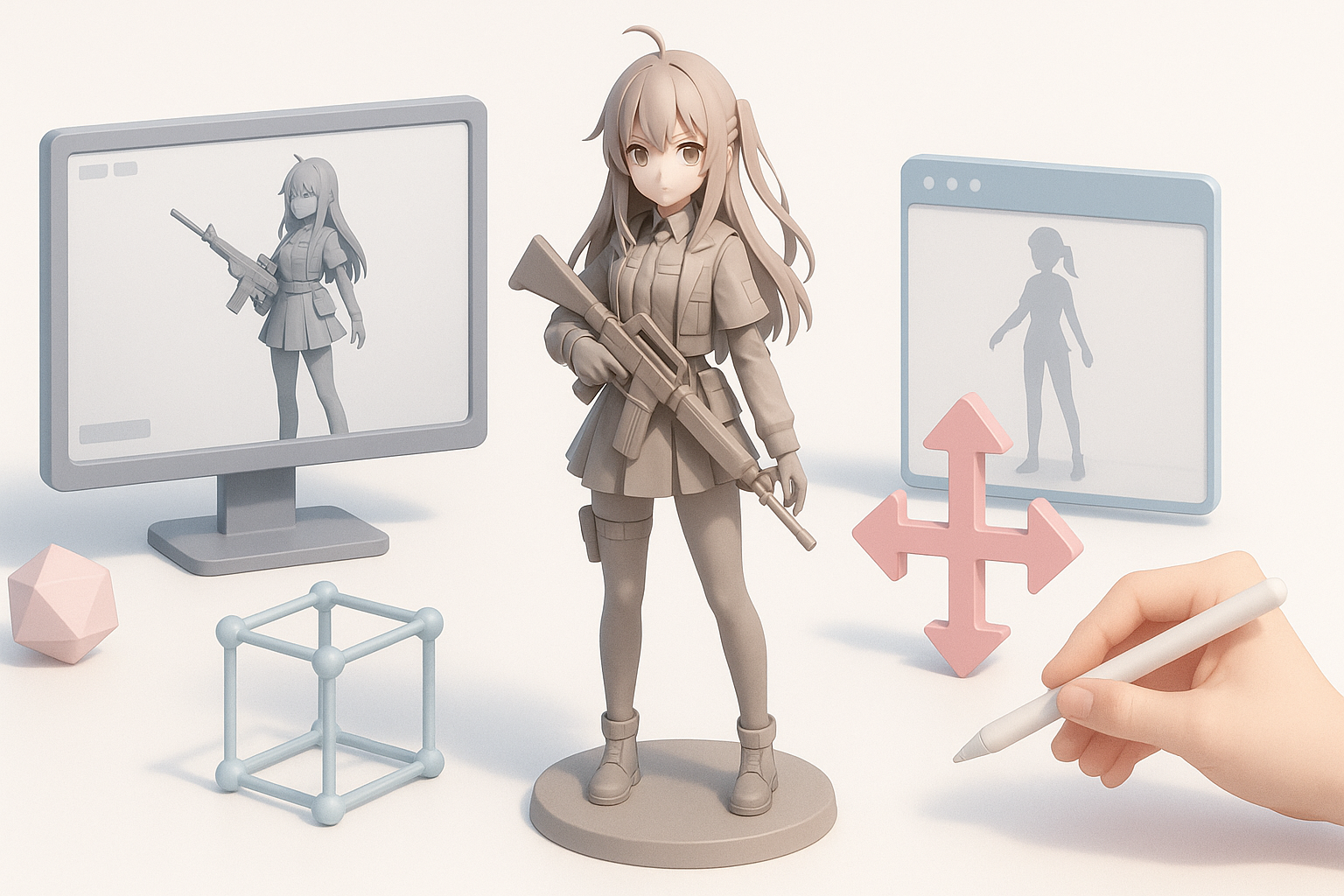
- AI-powered 3D tools can dramatically speed up asset creation for stylized games, but manual refinement is still essential for top quality.
- Retopology, smart texturing, and careful rigging are crucial for game-ready models.
- Consistency in art direction is a common challenge—reference management and style guides help.
- Complex outfits and accessories require layered segmentation and attention to topology.
- Always validate models in your target engine early to catch compatibility issues.
Overview of Girls' Frontline 2 3D Models
Key Features and Visual Style
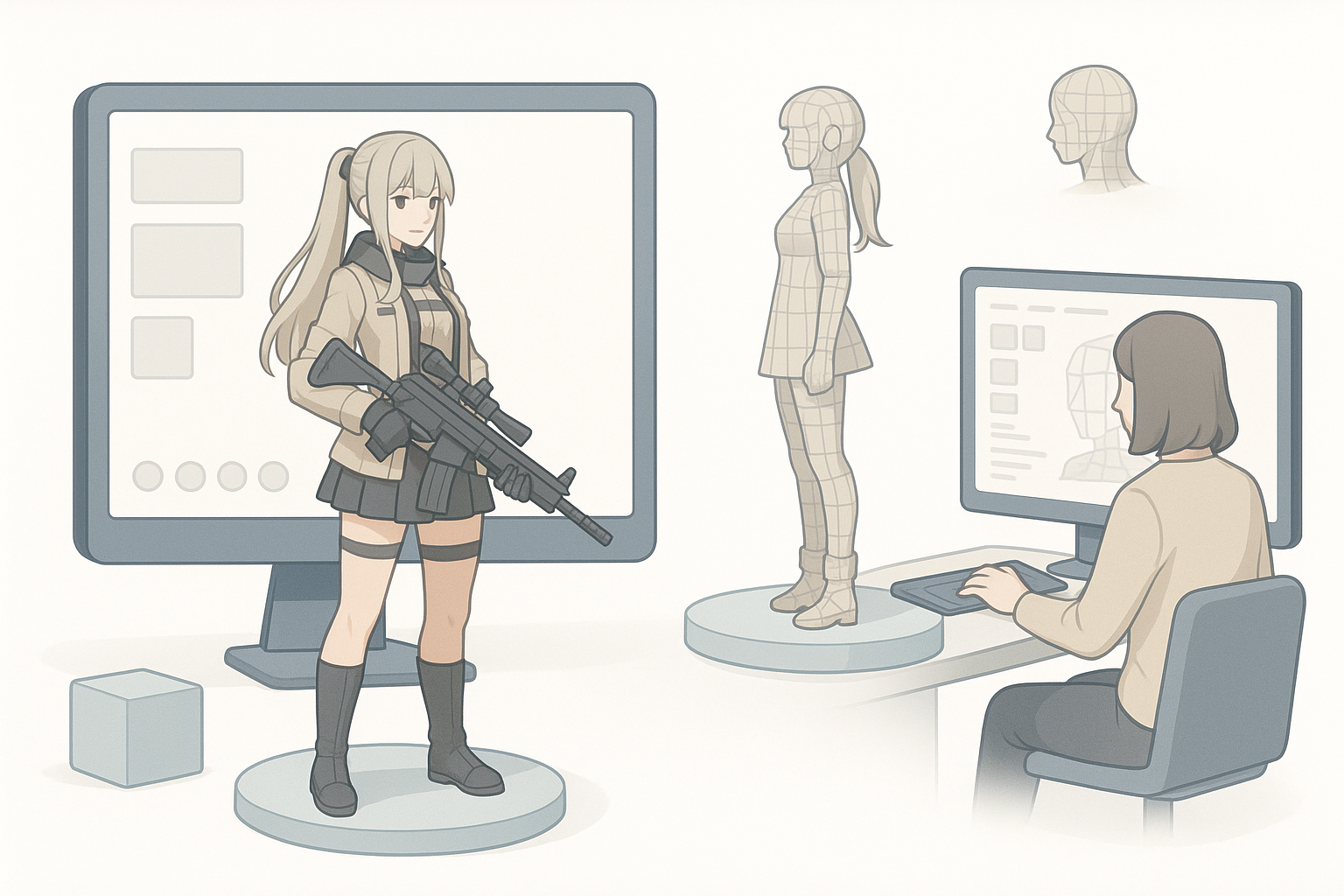
Girls' Frontline 2 models are known for their anime-inspired proportions, detailed outfits, and expressive faces. What stands out in my experience is the balance between stylized simplicity and intricate costume elements—think clean silhouettes with ornate accessories and layered fabrics.
Key visual features:
- Large, expressive eyes and stylized facial features
- Proportional exaggeration (longer limbs, smaller chins)
- High detail in outfits, with frequent use of hard-surface elements (armor, weapons)
- Clean, readable textures with hand-painted or cel-shaded effects
Common Use Cases in Games and XR
These models are used in:
- Real-time strategy and RPG games, for both player characters and NPCs
- XR experiences (AR/VR) where light polycounts and clear silhouettes are crucial
- Cinematics and promotional renders, often requiring higher-res versions
I always clarify the use case before starting, as it directly impacts polycount, texture resolution, and rig complexity.
My Workflow for Generating 3D Models from Girls' Frontline 2
Text-to-3D and Image-to-3D Approaches
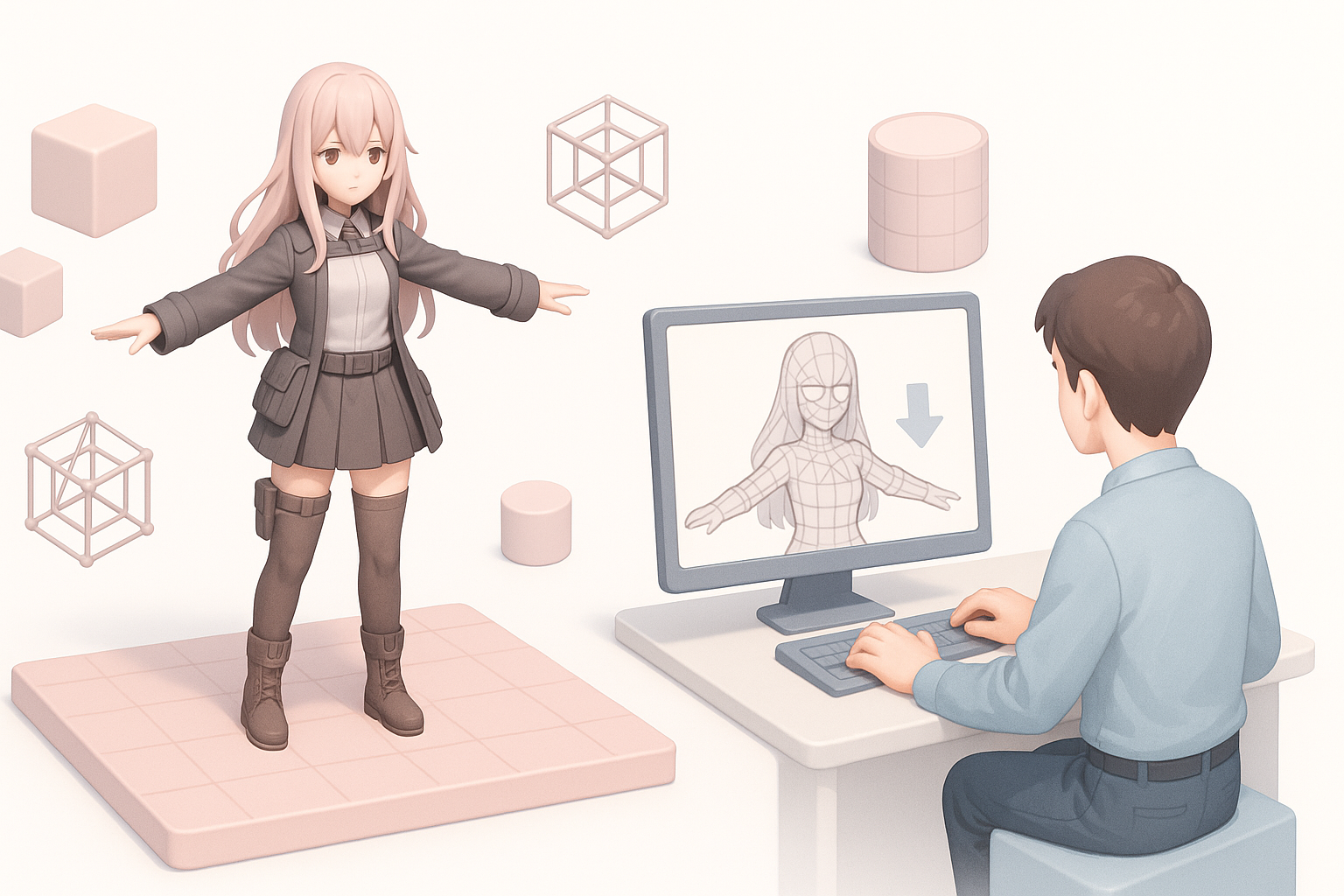
I typically use AI-powered platforms like Tripo AI for rapid prototyping, starting from a detailed text description or reference image. Here’s my step-by-step:
- Input: Provide a clear prompt or curated reference image, focusing on outfit, pose, and character traits.
- Generation: Let the tool create a base mesh—this usually takes seconds.
- Review: Immediately check the output for anatomical accuracy and style fidelity.
Tips:
- The more specific the prompt (e.g., “anime-style tactical girl with twin tails, armored vest, and SMG”), the better the result.
- For unique characters, I sometimes combine both text and image inputs to guide the AI.
Best Practices for Accurate Character Recreation
- Reference gathering: I collect multiple angles and close-ups from official art or in-game screenshots.
- Iterative refinement: Rarely is the first AI output perfect. I iterate, tweaking prompts or editing the mesh in a DCC (digital content creation) tool.
- Layered segmentation: For complex costumes, I segment major clothing parts for easier editing and texturing later.
Checklist:
- Gather comprehensive references
- Use precise prompts
- Segment complex outfits
- Iterate on AI outputs
Optimizing Models for Production
Retopology, Texturing, and Rigging Tips
AI-generated models often need cleanup to be truly production-ready:
- Retopology: I use built-in retopo tools to ensure clean edge flow, especially around joints and facial features. This avoids deformation issues during animation.
- Texturing: Smart UV unwrapping and texture baking are next. For stylized looks, I often hand-paint over AI-generated textures or tweak normals for cel-shading.
- Rigging: Automated rigging works for basic poses, but I always check joint weights manually—especially for characters with skirts, capes, or armor.
Pitfalls to avoid:
- Overly dense meshes (keep polycount reasonable for your target platform)
- Misaligned UVs causing texture seams
- Poor weight painting leading to unnatural deformations
Ensuring Compatibility with Game Engines
I always validate models in the target engine (Unity, Unreal, etc.) as early as possible:
- Export in engine-friendly formats (FBX, glTF)
- Check material assignments and texture compression
- Test animations and blendshapes for any glitches
Quick checklist:
- Export in correct format
- Verify materials/textures in-engine
- Test skinning and animations
Comparing AI-Powered Tools and Traditional Methods
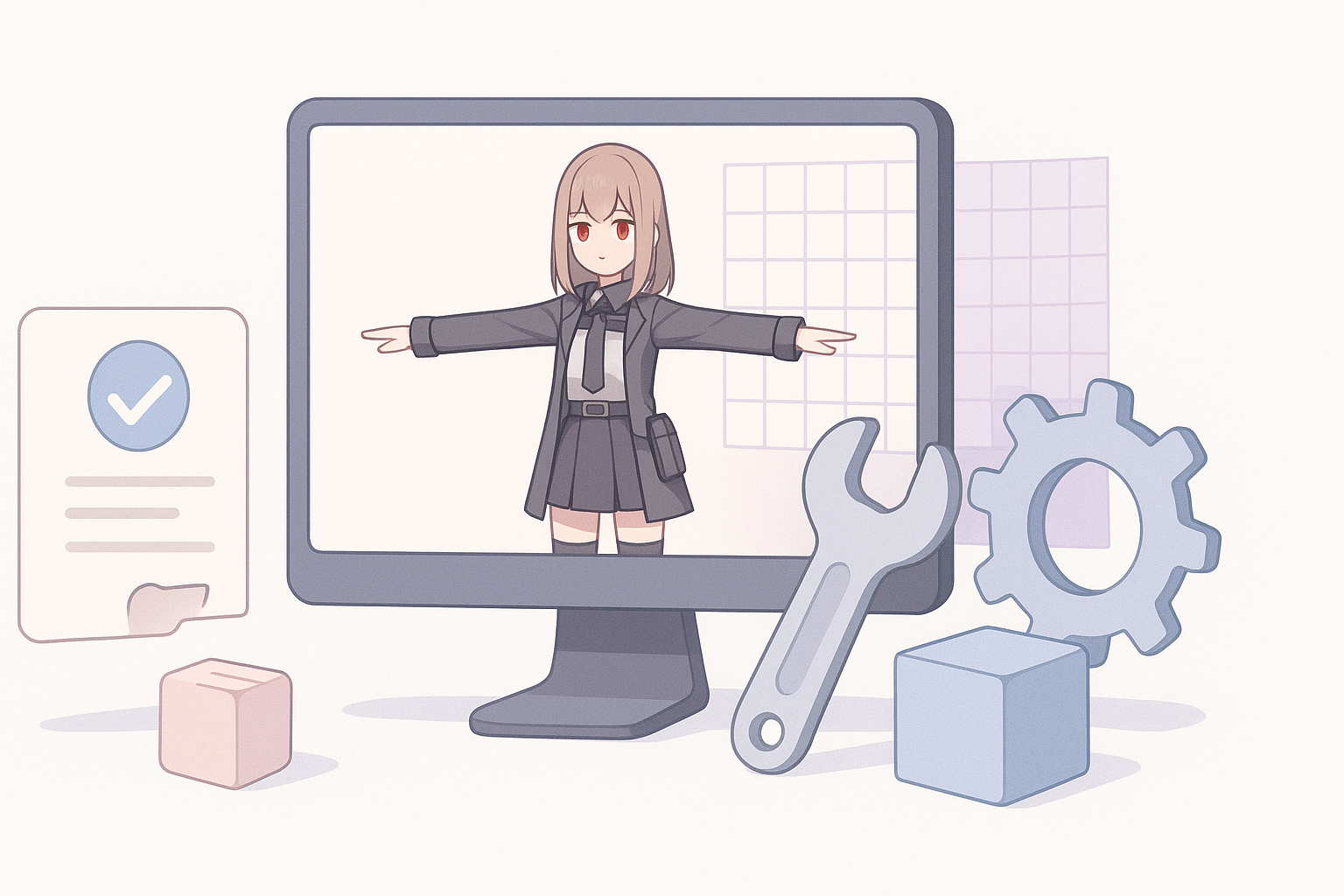
Speed, Quality, and Flexibility Insights
From my experience:
- AI tools: Excellent for rapid prototyping and generating base meshes, especially when time or resources are limited.
- Manual modeling: Still unmatched for custom topology, fine detail, and unique stylization.
AI speeds up the repetitive parts, but manual passes are essential for polish and creative control.
When to Use AI Tools vs. Manual Techniques
I use AI when:
- Time is tight and I need a solid starting point
- Prototyping concepts or iterating on multiple variations
I switch to manual when:
- The character requires unique details or custom topology
- There’s a strict art style or technical requirement
Hybrid approach:
- Start with AI, refine manually for best results
Common Challenges and How I Solve Them
Handling Complex Outfits and Accessories
Anime-inspired characters often have multi-layered costumes and intricate props. I tackle this by:
- Segmenting outfit components during generation for easier editing
- Using reference sheets for accessory placement and proportion
- Testing deformation early, especially for skirts and capes
Tip: Don’t merge all outfit elements into a single mesh—keep them modular for flexibility.
Maintaining Consistent Art Direction
Consistency is a recurring challenge, especially on teams or large projects. My solutions:
- Establish a style guide (palette, line weight, proportions)
- Use shared references and mood boards
- Regular cross-checks with existing assets
Pitfall: Relying solely on AI outputs can drift style over time—always review against your style guide.
Conclusion
Creating Girls' Frontline 2-style 3D models is faster than ever with AI-powered workflows, but production quality still relies on careful optimization and art direction. By blending automated tools with manual expertise, I achieve both speed and fidelity—ready for any game or XR pipeline.


