How to Create a Production-Ready Frog 3D Model
Creating a production-ready frog 3D model has never been faster or more accessible, thanks to advanced AI-powered workflows. In my experience, the key is leveraging the right mix of automated tools and hands-on adjustments to achieve both speed and quality. This guide is for 3D artists, game developers, and XR creators who need efficient, repeatable results without getting bogged down in technical bottlenecks. Below, I’ll walk through my proven workflow—from concept to export—highlighting practical tips, pitfalls, and essential decisions at every stage.
Key Takeaways:
- AI-powered tools dramatically accelerate frog 3D modeling, especially for initial mesh and texturing.
- Start with clear references and choose the workflow (text, image, or sketch) that matches your strengths and needs.
- Manual adjustments after AI generation are critical for production quality—especially segmentation, retopology, and rigging.
- Always optimize and test your model for the target platform before final export.
- Rigging and animation require attention to frog-specific anatomy for realism.
- Export formats and settings can make or break downstream compatibility.
Executive Summary and Key Takeaways
What I’ve learned from frog 3D modeling projects
Having built several frog models for games and XR, I’ve learned that the fastest path to quality is starting with strong references—photos, sketches, or even short videos. AI-powered generation gets you 80% of the way, but the final 20%—cleaning topology, refining textures, and rigging—makes the model truly production-ready. Balancing automation and manual control is essential.
Essential tips for fast, high-quality results
- Reference matters: Gather multiple frog images from different angles.
- AI-assisted start: Use text, image, or sketch-based AI tools to generate a base mesh.
- Manual polish: Always check and clean up geometry, especially around joints and mouth.
- Test early: Import into your game engine or DCC tool to catch issues before final export.
Choosing the Right Approach for Frog 3D Modeling
Text, image, and sketch-based workflows
In my workflow, I pick the input method based on project needs:
- Text prompts are fastest for stylized or generic frogs.
- Image inputs are best when matching a specific reference or real species.
- Sketch uploads give me the most control over silhouette and pose.
Checklist:
- Decide on the art style (realistic, stylized, cartoon).
- Choose input type: text for speed, image for accuracy, sketch for custom shapes.
- Prepare clear, high-quality references.
When to use AI-powered tools versus manual methods
I use AI-powered tools for rapid prototyping and base mesh generation. Manual modeling is still valuable for:
- Highly specific anatomy or unique details.
- Custom UV layouts and advanced retopology.
- Artistic control over surface detail.
Pitfall: Relying solely on automated tools can lead to generic results. Always plan for manual refinement.
Step-by-Step Workflow: From Concept to Completion
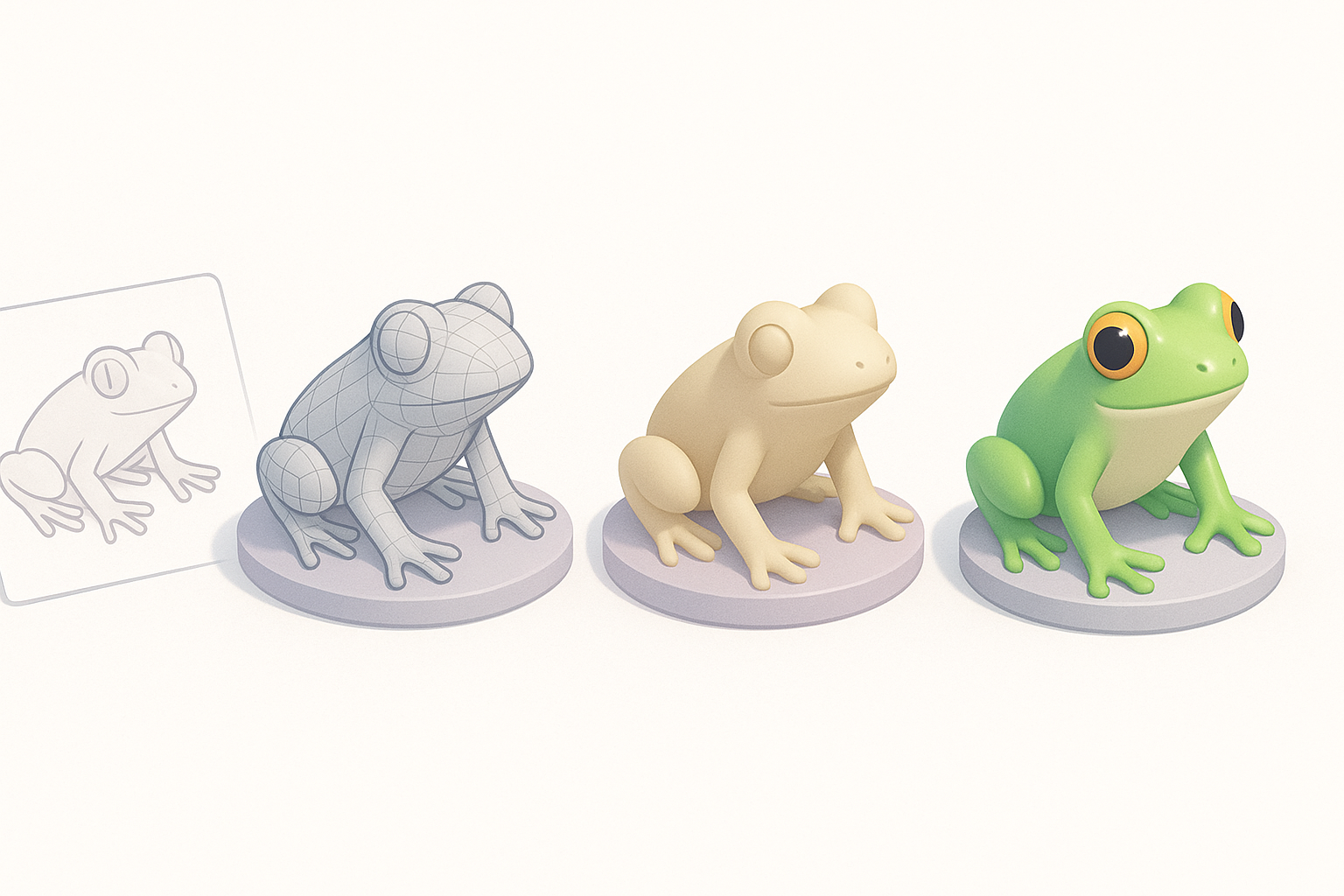
Generating the initial frog model
- Input reference: I upload a photo, sketch, or enter a detailed text prompt into Tripo AI.
- Review output: I check the generated mesh for overall proportions, pose, and anatomical accuracy.
- Iterate: If the result isn’t close, I tweak the prompt or reference and regenerate.
Tip: Aim for a neutral pose with legs slightly bent—easier to rig and animate later.
Segmentation, retopology, and texturing best practices
- Segmentation: I use built-in segmentation to separate body, limbs, and eyes for easier texturing and rigging.
- Retopology: Automated retopology usually gets me 90% there, but I inspect edge loops around the mouth and joints.
- Texturing: I leverage AI-generated base textures, then hand-paint or tweak details like skin patterns and wetness.
Mini-checklist:
- Confirm clean geometry with no overlapping faces.
- Ensure UVs are non-stretched, especially on the belly and legs.
- Save incremental versions before major edits.
Rigging and Animating a Frog 3D Model
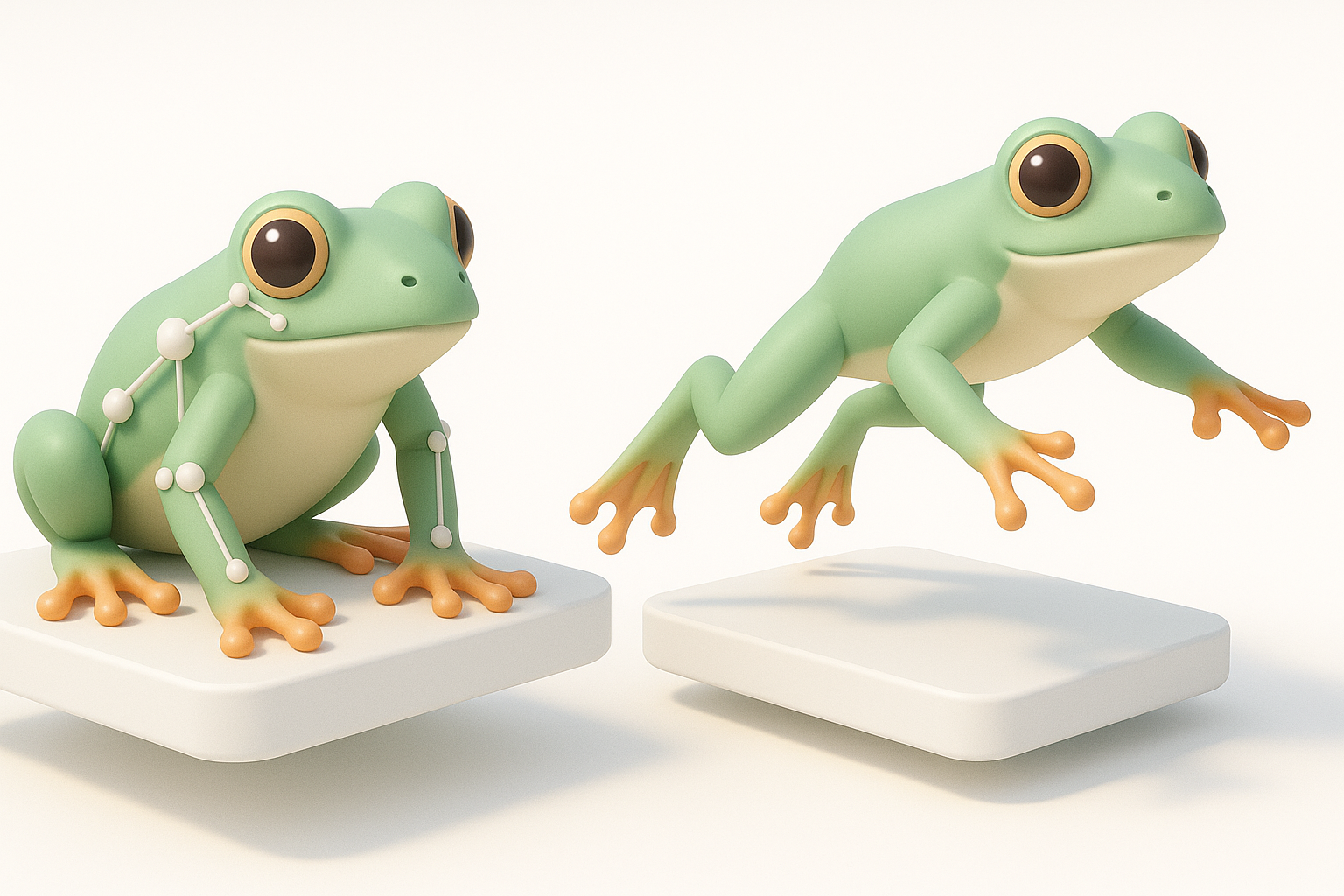
My rigging process for realistic frog movement
Frogs have unique limb articulation. I:
- Place bones for upper/lower leg, foot, and toes.
- Add extra controls for webbed toe splay and subtle spine flex.
- Test deformations with simple poses before skin weighting.
Tip: Reference slow-motion frog jumps to understand joint limits.
Animation tips for games, film, and XR
- For games, I keep the rig lightweight—fewer bones, optimized constraints.
- For film/XR, I add secondary controls for breathing and subtle skin movement.
- I always export a basic idle, jump, and landing loop for testing.
Pitfall: Overcomplicating the rig can lead to export and runtime issues—keep it as simple as possible for the target platform.
Comparing AI Tools and Traditional Techniques
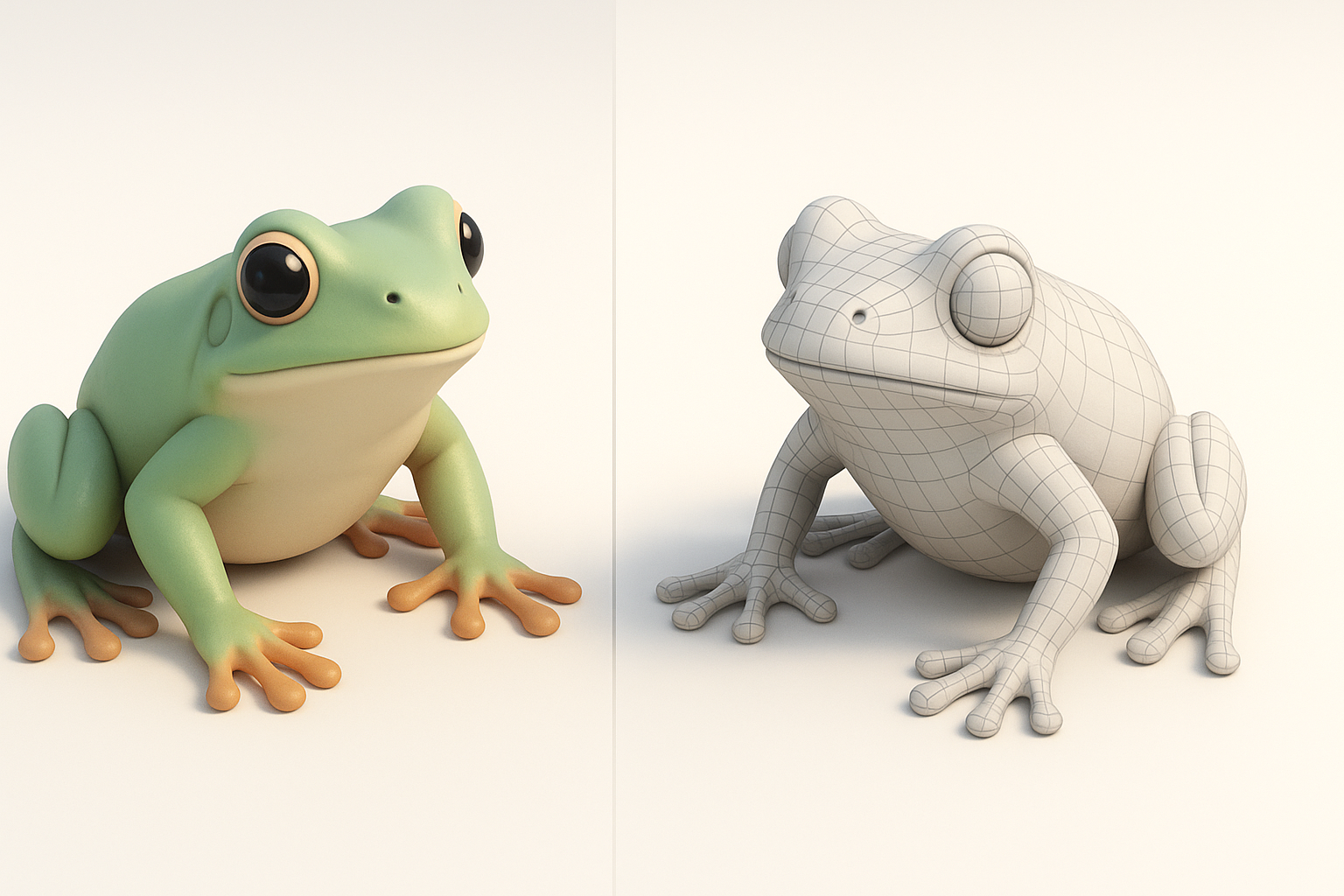
Pros and cons of AI-powered 3D creation
Pros:
- Speed—minutes instead of hours for base mesh and textures.
- Low barrier—no need for advanced modeling skills to start.
Cons:
- Generic results if not refined.
- Sometimes unpredictable topology or UVs.
Integrating alternative methods for custom results
I often blend workflows:
- Use AI for base mesh and textures.
- Refine in DCC tools for sculpting, custom UVs, or advanced shaders.
- Hand-paint or procedural textures for unique surface detail.
Tip: Save time by only manually editing what the AI can’t get right—focus on key features like the eyes and mouth.
Exporting and Using Your Frog 3D Model
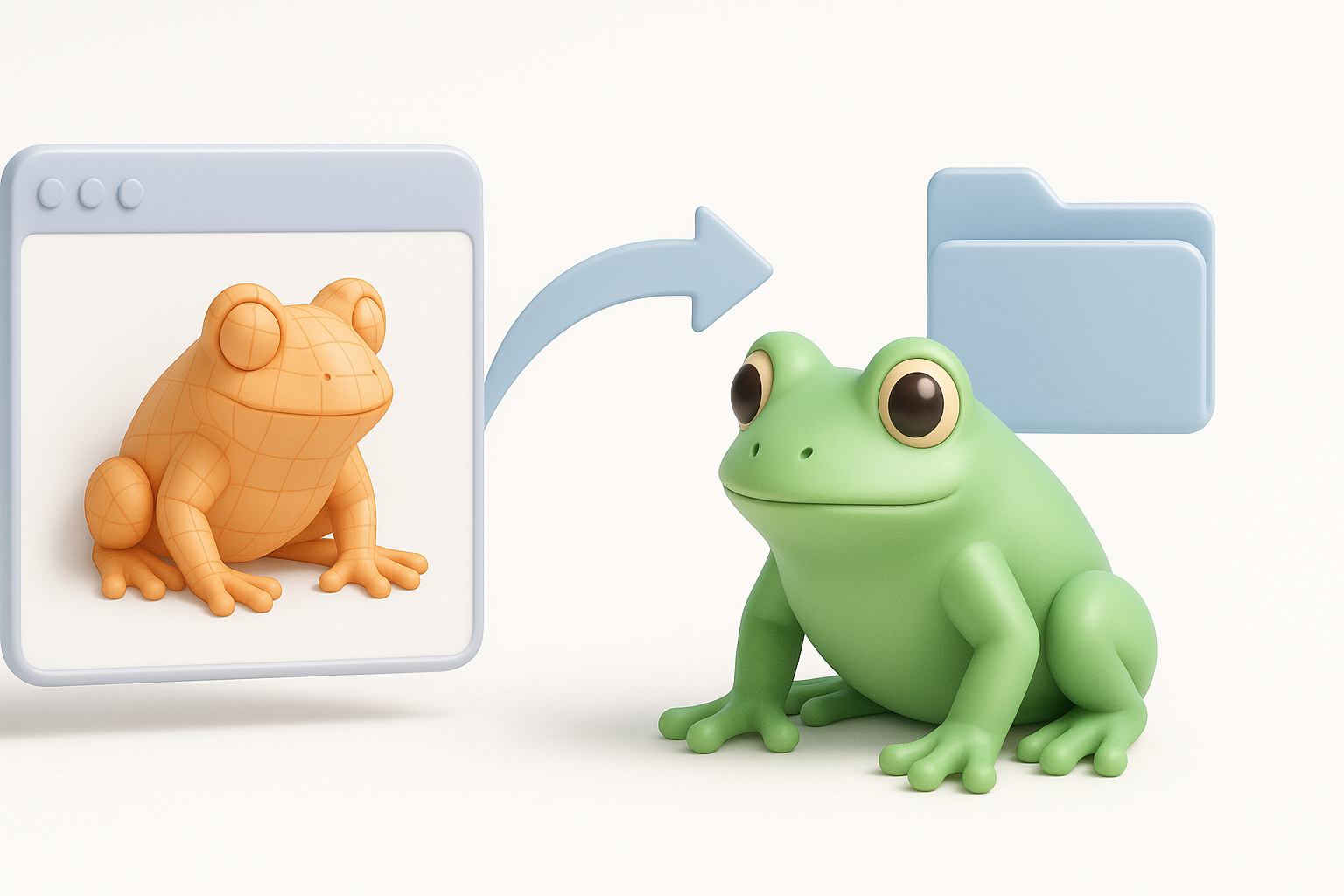
Optimizing for different platforms and engines
- For games, I reduce poly count and bake textures to single maps.
- For XR, I check for efficient topology and minimal draw calls.
- For film, I keep higher-res meshes and separate texture maps for flexibility.
Checklist:
- Test in your target engine (Unity, Unreal, WebGL) before final export.
- Check scale and orientation—frogs should be upright and sized correctly.
Common export formats and compatibility tips
- FBX: My go-to for animation and rigged models.
- GLTF/GLB: Best for web and XR portability.
- OBJ: Simple static mesh export, no rig or animation.
Pitfall: Always verify texture paths and embedded maps—missing textures are a common export issue.
By following these steps and leveraging the right mix of AI and manual techniques, I consistently deliver production-ready frog 3D models—fast, flexible, and tailored for any platform.


