Creating and Using FNAF 3D Models: Expert Workflow Guide
Creating Five Nights at Freddy’s (FNAF) 3D models requires a blend of artistic vision and technical expertise. Over years of hands-on experience, I’ve refined a workflow that leverages AI-powered platforms like Tripo to streamline modeling, texturing, rigging, and animation—making it easier for game developers, animators, and content creators to bring FNAF characters to life. This guide covers the full process, from concept to export, with practical tips to avoid common pitfalls and maximize efficiency. If you’re aiming for production-ready models for games or media, this article will help you cut through complexity and focus on creativity.
Key takeaways:
- FNAF models require unique character detail and stylized horror elements.
- AI-powered workflows drastically reduce manual steps and technical barriers.
- Efficient texturing and rigging are essential for realism and animation.
- Model optimization and export settings vary by game engine and target platform.
- Choosing the right tools can speed up the process and improve results.
Understanding FNAF 3D Models
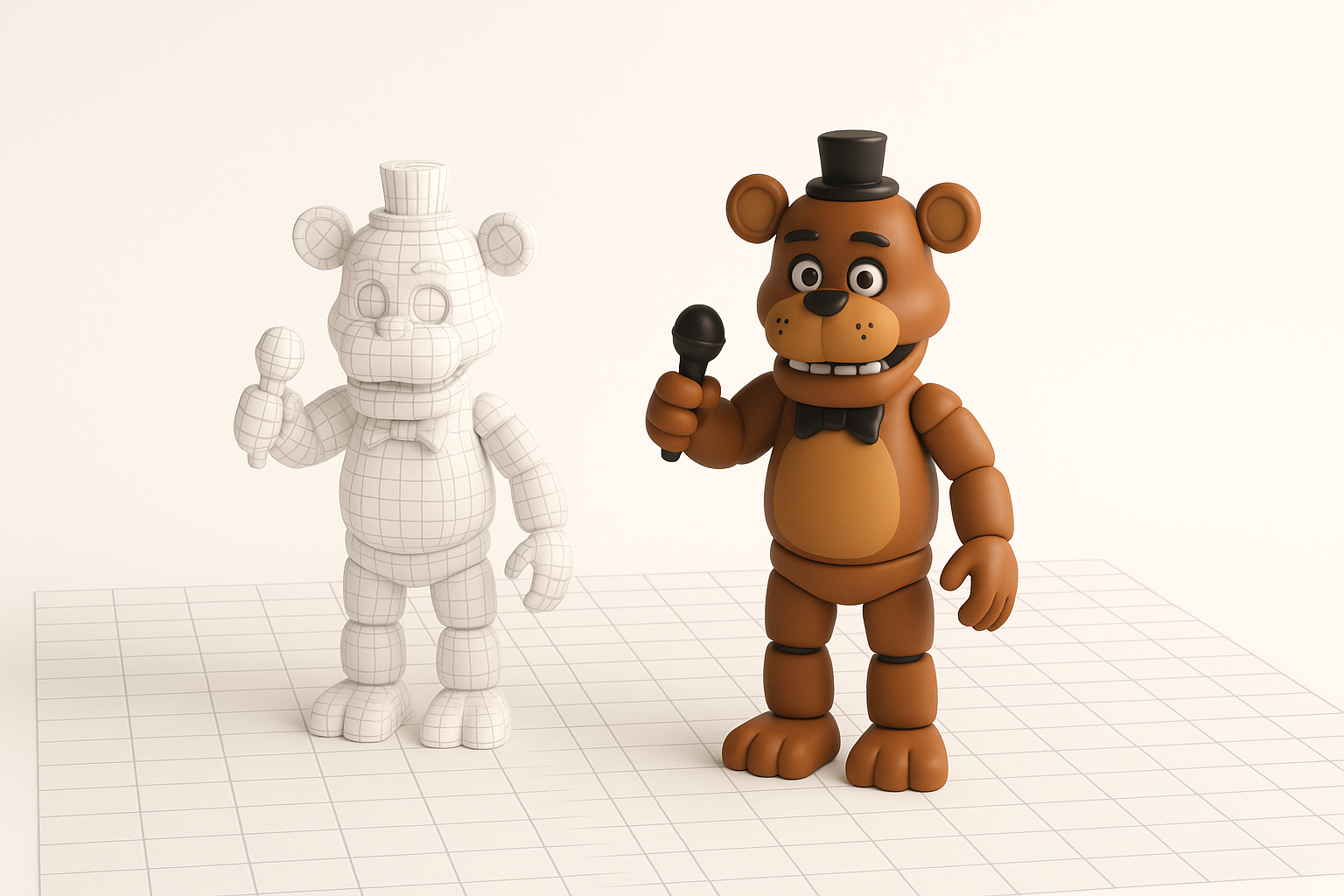
What Makes a FNAF Model Unique
FNAF models stand out due to their combination of animatronic features and horror aesthetics. In my experience, the challenge lies in blending mechanical elements (joints, hinges, exposed wiring) with expressive faces and eerie textures. Attention to stylized proportions, exaggerated details, and subtle wear-and-tear is essential.
Practical checklist:
- Reference official artwork and in-game models for proportions.
- Focus on facial rigging for jump-scare animations.
- Layer textures for grime, rust, and mechanical detail.
Common Use Cases in Games and Media
FNAF models are widely used in fan games, machinima, VR experiences, and promotional content. I often tailor models for specific platforms—lower poly for mobile, higher fidelity for cinematic renders. Rigging and animation are crucial for interactive experiences.
Pitfalls to avoid:
- Overcomplicating geometry for real-time applications.
- Ignoring animation requirements during modeling.
My Workflow for Generating FNAF 3D Models
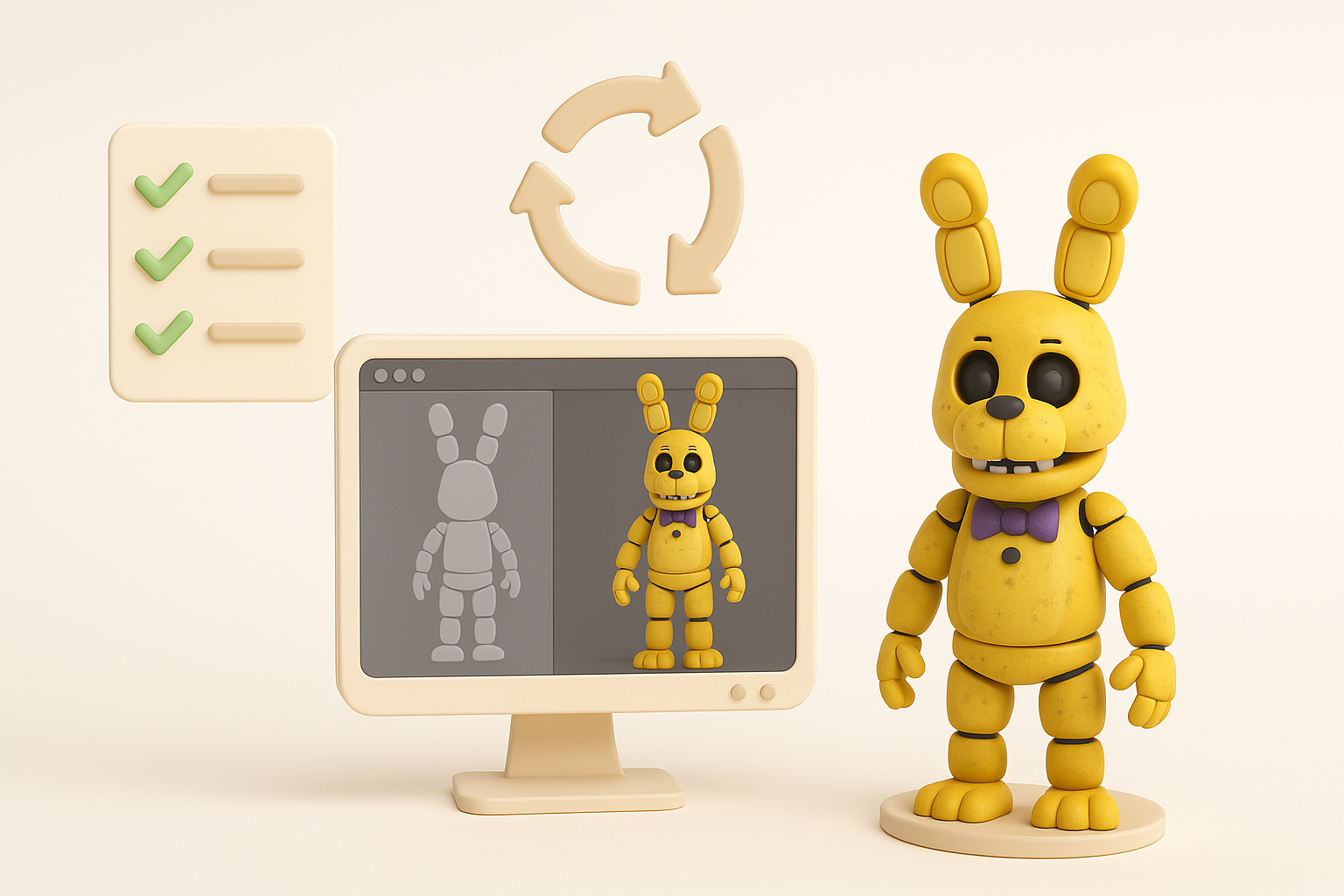
Choosing the Right Tools and Platforms
I prioritize tools that streamline the workflow and minimize manual labor. Tripo AI is my go-to for generating base meshes from text or image prompts, which accelerates the concept phase. For refinement, I use standard 3D software for sculpting and detail work.
Tool selection tips:
- Use AI platforms for rapid prototyping and segmentation.
- Choose traditional tools for custom sculpting and polish.
Step-by-Step Model Creation Process
Here’s how I typically build a FNAF model:
- Concept Input: Start with a text prompt or sketch upload in Tripo AI.
- Base Mesh Generation: Let AI create a segmented mesh with basic topology.
- Manual Refinement: Import into a 3D editor to adjust proportions and add detail.
- Retopology: Use built-in tools for clean, animation-ready topology.
- UV Unwrapping: Ensure efficient UV layouts for texturing.
Mini-checklist:
- Validate proportions early to avoid costly revisions.
- Keep topology simple for easy rigging.
Best Practices for Texturing, Rigging, and Animation
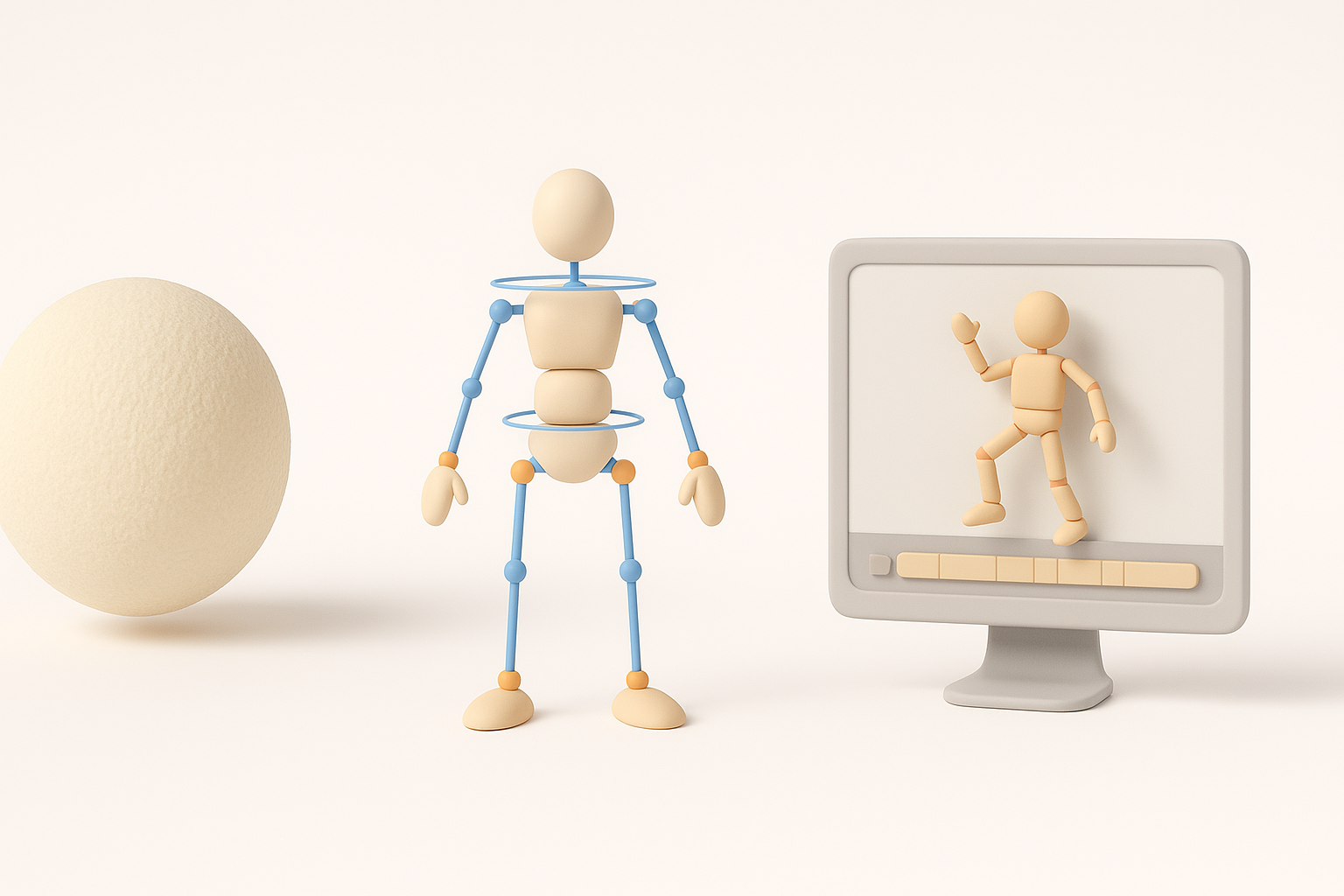
Efficient Texturing Techniques
Texturing is key for FNAF’s gritty look. I rely on smart UV mapping and procedural textures to simulate rust, grime, and worn paint. Tripo’s auto-texturing speeds up the process, but I often layer custom maps for added realism.
Tips:
- Use triplanar mapping for seamless grime.
- Bake detail maps for performance.
Rigging and Animating for Realism
FNAF characters demand expressive facial rigs and flexible body joints. I use automated rigging tools for base skeletons, then manually tweak weights and controllers for jump-scare animations.
Rigging steps:
- Start with auto-rigging for base joints.
- Add custom controls for eyelids, jaw, and fingers.
- Test animation loops early to catch deformation issues.
Pitfalls:
- Neglecting facial rigging reduces animation impact.
- Overcomplicating rigs increases troubleshooting time.
Optimizing and Exporting FNAF 3D Models
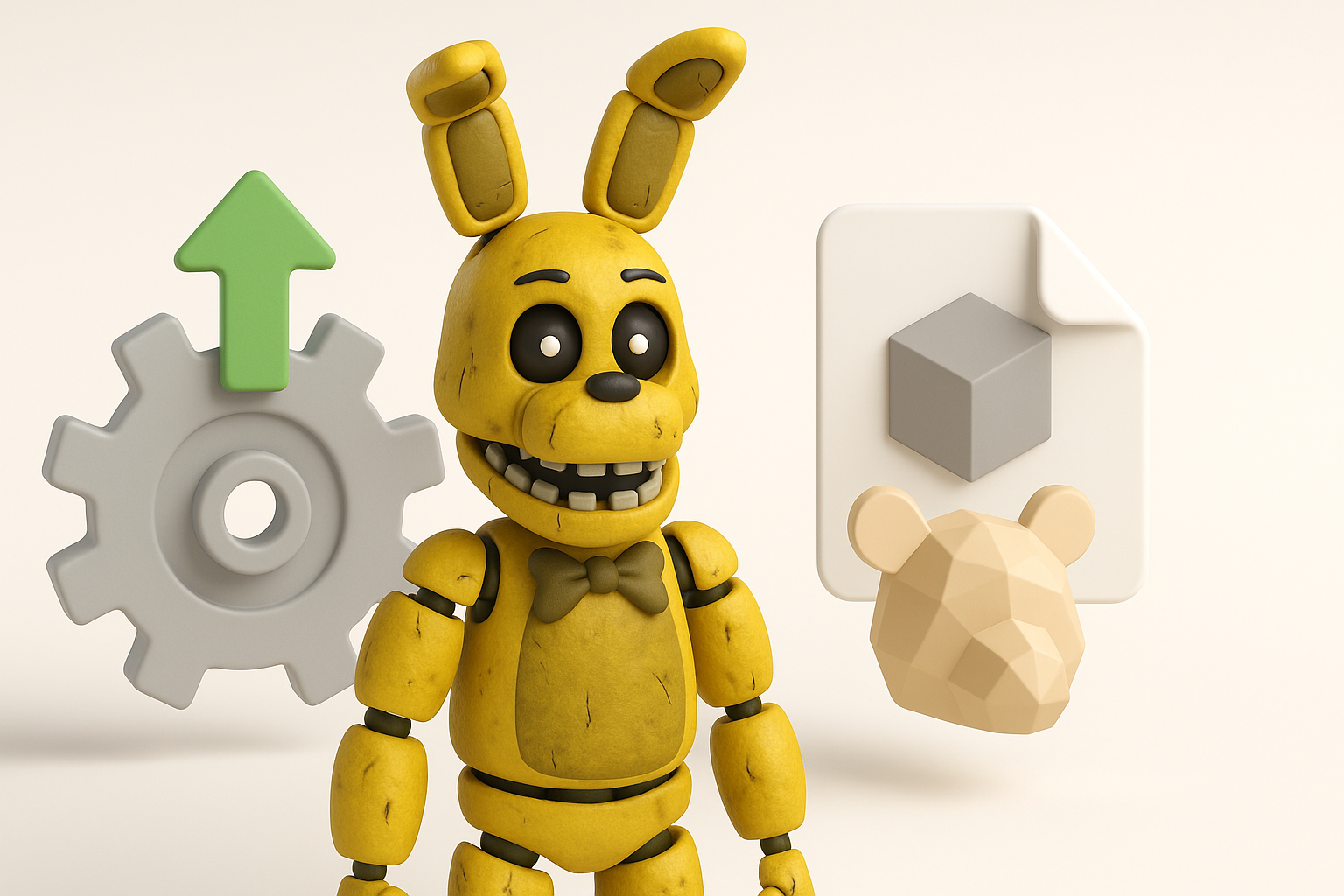
Retopology and Model Optimization Tips
Optimizing models is crucial for game performance. Tripo’s intelligent retopology tools help reduce poly counts while preserving detail. I always check edge flow and remove unnecessary geometry.
Optimization checklist:
- Target under 10k polygons for real-time models.
- Merge overlapping meshes and clean up loose vertices.
Export Settings for Different Engines
Exporting properly ensures compatibility. I tailor settings for each engine—Unity, Unreal, or custom platforms. Tripo offers presets for common engines, but I double-check scale, axis orientation, and material assignments.
Export steps:
- Choose FBX or GLTF for broad compatibility.
- Verify animation and texture embedding.
- Test imports in target engine before final delivery.
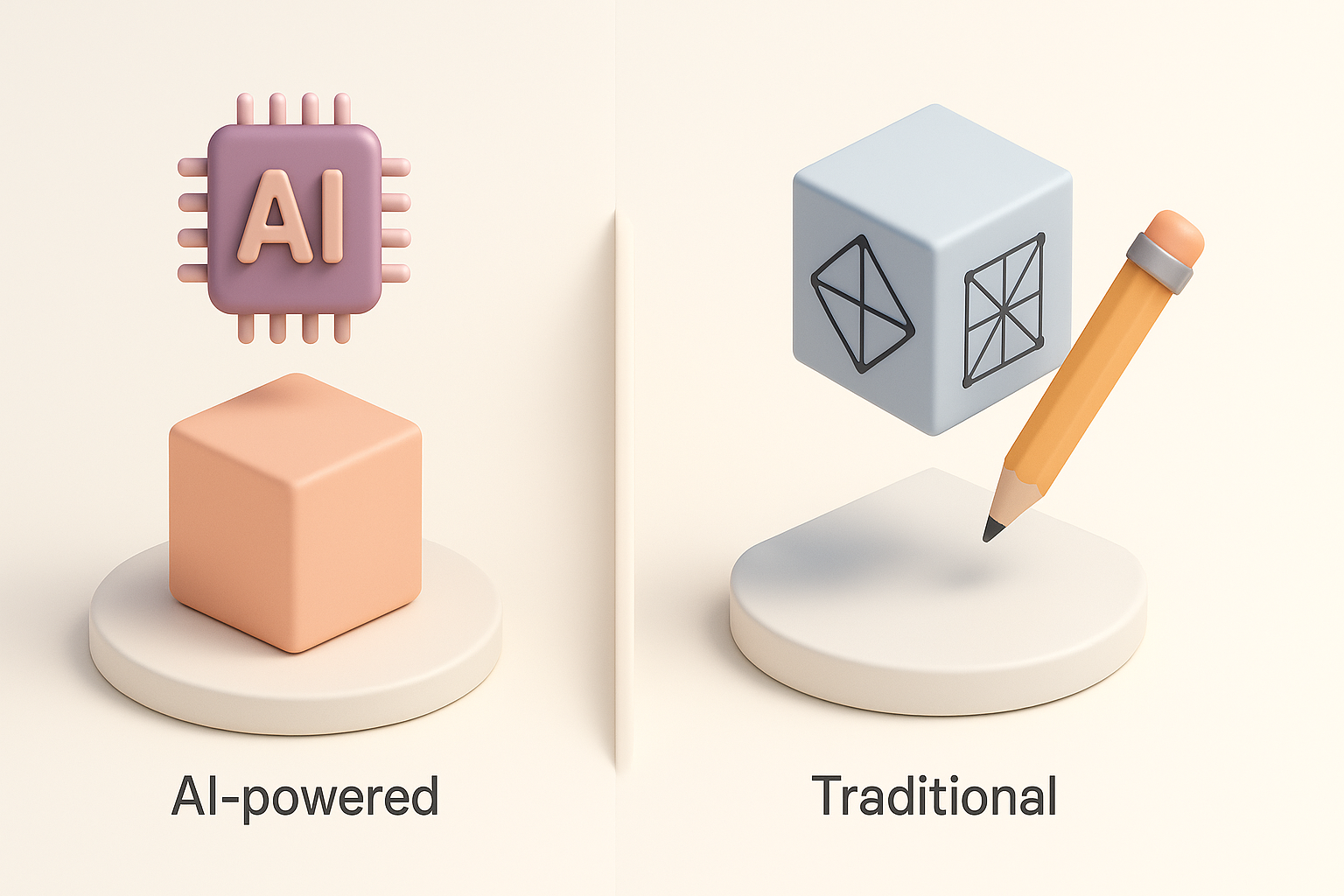
Comparing AI-Powered and Traditional 3D Workflows
Benefits of AI-Assisted Creation
AI platforms like Tripo have transformed my workflow. They cut down initial modeling time, automate segmentation and retopology, and provide quick texturing. This lets me focus on creative decisions and iteration.
Advantages:
- Rapid prototyping from text/image/sketch.
- Automated segmentation and rigging.
- Lower barrier for non-technical creators.
When to Use Alternative Methods
Despite AI advances, I still use traditional tools for highly custom or stylized models. If I need precise sculpting, unique topology, or advanced shaders, manual methods are best. Hybrid workflows often yield the best results.
When to go manual:
- Highly stylized or unique designs.
- Complex animation requirements.
- Custom shader development.
In summary: FNAF 3D model creation is faster and more accessible than ever with AI-powered tools like Tripo. By following expert workflows for modeling, texturing, rigging, and optimization, creators can deliver production-ready assets for games and media—without getting bogged down in technical complexity.
