Creating and Optimizing Fish 3D Models: Expert Workflow
Creating production-ready fish 3D models has become dramatically faster and more accessible with AI-powered workflows and smart tool integration. In my experience, the key is balancing speed, quality, and flexibility—using the right blend of AI automation and hands-on manual refinement. This article is for 3D artists, game developers, and XR creators who want to streamline their fish modeling process without sacrificing detail or animation fidelity. Below, I’ll walk through my proven workflow, highlight practical tips, and share what to watch out for at each stage.
Key takeaways:
- AI-powered tools can generate solid fish 3D bases from text, images, or sketches in seconds.
- Manual refinement is still essential for high-quality topology, UVs, and animation.
- Reference gathering and segmentation are critical for believable fish anatomy.
- Rigging for aquatic movement requires specific bone structures and constraints.
- Export settings (polycount, textures, formats) must match your target platform’s needs.
Executive Summary and Key Takeaways
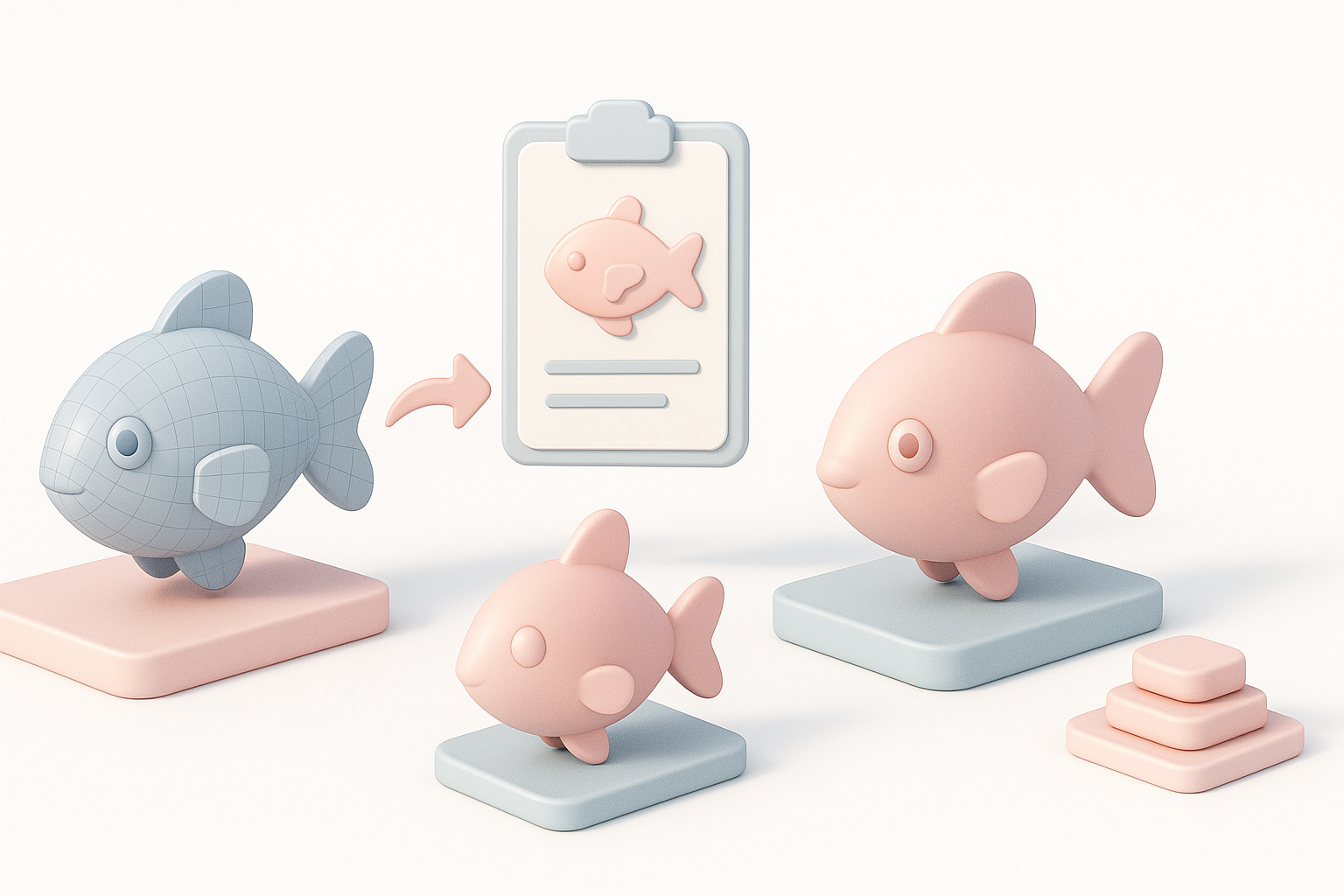
What I’ve learned about efficient fish 3D modeling
Through hands-on projects in games and XR, I’ve found that starting with AI-generated models can save hours—especially for common fish species or stylized assets. However, to reach production quality, I always invest time in manual retopology, careful UV mapping, and texture painting. This hybrid approach consistently delivers the best results.
Summary of best practices and workflow tips
- Gather multiple references for anatomy and surface detail.
- Use AI tools for rapid base mesh creation, then retopologize for clean geometry.
- Segment fins and body early for better control during rigging and animation.
- Test models in your target engine early to catch scale or shading issues.
- Keep polycount and texture sizes optimized for real-time performance.
Choosing the Right Approach for Fish 3D Model Creation
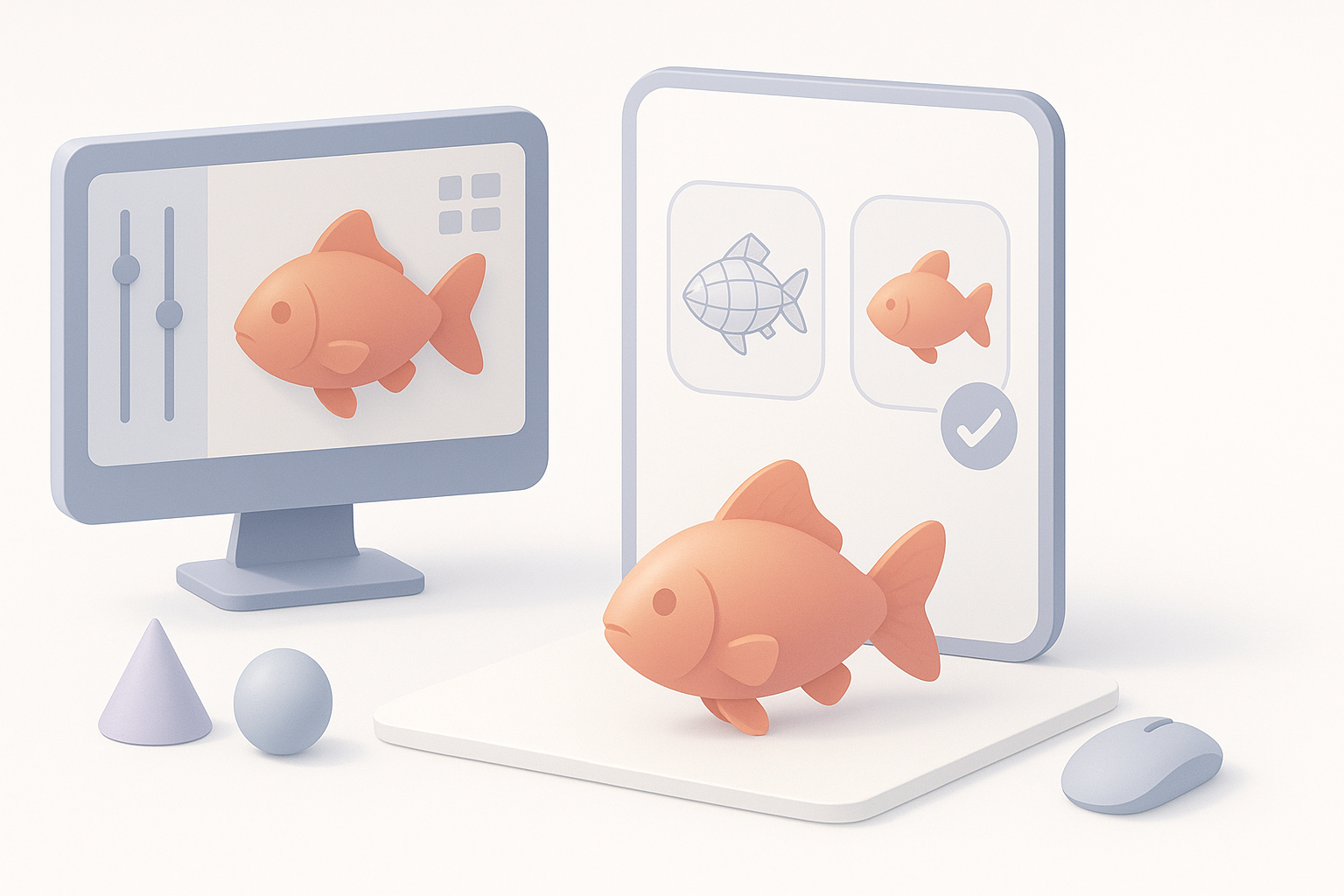
Text, image, and sketch-based modeling: What works best
In my workflow, I choose the input method based on project needs:
- Text prompts are fastest for generic or stylized fish.
- Images yield the most accurate results for specific species.
- Sketches are ideal when I need to control silhouette or proportions.
I recommend starting with high-quality references and, if possible, combining image and text prompts for more nuanced results.
My experience with AI-powered and manual workflows
AI platforms like Tripo have transformed my process, allowing me to generate a base fish model in seconds. However, I always check geometry and UVs before moving forward. For hero assets or animation-heavy models, I still rely on manual sculpting and retopology to ensure deformation and shading are up to par.
Pitfalls to avoid:
- Over-relying on AI outputs without checking topology.
- Skipping manual cleanup, which can cause rigging issues later.
Step-by-Step Workflow: From Concept to Production-Ready Model
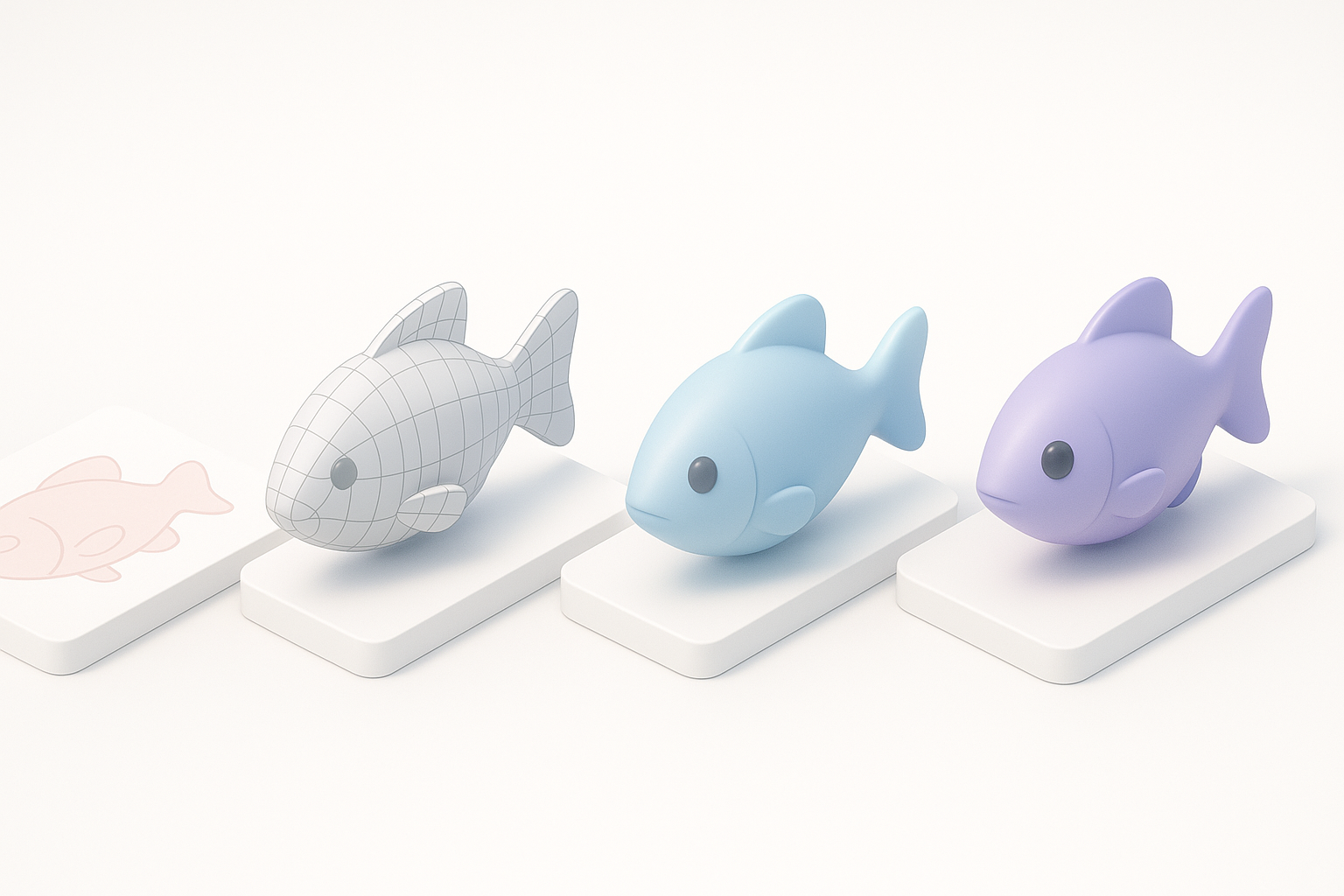
Concepting and reference gathering
I start every fish model by collecting references: photos, anatomical diagrams, and even underwater videos. This helps me understand the body structure, fin placement, and unique surface details.
Checklist:
- Gather at least 3–5 high-res images from different angles.
- Note color patterns, scale shapes, and fin transparency.
Segmentation, retopology, and texturing techniques
After generating a base model (via AI or sculpting), I segment the body and fins for easier texturing and rigging. I use built-in retopology tools to create clean, animation-friendly geometry. For texturing, I prefer hand-painting details like scales and subtle color shifts, then baking normal and AO maps for realism.
Tips:
- Keep fin meshes separate for more control.
- Use procedural textures for scale patterns, blending with hand-painted maps.
Rigging and Animating Fish Models for Games and XR
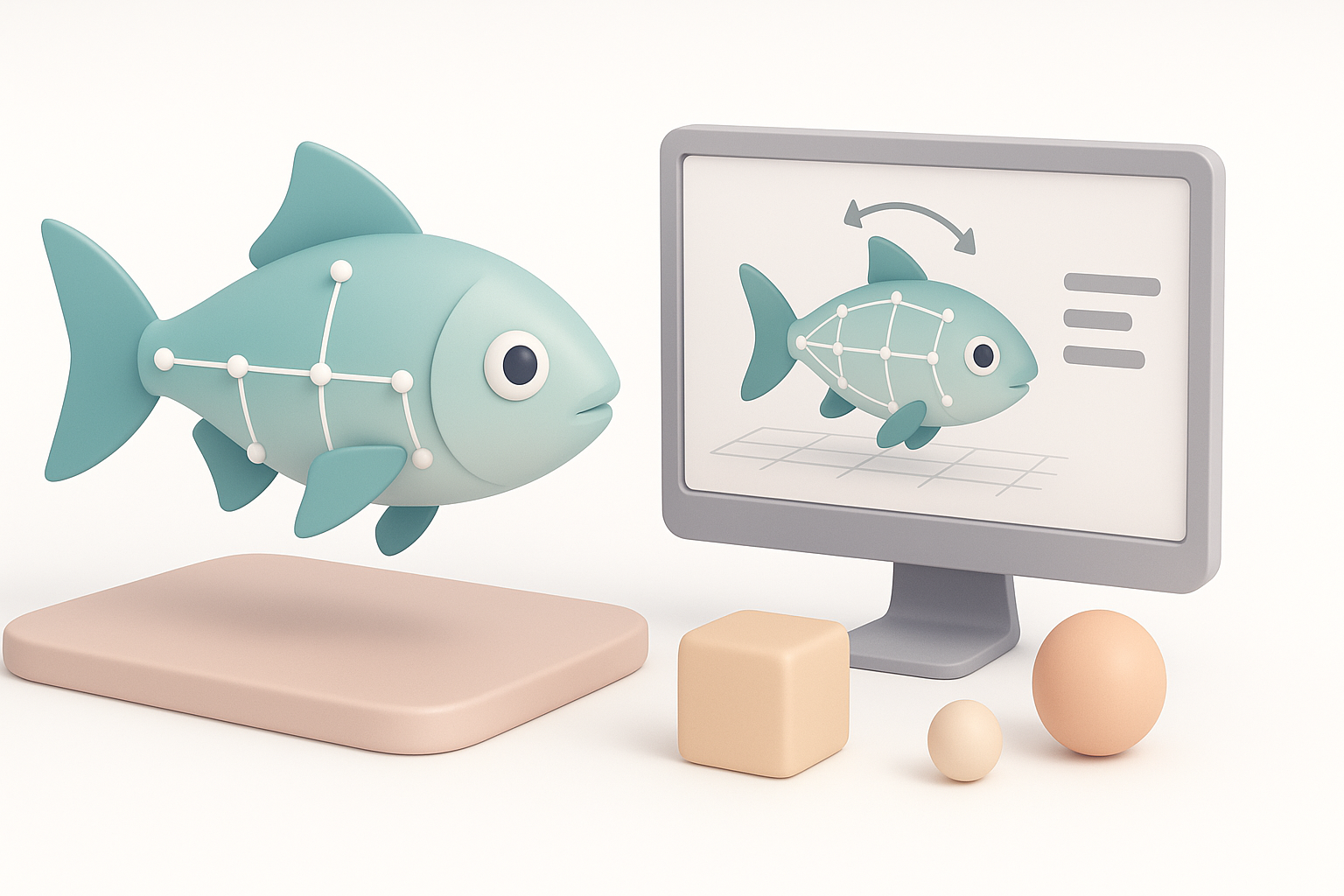
How I handle rigging for realistic movement
Fish require a flexible spine and independent fin controls. I set up a joint chain along the body and add extra bones for pectoral and tail fins. Weight painting is crucial—smooth gradients ensure natural undulation.
Steps:
- Create a main spine rig with 6–10 bones.
- Add fin bones and constrain them for secondary motion.
- Test deformation with simple swim cycles.
Animation tips for aquatic environments
I animate swim cycles using overlapping sine wave motions along the spine. For XR, I keep cycles short and loopable. Subtle fin flicks and body bends add realism.
Best practices:
- Use reference footage for timing and amplitude.
- Avoid rigid movements—fish should always look fluid.
Comparing AI Tools and Alternative Methods for Fish 3D Modeling
Where AI tools excel and where manual methods shine
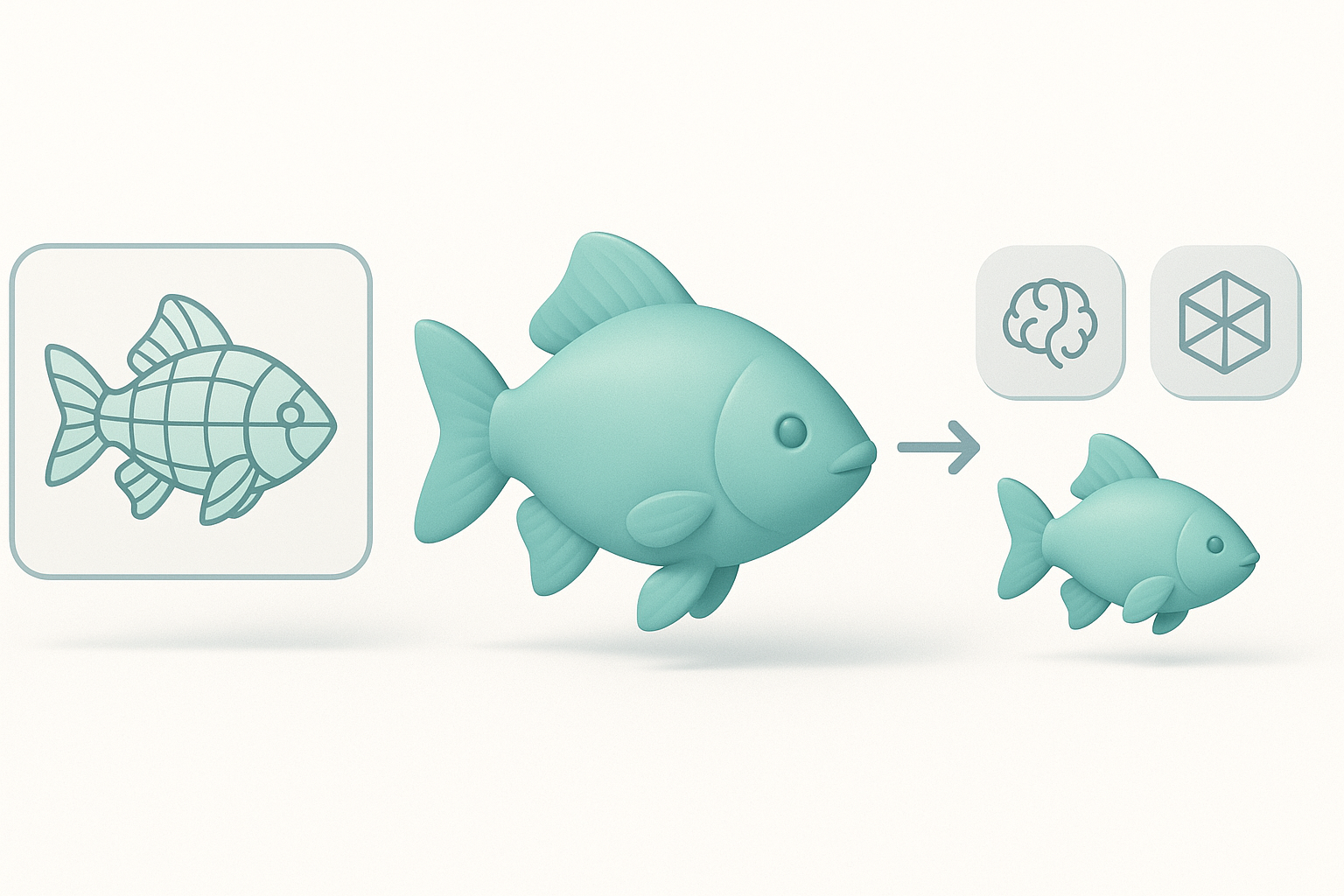
AI tools are unbeatable for rapid prototyping and generating base meshes. They’re especially useful for background or stylized fish. Manual methods are still necessary for hero models, close-ups, or when animation quality is critical.
Integration tips:
- Use AI for base mesh, then retopologize and UV manually.
- Don’t skip manual sculpting for unique species or exaggerated features.
Integrating AI platforms into my workflow
I typically generate the base model in Tripo, export to my DCC (e.g., Blender or Maya), and handle retopology, UVs, and texturing there. This hybrid approach maximizes efficiency without compromising quality.
Best Practices for Exporting and Integrating Fish Models
Optimizing models for game engines and XR
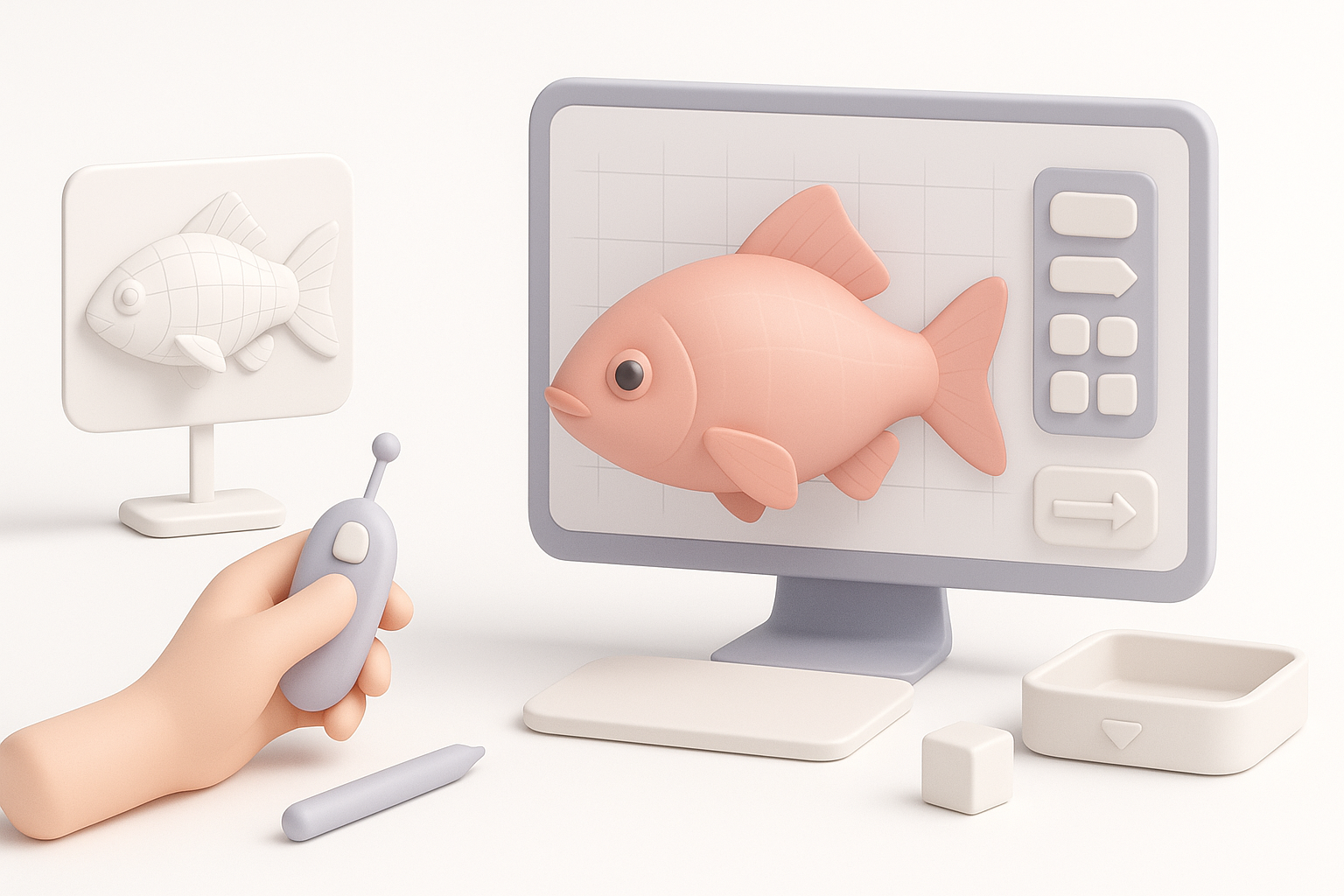
Export settings make or break real-time performance. I keep polycounts low (1–5k tris for mobile, 5–15k for desktop/VR) and use 1–2K textures. I test imports in Unity or Unreal early to catch shading or scale issues.
Checklist:
- Export as FBX or GLB for best compatibility.
- Bake and pack textures efficiently (albedo, normal, roughness).
- Check pivot points and scale before final export.
File formats, polycount, and texture considerations
- File formats: FBX for animation, GLB for web/XR.
- Polycount: Balance detail with performance—test in-engine.
- Textures: Use compressed formats (e.g., PNG, JPEG) and atlasing for efficiency.
By combining AI-powered generation with manual refinement, I consistently deliver fish 3D models that are both efficient and production-ready—whether for games, XR, or film. The key is knowing when to automate and when to intervene, always guided by your final platform’s needs.


