Creating Elden Ring 3D Models: Workflow, Tools, and Tips
Creating Elden Ring-inspired 3D models demands both creative vision and technical precision. Over the years, I’ve refined a workflow that leverages AI-powered tools to speed up asset production without sacrificing authenticity or quality. Whether you’re building game-ready characters, environments, or props for XR experiences, the right mix of references, tools, and practical know-how makes all the difference. This article is for artists, developers, and designers who want actionable methods for producing Elden Ring-style assets efficiently, with tips for avoiding common pitfalls and maximizing creative output.
Key takeaways
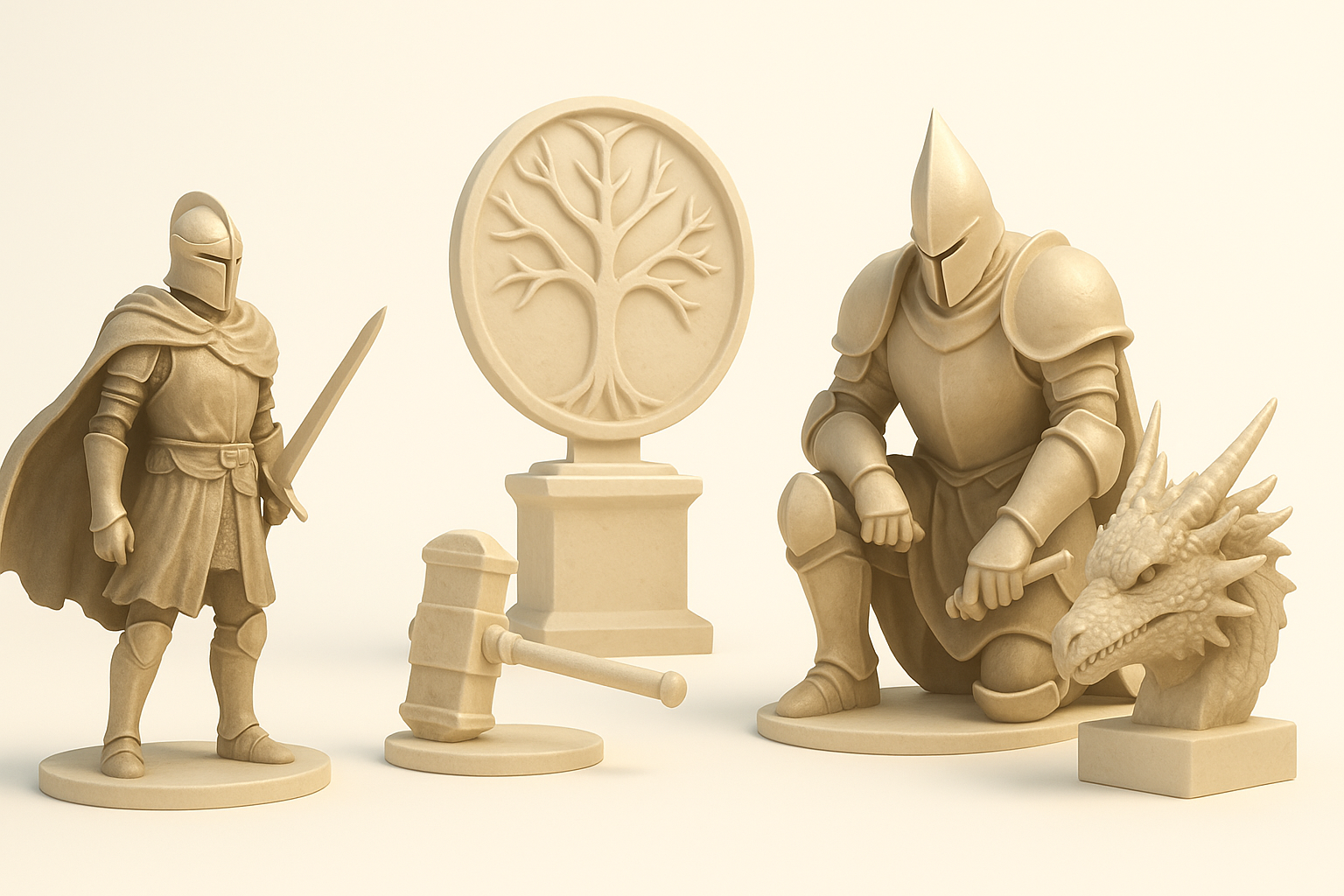
- Reference gathering and planning are crucial for capturing Elden Ring’s distinctive style.
- AI-driven platforms streamline base mesh creation, segmentation, and retopology.
- Authentic texturing and rigging are essential for game integration and realism.
- Balancing AI automation and manual refinement ensures both speed and quality.
- Common mistakes include neglecting scale, overcomplicating topology, and mismatched materials.
Overview of Elden Ring 3D Models
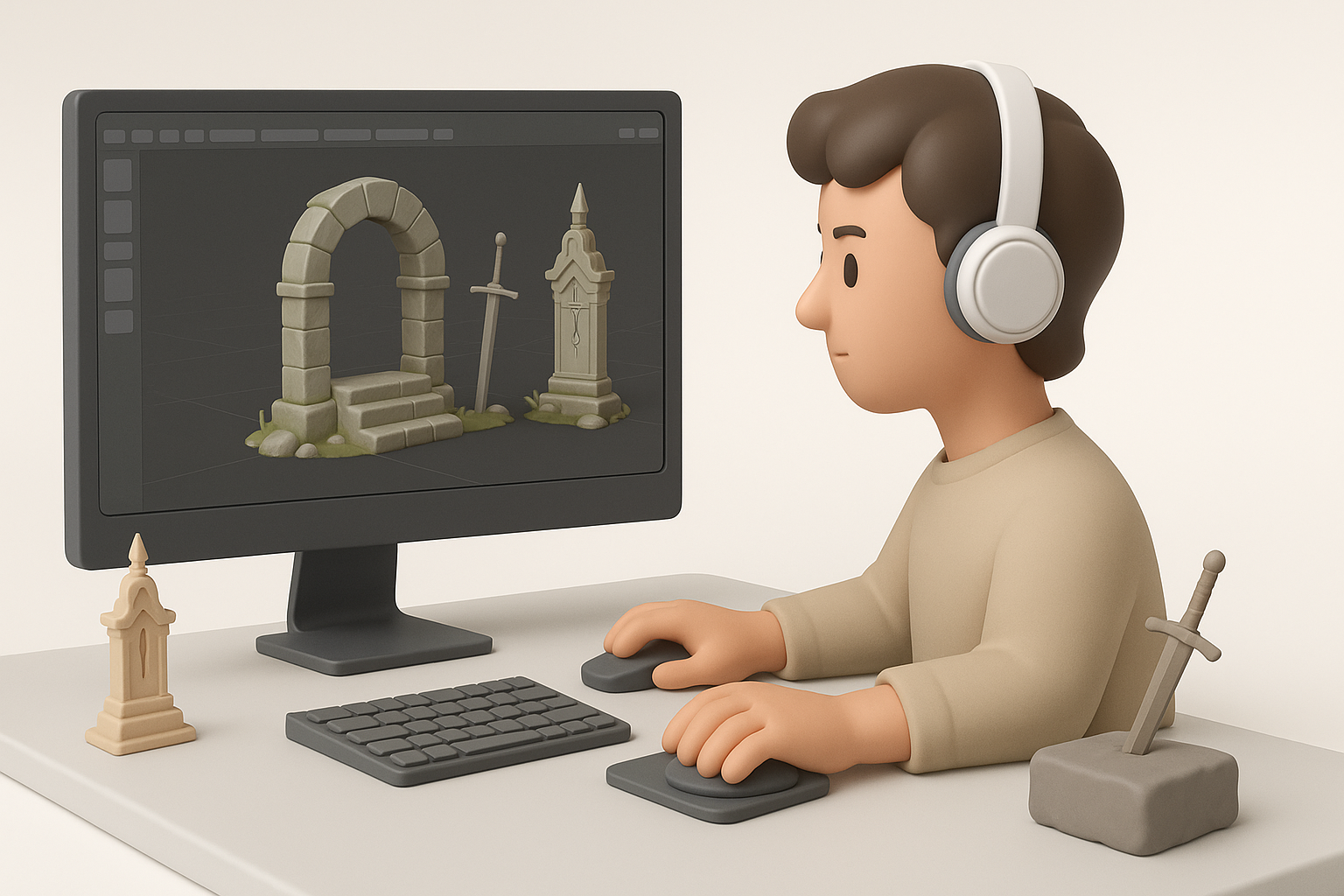
What Makes Elden Ring Models Unique
Elden Ring’s 3D assets stand out for their intricate gothic detailing, weathered textures, and dynamic silhouettes. In my experience, capturing the essence means prioritizing asymmetry, layered materials, and subtle storytelling cues—like worn armor or mystical motifs.
Key aspects to focus on:
- Complex geometry with layered elements
- Realistic wear and environmental effects
- Stylized proportions and silhouettes
Common Use Cases in Games and XR
I see Elden Ring-style assets used across:
- Game environments and character design
- XR experiences (AR/VR scene dressing)
- Cinematic animations and concept visualization
The demand for immersive, atmospheric props and creatures is especially high in fantasy and adventure genres. My workflow adapts based on whether the asset needs real-time optimization or high-res detail for cinematics.
My Workflow for Building Elden Ring-Inspired 3D Assets

Gathering References and Planning
I always start by collecting high-res screenshots, concept art, and lore notes. This helps anchor the visual direction and ensures consistency.
Reference checklist:
- In-game screenshots (multiple angles)
- Official concept art and fan interpretations
- Material studies (stone, metal, fabric)
- Structural breakdowns (armor, architecture)
Planning involves sketching rough silhouettes and noting key motifs. I map out scale and intended use early—this prevents costly redesigns later.
Choosing the Right Tools and Platforms
For rapid prototyping, I rely on AI-powered platforms like Tripo AI to generate base meshes and automate segmentation. For manual sculpting or fine detailing, I supplement with traditional modeling software.
Tool selection tips:
- Use AI tools for quick mesh generation and initial segmentation
- Switch to manual tools for sculpting, UV tweaks, and custom topology
- Export assets in compatible formats for game engines (FBX, OBJ, GLTF)
Step-by-Step: Creating a Production-Ready Model

Generating Base Meshes from Text or Images
With Tripo AI, I can input text prompts or reference images to generate a base mesh in seconds. This is ideal for blocking out complex shapes quickly.
Steps:
- Input descriptive text or upload reference images/sketches.
- Review the generated mesh for silhouette and proportion accuracy.
- Make minor adjustments before moving to refinement.
Refining, Retopology, and Intelligent Segmentation
Once the base mesh is ready, I refine geometry and run intelligent segmentation to separate logical parts (e.g., armor plates, cloth, accessories).
Best practices:
- Use automated retopology for clean, game-ready topology
- Segment meshes for easier texturing and rigging
- Check for proper edge flow and avoid unnecessary complexity
Pitfall: Over-segmentation can create workflow bottlenecks during texturing and rigging—keep segmentation logical, not excessive.
Texturing, Rigging, and Animation Best Practices

Applying Authentic Textures and Materials
Elden Ring assets demand layered, weathered materials. I use procedural texturing tools and hand-paint details where needed.
Tips:
- Gather real-world texture references (rust, moss, fabric)
- Use smart UV mapping for efficient material application
- Layer procedural and hand-painted effects for depth
Pitfall: Using generic materials breaks immersion—always match textures to the asset’s lore and environment.
Rigging and Animating for Game Integration
For characters and creatures, I rig with modular skeletons and test basic animations in-engine. AI tools can automate initial rigging, but manual tweaks are often needed for complex poses.
Checklist:
- Ensure joint placement matches anatomy
- Test simple animation loops (idle, walk, attack)
- Optimize rig for real-time performance
Pitfall: Overly complex rigs slow down game performance—keep skeletons as simple as possible for intended use.
Comparing AI-Powered and Traditional 3D Workflows

Speed, Quality, and Flexibility Insights
AI-driven workflows drastically reduce modeling and segmentation time—what used to take hours now takes minutes. However, manual methods still excel at nuanced detailing and custom topology.
Comparison:
- AI tools: Fast, consistent base meshes, ideal for rapid prototyping
- Manual methods: Superior for sculpting, unique topology, and fine detail
When to Use AI Tools vs. Manual Methods
I use AI tools for:
- Initial mesh generation
- Automated segmentation and retopology
I switch to manual methods for:
- Sculpting unique features
- Custom UV layouts
- Final polish and animation tweaks
Hybrid workflows maximize both speed and quality.
Tips, Lessons Learned, and Common Pitfalls
What I’ve Learned from Real Projects
- Always clarify asset scale and purpose before modeling.
- Layering references leads to more authentic results.
- AI tools are best for early stages; manual work is key for final polish.
Avoiding Common Mistakes in Elden Ring Asset Creation
Common pitfalls:
- Neglecting real-world scale (assets look off in-game)
- Overcomplicating topology (hurts performance and rigging)
- Misaligned textures/materials (breaks immersion)
Success checklist:
- Plan with references and sketches
- Use AI tools for speed, manual tools for detail
- Test assets in context early and often
By blending AI-powered workflows with traditional methods, I consistently produce Elden Ring-inspired 3D models that are both production-ready and true to the original style. The key is knowing when to leverage automation and when to apply hands-on artistry.


