Creating and Optimizing Doom Eternal 3D Models: Expert Workflow
If you want to create Doom Eternal-inspired 3D models that are both visually striking and game-ready, you need a workflow that’s fast, flexible, and tuned for high performance. In my experience, combining traditional modeling skills with AI-powered tools has transformed how quickly I can deliver production-ready assets. This guide covers my step-by-step process—from initial concepting to optimization and export—highlighting practical tips, pitfalls, and how I use AI to accelerate the grunt work. Whether you’re a solo artist or part of a larger team, these methods will help you create and optimize assets that meet the demanding standards of AAA games.
Key takeaways
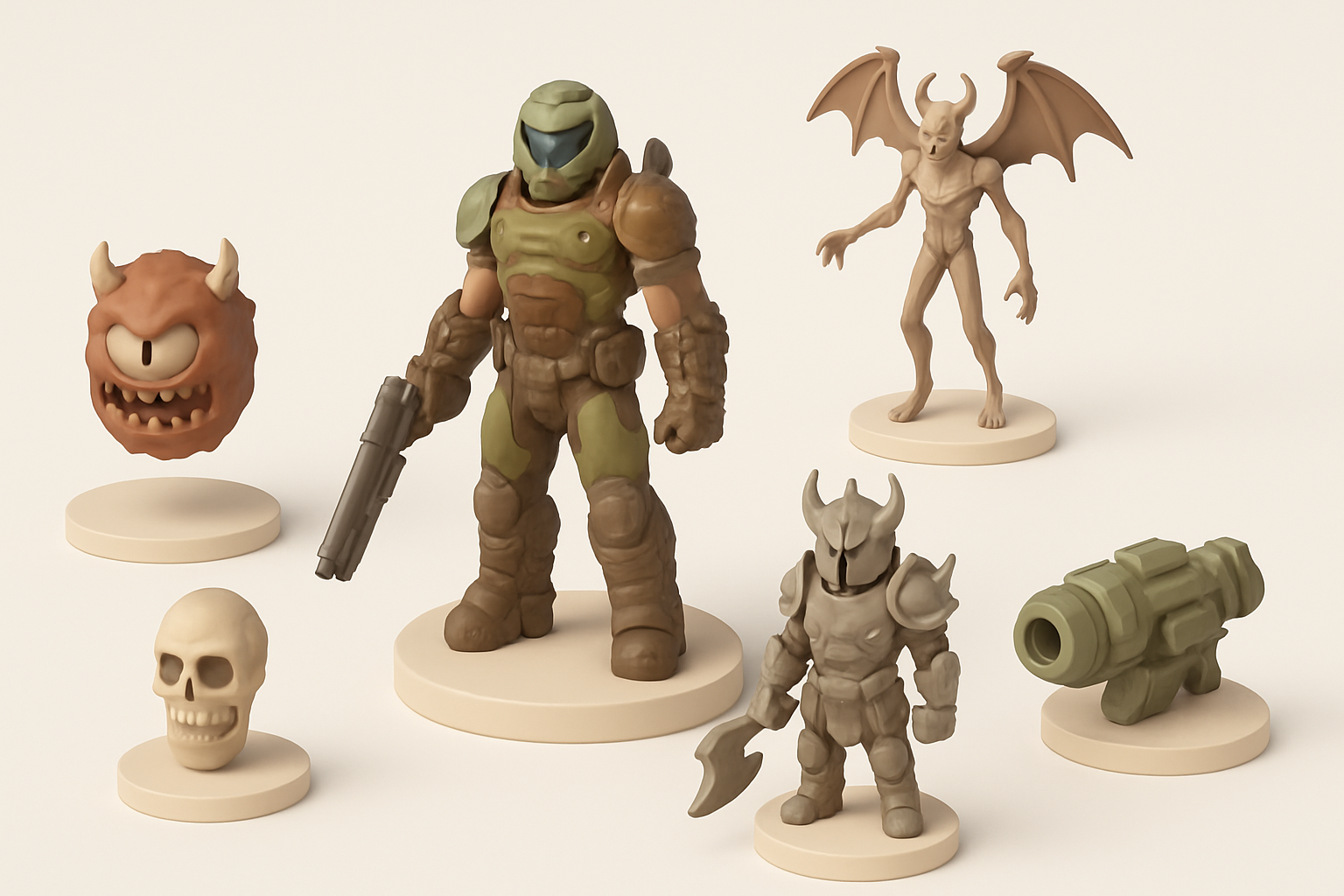
- Start with strong references and blockouts to nail Doom Eternal’s bold, stylized look.
- Prioritize clean topology and efficient UVs for game-ready models.
- Use AI tools like Tripo to generate and iterate on base meshes and textures rapidly.
- Always optimize for real-time performance: keep polycounts manageable and textures tight.
- Integrate AI-generated assets thoughtfully—manual tweaks are often needed for polish.
- Export and rig models with your target engine’s requirements in mind.
Overview of Doom Eternal 3D Models
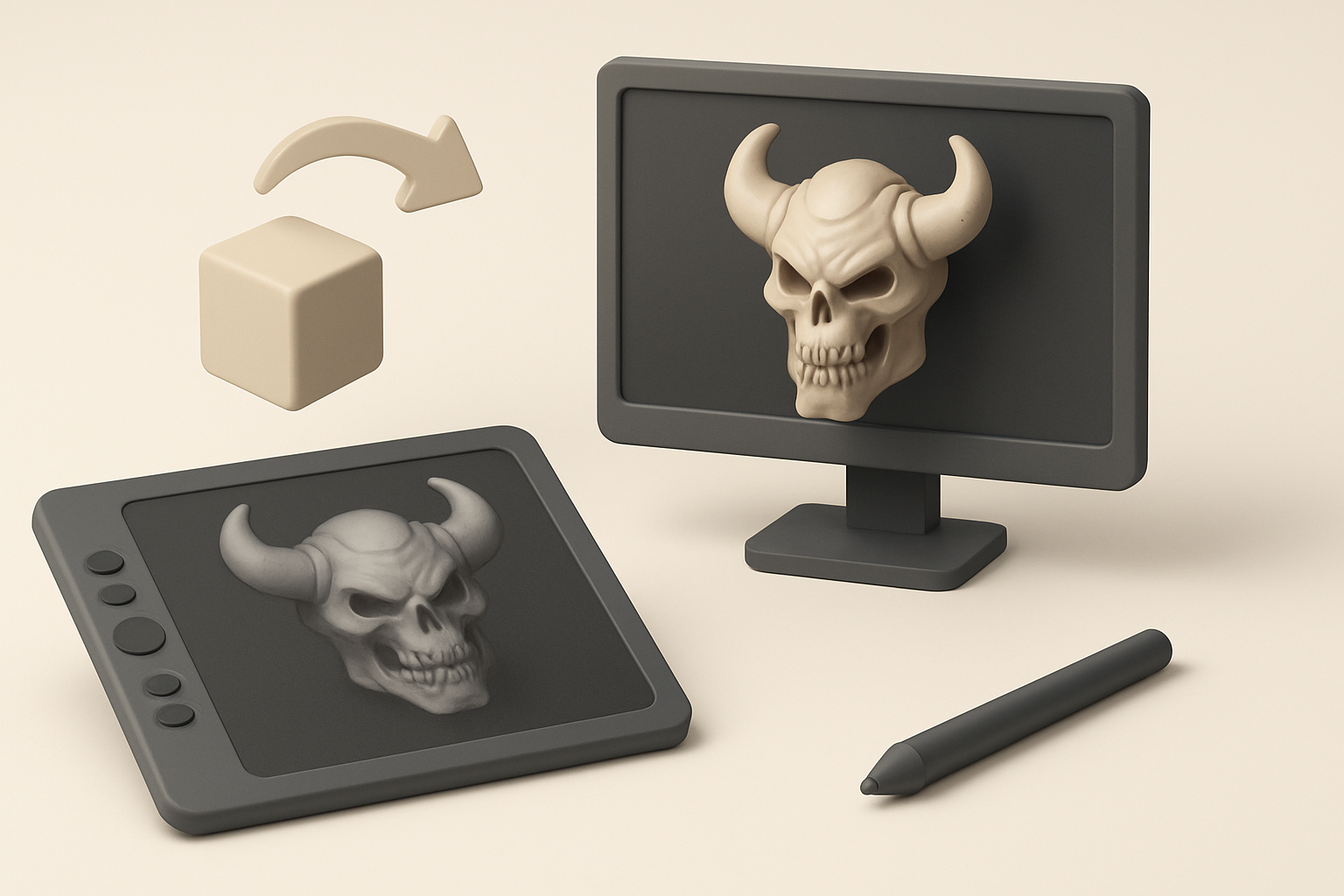
Key characteristics and style of Doom Eternal assets
Doom Eternal’s 3D assets are defined by exaggerated proportions, aggressive silhouettes, and a blend of mechanical and organic forms. Surfaces often feature sharp edges, bold paneling, and layered detail—perfect for normal and ambient occlusion maps. I’ve found that paying attention to these stylistic cues is crucial for authenticity.
Checklist for style:
- Chunky, readable shapes
- High-contrast details (panels, bolts, scars)
- Mix of hard-surface and fleshy/organic elements
- Heavy use of emissive and metallic textures
Common use cases for Doom Eternal 3D models
These models are used in a wide range of contexts: real-time gameplay, cinematics, marketing renders, and even VR/AR experiences. I frequently prepare models for:
- Enemy and weapon assets
- Environmental props and set pieces
- VFX and animation sequences
Each use case has its own optimization requirements, especially regarding polycount and texture resolution.
My Workflow for Creating Doom Eternal-Inspired 3D Models
Concepting and gathering references
I always start with a clear concept and a robust reference board. For Doom Eternal, I pull from official art, in-game screenshots, and fan breakdowns. This ensures I capture the right proportions, motifs, and materials.
My reference process:
- Collect orthographic views and close-ups of similar assets
- Annotate key features: shapes, color schemes, material transitions
- Sketch or block out quick thumbnails to explore variations
Blocking out forms and proportions
Early blockouts are about speed and silhouette. I work in low poly, focusing on major shapes and proportions before adding any detail. This step is where I often use AI tools like Tripo to quickly generate base meshes from sketches or prompts, then refine them manually.
Blockout steps:
- Start with primitive shapes (cubes, cylinders) for main volumes
- Use symmetry and mirroring for efficiency
- Check silhouette from all angles
- Iterate fast—don’t get bogged down in details yet
Texturing, Retopology, and Optimization Best Practices

Efficient retopology and UV mapping techniques
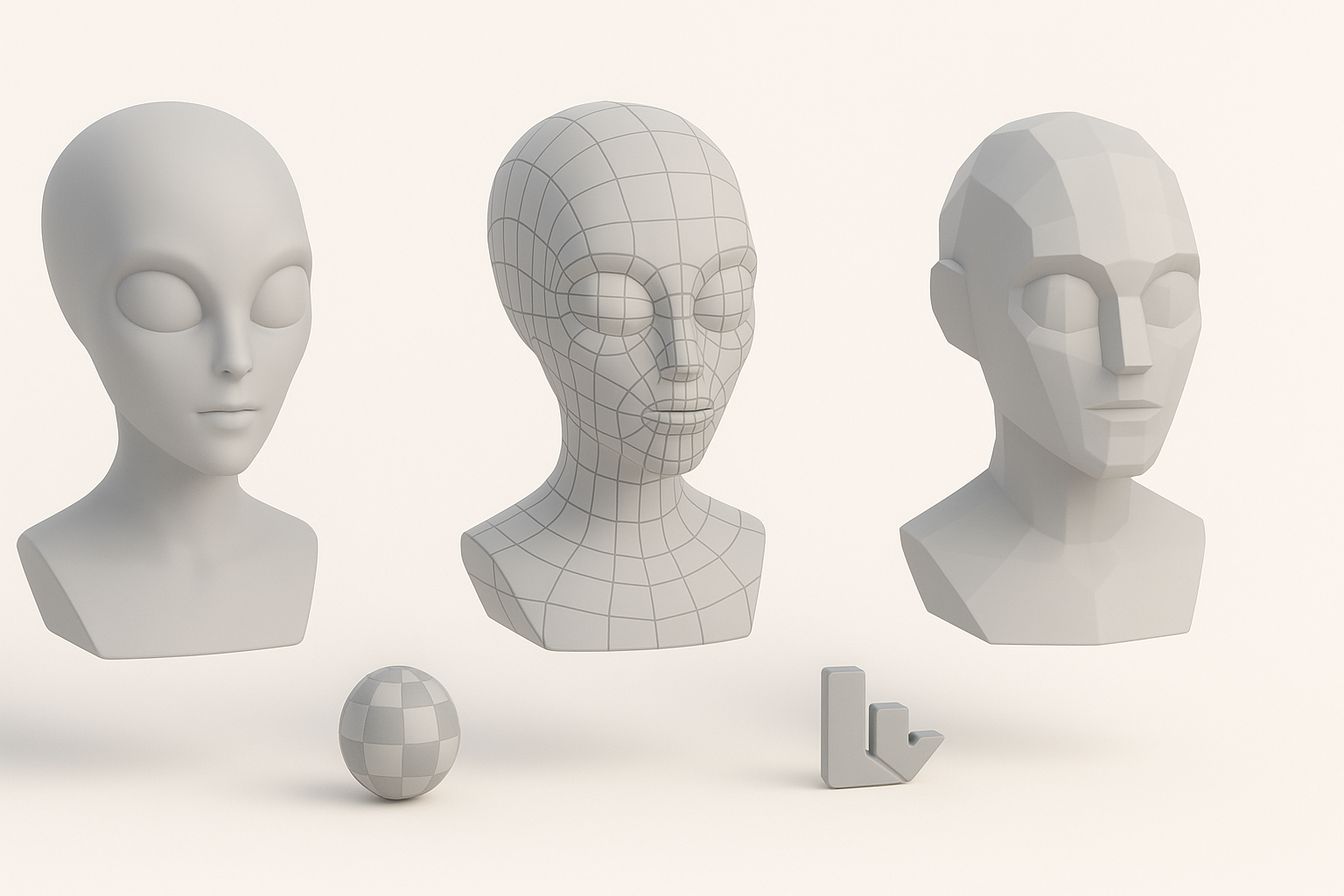
Clean topology is non-negotiable for game assets. I use auto-retopology features when appropriate (Tripo’s built-in tools are a time-saver), but always review and adjust edge flow manually, especially around deformation zones or sharp details.
My retopology checklist:
- Keep edge loops clean and evenly spaced
- Use quads where possible, minimize ngons
- Prioritize low polycount without losing silhouette
- UV islands: minimize seams, maximize texel density
Texturing workflows for game-ready assets
Texturing for Doom Eternal means bold, readable surfaces. I bake high-poly details to normal and AO maps, then layer colors, roughness, and emissive effects. AI-generated base textures can speed up the process, but I always hand-paint or tweak for final polish.
Texturing steps:
- Bake maps (normal, AO, curvature) from high to low poly
- Start with base materials, then add wear, grime, and edge highlights
- Use masks for emissives and metals
- Test in-engine lighting early and often
Leveraging AI Tools for Faster 3D Model Creation
How I use Tripo AI for rapid prototyping
Tripo allows me to generate base meshes and textures from text prompts, images, or sketches. For Doom-style assets, I’ll provide a rough sketch or detailed prompt, then let the AI handle the initial mesh and texture generation. This is especially useful for quick iterations or when I’m blocked on a shape.
Tips for using AI tools:
- Be specific with prompts—describe shapes, materials, and style
- Use generated assets as starting points, not finished products
- Combine multiple AI outputs for complex models
Integrating AI-generated assets into my pipeline
I treat AI-generated models as drafts. After importing, I refine topology, adjust proportions, and rework textures as needed. AI tools accelerate early stages, but manual passes are essential for polish and integration into existing workflows.
Integration checklist:
- Clean up geometry and UVs
- Adjust materials to match project standards
- Test for engine compatibility (scale, pivot, naming)
Exporting, Rigging, and Animation for Game Engines

Preparing models for real-time engines
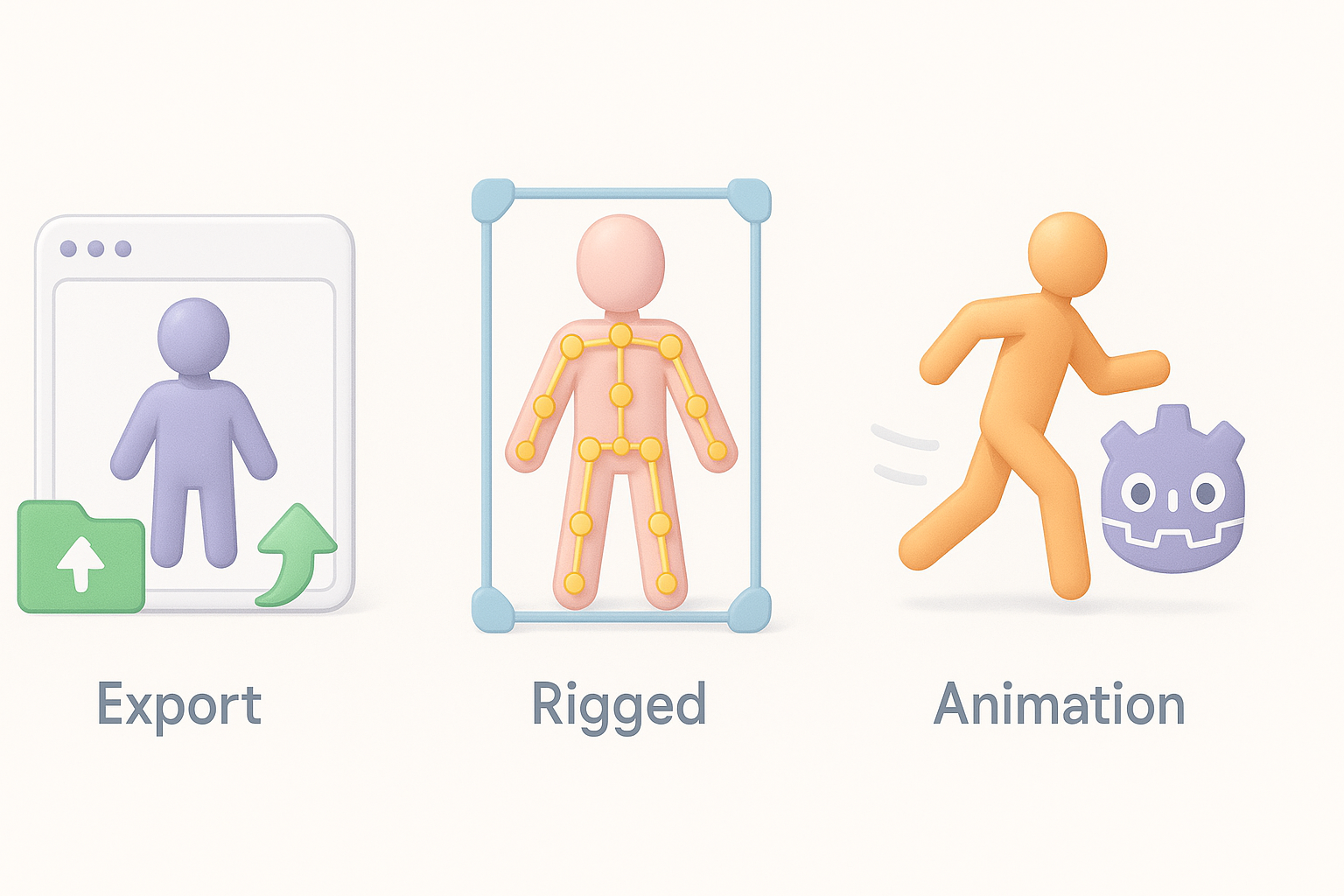
Exporting for engines like Unreal or Unity requires attention to scale, orientation, and naming conventions. I always freeze transforms, apply correct pivots, and export in FBX format with embedded textures.
Export steps:
- Set scale to match engine units (usually centimeters)
- Zero out transforms and apply pivots
- Name materials and meshes clearly
- Export as FBX or OBJ
Rigging and basic animation tips
For rigged assets (characters, weapons), I keep skeletons simple and avoid unnecessary bones. Weight painting is critical for smooth deformation, especially at joints. I test basic animations (idle, walk cycles) to catch issues early.
Rigging tips:
- Use consistent naming for bones
- Limit bone count for performance
- Test skinning with extreme poses
Comparing Manual and AI-Assisted 3D Modeling Approaches
Strengths and limitations of each workflow
Manual modeling gives me full control and precision, especially for unique or highly detailed assets. However, it’s time-consuming for blockouts and repetitive tasks. AI-assisted workflows, like those enabled by Tripo, are excellent for rapid prototyping and generating base assets but often require manual refinement for production quality.
Pros of manual:
- Full creative control
- High-quality, bespoke results
Pros of AI-assisted:
- Speed and iteration
- Great for base meshes and variations
Pitfalls:
- AI outputs may lack polish or have technical issues
- Manual workflows can be slow for large asset libraries
When to choose AI tools versus traditional methods
I use AI tools when I need to generate ideas quickly, fill out background assets, or iterate on variations. For hero assets or highly complex models, I rely more on manual techniques. The best results come from blending both approaches—using AI for speed, and manual passes for quality.
Decision points:
- Use AI for rapid prototyping, blockouts, or when facing creative block
- Go manual for signature assets, complex rigs, or when precision is critical
By combining strong fundamentals with AI-powered acceleration, I can create Doom Eternal-style 3D models that are both efficient and visually compelling—ready for any game engine or cinematic pipeline.


