How to Create a Realistic DNA 3D Model Project
Creating a realistic DNA 3D model is essential for scientific visualization, education, and creative projects. In my experience, the right tools and workflow make all the difference—especially when accuracy and production-readiness matter. Leveraging AI-powered platforms like Tripo, I can generate detailed DNA models quickly and refine them for animation or XR applications. This guide covers every step, from planning and modeling to texturing, optimization, and presentation, with practical advice for both newcomers and seasoned 3D artists.
Key takeaways:
- Start with clear project goals and reference materials
- Use AI-driven tools for speed and accuracy in modeling
- Prioritize clean topology for animation and XR
- Apply realistic textures for scientific credibility
- Optimize models for performance and export needs
- Compare workflows to choose the best approach for your project
Executive Summary and Key Takeaways
Project goals and expected outcomes
When I begin a DNA 3D model project, my goals are usually clarity, realism, and versatility. Whether it's for an educational animation or a game asset, I aim to create a visually accurate double helix that’s ready for various uses—rendering, real-time visualization, or AR/VR integration.
Essential tools and recommended workflows
I rely on AI-powered platforms like Tripo for fast, accurate base models, then refine them with standard 3D software as needed. This hybrid approach saves time and ensures scientific precision. For texturing and animation, integrated tools streamline the process, but I always double-check outputs for production standards.
Planning Your DNA 3D Model Project
Defining project scope and requirements
First, I define the scope: Is this for a static render, real-time application, or animation? Knowing the end use helps set polycount targets, texture resolution, and rigging needs. I list key requirements—scientific accuracy, visual appeal, and compatibility with target platforms.
Gathering reference materials and scientific data
I gather high-quality references: scientific diagrams, microscopy images, and molecular models. Reliable sources (textbooks, journals, open databases) are crucial for accuracy. I keep a folder of images and data handy throughout the modeling process.
Reference checklist:
- Structural diagrams (side and top views)
- Molecular dimensions (base pair spacing, helix diameter)
- Color conventions for nucleotides
Step-by-Step Workflow for Building a DNA 3D Model
Choosing the right 3D creation tools
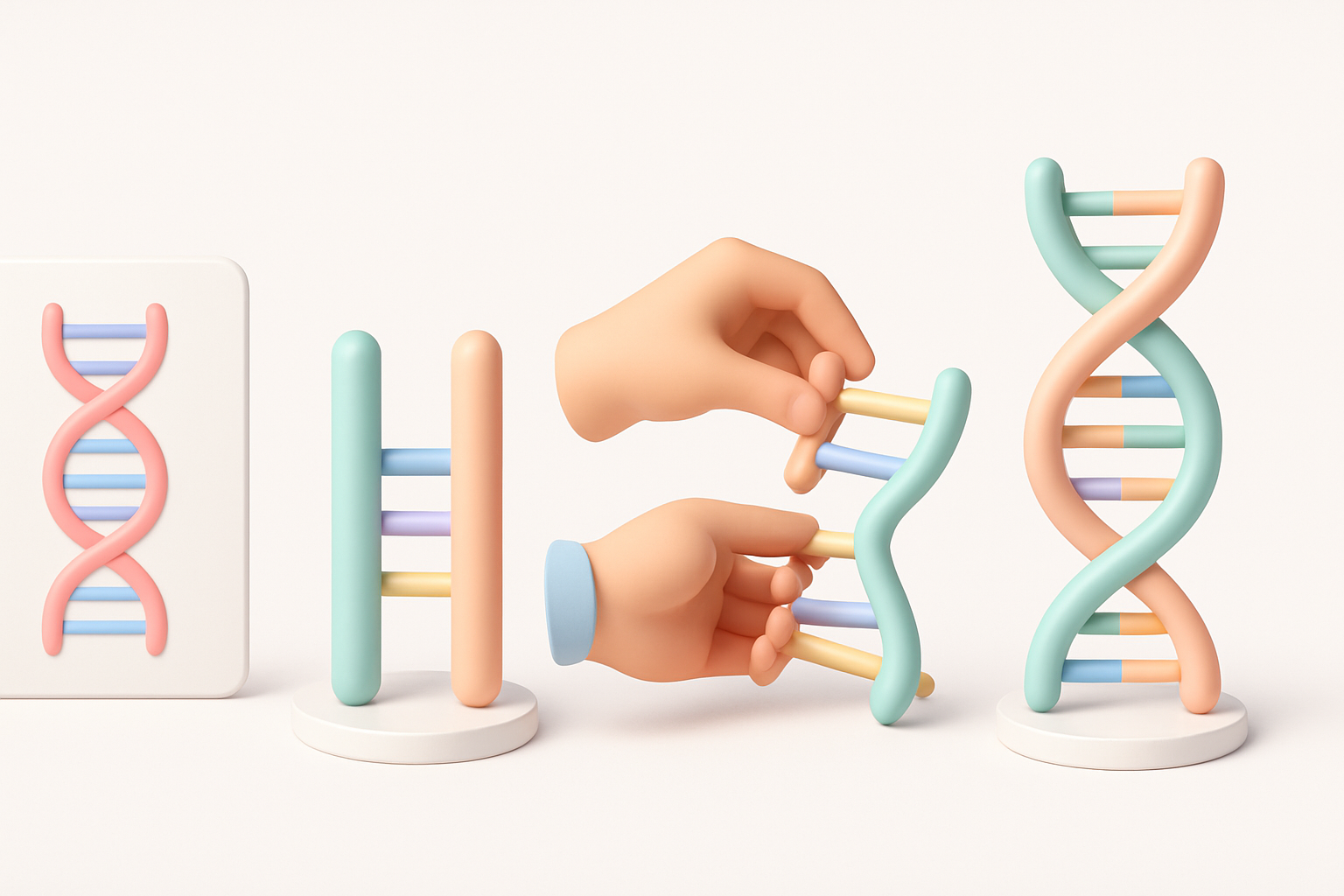
I use Tripo for fast generation of the DNA base mesh, starting from a text prompt or sketch. For further edits, I bring the model into a standard 3D suite. If AI tools aren’t available, manual modeling with splines and arrays works, but takes longer.
Modeling the DNA double helix structure
My workflow:
- Generate or create the double helix backbone
- Add base pairs and nucleotide details
- Align and scale components for scientific accuracy
- Check proportions and symmetry
Pitfalls to avoid:
- Overcomplicating geometry (keep it efficient)
- Misaligning base pairs (use reference spacing)
- Ignoring scientific color schemes
Texturing, Retopology, and Optimization Best Practices
Applying realistic textures and materials
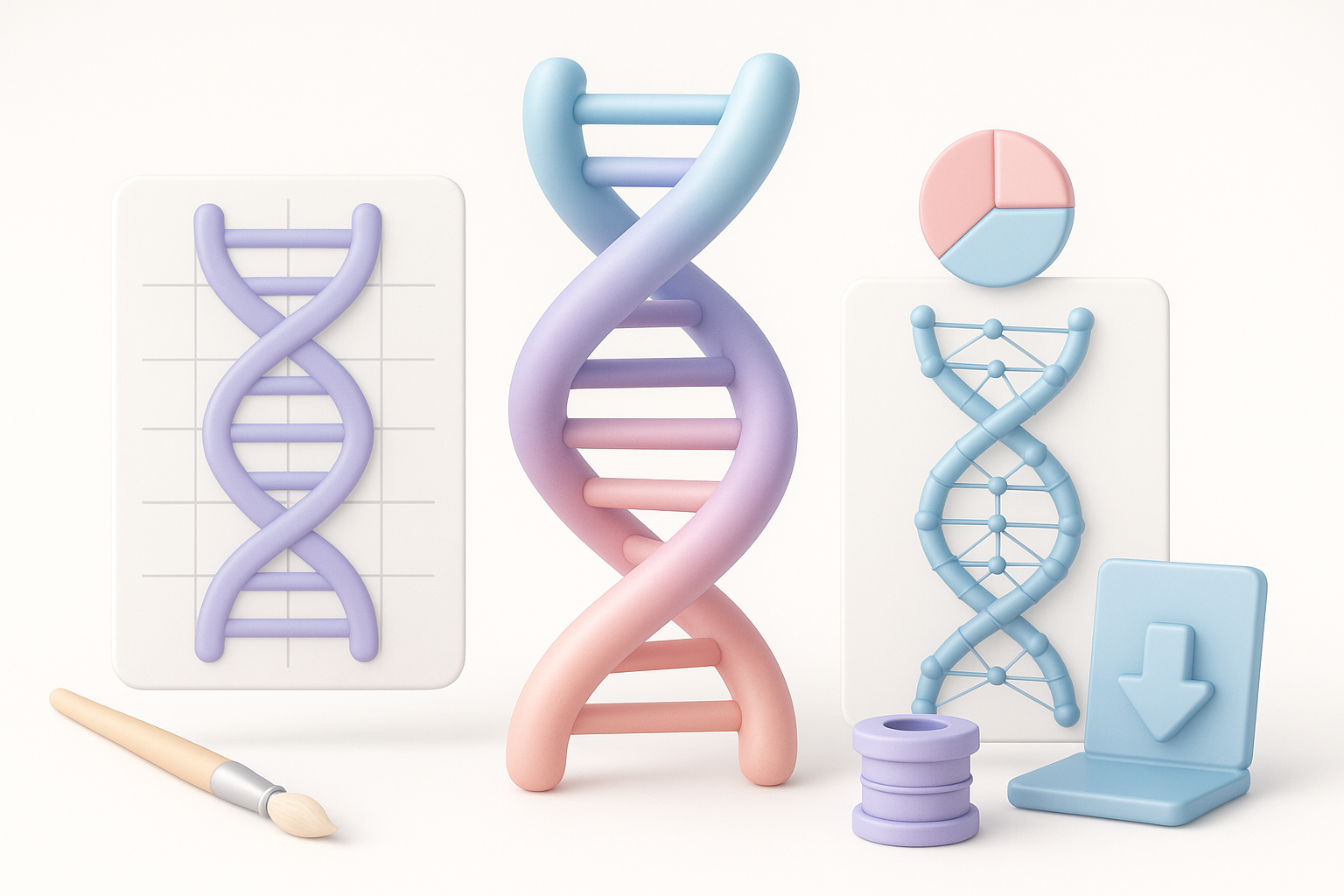
I use procedural textures for the backbone and base pairs, matching scientific color codes. Tripo’s integrated texturing tools simplify this, but I often tweak materials for better realism or stylization as needed.
Texturing steps:
- Assign colors to A, T, C, G bases
- Use subtle bump/normal maps for detail
- Adjust gloss and translucency for organic look
Ensuring clean topology for animation or XR
Clean topology is critical for animation and performance. I run automated retopology tools, then manually check edge flow, especially around the helix and base pairs. Low-poly optimization is essential for real-time or XR.
My checklist:
- Remove unnecessary vertices and faces
- Ensure quads for smooth deformation
- Test mesh in animation preview
Rigging, Animation, and Presentation Tips
Animating DNA for educational or visual effects
For educational projects, I rig the helix to demonstrate unwinding, replication, or mutation. I use simple bone chains or spline deformers, keeping rigs lightweight. Keyframe animation works well for most scenarios.
Animation tips:
- Use spline-based rigs for smooth twists
- Animate base pairs separating for replication visuals
- Keep motion subtle and scientifically plausible
Showcasing and exporting your final model
I render turntables and close-ups for presentation. For XR, I export optimized formats like glTF or FBX. Tripo’s export options cover most needs, but I always verify compatibility with target platforms.
Export checklist:
- Test model in viewer before final delivery
- Include textures and animations if needed
- Document scientific references for credibility
Comparing AI-Powered and Traditional 3D Modeling Methods
Benefits of AI-driven workflows for DNA models
AI tools drastically reduce modeling time and ensure accuracy. For DNA, generating the double helix and base pairs from prompts or references is much faster than manual modeling. In my experience, AI workflows also minimize human error in proportions and symmetry.
When to use alternative methods
I switch to manual modeling when I need extreme customization or unique stylization. For highly specific scientific models, traditional tools offer more control, but require more time and expertise.
Lessons Learned and Expert Recommendations
Common challenges and how I solve them
Challenges:
- Achieving scientific accuracy
- Managing polycount for real-time use
- Ensuring clean topology for animation
My solutions:
- Cross-reference multiple data sources
- Use automated retopology, then manual checks
- Test models in target environments early
Tips for achieving production-ready results
- Always start with clear references and project goals
- Use AI tools for base models, refine as needed
- Optimize textures and topology for performance
- Rig simply for educational or XR animation
- Export and test across platforms before delivery
Meta Description:
Learn how to create a realistic DNA 3D model project with expert tips, best practices, and a step-by-step workflow for production-ready results.
Keywords:
dna 3d model, 3d modeling workflow, ai 3d tools, texturing dna, animation tips, project planning


