Creating a Cell Membrane 3D Model: Expert Workflow & Tips
Creating a scientifically accurate cell membrane 3D model requires both biological insight and technical skill. Over years of working on educational and scientific visualizations, I’ve refined a workflow that balances realism, usability, and efficiency—especially when leveraging AI-powered platforms like Tripo. This article is for educators, researchers, and 3D artists looking to streamline their modeling process and avoid common pitfalls. Below, I break down my approach, highlight best practices, and share actionable tips for integrating cell membrane models into various projects.
Key takeaways
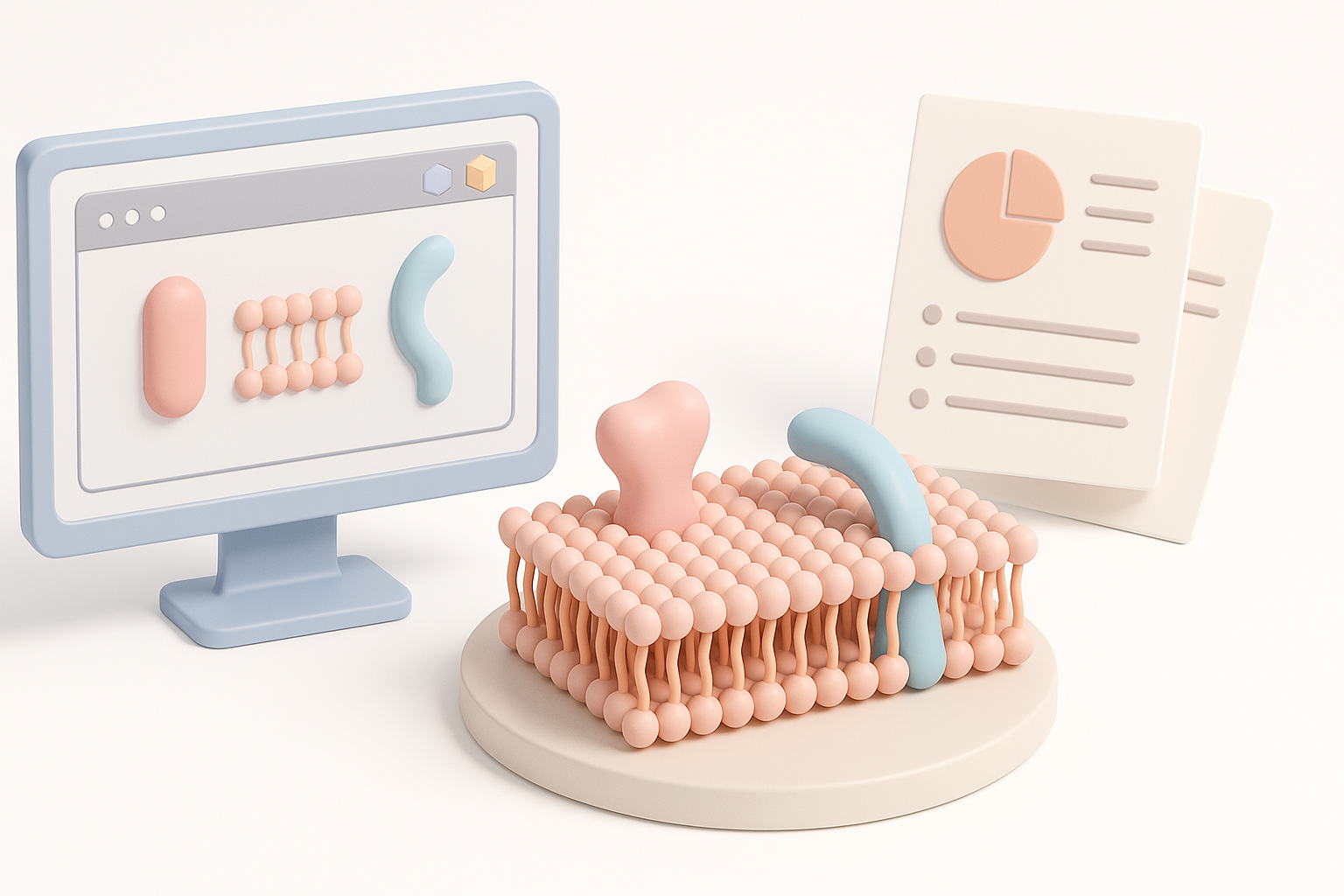
- Understanding cell membrane structure is crucial for accurate modeling.
- AI-powered tools accelerate segmentation, retopology, and texturing.
- Realism depends on careful texture, rigging, and animation choices.
- Optimizing models for educational/scientific use requires attention to detail and usability.
- Avoid common pitfalls: over-complication, low-res textures, and inaccurate biology.
Executive Summary & Key Takeaways
What you’ll learn about cell membrane 3D modeling
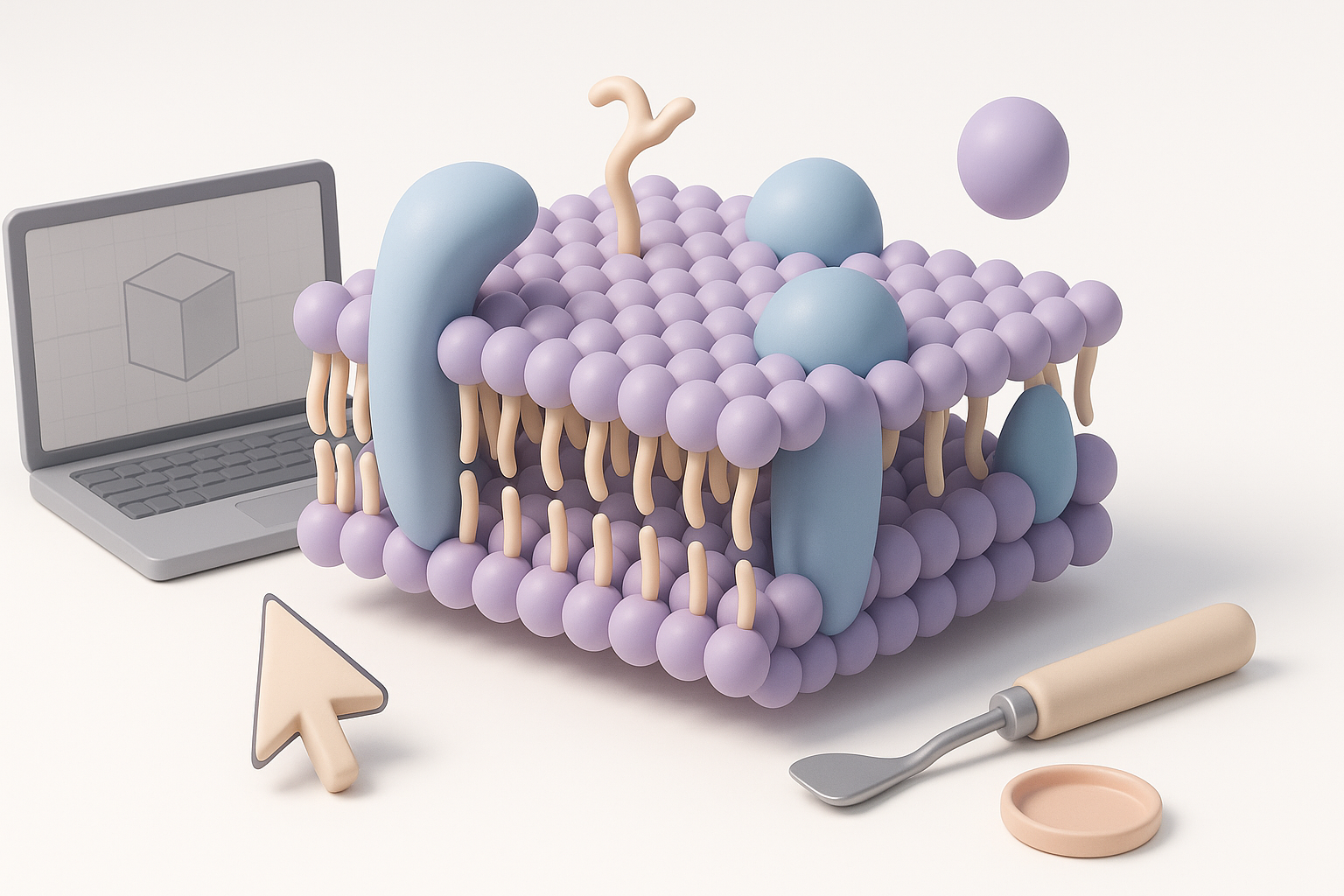
In this article, I cover the essentials of building a cell membrane 3D model—from biological analysis to workflow optimization. You’ll see how to leverage AI tools for speed and accuracy, and how to prepare models for educational and scientific contexts.
Summary of best practices and workflow
- Start with a clear understanding of cell membrane structure.
- Use AI platforms for fast, accurate segmentation and retopology.
- Apply detailed textures and rigging for realism.
- Optimize for the intended use—visualization, animation, or XR.
- Double-check biological accuracy before integration.
Understanding Cell Membrane Structure for 3D Modeling
Key biological features to represent
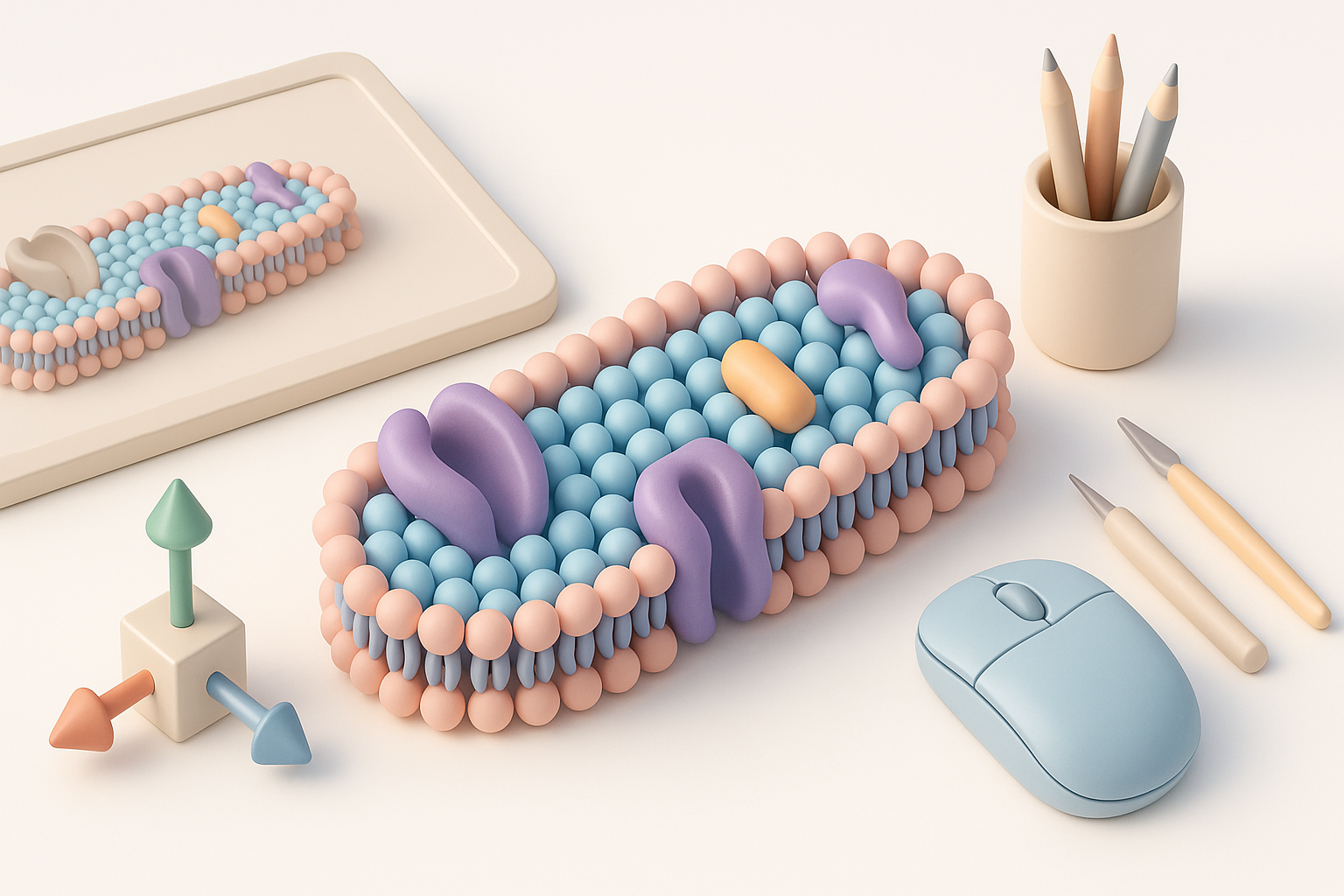
A cell membrane is more than just a surface—it's a dynamic, semi-permeable barrier composed of a phospholipid bilayer, embedded proteins, cholesterol, and glycoproteins. In my models, I always represent:
- The bilayer’s undulating surface
- Integral and peripheral proteins
- Cholesterol molecules for structural stability
- Carbohydrate chains for cell recognition
How structure influences modeling choices
The complexity of the cell membrane dictates the level of detail needed. For educational models, I focus on clear differentiation between components. For scientific visualization, accuracy in spatial arrangement and scale is paramount.
Checklist:
- Identify main structural elements to include.
- Decide on the level of detail based on project goals.
- Gather reference images or diagrams for guidance.
Choosing the Right Tools for Cell Membrane 3D Creation
AI-powered platforms and their advantages
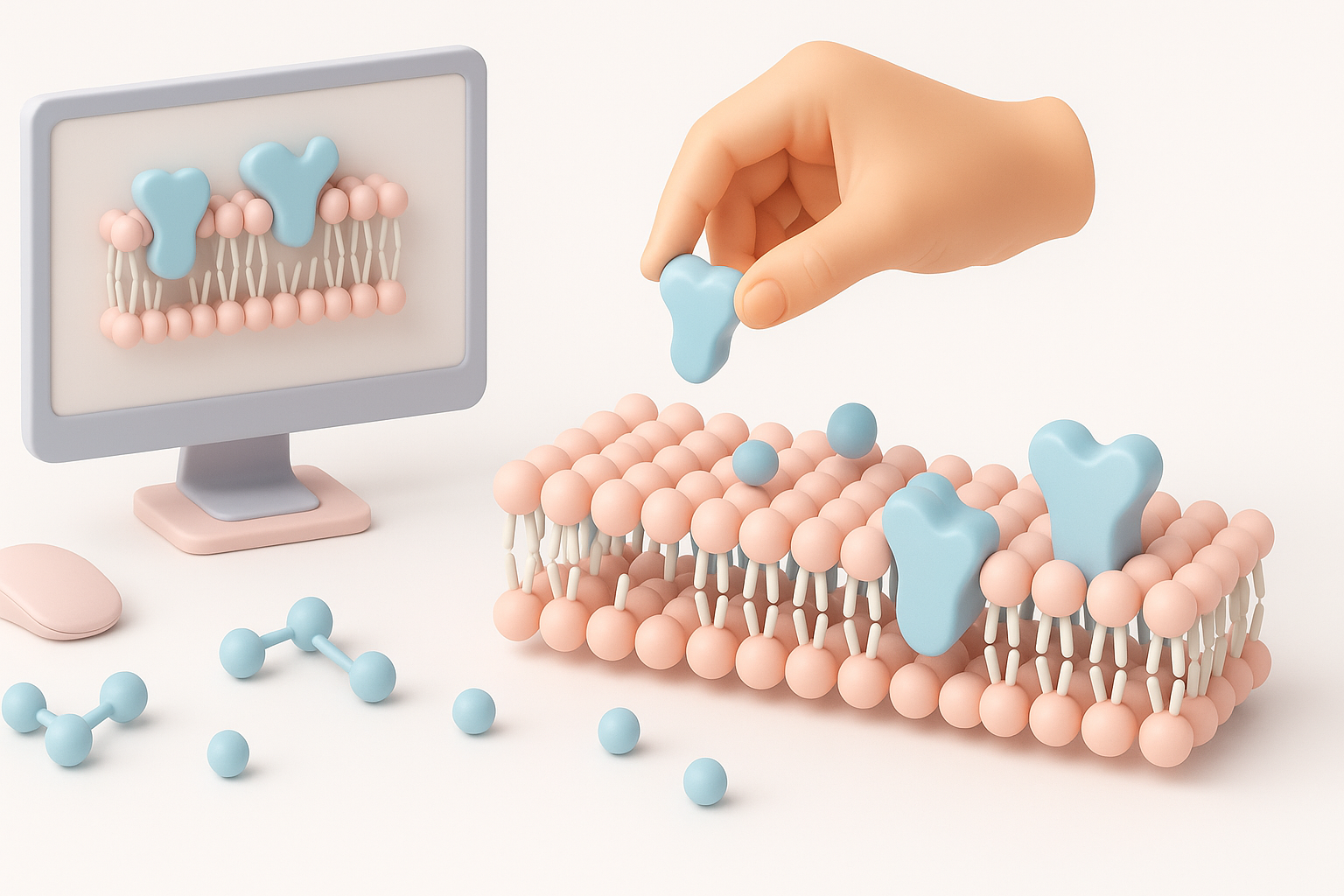
AI-powered platforms like Tripo have transformed my workflow. I can generate base meshes from text or sketches, then use built-in segmentation and retopology tools to quickly refine the model. This reduces manual labor and ensures consistent results.
Advantages:
- Rapid prototyping from simple inputs.
- Automated segmentation of complex structures.
- Intelligent retopology for clean, animation-ready meshes.
Comparing manual and automated workflows
Manual modeling offers greater control but is time-consuming and prone to inconsistencies. Automated workflows, especially with AI, let me focus on artistic and scientific accuracy rather than technical bottlenecks.
Pitfalls to avoid:
- Relying solely on automation—always review outputs for accuracy.
- Ignoring texture and rigging quality in favor of speed.
Step-by-Step Workflow: Building a Cell Membrane Model
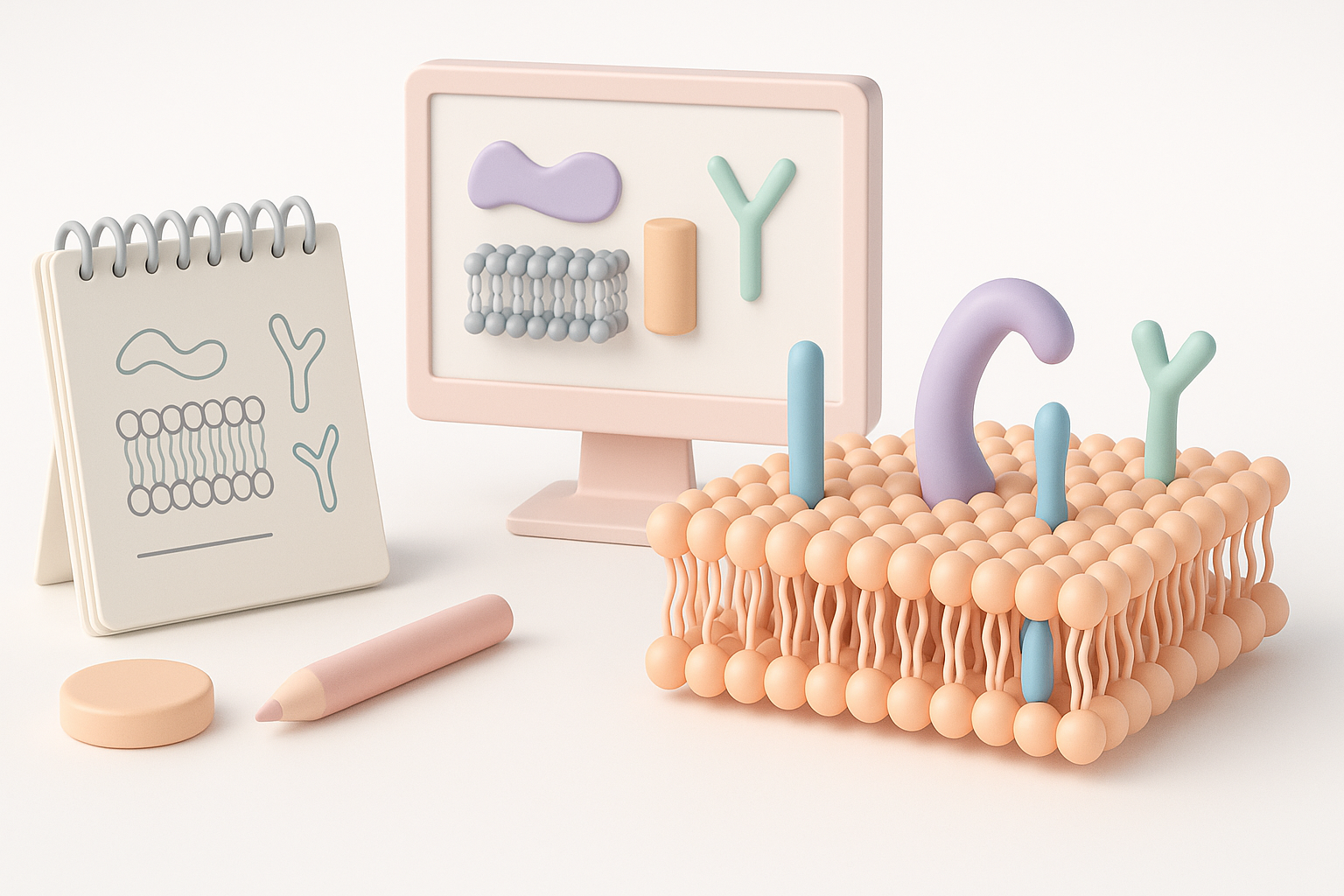
From concept to segmentation and retopology
- Conceptualize: Define the biological features and level of detail.
- Input: Use Tripo to generate a base model from a text prompt or sketch.
- Segmentation: Automatically segment bilayer, proteins, and other components.
- Retopology: Refine mesh topology for clarity and animation.
Texturing, rigging, and animation for realism
- Texturing: Apply high-res textures to differentiate lipids, proteins, and carbohydrates. I use procedural textures for organic variation.
- Rigging: Add basic rigs for dynamic movement (e.g., membrane undulation).
- Animation: Simulate molecular motion for educational or XR applications.
Tips:
- Use references for texture color and placement.
- Test rigging with simple animations before finalizing.
Best Practices & Common Pitfalls in Cell Membrane Modeling
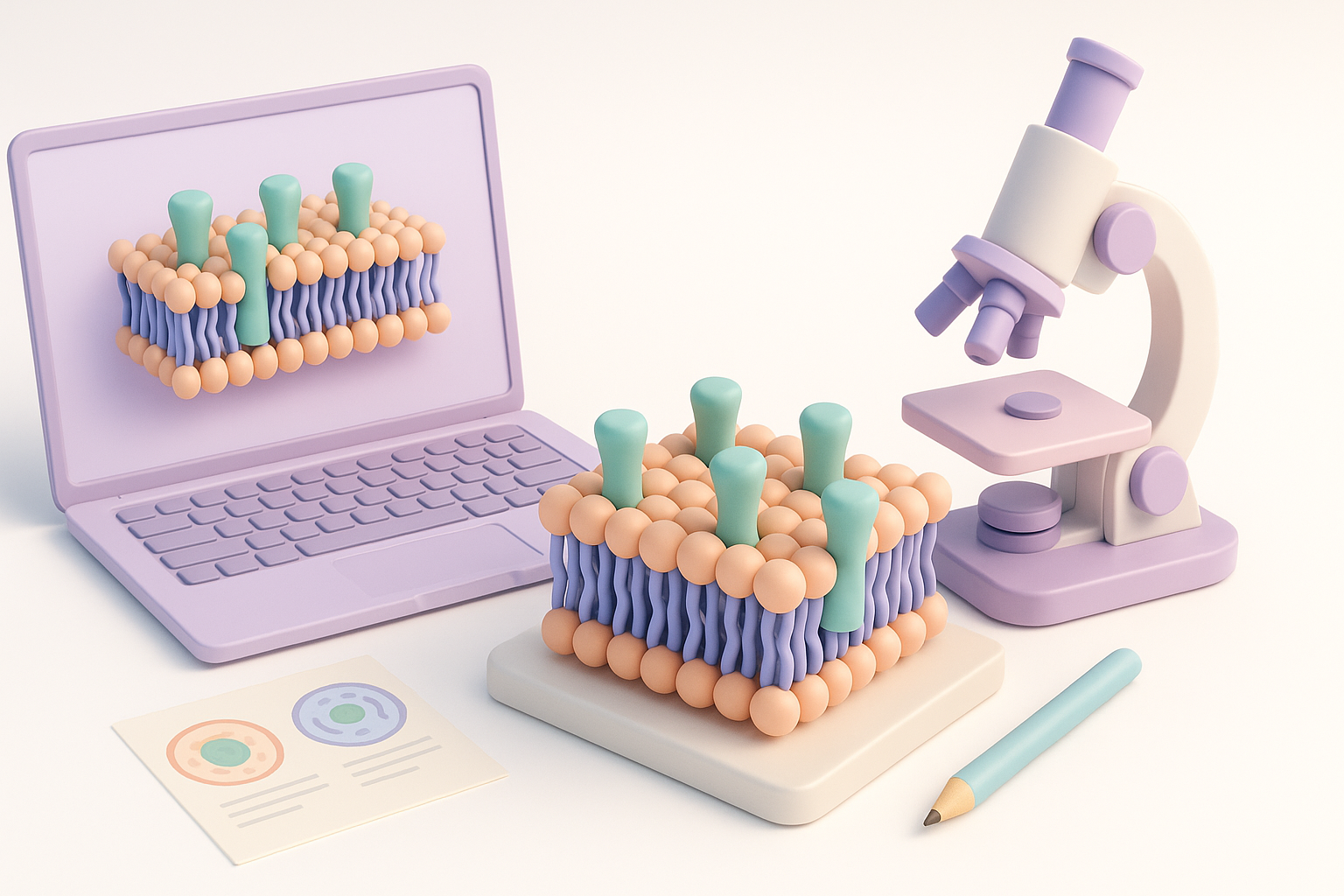
What I’ve learned from real-world projects
Accuracy and usability are always my priorities. Overcomplicating the model can hinder performance and confuse viewers. I’ve learned to:
- Keep meshes clean and lightweight.
- Use clear color coding for educational clarity.
- Double-check biological accuracy with experts or references.
Tips for optimizing models for different uses
- For VR/XR: Optimize polygon count and textures for real-time performance.
- For animation: Ensure proper rigging and mesh deformation.
- For print/illustration: Focus on high-resolution textures and clean topology.
Common pitfalls:
- Overly dense meshes slowing down applications.
- Misplaced or inaccurately scaled proteins.
- Low-resolution textures reducing clarity.
Integrating Cell Membrane Models into Educational and Scientific Projects
Preparing models for visualization and XR
When preparing models for educational or scientific use, I:
- Export in compatible formats (GLTF, USDZ, FBX).
- Test in target platforms (VR, AR, web viewers).
- Include annotation layers or interactive elements when needed.
Ensuring accuracy and usability
Accuracy matters most in scientific contexts. I always:
- Validate models against current biological research.
- Simplify interfaces for educators and students.
- Provide clear documentation and usage guides.
Checklist:
- Confirm biological features and proportions.
- Optimize for platform requirements.
- Add metadata or explanatory notes.
By following these workflows and best practices, I consistently deliver cell membrane 3D models that are both scientifically accurate and visually engaging—ready for integration into educational, research, and XR projects.


